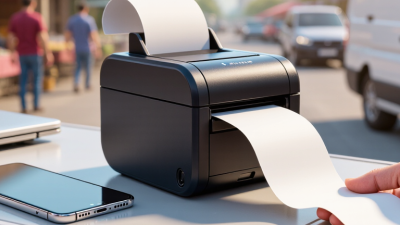
Top 10 Receipt Thermal Printers for Small Businesses
For a small café, shop, or market stall, a receipt printer can shape the pace of every sale. A Receipt Thermal Printer produces receipts without ink cartridges, but that convenience does not make every model equally suitable. Counter space, daily order volume, and the point-of-sale system all matter. A printer that works smoothly during a quiet morning may struggle when customers line up and orders keep coming. Every second counts.
This guide to the Top 10 Receipt Thermal Printers for Small Businesses compares practical details, including print speed, paper width, connection options, setup, and ongoing paper costs. It also considers whether a printer fits a compact counter or needs a more flexible placement. Compatibility deserves special attention: check the manufacturer’s specifications and your POS provider’s supported-device list before buying. A familiar-looking connection is not always enough. Small details matter.
The right choice depends on the job, not just the price or a long feature list. A busy takeaway counter may value quick, dependable printing, while a small boutique may care more about footprint and simple setup. We’ll outline the trade-offs so owners can compare options against their actual workflow. Still, no shortlist is perfect. Product features, software support, and availability can change, so confirm current details before purchase. A little checking now can prevent a frustrating interruption at the register later.
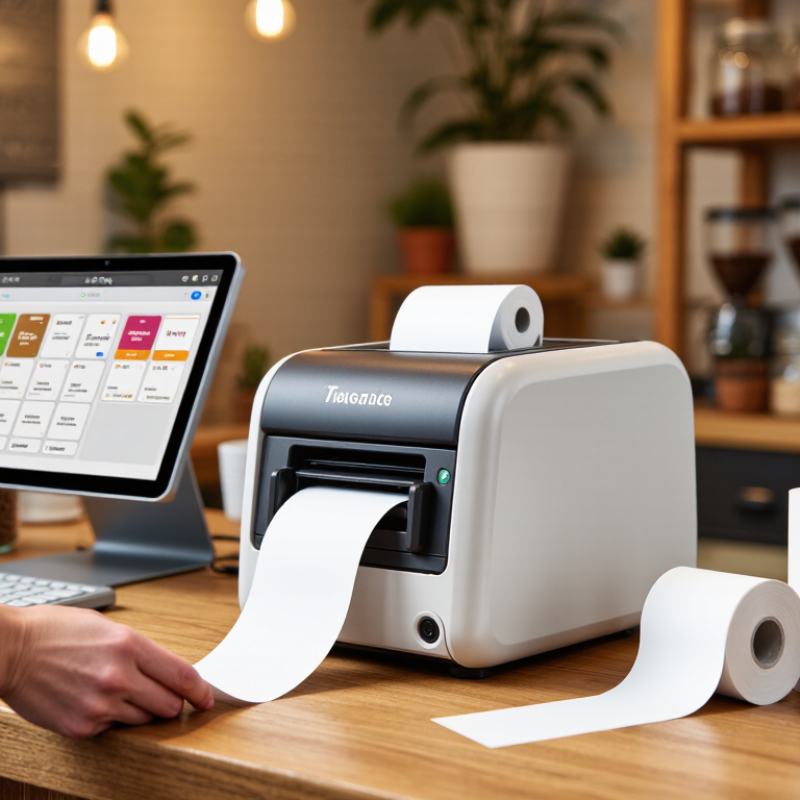
Understanding How Receipt Thermal Printers Work
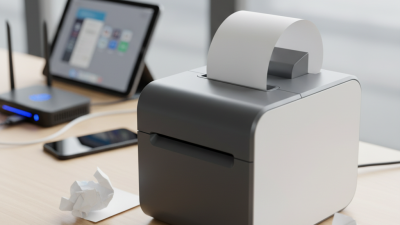
A receipt thermal printer creates text with heat, not liquid ink. Inside, a row of tiny heating elements presses against heat-sensitive paper. As the paper moves beneath them, selected spots warm up and turn dark. Those spots form letters, prices, and barcodes one line at a time. No ink cartridge is needed.
The printer’s feed rollers guide the paper, while sensors help detect its position and prevent printing onto an empty roll. Print quality depends on more than the device: paper coating, printhead condition, and heat settings all matter. A faint receipt may point to worn or dirty printhead elements, but poor paper can cause similar results. Check both before replacing equipment.
Paper loading can still be oddly easy to get wrong. The coated side must face the printhead; otherwise, the printer may feed normally but leave a blank strip. Small test prints help confirm the setup. Thermal receipts can also fade after exposure to heat, sunlight, or friction, so they are not ideal for every record. For routine checkout use, though, their quiet operation and quick output are practical advantages.
Key Features Small Businesses Should Compare
When comparing receipt thermal printers, start with the daily checkout rhythm, not the headline print speed.
A café serving a line of customers needs quick, consistent output, while a small studio may value quiet operation more. Speed matters. Check the stated print resolution too: readable item names and totals matter more than tiny logos. Thermal printing avoids ink cartridges, but it still requires compatible receipt rolls and occasional cleaning. Dust buildup can cause faded streaks at the worst time.
Connectivity should match the counter. USB is simple for a fixed register; Ethernet can suit a shared network, while Bluetooth or Wi-Fi may help mobile setups. Confirm operating-system and point-of-sale compatibility before buying, since a plug that fits does not guarantee software support. Check paper width, roll loading, cutter design, and cash-drawer port. A front-loading unit may be easier beneath a crowded counter. Check the drawer. Compare warranty terms, replacement-part access, and support hours; a low purchase price feels less attractive if repairs take days. Noise, heat, and cable placement are easy to overlook. Not every advertised feature will matter in your shop, and peak transaction volume is easy to misjudge. Test the workflow if possible.
Top 10 Receipt Thermal Printers for Small Businesses
For a small business, the best receipt thermal printer is the one that fits the counter and the daily routine. A useful top-ten comparison should include compact models for food trucks, wider printers for detailed receipts, and options with USB, Ethernet, or wireless connections. Check that the printer works with your checkout system before buying. A fast print speed matters during a queue, but clear text and dependable paper feeding matter every day. Small details count.
Tips: Measure the space beside your register, then check paper-roll width and loading direction. Print a sample receipt with your own checkout software. Look for readable totals, clean logo placement, and a cutter that handles busy periods. Keep spare rolls nearby.
A published ranking is a starting point, not a perfect fit for every shop. A quiet printer may suit a small studio, while a busy café may value speed and easy roll replacement more. Compare the total cost, including paper and maintenance, and confirm the return policy. One easy-to-miss issue is cable reach; a printer can have the right ports and still sit awkwardly on the counter. Test the setup during a normal workday if possible. That reveals snags a neat specification sheet cannot.
Comparing Printers by Business Type and Needs
A printer that suits a café may frustrate a mobile seller.
The best choice depends on order volume, counter space, and how staff take payments. A busy café usually needs a compact desktop model with fast printing and an automatic cutter. During a lunch rush, a clear receipt and quick paper reload matter more than extra features.
Space matters.
For a market stall or delivery business, portability and battery life deserve closer attention. A lightweight printer with a dependable wireless connection can keep checkout moving away from a fixed counter. Small shops with steady but moderate sales may prefer a wired model, which avoids charging another device. Noise matters too, especially in quiet studios or appointment-based services.
Not always.
When comparing the top options, check paper width, connection type, cutter design, and compatibility with the existing point-of-sale system. A printer with impressive speed is not useful if setup is confusing or replacement rolls are hard to find. Ask staff to test loading paper and printing a sample receipt before purchase. That small check can reveal awkward buttons or faint text.
One trade-off is easy to miss: the cheapest unit may cost more in staff time if it jams or needs frequent attention. A simple, reliable fit often beats a long feature list.
Setup, Maintenance, and Ongoing Costs
A receipt printer’s real cost begins before the first sale. Allow time to test the connection, load the paper correctly, and set receipt width in the checkout software. Keep a spare roll beside the register, not in a storeroom across the shop. The Federal Reserve’s 2023 Diary of Consumer Payment Choice found that cash accounted for 16% of consumer payments. That adds up. A jam during a busy shift can slow service, even when most customers pay by card. Check that the printer works with your point-of-sale system before buying; compatibility problems can turn a cheap unit into an expensive delay.
Ongoing costs include paper, replacement parts, cleaning, and staff time. Thermal printers do not use ink, but their print heads and rollers still collect dust and paper residue. A quick weekly wipe, following the device manual, can help prevent faded text and paper-feed issues. The U.S. Energy Information Administration reported average commercial electricity prices of about 12.7 cents per kilowatt-hour in 2023. Power use is usually a smaller expense than paper, but check the printer’s rated consumption and your local rate. I would not treat any cost estimate as exact: receipt length, transaction volume, and wasted rolls change the bill. Track paper orders for a month. The results may surprise you.
Top 10 Receipt Thermal Printer Options for Small Businesses
Estimated first-year costs by generic printer type (USD)
These are illustrative budgeting estimates, not model-specific quotes. Annual operating costs assume about 500 receipts per month and include receipt paper plus a routine maintenance allowance. Actual costs vary with receipt length, print volume, paper prices, connectivity, and service needs. Thermal printers do not require ink or toner.

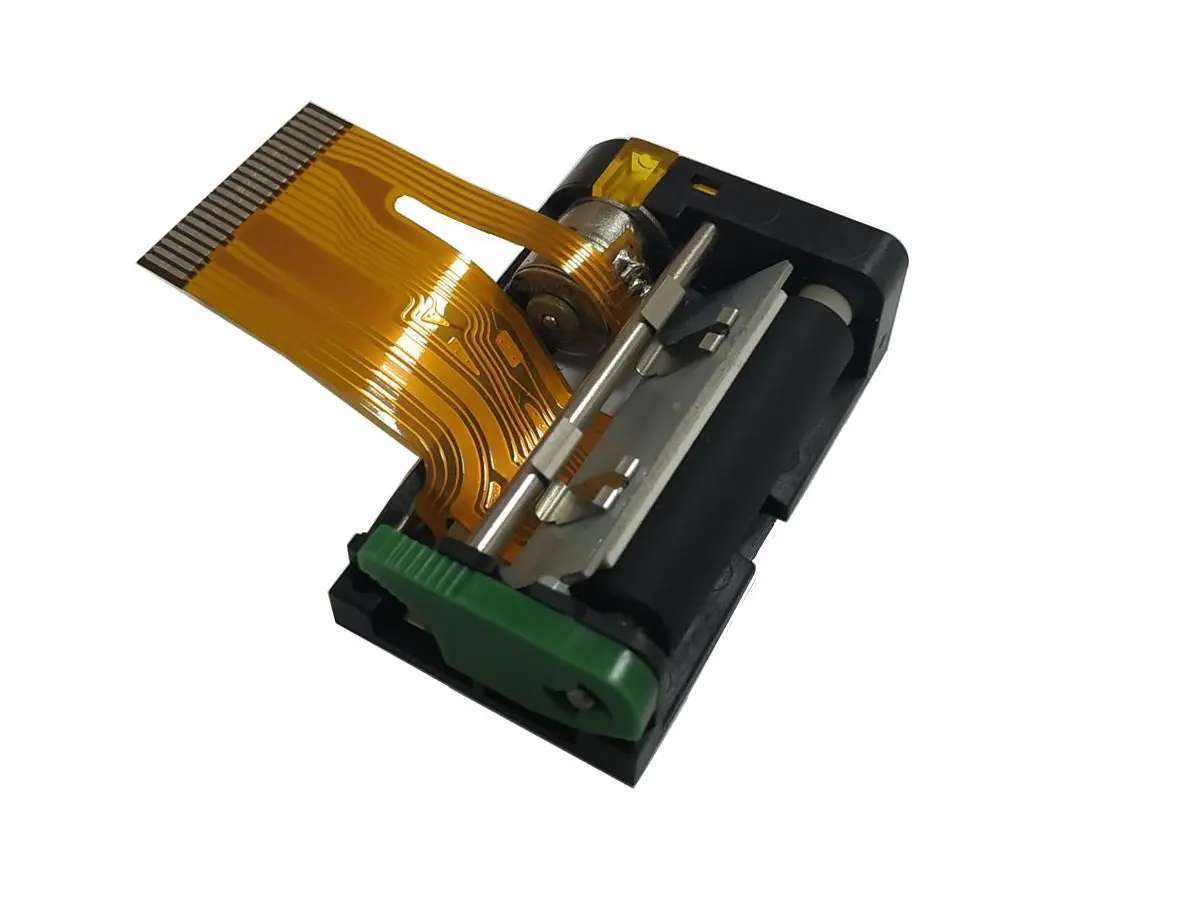 1 inch thermal printer mechanism
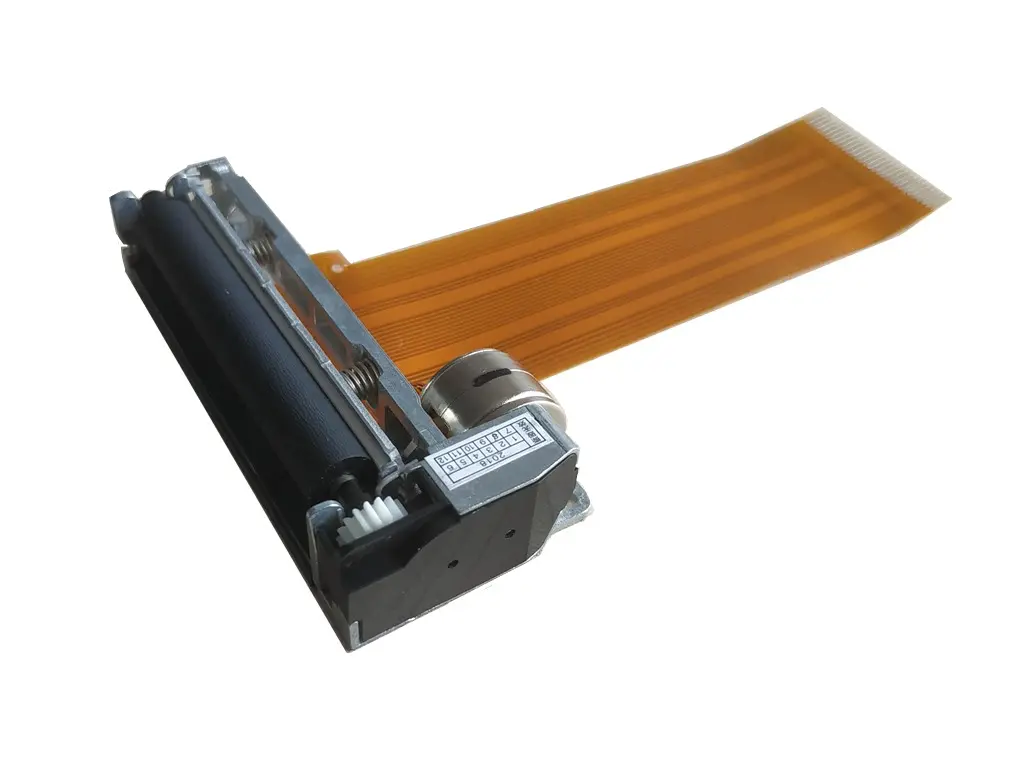 2 inch thermal printer mechanism
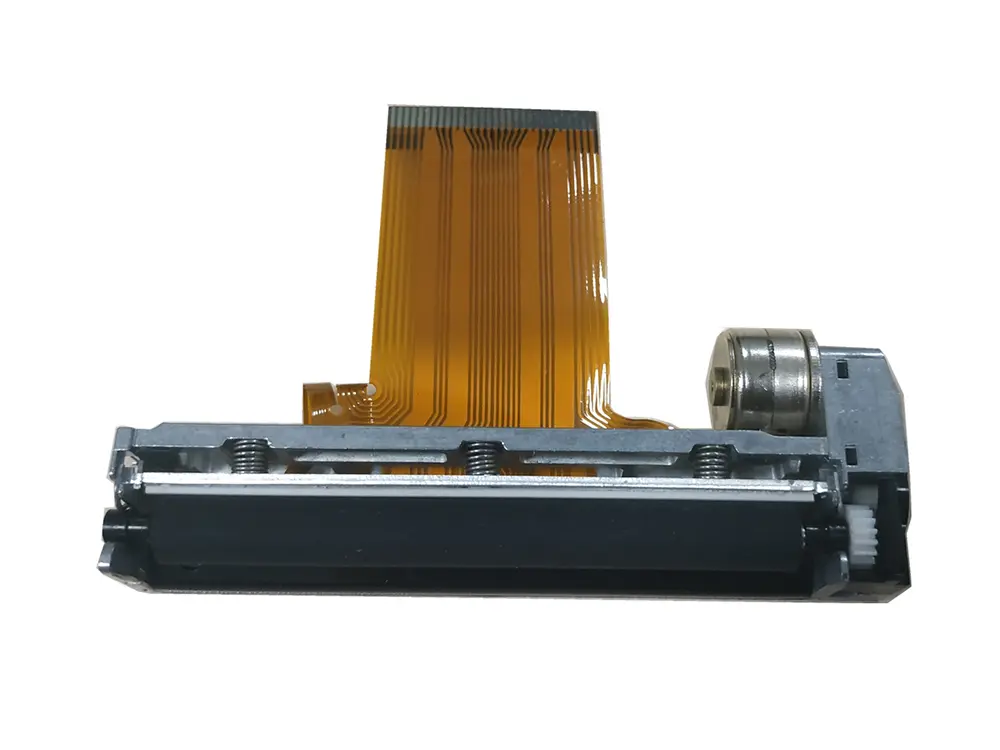 3 inch thermal printer mechanism
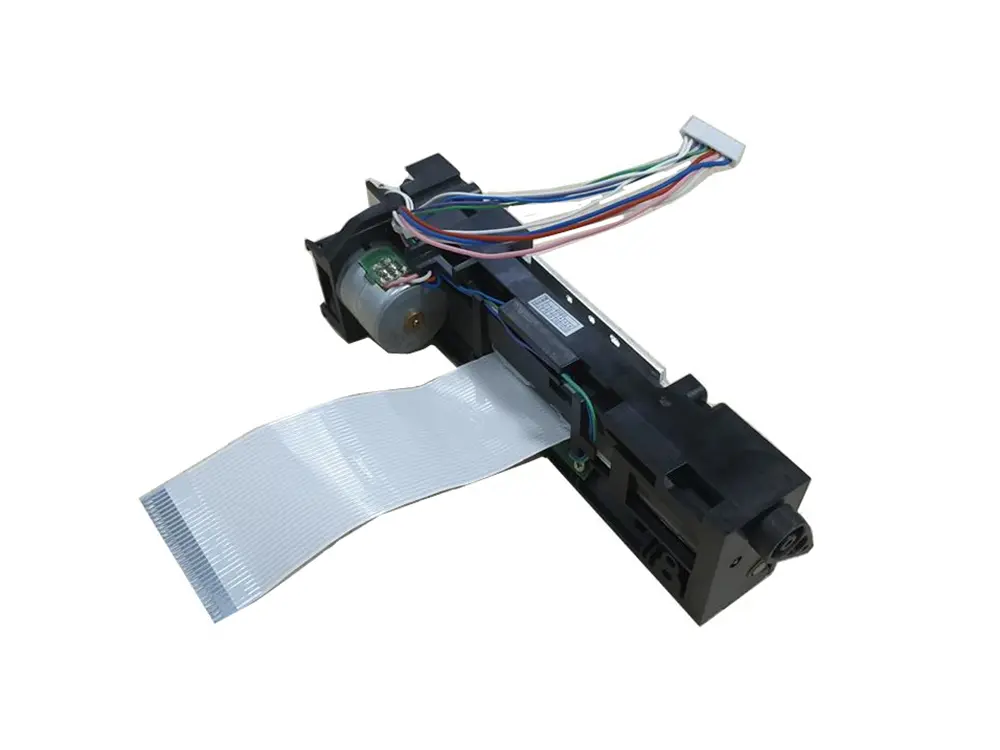 4 inch thermal printer mechanism
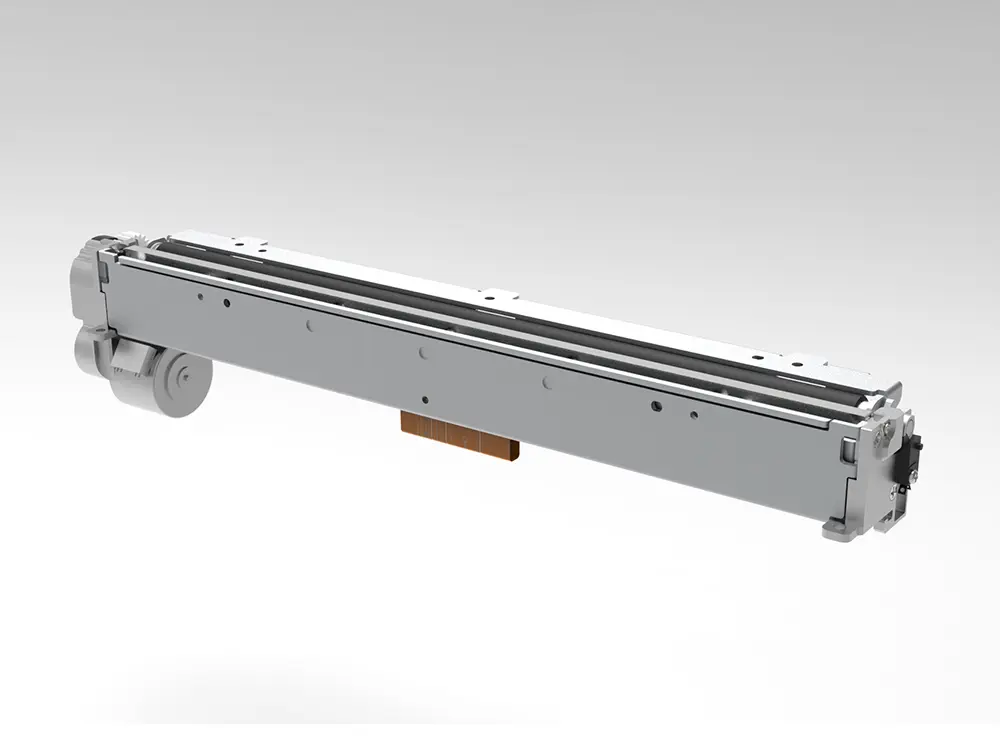 8 inch thermal printer mechanism
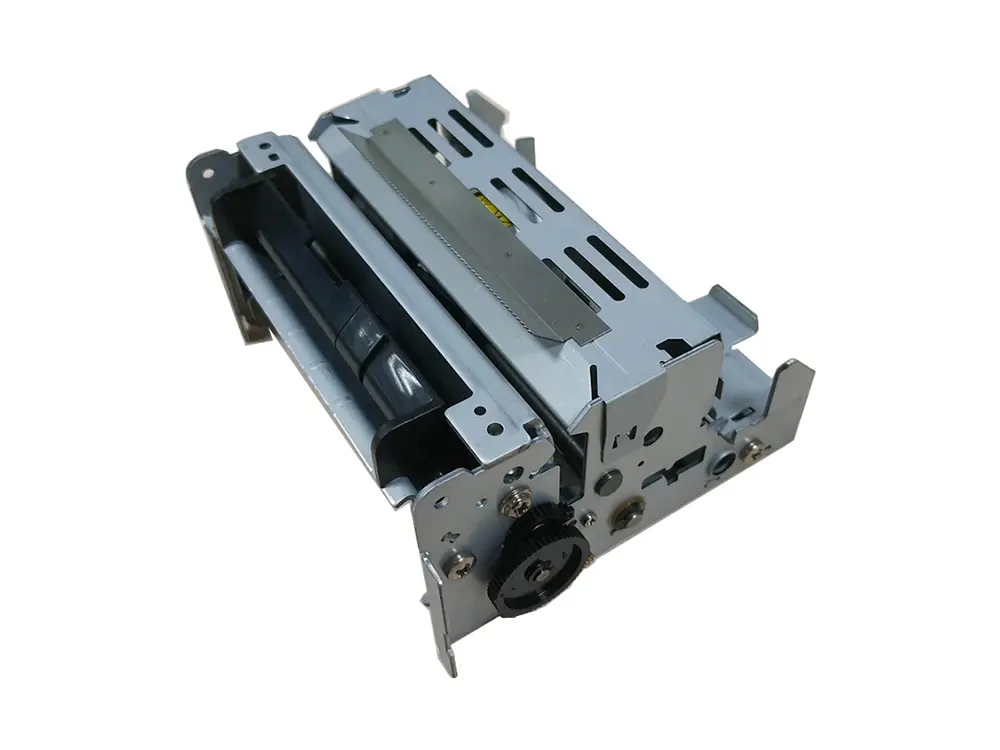 dot matrix printer mechanism
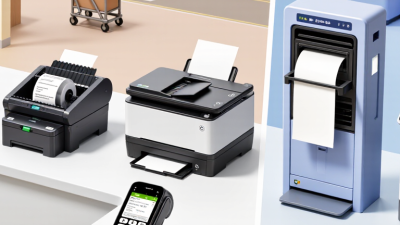
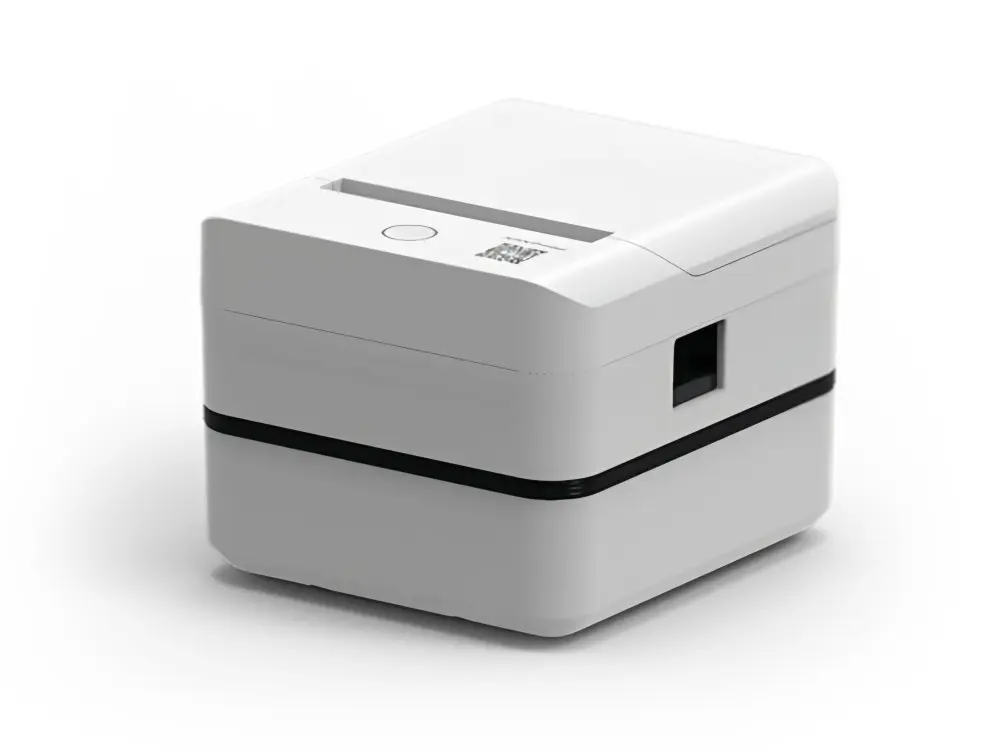 Label Printer
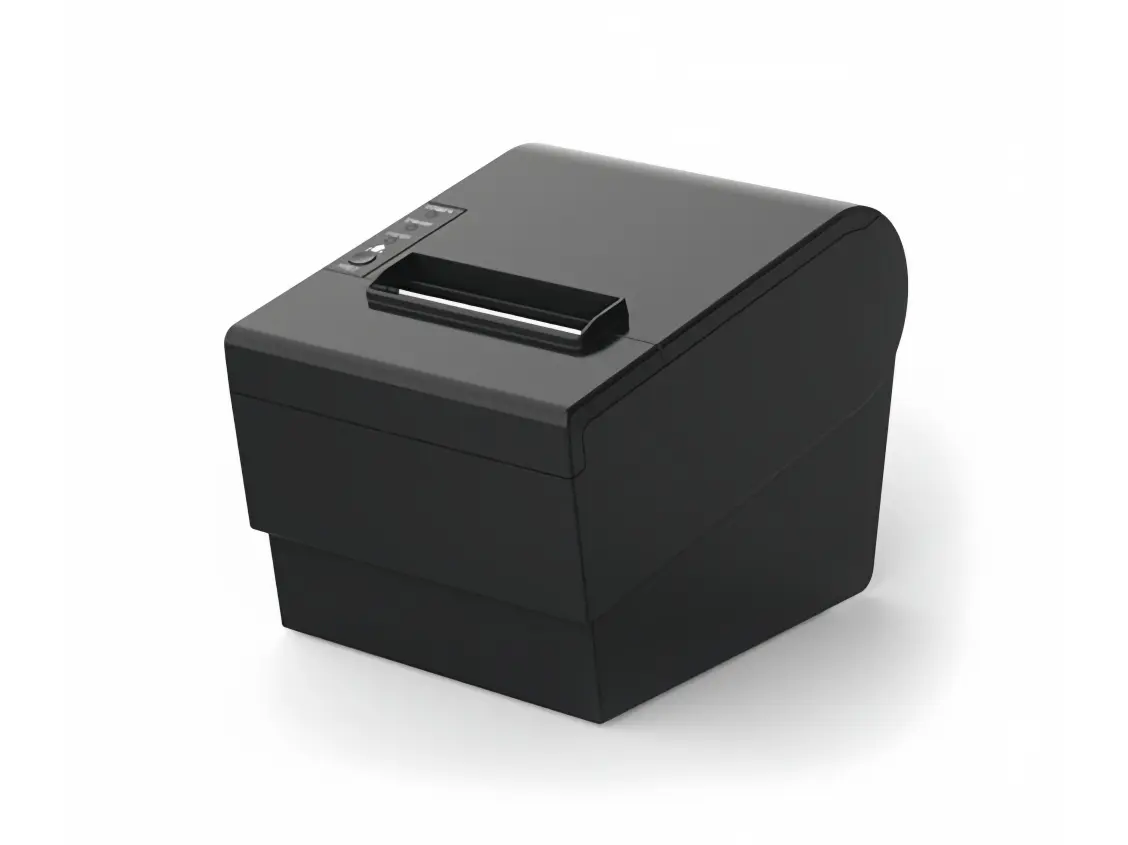 Receipt Printer
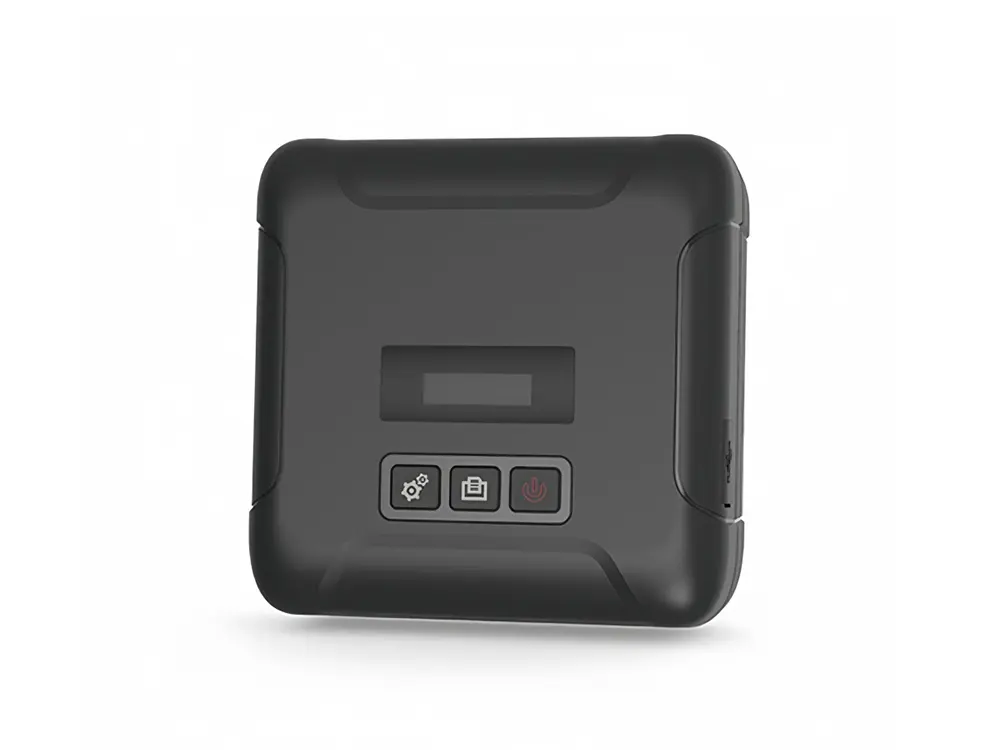 Mobile Printer