How to Choose a Portable Receipt Printer?
When choosing a Portable Receipt Printer, the smallest model is not always the smartest choice. Retailers, mobile vendors, delivery teams, and service technicians need dependable printing beyond a fixed counter. A printer may sit in a pocket, ride in a vehicle, or work beside a crowded market stall. These conditions expose weaknesses that product photos rarely show. Battery life, print speed, paper loading, connectivity, and durability can determine whether a transaction feels smooth or frustrating.
Real-world testing matters. Print several receipts during a busy shift, not one sample at a quiet desk. Check whether Bluetooth reconnects quickly after a phone moves out of range. Feel the cutter, inspect the paper path, and notice how clearly small text appears under uneven lighting. Thermal printers avoid ink cartridges, but their paper can fade near heat or sunlight. That detail is easy to miss. It can affect record keeping.
The right choice depends on your workflow, not a fashionable specification. A courier may value low weight and USB-C charging, while a market seller may need stronger wireless stability. Security features and compatible applications deserve careful review, especially when receipts contain customer information. No model is perfect. A longer battery may add weight, and a rugged case may increase cost. This guide compares those trade-offs with practical criteria, helping you select a Portable Receipt Printer that fits daily work rather than an idealized product description.
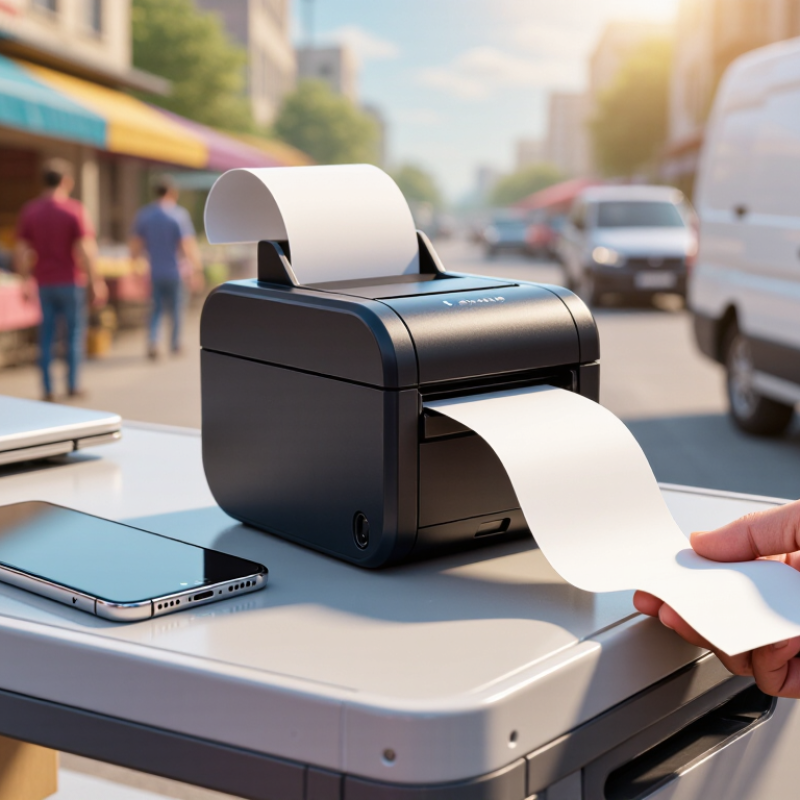
Define Your Printing Needs and Usage Environment
How to Choose a Portable Receipt Printer?
Define Your Printing Needs and Usage Environment
Start with the transaction, not the printer. A market stall may need a compact thermal model, while a busy café needs faster output and stronger battery life. The U.S. Census Bureau reported that e-commerce represented about 16% of total retail sales in Q4 2024. This supports flexible selling, but physical receipts still matter in stores, deliveries, and service calls.
Measure your daily receipt volume. Check paper width, print speed, battery capacity, connection options, and replacement costs. Bluetooth suits short-range counter work. Wi-Fi is more practical across larger spaces. For outdoor use, consider dust resistance, temperature tolerance, and a secure paper latch. A printer that works indoors may struggle beside a windy food truck. That detail is often missed.
Tips: Test the printer during your busiest hour. Print several receipts continuously. Check whether the battery, paper roll, and connection remain stable. The 2024 World Payments Report found that digital wallets accounted for roughly half of global e-commerce transaction value in 2023. Customers may prefer digital proof, so avoid paying extra for features you rarely use. I would still choose a model with emergency offline storage, even though it adds complexity. Real conditions are less tidy than specifications suggest.
Evaluate Connectivity, Device Support, and Software Integration
How to Choose a Portable Receipt Printer?
Evaluate Connectivity, Device Support, and Software Integration
A portable receipt printer should match the way your team actually works. Bluetooth is practical for one nearby tablet, while Wi-Fi suits shared counters or larger service areas. USB-C can provide a stable connection when wireless signals become unreliable. Test the printer beside shelves, doors, and crowded customer areas. Walls and interference can weaken wireless performance.
Device support matters just as much. Check compatibility with your phones, tablets, and operating systems before purchasing. A printer may connect successfully but still fail inside your sales application. Look for current drivers, clear setup instructions, and support for common receipt formats. I once assumed that a standard connection guaranteed smooth printing. It did not. The application required a separate integration method.
Software integration should be tested with real transactions. Print refunds, item modifiers, tax details, and long receipts. Confirm that the printer handles disconnected operation and resumes correctly afterward. An accessible software development kit or application programming interface can reduce future maintenance. Security also deserves attention; protect wireless access and limit unauthorized configuration. Ask whether updates remain available for the expected service life. A short demonstration is not enough. Use the printer during busy periods, with low battery and several queued receipts. Small delays become frustrating quickly. Reliability is measured in ordinary moments.
Check Portability, Battery Life, Durability, and Ease of Use
Choosing a portable receipt printer starts with real movement, not a product photo. I once carried a model that seemed compact, but its bulky charger ruined the experience. Check its weight, thickness, belt clip, and paper-roll access. Small matters. According to GSMA’s Mobile Economy 2024 report, 4.6 billion people used mobile internet in 2023. That growth supports mobile selling, but equipment must remain practical outside a desk.
Battery life should match your busiest shift. Ask how many receipts one charge can produce, and confirm performance over Bluetooth or Wi-Fi. A battery rated for eight hours may deliver less with constant wireless use. Test it outdoors. Durability also deserves measurable standards. Look for stated drop testing, ingress protection, and operating-temperature ranges. IEC 60529 defines IP protection ratings, while a clear drop-test method is more useful than vague words like “rugged.” The Smithers report, The Future of Digital Printing to 2029, identifies continued demand for short-run and on-demand printing, making reliability increasingly important in field operations.
Ease of use affects every transaction. A clear paper path, simple pairing, visible status lights, and tool-free roll replacement reduce interruptions. GSMA’s State of Mobile Internet Connectivity 2023 report found that device affordability and digital skills remain major barriers to mobile adoption. Complex setup can create the same barrier in miniature. Avoid assuming the advertised battery figure is realistic. Run a full-day trial with your actual paper, phone, and workflow. Even then, the result may disappoint. That is useful evidence.
How to Choose a Portable Receipt Printer?
Practical benchmark priorities for portability, battery life, durability, and ease of use
Portability
Target weight: ≤ 0.5 kg
Battery Life
Target runtime: ≥ 8 hours
Durability
Target drop resistance: ≥ 1.2 m
Ease of Use
Target setup time: ≤ 3 minutes
The chart converts practical selection targets into a 100-point benchmark index. A lightweight design improves mobility, an eight-hour battery supports a full working shift, 1.2-meter drop resistance helps protect the device during daily use, and setup within three minutes reduces training and deployment time.

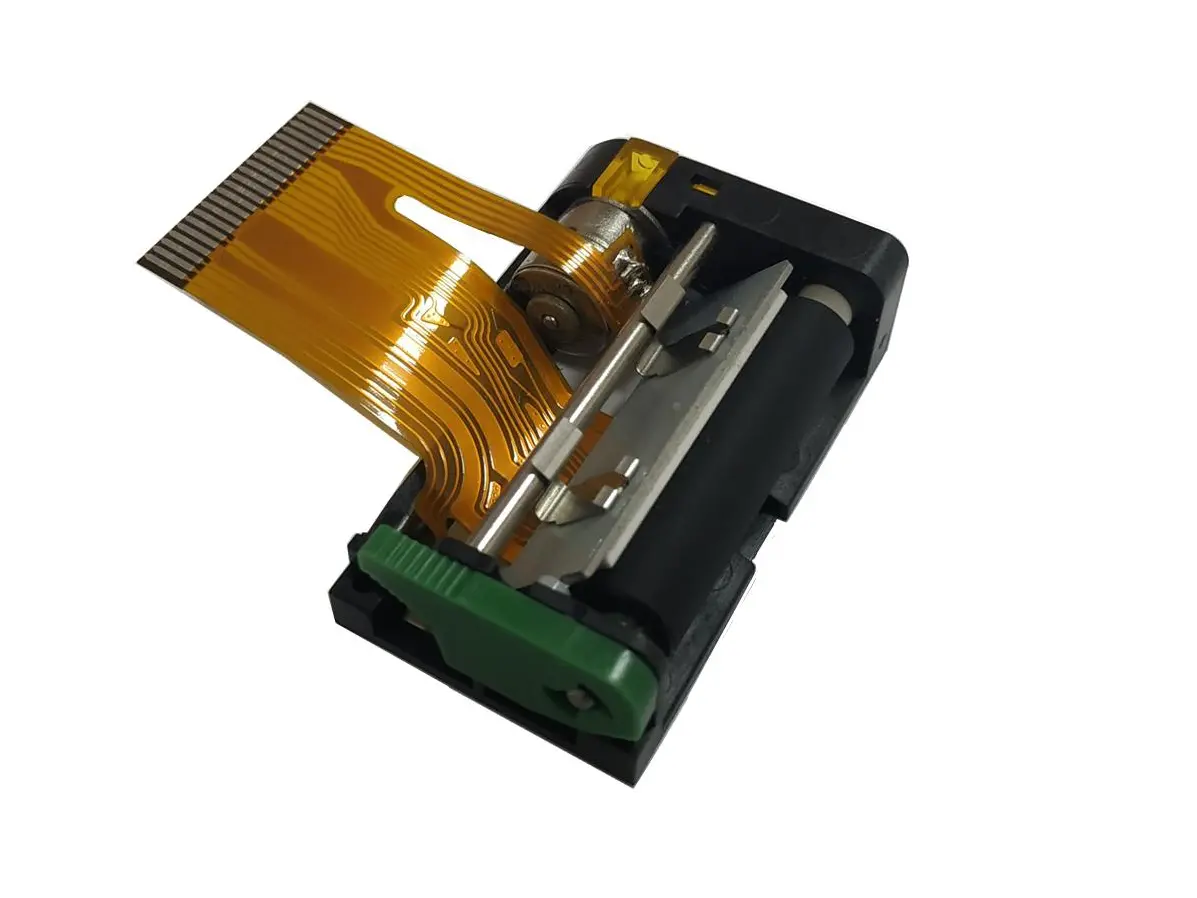 1 inch thermal printer mechanism
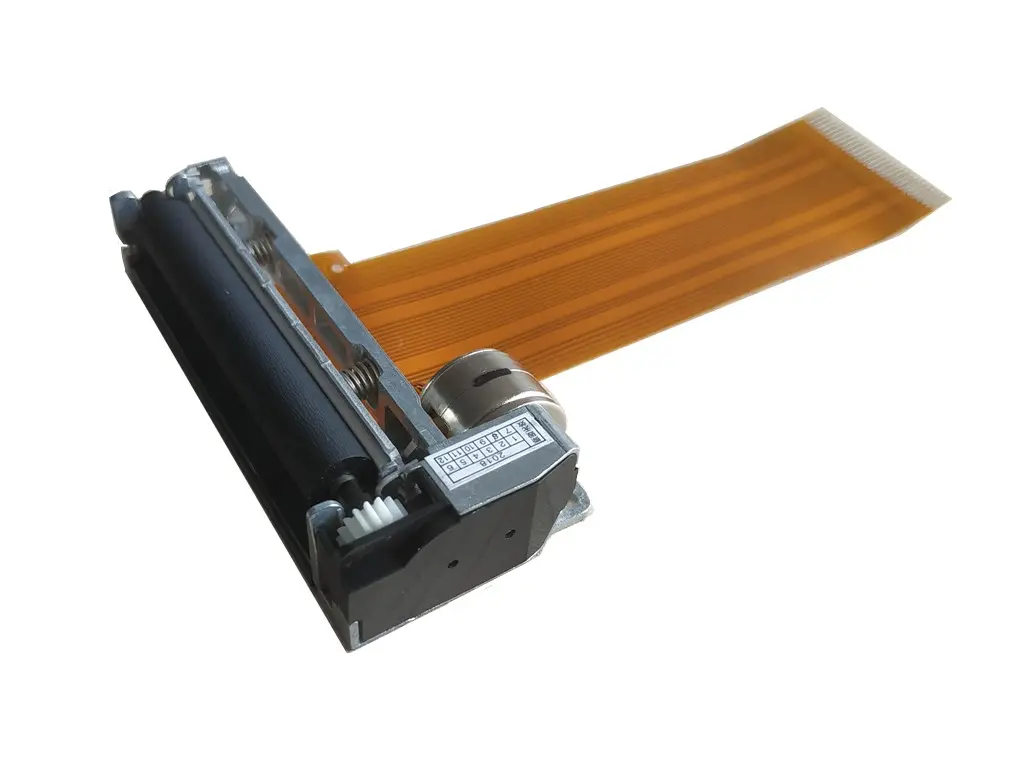 2 inch thermal printer mechanism
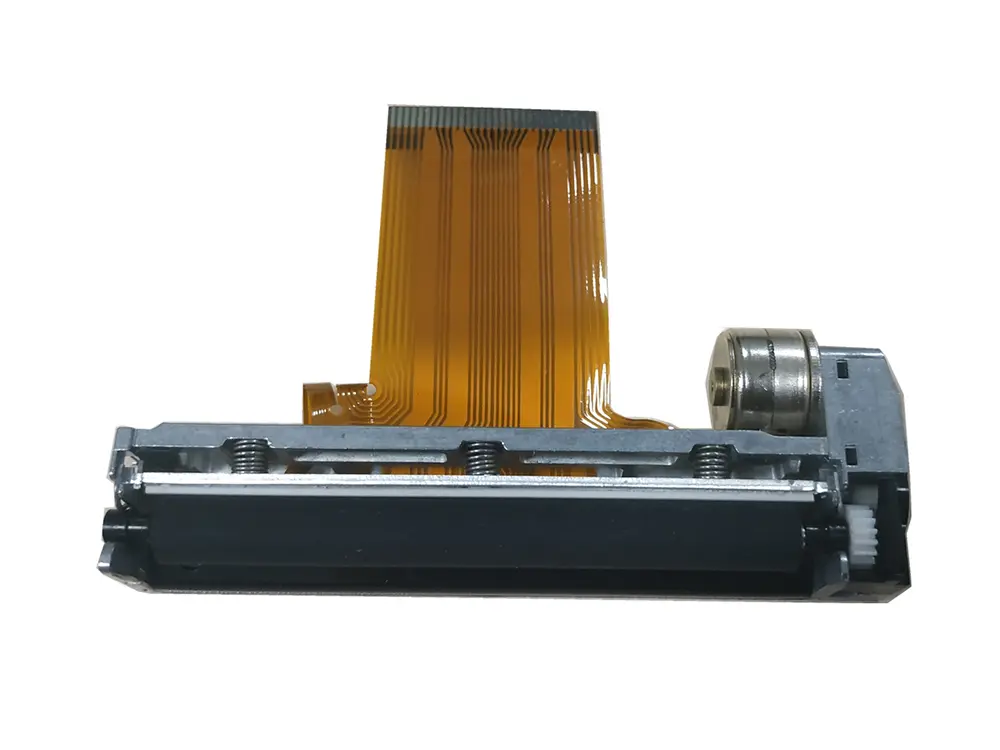 3 inch thermal printer mechanism
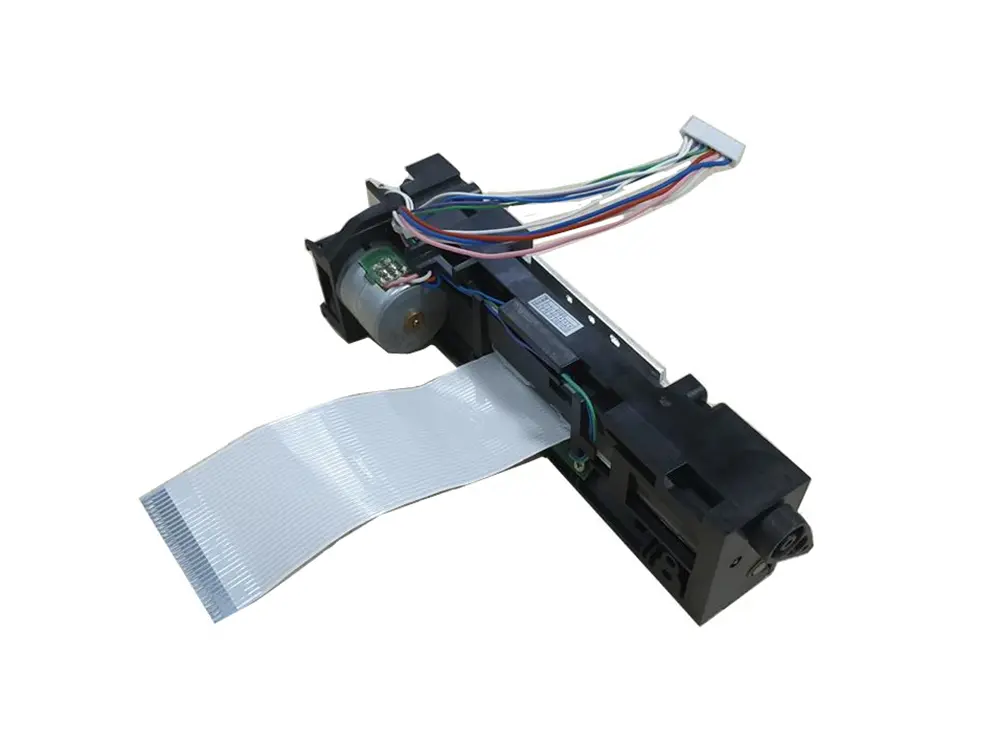 4 inch thermal printer mechanism
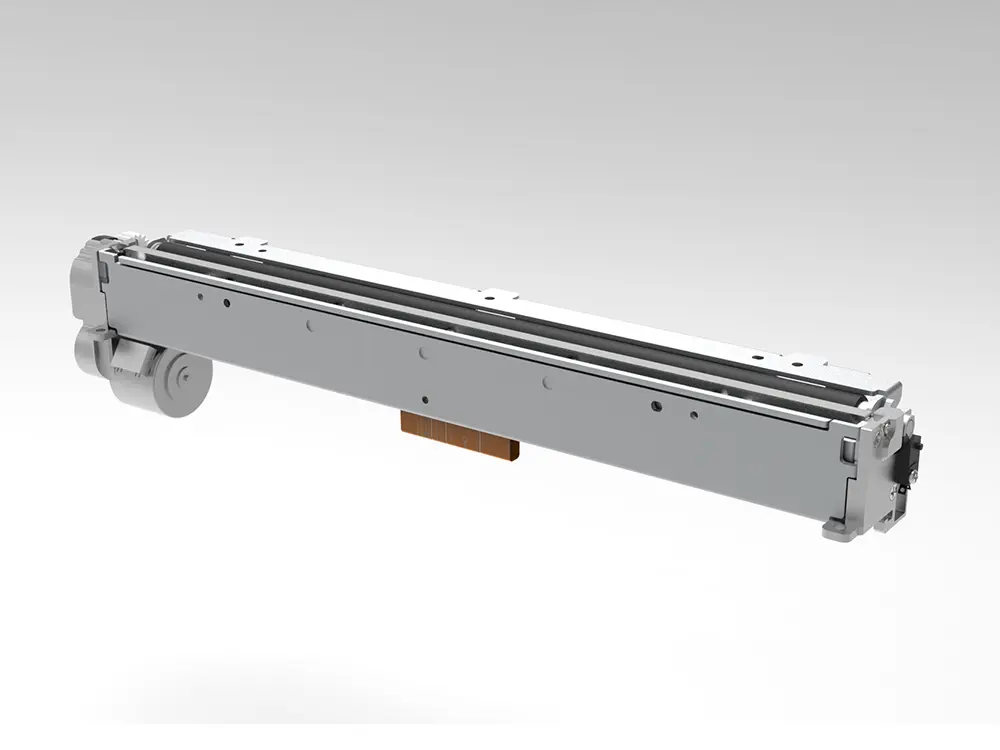 8 inch thermal printer mechanism
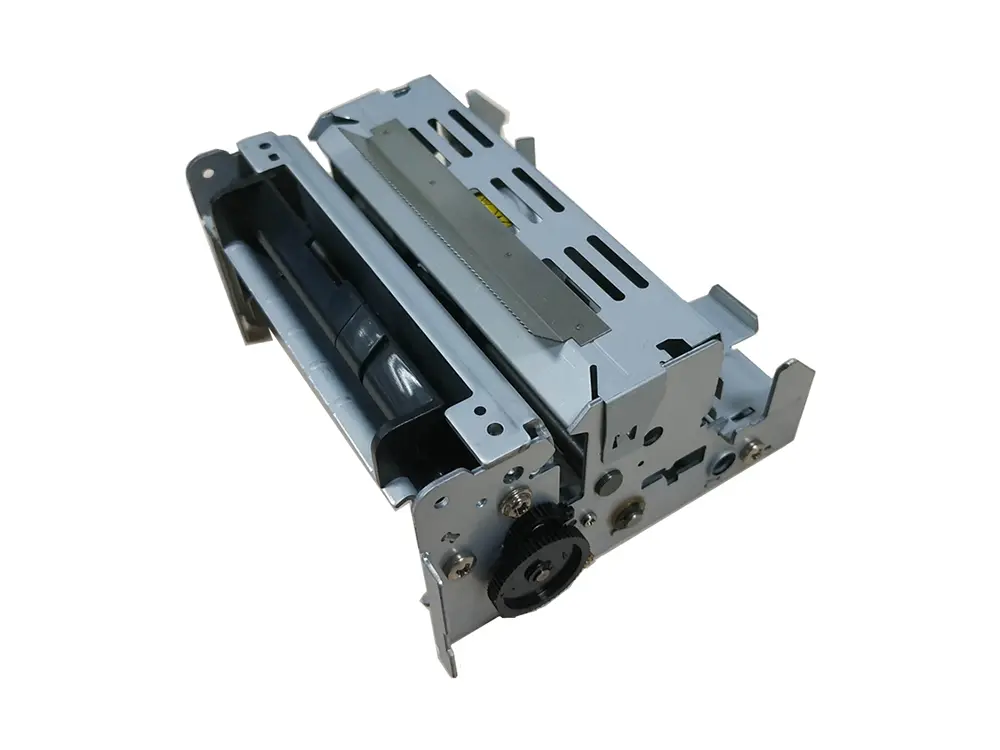 dot matrix printer mechanism
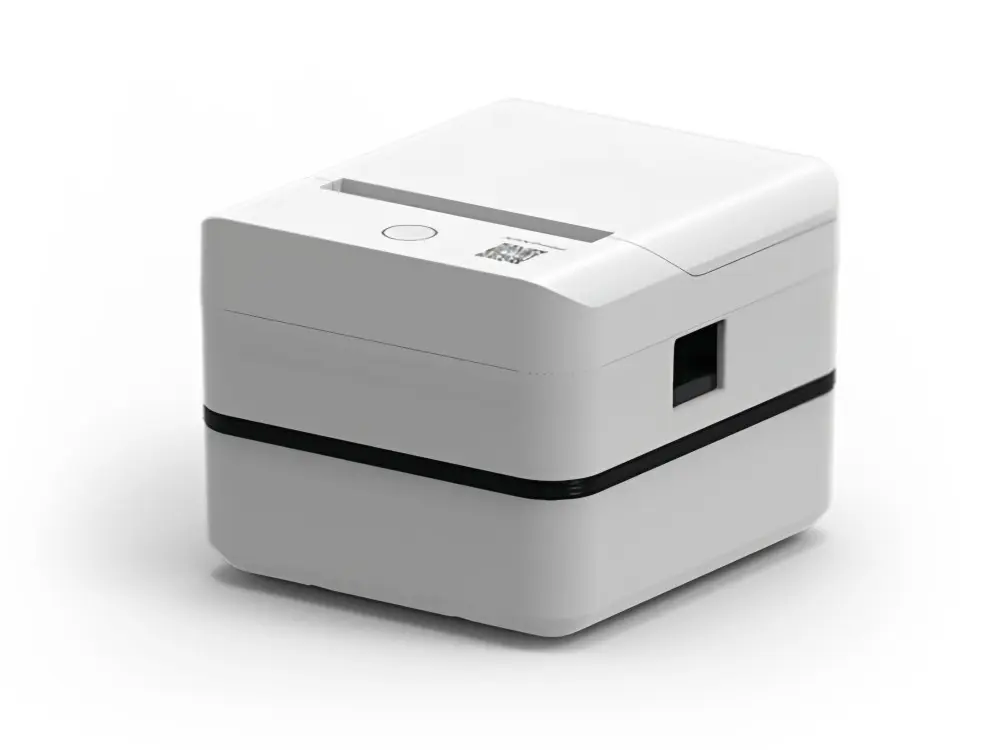 Label Printer
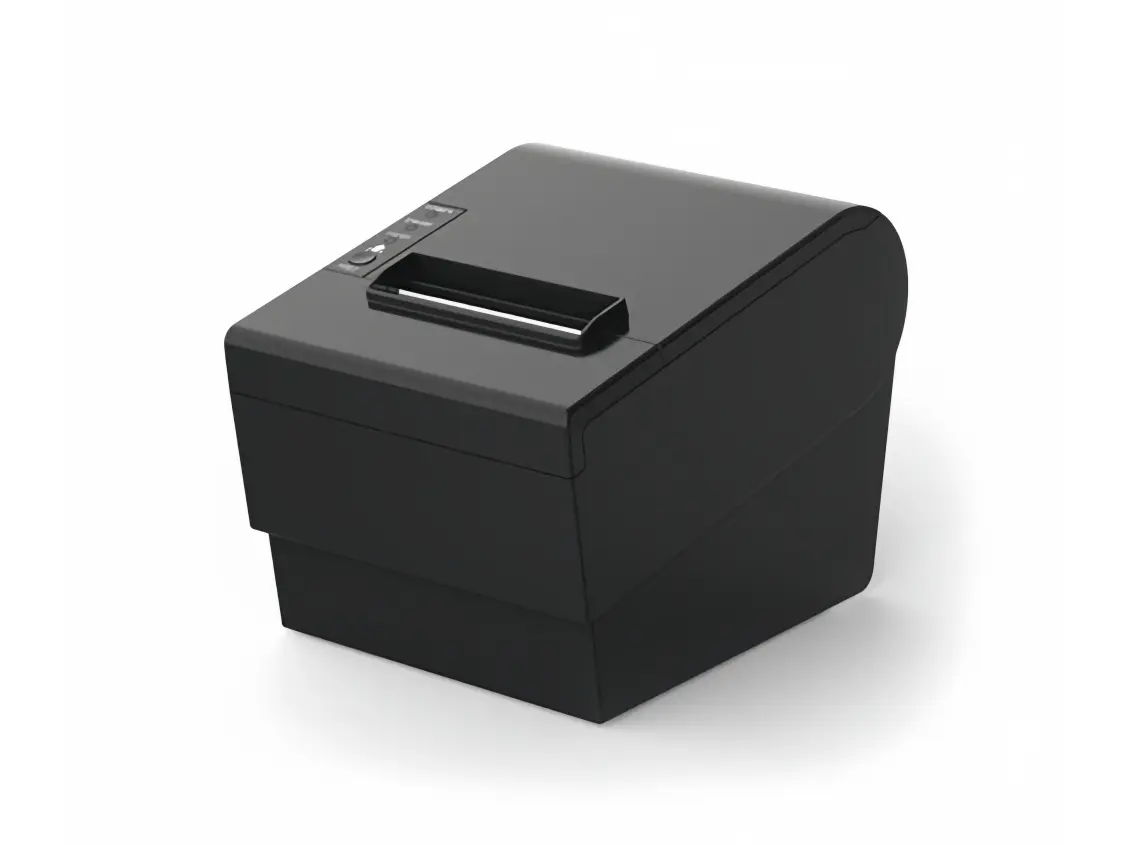 Receipt Printer
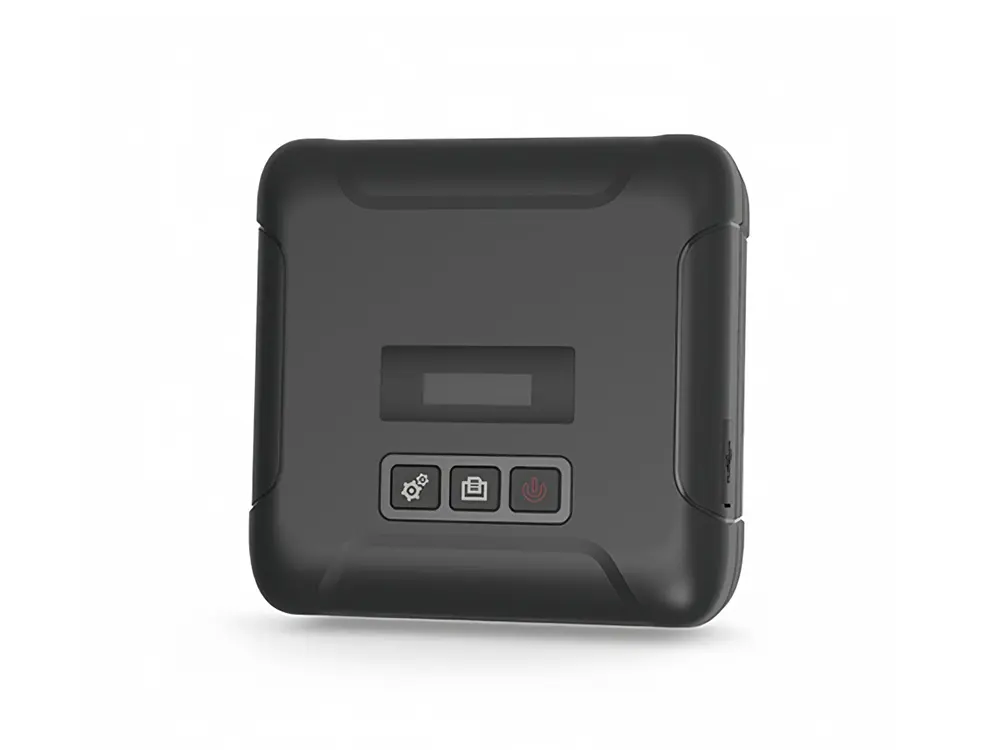 Mobile Printer