2026 Top Receipt Printer Types for Global Buyers?
Choosing a Receipt Printer in 2026 is no longer a simple hardware decision. Global buyers must match printing speed, paper width, connectivity, durability, and regional operating conditions. A busy café needs fast thermal output. A mobile retailer may need Bluetooth and a compact battery system. A supermarket often values high-volume reliability, easy paper loading, and stable network integration.
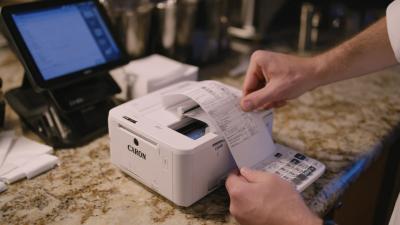
Receipt printer consultant Martin Keane explains, “The best printer is not the fastest one; it is the one that never interrupts the transaction.” This practical view matters. A model that prints quickly but jams beside a crowded checkout can create longer queues. Small details matter. Cutter life, paper alignment, cable placement, and heat resistance can shape daily performance.
This guide examines the main Receipt Printer types available to international buyers in 2026. It considers thermal, impact, mobile, desktop, kiosk, and multifunction models. It also compares typical use cases, maintenance needs, connectivity options, and purchasing risks. Specifications can look impressive on a product page. Real conditions are less tidy. Humid storage rooms, dusty counters, unstable Wi-Fi, and unfamiliar software may expose weaknesses.
Buyers should also question assumptions. The cheapest unit may cost more after repeated replacement. The most advanced model may overwhelm a small store. Regional support, spare parts, warranty terms, and supplier experience deserve equal attention. This overview offers a practical starting point, not a perfect formula. The final choice still depends on the counter, the staff, and the customer’s waiting time.
Receipt Printer Fundamentals and Key Buying Criteria for 2026
2026 Top Receipt Printer Types for Global Buyers
Receipt Printer Fundamentals and Key Buying Criteria for 2026
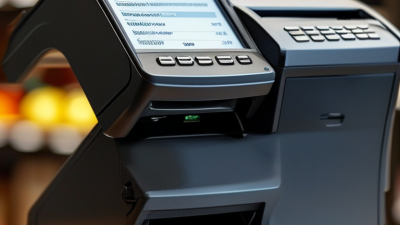
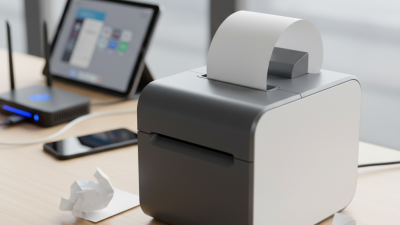
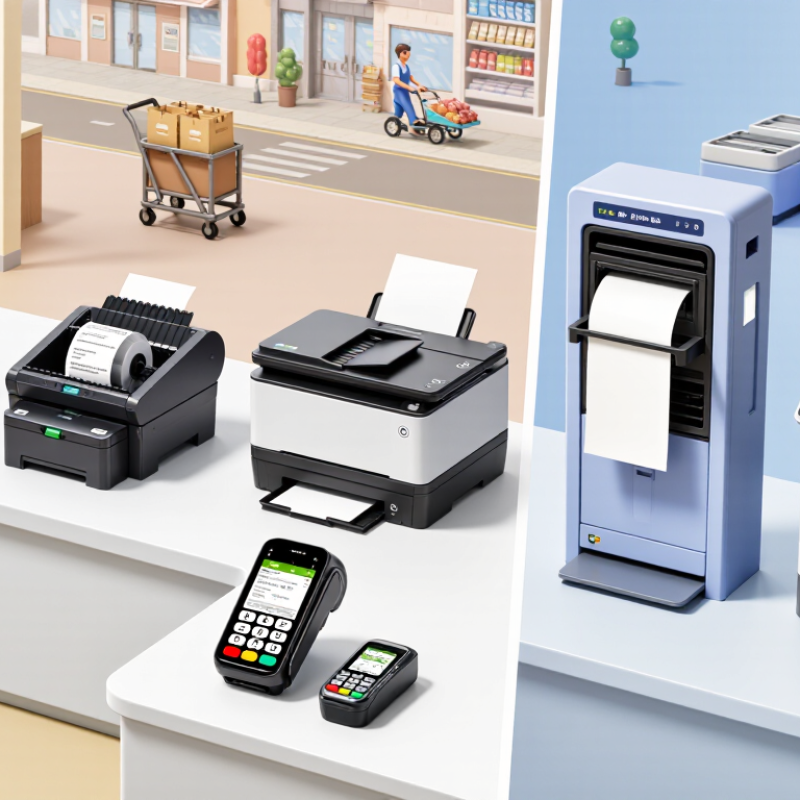
Receipt printers convert transaction data into readable paper records, usually through direct thermal printing. These machines need no ink, which simplifies daily maintenance. Direct thermal models suit retail counters and mobile checkout points. Impact printers remain useful in busy kitchens because their printed slips tolerate heat better. Portable units support delivery desks, markets, and temporary payment stations.
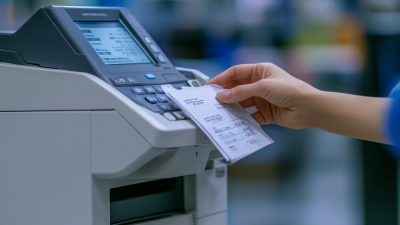
Print width matters. Common formats include compact paper for small counters and wider paper for detailed receipts. Check speed, resolution, cutter life, and paper loading before comparing prices. A fast printer can still disappoint if its cutter jams during peak hours. Test it with long receipts and repeated transactions. Short tests can hide weaknesses.
Connection options should match the working environment. USB works well for one fixed terminal, while Ethernet supports shared counters. Wireless connections offer flexibility but require stable network coverage. Confirm compatibility with the payment system, operating system, and receipt software. Security also deserves attention, especially when devices store network credentials or transaction logs. Choose durable housing for dust, moisture, and frequent handling. Energy use should be measured across a full working day, not only in standby mode. No type wins every site. Buyers should question their own assumptions, because the cheapest unit may create higher paper waste, downtime, or service costs later.
Global Compatibility: Connectivity, Paper Formats, and Power Standards
2026 Top Receipt Printer Types for Global Buyers?
For global buyers, receipt printer selection begins with connectivity, not printing speed. USB suits a single checkout station and usually creates fewer setup problems. Ethernet works well in busy stores because wired connections remain stable over long operating hours. Wi-Fi supports flexible placement, but crowded networks can cause delays. Bluetooth is convenient for tablets and mobile counters, although pairing failures still happen.
Paper format must match the local sales process. Common widths include 58 mm and 80 mm, while some markets require wider kitchen or logistics receipts. Check the printable width, roll diameter, and core size before ordering. A printer accepting 80 mm paper may not handle every 80 mm roll. Paper quality also affects cutting, fading, and barcode scanning. Small details matter.
Power standards need careful verification. Many commercial models support 100–240V and 50/60Hz, but buyers should confirm the rating label and included power supply. Plug shapes differ, and an adapter does not correct incorrect voltage. Local certification requirements may also affect installation. In field testing, a printer can perform perfectly in one country and behave poorly after relocation. I have learned not to trust a universal specification too quickly. Test the interface, paper roll, driver, and power connection together before purchasing large quantities.
2026 Top Receipt Printer Types for Global Buyers
Global compatibility: connectivity, paper formats, and power standards
The chart compares common compatibility options across major receipt-printer technologies. Paper-format values represent widely used receipt widths in millimeters: 58, 76, 80, 88, and 112 mm. Connectivity values count commonly available interfaces such as USB, Ethernet, serial, Bluetooth, and Wi-Fi. Power values indicate whether models are commonly available with universal 100–240 V AC input; mobile printers typically rely on rechargeable batteries.
Comparing Costs, Reliability, Compliance, and Future-Ready Features
2026 Top Receipt Printer Types for Global Buyers
Choosing a receipt printer now requires more than comparing purchase prices. Direct thermal models usually cost less and print quickly, making them practical for busy checkout counters. However, their paper can fade under heat, sunlight, or long storage. Impact printers cost more, but they handle kitchen heat and multi-copy forms better. Review total ownership costs, including paper, replacement heads, maintenance, electricity, and downtime.
Reliability depends on workload, not just advertised speed. Test print quality during peak transactions, especially with small fonts and QR codes. A printer should support stable USB or Ethernet connections and recover smoothly after power interruptions. Compliance also deserves careful checking. Confirm electrical safety documents, wireless approvals, recycling requirements, and receipt rules in each target market. Requirements can differ widely. Assuming one certificate covers every country is a costly mistake.
Tips: Ask suppliers for sample receipts, duty-cycle data, SDK documentation, and firmware support periods. Check whether remote diagnostics can identify paper jams before staff notice them. Future-ready models may support cloud monitoring, encrypted communication, flexible interfaces, and lower-energy operation. Still, advanced features are not automatically valuable. An unused wireless function adds complexity, and software updates may disrupt older systems. Buyers should test compatibility with existing checkout software before committing.

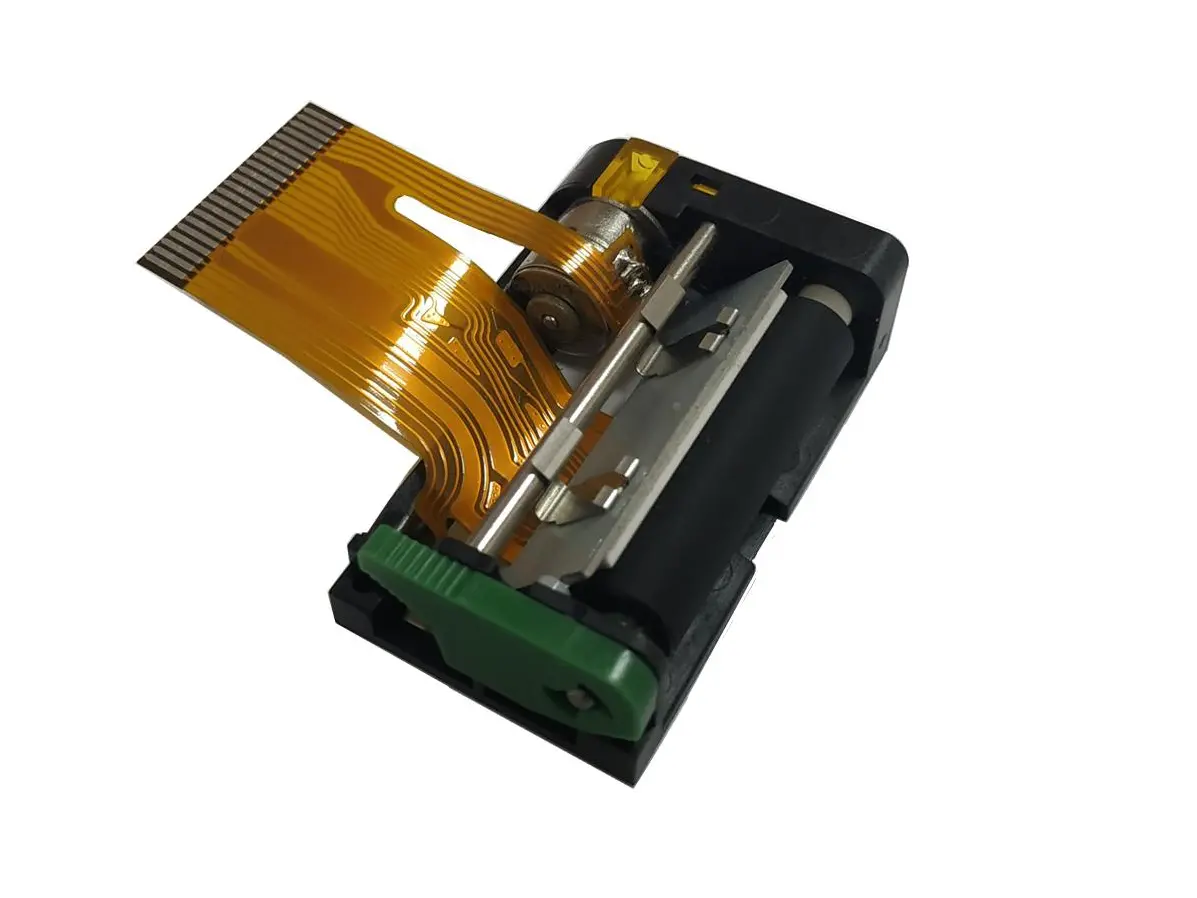 1 inch thermal printer mechanism
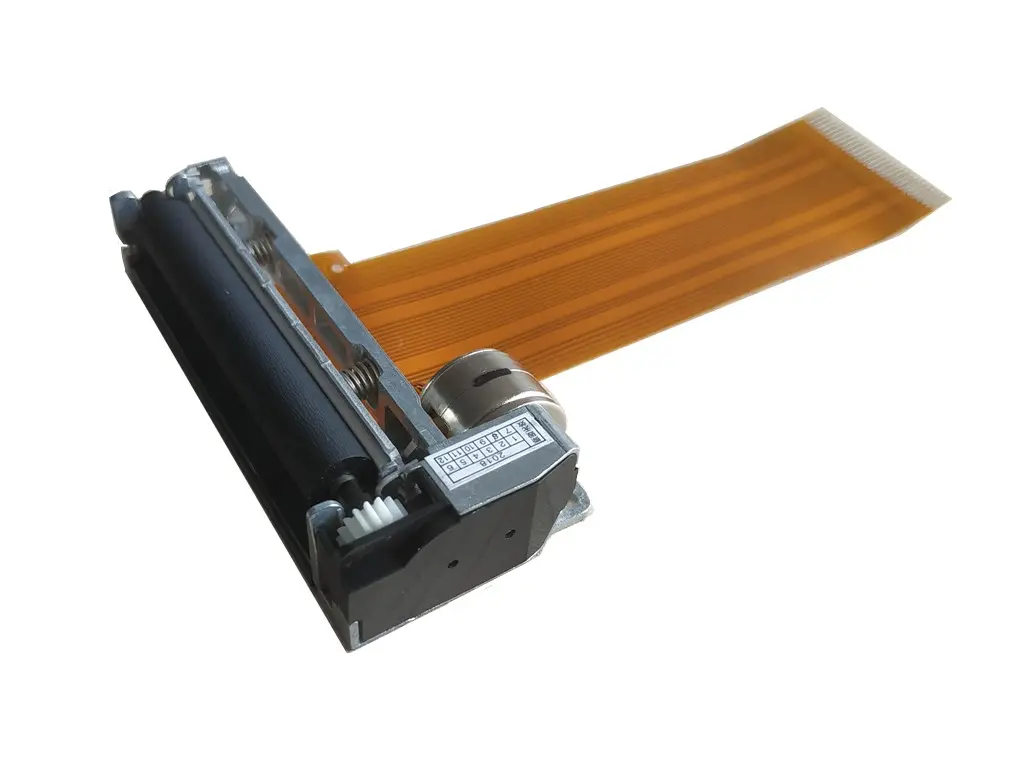 2 inch thermal printer mechanism
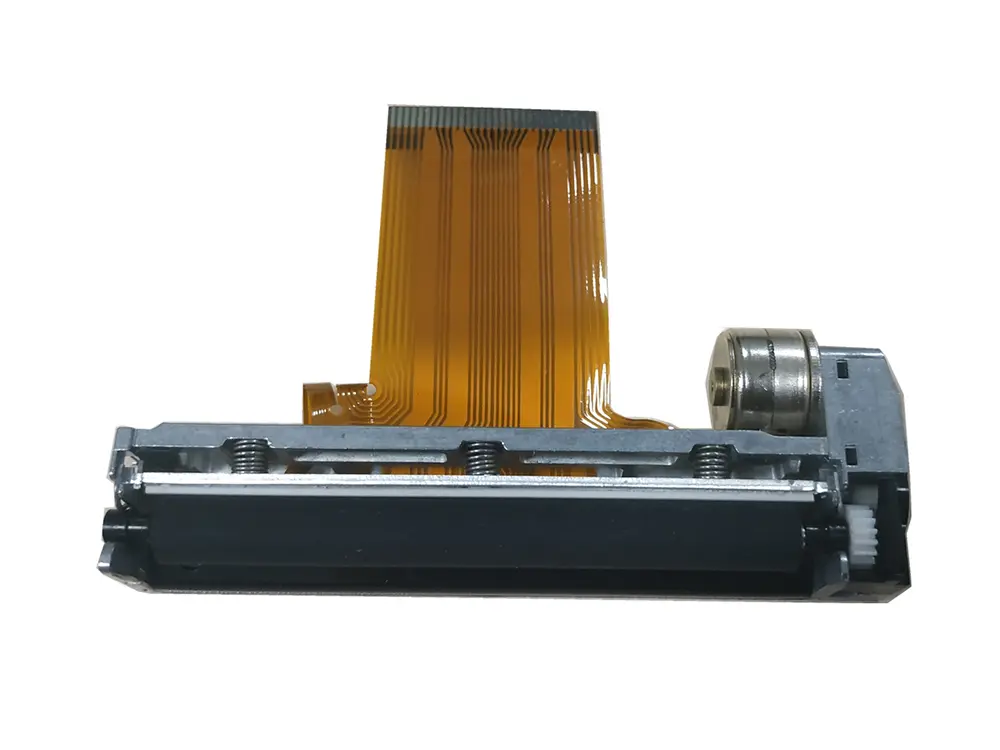 3 inch thermal printer mechanism
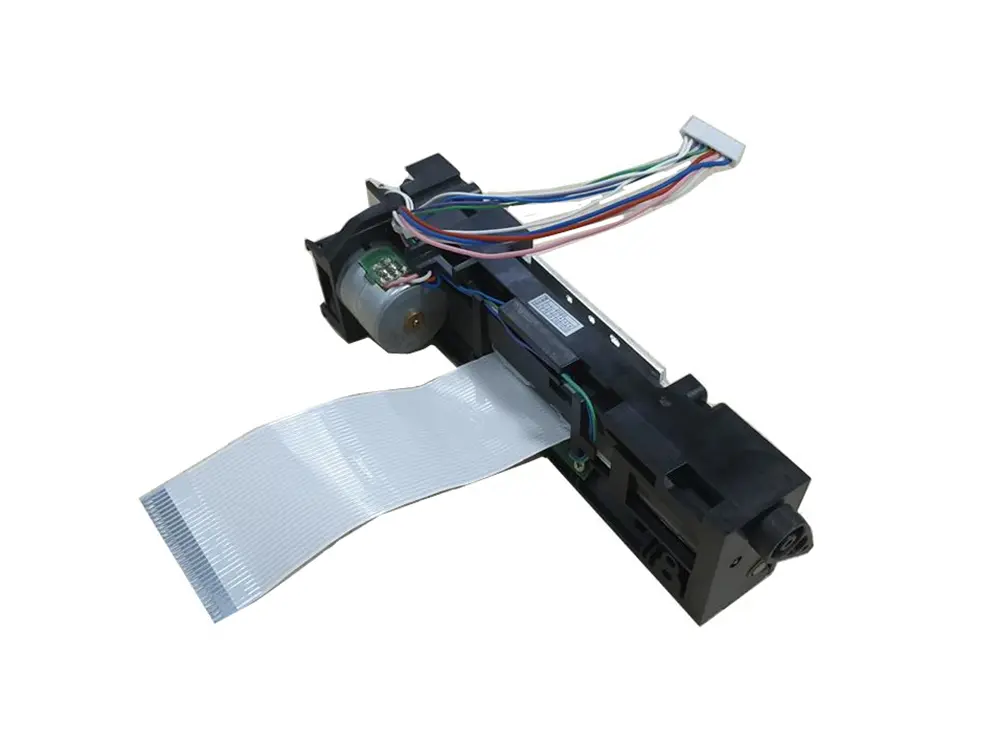 4 inch thermal printer mechanism
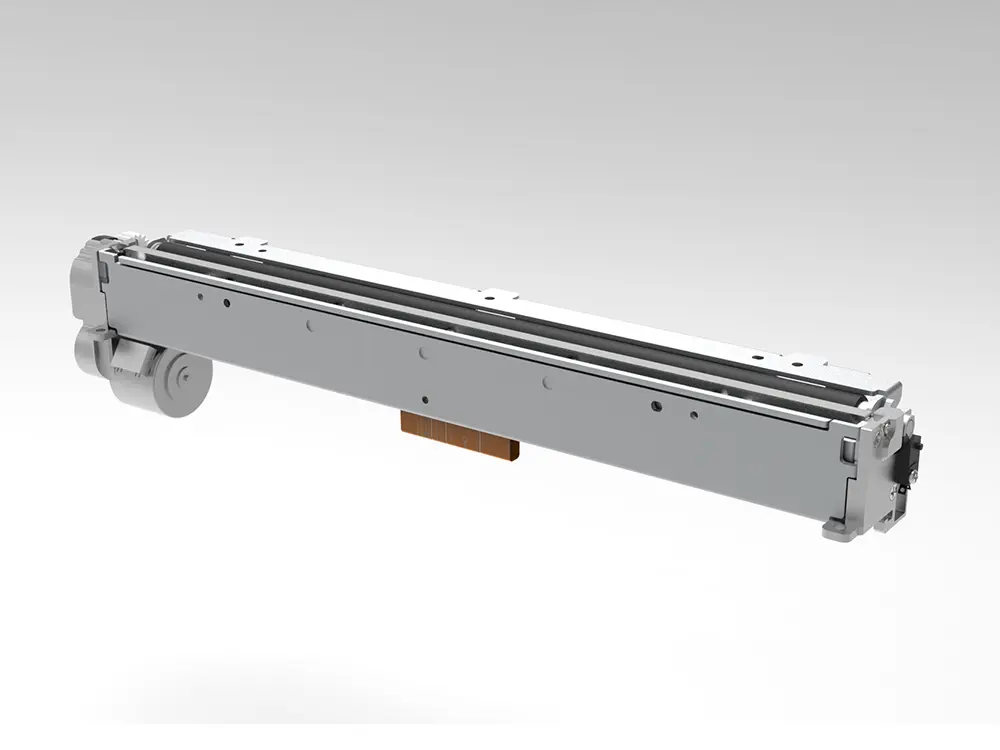 8 inch thermal printer mechanism
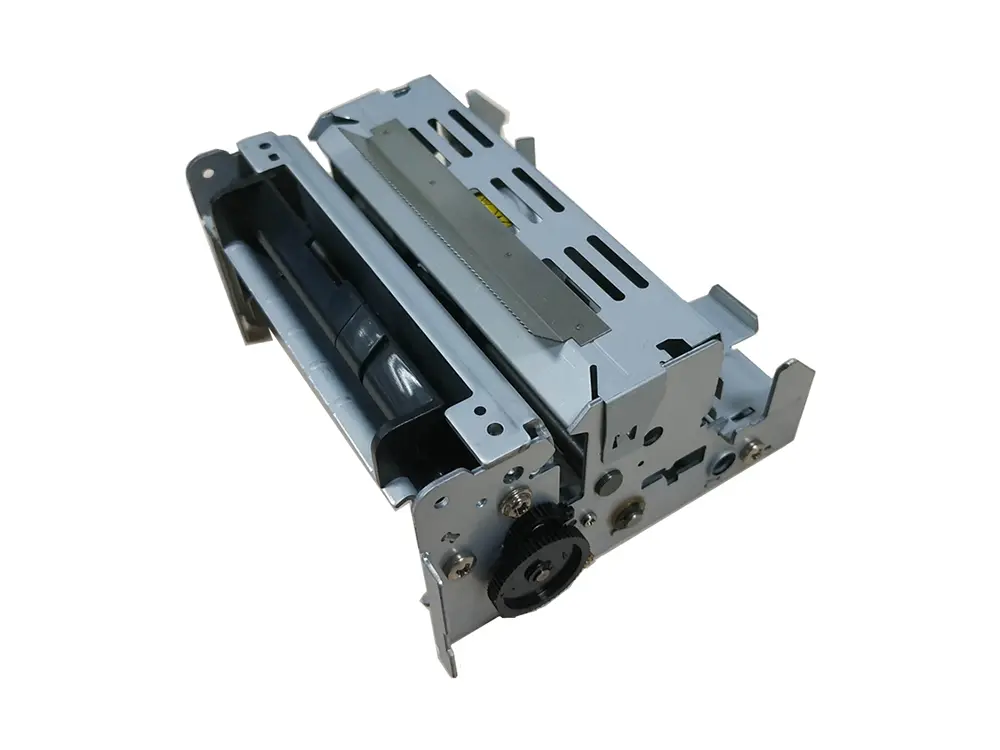 dot matrix printer mechanism
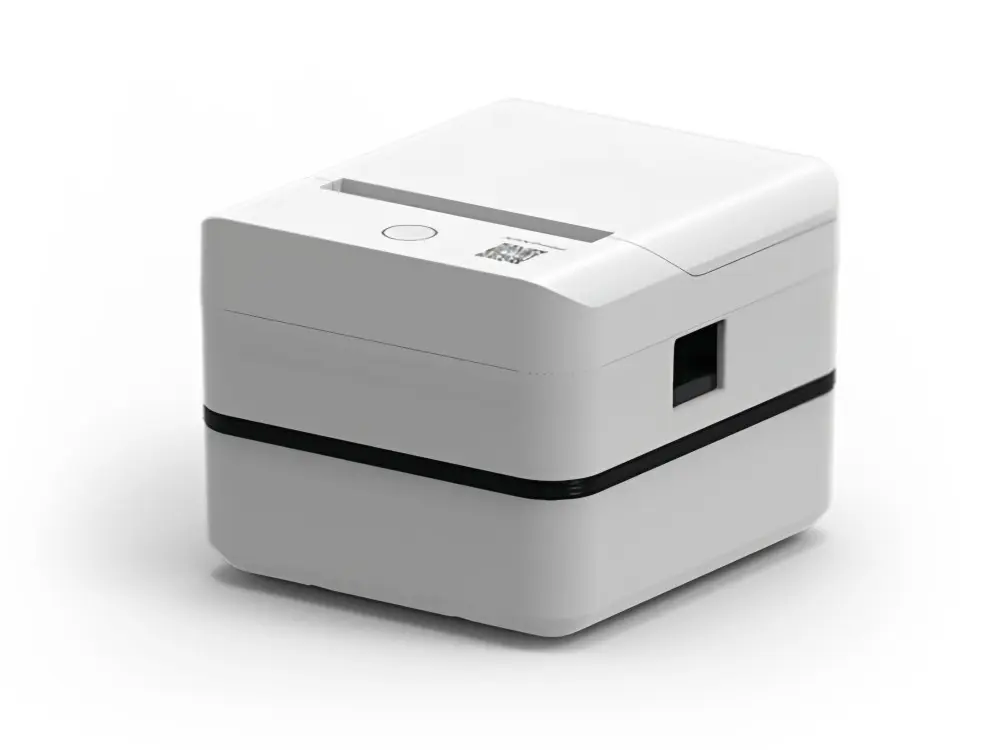 Label Printer
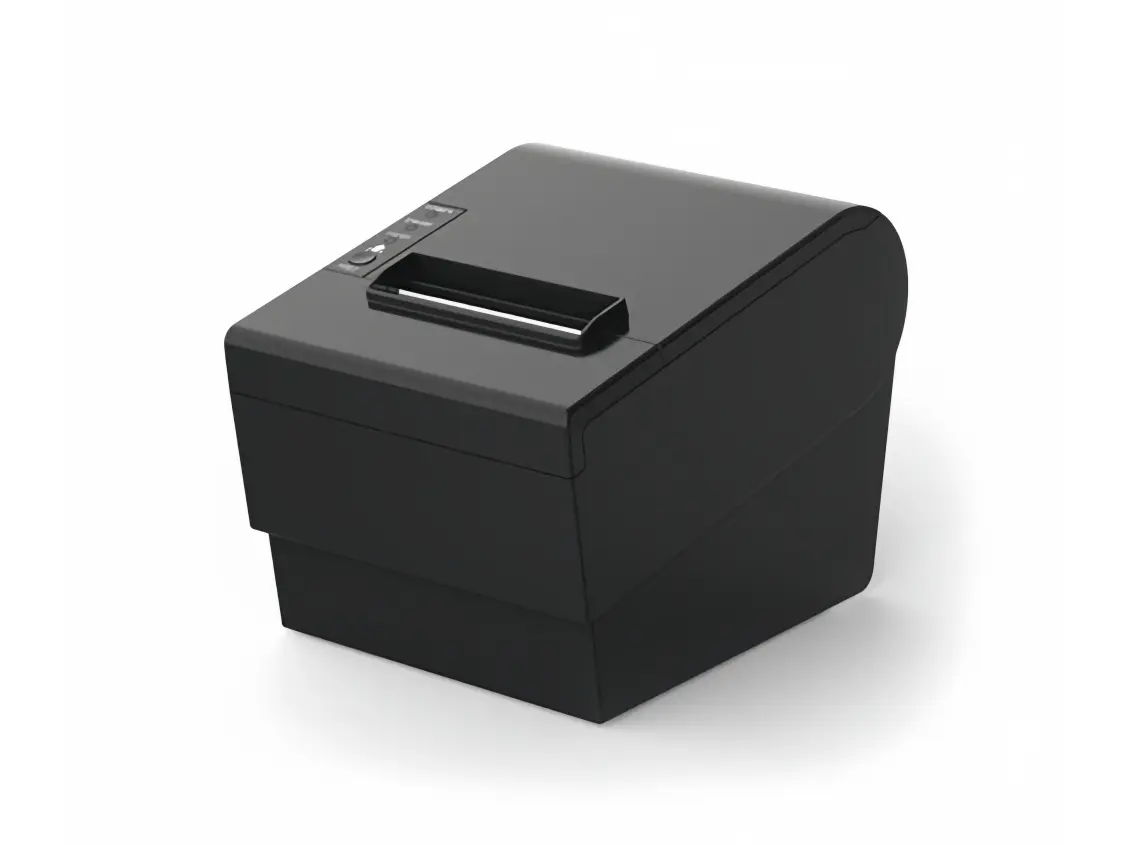 Receipt Printer
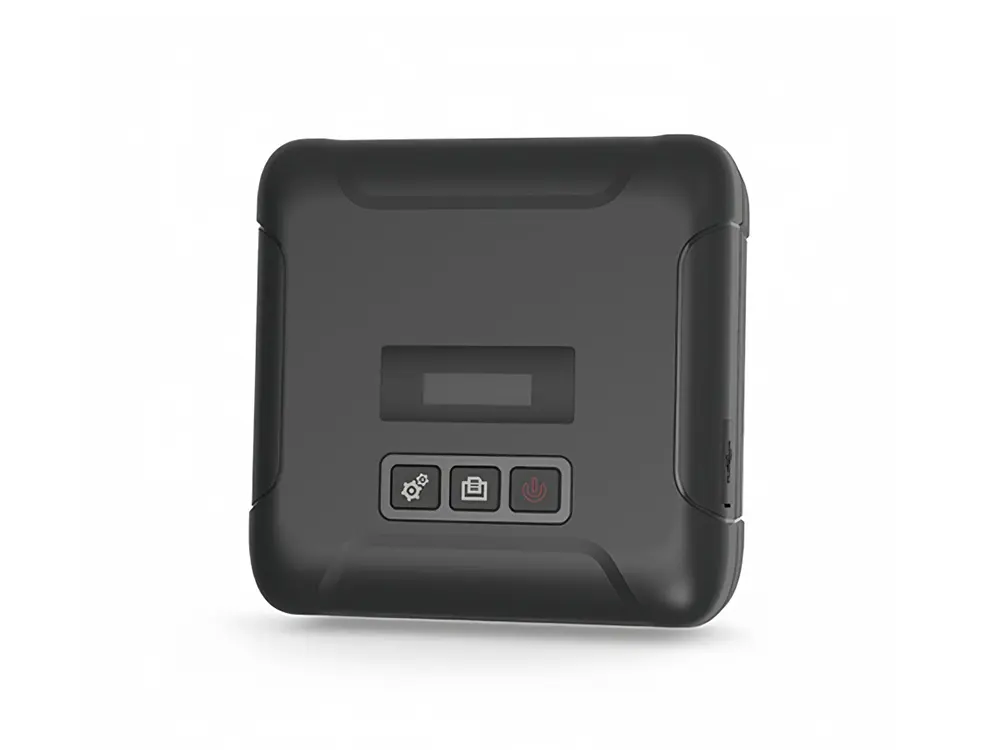 Mobile Printer