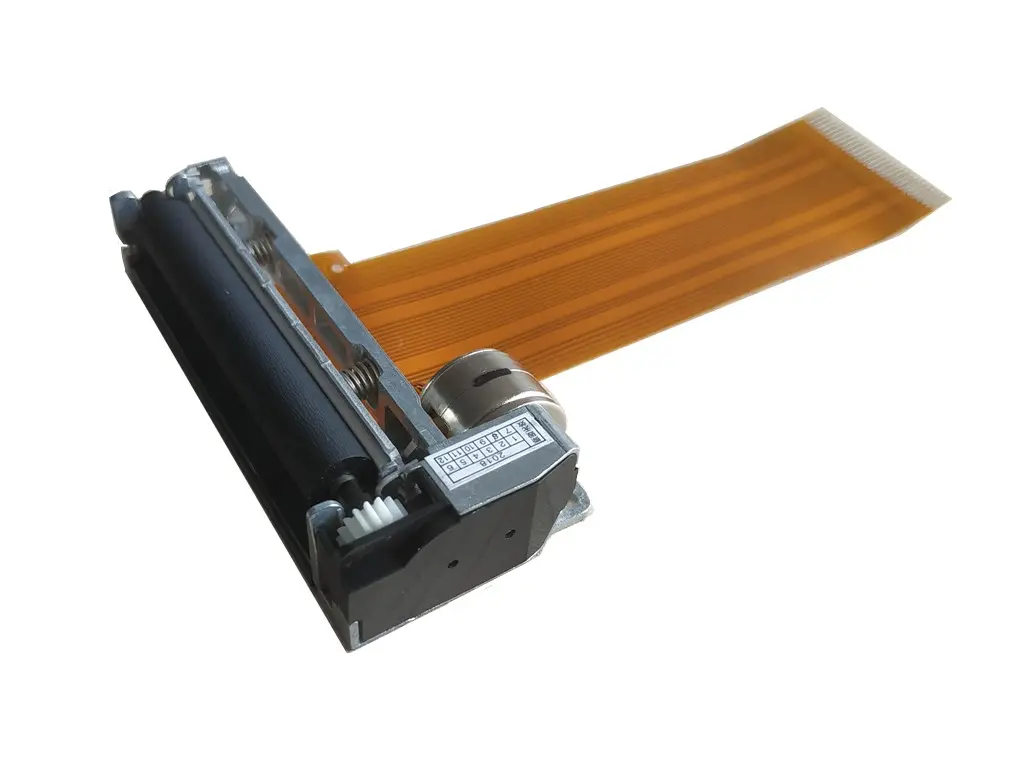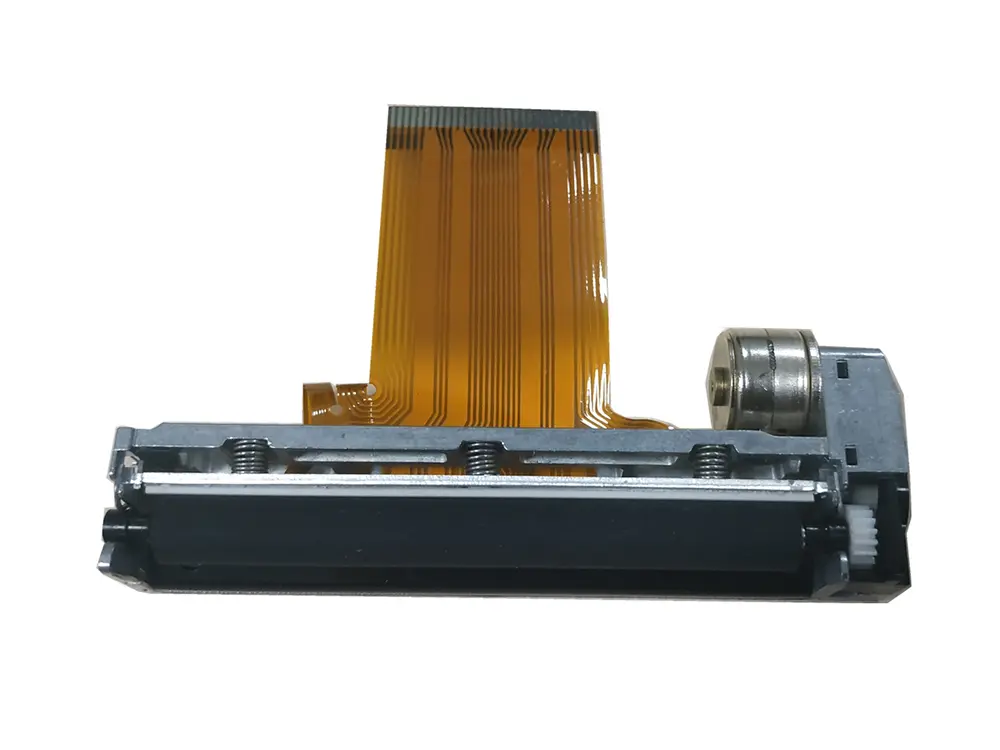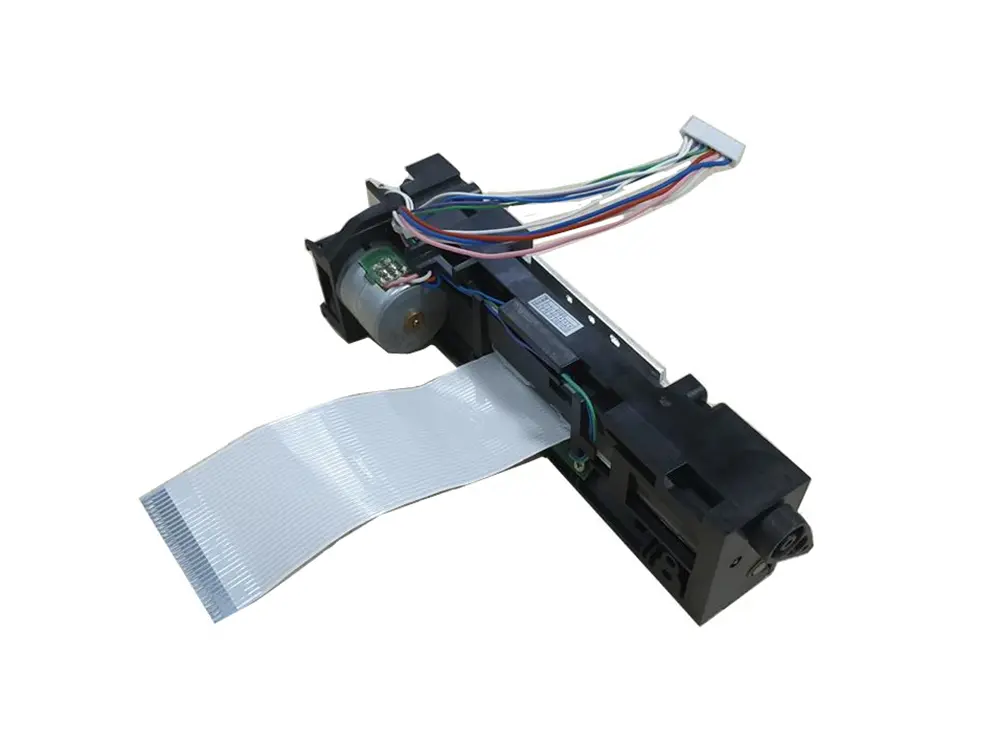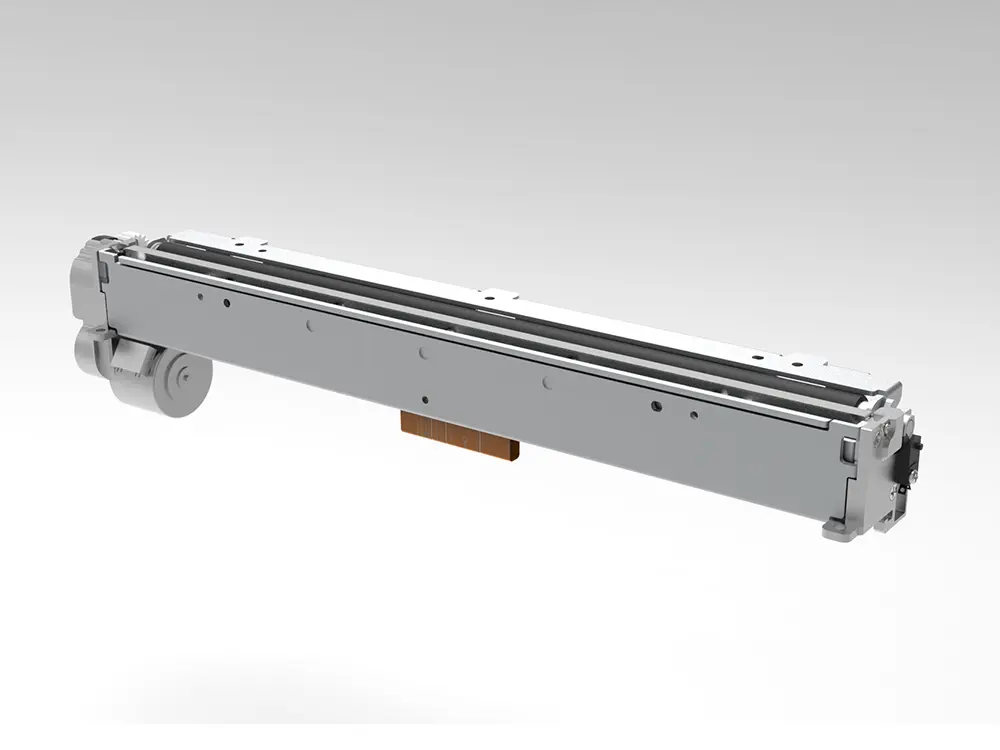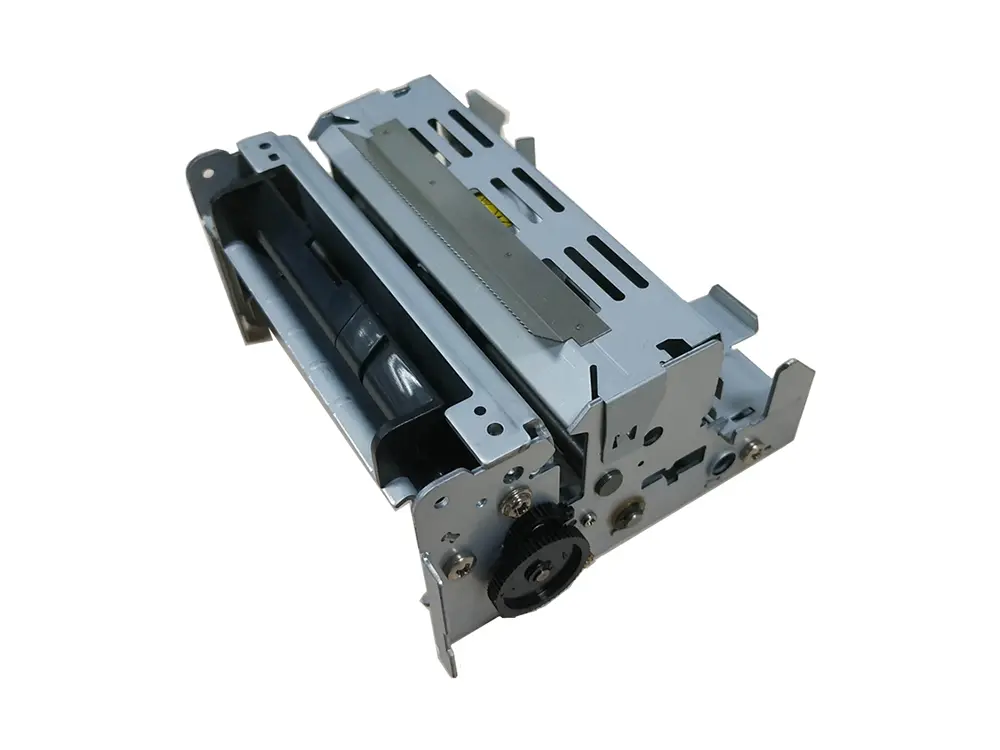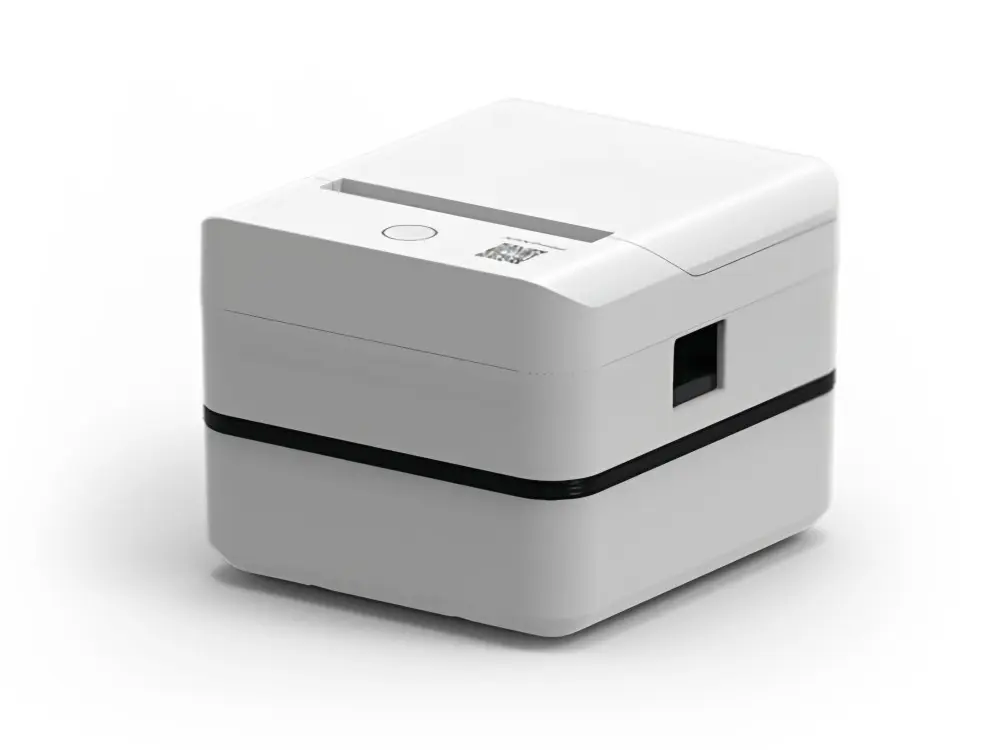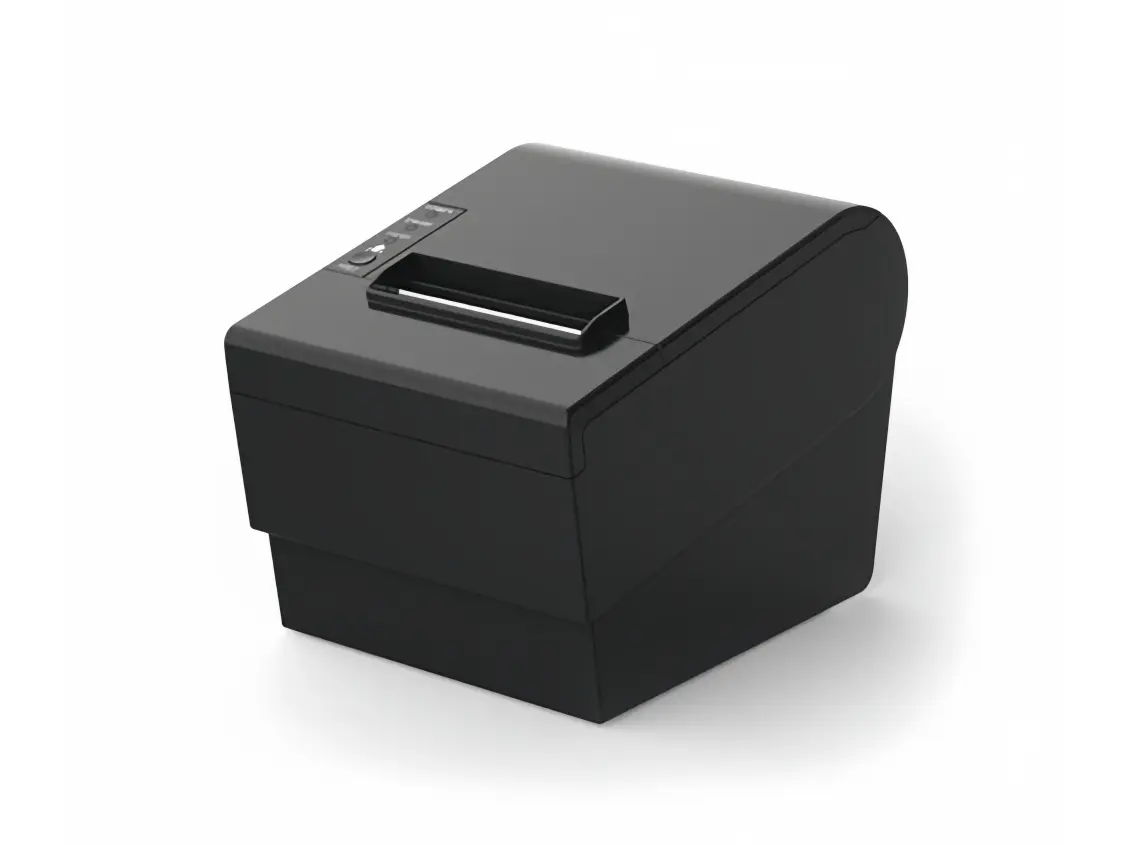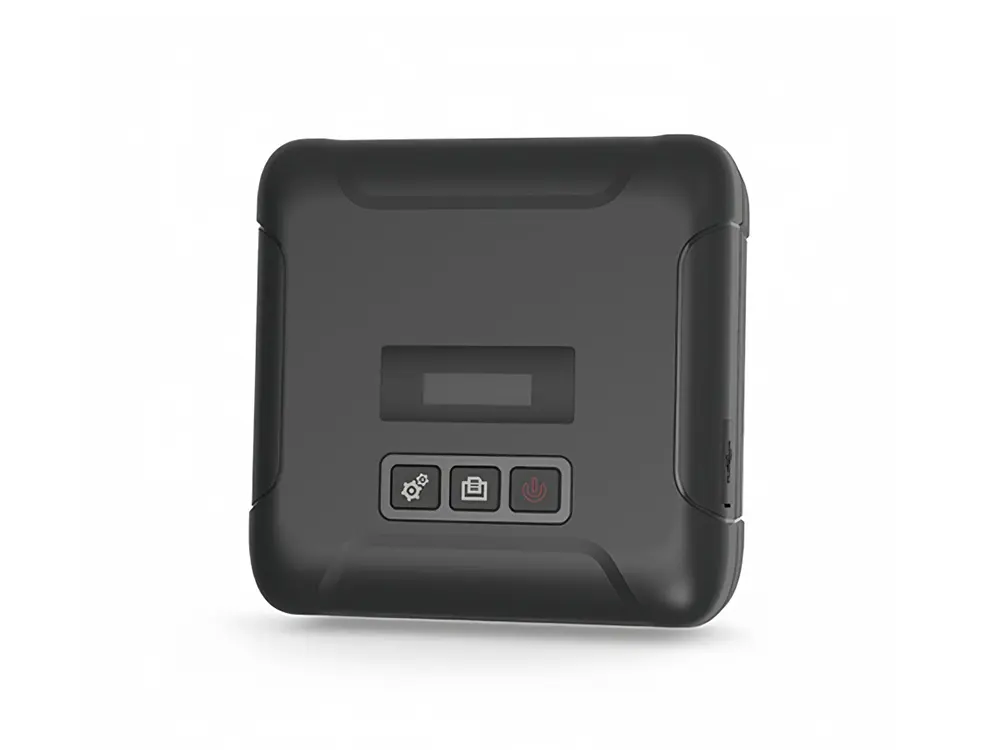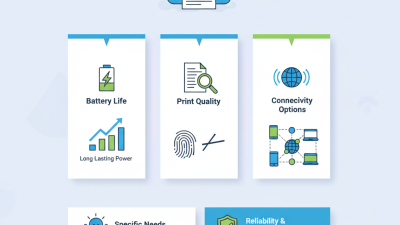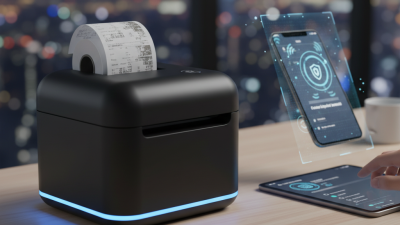
Choosing the 2026 best Receipt Thermal Printer requires more than comparing speed, price, or wireless features. Global buyers need dependable output across different retail environments, climates, languages, and payment systems. A printer that performs well in a quiet showroom may struggle beside a busy checkout counter. Paper dust, frequent opening, unstable Wi-Fi, and long queues expose weak designs quickly.
Lars Nilsson, a point-of-sale hardware consultant with extensive field experience, has said, “A reliable printer protects the customer experience when everything else is moving quickly.” That principle matters. Buyers should examine print speed, cutter durability, connection stability, paper compatibility, driver support, and service availability. Ethernet may suit a fixed supermarket lane. Bluetooth can help mobile sellers. USB remains useful when simplicity matters.
Small details often decide the purchase. A clear status light helps staff solve errors faster. A compact body saves counter space. A strong cutter reduces manual tearing during peak hours. Support for multiple character sets also matters for international businesses. Not every “global” model supports every regional workflow.
The selection process is not perfect. Specifications sometimes look impressive, yet real performance depends on software, paper quality, and maintenance habits. Buyers should test sample receipts before placing large orders. Check faded text after storage. Measure recovery time after a paper jam. Review warranty terms carefully. The cheapest choice may become expensive through downtime, replacement parts, and frustrated customers. A dependable Receipt Thermal Printer should fit the entire transaction process, not just the checkout counter.
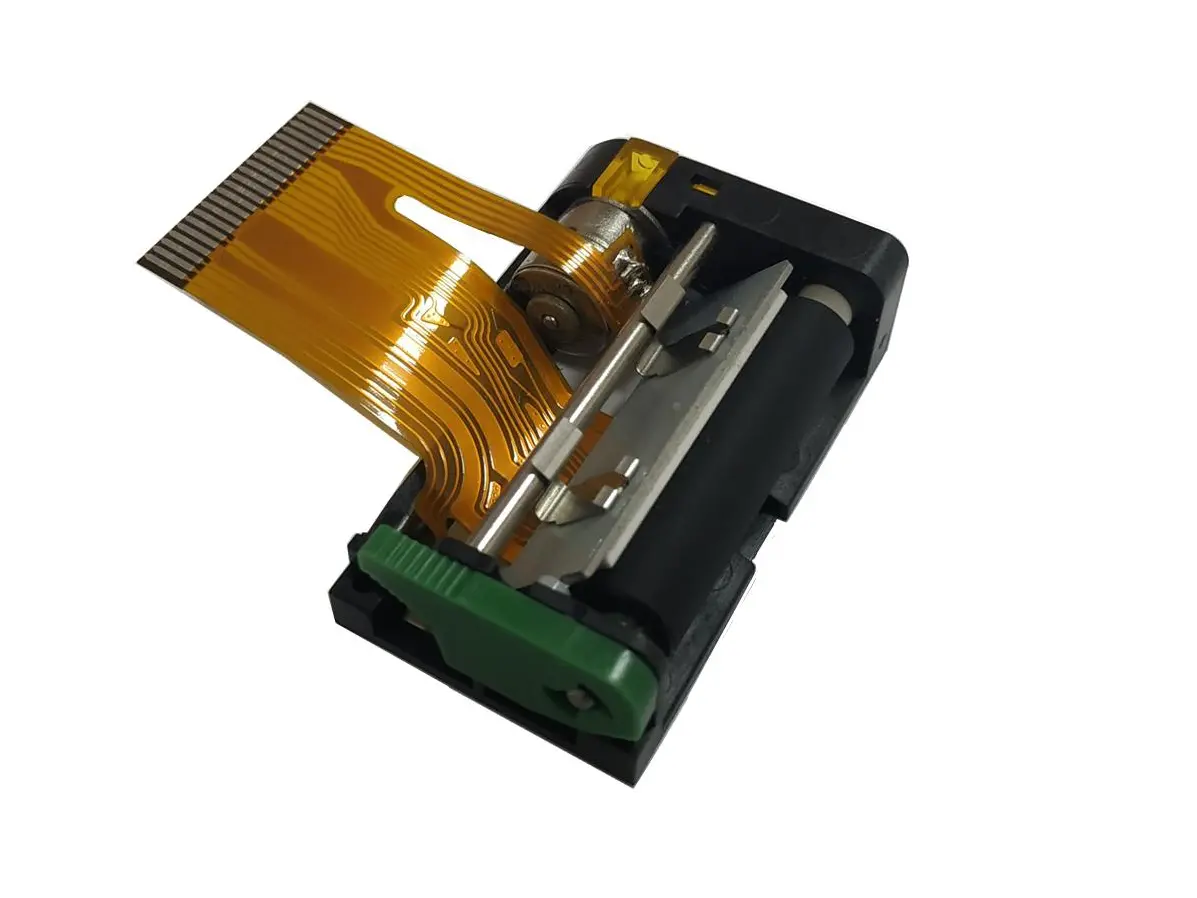
A receipt thermal printer creates text without ink, toner, or a traditional cartridge. Its printhead contains tiny heating elements. When electricity reaches selected points, those elements heat the coated paper and form dark marks. This is called direct thermal printing. The process is quiet, fast, and compact. Very practical.
The printer receives commands from a checkout system through USB, Ethernet, Bluetooth, or Wi-Fi. Firmware converts sales data into printable dots, then moves the paper beneath the printhead. A cutter may separate each receipt after printing. In daily counter use, paper quality matters more than many buyers expect. Cheap rolls can produce pale text, dust, and uneven black lines. Heat, sunlight, and plastic sleeves can also darken or fade receipts.
Grand View Research reported that direct thermal technology held a leading share of the thermal printing market in 2023. Fortune Business Insights also projects steady market growth through 2032, driven partly by retail and point-of-sale demand. These findings support thermal printing’s practical value, but they do not guarantee every model performs equally well. Buyers should compare print speed, resolution, paper width, connection stability, cutter life, and operating temperature. A printer rated at 250 millimeters per second may slow during dense graphics. I have found that real counter performance often differs from brochure figures. Test receipts with small fonts, logos, and long transaction data before making a global purchase.
2026 Best Receipt Thermal Printer for Global Buyers
Global buyers should compare workflow fit, not just print speed. The World Bank’s Global Findex 2021 reports that 76% of adults worldwide held a financial account. That shift increases demand for dependable receipts across shops, kiosks, and mobile counters. Choose a printer supporting common 58 mm and 80 mm paper widths. Check paper availability in the target market before ordering. A fast printer is useless when replacement rolls are difficult to source.
Connectivity deserves careful testing. GSMA’s State of Mobile Internet Connectivity 2023 counted 4.6 billion mobile internet users. Wi-Fi, Ethernet, Bluetooth, and USB support can reduce deployment problems across different regions. Confirm compatibility with local point-of-sale software and standard command languages. Test multilingual characters, including Arabic, Cyrillic, and Asian scripts. Ask for real print samples. Product sheets can hide weak text density or uneven cutting.
Durability matters more than impressive specifications. Compare rated print speed, cutter life, operating temperature, and duty cycle. A higher resolution is not automatically better. It may increase cost without improving small receipts. Energy use also deserves attention, especially in stores operating all day. I would not trust a claimed lifespan without service records or warranty terms. Check voltage ranges, safety certifications, spare-part access, and remote diagnostics. One overlooked detail remains common: a printer that fits the counter may not fit the cash drawer.
Comparison guide based on common specifications, international standards, and typical commercial use cases. Actual performance varies by configuration, paper quality, workload, and operating environment.
| Printer Type | Typical Print Width | Typical Print Speed | Common Resolution | Connectivity Options | Best Use Case | Global Buyer Considerations | Key Limitation |
|---|---|---|---|---|---|---|---|
| Compact Mobile Thermal Printer | Approximately 48–58 mm | Usually 50–100 mm/s | Typically 203 dpi | Bluetooth; USB; some versions support Wi-Fi | Mobile sales, delivery receipts, field service, parking, and queue tickets | Check Android, iOS, and Windows compatibility; confirm battery capacity, charging connector, wireless frequency support, and regional radio approvals. | Limited paper width and battery runtime; generally less suitable for continuous high-volume counter printing. |
| Entry-Level Desktop Thermal Printer | Usually 58 or 80 mm | Approximately 100–200 mm/s | Typically 203 dpi | USB; Ethernet or Wi-Fi may be available depending on configuration | Small retail counters, cafés, kiosks, and low-to-medium transaction volumes | Confirm the supplied power adapter input range, plug type, driver language, paper sensor design, and compatibility with the intended point-of-sale software. | May have lower duty-cycle ratings, fewer interface options, and less robust paper-handling components. |
| Standard POS Receipt Printer | Usually 80 mm; some configurations support 58 mm guides | Approximately 200–300 mm/s | Typically 203 dpi | USB and Ethernet are common; serial, Bluetooth, or Wi-Fi may also be offered | Retail stores, restaurants, supermarkets, pharmacies, and service counters | Prioritize stable Ethernet connectivity, automatic cutter life, ESC/POS compatibility, multilingual character support, and easy roll replacement. | Usually stationary and requires a nearby power outlet; 80 mm paper produces a larger printer footprint than compact models. |
| High-Speed Commercial Thermal Printer | Usually 80 mm | Approximately 300–400 mm/s | Typically 203 dpi; higher resolution may be available for specialized needs | Ethernet and USB are common; optional Wi-Fi or serial connectivity may be available | Busy restaurants, high-volume retail, ticketing, hospitality, and multi-lane checkout environments | Evaluate peak and average workload, cutter durability, print-head life, paper-loading speed, error recovery, and integration with centralized POS systems. | Higher purchase cost and power consumption; speed advantages may be reduced by slow POS software or network latency. |
| Kitchen and Harsh-Environment Printer | Usually 80 mm | Approximately 150–300 mm/s | Typically 203 dpi | Ethernet, USB, Wi-Fi, or serial depending on the installation | Commercial kitchens, food preparation areas, warehouses, and industrial service points | Look for splash resistance, wall-mount capability, audible or visual alerts, paper-end detection, heat tolerance, and appropriate cleaning procedures. | Environmental protection can increase size and cost; ordinary paper and unprotected connectors may reduce reliability. |
| Label and Receipt Hybrid Printer | Commonly 58–80 mm receipt width; label support varies | Approximately 100–250 mm/s | Typically 203 dpi | USB and Ethernet are common; Wi-Fi or Bluetooth may be available | Small retailers needing receipts, shelf labels, order labels, or barcode printing from one workstation | Confirm supported media types, black-mark sensing, gap sensing, liner handling, barcode formats, and whether receipt and label modes require manual configuration. | Media changes may be slower, and hybrid designs may not match the optimized speed of a dedicated receipt or label printer. |
| Cloud-Managed Network Printer | Usually 80 mm | Approximately 200–300 mm/s | Typically 203 dpi | Ethernet or Wi-Fi; cloud or local network management may be supported | Multi-site retailers, franchise operations, centralized support teams, and distributed ordering systems | Assess security updates, TLS support, account permissions, remote diagnostics, offline behavior, data residency requirements, and dependence on external cloud services. | Remote-management functions may require subscriptions, stable internet access, or software integration work. |
| Portable Impact-Resistant Printer | Approximately 58–80 mm | Usually 50–150 mm/s | Typically 203 dpi | Bluetooth, USB, and sometimes Wi-Fi | Transportation, delivery fleets, outdoor services, mobile enforcement, and temporary sales locations | Check drop resistance, operating temperature, ingress protection, battery replacement options, vehicle charging, paper availability, and local wireless certification. | Often slower and more expensive per printed page than a standard desktop POS printer. |
| Energy-Efficient Basic Printer | Usually 58 or 80 mm | Approximately 100–250 mm/s | Typically 203 dpi | USB; Ethernet or Wi-Fi may be available | Small businesses prioritizing low operating cost and simple receipt printing | Compare standby power, automatic sleep settings, power-adapter efficiency, paper waste, repairability, and the availability of replacement print heads and cutters. | May provide fewer advanced management, interface, and high-volume durability features. |
Technical note: Direct thermal printers use heat-sensitive media and normally require no ink or toner. Thermal receipts can fade when exposed to heat, sunlight, plasticizers, or prolonged storage, so buyers should verify paper quality, chemical compliance, recycling requirements, and local receipt-retention rules.
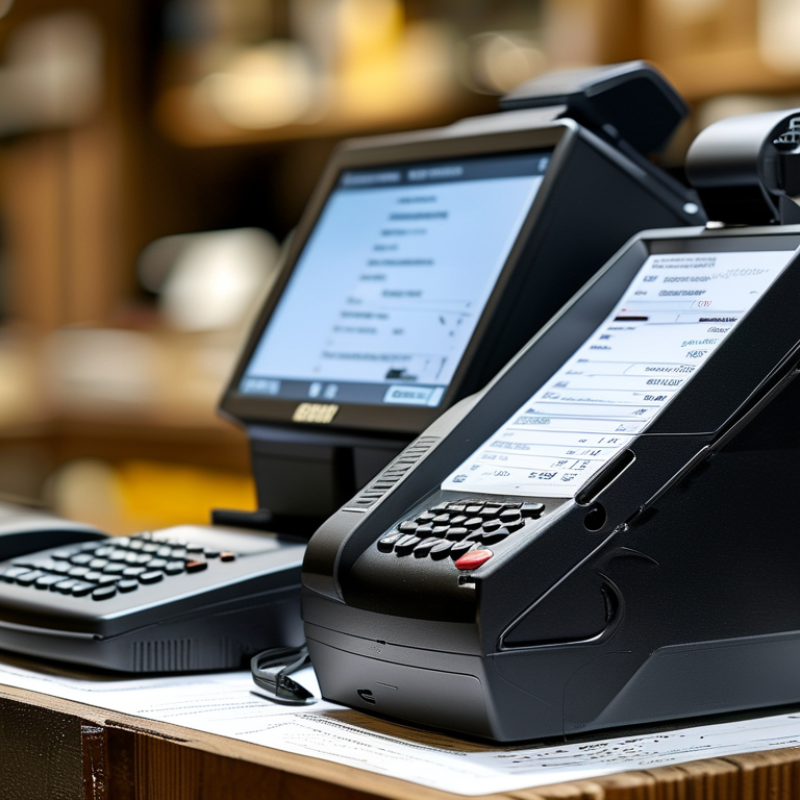
Choosing the best receipt printer depends on the business environment, not only print speed. In a busy supermarket, choose a model with a strong cutter, stable USB or Ethernet connectivity, and a duty cycle suited to constant transactions. A clear 203 dpi printhead usually handles logos, item details, and small QR codes effectively. Test real receipts before purchasing. Product sheets can hide practical problems.
For cafés and food counters, moisture and grease deserve attention. A compact printer with easy paper loading can reduce interruptions during rush periods. Keep the printer away from steam, but check whether its housing suits your workspace. In my evaluations, paper compatibility often mattered more than a higher advertised speed. Cheap thermal rolls may produce pale text or excessive dust. That is easy to overlook.
Small shops, mobile sellers, and temporary counters need different priorities. Choose lightweight equipment with dependable wireless pairing, broad operating-system support, and a battery option when outlets are limited. Confirm regional power requirements and available technical support before placing a global order. Installation should be simple enough for a new employee to learn quickly. I once underestimated driver compatibility, and setup took far longer than expected. That mistake still influences my purchasing checklist. Reliable after-sales guidance, replaceable parts, and clear warranty terms can matter more than a low initial price. Sometimes, slower is wiser.
Choosing a thermal receipt printer for global use requires more than checking print speed. In field testing, paper fit often caused the first delay. A unit accepting 58 mm and 80 mm rolls suits different counters. Confirm roll diameter, core size, and maximum paper width before ordering. Small details matter. Keep spare rolls from local suppliers, because imported sizes may not match.
Connectivity should match the working environment. USB is stable for a fixed checkout station. Ethernet helps shared counters and longer cable runs. Bluetooth supports mobile tables, while Wi-Fi needs careful network setup. Test pairing, reconnection, and printing after a router restart. I have found that a connection can look reliable during setup, then fail during busy periods. That weakness deserves honest attention.
Power compatibility is equally important for international buyers. Check the input range, plug type, adapter certification, and cable length. A compact backup battery can help mobile teams, but runtime varies with print volume. Language support also needs practical testing. The printer should handle required character sets, currency symbols, accents, and right-to-left scripts when applicable. Send real sample receipts, not just test text. Some devices print English perfectly but misalign multilingual lines. That is not a small flaw. Document test results, supplier responses, warranty terms, and replacement-part availability. Specifications help, but observed performance builds trust.
This reference compares widely used thermal receipt roll widths with their approximate dot width at 203 dpi, a common resolution for receipt printers. The 58 mm and 80 mm formats cover most compact and standard point-of-sale applications, while 112 mm supports wider receipts and kitchen or ticketing use. Actual printable width may be slightly narrower because of printer margins.
A reliable receipt thermal printer should be judged by total ownership cost, not only its purchase price. Cheaper equipment may require frequent printhead replacement, wasted paper, or longer service delays. Global buyers should check voltage compatibility, paper width, connection options, and local repair access before ordering. A printer that works well in a quiet office may struggle beside a busy counter. Test print speed during continuous use.
Reliability depends on heat control, cutter quality, firmware stability, and resistance to dust. Keep the printer away from steam, grease, and direct sunlight. Clean the printhead with approved materials, and remove paper dust regularly. Maintenance is simple, but it is easy to neglect during peak trading hours. That small mistake can become an expensive interruption. Support quality also matters. Ask about response times, spare parts, remote diagnosis, warranty limits, and replacement procedures. A long warranty sounds useful, but unclear exclusions can reduce its value.
Tips: Calculate paper, maintenance, shipping, and service costs for three years. Keep one compatible spare unit if downtime would affect sales. Record error codes and cleaning dates. Do not assume every thermal roll has the same coating or storage life. I would also request a sample unit before a large purchase; specifications rarely reveal noise, cutter feel, or real-world stability. No option is perfect. Recheck your assumptions after the first month of use.