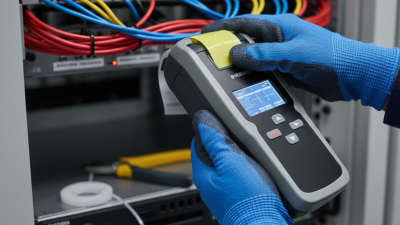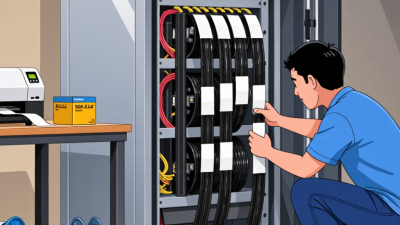
Choosing a Cable Labeller is not just a matter of comparing prices or print speeds. The right tool must fit the cables, work environment, and labeling volume your team handles every day. A maintenance crew marking wires inside a warm control cabinet has different needs from an installer labeling cable runs across a busy site. The difference shows up later: faded text, curled labels, or identifiers that are hard to read under poor lighting.
Cable-identification specialist Maya Chen offers a useful rule: “Choose the label system for the conditions it must survive, not the catalog photo.” That means checking label material, adhesive performance, print durability, and compatibility with your cable sizes before buying. Think about the real details: a narrow wire bundle, dusty gloves, a handheld printer balanced on a ladder. Small choices matter.
A good match can make cable tracing faster and reduce avoidable rework. It should also be simple enough for staff to use consistently. That part is often overlooked. A sophisticated device may look impressive, but complicated setup can slow a team down. Not every business needs the most advanced model. Some do need stronger resistance to heat, abrasion, or moisture. This guide explains how to weigh those trade-offs, compare printer types, and choose labels suited to your operation. It also considers budget, ongoing supply costs, and ease of maintenance. No single Cable Labeller is best for every business; the useful choice is the one your team can operate reliably in its actual working conditions. One caveat: requirements change, and a label that works in the office may fail on the job.

A cable labeller prints durable identifiers for wires, control panels, and network runs. Clear labels help technicians match each cable to a drawing or port without tracing it by hand. Applications range from small service benches to busy facilities with hundreds of connections. The right tool depends on cable diameter, label material, print volume, and exposure to heat, dust, or abrasion. A label that looks crisp indoors may peel near a warm cabinet.
This is part of a wider move toward connected manufacturing. Deloitte’s 2024 Smart Manufacturing Survey found that 86% of manufacturers expect smart manufacturing to drive competitiveness within five years. A cable labeller can support that shift when its printed IDs match asset records and maintenance workflows. Still, automation cannot repair a confusing naming scheme. That detail is easy to miss. Choose a system that handles the label shapes and data formats your team actually uses, then test readability on real cables.
Tips: Print a sample set before buying. Wrap labels around thin and thick cables, then check whether text stays visible. Ask operators to find a marked cable under normal lighting. Their feedback may challenge your assumptions, and that is useful. Also compare setup time, consumable changes, and software compatibility—not just print speed.
Start with the cables you actually handle. Copper network cables, fiber-optic lines, and power cables need different label shapes and materials. A wraparound label may suit a cable in a crowded rack, while a flag label can leave room for readable text. Measure cable diameter and check how much space remains after installation. Details matter.
Next, note the conditions each label must withstand. Cables near heat, moisture, cleaning products, or sunlight may need more durable label stock and adhesive. For fiber, choose labels that stay readable without covering connector details. Decide whether technicians need asset IDs, destination names, barcodes, or all three. Keep wording short enough to read in a dim cabinet. Not every cable.
The Uptime Institute’s 2024 outage analysis reported that 54% of respondents’ most recent significant outages cost more than $100,000.
This does not prove that labeling prevents outages, but it shows why clear identification can matter during troubleshooting. Match the labeller to your cable range, print volume, and label durability needs. Test a small batch on real cables first. Some labels may lift, fade, or simply be too small to read. That part is easy to underestimate.
A cable label must remain readable after installation, not just look sharp on a desk. Thermal-transfer printing is a strong choice for long-term identification because a ribbon transfers ink onto the label surface. With compatible stock, the print can resist abrasion, heat, and light chemical exposure. Direct-thermal printing needs no ribbon and suits short-term tasks, but heat and sunlight can make its text fade. Heat matters. Choose the method alongside the material, not in isolation.
Polyester labels often suit panels and equipment exposed to wear; flexible vinyl can wrap around cables with changing diameters. For very small wires, printable sleeves may stay in place more reliably than flat labels. Check adhesive performance on the actual cable jacket, since texture, dust, and low temperatures affect bonding. A neat sample can still peel after repeated bending. Test before scaling. Rub a printed label, flex it around the cable, and expose it to the conditions it will face. Teams sometimes focus on printer resolution and overlook handling during installation. That is an easy mistake, and no material is perfect. A short field trial may reveal flaws that a specification sheet misses.
| Printing method | How it works | Common label materials and formats | Durability considerations | Best suited to | Key limitation |
|---|---|---|---|---|---|
| Direct thermal | A heated printhead darkens heat-sensitive label stock; no ink or ribbon is used. | Coated thermal paper and selected synthetic stocks; typically supplied as rolls or fanfold labels. | Prints can fade with heat, sunlight, abrasion, or time. Performance varies by stock and environment. | Short-term identification, indoor cable management, and jobs where quick, simple printing is a priority. | Usually a weaker choice for long-term or high-heat cable identification. |
| Thermal transfer | A heated printhead transfers ink from a ribbon onto the label material. | Paper, polyester, polyimide, and other compatible stocks; available in wraparound and self-laminating formats. | Durability depends on the combination of ribbon, label material, adhesive, and exposure conditions. Synthetic stocks can be selected for demanding environments. | Longer-lasting cable and wire identification, including applications needing resistance to handling or environmental exposure. | Requires matching the ribbon to the label stock; printer and consumable setup may be more involved. |
| Laser | A laser printer fuses toner to compatible label sheets using heat and pressure. | Laser-compatible paper or synthetic sheet labels; flag-style labels can be printed if the sheet format supports them. | Toner can produce durable text on compatible stock, but overall performance depends on the label material, adhesive, and exposure. | Teams that already use a laser printer and need occasional batches or sheet-based cable labels. | Not all label sheets tolerate printer heat; continuous rolls and rapid, on-demand cable marking are less convenient. |
| Inkjet | Liquid ink is deposited onto compatible label stock. | Inkjet-coated paper and selected synthetic sheet labels; availability of cable-specific formats varies. | Water resistance and smudge resistance depend on the ink and coating. Some prints may need protection for demanding conditions. | Low-volume use, color-coded identification, and teams that already have a compatible inkjet printer. | Must use stock designed for inkjet; ordinary paper labels may not withstand moisture or abrasion well. |
| Manual write-on | Text is written by hand on a compatible label or cable marker. | Write-on vinyl, paper, or purpose-made marker stock; commonly used as wraparound or flag labels. | Legibility depends on the writing tool, label surface, and exposure. Permanent markers and protective laminates may improve performance when compatible. | Repairs, field work, and very small quantities where a printer is not practical. | Handwriting can be inconsistent and is harder to standardize or reproduce at scale. |
Selection tip: Choose the label construction as well as the printer. Check cable diameter, wrap or flag format, adhesive compatibility, operating temperature, moisture, chemical exposure, and expected service life. Verify specifications with the label-material supplier and test samples under actual working conditions.
A cable labeller should fit the work technicians actually do, not just look fast on a specification sheet. In a service room, staff may label cables beside a rack, move between floors, or print batches at a bench. Watch a real task from start to finish. Note how often labels are reprinted, whether gloves make controls awkward, and how quickly a technician can find the right cable size. Small details matter.
Compatibility can prevent costly interruptions. Check the supported label widths, material types, and file formats against your existing cable records and design software. A label that fits a flat patch cable may not wrap securely around a thicker cable. Test samples on clean and dusty surfaces, then check whether text stays readable after bending. A short trial helps. It may still miss unusual job conditions, so ask technicians to test their own common setups.
Operating cost includes more than the purchase price. Estimate yearly label and ribbon use, replacement parts, maintenance, and staff time spent correcting errors. A faster printer may save minutes during large batches, but that benefit matters less if consumables are costly or setup is confusing. Compare costs over several years, using realistic print volumes. I would not trust a neat spreadsheet alone; actual waste and reprints can be hard to predict.
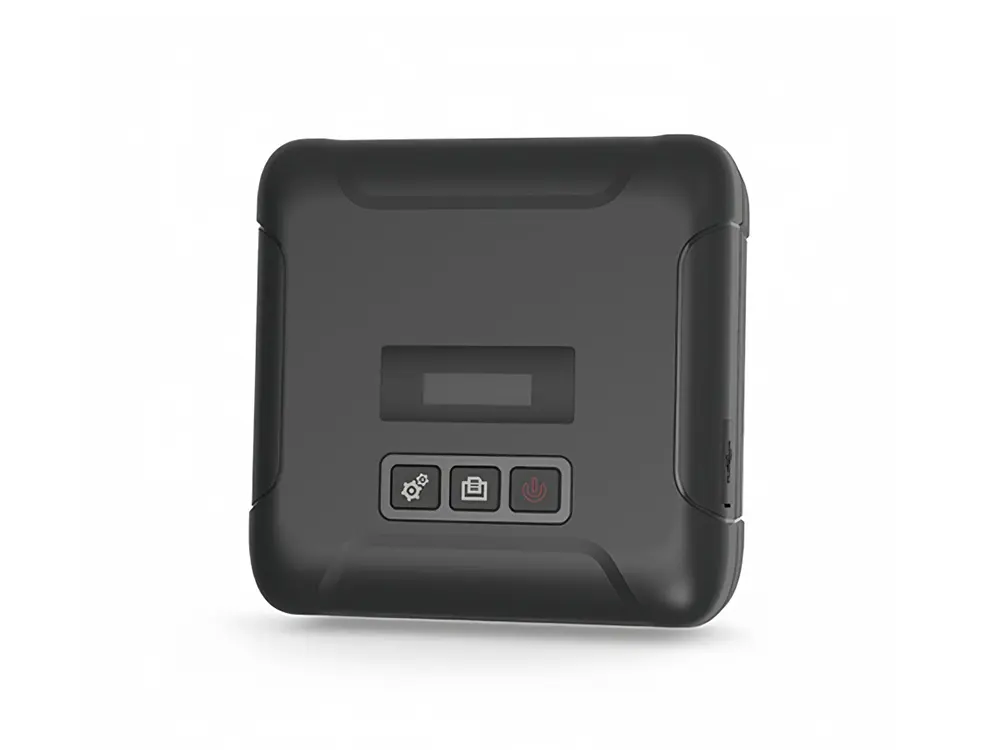
A cable labeller should fit the work, not just the equipment list. For a small maintenance team, a portable unit may be more useful than a high-speed desktop model. Check that it supports the label styles you actually use, such as wrap-around labels for narrow wires or flag labels for larger cables. Measure typical cable diameters before choosing; a label that overlaps poorly can become hard to read. Small detail, big difference.
Match print durability to the installation environment. Cables near heat, moisture, or cleaning chemicals may need labels and printing methods rated for those conditions. Confirm the specifications, then test samples on the actual cable jackets. Adhesion can vary with surface texture, and a successful office test proves little. For busy production work, consider batch printing, data import, and clear barcode output. For occasional repairs, simple controls and easy-to-replace supplies may matter more. I would not assume the most feature-rich model saves time; setup and maintenance can offset its speed. Check consumable availability, label width options, and the cost of reprints before deciding.