Leave Your Message

Why Choose a Thermal Printer for Your Business?

Choosing a Thermal Printer can change how a business handles labels, receipts, tickets, and shipping documents. These machines print through heat, not liquid ink. That simple difference can reduce cartridge replacements, shorten maintenance time, and support fast daily operations. A retail counter may produce a clear receipt in seconds. A warehouse worker may scan a barcode, print a label, and apply it before the next package arrives.

Thermal-printing specialist Mike Feinberg once described the practical goal this way: “The right printer should disappear into the workflow.” That idea matters. A reliable Thermal Printer should not demand constant attention. It should produce readable text, sharp barcodes, and consistent results during busy periods. Direct thermal models suit short-term receipts and temporary labels. Thermal-transfer models offer stronger durability for products exposed to heat, moisture, or handling. The choice depends on the environment.

Still, thermal printing is not a perfect answer. Direct thermal labels can fade under sunlight or heat. Thermal-transfer systems need ribbons, which add storage and disposal concerns. Poorly matched labels may curl, smudge, or waste material. I have seen businesses focus only on purchase price, then overlook software compatibility and label replacement costs. That mistake can become expensive.

A sensible decision considers print volume, media life, connectivity, workspace, and service support. The best printer is not always the fastest model. It is the one that remains dependable when orders increase, labels change, and employees need simple tools. Reliability shows itself in ordinary moments. That is where the investment proves its value.
Why Choose a Thermal Printer for Your Business?

What Is a Thermal Printer and How Does It Work?

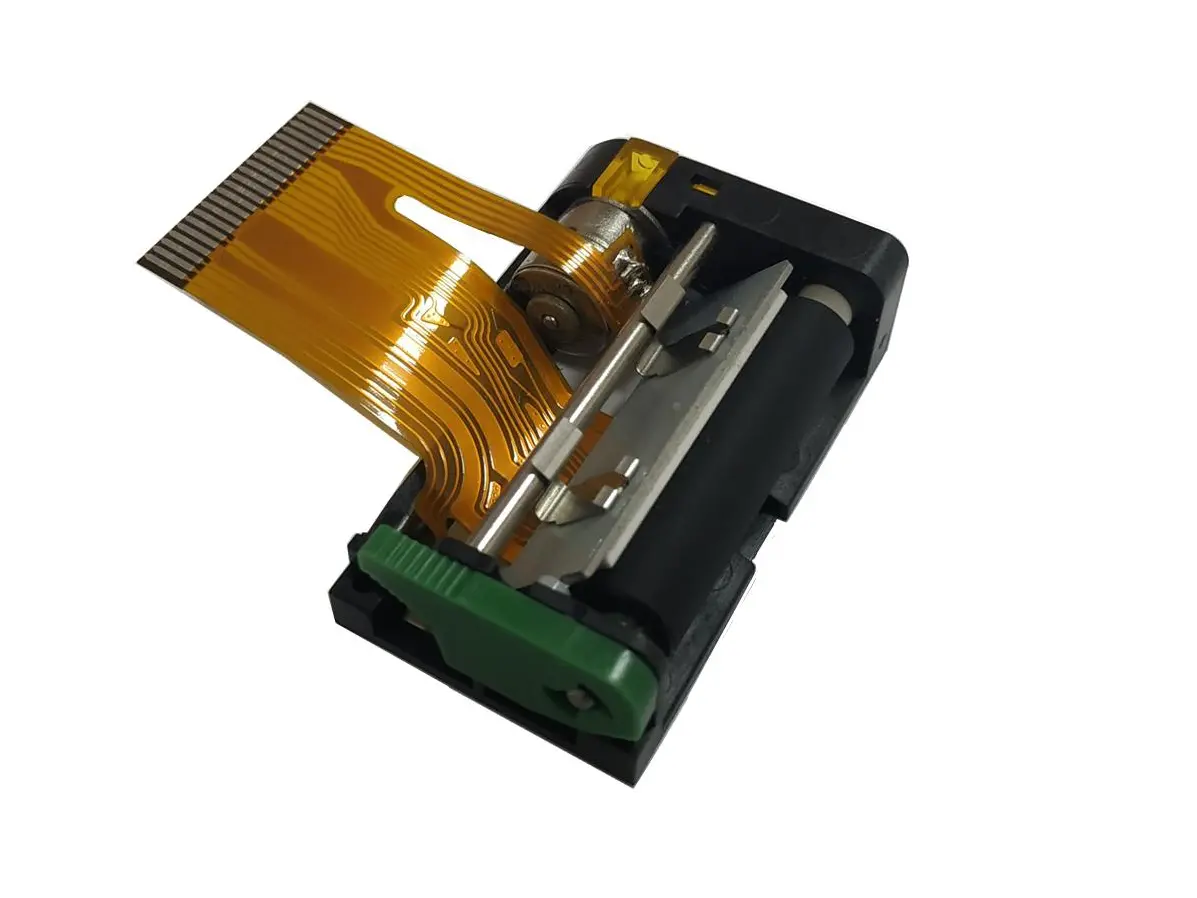
A thermal printer creates images with heat, not liquid ink. Its printhead contains tiny heating elements. These elements activate selected dots across a label or receipt. Direct thermal media darkens when heated. Thermal-transfer models melt pigment from a ribbon onto the surface. The result is sharp text, barcodes, and small graphics.

The difference matters in daily operations. A packing station can print a shipping label in seconds, without waiting for ink to dry. The Global Parcel Shipping Index 2024 recorded 161.8 billion parcels worldwide in 2023, a 2.1% yearly increase. That volume makes fast, readable identification important. The 2024 Future of Digital Print for Packaging report also highlights growing demand for short, variable print runs. Thermal systems suit changing prices, batch codes, and delivery details.

There are trade-offs. Direct thermal labels can fade under sunlight, heat, or friction. I would not use them for every long-term record. Thermal-transfer printing usually offers better durability, but it adds ribbon waste and setup work. Test a sample label first. Rub it, expose it to moisture, and scan the barcode repeatedly. A clean black mark is not enough. The printer, label coating, darkness setting, and storage conditions must work together. In practice, small calibration mistakes can create unreadable edges or weak barcode lines.

Why Choose a Thermal Printer for Your Business?

Thermal printers create images by applying heat to specially treated media or by melting ink from a ribbon onto the media. The chart compares the consumables required by the two main thermal printing methods.

Direct thermal printing uses heat-sensitive media and does not require an ink ribbon. Thermal transfer printing uses both media and a ribbon, providing better resistance to heat, moisture, light, and abrasion for long-term labels.

Which Business Printing Needs Can Thermal Printers Meet?

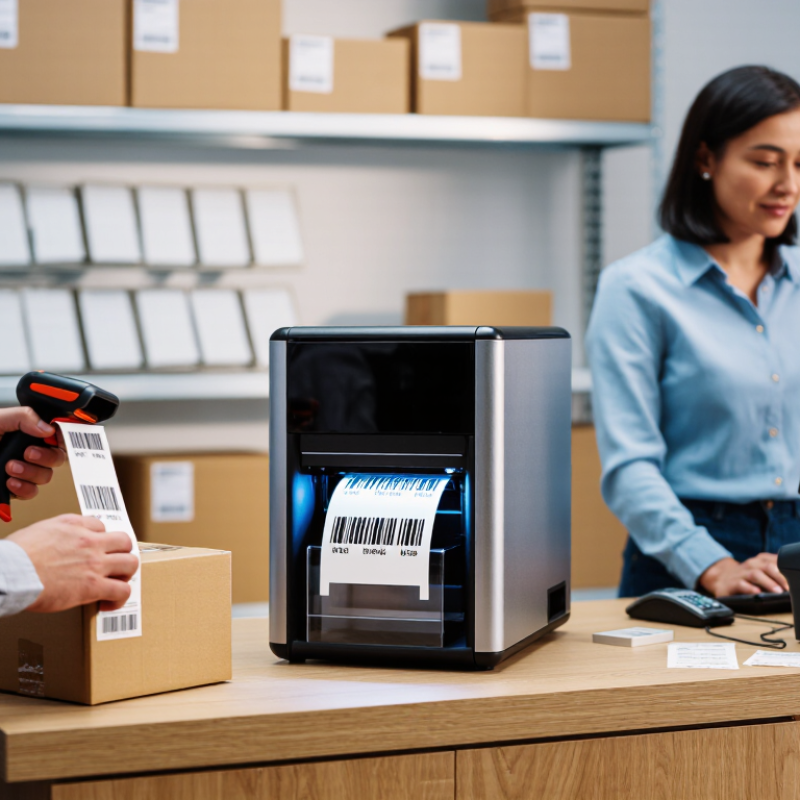
Thermal printers can meet many everyday business printing needs, especially where speed and consistency matter. In a busy stockroom, one print can produce a clear barcode label within seconds. Retail counters can print receipts, price tags, and return labels without waiting for ink to dry. Warehouses can create shelf labels, packing slips, and shipment identifiers beside the workbench. These small time savings become significant during peak hours.

From practical use, thermal printing works best for short, repetitive documents. Direct thermal models suit receipts and temporary labels, while thermal transfer models support longer-lasting tags for equipment, storage bins, and outdoor handling. The output is usually sharp because the printhead applies heat directly to a controlled surface. There are fewer moving supplies to replace. Less maintenance helps staff focus on orders, not printer problems.

However, thermal printing is not perfect. Direct thermal labels may fade under strong heat, sunlight, or prolonged storage. That limitation can be overlooked. Businesses should test paper, label size, adhesive strength, and expected storage conditions before changing systems. A printer may be fast, yet the wrong material can cause unreadable codes or wasted stock. Reliable results depend on proper calibration, clean printheads, and regular checks. Sometimes, the simplest setup needs the most careful planning.

What Advantages Do Thermal Printers Offer Businesses?

For many businesses, a thermal printer turns routine labeling into a faster, cleaner workflow. It produces receipts, shipping labels, shelf tags, wristbands, and inventory markers without liquid ink. That simpler mechanism can reduce smudges, cartridge changes, and daily interruptions.

In a busy stockroom, a label may print within seconds and remain readable during scanning. Speed matters here. Staff spend less time waiting beside a printer. A practical advantage is predictable output.

Thermal printers also offer flexible sizing and consistent text clarity. Operators can adjust label dimensions, darkness, and print speed for different materials.

Direct thermal models suit short-term labels, while thermal-transfer models provide stronger resistance to heat, moisture, and abrasion.

Choosing correctly requires understanding the work environment, not just comparing purchase prices. A warehouse near a loading bay may need durable labels, while a café may value compact equipment and quiet operation.

These devices usually have fewer consumable parts, which can simplify routine maintenance. However, they are not perfect. Direct thermal labels can darken under prolonged heat or sunlight, and specialized media may cost more than expected. Test samples before large orders.

From an operational viewpoint, reliability depends on matching the printer to daily volume and software requirements.

Check connectivity, supported label sizes, cutter needs, and replacement-part availability. Employees should clean the printhead safely and inspect faded output.

Small faults become costly when ignored. Thermal printing can support accurate records, quicker fulfillment, and more consistent customer service when these details receive attention.

Where Are Thermal Printers Commonly Used?

Thermal printers are common wherever businesses need fast, readable documents with minimal downtime. In retail stores, they produce receipts, price labels, return slips, and shelf tags within seconds. Their compact design also fits crowded checkout counters. I have seen busy staff replace paper rolls quickly, without waiting for ink to dry.

Warehouses use thermal printers for product labels, location tags, packing slips, and shipping information. Direct thermal labels work well for short-term shipments and daily picking tasks. Thermal transfer labels are better for goods exposed to heat, moisture, or frequent handling. Clear barcodes reduce scanning errors, but printer settings still matter. Poor contrast can create avoidable delays.

Healthcare facilities often print patient wristbands, specimen labels, and appointment records. These documents require legibility and consistent formatting. Hotels and restaurants use thermal printers for invoices, queue tickets, kitchen orders, and reservation details. Manufacturing sites print identification tags near production lines, where speed and durability are important. They are not perfect. Direct thermal labels may darken under heat or sunlight, and adhesive quality can vary between materials. Regular cleaning, correct label selection, and test prints help maintain reliable results. A small calibration mistake can still waste an entire roll.

Why Choose a Thermal Printer for Your Business? - Where Are Thermal Printers Commonly Used?

Common Business Application Typical Printed Output Most Suitable Thermal Technology Why Thermal Printing Is Useful Important Operating Considerations
Retail and point of sale Receipts, return slips, coupons, and transaction summaries Direct thermal Fast output, quiet operation, and no ink or toner cartridges Direct-thermal receipts can fade when exposed to heat, sunlight, friction, or certain chemicals
Warehousing and distribution Product labels, carton labels, location labels, and barcode labels Thermal transfer or direct thermal Produces clear barcodes and supports high-volume, on-demand labeling Thermal-transfer labels are generally preferred for long-term durability and exposure to abrasion
Shipping and logistics Parcel labels, routing labels, tracking labels, and packing labels Direct thermal or thermal transfer Prints variable information quickly without drying time The label material should match the expected moisture, temperature, handling, and storage conditions
Healthcare and laboratories Patient wristbands, specimen labels, pharmacy labels, and appointment tickets Direct thermal or thermal transfer Compact equipment and rapid printing support point-of-care workflows Use application-approved media when labels must resist disinfectants, moisture, refrigeration, or sterilization processes
Hospitality and food service Kitchen orders, table receipts, takeaway labels, and queue tickets Direct thermal Low noise, rapid printing, and simple media replacement suit busy service areas Select media that can tolerate condensation, food-handling conditions, and short-term heat exposure
Transportation and travel Boarding passes, baggage tags, parking tickets, and transit receipts Direct thermal Supports fast, on-demand printing at counters, kiosks, and mobile workstations Print contrast and barcode readability should be checked for scanners and automated processing
Manufacturing Component labels, work-in-process tags, serial-number labels, and compliance markings Thermal transfer Durable printed information supports traceability throughout production and storage Choose resin or other suitable ribbon and label stock when resistance to chemicals, abrasion, or heat is required
Field service and mobile operations Service reports, asset labels, work orders, and proof-of-delivery receipts Portable direct thermal Compact size, battery-powered models, and wireless connectivity enable printing at the work location Battery life, connectivity range, media protection, and resistance to dust or moisture affect field reliability
Banking, ticketing, and public services Queue tickets, payment confirmations, ATM receipts, and appointment tickets Direct thermal Reliable short-form printing with minimal routine consumables For records that must remain legible for extended periods, use durable media or retain a digital copy
Selection note: Direct thermal printing uses heat-sensitive media and normally does not require a ribbon. Thermal-transfer printing uses a heated printhead to transfer ink from a ribbon onto the label or other substrate, making it suitable when longer-lasting or more resistant prints are needed.

What Factors Should Businesses Consider Before Choosing One?

Why Choose a Thermal Printer for Your Business?

Before choosing a thermal printer, examine your daily workload, label size, and required print speed. A small shop may need only receipts, while a warehouse may print hundreds of shipping labels each hour. Thermal printing is often fast, quiet, and ink-free. However, it still requires suitable paper or labels. Direct thermal media can fade under heat, sunlight, or long storage. Thermal transfer media usually lasts longer, but it adds ribbon costs and maintenance.

Consider compatibility with your sales software, inventory system, and existing devices. Check paper width, maximum print resolution, connection options, and replacement-part availability. A printer that works well during testing may struggle during peak periods. Ask how easily staff can load media and clear paper jams. These details affect real productivity more than impressive speed ratings. From practical use, simple controls often prevent more downtime than advanced features.

Tips: Test the printer with your actual labels, receipts, and busiest workflow. Measure print quality after several hours, not just after one page. Calculate total ownership costs, including media, servicing, energy use, and training. Do not choose solely by the lowest purchase price. That can be a costly mistake. Also, review privacy and data-handling settings if the printer connects to business networks. A careful trial may reveal limitations that specifications hide.