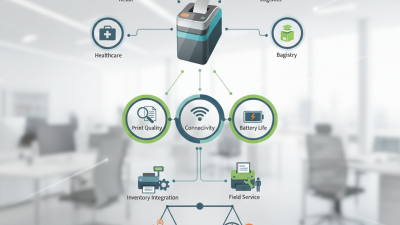
Top 10 Mobile Printers Tips for Global Buyers in 2026?
Mobile printers have transformed the way businesses operate, especially in 2026. According to a recent industry report, the global mobile printer market is projected to grow at a compound annual growth rate (CAGR) of 10% over the next five years. This growth is fueled by increased demand for on-the-go printing solutions across various sectors. Companies are recognizing the need for efficiency and flexibility, leading to a surge in mobile printer adoption.
By using mobile printers, businesses can streamline their operations. For instance, a restaurant staff can print receipts directly at the table. This not only enhances customer service but also reduces wait times. However, it's not always smooth sailing. Many users encounter connectivity issues or ink cartridge problems. Addressing these challenges is crucial for maximizing the benefits of mobile printers.
As the market evolves, global buyers must stay informed. Understanding the top features and potential drawbacks of mobile printers will empower informed purchasing decisions. By considering both data-driven insights and real-world user experiences, buyers can navigate this growing market effectively.
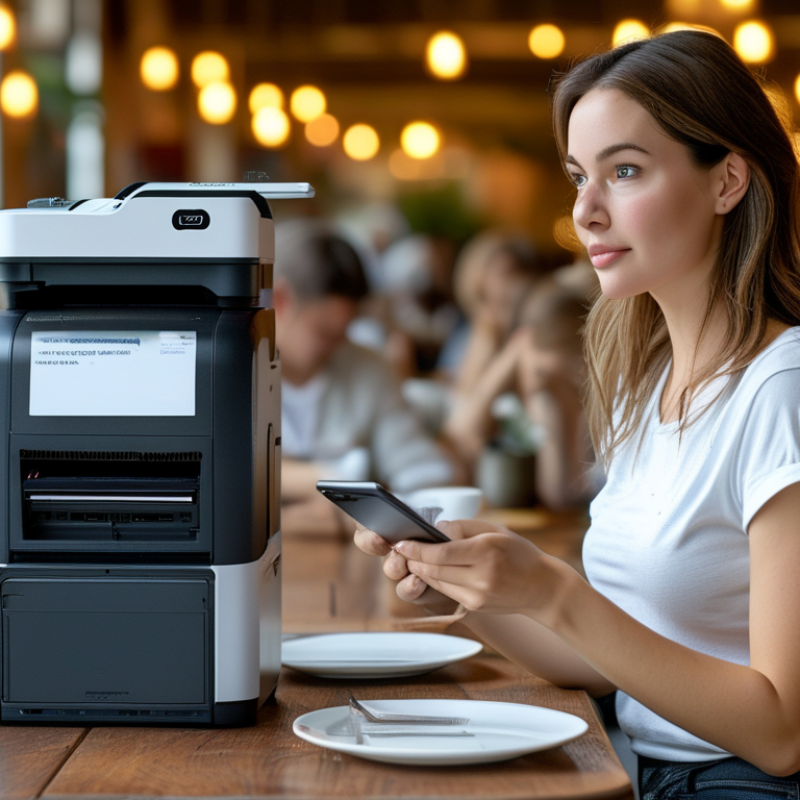
Understanding the Different Types of Mobile Printers Available in 2026
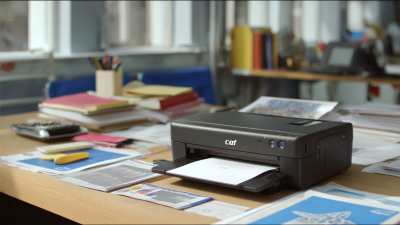
In 2026, mobile printers come in various types to suit different needs. Portable thermal printers are common for on-the-go printing. These devices are lightweight and often used in retail environments. Inkjet mobile printers offer higher quality but may be bulkier. They are great for producing vivid color prints, ideal for presentations.
Tip: Evaluate battery life before purchasing. Some printers have longer-lasting batteries, crucial for fieldwork. Short battery life can disrupt your workflow. Always check compatibility with your devices. Mobile operating systems may vary, affecting printer connectivity.
Another type is compact laser printers. They are fast and efficient but tend to be heavier. These are suitable for business travelers who need reliability. Ensure you consider the print speed to avoid delays.
Tip: Research the printing cost per page. Some models may seem affordable but can have high running costs. It’s a factor you should not overlook. Quality and cost-effectiveness go hand in hand for many users.
Key Features to Look for When Choosing a Mobile Printer
When selecting a mobile printer, it's essential to focus on key features that matter most to your needs. Print quality is a significant factor. Look for printers that offer high-resolution printing, ensuring that text and images are sharp and clear. Battery life is another critical feature. A reliable battery allows you to print on the go without interruptions. Many users find themselves frustrated when their printer runs out of power unexpectedly, so opt for longer-lasting models.
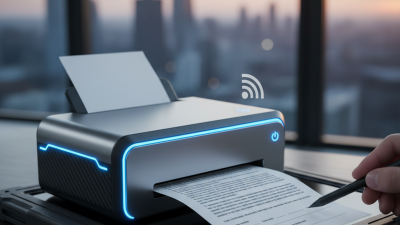
Connectivity options are vital for flexibility. Look for printers that support Bluetooth and Wi-Fi. Easy pairing with your devices can streamline your workflow. Additionally, compatibility with various operating systems ensures that you can print from any device, whether it’s a smartphone, tablet, or laptop. Compact design matters too. A lightweight, portable printer is easier to carry around, especially if you're frequently traveling for work.
Consider the durability of the printer. A robust design helps it withstand the rigors of travel. Some users have encountered issues with fragile components that can break easily. Not all mobile printers are built to last, so research user feedback about long-term performance. Lastly, price should align with the features offered. Aim for a balance between affordability and functionality. Keep in mind that the most expensive options aren't always the best choices.
Top 10 Mobile Printers Tips for Global Buyers in 2026
| Feature |
Importance |
Recommended Specifications |
| Print Quality |
High |
Minimum 300 DPI |
| Connectivity Options |
Essential |
Bluetooth, Wi-Fi, USB |
| Battery Life |
High |
At least 200 pages per charge |
| Size and Weight |
Important |
Under 3 lbs |
| Supported Media Sizes |
Moderate |
A4, Letter, and Custom Sizes |
| Print Speed |
Moderate |
At least 10 pages per minute |
| Durability |
High |
Drop resistant, IP54 rating |
| Software Compatibility |
Important |
Compatible with iOS/Android |
| Cost of Supplies |
High |
Affordable ink and paper options |
| Warranty and Support |
Essential |
Minimum 1 year warranty |
Assessing Connectivity Options for Mobile Printing Solutions
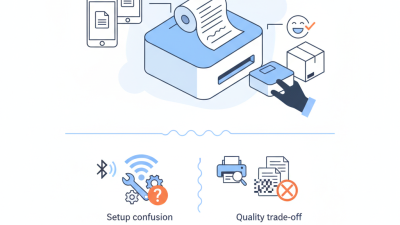
When considering mobile printing solutions, connectivity is critical. Users today seek options that align with their diverse needs. Bluetooth, Wi-Fi, and USB are common choices. Each has its pros and cons. Bluetooth is convenient for short distances. However, it occasionally suffers from connectivity issues. Wi-Fi shines in multi-user environments, but setting up a secure connection can be daunting.
Mobile printers also need to support cloud printing. This function offers users flexibility and access across devices. Users frequently rely on applications that streamline their workflow. Yet, not all printers integrate seamlessly with these apps. A lack of compatibility can lead to frustration when trying to print.
For global buyers, it’s vital to assess how these connectivity options fit within various working environments. Troubleshooting connectivity issues can be a challenge. While some solutions come with reliable documentation, others fall short. Often, users find themselves seeking help online. Understanding the strengths and limitations of each connectivity type will guide informed decisions.
Comparing Portability and Battery Life in Mobile Printers
When choosing a mobile printer, portability is crucial. A lightweight design can enhance convenience. Look for models that weigh less than five pounds. Compact sizes easily fit into bags or briefcases, reducing the hassle of transport. Assess the dimensions carefully; a small footprint can save space in tight office setups.
Battery life is equally important for mobile use. Aim for printers that offer at least 200 pages per charge. This longevity ensures you can print multiple documents without constant recharging. Some models come with a removable battery for easy replacements. However, keep in mind that real-world performance may vary. Users often report discrepancies between advertised and actual battery life. Reading reviews can provide insight into these variations.
Evaluate your specific needs before deciding. If you frequently print while traveling, prioritize both factors. A balance of weight and battery capacity can enhance your experience. However, users occasionally find that sacrificing one for the other leads to regrets. Consider how often you print and where before making a purchase. This thoughtful approach can guide you to the best option for your lifestyle.
Evaluating Cost-Effectiveness and Print Quality for Buyers
When evaluating mobile printers, buyers need to prioritize cost-effectiveness and print quality. Understanding what to look for can make a significant difference in achieving desired outcomes.
One tip is to compare print costs per page. Consider the price of ink cartridges alongside the printer price. This helps assess ongoing expenses. Check the type of paper required as well. Some printers may demand special paper, increasing overall costs significantly.
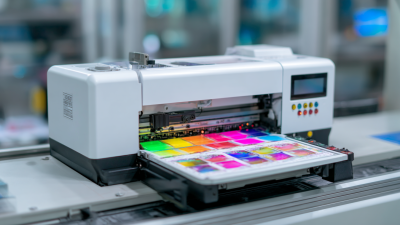
Quality is another critical aspect. Print resolution plays a big role in clarity. Look for printers offering at least 600 DPI for decent print quality. Test prints, if available, can also highlight potential issues. Always weigh the pros and cons, as a cheaper printer might have lower-grade output. Think about your specific needs. Are you printing documents or vibrant photos? Each requires different qualities.
Deciding between a compact design or larger models is also essential. Compact options are more portable but may compromise quality. Larger models might provide superior results but can be cumbersome. Balancing these factors will help buyers make informed choices.

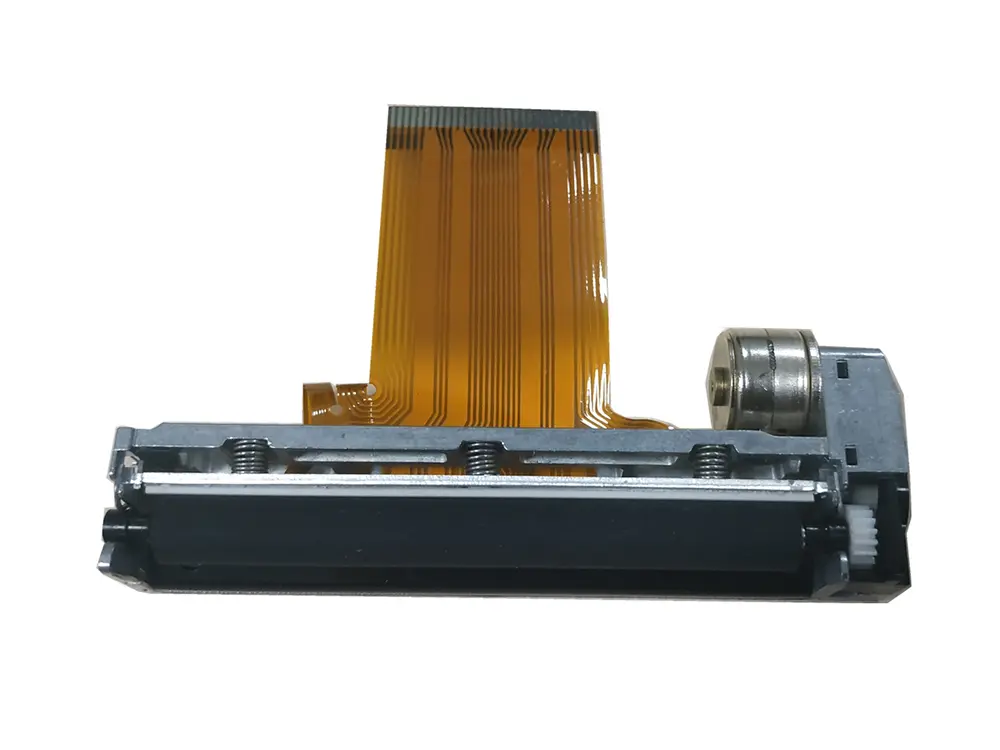
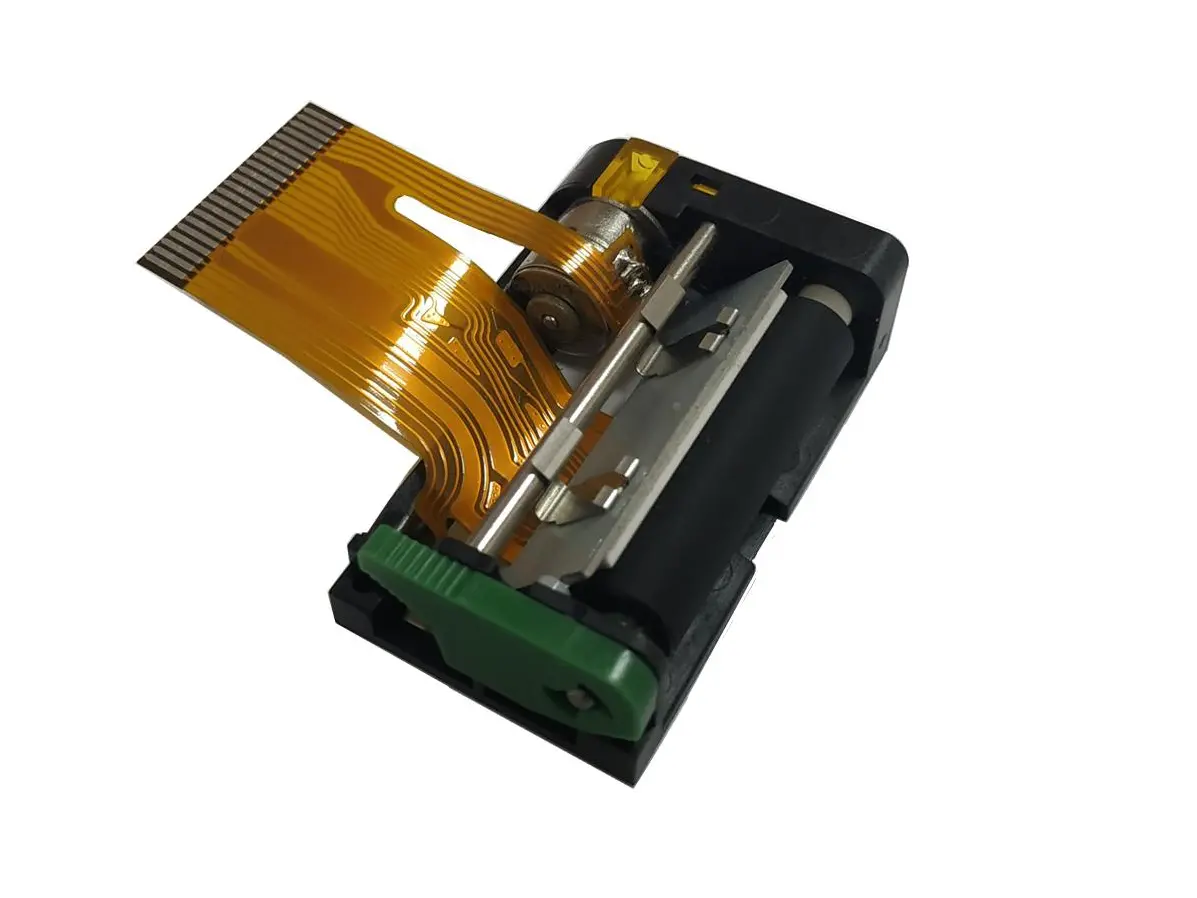 1 inch thermal printer mechanism
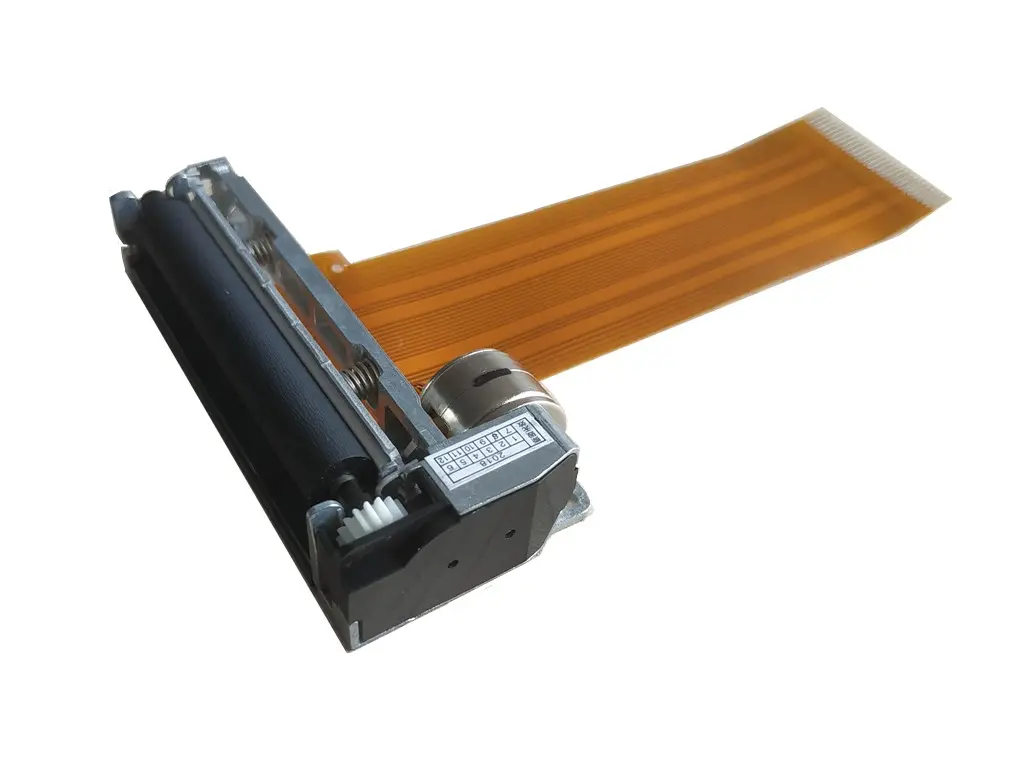 2 inch thermal printer mechanism
 3 inch thermal printer mechanism
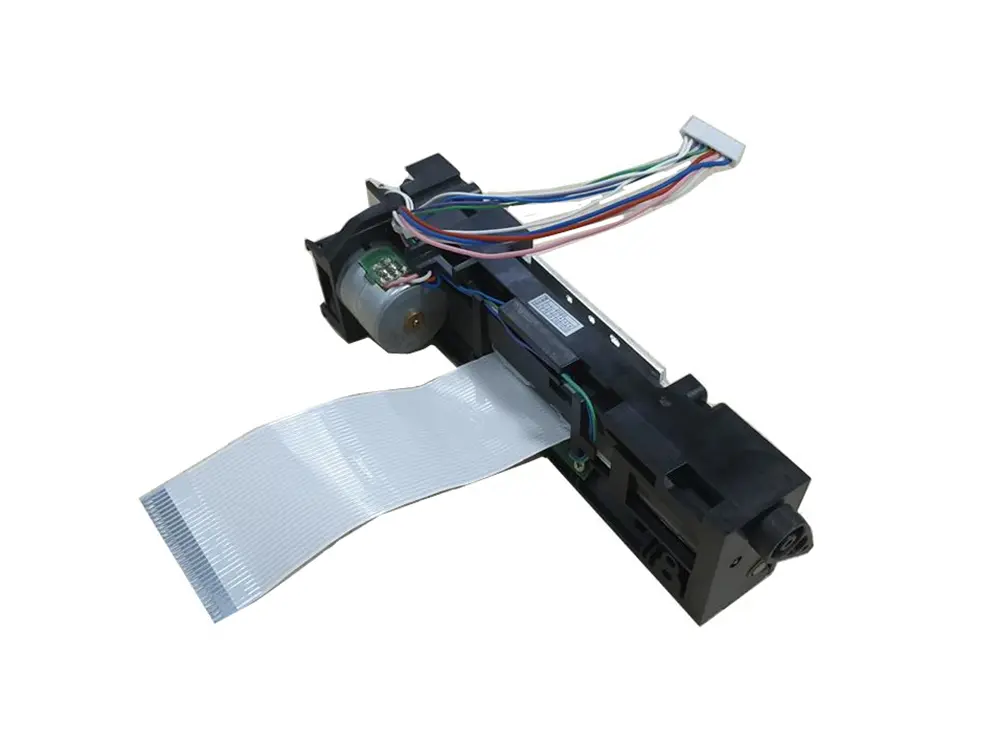 4 inch thermal printer mechanism
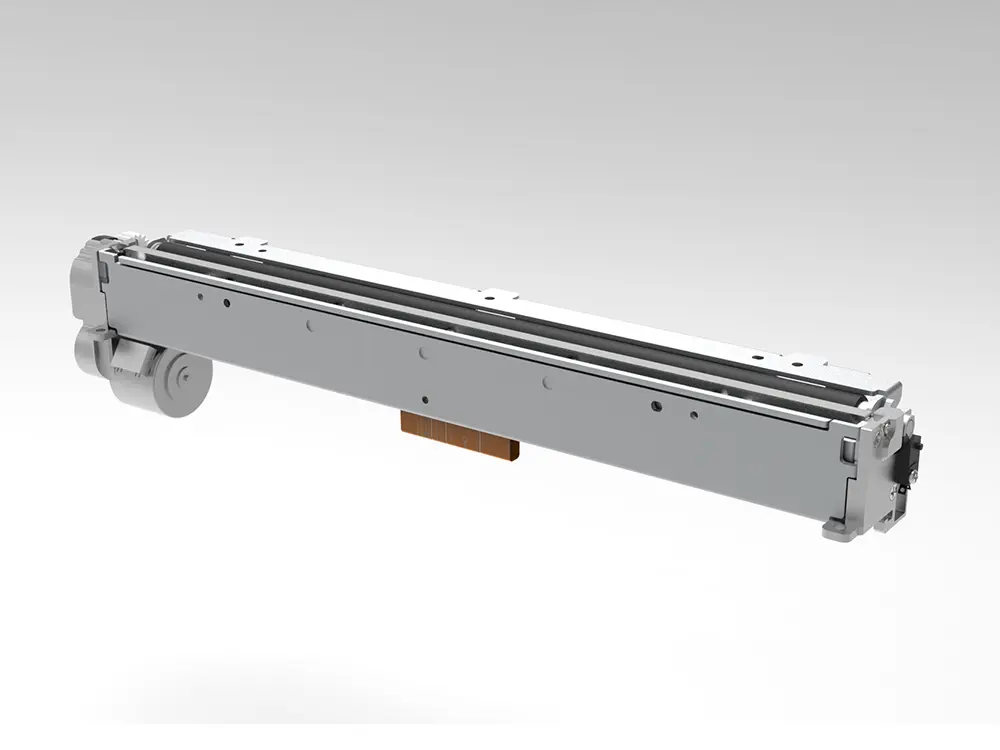 8 inch thermal printer mechanism
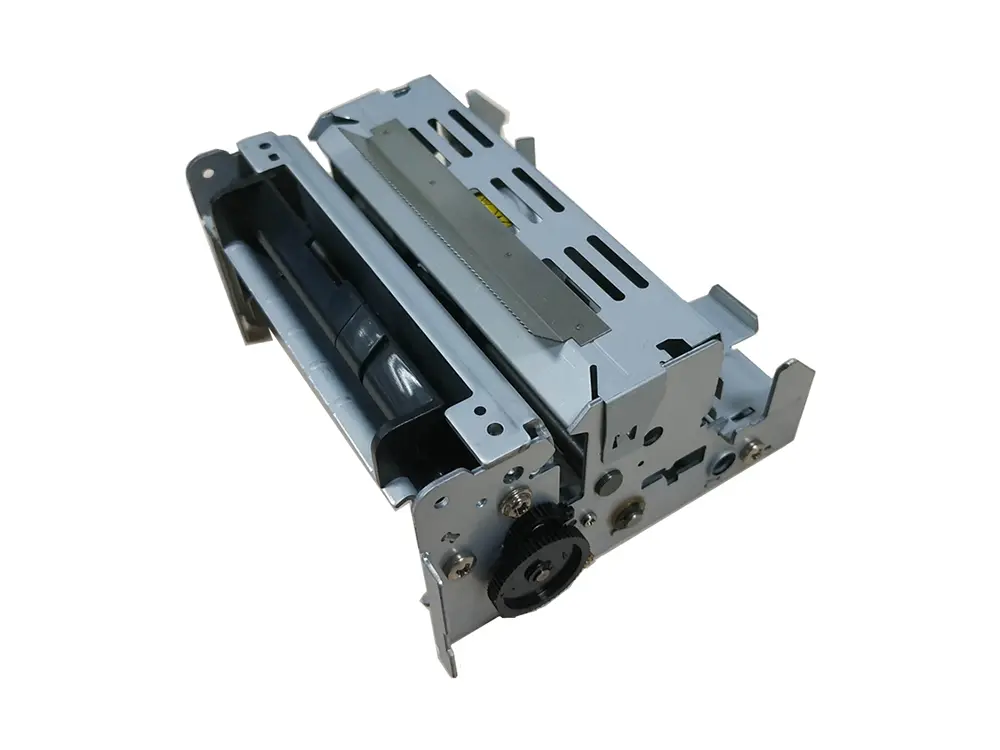 dot matrix printer mechanism
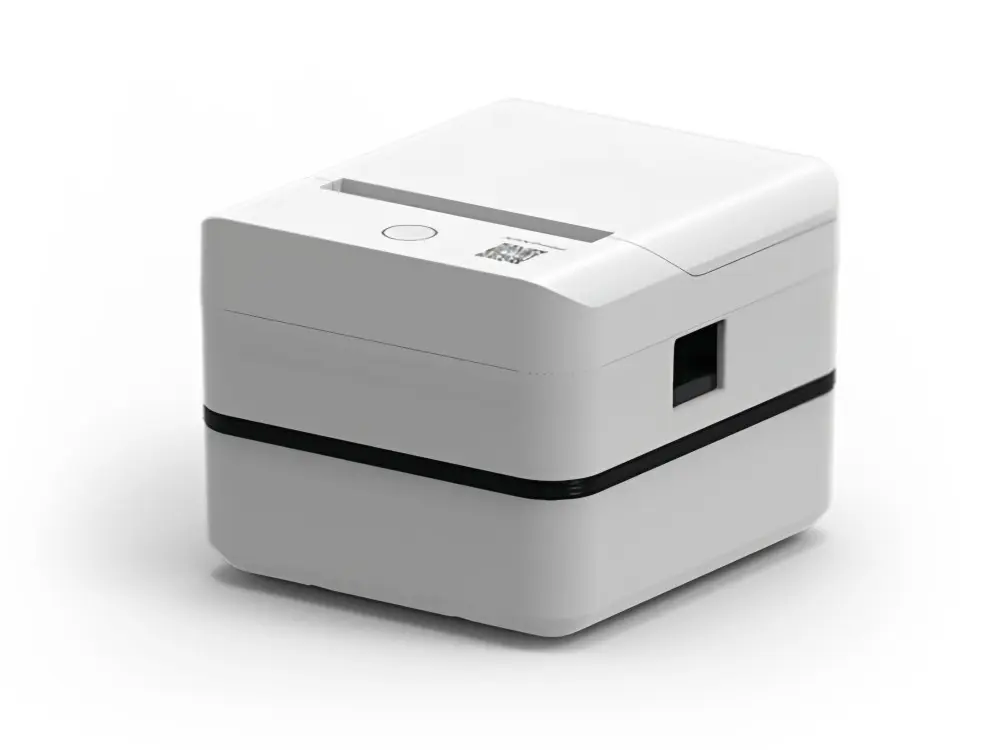 Label Printer
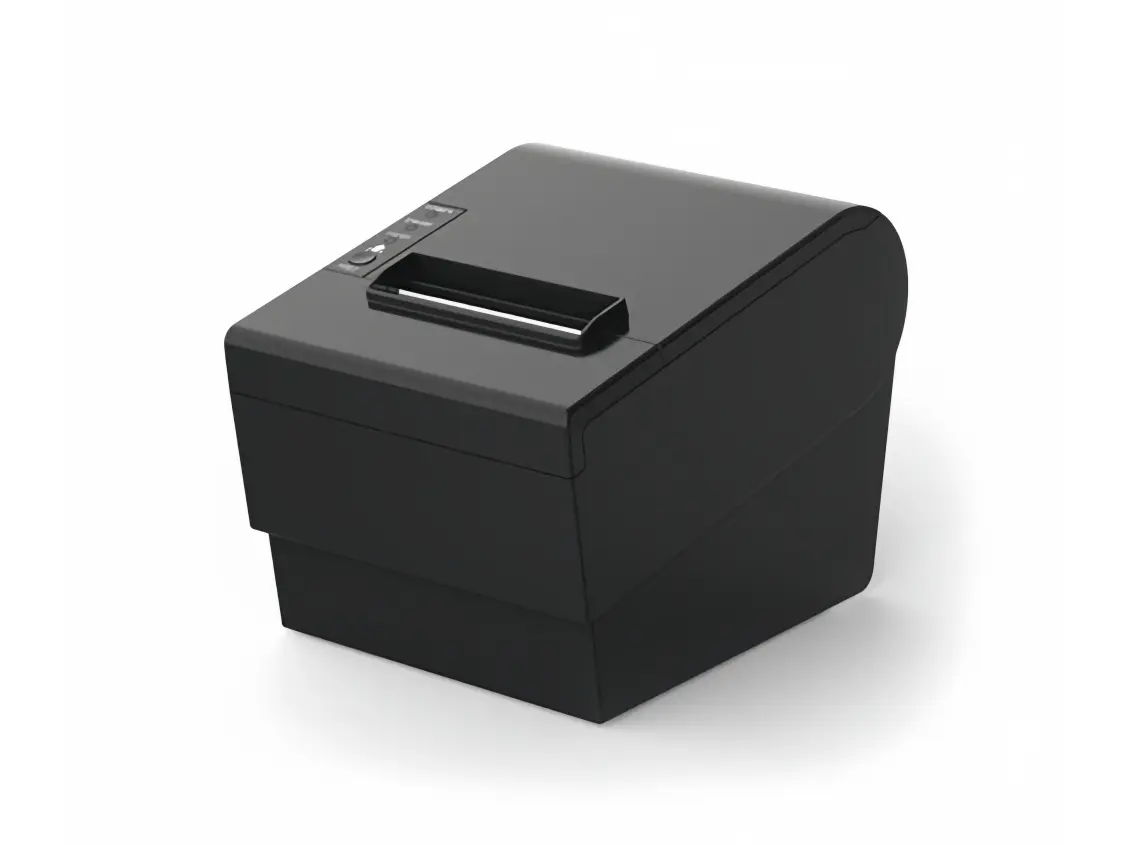 Receipt Printer
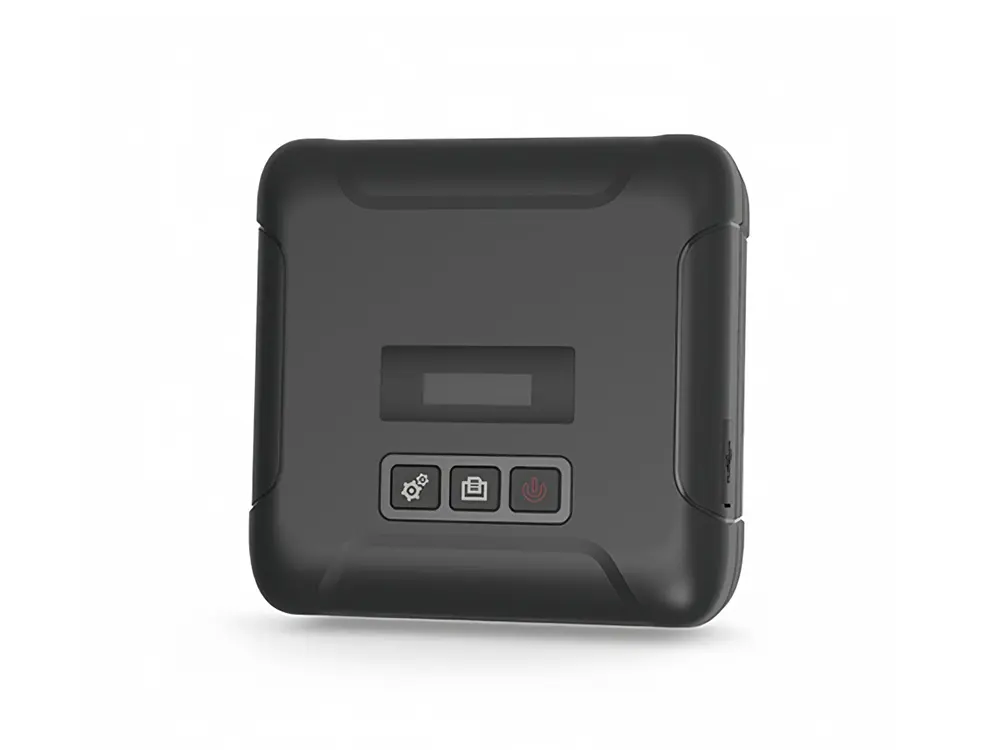 Mobile Printer