How to Choose the Best Mobile Printers for Your Business Needs?
In today's fast-paced business environment, mobile printers are becoming essential tools. According to a report by IDC, the global mobile printing market is expected to grow by over 14% annually through 2025. This growth reflects a rising demand for flexible, on-the-go printing solutions.
Businesses need to choose mobile printers wisely. Factors such as battery life, print quality, and connectivity options can significantly impact efficiency. A study by Epson indicates that 57% of employees prefer mobile devices that allow them to work from anywhere. Thus, investing in the right mobile printer is critical for meeting these preferences.
However, finding the best mobile printer isn't always straightforward. Many options exist, each with unique features. Some models may fall short in performance or durability, leading to frustration. Evaluating specific business needs while considering ongoing support and reliability will make a substantial difference in long-term satisfaction.

Understanding Your Business Needs for Mobile Printing
When selecting a mobile printer for your business, understanding your specific needs is crucial. Identify where and how you’ll use it. Do you need it for fieldwork, events, or office use? The conditions can vary significantly. Think about whether durability is essential. Outdoor use may require a rugged option. If your team travels, compactness and weight matter.
Consider the type of documents you print most often. Will you print invoices, labels, or reports? The printer's capability to handle various formats can be a deciding factor. Some models offer high-quality color printing, while others excel in speedy black-and-white outputs. Analyzing your printing volume is essential too. Higher volumes might necessitate a more robust model, while occasional use can be satisfied with a more simple version.
Power supply options also warrant attention. A battery-operated printer might be more convenient for on-the-go tasks. But will frequent recharging interrupt your workflow? Take time to reflect on these aspects. A mismatch between needs and features can be frustrating. Investing effort into understanding your requirements can lead to a more informed, satisfying choice in mobile printing.
Key Features to Look for in Mobile Printers
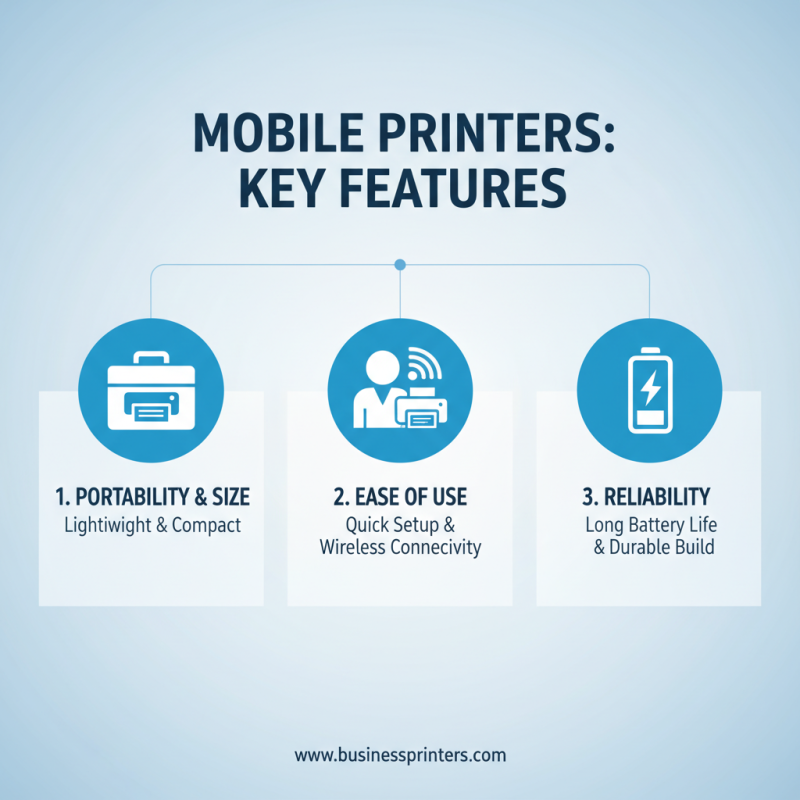
When selecting mobile printers for business needs, it's essential to focus on key features. Portability tops the list. Look for lightweight models that fit easily into backpacks or briefcases. Users value convenience, especially when printing on the go. A compact size ensures that the printer can be quickly deployed in various locations.
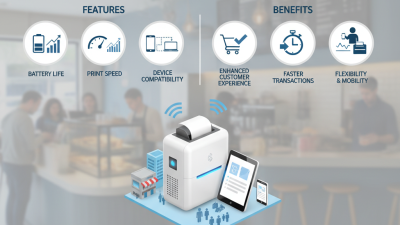
Next, consider battery life. Long-lasting batteries are crucial for uninterrupted use. A reliable printer should offer multiple hours of printing without needing a charge. This saves time and avoids interruptions during busy workdays. Also, check for wireless connectivity options. A printer that can connect via Bluetooth or Wi-Fi makes it easy to print from multiple devices.
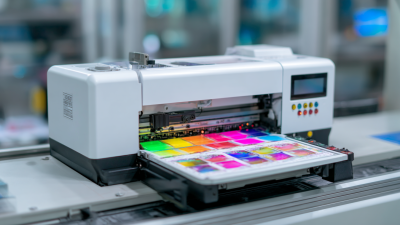
Print quality is another critical factor. Sharp, clear prints reflect professionalism. Assess the resolution specs. Higher DPI values generally indicate better image quality. Also, explore fast print speeds. Business environments can be hectic, and a printer that delivers quickly helps maintain workflow efficiency. Testing these features in real settings can uncover unexpected issues. It's essential to ensure the chosen printer aligns with specific business requirements.
Comparing Print Quality and Speed Among Popular Models
When selecting a mobile printer, print quality and speed are paramount. A recent industry report indicates that up to 80% of users prioritize print resolution. The average resolution for mobile printers is around 300 dpi, ensuring sharp text and clear images. However, some models can achieve up to 600 dpi, providing a significant advantage for detailed graphics. Business needs vary, and those requiring high-quality presentations should assess this metric closely.
Speed is equally crucial. Most portable printers can produce a page in approximately 10 to 30 seconds. According to recent statistics, a model with a 10-second print speed can enhance productivity by 25% in busy environments. Yet, not all users need high-speed options. In quieter settings, slower models can perform adequately while maintaining acceptable quality.
Choosing the right mobile printer involves weighing these factors against your specific demands. Some users may find that models that excel in speed compromise on quality. Conversely, others might prioritize resolution, leading to longer wait times. Understanding your business's unique requirements helps clarify these trade-offs.
How to Choose the Best Mobile Printers for Your Business Needs? - Comparing Print Quality and Speed Among Popular Models
| Model |
Print Quality (DPI) |
Printing Speed (PPM) |
Connectivity Options |
Battery Life (Hours) |
Weight (lbs) |
| Model A |
300 |
10 |
USB, Bluetooth |
6 |
3.5 |
| Model B |
480 |
8 |
Wi-Fi, Bluetooth |
5 |
4.0 |
| Model C |
600 |
12 |
USB, Wi-Fi |
7 |
3.2 |
| Model D |
300 |
15 |
Bluetooth, NFC |
4 |
2.8 |
| Model E |
1200 |
6 |
Wi-Fi, USB |
8 |
4.5 |
Evaluating Connectivity Options for Mobile Printers
When selecting a mobile printer for business use, connectivity options play a crucial role. Various connectivity methods determine how well the printer integrates with devices. Bluetooth and Wi-Fi are two of the most popular options. Bluetooth offers a straightforward setup and a stable connection for short-range use. However, it can struggle with multiple devices nearby. Wi-Fi, on the other hand, allows for broader range and supports more devices but may have security concerns.
Consider the environment where the printer will be used. In retail settings, Wi-Fi can enable multiple sales associates to print receipts from their devices. Yet, public networks can expose sensitive data. Evaluate how often printers will connect to the internet. Some may find that a reliable internet connection is less available than expected. Also, inspect the printer's compatibility with different operating systems. Not every printer works seamlessly across platforms, which can lead to frustration.
Always keep in mind potential limitations. The printer’s battery life significantly affects how well it performs in the field. A quick drain can hinder productivity. Also, ensure that drivers and software updates remain compatible over time. Testing the printer with different devices before full deployment can uncover unrecognized issues. Reviewing these aspects thoughtfully can lead to better business decisions.
Cost Analysis: Initial Investment vs. Long-term Benefits
Investing in mobile printers for your business requires careful consideration. The initial cost can vary widely. Some models are more affordable but may lack essential features. Others come with higher price tags but offer advanced functionalities. Evaluating these factors helps you choose wisely.
Beyond the upfront investment, long-term benefits are crucial. A reliable mobile printer can boost productivity. It reduces wait times for printing and increases customer satisfaction. However, performance can decline over time. Maintenance needs may arise, which can add to costs. Balancing initial investment with potential long-term savings is important.
Look at how often you will use the printer. Frequent use justifies a higher upfront cost. A less expensive option may lead to additional expenses later due to repairs or replacements. Consider warranty options and customer support when making your decision. These aspects often influence long-term ownership satisfaction, impacting overall business efficiency.
Cost Analysis of Mobile Printers: Initial Investment vs. Long-term Benefits

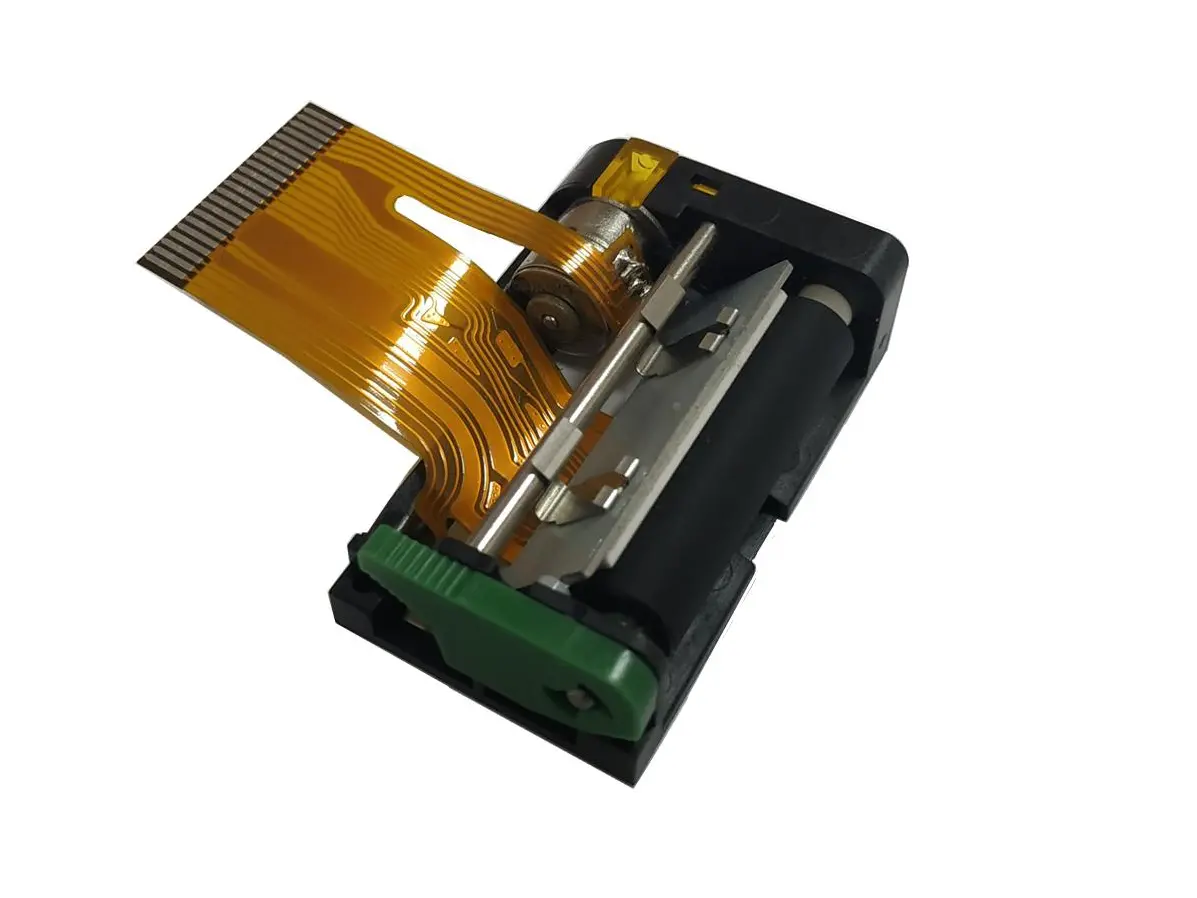 1 inch thermal printer mechanism
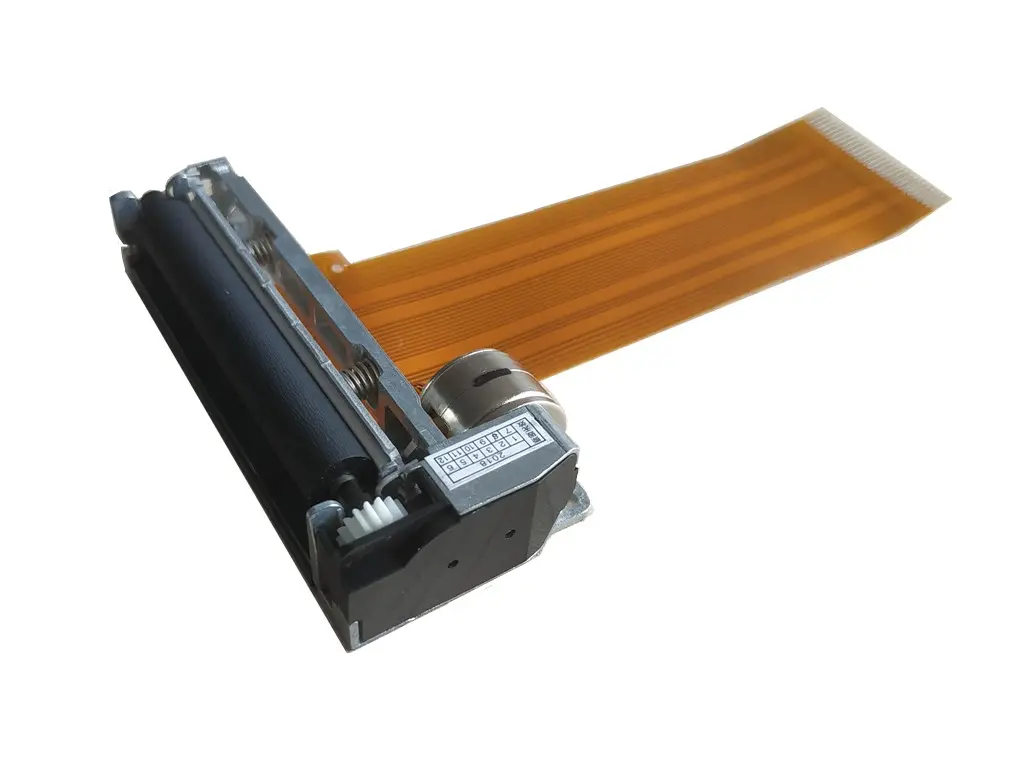 2 inch thermal printer mechanism
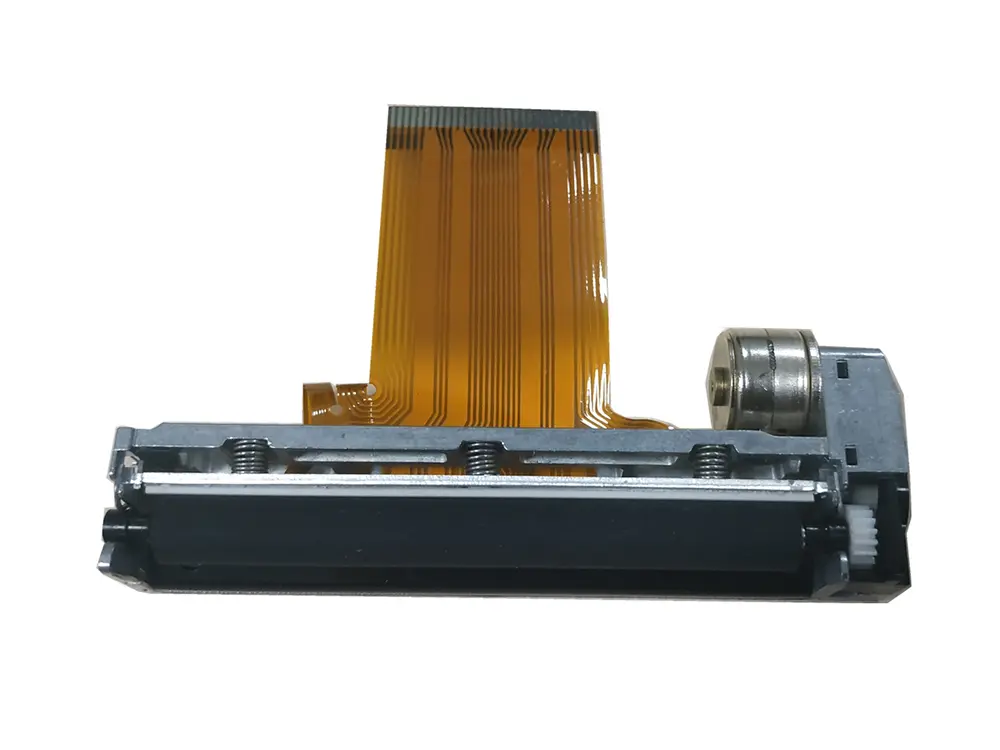 3 inch thermal printer mechanism
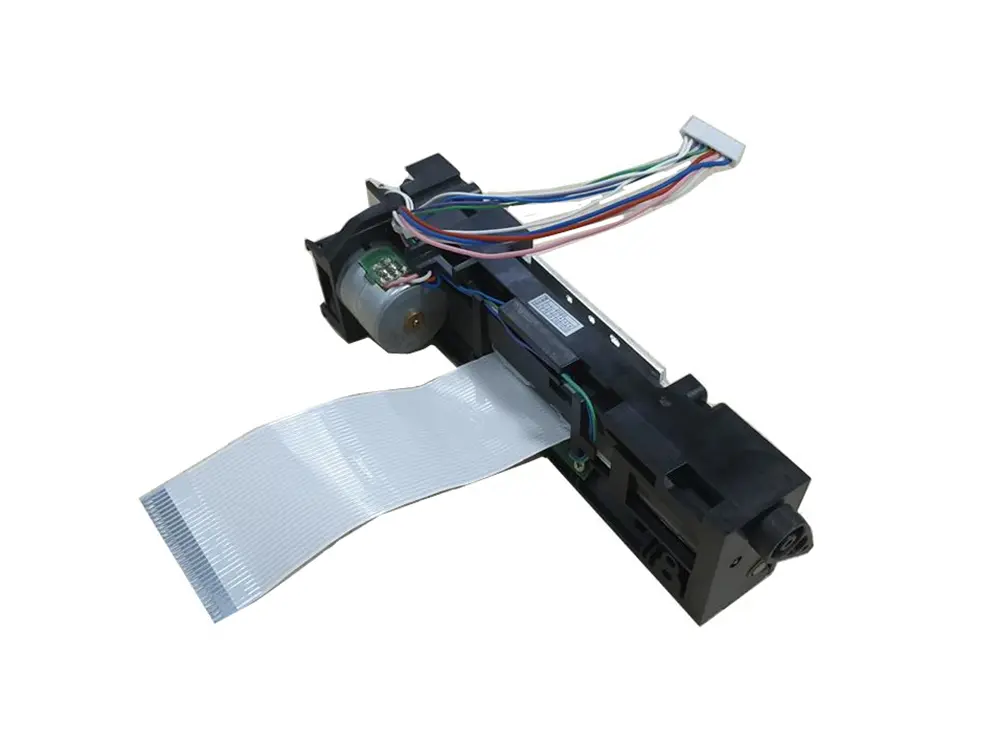 4 inch thermal printer mechanism
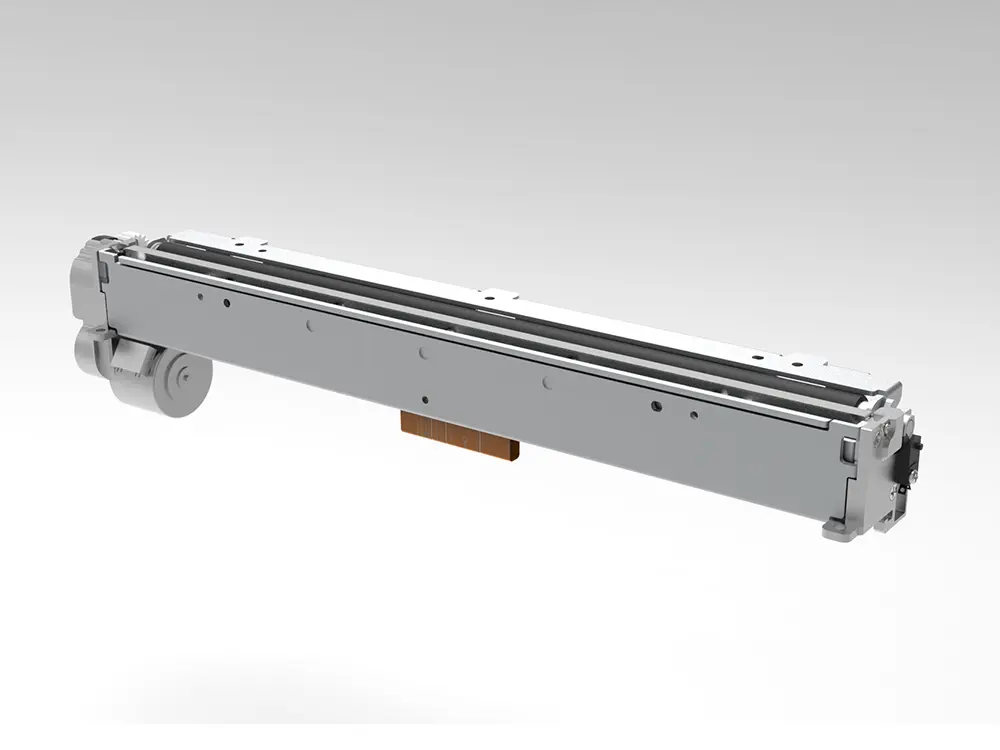 8 inch thermal printer mechanism
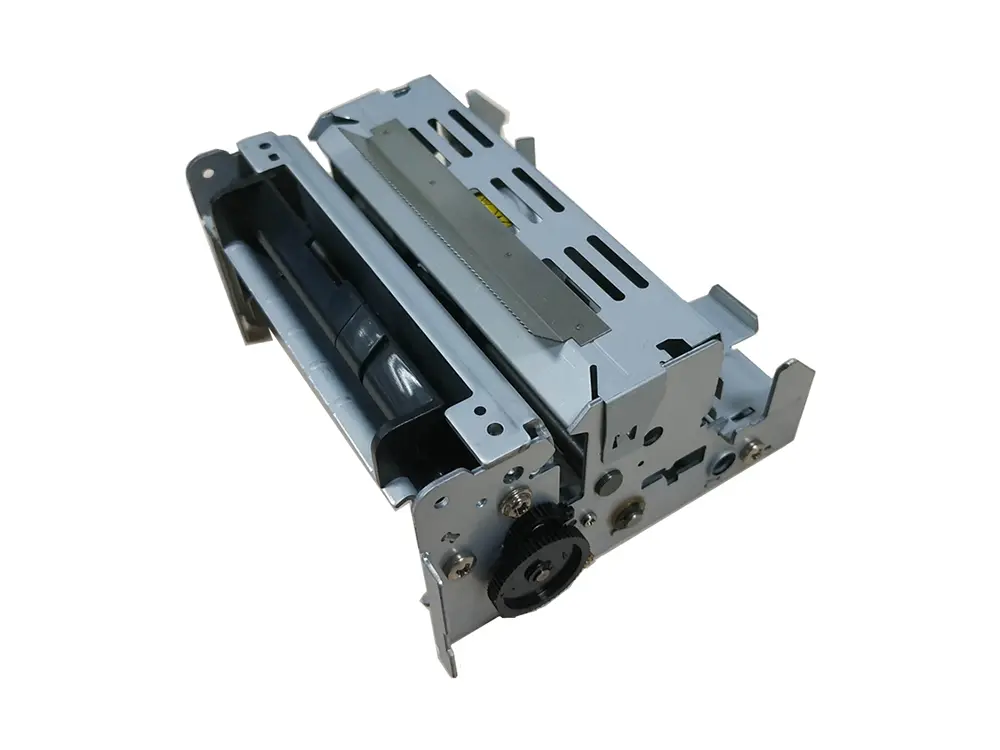 dot matrix printer mechanism
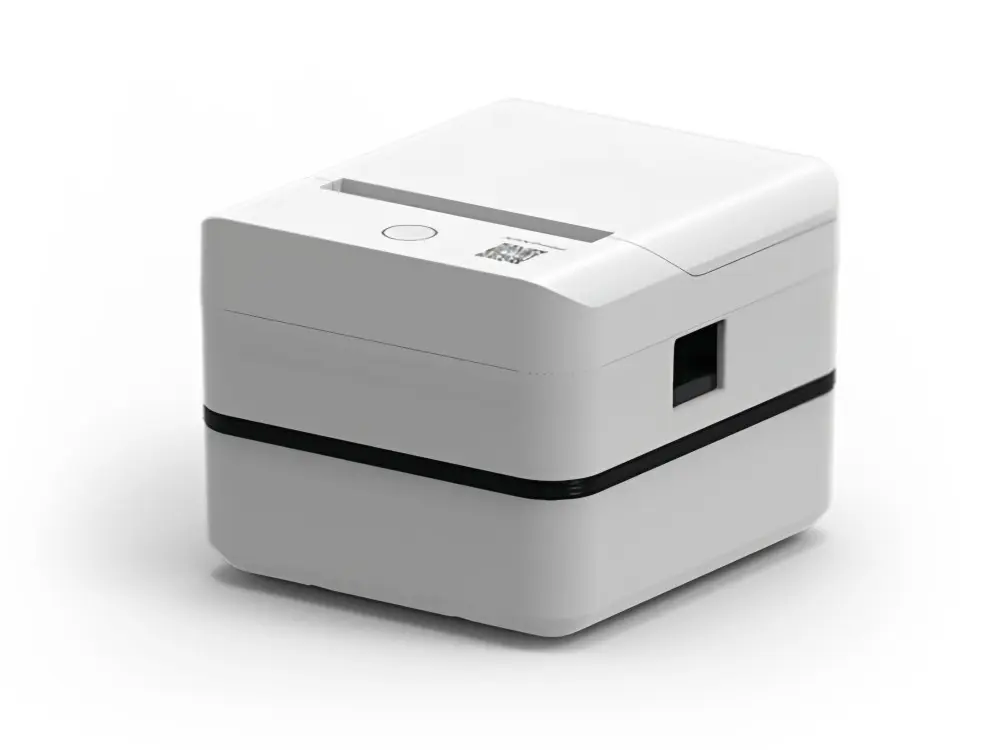 Label Printer
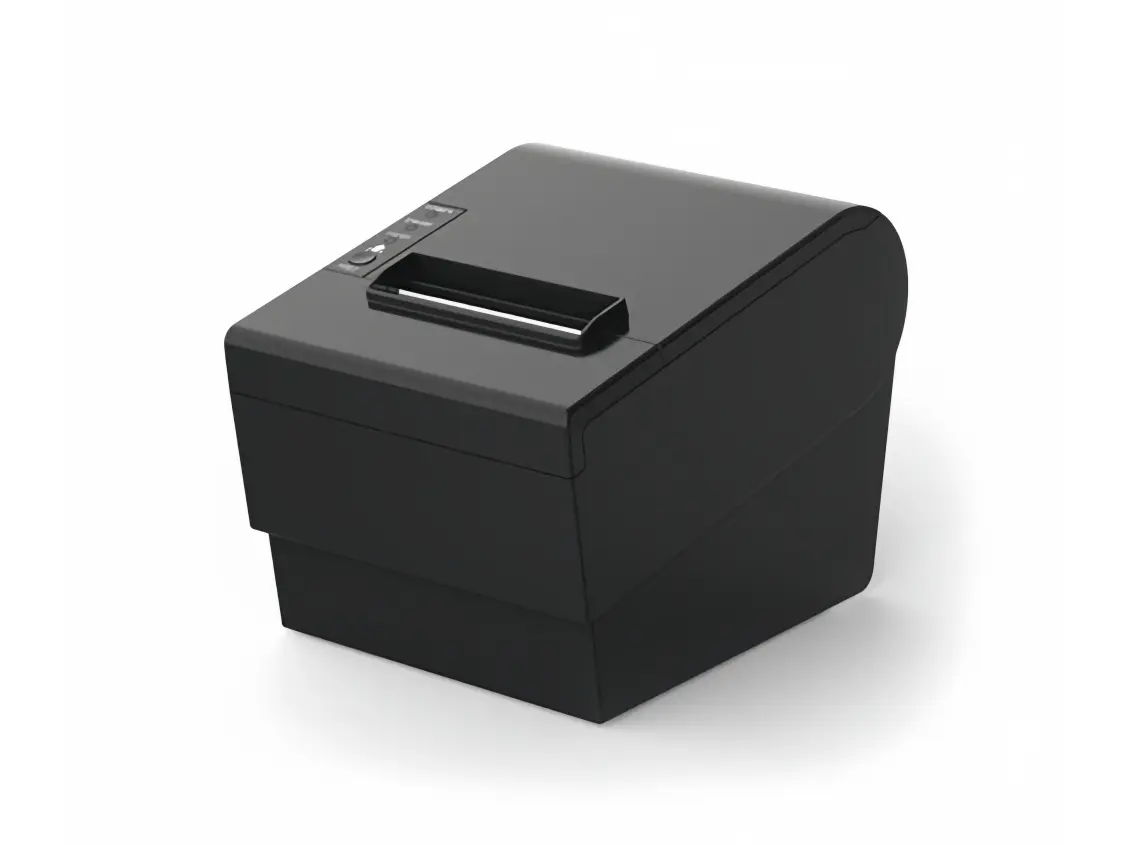 Receipt Printer
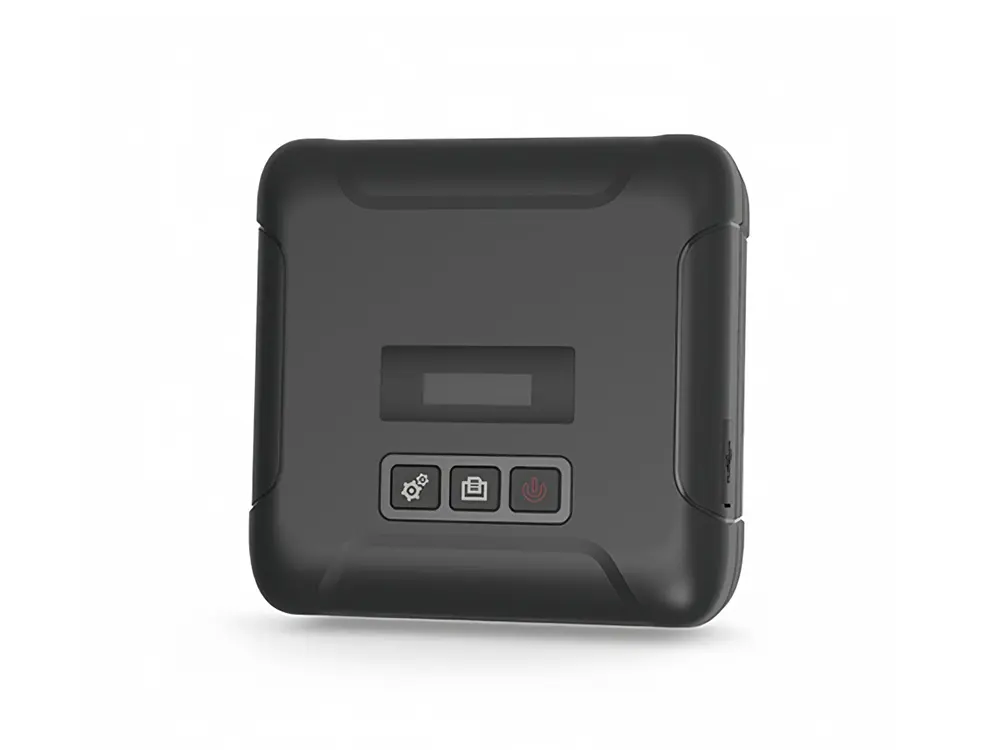 Mobile Printer