Leave Your Message

Top 10 Mobile Thermal Printers for Global Buyers

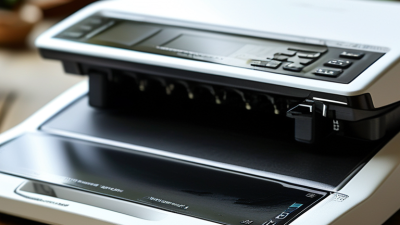
A Mobile Thermal Printer can turn a crowded service counter, delivery van, or warehouse aisle into a practical print station. It produces labels and receipts without ink cartridges, using heat-sensitive media instead. For global buyers, that convenience must be balanced against battery life, print speed, media availability, connectivity, and regional support. Small details matter: a printer that handles a full shift, pairs reliably with a handheld device, and fits a worker’s belt can save repeated trips to a fixed workstation.

The market deserves careful comparison, not hype. Smithers’ industry analysis, including The Future of Thermal Printing to 2028, examines thermal printing demand and technology trends across print applications. Grand View Research also publishes market research on mobile printers, offering broader context on market growth and regional demand. These reports can help frame the opportunity, but they do not replace product testing or local supplier checks. Specifications vary, and published figures depend on each report’s definitions and assumptions. That part is easy to overlook.

This Top 10 guide compares mobile thermal models for varied work settings, from parcel delivery to retail inventory. It considers print quality, durability, battery performance, device compatibility, and total ownership costs. A lower purchase price may still mean higher costs later. Buyers should verify current specifications, warranty terms, and consumable availability with manufacturers or authorized distributors. No single model fits every workflow. The right choice is the one that performs reliably where the work actually happens.
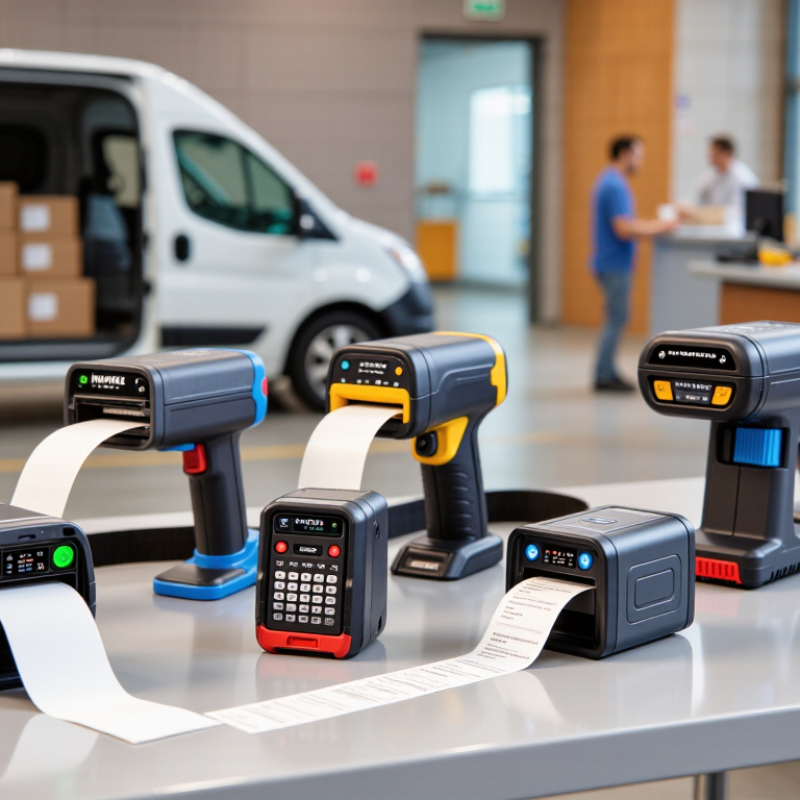
Top 10 Mobile Thermal Printers for Global Buyers

What Mobile Thermal Printers Are and How They Work

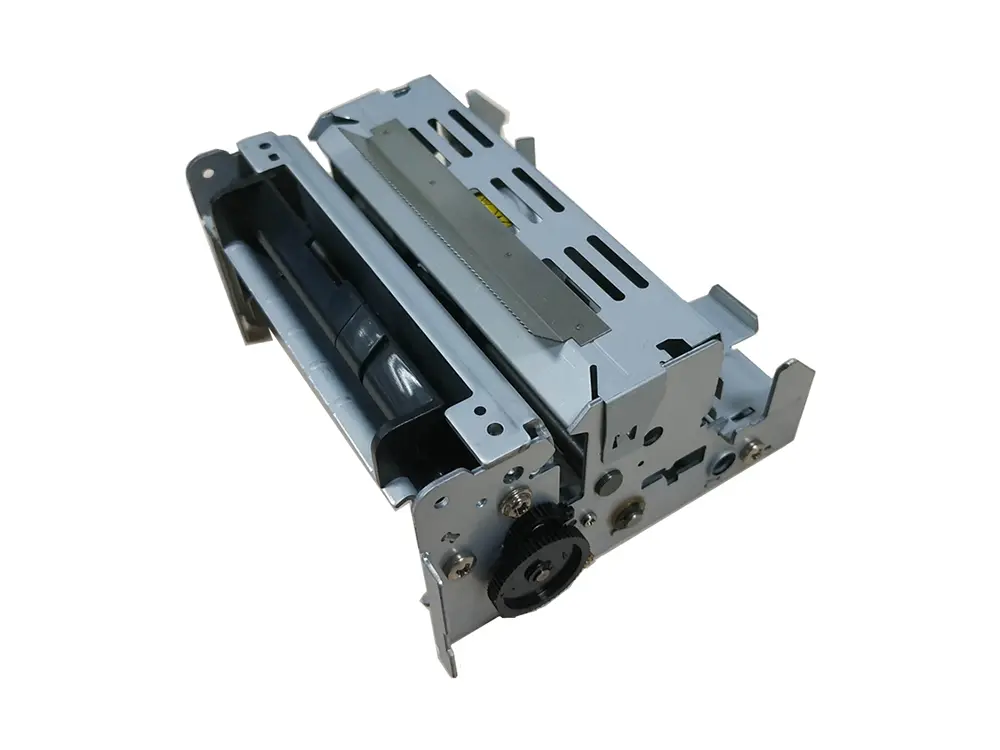
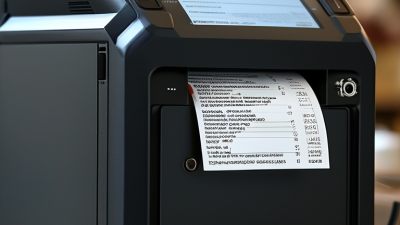
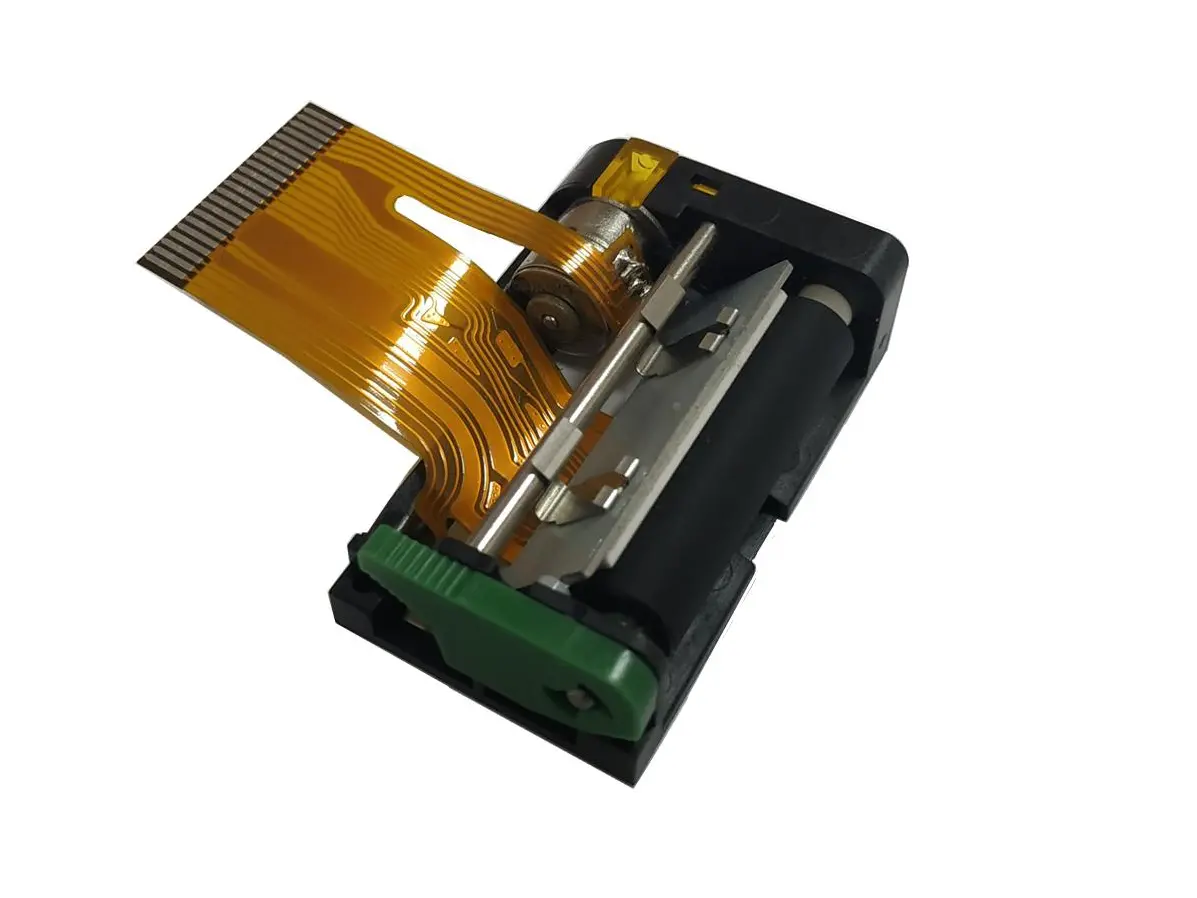
A mobile thermal printer is a compact device that turns digital text or images into printed marks using heat. Inside, a printhead contains tiny heating elements. As paper passes beneath them, selected elements warm specific points on its heat-sensitive coating. Those points darken, forming letters, barcodes, or simple graphics. No ink cartridges are needed. That makes the printer lighter and easier to maintain during deliveries, stock checks, or service calls.

The details matter. Direct thermal paper is coated to react to heat, so the printer must use compatible rolls. Load the roll, close the cover, and send a job from a phone or handheld computer, often through Bluetooth or Wi-Fi. The battery powers both the printer and its heated printhead; frequent printing can drain it faster than expected. Keep the paper dry and away from excessive heat, which can cause fading or unwanted marks. Simple, but not foolproof. Print quality also depends on paper condition, print speed, and head cleanliness. A faint barcode may look acceptable on screen yet fail to scan in real use. Testing a sample in the actual work environment is a small step people sometimes skip.
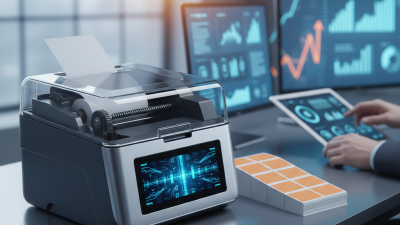
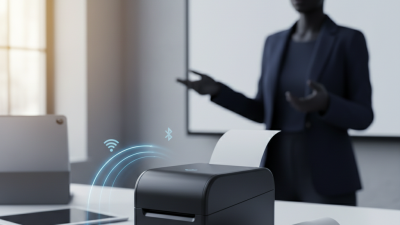
Key Features to Compare Before Choosing a Printer

Key Features to Compare Before Choosing a Printer

For global buyers, a mobile thermal printer needs to fit the workday, not just the product listing. Check print width, resolution, and speed against the labels or receipts you actually use. A 203 dpi model may suit clear shipping labels, while small text or dense barcodes can call for higher resolution. Test a sample if possible. Tiny lettering can blur.

Battery life matters when staff print away from charging points. Compare the stated capacity with expected daily print volume, and check charging time and battery replacement options. Also confirm supported paper widths, roll capacity, and loading method. A roll that is awkward to replace can slow a busy counter.

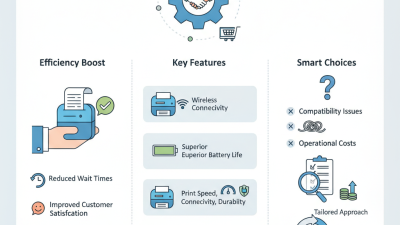
Connectivity and durability deserve close attention. Make sure the printer supports the devices and operating systems used by your team, with Bluetooth or Wi-Fi suited to the workplace. Review drop resistance, dust protection, and operating temperature for your conditions. These ratings are not a promise of indestructibility. Ask about warranty coverage, service access, and compatible supplies in the destination market; availability can vary more than expected.

Top 10 Mobile Thermal Printers for Global Buyers

For global buyers, a useful top-ten comparison should begin with the work each printer must handle. A delivery driver may need one-handed printing beside a van, while a retail worker may print labels in a crowded stockroom. Look for a light body, clear controls, and a clip or case that stays secure during movement. Check supported paper widths and roll loading, too. A unit that accepts common roll sizes can be easier to supply across regions. Paper matters. Print a sample label and inspect small text, barcodes, and edges for smudging or fading.

Connectivity deserves a practical test, not just a feature-list check. Confirm that the printer works with the buyer’s existing phones, tablets, or business software, and ask how pairing behaves after a device restarts. Battery life depends on print volume, temperature, and settings, so compare stated figures with the actual shift length. Test it. Also consider charging options, spare-battery availability, warranty coverage, and local service access. A low purchase price may not mean lower ownership costs if repairs require long shipping delays. No shortlist is perfect: a rugged model may feel heavy, and a smaller one may need frequent recharging. A top-ten guide is most useful when it explains these trade-offs rather than treating one specification as the winner.

Top 10 Mobile Thermal Printers for Global Buyers
Rank Printer Type Typical Print Width Common Resolution Typical Print Speed Common Connectivity Typical Applications Buyer Considerations
1 Compact receipt printer 58 mm (about 2.3 in) 203 dpi About 50–100 mm/s Bluetooth; USB on some models Mobile checkout, food ordering, queue management Check paper-roll capacity, device compatibility, and whether the printer supports the required command language.
2 Standard mobile receipt printer 80 mm (about 3.1 in) 203 dpi About 60–120 mm/s Bluetooth, USB, or Wi-Fi, depending on model Retail receipts, delivery records, service documentation Confirm paper width, roll diameter, operating-system support, and available charging options.
3 Two-inch mobile label printer Up to about 50 mm (2 in) 203 dpi About 50–100 mm/s Bluetooth; USB on some models Shelf labels, small parcel labels, asset identification Verify maximum media width, label-gap or black-mark sensing, and support for the label format in use.
4 Three-inch mobile label printer Up to about 76 mm (3 in) 203 dpi About 50–100 mm/s Bluetooth, USB, or Wi-Fi, depending on model Shipping labels, inventory tags, field-service labels Check label roll dimensions, sensor options, and whether the printer can handle the required label stock.
5 Four-inch mobile label printer Up to about 104 mm (4.1 in) 203 dpi About 50–100 mm/s Bluetooth, USB, or Wi-Fi, depending on model Parcel shipping, warehouse picking, logistics labels Compare printer size and weight with the need for wider labels; check supported media thickness and roll capacity.
6 High-resolution mobile label printer Typically 50–104 mm (2–4 in), model-dependent 300 dpi is common in this category Often lower than comparable 203 dpi models Bluetooth, USB, or Wi-Fi, depending on model Small-font labels, detailed barcodes, compact product identification Higher resolution can improve fine detail, but may reduce print speed and increase the importance of label design and media quality.
7 Rugged mobile label printer Usually 50–104 mm (2–4 in) 203 dpi is common Varies by print width and model Bluetooth, USB, or Wi-Fi, depending on model Outdoor delivery, field service, warehouse and industrial work Review the published drop, dust, water, and operating-temperature ratings; ruggedness varies significantly by model.
8 Mobile linerless label printer Commonly around 50–80 mm (2–3 in) 203 dpi is common Varies by model and label stock Bluetooth, USB, or Wi-Fi, depending on model On-demand receipts and labels where liner waste reduction is desired Requires compatible linerless media; check adhesive behavior, cutter design, and suitability for the application.
9 Healthcare-oriented mobile printer Typically 50–80 mm (2–3 in) 203 dpi; higher resolution available in some models Varies by model Bluetooth, USB, or Wi-Fi, depending on model Patient wristbands, specimen labels, point-of-care documentation Confirm compatibility with the facility’s software and media, and review cleaning and infection-control requirements.
10 Mobile receipt-and-label workhorse Usually 58–80 mm (2.3–3.1 in) 203 dpi is common About 50–120 mm/s, depending on model Bluetooth, USB, or Wi-Fi, depending on model Mixed retail, delivery, and service workflows Check that the printer supports the specific media type required; many thermal printers are optimized for either receipts or labels, not both.
Specifications are representative ranges for mobile direct-thermal printer categories, not guaranteed specifications for a particular device. Actual speed, supported media, connectivity, durability, and battery performance vary by model and configuration. Direct-thermal printers use heat-sensitive media and do not require ink or toner; printed output can fade with heat, light, or time.

Best Printer Types for Different Business and Travel Needs

For quick receipts, queue tickets, or delivery slips, a compact two-inch thermal printer fits easily in a shoulder bag. Bluetooth models suit mobile staff who print beside a customer or vehicle. Check the supported phone system and connection stability before buying; a small printer is not useful if pairing repeatedly fails. Keep spare paper rolls dry, too.

For shipping labels, inventory tags, or service records, a wider four-inch model is often more practical. It takes up more space, but larger labels are easier to scan and read. Field workers may prefer a rugged housing and a battery rated for a full shift. Compare actual print width, roll capacity, and charging options—not just advertised speed. Heat and sunlight can also fade direct-thermal prints, so they may not suit records that need long-term storage. That detail is easy to miss.

Tips: Match printer width to your most common document. Carry one spare roll and test the printer with your usual phone before a busy day. Check dimensions with the case attached. It matters. A lighter model may feel ideal in a shop, yet frustrating on a long route if its battery runs low. The best choice depends on the work, and sometimes the first choice needs a rethink.

International Buying, Compatibility, and Maintenance Considerations

Mobile thermal printers can simplify field work, but international buying requires more than comparing print speed. Check paper width, maximum roll diameter, battery capacity, and charging standards before ordering. A compact printer may fit a jacket pocket yet produce receipts that are too narrow for local business needs. Confirm compatibility with Android, iOS, Windows, and the operating system used by your sales application. Bluetooth profiles, wireless frequencies, language support, and available drivers also matter. Small details cause expensive delays.

Ask the supplier for a current compatibility sheet and test file. It should show supported paper sizes, command languages, connection methods, and firmware update procedures. Verify regional plug options and required safety documentation with your importer or logistics provider. Do not assume a universal cable means universal operation. I have seen buyers overlook app permissions, then blame the printer when mobile printing fails. That mistake is avoidable, though testing every phone model may be unrealistic.

Tips: Order a sample before bulk purchasing. Print dense text, small barcodes, and several languages. Keep spare rolls sealed against heat and humidity. Clean the print head with approved materials, not household solvents. Recharge batteries before long storage, but avoid constant overcharging when the manual advises otherwise. Record error messages and firmware versions during maintenance. One weakness remains: field conditions are unpredictable. Dust, cold warehouses, and rushed operators can expose limits that laboratory specifications never mention.