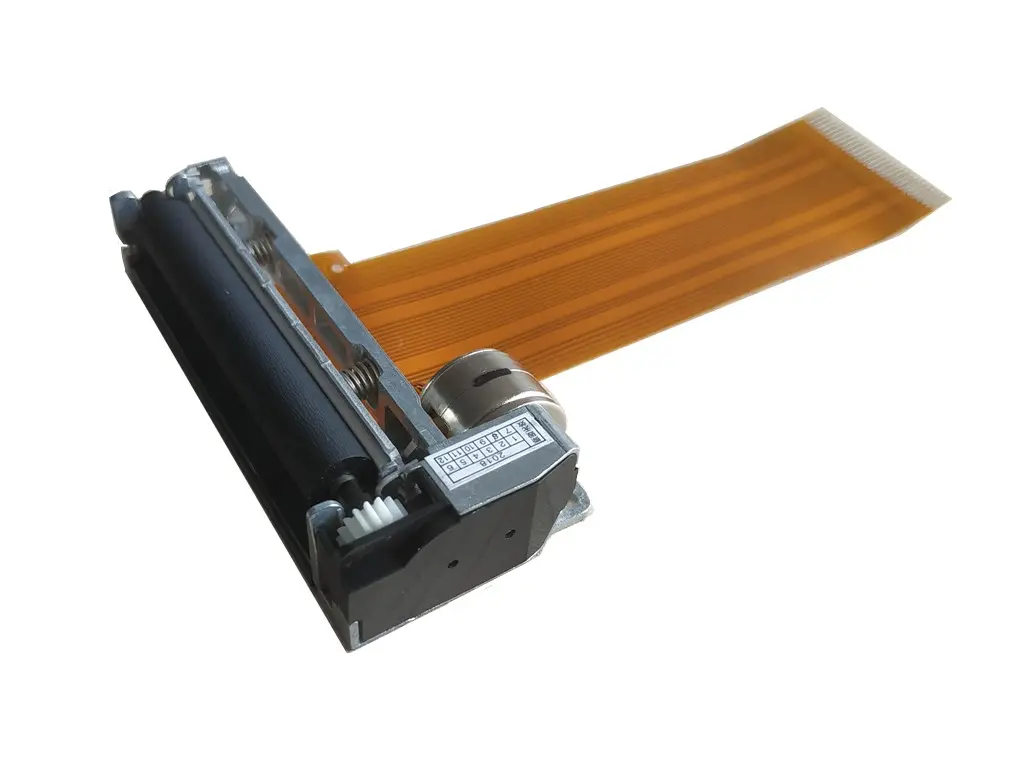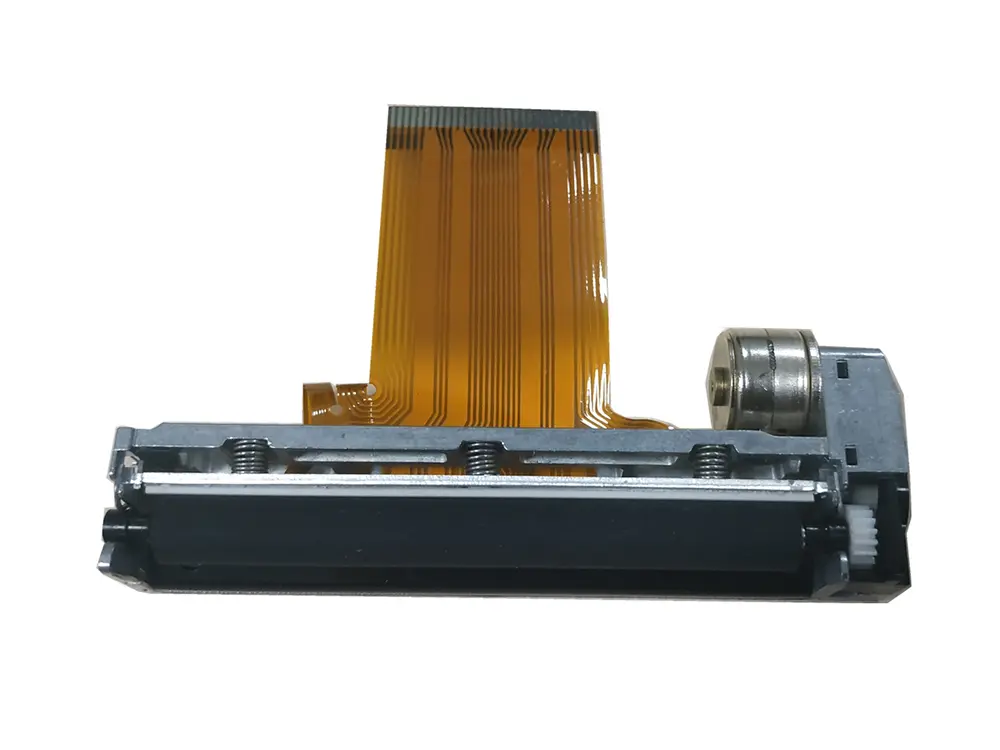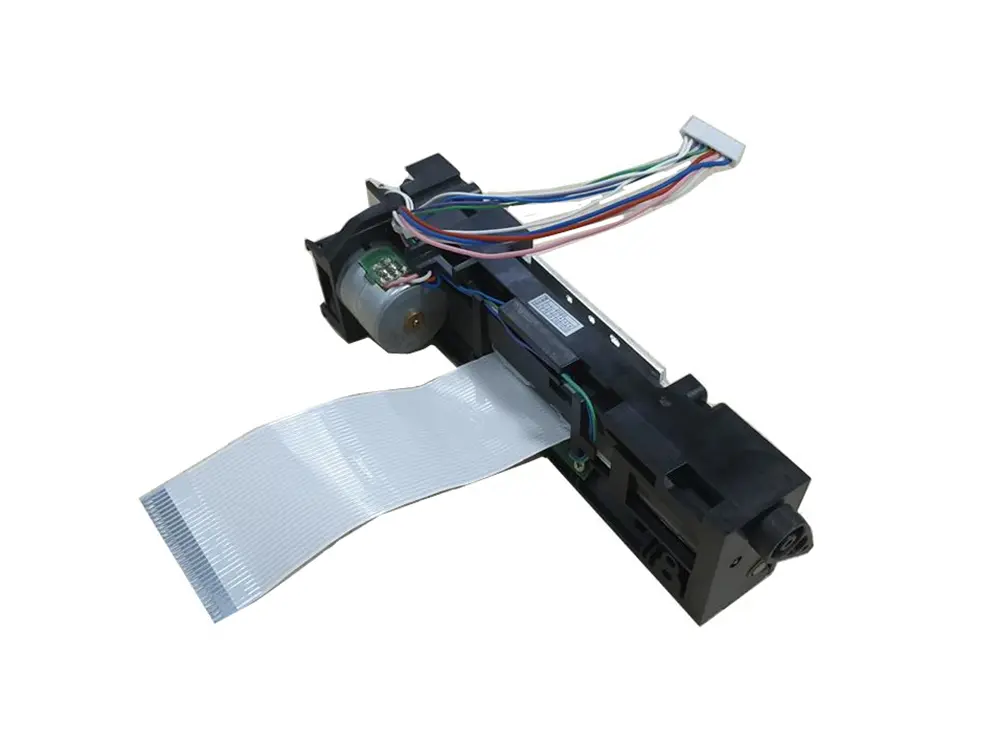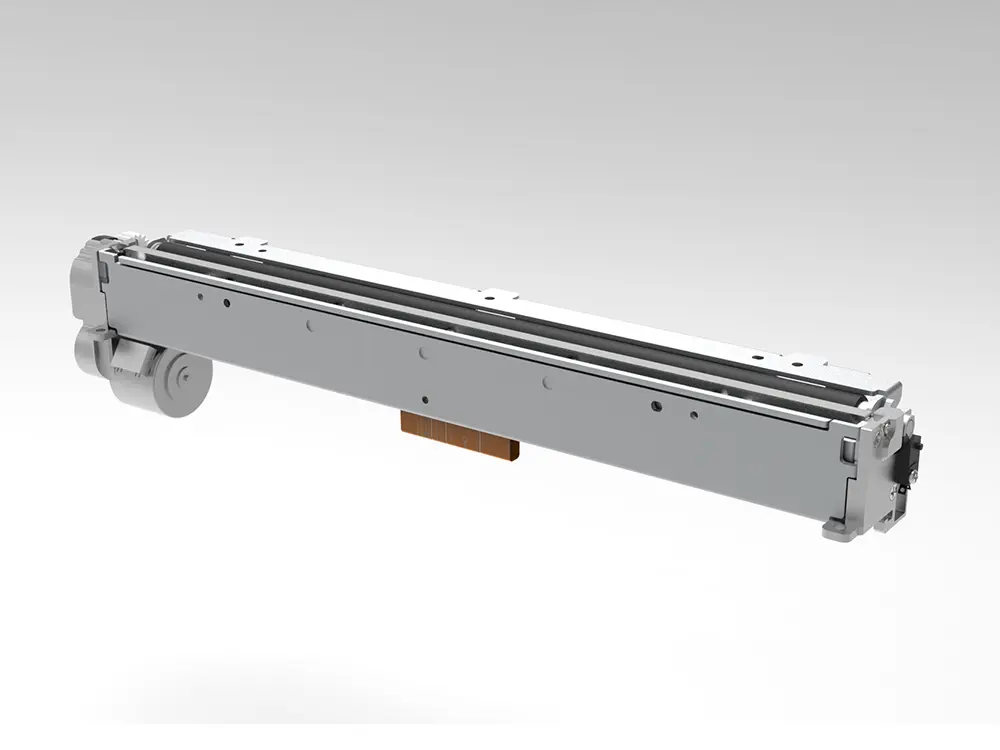
Choosing a compact heat printer can feel simple until small details affect every finished design. Print size, heating consistency, transfer compatibility, and operating cost all matter. A Mini Heat Printer should fit your actual workflow, not merely look attractive in product photos.
In hands-on comparisons, portability often impresses first. However, uneven pressure can leave pale corners or incomplete transfers. Check the heating area carefully. Measure your usual labels, patches, shirts, or craft materials before buying. A reliable model should offer stable temperature control, clear instructions, and practical safety features. Manufacturer specifications help, but independent reviews can reveal weaknesses that product pages overlook.
These seven tips focus on decisions that are easy to miss. They examine printer size, heat performance, material compatibility, controls, maintenance, durability, and long-term value. Look for evidence from experienced users, detailed testing, and established technical guidance. Do not judge a machine by speed alone. Faster heating may not mean better results.
Small machines have limits.
I once underestimated workspace clearance around a compact press. That mistake made the device awkward to use, even though its prints looked acceptable. Your priorities may differ. A hobbyist might value portability, while a small business may need repeatable pressure and dependable daily operation. Consider your available space, project volume, and preferred transfer materials honestly. The best Mini Heat Printer is not always the cheapest or most powerful option. It is the one that delivers consistent results without creating unnecessary frustration.
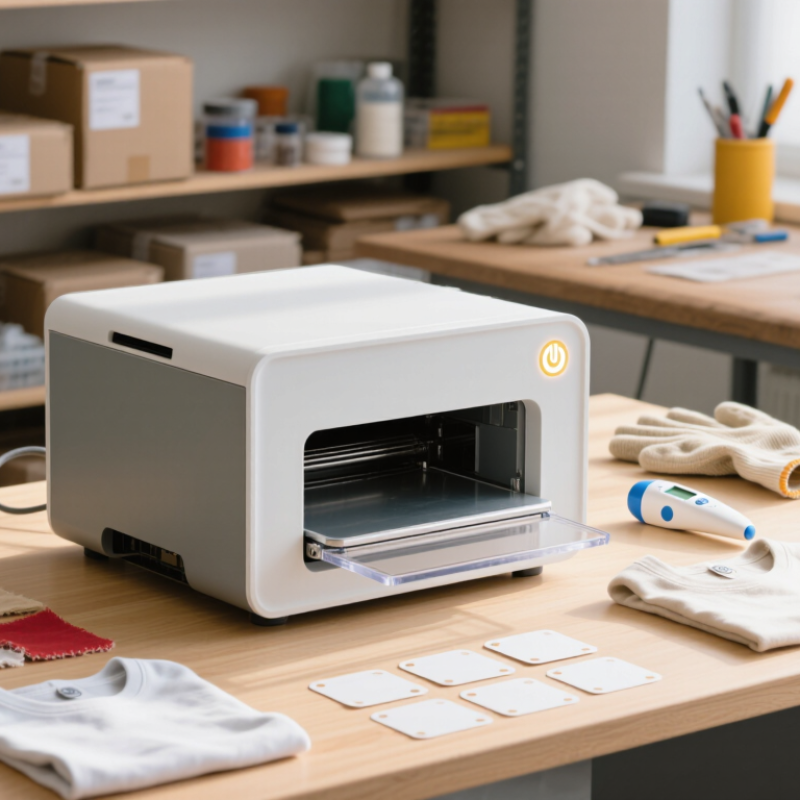
Before choosing a mini heat printer, define what you will actually make. A small device may suit labels, tote bags, patches, cards, or simple garment details. Measure your usual design area, not your largest imagined project. A 10-centimeter print needs different equipment from a full-shirt graphic. Write down the materials you use, such as cotton, canvas, coated paper, or heat-transfer film. Each surface may require different temperature, pressure, and pressing time.
Consider your workspace and working rhythm. If you print at craft fairs, a compact, lightweight machine can save valuable table space. For home projects, check whether the handle, base, and controls feel stable during repeated use. I once underestimated cord length and had to rearrange an entire worktable. Small details matter. Review the printer’s temperature range, timer accuracy, plate size, and pressure method. Clear instructions and accessible technical support also show stronger reliability.
Your typical project volume should guide the purchase. Occasional personalization may not justify a large commercial unit. However, frequent batches can expose weak hinges, uneven pressure, or slow heating. Test one sample before producing twenty items. Check whether edges adhere evenly and whether the material changes color. Keep notes about settings, because memory becomes unreliable during busy sessions. Your first plan may be wrong. That is useful information, not failure. Reconsider the printer after comparing real projects, actual materials, and the time each item requires.

7 Tips for Choosing a Mini Heat Printer?
A mini heat printer should match your transfer method, not just your workspace. Inkjet transfer printing works with coated transfer paper and suits small, colorful designs. Sublimation printing creates durable results on polyester fabrics and coated hard surfaces. It performs poorly on dark cotton. Direct-to-film transfers handle more fabric colors, but they require film, adhesive powder, and careful curing. That extra equipment may defeat the purpose of a compact setup.
Heat-transfer vinyl is another option, although it usually needs a cutting machine rather than a printer. It works well for names, numbers, and simple shapes. Check whether the printer uses dye, pigment, or sublimation ink. Ink type controls color behavior, wash resistance, and material compatibility. I once tested a bright design on cotton and expected a strong result. The image looked dull because the transfer paper was unsuitable. The mistake was avoidable.
Read the printer’s temperature, pressure, and timing requirements before buying. A small press may heat unevenly near its edges. That matters when pressing a large design. Measure the printable area against your actual products. Test a fabric swatch before accepting customer orders. Test before selling. Record temperature, pressing time, peel method, and washing results. Material labels can be vague, so verify them with samples. Also consider ventilation, storage, and cleanup when using adhesive powders or inks. Compact does not always mean simple.
7 Tips for Choosing a Mini Heat Printer
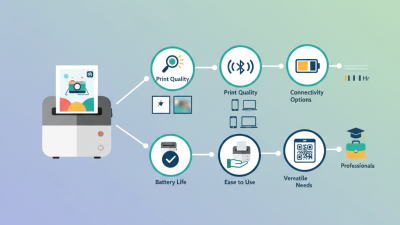
Evaluate Print Quality, Size, Speed, and Ease of Operation
Tip 1: Test print quality with small text, barcodes, and fine lines. A 203 dpi model suits basic labels, while 300 dpi produces cleaner details. Keypoint Intelligence’s 2024 testing guidance emphasizes readable text and consistent output, not only advertised resolution. Check the first and tenth print. They should look similar.
Tip 2: Measure the printer beside your laptop or storage box. A compact body is useful, but a tiny paper slot can limit practical use. Smithers’ digital printing market analysis highlights short-run, on-demand production as a major growth area. This supports choosing a printer that handles frequent small jobs without constant paper changes. Speed matters too. Many compact thermal printers operate around 2 to 6 inches per second. For occasional notes, slower output may be acceptable. For batches, it becomes frustrating.
Tip 3: Judge operation in real conditions. Can you load paper without searching for instructions? Does the mobile app reconnect quickly? Look for clear controls, stable wireless performance, and simple media alignment. Technical specifications can be incomplete. My own testing experience suggests that feeding errors often matter more than a small speed difference. A printer may claim high performance, yet poor calibration can waste labels. Also check heat, noise, battery duration, and replacement paper costs. The best choice is not always the smallest one. A slightly larger model may offer steadier feeding and fewer interruptions.
A mini heat printer should travel easily, not become a heavy extra. Check its weight, handle design, cable length, and storage footprint. A compact body helps in workshops, classrooms, and temporary workspaces. Battery operation adds freedom, but verify its capacity and charging time. USB-C power is convenient. The USB-IF USB Power Delivery 3.1 specification supports power levels up to 240 watts, though the printer may require far less. Never assume every charger is suitable.
Safety deserves closer attention. Look for over-temperature protection, short-circuit control, thermal fuses, and automatic shutoff. For rechargeable models, check whether the battery follows IEC 62133-2 testing. Heating equipment can remain hot after printing. That detail is easy to miss. Keep ventilation openings clear, and avoid models without clear operating instructions. I would also prefer visible temperature controls, even if they make the device slightly less sleek.
Durability affects both cost and waste. The Global E-waste Monitor 2024, from UNITAR and ITU, reported 62 million tonnes of electronic waste in 2022; only 22.3% was formally recycled. A stronger printer may delay replacement. Examine hinge strength, button feedback, casing joints, and replaceable cables. An IP rating under IEC 60529 can indicate resistance to dust or water, but it is not a drop-test result. I once focused too much on size and ignored repair access. That was a costly mistake.
7 Tips for Choosing a Mini Heat Printer
Review the full cost, not only the checkout price. Tip 1: Compare printer prices, replacement rolls, power supplies, and shipping. Grand View Research valued the global digital printing market at USD 35.71 billion in 2023, with growth expected through 2030. More choices can hide uneven running costs. Tip 2: Calculate the cost per printed label. Tip 3: Check whether paper rolls use standard sizes. Proprietary supplies may become expensive.
Included accessories matter during real use. Tip 4: Look for a suitable power adapter, sample rolls, cleaning tools, and a protective case. A missing adapter can turn a low-cost purchase into an immediate extra expense. Tip 5: Inspect the roll capacity and cutting method. Small rolls may require frequent replacement. That wastes time, not just money. During practical comparisons, I would record ten consecutive print jobs. This exposes feeding problems that a product page rarely shows. The test is imperfect, but useful.
Long-term value depends on reliability and support. Tip 6: Review the stated print lifespan, warranty period, and software update policy. Smithers’ digital print industry analysis highlights automation and workflow efficiency as major growth drivers. A printer that connects quickly can save minutes every day. Tip 7: Compare energy use and repair options. A cheap device becomes poor value after repeated failures. Do not trust every impressive specification. Check independent testing, user manuals, and warranty terms before paying.
| Tip | What to Check | Typical Data or Range | Included Accessories to Look For | Long-Term Value Consideration | Practical Recommendation |
|---|---|---|---|---|---|
| 1 | Compare the total purchase cost | A compact heat printer commonly costs about US$20–US$80 before replacement materials and shipping. | Power cable, basic user guide, starter paper or film, and a storage or protective pouch. | A lower purchase price may be offset by expensive consumables, limited support, or missing power accessories. | Calculate the first-year cost, not only the checkout price. |
| 2 | Check the printable area and temperature range | Many mini models handle small transfers around 10–15 cm wide and operate within an approximate 120–200°C range. | Heat-resistant mat, protective sheet, pressing paper, or a small alignment ruler. | A suitable working area reduces failed transfers, material waste, and repeated heating cycles. | Match the platen size to the projects you make most often. |
| 3 | Evaluate heating consistency | Look for even heat distribution, stable temperature control, and a warm-up time commonly below 3 minutes. | Digital temperature display, timer, audible alert, and automatic shutoff are useful additions. | Consistent heating improves transfer quality and lowers the cost of rejected or reworked items. | Prioritize adjustable controls over decorative features. |
| 4 | Review portability and power requirements | Portable units often weigh about 0.5–2.0 kg and may use roughly 500–1,000 W during heating. | Detachable power cord, travel pouch, insulated handle, and cable storage are helpful for mobile use. | Compact storage and lower weight are valuable when the printer is used at markets, classes, or craft events. | Confirm voltage compatibility before purchasing. |
| 5 | Estimate consumable costs | Small transfer sheets, labels, or heat-transfer film may cost approximately US$0.10–US$1.50 per project, depending on size and material. | Starter sheets, sample transfer film, replacement blades, or cleaning cloths. | Consumables usually become the largest running expense when the printer is used frequently. | Compare cost per finished item rather than cost per package. |
| 6 | Check safety and build quality | Useful safety features include insulated surfaces, stable feet, an overheat cut-off, and automatic shutoff after inactivity. | Heat-resistant glove, protective mat, safety instructions, and a secure locking or resting position. | Durable hinges, strain-relieved cables, and replaceable accessories can extend the usable life of the device. | Do not trade essential safety features for a small price reduction. |
| 7 | Assess warranty and replacement support | A basic warranty is often 12 months, although coverage and return conditions vary by seller and region. | Warranty card, troubleshooting guide, replacement heating pad, spare fuse, or access to service documentation. | Reliable support can prevent downtime and make a moderately priced printer better value over several years. | Choose a model with clear warranty terms and readily available accessories. |
Note: Prices, power ratings, dimensions, and accessory bundles vary by model, seller, and region. Verify the product specifications and electrical requirements before purchase.