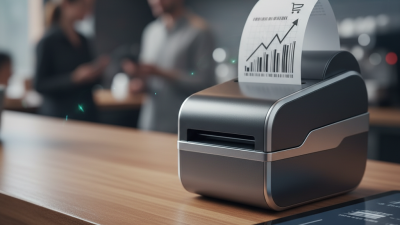
How to Choose the Best Mobile Printer for Your Business
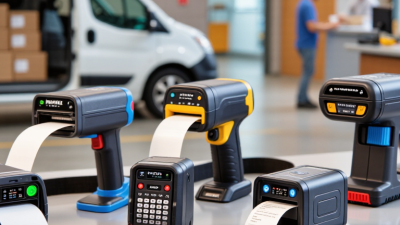
Mobile Printers give field teams a practical way to print receipts, labels, work orders, or service records without returning to an office. This guide explains how to choose a model that fits your workflow, rather than chasing a long feature list. A courier may need clear delivery labels in a vehicle, while a technician may print a service summary beside a customer’s equipment. Different jobs call for different paper widths, print volumes, and levels of portability. That matters.
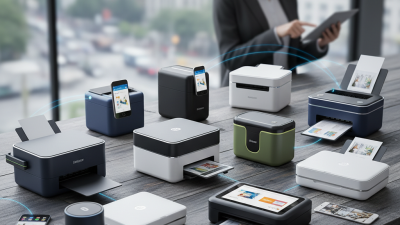
Before comparing models, map where printing happens, what each page contains, and how often staff print. Check the required media width, print resolution, battery life, connection options, device compatibility, and resistance to dust or light splashes. Ask whether the printer must pair with a phone, tablet, or existing point-of-sale system. Test the actual app and paper stock if possible. A printer that looks capable in a catalog may frustrate staff when pairing is slow or labels curl in heat. That is easy to overlook. Consider total ownership cost, including batteries, chargers, media, warranty support, and downtime—not only the purchase price. For a small team, a lighter unit may matter more than extra speed; a busy dispatch team may need the reverse. No single model wins every route. Use these trade-offs to compare suitable options, then verify key specifications with the manufacturer before buying.
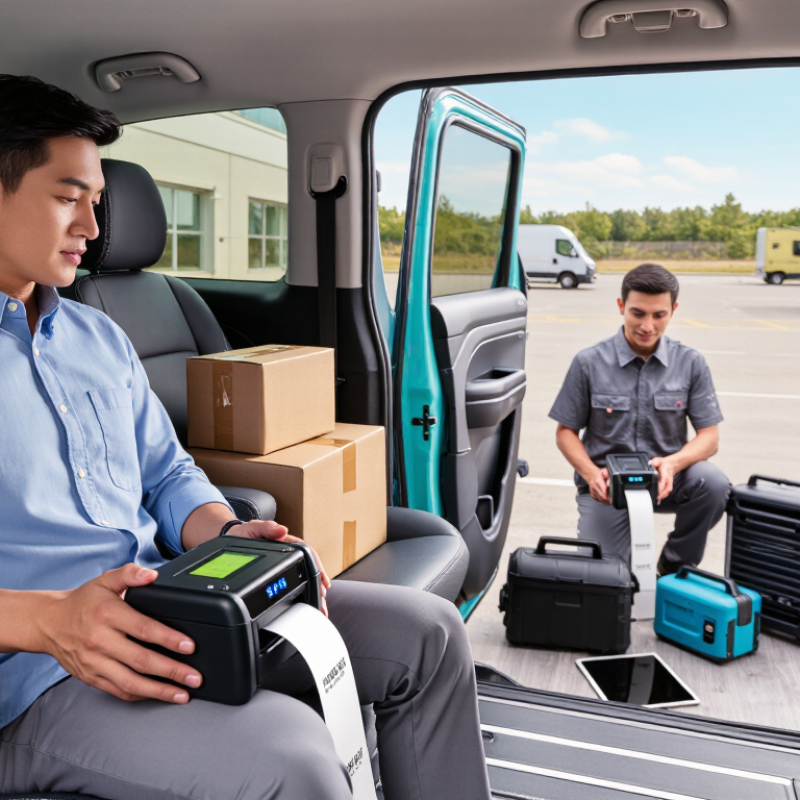
Understanding Your Business Printing Requirements
Understanding Your Business Printing Requirements
Start with the task, not the printer. Do staff print shipping labels beside a van, receipts at a counter, or work orders on a factory floor? List the print size, daily volume, busiest-hour demand, and required connection. A 2023 global warehouse-operations study of 1,500 decision-makers and associates found that 83% planned to increase technology investment by 2028. That points to growing operational demands, but your own workflow matters more than a broad industry trend.
Peak days matter. A mobile printer handling 30 labels on a quiet shift may struggle when orders triple. Note the label width, print darkness, battery runtime, and time available for recharging. Check whether devices connect reliably to your existing phones or tablets, and whether staff can replace media while wearing gloves. Small details count.
IDC’s 2020 Worldwide Mobile Worker Population Forecast projected that mobile workers would make up 60.4% of the U.S. workforce by 2024. For teams working away from desks, weight and one-handed use can affect comfort over a full shift. Test printers in the actual setting: a cold loading bay feels different from an office. A planning gap is easy to miss. Teams often measure average volume, not the rush before a dispatch cutoff. Try a short field test before setting specifications.
Comparing Mobile Printer Types and Printing Technologies
Mobile printers typically use direct thermal, thermal transfer, or inkjet technology. Direct thermal models heat treated paper to create an image, so they need no ink or ribbon. That keeps loading simple at a delivery counter or beside a stock shelf. But heat, sunlight, and friction can make receipts fade, which matters for records kept over time.
Thermal transfer printers use a heated ribbon to print onto labels and other media. The output can resist smudging better, depending on the ribbon and label material, but operators must carry and replace both. That small task can slow a busy route. It is easy to overlook.
Inkjet mobile printers can produce color and work on a wider range of paper. They suit forms where colored marks or detailed graphics help staff read information. However, cartridges add weight and ongoing supply needs, and wet ink may smudge on some media. For frequent monochrome receipts, those benefits may not justify the extra kit.
Match the technology to the actual job, not just the sharpest sample print. Check media width, battery runtime, connection reliability, and how quickly paper or supplies can be changed. Test prints in real conditions: a label handled with damp gloves may behave differently from one tested indoors. Specifications help, but they do not settle every practical question.
Testing Printers Against Your Daily Business Workflow
A mobile printer should earn its place on the route, not just win a speed comparison. Test it against a normal workday: print delivery labels beside a vehicle, receipts at a crowded counter, and forms in a dim stockroom. IDC’s 2020 Worldwide Mobile Worker Population Forecast projected 93.5 million U.S. mobile workers by 2024, nearly 60% of the workforce. That scale matters. But a forecast is not a buying rule; your workload is. Record first-print time, successful prints per hour, reconnects, and battery remaining at shift’s end.
Make the test slightly inconvenient. Walk between rooms, print a full batch, then try again after the device has been idle. Check whether small text stays readable and whether paper loads easily with one hand. Test with the gloves your staff actually wear. No lab run perfectly matches a live shift, and a tidy office trial can miss the awkward bits. That’s worth admitting. Compare results across several days, including a busy one, and note failures rather than quietly restarting the test. A printer that handles your real workload with fewer interruptions may be more useful than one with a faster advertised top speed.
How to Choose the Best Mobile Printer for Your Business
Compare printer types against everyday workflow needs. Scores use a 1–5 scale, where 5 indicates a stronger fit.
These illustrative scores show how different printer types may suit common tasks. Test candidate models with your own documents, devices, and work conditions before purchasing.

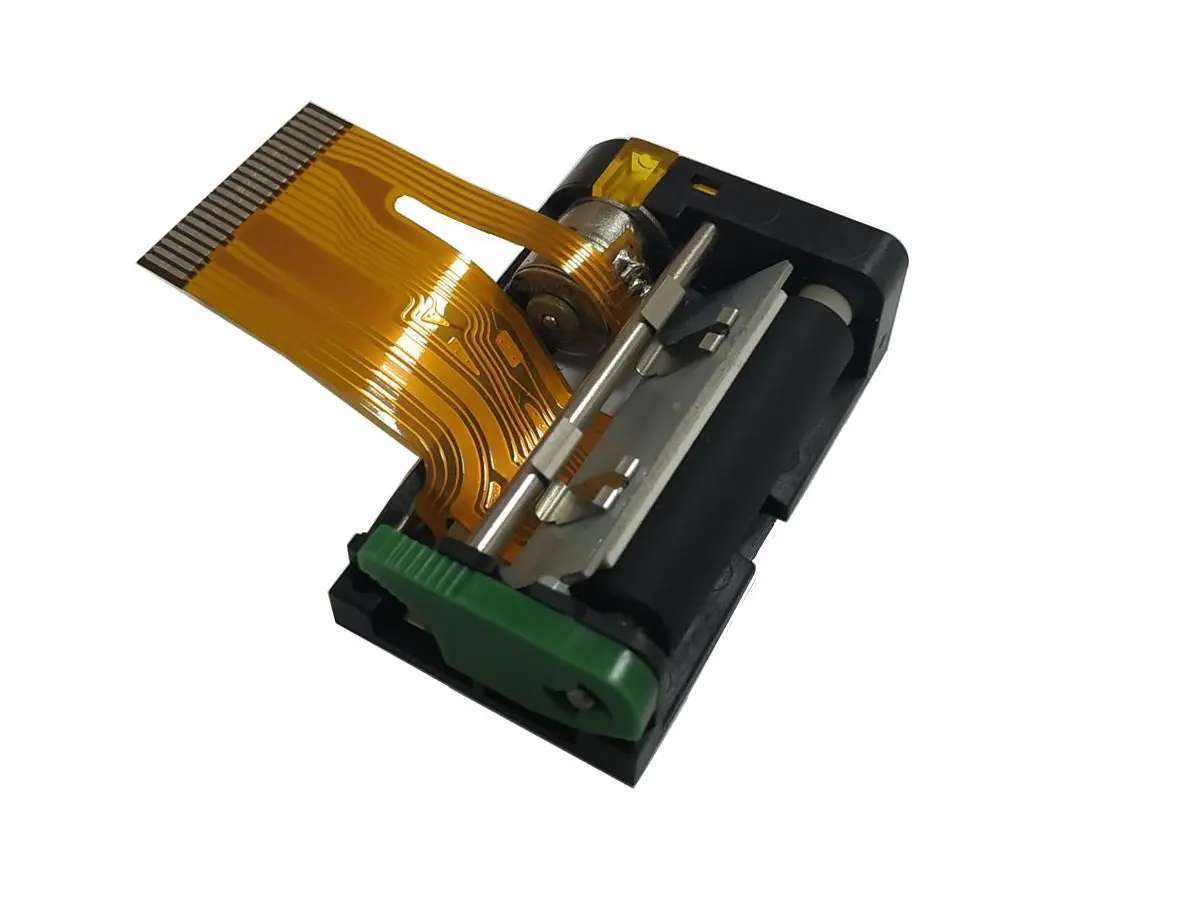 1 inch thermal printer mechanism
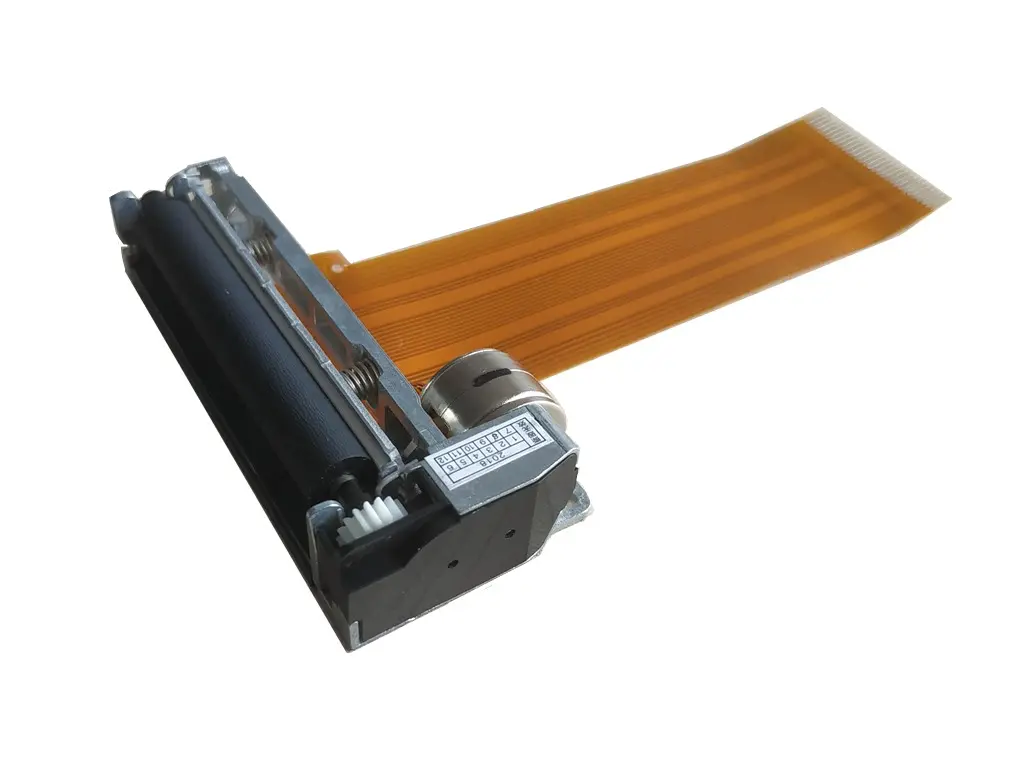 2 inch thermal printer mechanism
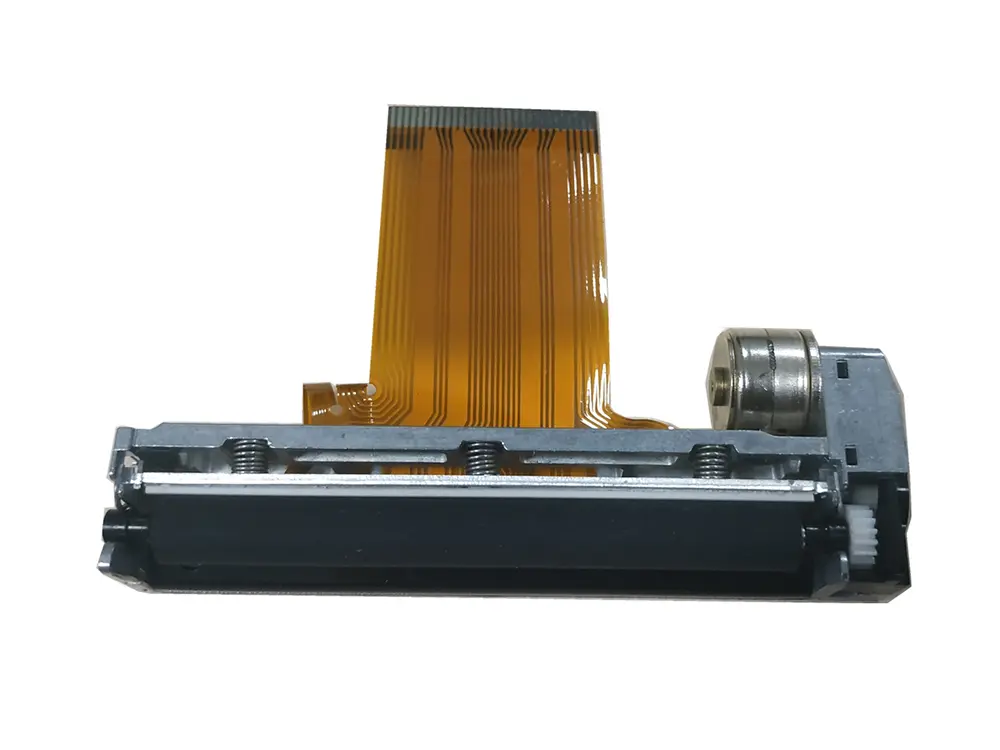 3 inch thermal printer mechanism
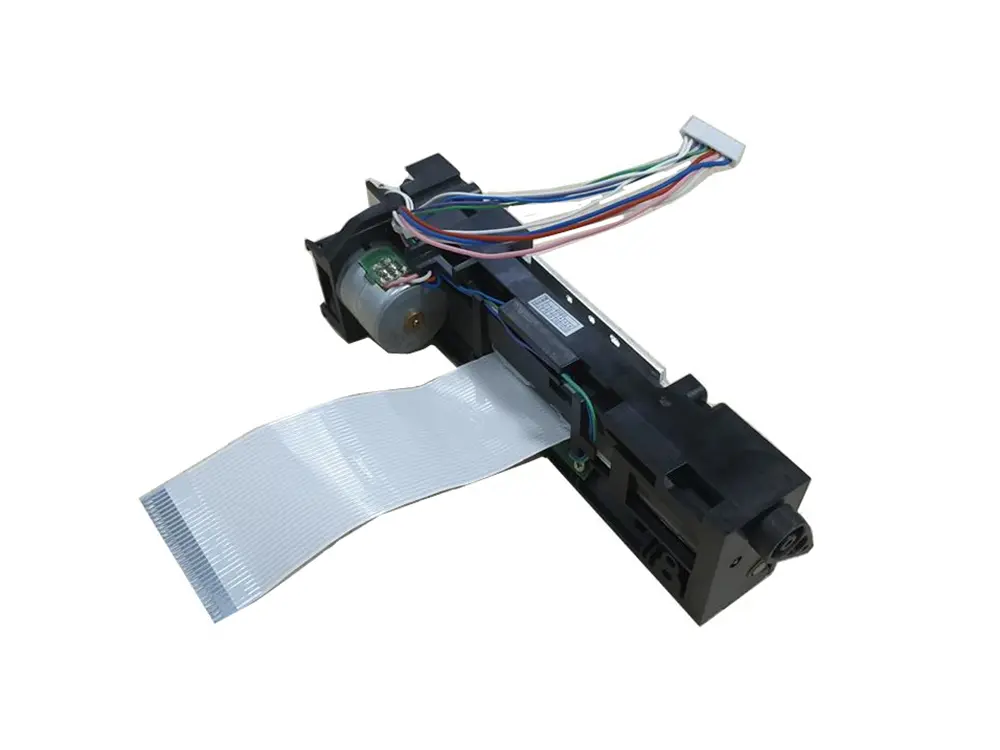 4 inch thermal printer mechanism
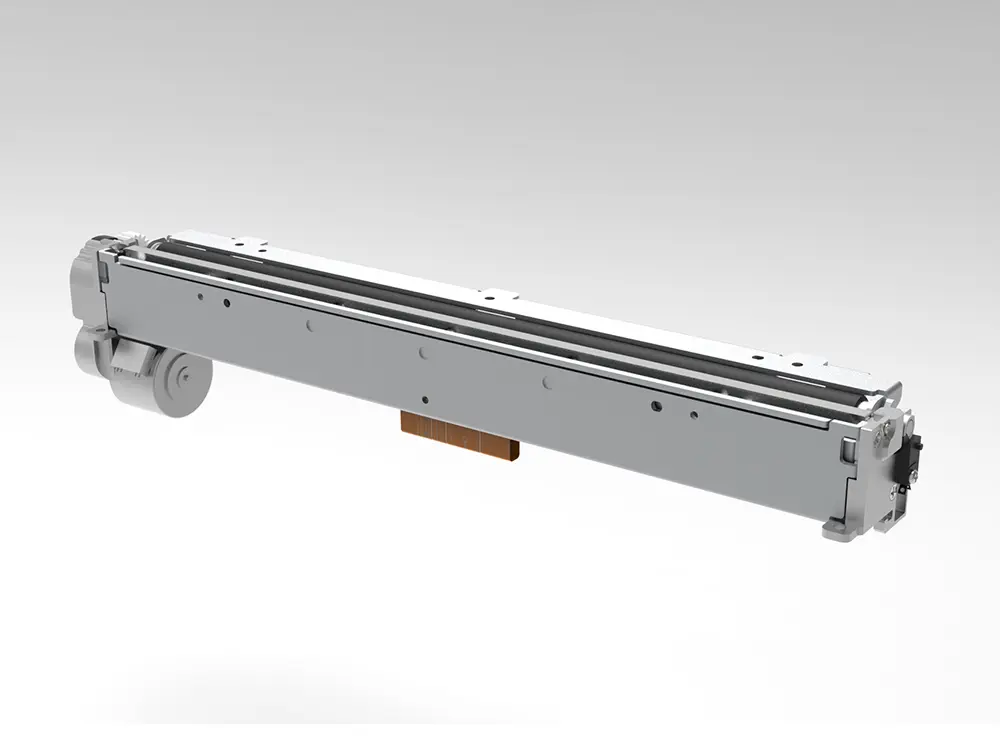 8 inch thermal printer mechanism
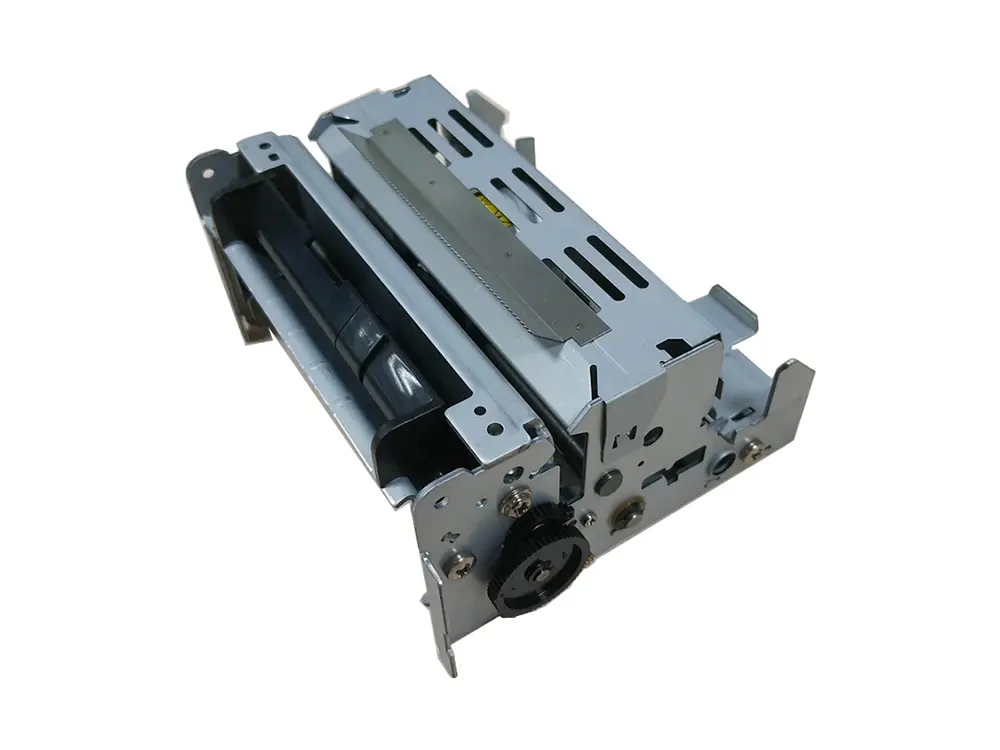 dot matrix printer mechanism
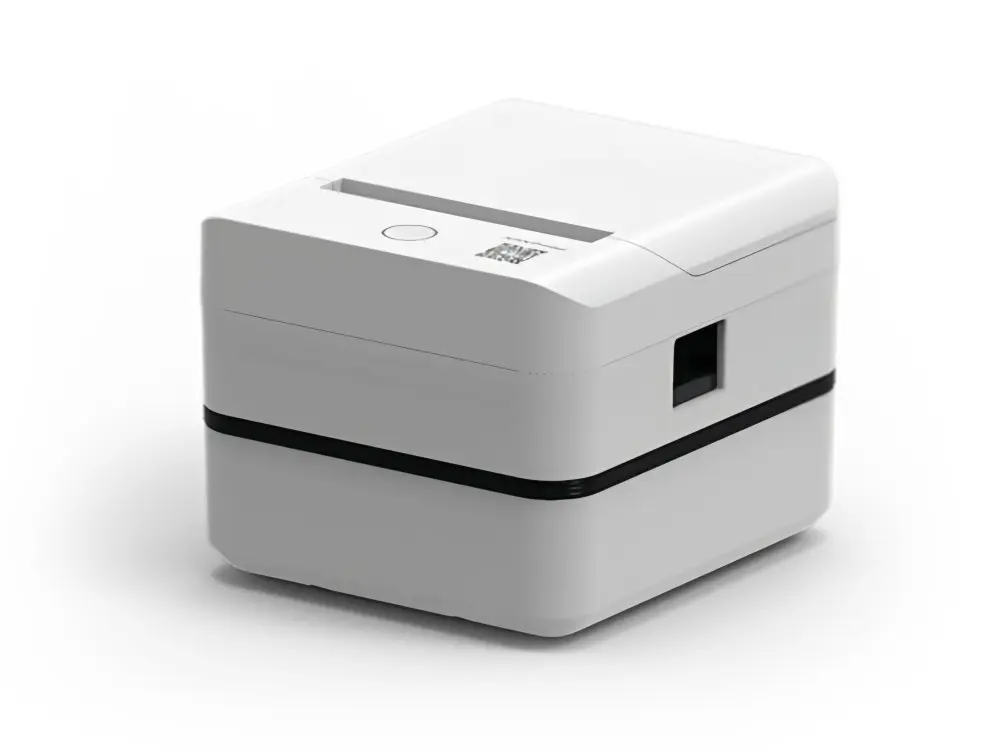 Label Printer
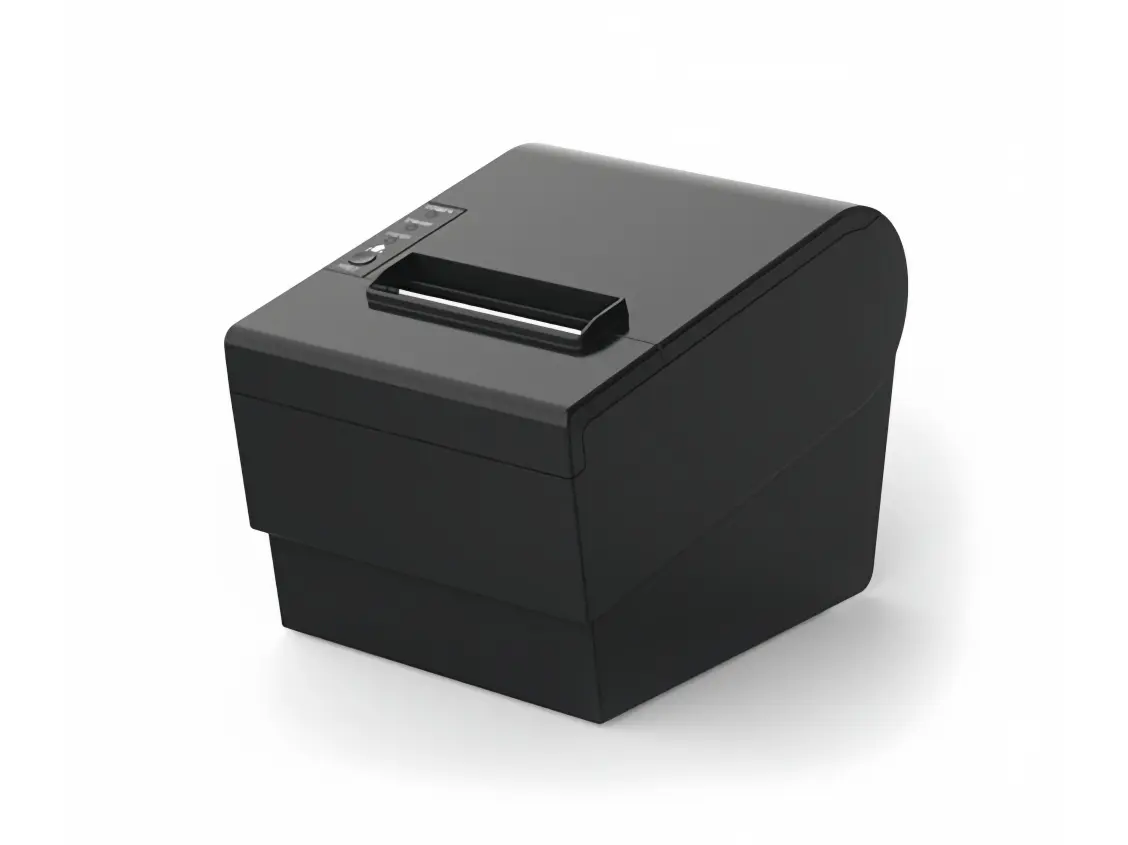 Receipt Printer
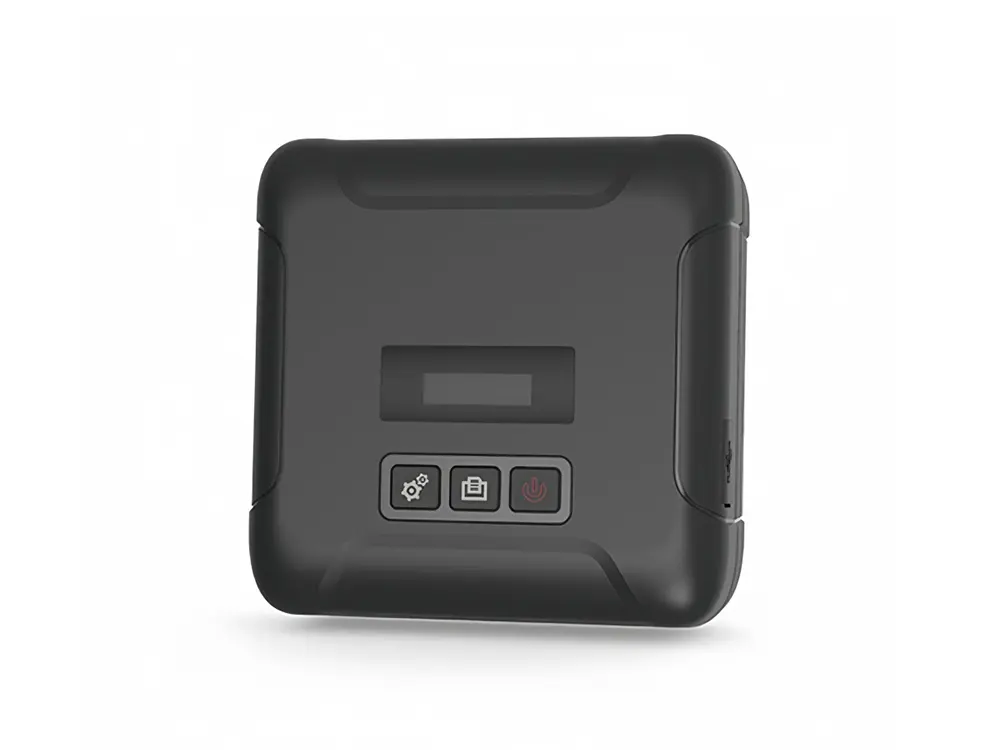 Mobile Printer