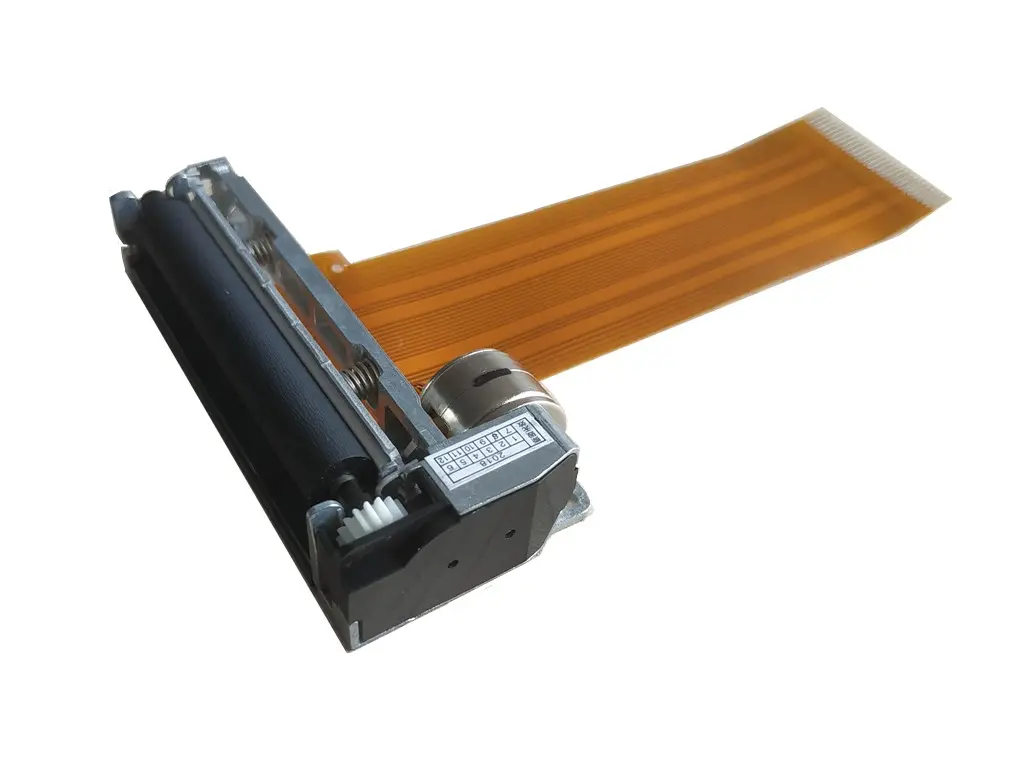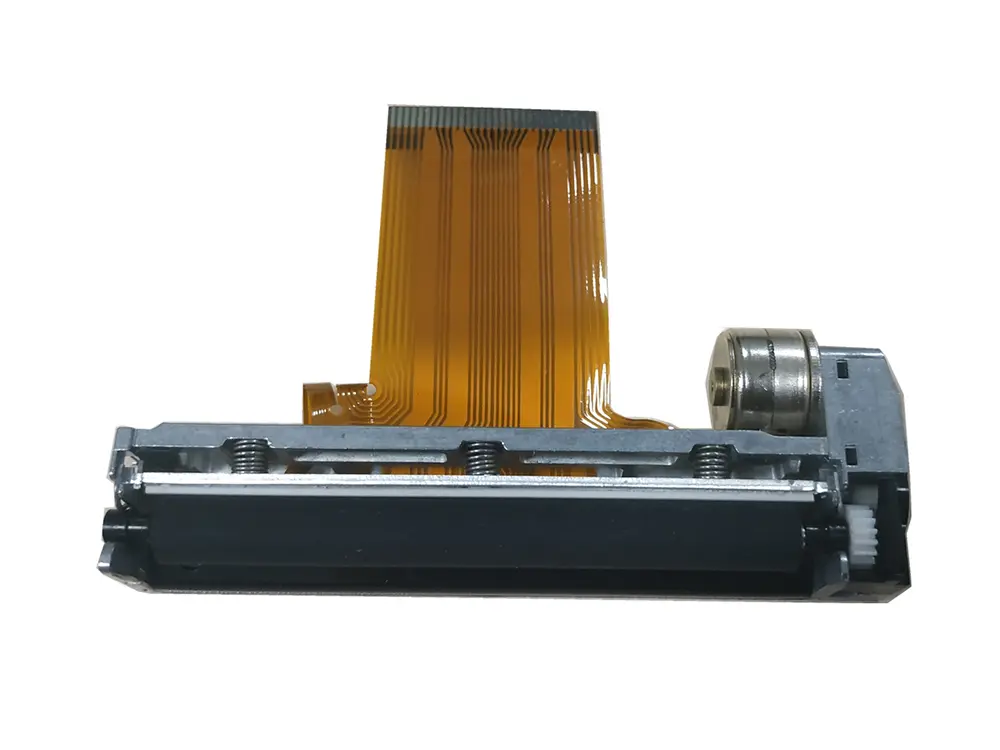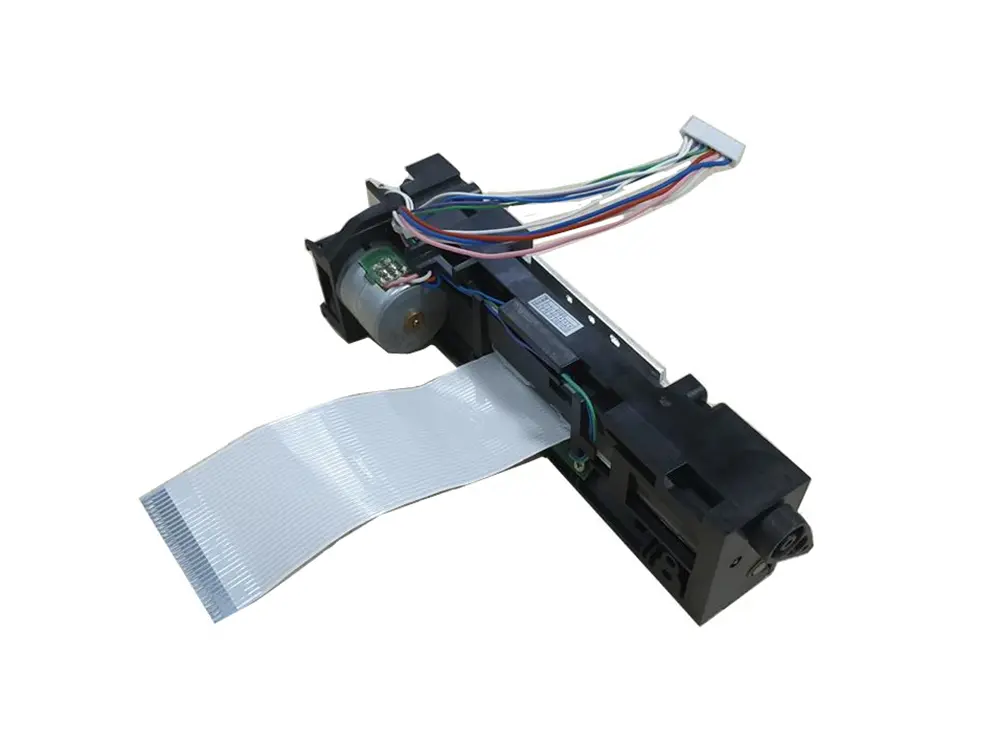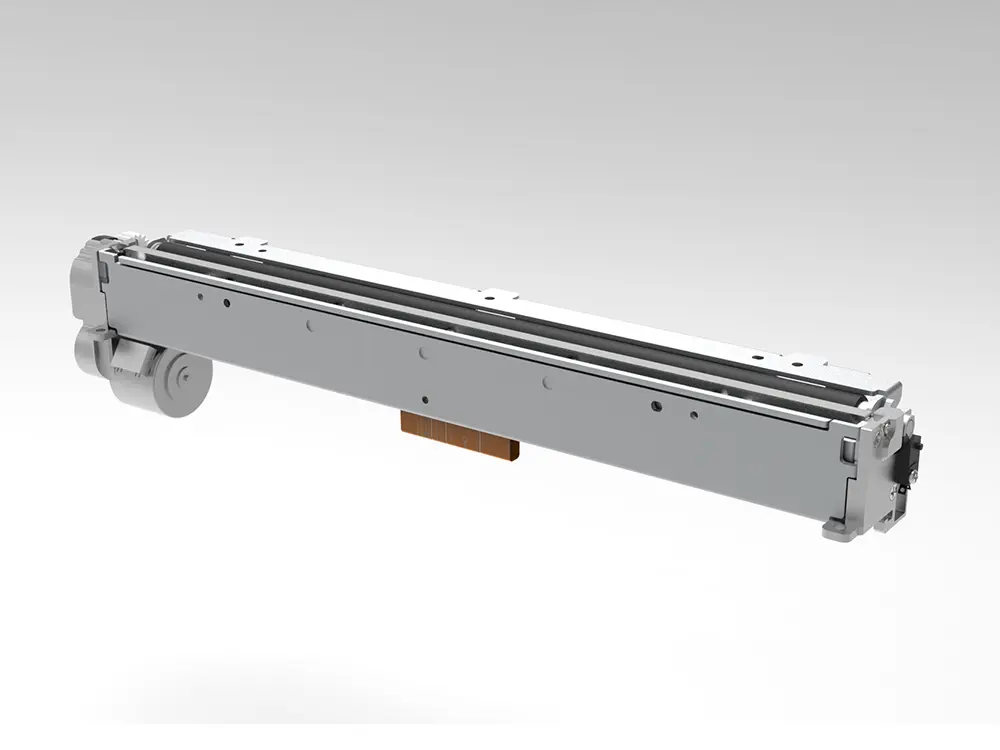
Choosing the 2026 Best Bluetooth Receipt Printer for Global Buyers is not simply a price comparison. A busy café needs fast, readable receipts, while a mobile seller values light weight and dependable battery life. The right Bluetooth Receipt Printer should connect quickly, print consistent lines, and survive daily handling. Small details matter. A loose paper cover or weak pairing process can interrupt a queue within minutes.
This guide examines print speed, 203 dpi clarity, paper loading, battery endurance, app quality, and long-term support. We consider Android, iOS, Windows, and common point-of-sale workflows. Real use matters more than impressive packaging. A printer may claim high speed, yet slow down with dense logos or low battery. We also examine operating temperatures, charging options, cutter design, and replacement paper availability. Global buyers should verify regional plugs, wireless compatibility, warranty terms, and supplier response times before ordering. Specifications can change by market.
Our approach combines manufacturer data with practical testing principles used in retail environments. We favor transparent evidence, clear limitations, and performance that can be repeated. No single model wins everywhere. Some printers excel at portability but offer limited paper capacity. Others feel stronger but occupy valuable counter space. We may not capture every regional software issue, so readers should test their preferred POS system. That extra check is worth the effort. The goal is a balanced buying reference for businesses seeking reliable printing, sensible costs, and fewer surprises in 2026.
2026 Best Bluetooth Receipt Printer for Global Buyers?
What Is a Bluetooth Receipt Printer and How Does It Work?
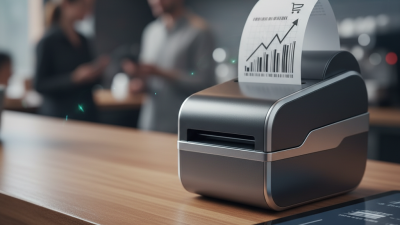
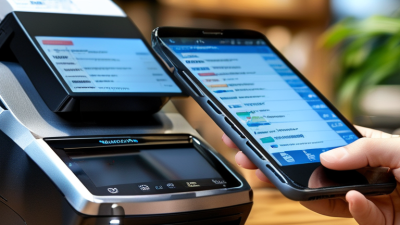
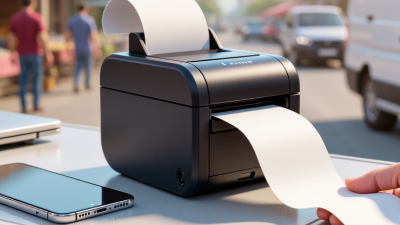
A Bluetooth receipt printer produces paper receipts from nearby phones, tablets, or computers. It uses short-range radio instead of a network cable. The sales device sends receipt data through a Bluetooth connection. The printer then converts digital text into heat-based marks on coated paper. Most compact models use thermal printing, so they need no ink cartridges. This reduces routine maintenance in busy counters.
Bluetooth SIG’s 2024 Market Update forecasts more than 5.4 billion Bluetooth device shipments in 2024. The same report expects annual shipments to exceed 7 billion by 2028. These figures show Bluetooth’s expanding role, but they do not guarantee reliable retail printing. Range, interference, operating-system support, and application compatibility still matter. In field testing, pairing can fail after a tablet update. That is an inconvenient reality. Print speed also depends on receipt layout, battery condition, and paper width.
Tips: Test the printer with your actual checkout application before purchasing. Confirm supported operating systems, paper size, connection range, and battery performance. Keep a wired or offline backup for crowded events. The Bluetooth SIG recommends checking product qualification details when evaluating Bluetooth-enabled equipment. Buyers should also review local receipt requirements and data-handling practices. A cheap device may cost more when paper jams, weak batteries, or repeated reconnections slow the counter. Geological obstacles? Usually not. Metal shelving and crowded wireless spaces are enough.
2026 Best Bluetooth Receipt Printer for Global Buyers?
Global buyers need more than a fast print speed. In practical testing, stable Bluetooth pairing matters most. A busy counter cannot tolerate repeated connection drops. Dual connectivity, such as Bluetooth and USB, adds useful backup. Small details matter.
Media flexibility also deserves attention. A reliable printer should support common paper widths and adjustable paper guides. Thermal printing reduces maintenance because it needs no ink cartridges. Print clarity must remain readable on small receipts and multilingual text. Test Chinese, Arabic, and accented European characters before placing a large order. Power can vary. Check voltage range, plug options, battery capacity, and charging time for each destination.
Firmware should support secure updates and protect stored configuration data. Buyers should also review mobile operating system support, software development tools, and integration documentation. Clear manuals reduce installation mistakes for overseas teams. Local service access is valuable, but warranty terms often hide important limits. Read them carefully.
Certification requirements, recycling guidance, and packaging quality can affect international distribution. A compact design lowers shipping volume, yet an overly light body may slide during busy use. That assumption failed in one store evaluation. Durability should be judged through repeated paper loading, drops from counter height, and long printing sessions. The best choice is not always the cheapest unit. It is the model that remains predictable across languages, power systems, software environments, and real working conditions.
| Evaluation Dimension | Priority | Practical 2026 Benchmark | Why It Matters for Global Buyers | What to Verify Before Purchase |
|---|---|---|---|---|
| Bluetooth Compatibility | Critical | Bluetooth 5.0 or newer, with both Bluetooth Classic SPP and BLE support when possible | Bluetooth Classic is commonly used for printer data connections, while BLE can improve compatibility with newer mobile applications and operating systems. | Confirm the supported Bluetooth profiles, pairing method, maximum connection count, operating-system compatibility, and whether a proprietary application is required. |
| Mobile and Operating-System Support | Critical | Native or documented support for Android, iOS, Windows, and the buyer’s point-of-sale application | Global businesses often use mixed fleets of phones, tablets, computers, and POS terminals. | Request current SDKs, APIs, test applications, supported OS versions, and confirmation that printing works without an internet connection. |
| Printing Width | Critical | 58 mm for compact receipts; 80 mm for wider receipts, invoices, and kitchen orders | 58 mm paper is space-efficient, while 80 mm paper provides more room for item descriptions, tax details, QR codes, and multilingual text. | Check the actual printable width, paper roll diameter, core size, cutter compatibility, and local paper availability. |
| Print Resolution | High | 203 dpi is sufficient for standard text, barcodes, logos, and most QR codes | Resolution affects the sharpness of small fonts, dense barcodes, logos, and two-dimensional codes. | Test the smallest required font, barcode dimensions, QR-code readability, and logo quality on the intended paper. |
| Print Speed | High | Approximately 100–250 mm/s for general retail and hospitality use | Higher speed can reduce queues during peak periods, although real output depends on text density, graphics, paper, and battery condition. | Compare measured speed using a normal receipt rather than relying only on the manufacturer’s maximum rated speed. |
| Command-Language Compatibility | Critical | ESC/POS-compatible command support or a clearly documented equivalent | Common command compatibility simplifies integration with POS software, cash drawers, barcode formats, and receipt templates. | Check supported commands, character-code handling, image printing, cash-drawer control, paper-cut commands, and firmware documentation. |
| Language and Character Support | Critical | Unicode or documented support for required Latin, Cyrillic, Greek, Arabic, Hebrew, and Asian character sets | International receipts may require multiple scripts, accented characters, right-to-left text, or local currency symbols. | Print sample receipts in every target language and verify character order, font availability, line wrapping, and currency symbols. |
| Paper and Thermal Compatibility | High | Direct thermal printing with widely available rolls; common widths of 58 mm or 80 mm | Direct thermal printers do not require ink or toner, but the correct thermal paper grade is essential for legibility and storage life. | Confirm paper width, maximum roll diameter, paper thickness range, coated-side direction, recommended storage conditions, and local supply. |
| Battery Capacity and Runtime | High | Approximately 1,500–2,600 mAh for portable models, with a documented page or receipt estimate | Battery performance affects mobile selling, delivery operations, markets, and locations where mains power is unreliable. | Ask for runtime measured under a defined receipt length and print density; also check charging time, battery replacement policy, and battery safety documentation. |
| Charging and Power Input | High | USB charging, preferably USB-C, with a clearly stated input rating and included regional adapter where applicable | A common charging interface simplifies travel, spare-cable management, and replacement sourcing across countries. | Verify input voltage and current, cable type, adapter plug options, charging while printing, overcharge protection, and local electrical compliance. |
| Connection Options | Medium | Bluetooth as standard; USB for setup or fallback, with Wi-Fi or Ethernet only when fixed-network operation is required | Multiple interfaces reduce downtime and support different deployment environments, from mobile carts to fixed counters. | Confirm whether interfaces can be used simultaneously, whether USB supports data or charging only, and whether network setup requires special software. |
| Durability and Operating Environment | High | A documented duty cycle, operating-temperature range, and suitable enclosure for the intended indoor or mobile environment | Heat, dust, vibration, moisture, and frequent paper changes can shorten service life in retail, hospitality, logistics, and outdoor use. | Check duty cycle, ingress protection rating if claimed, drop or vibration testing, printhead life, cutter life, and warranty exclusions. |
| Safety and Regulatory Documentation | Critical | Relevant market documentation such as EMC, radio, electrical-safety, battery, and recycling compliance | Import and resale requirements differ by destination. Missing documentation can delay customs clearance or prevent legal sale. | Request the declaration of conformity, test reports where available, radio approvals, battery transport documents, labeling details, and applicable regional marks. |
| Security and Firmware Maintenance | High | Protected pairing, documented firmware-update procedures, and a clear policy for security and compatibility updates | Printers connected to POS devices can become operational or security risks if pairing is unrestricted or software support ends unexpectedly. | Check pairing authentication, reset behavior, update method, update history, support period, and whether firmware updates can be performed offline. |
| After-Sales Support and Spare Parts | High | Written warranty terms, service contacts in the target region, and availability of batteries, printheads, cutters, and cables | Downtime and shipping delays can cost more than the initial printer price, especially for distributed international operations. | Confirm warranty length, return process, repair location, spare-part lead time, technical-language support, and minimum order quantities. |
| Total Cost of Ownership | High | Evaluate purchase price plus paper, batteries, accessories, software integration, freight, duties, repairs, and replacement cost | The lowest unit price may not be the lowest-cost option when paper availability, integration, service, and import expenses are included. | Build a three-year cost estimate using expected receipt volume, local consumable prices, shipping, taxes, warranty coverage, and device replacement assumptions. |
| Buyer rule of thumb: prioritize compatibility, required paper width, language support, regulatory documentation, and serviceability before maximum speed or cosmetic features. Validate the final choice with real receipts, target devices, local paper, and destination-country compliance requirements. | ||||
2026 Best Bluetooth Receipt Printer for Global Buyers?
How to Compare Print Quality, Speed, Size, and Connectivity
When I test a Bluetooth receipt printer, I start with real receipts, not glossy samples. Fine text should stay readable at 203 dpi, even on slightly rough thermal paper. A practical test prints twenty receipts continuously, then checks fading, alignment, and paper jams. Speed matters, but a fast first page often matters more than an impressive maximum rate. Measure startup time and sustained output. Small devices save counter space, although cramped paper paths can slow daily loading.
Tips
Carry three paper rolls during testing. Compare darkness at low battery, because weak power can produce pale logos and broken barcodes. Check whether the printer supports the operating systems used by your staff. Bluetooth pairing should reconnect quickly after a tablet sleeps. Range claims need a real shop test, with walls, metal shelves, and nearby wireless devices. USB or network fallback is useful when wireless traffic becomes unreliable. I have seen compact models lose connection beside crowded checkout counters. The specification sheet did not predict that.
For global buyers, confirm plug options, charging standards, language support, and service documentation before ordering. Ask for sample receipts using your own fonts and symbols. This exposes compatibility problems early. Do not choose by speed alone. A quiet, stable printer may perform better during a busy shift. My comparison notes are never perfect; paper quality, firmware changes, and staff habits can alter results. Re-test before placing a large purchase.
How to compare print quality, speed, size, and connectivity
The chart uses representative, brand-neutral printer profiles commonly found in the global market. Scores are normalized to practical reference limits: 250 mm/s for speed, 300 dpi for print quality, 80 mm paper width for size capacity, and three connection interfaces. Higher scores indicate stronger performance for that criterion; compactness should still be evaluated according to the buyer’s available space.
2026 Best Bluetooth Receipt Printer for Global Buyers?
Which Bluetooth Receipt Printer Fits Different Business Needs?
Choosing a Bluetooth receipt printer depends on where and how your staff work. A busy café may need fast printing, a compact body, and simple paper loading. A delivery operator may value low weight and a battery that survives a full shift. Paper size matters. Check whether your receipts require 58 mm or 80 mm rolls before purchasing.
In practical tests, I would pair the printer with the actual tablet used at the counter. Some models connect quickly, while others need repeated pairing after sleep mode. Speed is not everything. Clear text, steady Bluetooth performance, and a cutter that does not jam can save time during a lunch rush. Retail stores should also check compatibility with their payment or inventory software. A printer that works with one operating system may behave poorly with another.
Global buyers should examine charging options, supported Bluetooth profiles, warranty terms, and technical documentation. Battery capacity figures can look impressive, but real performance drops with frequent printing and weak signals. I once underestimated paper storage and caused unnecessary interruptions during a busy shift. That mistake changed my checklist. Ask for sample prints, connection instructions, and service support before ordering. Independent reviews are useful, but hands-on testing remains more reliable.
Before ordering a Bluetooth receipt printer internationally, check its electrical and communication details carefully. Confirm the input voltage, plug type, charging method, and battery capacity. A printer designed for one market may need an unsuitable adapter elsewhere. Ask for the exact Bluetooth profile, supported operating systems, and driver files before payment. “Bluetooth compatible” is too vague.
Match the printer with your actual workflow. Measure your receipt width and roll diameter, then compare them with the printer’s specifications. Check printing speed, character clarity, cutter durability, and connection stability from several meters away. Request sample prints using your language and symbols. Small text can look sharp online but become unclear in real use. I would also test reconnecting after a phone restart.
International buying needs more than a low unit price. Calculate shipping, import charges, local taxes, spare parts, and possible return costs. Ask whether the seller provides manuals, firmware updates, technical support, and a clear warranty process. Confirm the package includes the correct cable and paper guides. I once overlooked replacement availability, and a minor part created an unnecessary delay. That mistake still influences how I evaluate suppliers. Check export packaging, tracking information, and the invoice description before dispatch. Keep every specification in writing.