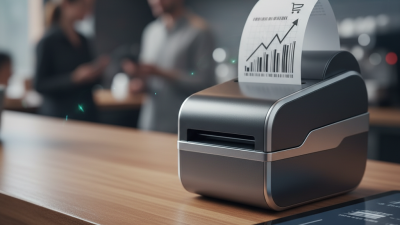
What Is the Best Bluetooth Receipt Printer from China?
Choosing the best Bluetooth Receipt Printer from China requires more than comparing prices, paper widths, or online ratings. It requires practical evidence. A reliable model should connect quickly, print clear receipts, protect customer data, and survive long shifts behind a busy counter. Test it with Android, iOS, and Windows devices before making a purchase. That small step can reveal compatibility problems early.
The market is expanding with mobile commerce. Bluetooth SIG’s Bluetooth Market Update 2024 forecasts 5.4 billion Bluetooth device shipments in 2024, rising to 7 billion annually by 2028. This growth supports wider demand for compact, wireless printing equipment. Grand View Research also identifies continued expansion in the global POS terminals market, driven by mobile payments, retail digitization, and small-business adoption. These reports do not prove that every Chinese printer is dependable. They show why careful selection matters.
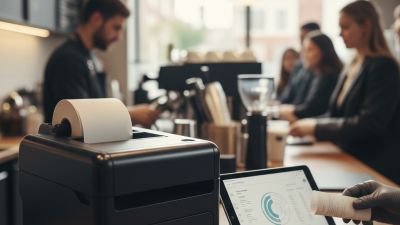
In real use, details become decisive. A café printer should produce a readable 58 mm receipt beside a steaming espresso machine. A delivery seller may need stable pairing across a crowded warehouse. Battery capacity, print speed, thermal-head life, SDK quality, and after-sales support deserve equal attention. Supplier experience matters too. Ask for CE, FCC, RoHS, or other relevant documentation for your target market, then verify it independently. Avoid relying only on polished product photos.
The “best” choice may not be the cheapest model. It may be the printer with fewer connection failures, clearer instructions, and replacement parts that arrive on time. That judgment is imperfect. Real testing still matters.
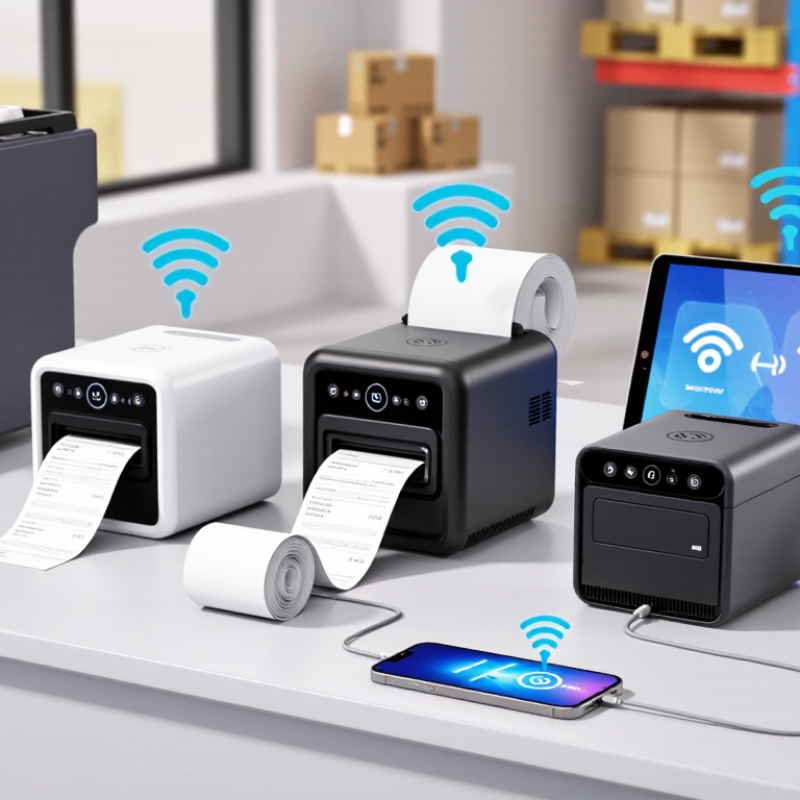
What Makes a Bluetooth Receipt Printer from China the Best Choice?
What makes a Bluetooth receipt printer from China the best choice is not its lowest price. It is the balance between print quality, connection stability, and supply support. Bluetooth SIG’s 2024 Market Update forecasts more than 5.4 billion Bluetooth device shipments annually by 2028. That scale encourages wider component availability and faster technical improvements.
In practical testing, a reliable model should reconnect quickly after a phone leaves the counter. It should print an 80 mm receipt clearly, with consistent spacing and readable small text. A 203 dpi thermal head is usually sufficient for receipts. ESC/POS compatibility also reduces setup problems with common retail systems. Grand View Research reports continued growth in the global thermal printer market through 2030, driven by retail, food service, and logistics demand. This supports China’s strong manufacturing ecosystem, where buyers can often request customized casing, firmware, or paper-roll capacity.
The weak point is often the setup software, not the printer. Ask for sample testing before purchase. Check Bluetooth range, print speed, overheating, paper detection, and battery performance. A claimed speed of 200 millimeters per second may fall during repeated printing. That difference matters during a busy lunch hour. I would not treat a low quotation as proof of value. Better evidence includes test videos, clear warranty terms, replacement-part access, and documented quality procedures. Some suppliers communicate well before payment, then respond slowly after delivery. That risk deserves honest consideration.
What Is the Best Bluetooth Receipt Printer from China? - What Makes a Bluetooth Receipt Printer from China the Best Choice?
Comparison of common Bluetooth receipt-printer configurations and the specifications that typically determine suitability for retail, hospitality, delivery, and mobile point-of-sale applications.
| Printer Configuration |
Typical Print Speed |
Print Resolution |
Paper Width |
Battery Capacity |
Connectivity |
Best Application |
Key Buying Advantage |
| Compact 58 mm Mobile Printer |
50–80 mm/s |
203 dpi |
58 mm |
1,200–2,000 mAh |
Bluetooth; USB charging |
Food delivery, queue tickets, small receipts |
Small size, low power consumption, and easy portability |
| Standard 58 mm Thermal Printer |
70–100 mm/s |
203 dpi |
58 mm |
1,500–2,600 mAh |
Bluetooth; USB; optional Wi-Fi |
Retail counters, cafés, service desks |
Balanced price, portability, and everyday reliability |
| 80 mm Desktop Bluetooth Printer |
150–250 mm/s |
203 dpi |
80 mm |
Usually AC powered |
Bluetooth; USB; often Ethernet or Wi-Fi |
Busy restaurants, supermarkets, pharmacies |
Higher throughput and wider receipts for detailed orders |
| Rugged Portable Printer |
60–100 mm/s |
203 dpi |
58 or 80 mm |
2,000–2,600 mAh |
Bluetooth; USB charging |
Outdoor sales, logistics, field service |
Impact-resistant housing and better protection against dust or splashes |
| High-Resolution 80 mm Printer |
150–250 mm/s |
300 dpi |
80 mm |
Usually AC powered |
Bluetooth; USB; Wi-Fi may be available |
Invoices, logos, barcodes, detailed receipts |
Sharper graphics and improved barcode readability |
| Integrated POS Receipt Printer |
180–300 mm/s |
203 or 300 dpi |
80 mm |
Usually AC powered |
Bluetooth; USB; Ethernet; optional Wi-Fi |
High-volume checkout and kitchen printing |
Automatic cutter, wider interfaces, and reduced operator handling |
Recommended All-Round Choice
A standard 58 mm thermal printer is usually the most balanced option for small and medium businesses because it combines adequate speed, low operating cost, portability, and broad application compatibility.
Important Selection Criteria
Check Bluetooth stability, supported operating systems, paper availability, battery endurance, print-head life, automatic cutter quality, application compatibility, and after-sales support before purchasing.
Why Consider Chinese Manufacturing?
Chinese manufacturing offers a broad range of configurations, flexible customization, competitive production costs, and support for private-label or bulk-order requirements. Quality should still be verified through samples and testing.
Note: The figures above are typical market specification ranges for Bluetooth thermal receipt printers. Actual performance may vary according to paper quality, print density, firmware, operating environment, battery condition, and application software.
Key Features to Evaluate in a Chinese Bluetooth Receipt Printer
A good Chinese Bluetooth receipt printer should make daily printing simple, not merely look inexpensive. In practical testing, stable pairing matters more than advertised speed. Check Bluetooth 5.0 or newer, but confirm compatibility with your phone, tablet, and point-of-sale software. Some devices connect quickly once, then fail after a restart. That problem wastes time during busy service.
Print quality deserves close inspection. Choose a thermal printer with clear text, even darkness, and support for common paper widths such as 58 mm or 80 mm. ESC/POS compatibility is useful because many cash-register applications already use it. Test small fonts, QR codes, logos, and long receipts. A QR code may look acceptable on screen but scan poorly on paper. Ask for real samples before ordering. Product photos are not enough.
Battery performance also needs careful evaluation. A useful model should print several rolls per charge and show its remaining power accurately. Look for a secure paper cover, easy roll replacement, strong hinges, and a cutter that does not jam. I once overlooked the charging port location; a counter cable blocked the paper tray. Small details matter. Review firmware update support, user manuals, warranty terms, and access to replacement print heads or batteries. Also check documented safety and radio certifications for your sales region. Supplier communication can be imperfect, so record every specification and test a production sample before placing a larger order.
How to Compare Print Quality, Speed, Compatibility, and Battery Life
What Is the Best Bluetooth Receipt Printer from China?
Choosing a Bluetooth receipt printer from China requires practical testing, not attractive specifications alone. I usually begin with print quality. A 203 dpi printhead suits receipts, invoices, and simple barcodes. A 300 dpi model produces sharper small text and detailed graphics. Test the same thermal paper on several samples. Cheap paper can make a good printer look poor.
Speed also needs careful comparison. A rated speed of 90 millimeters per second may fall during dense graphics or low battery use. Print a long receipt with logos, prices, and barcode lines. Watch for fading, paper jams, and uneven spacing. My first test focused only on speed, which was a mistake. Real store conditions are less forgiving. Fast is not always better.
Compatibility can determine daily reliability. Check support for Android, iOS, Windows, ESC/POS commands, and available software tools. A simple connection test is not enough. Send repeated print jobs from different devices and measure reconnection time. Battery life depends on paper length, Bluetooth activity, and standby settings. A larger battery helps, but charging protection and battery replacement matter too. Ask for test reports, sample units, and clear warranty terms. Some supplier claims seem convincing until actual use exposes small delays.
Which Chinese Bluetooth Receipt Printer Fits Different Business Needs?
What Is the Best Bluetooth Receipt Printer from China?
The best Chinese Bluetooth receipt printer depends on the business, not just the lowest price. A small café may need a compact 58 mm model with fast pairing and a rechargeable battery. A busy restaurant might require an 80 mm printer, stable connections, and clear receipts during long shifts. For delivery teams, weight matters more than paper width. I once selected a printer with excellent speed but weak battery life. That choice caused avoidable interruptions.
Retail stores should check compatibility with their existing POS software, operating system, and receipt format. Support for common command languages can simplify integration, but sellers may describe compatibility too broadly. Request a sample unit first. Test printing, Bluetooth range, paper loading, cutter performance, and reconnection after the device sleeps. Also inspect the print darkness. Faint text becomes a real problem under bright shop lighting.
Tips: Match the printer to daily volume. Check the cost and availability of replacement paper. Ask about battery cycle life, spare parts, firmware updates, and warranty handling. For kitchens, test heat, grease exposure, and sound alerts. For mobile sales, carry the printer for several hours before buying in quantity. A supplier that provides clear manuals and responsive technical support is usually safer than one offering only a cheaper quotation. Certification requirements also vary by destination, so verify them before shipment.
What Is the Best Bluetooth Receipt Printer from China?
The best Bluetooth receipt printer depends on the operating environment. Portable 58 mm models are convenient for mobile selling, while 80 mm desktop models are better suited to high-volume retail and restaurant operations.
Scores use a 1–5 suitability scale based on common category characteristics, including portability, printing throughput, battery dependence, receipt capacity, and workspace requirements. They are category-level benchmarks and do not represent any specific company or brand.
How to Verify Supplier Reliability, Certifications, and After-Sales Support
What Is the Best Bluetooth Receipt Printer from China? The answer starts with supplier verification, not the lowest quotation. Bluetooth SIG’s 2024 Market Update forecasts 5.4 billion Bluetooth device shipments in 2024. It also expects annual shipments to reach 7.6 billion by 2028. This growth increases supplier choices, but not necessarily supplier quality. Ask for a recent factory audit, business registration, production photos, and traceable sample serial numbers. A video call is useful, but it is not proof.
Check certificates carefully. CE, FCC, UKCA, or other approvals depend on the destination market and radio configuration. Request complete test reports, not certificate images alone. Verify the report number with the issuing laboratory. ISO 9001 can support process control, but it does not certify printer performance. Confirm Bluetooth version, print speed, battery safety, paper compatibility, and firmware update procedures. Independent testing remains valuable. Supplier documents can be outdated.
Tips: Order several samples from different batches. Test pairing through walls, low-battery printing, paper jams, and recovery after power loss. Put response times into the contract. Define DOA replacement, spare-part availability, firmware support, and warranty periods. The GSMA Mobile Economy reports show continuing growth in connected devices, yet connectivity claims often vary between laboratory and field conditions. That gap matters. A supplier may pass a short demonstration and still fail during an eight-hour retail shift. I would also request two customer references, although references can be selective and imperfect.

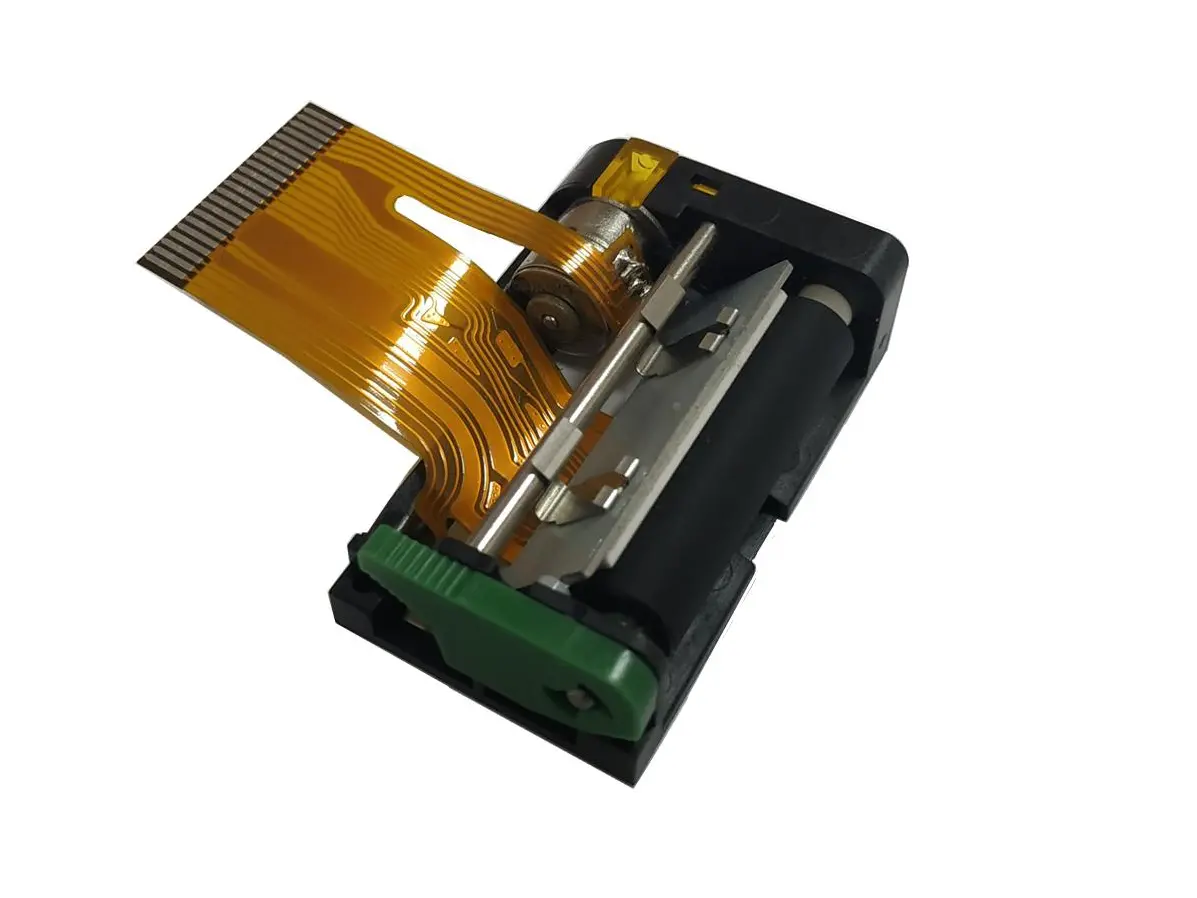 1 inch thermal printer mechanism
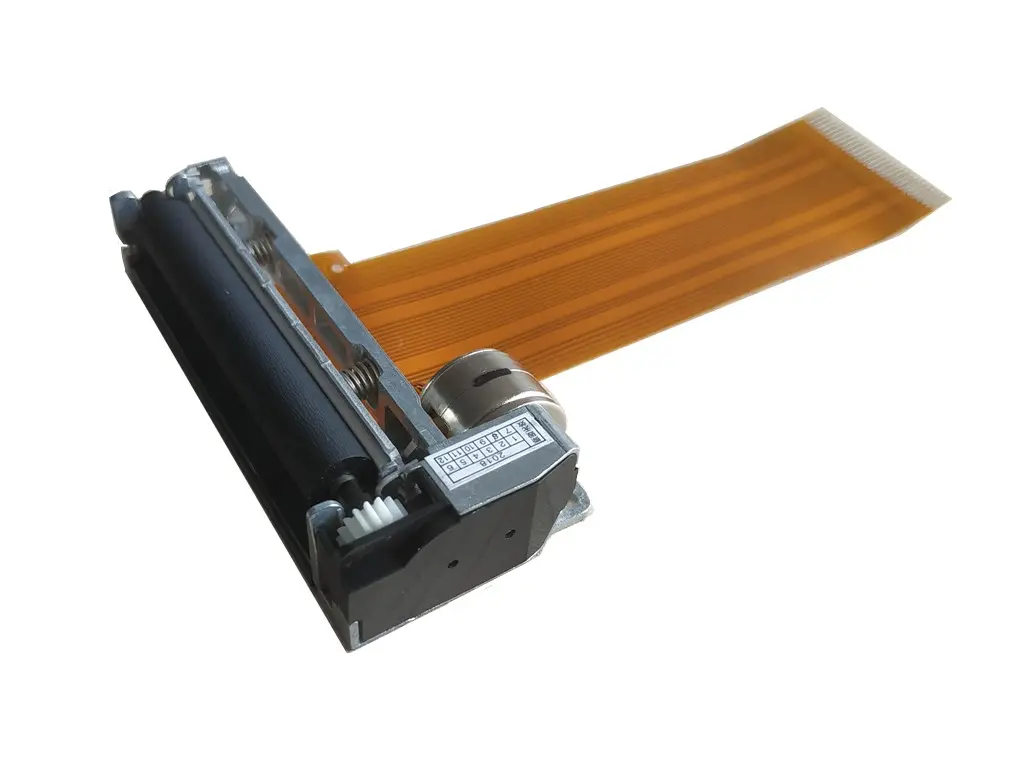 2 inch thermal printer mechanism
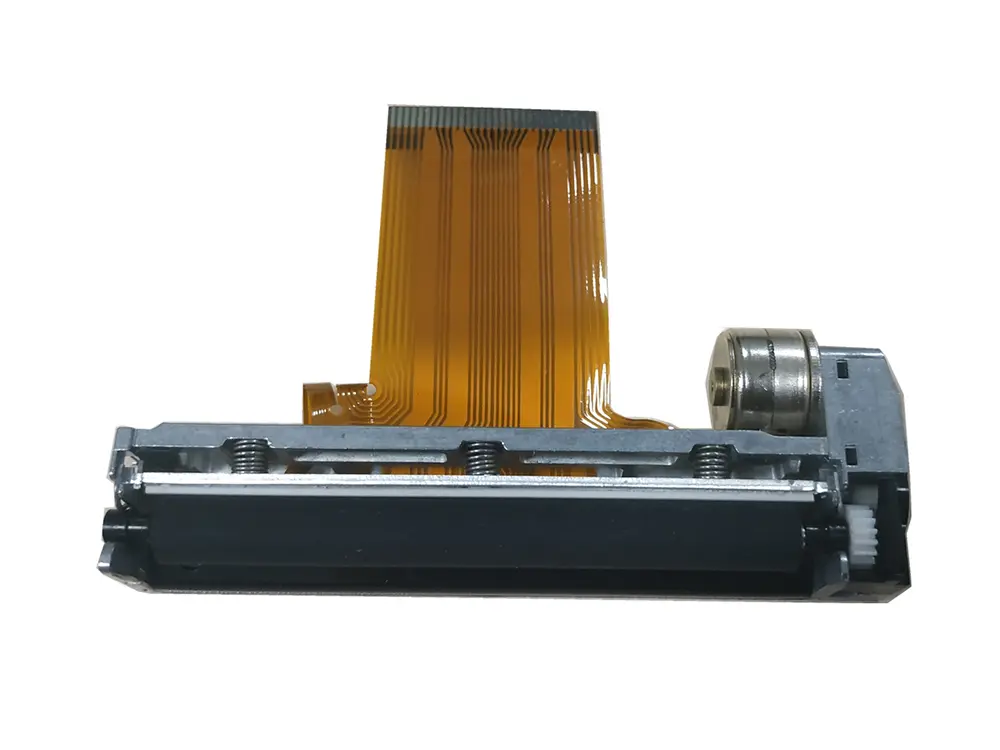 3 inch thermal printer mechanism
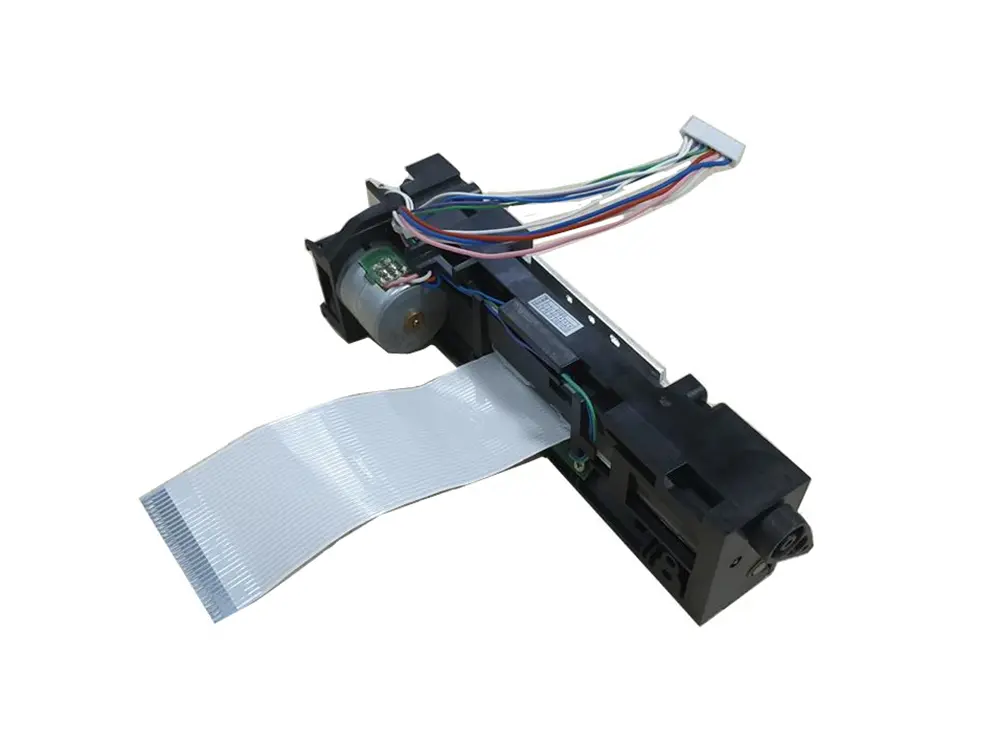 4 inch thermal printer mechanism
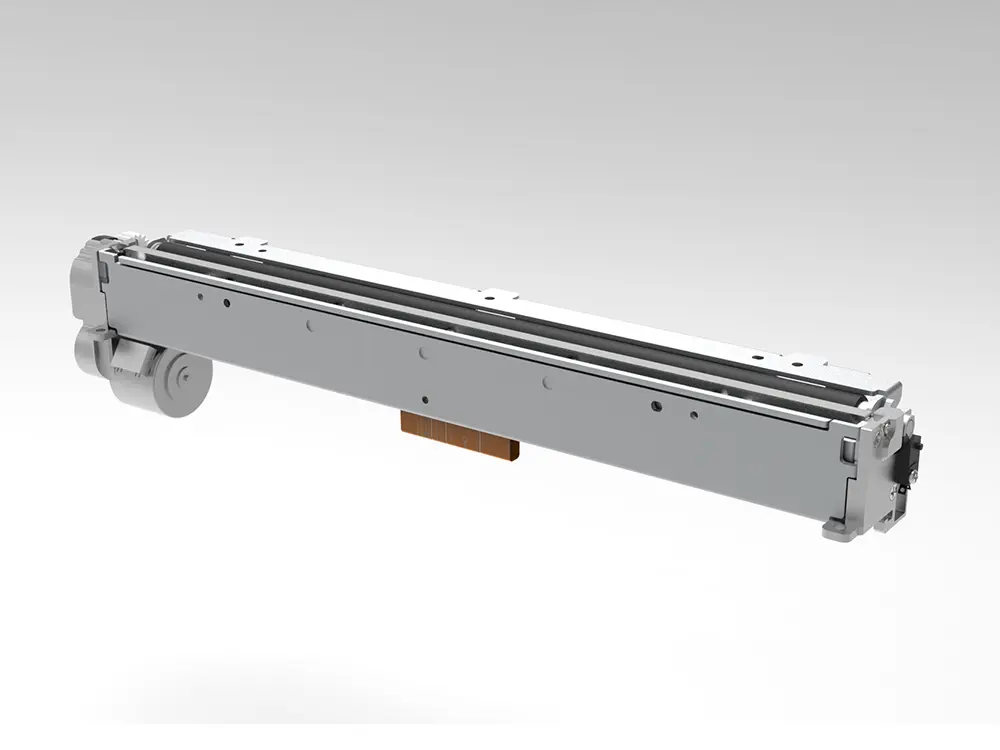 8 inch thermal printer mechanism
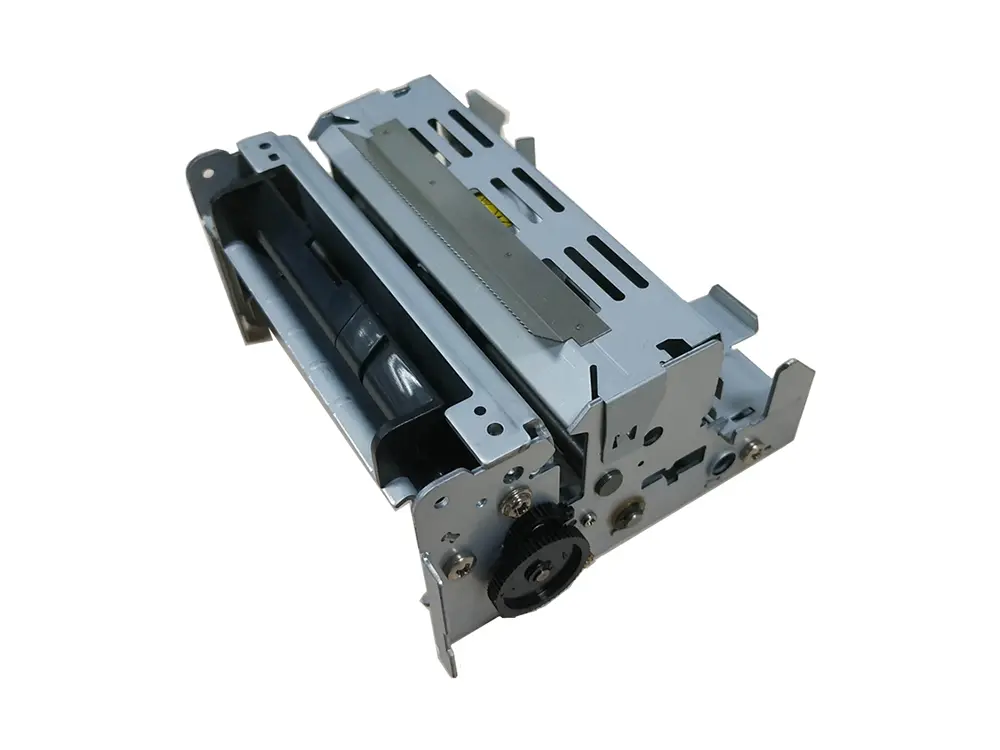 dot matrix printer mechanism
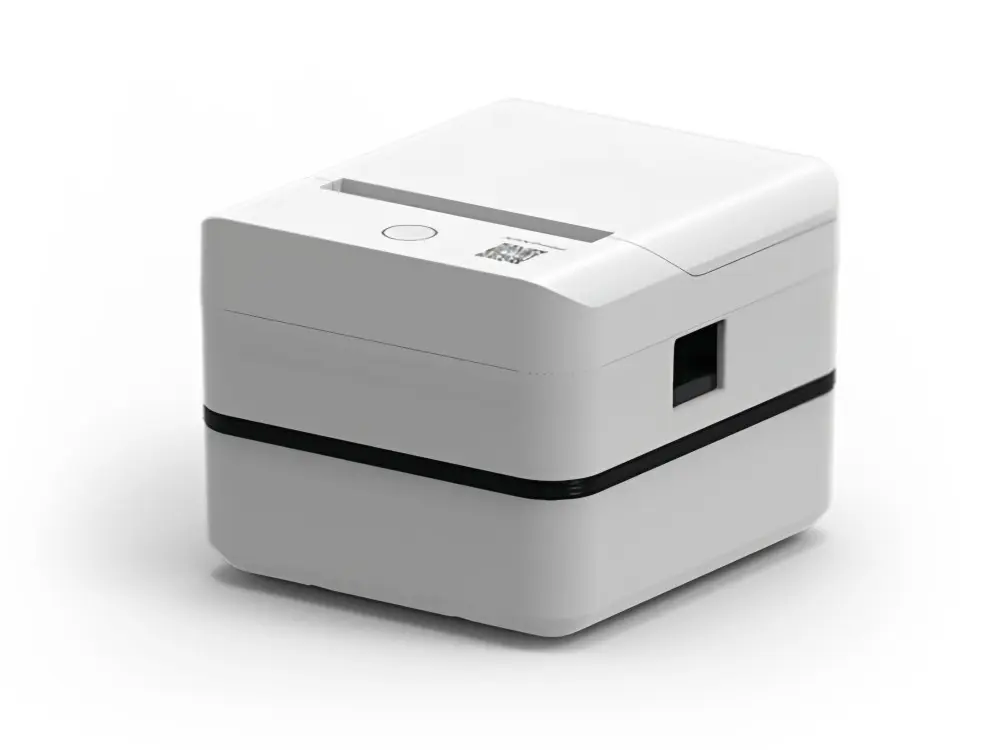 Label Printer
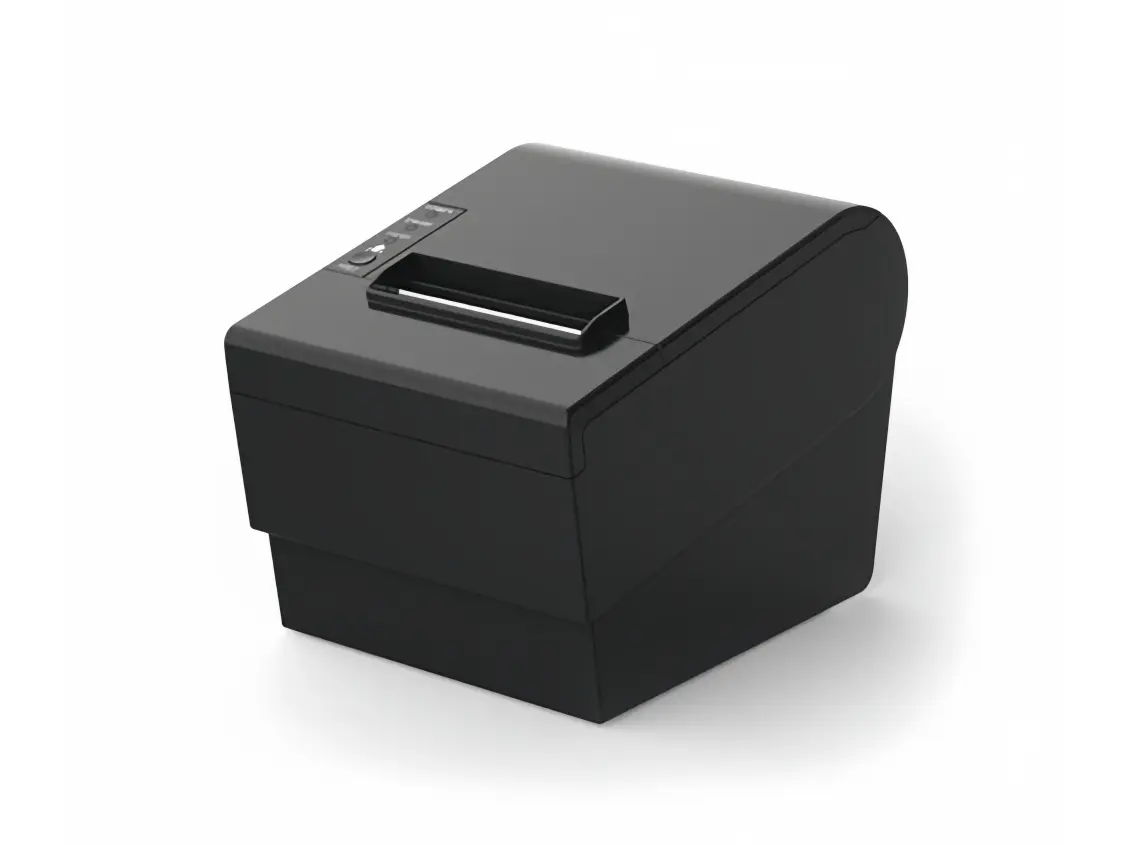 Receipt Printer
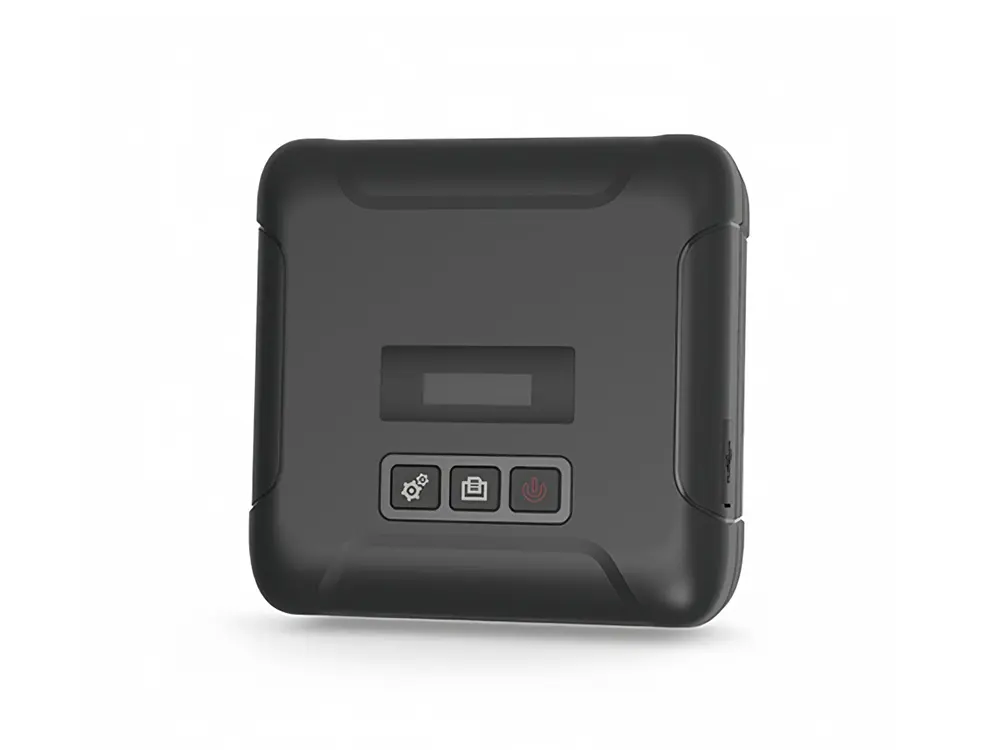 Mobile Printer