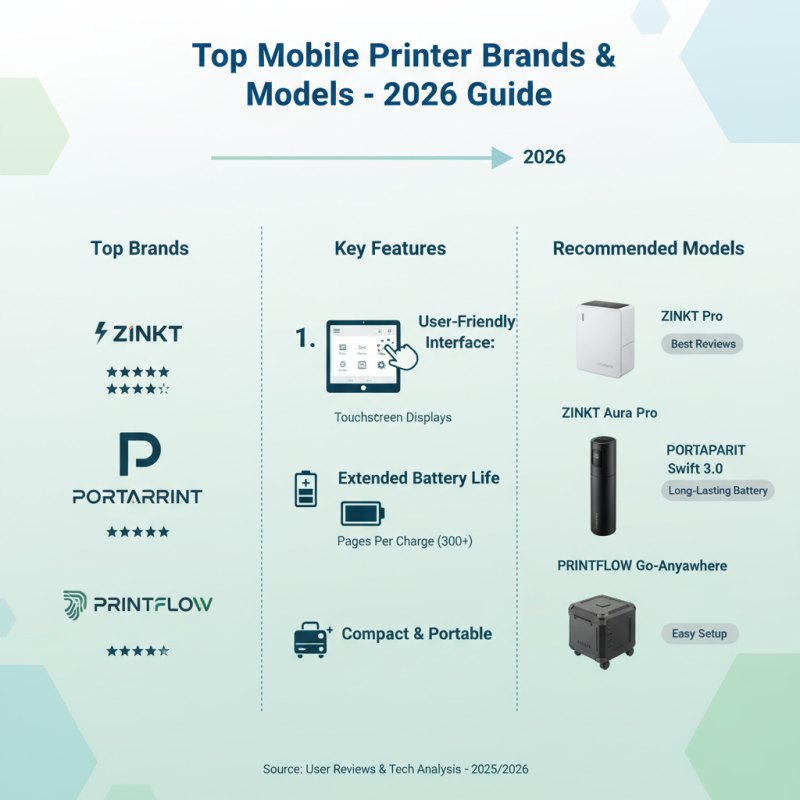
2026 Ultimate Guide to Mobile Printer Bluetooth Buying Tips?
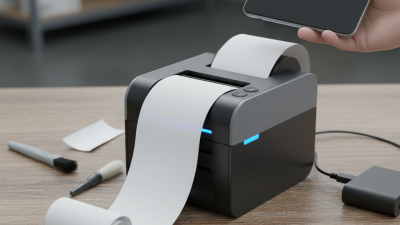
In today's fast-paced world, the demand for portable solutions is rising. Mobile Printer Bluetooth technology has become essential for professionals on the go. Whether you're a business person, a student, or a creative, having the ability to print documents wirelessly is a game changer. As we approach 2026, understanding how to choose the right mobile printer becomes crucial.
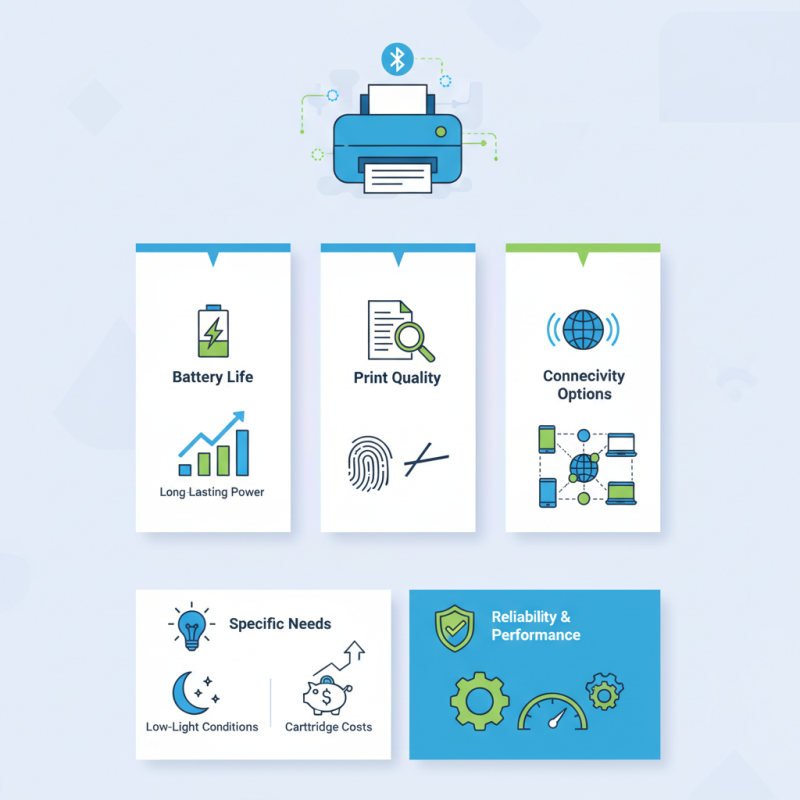
When buying a Mobile Printer Bluetooth, consider factors like battery life, print quality, and connectivity options. Many options flood the market, making it difficult to choose the best one. It's easy to get swayed by flashy marketing and ignore practical features. Take note: not all printers are created equal. Some might promise high-quality prints but fail in real-world scenarios.
Reflecting on your specific needs is vital. Do you often print in low-light conditions? Some models handle this better than others. Additionally, think about the cost of replacement cartridges. A cheaper printer might have higher running costs. Making an informed decision will lead to a satisfying purchase. So, as you dive into the details of mobile printer options, remember to prioritize reliability and performance.
Understanding Mobile Printers: Types and Features
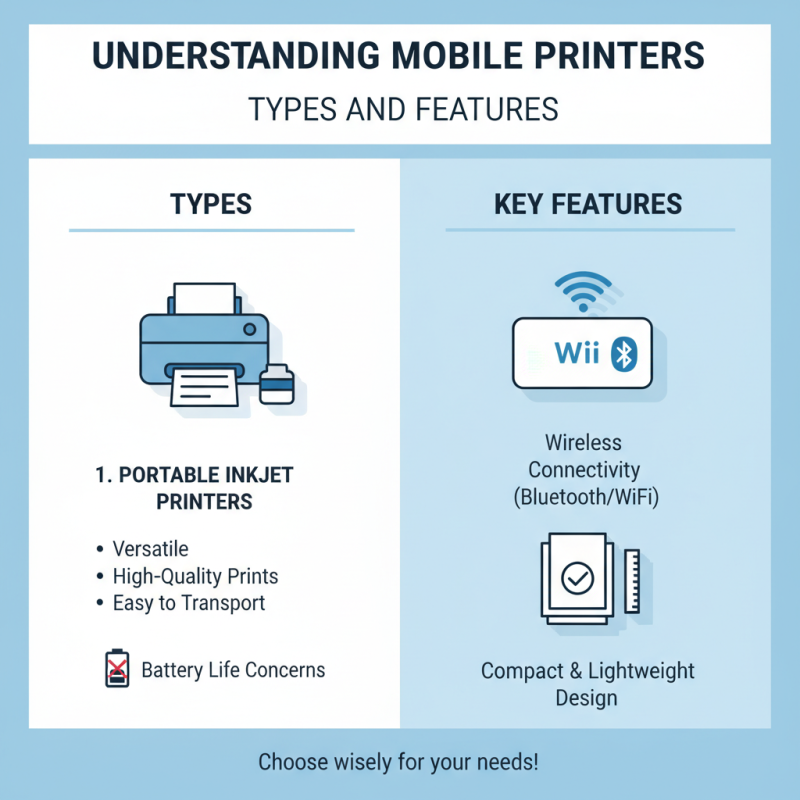
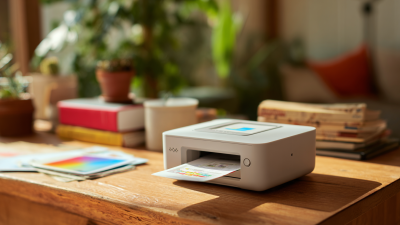
Mobile printers have become essential tools for both personal and professional use. Understanding the different types and features is crucial before making a purchase. Portable inkjet printers are versatile and ideal for various tasks. They produce high-quality prints and are easy to transport. However, their battery life can sometimes be an issue.
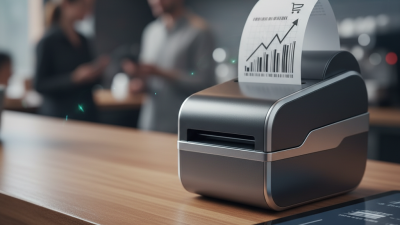
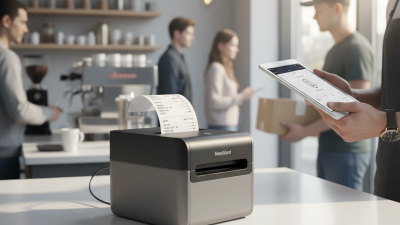
Another popular option is thermal printers. They are known for their speed and efficiency. These printers use heat to create images on specialized paper. While they are great for receipts or labels, they may not convey the color richness you might desire in photo prints. It's important to consider what you'll primarily be printing when choosing a type.
Connectivity options play a significant role in user experience. Many mobile printers support Bluetooth, enabling quick and wireless printing from devices. However, some users report occasional connectivity issues, which can be frustrating. It's worth examining the compatibility with your devices. Additionally, the interface may vary by model; some are more intuitive than others. Taking the time to understand these features will enhance your mobile printing experience.
Key Considerations When Choosing Bluetooth Connectivity
When selecting a mobile printer, Bluetooth connectivity stands out as a crucial factor. The range of Bluetooth technology can vary, typically offering around 30 feet of wireless connection. Understanding the distance and environment where you'll use the printer is essential. If you're in a crowded space, ensure the connection remains stable. Interference from other devices can disrupt printing tasks like labeling or invoicing.
Battery life is another key consideration. A printer might boast Bluetooth capabilities, but if the battery drains quickly, it becomes unreliable. Make sure to check how long the device can last on a full charge. Portability is important, too. Choose a lightweight model that easily fits into your bag. It should be user-friendly, with a straightforward setup.
Also, consider software compatibility. Some devices may connect seamlessly with any smartphone, while others may have limitations. Check the mobile application before making a purchase. Frustrations can often come from mismatched technologies. It's wise to read user reviews and expert analyses. Feedback can reveal hidden issues or delights in the user experience. A printer is an investment, and ensuring it aligns with your needs is critical.
Factors Affecting Print Quality and Speed
When considering mobile printers, print quality and speed remain paramount. Factors such as resolution, ink type, and printing technology all contribute significantly. For instance, printers with higher DPI (dots per inch) provide sharper and more detailed images. Reports indicate that a resolution of 300 DPI is ideal for most mobile printing tasks. In contrast, lower resolutions can lead to blurry outputs, diminishing the overall user experience.
Speed is another critical aspect. Many mobile printers average around 10 to 15 pages per minute (PPM). However, the actual speed may vary based on the complexity of the document and the connection interface, such as Bluetooth. Devices that utilize efficient Bluetooth protocols generally yield better performance. Testing has shown that connection stability can cut printing times by up to 30%. Therefore, selecting printers that optimize Bluetooth technology is a smart choice.
Print media also plays a crucial role. Using the wrong paper can lead to smudging or ink bleed, which affects the quality. It's crucial to use paper specifically designed for mobile printers. However, there is some variability in how different papers interact with ink. Not all brands guarantee perfect results. This uncertainty emphasizes the importance of testing different combinations to find what works best.
2026 Ultimate Guide to Mobile Printer Bluetooth Buying Tips
| Feature |
Specification |
Impact on Print Quality |
Impact on Print Speed |
| Print Resolution |
300 - 1200 DPI |
Higher DPI results in clearer, sharper images. |
Higher DPI can slow down print speeds. |
| Battery Life |
100 - 300 prints per charge |
Not directly affects quality, but could limit usage. |
Longer battery life allows more continuous printing. |
| Connection Type |
Bluetooth, USB |
Stable connections can improve data transfer for better quality. |
Bluetooth may introduce delays during connection setup. |
| Paper Type |
Glossy, Matte, Standard |
Different types affect ink absorption and finish quality. |
Varies depending on paper quality and thickness. |
| Print Method |
Thermal, Inkjet |
Different methods yield varying quality outputs. |
Some methods are inherently faster than others. |
Battery Life and Portability in Mobile Printers
When considering a mobile printer, battery life is a crucial aspect. A unit with a longer battery duration allows for extended use, especially when you're on the go. Many mobile printers claim impressive run times, but real-world performance can differ. Users often report that actual battery life falls short of the advertised figures. It’s essential to check user reviews to gauge performance accurately.
Portability goes hand in hand with battery life. Lightweight designs are easier to carry, making printing possible in various locations. Some models fit comfortably in a backpack, while others may feel cumbersome. Dimensions can be tricky. A compact printer might seem ideal, but it can lack features or durability. Balancing size and functionality is key.
Charging options also deserve attention. Many printers offer USB ports for convenient charging on the road. However, the time it takes to fully recharge can impact usage. A quick charge feature is beneficial but isn't standard across models. Look for specifics in product descriptions. Overall, keeping these factors in mind can enhance your mobile printing experience.

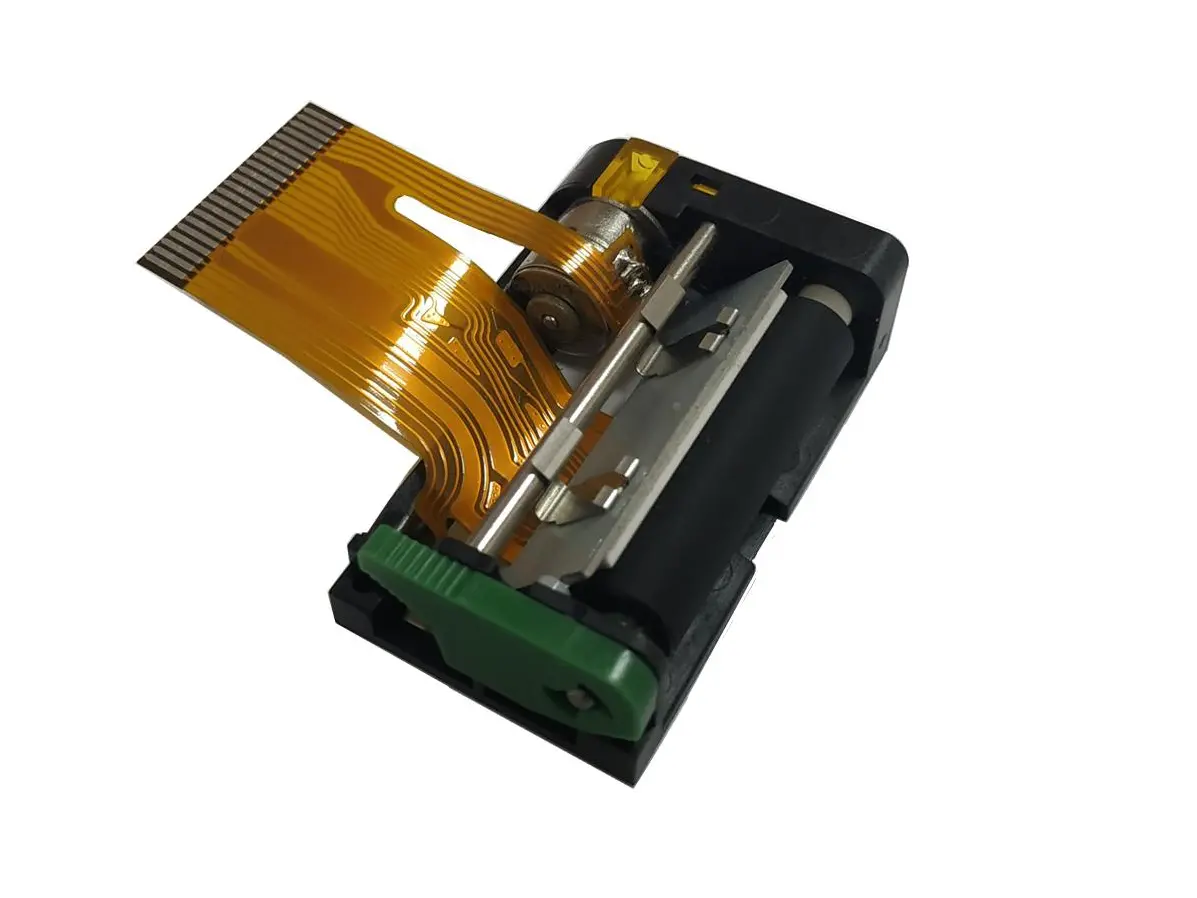 1 inch thermal printer mechanism
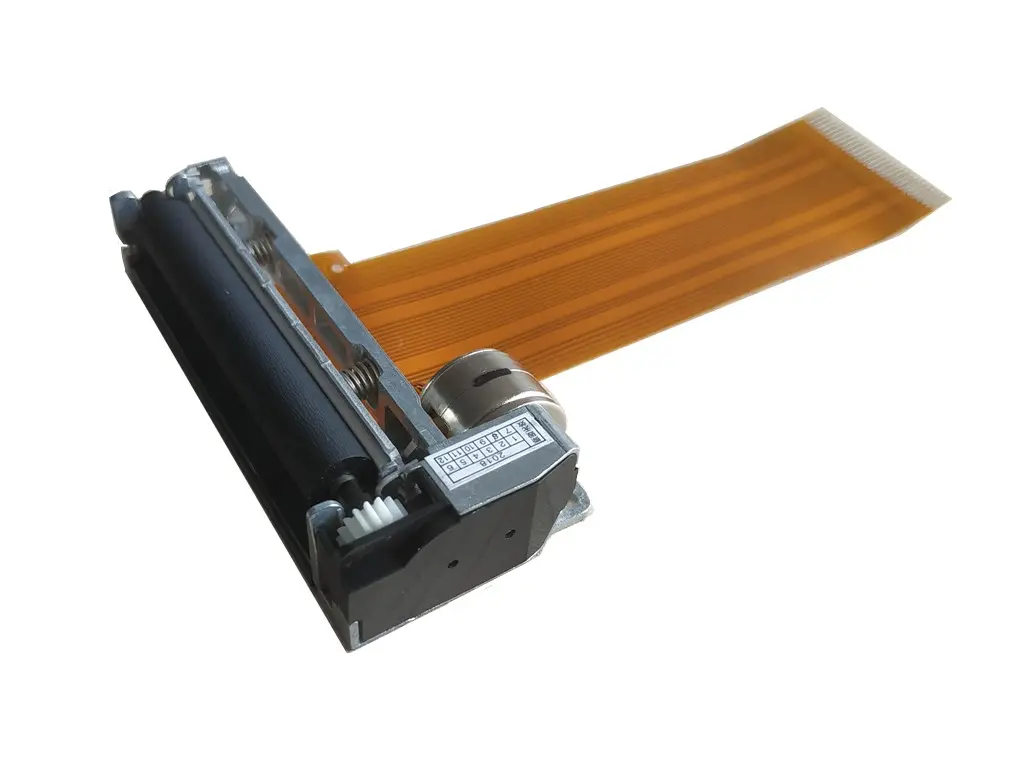 2 inch thermal printer mechanism
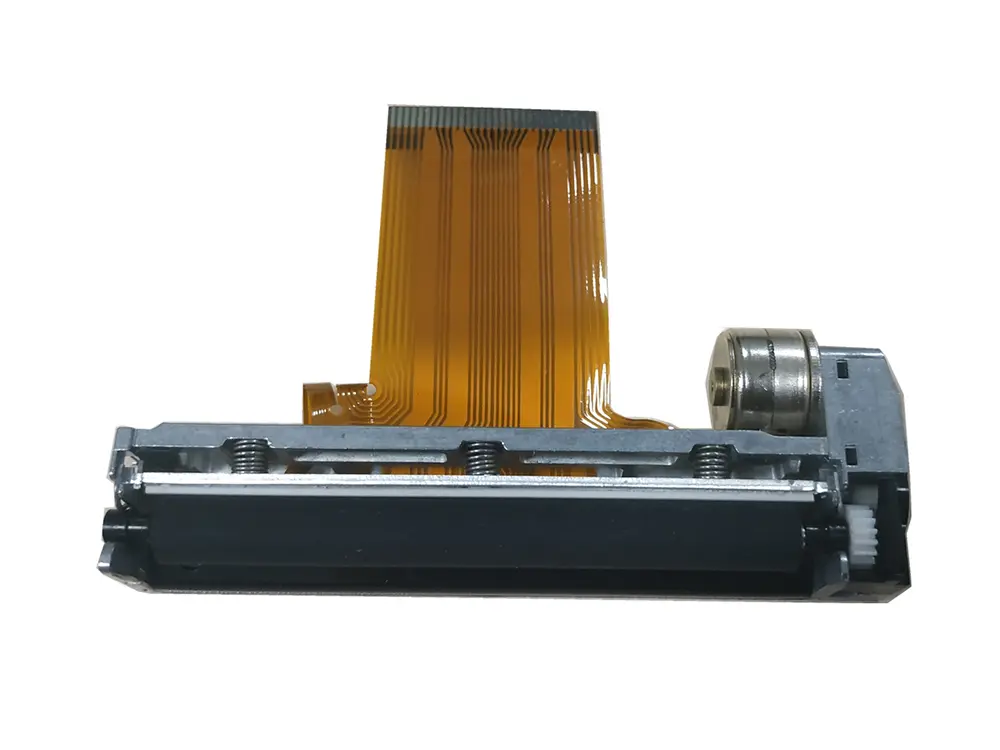 3 inch thermal printer mechanism
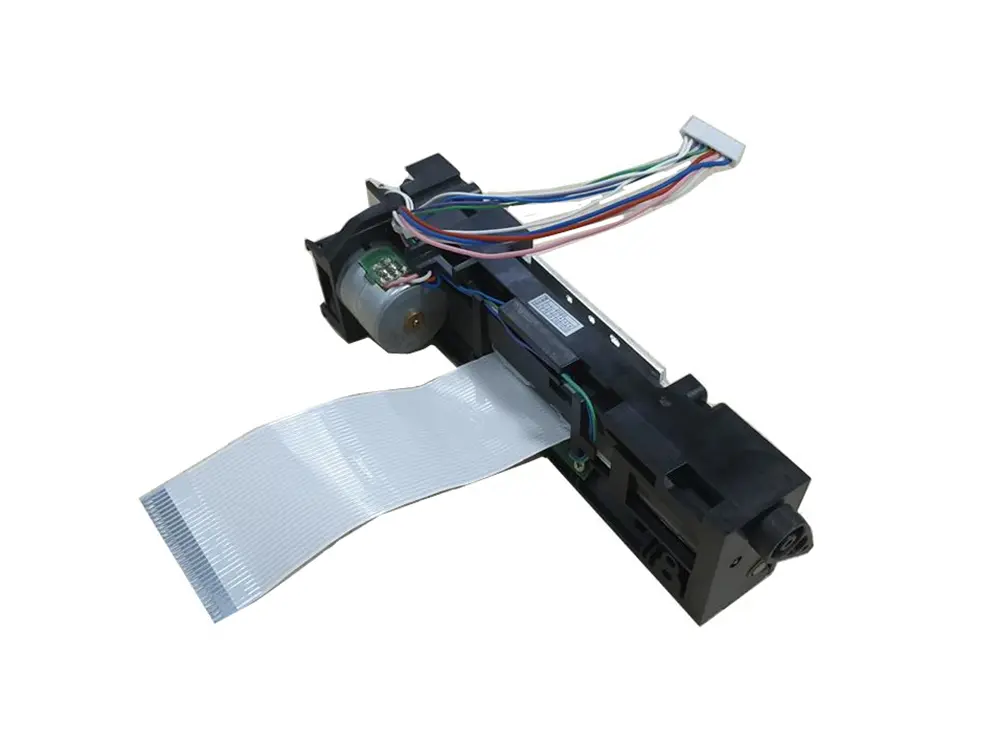 4 inch thermal printer mechanism
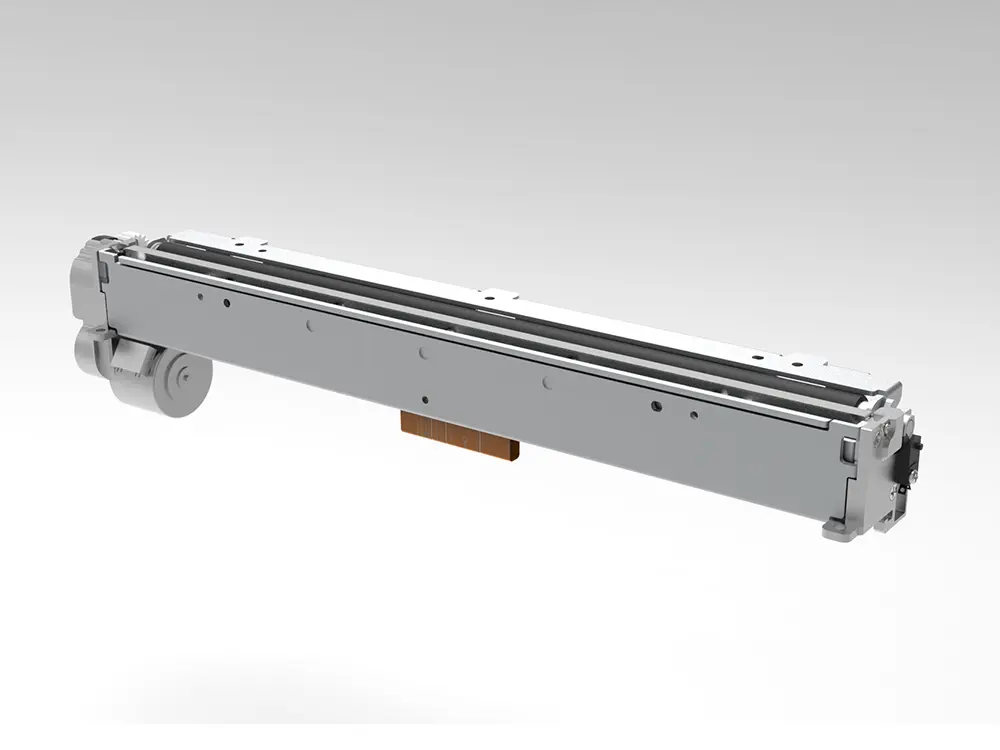 8 inch thermal printer mechanism
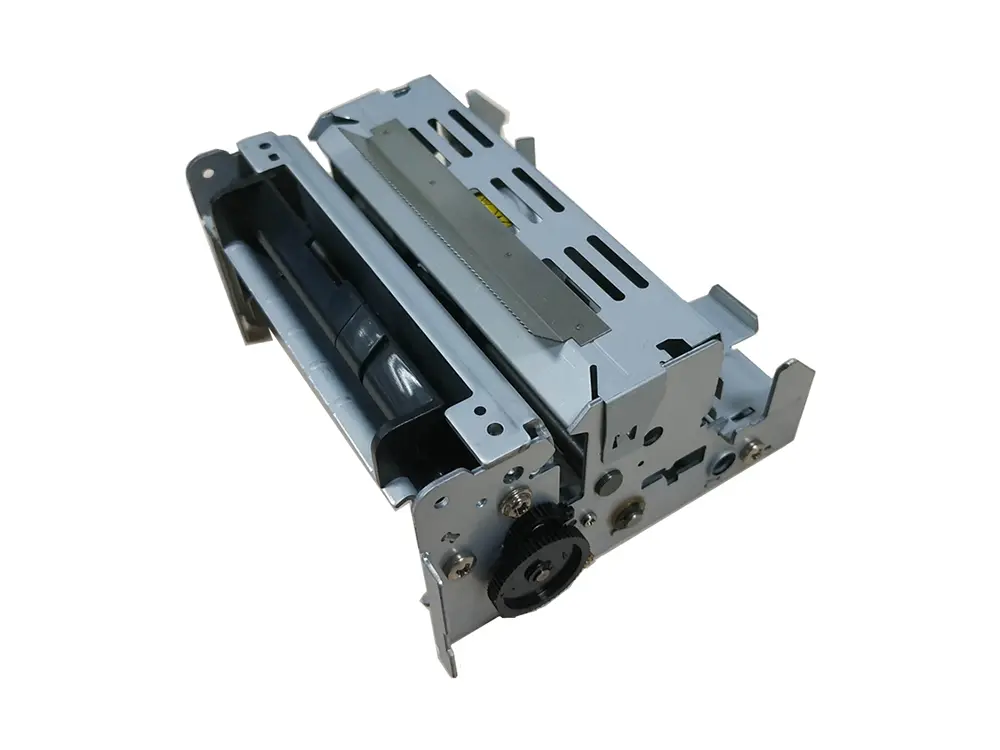 dot matrix printer mechanism
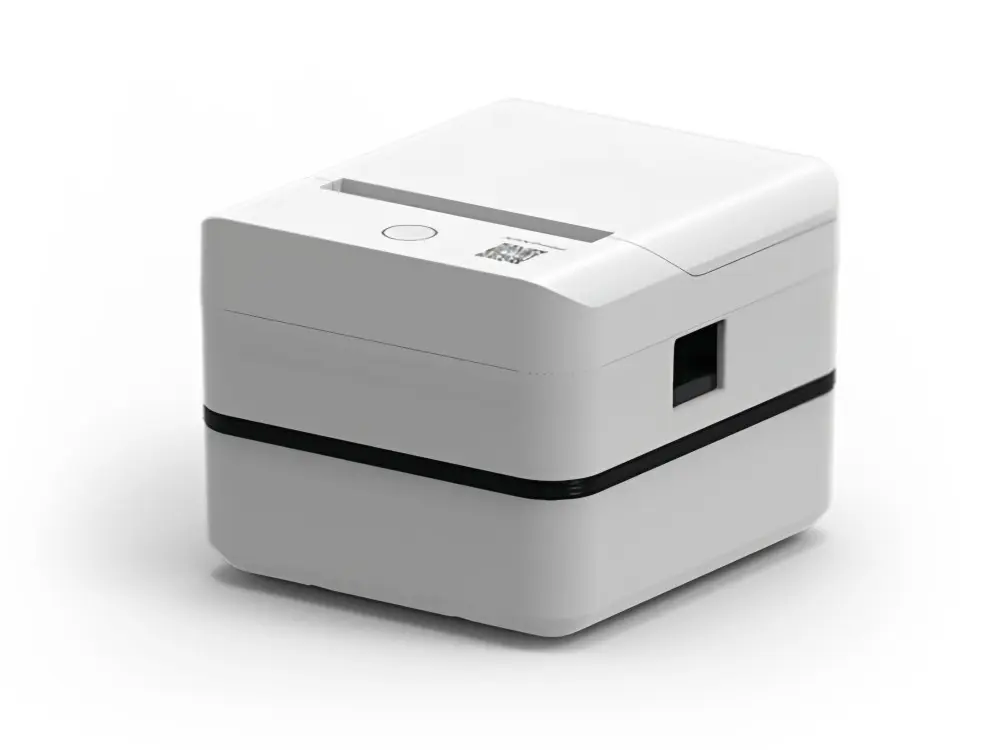 Label Printer
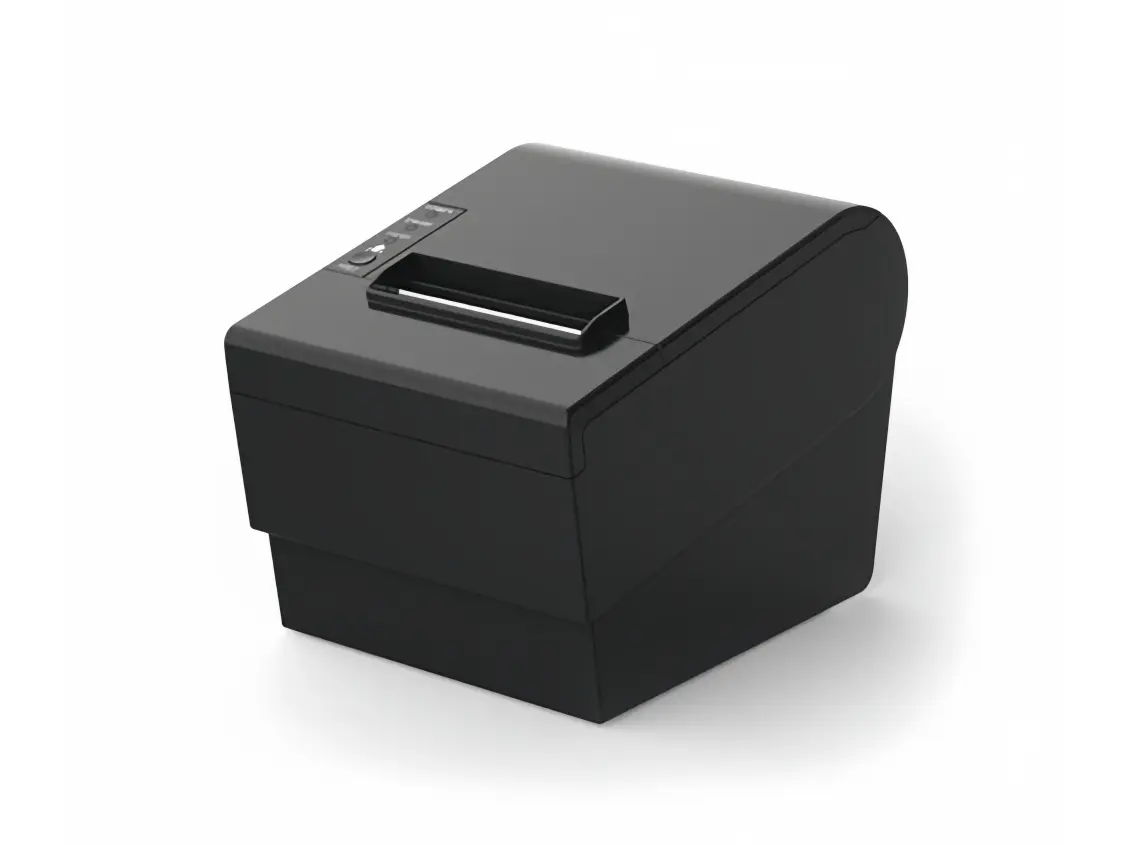 Receipt Printer
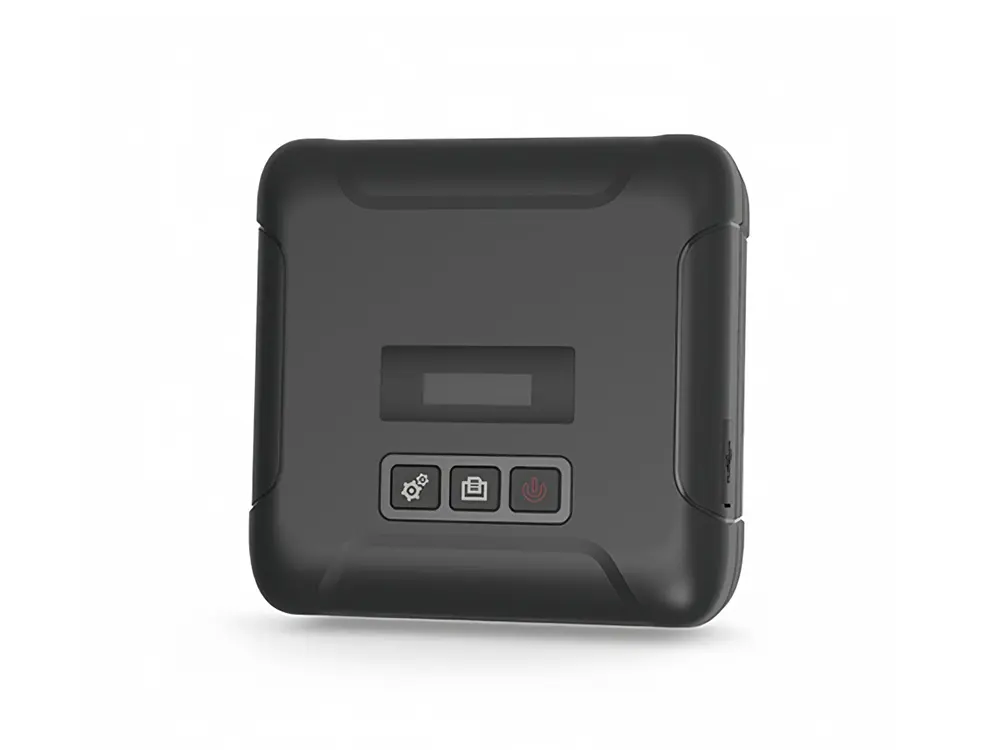 Mobile Printer