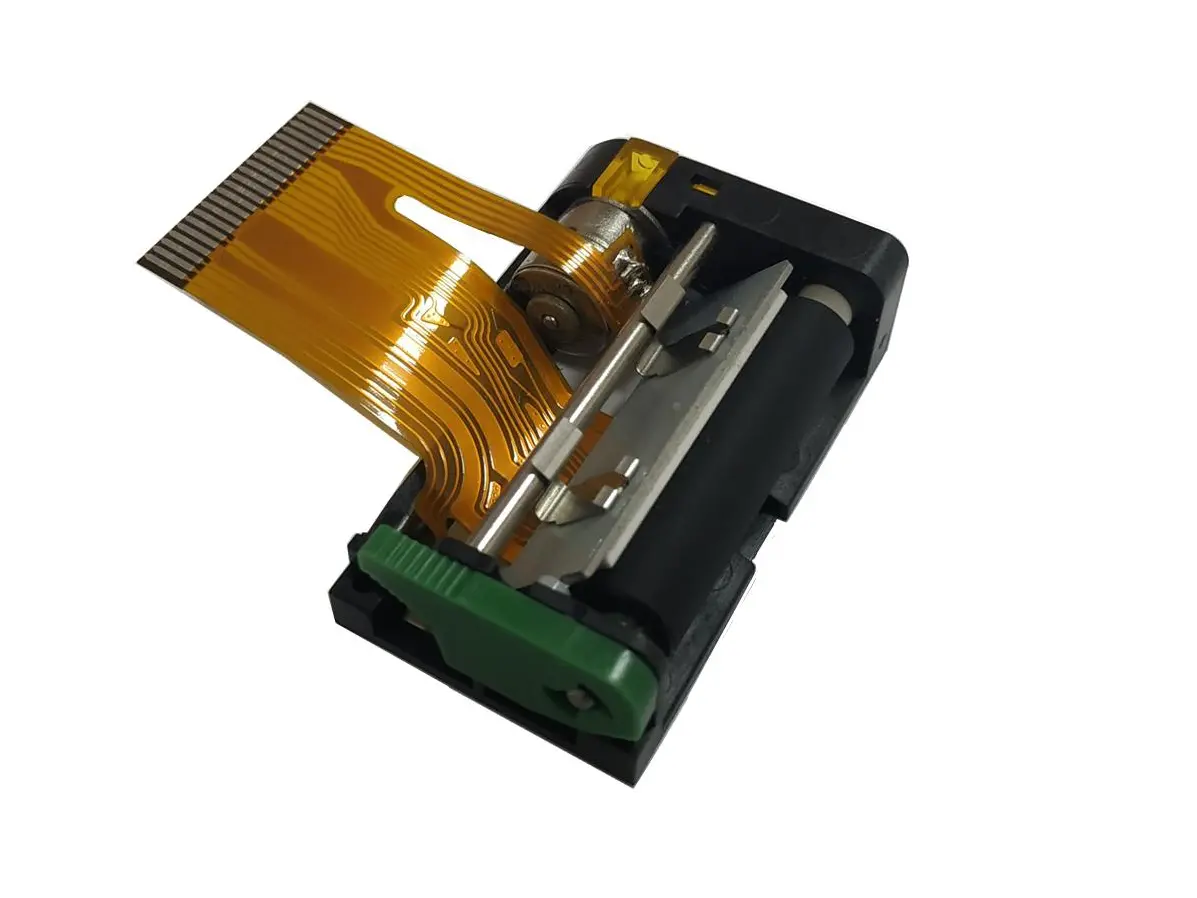
 1 inch thermal printer mechanism
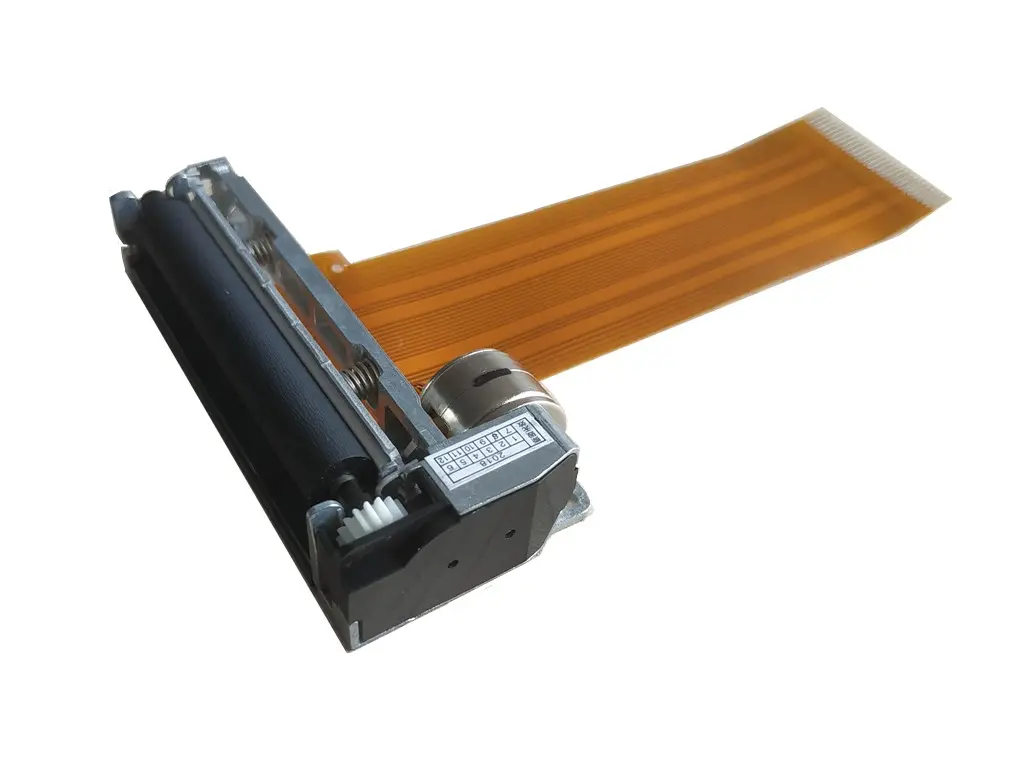 2 inch thermal printer mechanism
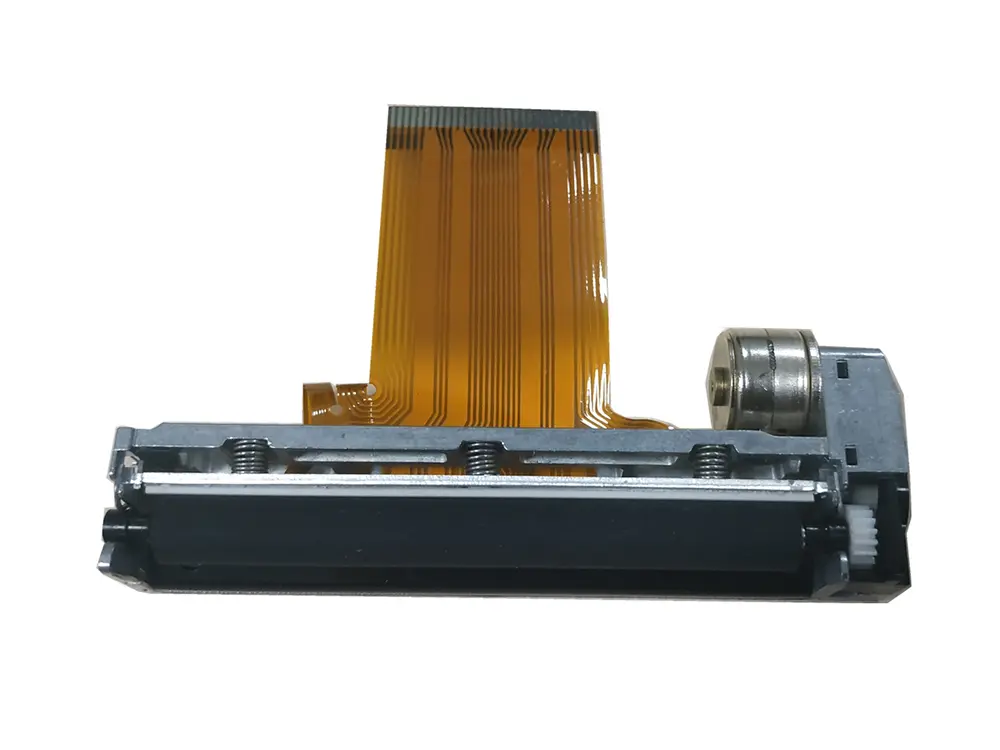 3 inch thermal printer mechanism
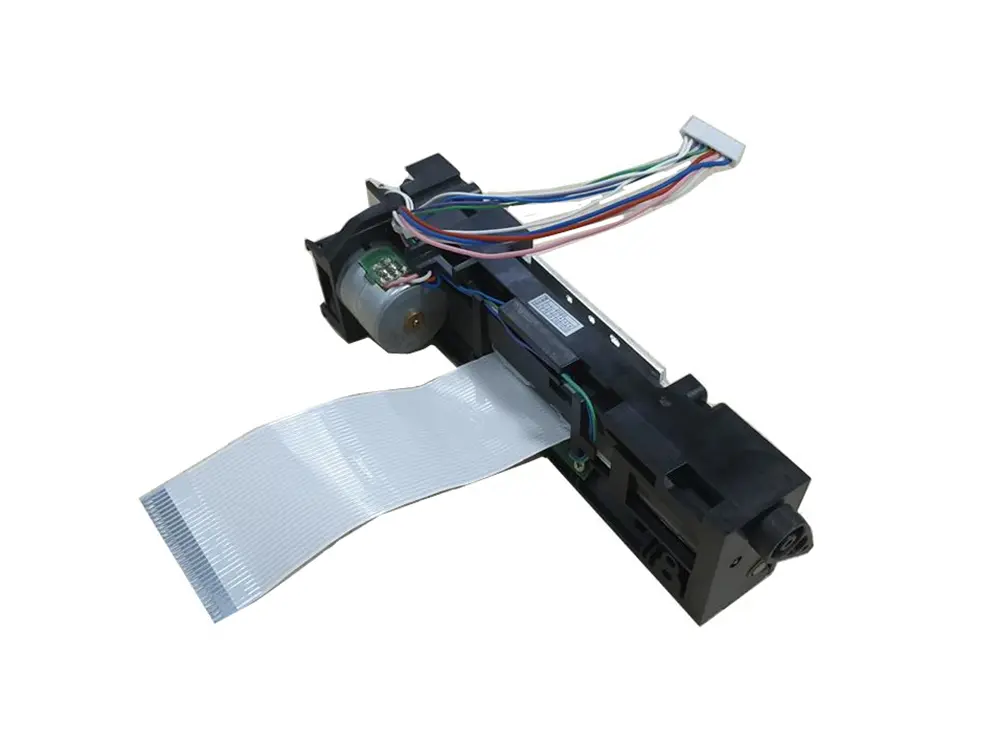 4 inch thermal printer mechanism
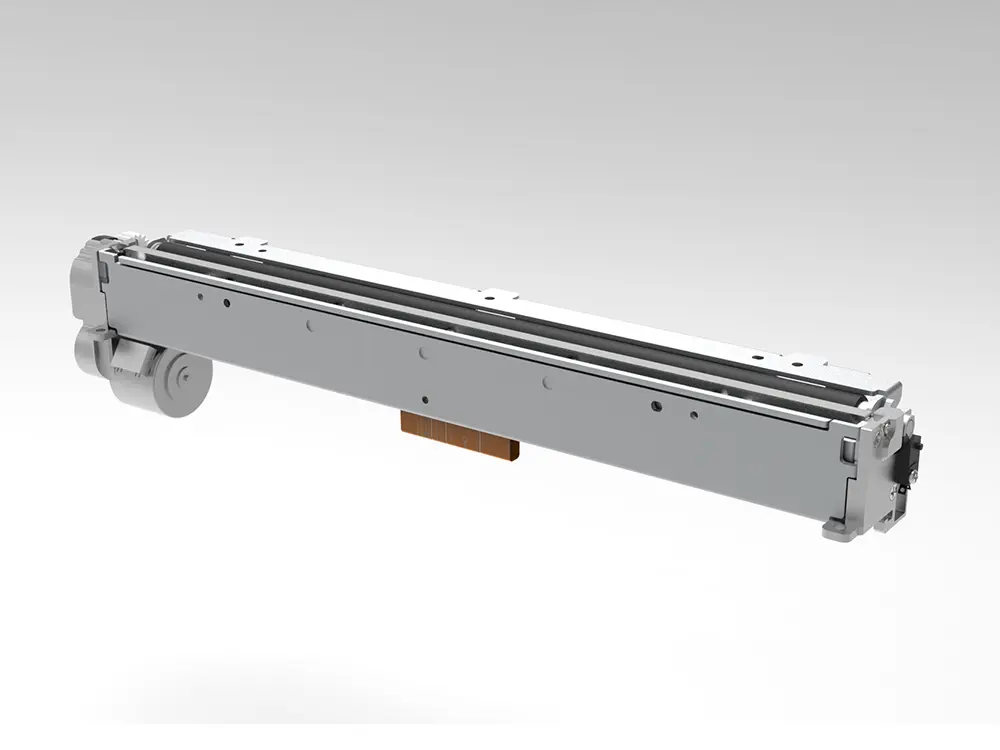 8 inch thermal printer mechanism
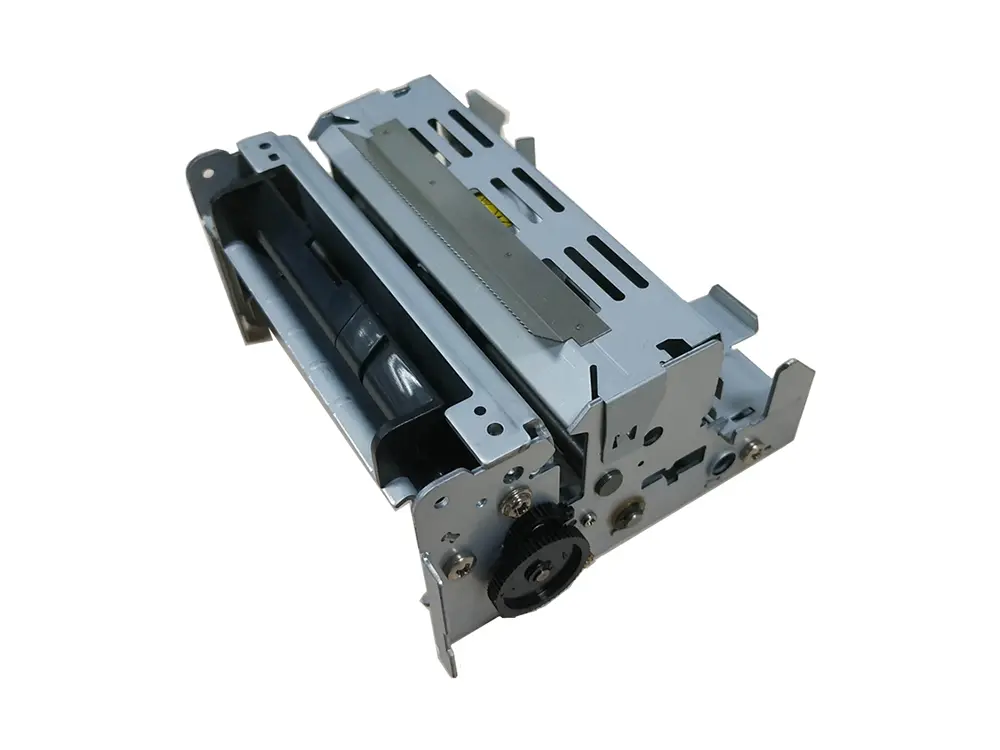 dot matrix printer mechanism
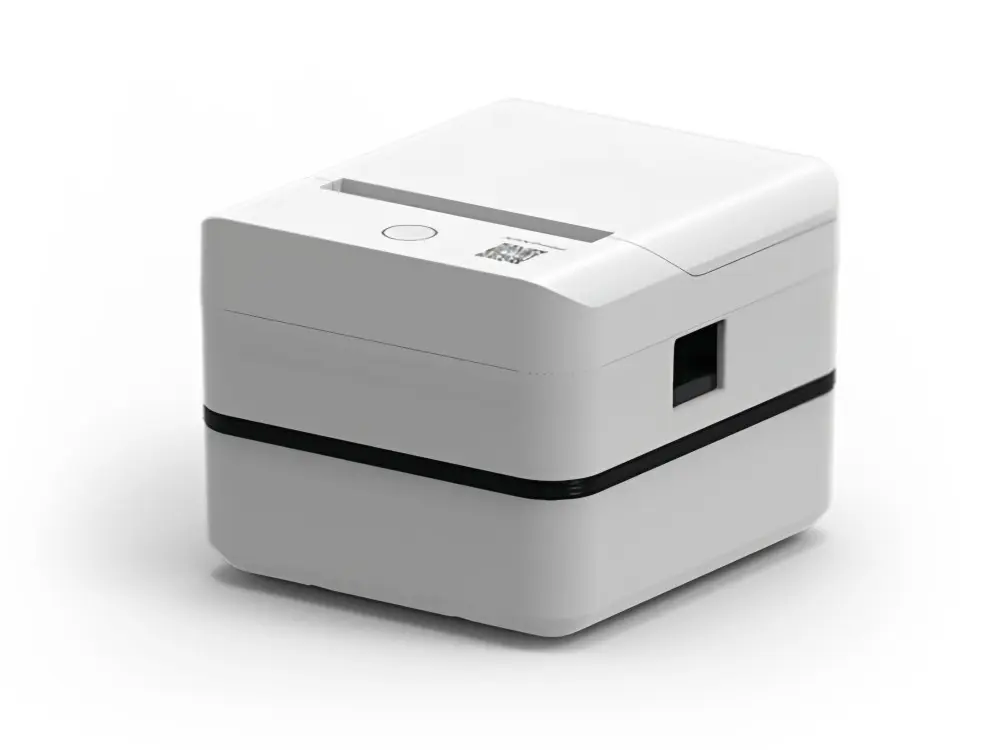 Label Printer
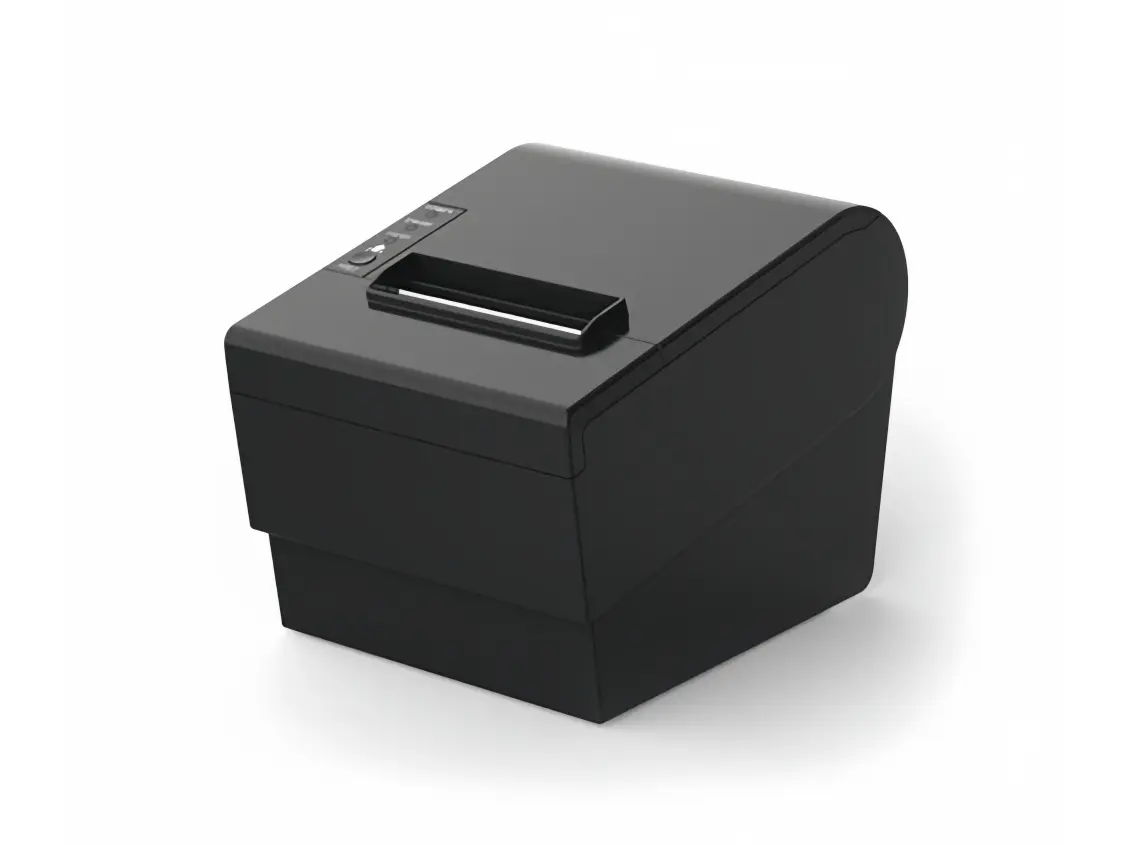 Receipt Printer
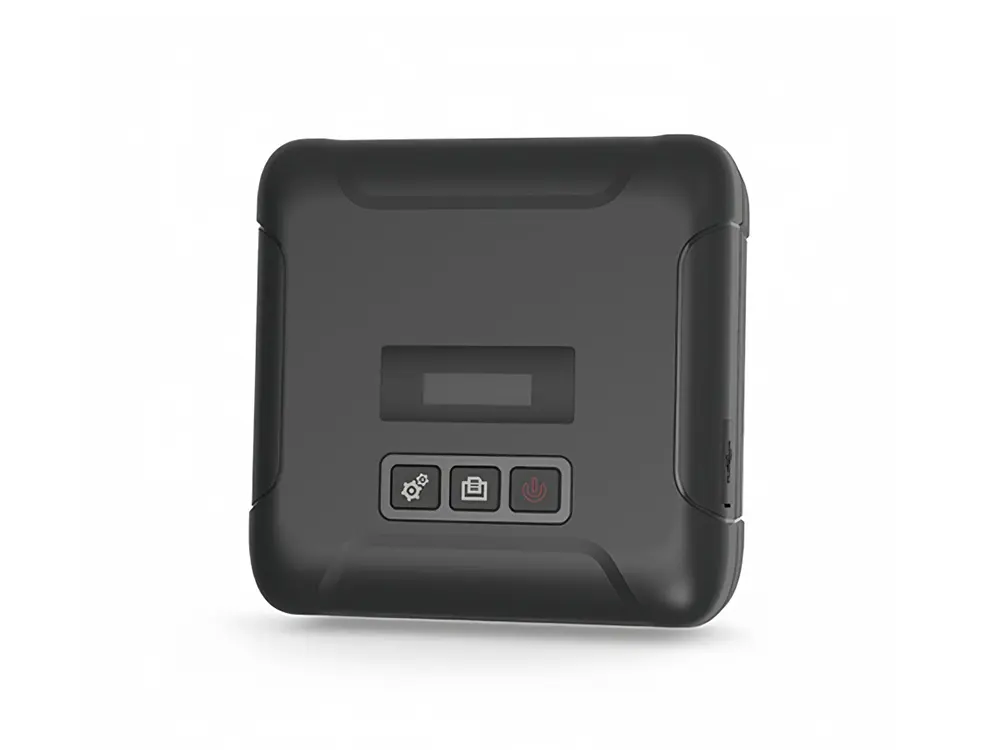 Mobile Printer
Leave Your Message
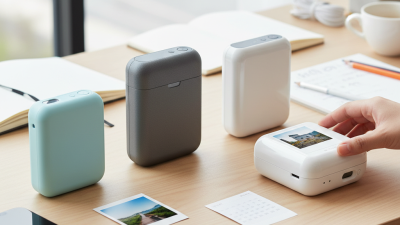
Buying a Pocket Printer for international use is not as simple as choosing the smallest model. Global buyers face different outlet standards, shipping conditions, paper sizes, and after-sales policies. A printer that works perfectly in one country may become inconvenient elsewhere. Its companion app might not support your phone language or regional account settings.
This guide presents ten practical buying tips based on common user needs and careful product evaluation. We will examine print quality, battery performance, connection stability, paper availability, operating costs, and device compatibility. A clear comparison should include more than attractive product photos. Check the charging method, supported operating systems, warranty coverage, and return terms before ordering. Small details matter. A loose Bluetooth connection can ruin an important label or travel note.
Reliable buying decisions also require evidence. Look for manufacturer specifications, independent reviews, user photos, and realistic testing results. Confirm whether replacement paper is sold locally or shipped internationally. Check its storage conditions, especially if you live in a hot or humid region. Safety certifications and appropriate electrical compatibility deserve attention too.
No product is perfect. Some compact printers sacrifice speed for portability, while others produce sharper images but cost more to operate. I have found that advertised battery life can differ from daily experience. That difference should not be ignored. The best choice depends on your printing habits, budget, travel plans, and tolerance for maintenance. These tips aim to make that decision clearer, not to promise one universal winner.
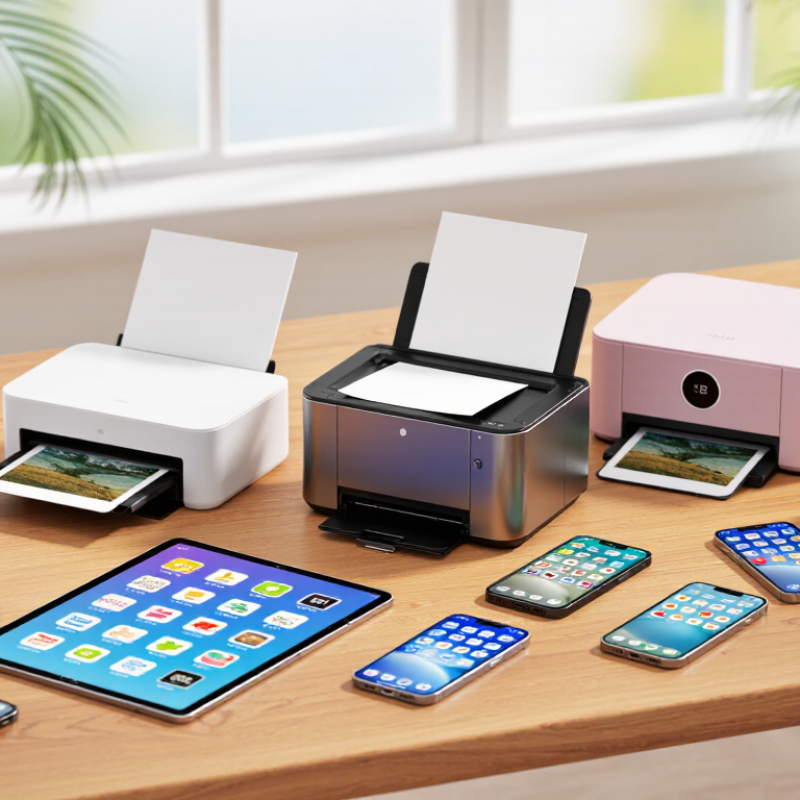
Pocket Printer Buying Tips for Global Buyers
Portable printing seems simple until paper, power, and image quality affect daily use. The printer type should match your real tasks. Direct thermal models are compact and usually need no ink, but they often produce monochrome prints. Their output may fade under heat, sunlight, or moisture. Color thermal systems can create vivid images, though their special paper may cost more. Dye-sublimation models usually deliver smoother color and better detail, but they may be heavier and slower.
Check the printing technology carefully. Some devices use heat-sensitive paper, while others use cartridges or integrated color sheets. Compare print resolution, paper size, replacement costs, and storage conditions. A glossy image can look impressive in a shop. In practice, small text may blur. Test both photos and labels before purchasing when possible. I once focused too much on size and underestimated paper availability during travel.
Global buyers should verify wireless compatibility, charging standards, and supported mobile systems. A local plug adapter may solve charging, but it cannot fix incompatible software. Review the manufacturer’s technical documents and warranty coverage for your region. Also check whether the companion application requires an account or collects unnecessary data. Battery performance can change in cold weather. Humidity can affect paper handling. No option is perfect. Choose the technology that fits your environment, workload, and tolerance for ongoing supply costs.
| No. | Buying Tip | Printer Type | Printing Technology | Typical Output | Main Advantages | Important Limitations | Best For |
|---|---|---|---|---|---|---|---|
| 1 | Choose the technology according to the required image quality. | Color photo pocket printer | Dye-sublimation or ZINK®-type color printing | Small color photos, commonly around 50 × 75 mm | Better suited to photos and graphics than basic monochrome thermal printing | Color media usually costs more per print; photo output is limited by the small paper size | Travel photos, labels with color graphics, creative projects |
| 2 | Use direct thermal models for simple, low-maintenance printing. | Monochrome thermal pocket printer | Heat activates special heat-sensitive paper; no liquid ink is required | Black-and-white text, receipts, reminders and narrow labels | Compact mechanism, quick operation and no ink cartridges | Output is generally monochrome; heat, sunlight and aging can affect some thermal paper | Notes, checklists, temporary labels and mobile documents |
| 3 | Check whether the paper supply matches your long-term storage needs. | Thermal, ZINK®-type or dye-sublimation model | Paper-specific media system | Rolls, adhesive sheets, cards or photo sheets depending on the model | Paper formats can be selected for labels, photos or documents | Media is usually not interchangeable; adhesive and photo paper can have different costs | Buyers who need a specific paper size or adhesive backing |
| 4 | Compare print resolution, but do not use it as the only quality measure. | Photo or label pocket printer | Thermal, ZINK®-type, dye-sublimation or portable inkjet | Common manufacturer ratings range from about 203 dpi for basic thermal units to about 300 × 300 dpi or higher for many photo models | Higher resolution can improve small text, line detail and photo smoothness | Color accuracy, paper coating and image processing also strongly affect the result | Users comparing fine text, QR codes or small photographs |
| 5 | Evaluate print width before placing an international order. | Mini label or photo printer | Model-dependent thermal or color technology | Typical pocket formats include approximately 15–58 mm label widths or 50 × 75 mm photo media | Smaller media keeps the device portable and reduces material use | Small print areas may not suit full-size documents, long addresses or detailed diagrams | Travel, inventory tags, organization and compact photo printing |
| 6 | Check the wireless connection and mobile operating-system support. | Bluetooth or Wi-Fi pocket printer | Digital image transfer through Bluetooth, Wi-Fi or USB | Mobile-app printing is common; some models also support computer connections | Cable-free printing is convenient for phones and tablets | App availability, permissions, language support and firmware compatibility may vary by market | International users printing from different phones or tablets |
| 7 | Confirm battery capacity, charging method and expected page yield. | Rechargeable portable printer | Internal lithium-ion battery or USB-powered design | Many compact models are designed for dozens of prints per charge, depending on media and usage | Portable operation without a continuous wall connection | Actual yield changes with print density, temperature, battery age and wireless activity | Field work, events, travel and remote locations |
| 8 | Compare total operating cost instead of only the device price. | Any pocket printer category | Consumable-based thermal or color media system | Cost per print depends on paper type, sheet size, color coverage and replacement frequency | A higher initial price can be economical if consumables are affordable and widely available | Imported paper may increase freight, tax and stock-out risks | Volume buyers, distributors and frequent travelers |
| 9 | Review environmental and storage conditions for both device and media. | Portable thermal or photo printer | Heat-sensitive or layered color media | Print durability varies by media formulation, coating, light exposure and humidity | Some outputs are suitable for short-term organization and everyday sharing | Avoid excessive heat, moisture and direct sunlight; do not assume every print is archival | Users needing reliable storage, outdoor use or long-lasting records |
| 10 | Verify regional compliance, charging accessories and after-sales support. | Imported or globally distributed pocket printer | Electronic printer with wireless and rechargeable functions | Requirements may include charger compatibility, wireless approvals, manuals and local warranty terms | Reduces customs, setup and service problems after delivery | Wireless regulations, plug types, battery transport rules and warranty coverage differ between countries | Global buyers, resellers, procurement teams and cross-border shipments |
Note: Specifications and performance ranges are general market guidance. Always confirm the exact paper format, compatibility, battery rating, regulatory requirements and warranty conditions for the selected model and destination country.