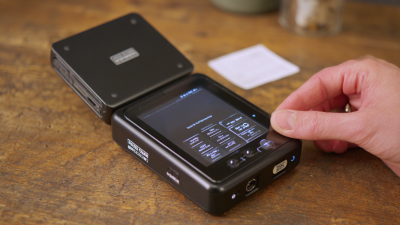
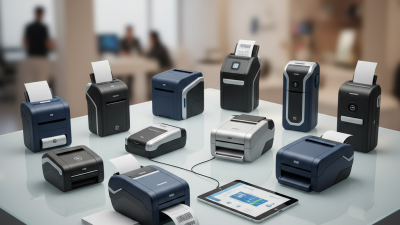
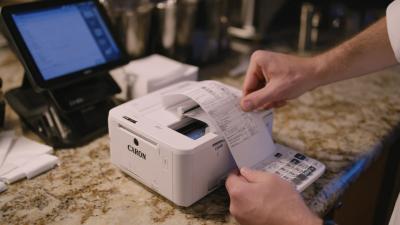
What is a Mobile Printer and How Does It Work?
Mobile printers have revolutionized the way businesses operate in today's fast-paced environment. According to a recent market report from Grand View Research, the mobile printer market is projected to reach USD 2.6 billion by 2028, reflecting a growing need for on-the-go printing solutions. As technology advances, the demand for mobile printers continues to rise, allowing professionals to print documents directly from their devices anytime, anywhere.
Expert Mike Williams, a leading analyst at the International Printing Association, highlights the importance of this technology: "Mobile printers provide flexibility and efficiency, enabling users to meet business needs swiftly." Companies in logistics, healthcare, and retail now rely on mobile printers for crucial documentation, enhancing productivity and service delivery.
Despite their benefits, there are challenges. Battery life and print quality often vary. Users must consider operational limitations when selecting a model. However, the advantages outweigh these concerns, making mobile printers an essential tool for many industries. Balancing performance and usability remains vital for maximizing their potential.
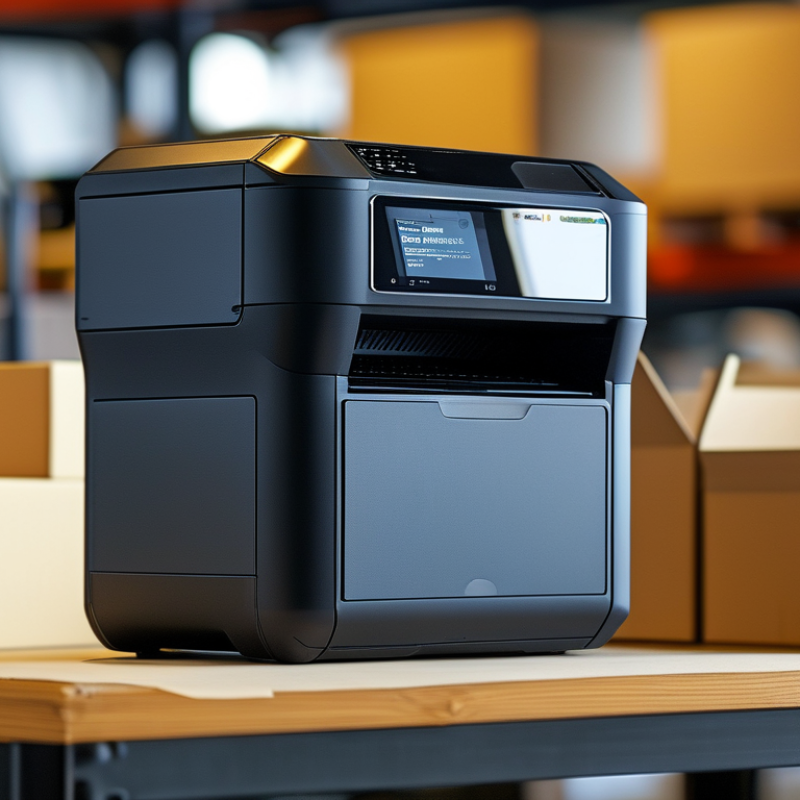
Definition of Mobile Printers and Their Key Features
Mobile printers are compact devices designed for on-the-go printing. Their key features include portability, wireless connectivity, and ease of use. These printers can connect via Bluetooth, Wi-Fi, or USB, allowing seamless printing from smartphones and tablets. Data from market analysis indicates that the mobile printing market is projected to grow at a CAGR of over 9% from 2021 to 2026, highlighting their increasing relevance in modern business environments.
Another notable feature is battery life. Many mobile printers offer extended battery options, making them ideal for use in various settings, such as field services and retail environments. Ease of operation is also a factor; many models require minimal setup or technical knowledge. However, the print quality can vary significantly among models, raising concerns about reliability. Reports suggest that around 30% of users experience issues with print fidelity, emphasizing the need for careful evaluation before purchasing.
Mobile printers also address the challenge of space. In crowded work environments, traditional printers can be cumbersome, while mobile printers occupy minimal space and can easily be stowed away. Despite their advantages, some users may find performance inconsistent, particularly with thicker paper types. The balance between portability and print quality remains a point of reflection for manufacturers and users alike.
Types of Mobile Printers: Thermal, Inkjet, and Impact Technologies
Mobile printers come in various types, mainly categorized by their printing technology. Thermal, inkjet, and impact printers each have unique features and applications in mobile environments. According to industry reports, thermal printers dominate the mobile segment with a 42% market share, owing to their simplicity and efficiency.
Thermal printers use heat to produce images on special paper. They require minimal maintenance and are cost-effective. This makes them ideal for printing receipts, labels, and tickets on the go. Their lightweight design enhances portability. However, the thermal printing process does have limitations, such as dependency on specific paper types and subpar longevity in outdoor settings.
Inkjet printers operate differently, spraying ink onto paper. This technology allows for vibrant color prints, suitable for detailed graphics and photos. Studies indicate that inkjet printers have gained traction in mobile environments, with a projected growth rate of 7% annually. On the downside, inkjet printers can be bulkier and more susceptible to drying out when not in use. Impact printers, while less popular, are beneficial for multi-part forms, often found in traditional business settings. Their use is declining as thermal options become more prevalent.
How Mobile Printers Operate: From Data Transmission to Print Output
Mobile printers are compact devices that enable printing on the go. They receive data via Bluetooth or Wi-Fi from smartphones, tablets, or laptops. Once the connection is established, users can select documents or images for printing. This wireless communication allows for convenience and flexibility.
When data is transmitted, mobile printers convert it into a format suitable for printing. The internal mechanisms process the information and prepare it for print output. Thermal printers, for example, use heat to transfer ink onto paper. This technology is efficient but can sometimes result in
smudged prints or faded colors, which may frustrate users. The alignment of the paper is crucial to avoid misprints.
Battery life varies across models, affecting usability in different scenarios. Some printers have powerful batteries that last for extended periods, while others may require frequent recharging. Users should monitor battery levels to prevent interruptions during important tasks. This aspect can lead to reflections on how technology can improve but often falls short in real-world applications.
Advantages of Mobile Printing Solutions in Various Industries
Mobile printing solutions have transformed various industries by increasing efficiency and improving productivity.
According to a report by IDC, mobile printing can boost workplace productivity by up to 30%.
This is crucial for sectors like retail, healthcare, and logistics, where timely documentation is essential.
Retailers benefit from on-the-spot receipt printing, improving customer service and satisfaction.
In healthcare, mobile printers enable quick label printing for medications or patient identification, enhancing patient safety.
However, adoption isn’t without challenges.
Many organizations struggle with ensuring secure connections and data integrity.
A study by Gartner indicated that 60% of companies encounter security issues when utilizing mobile printing technologies.
Companies must invest in secure printing solutions to mitigate risks.
Tip: Regularly review your mobile printing protocols.
Focus on employee training to improve security awareness.
Industries like logistics thrive on mobile printing due to real-time data access.
Studies show businesses that adopt mobile printing in logistics experience a 20% reduction in operational costs.
Still, thoughtful integration and clear processes are vital.
Too often, businesses overlook the importance of user-friendly interfaces in their mobile solutions.
Tip: Test user experience before implementing new mobile printing solutions.
Collect feedback for continuous improvement.
Market Trends: Growth Projections for Mobile Printer Sales by 2025
Mobile printers are becoming increasingly popular. By 2025, the market for these devices is expected to grow significantly. The demand for convenient printing solutions drives this trend. Businesses and consumers alike favor devices that allow printing on the go.
The rise in remote work increases the need for portable printing options. Mobile printers offer flexibility and efficiency. They connect easily to smartphones and tablets, making printing tasks simple. Users appreciate the ability to print from anywhere, enhancing productivity. Sales are projected to soar, thanks to advancements in technology. Manufacturers are focusing on quality and user-friendly designs to attract customers.
**Tips:** Consider the printing resolution and battery life when choosing a mobile printer. A model with a long battery life can be a lifesaver during travel. Remember to check compatibility with your devices. This ensures a smooth printing experience, especially if you’re often on the move.
Mobile Printer Sales Growth Projections (2021-2025)

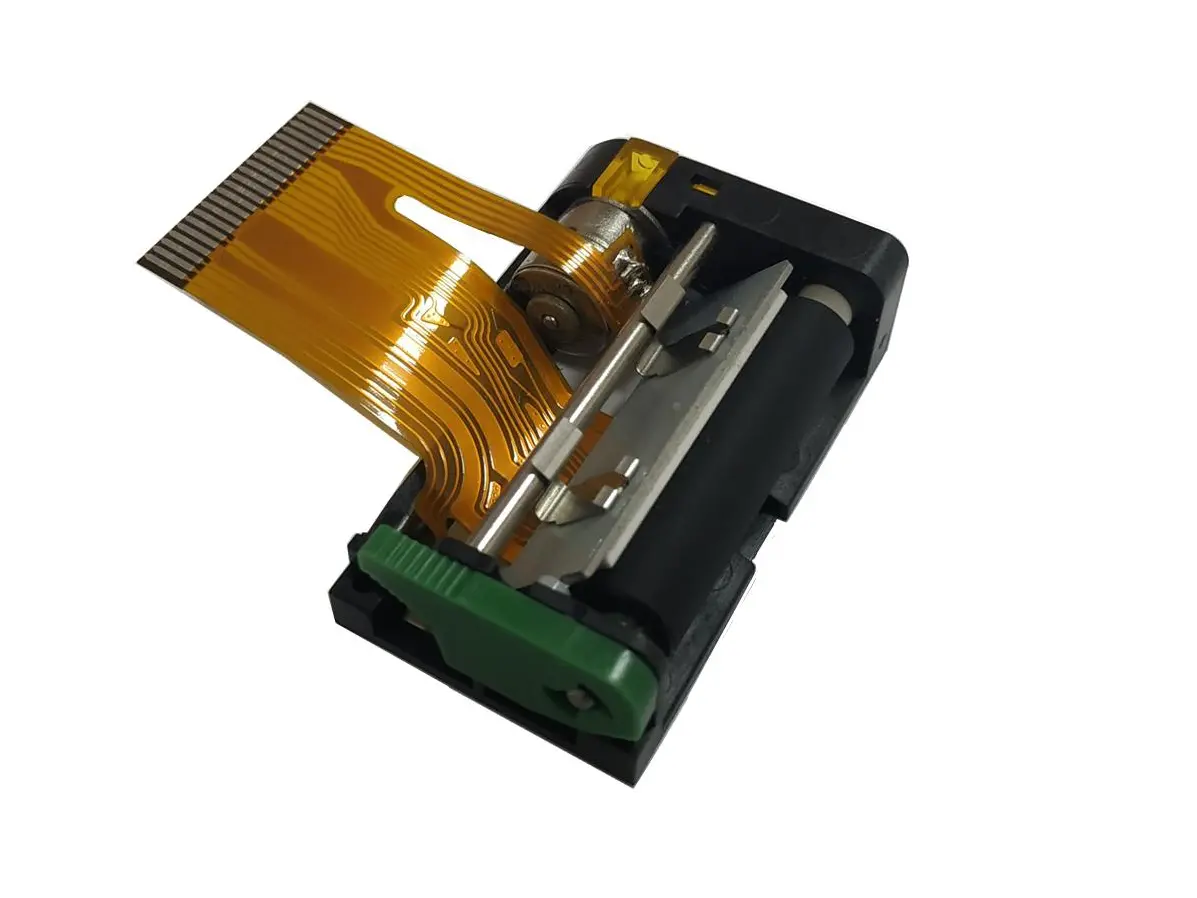 1 inch thermal printer mechanism
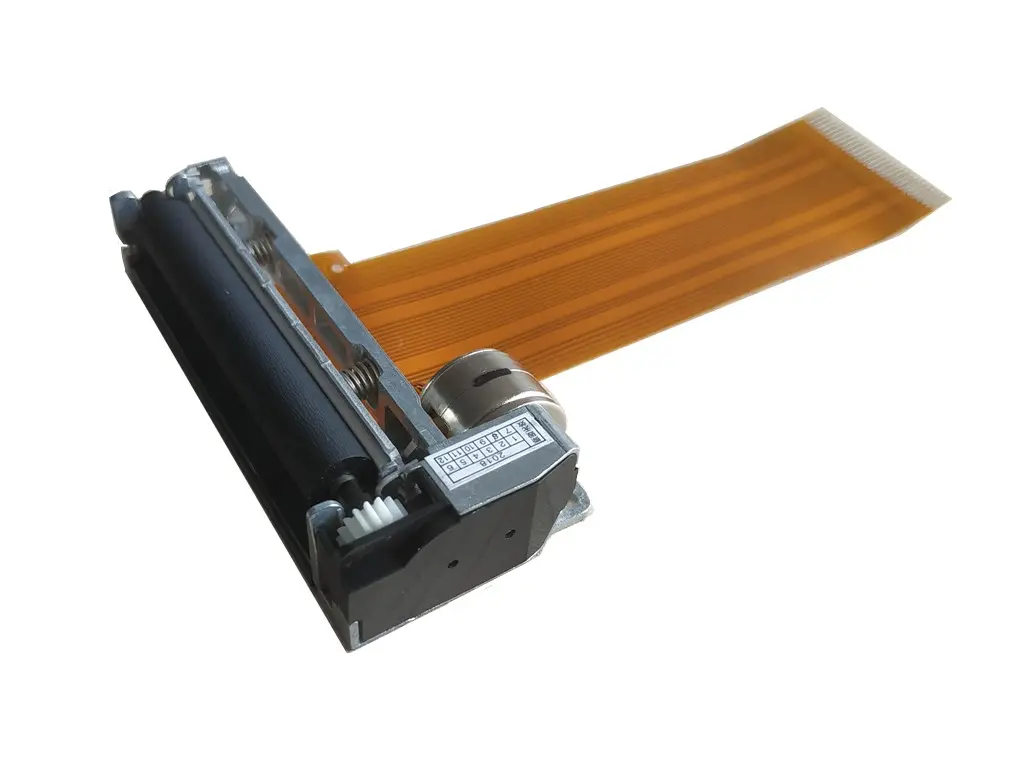 2 inch thermal printer mechanism
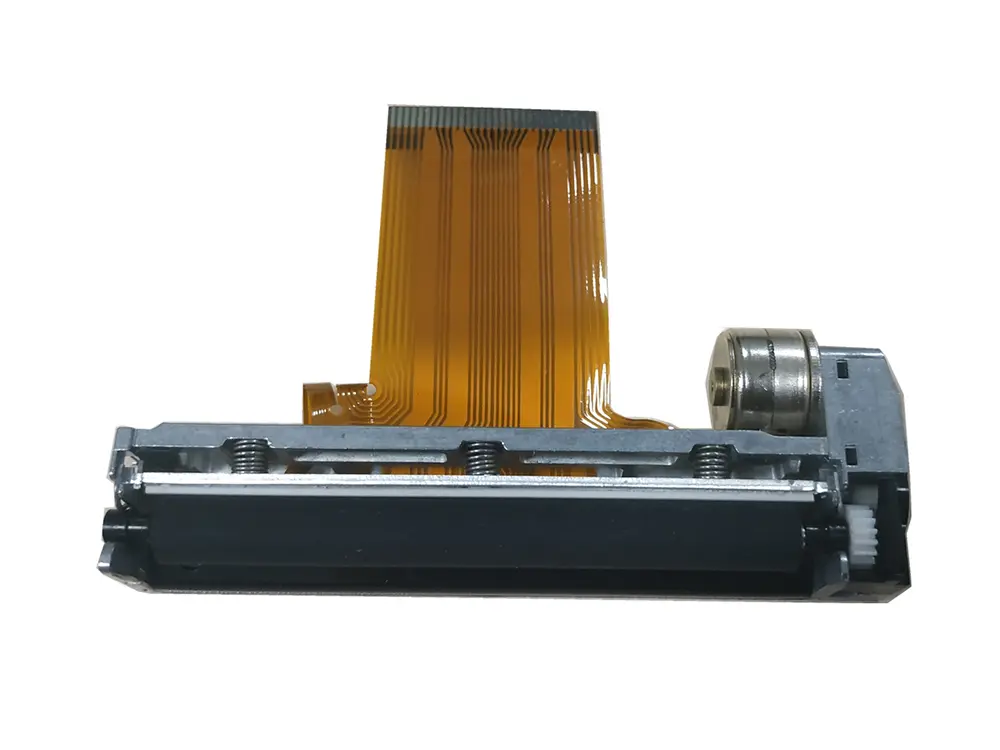 3 inch thermal printer mechanism
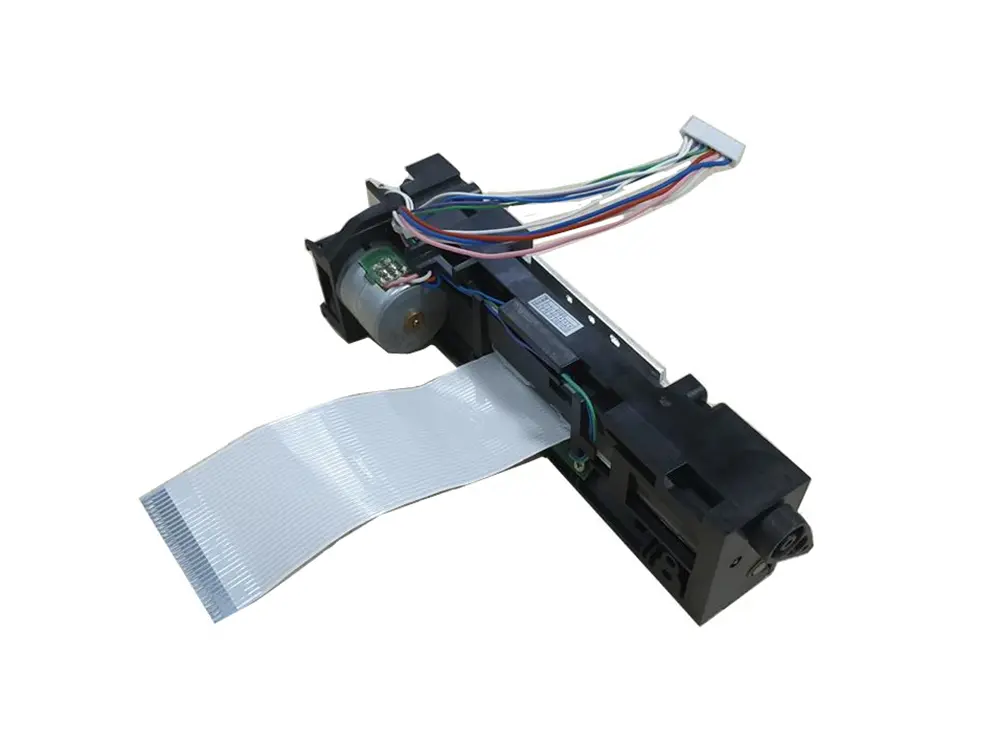 4 inch thermal printer mechanism
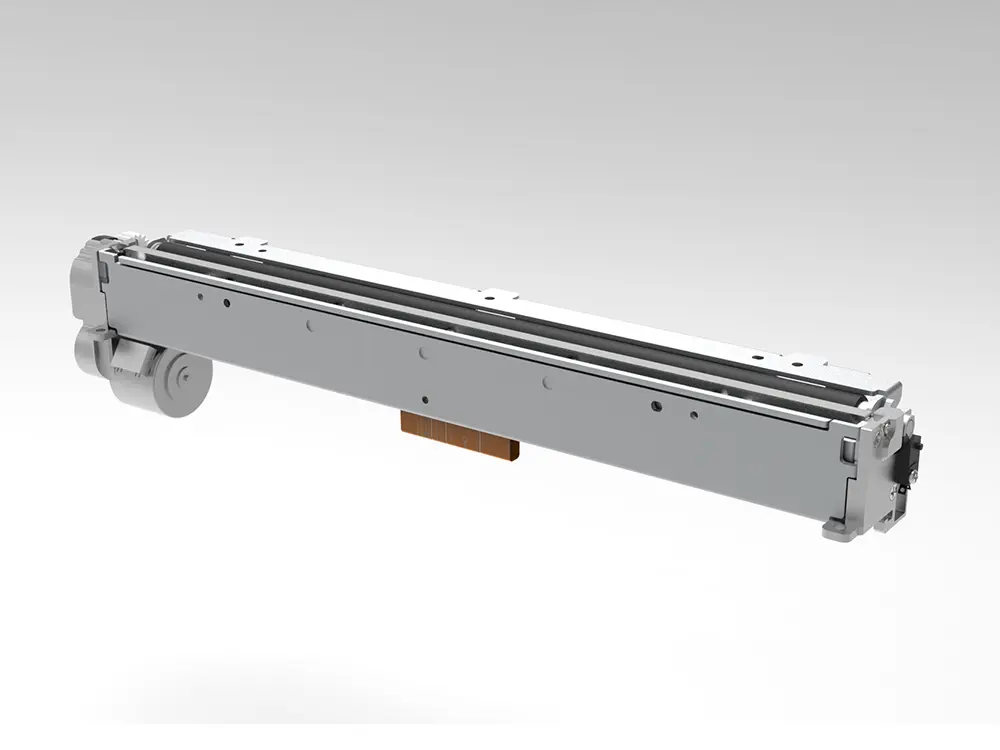 8 inch thermal printer mechanism
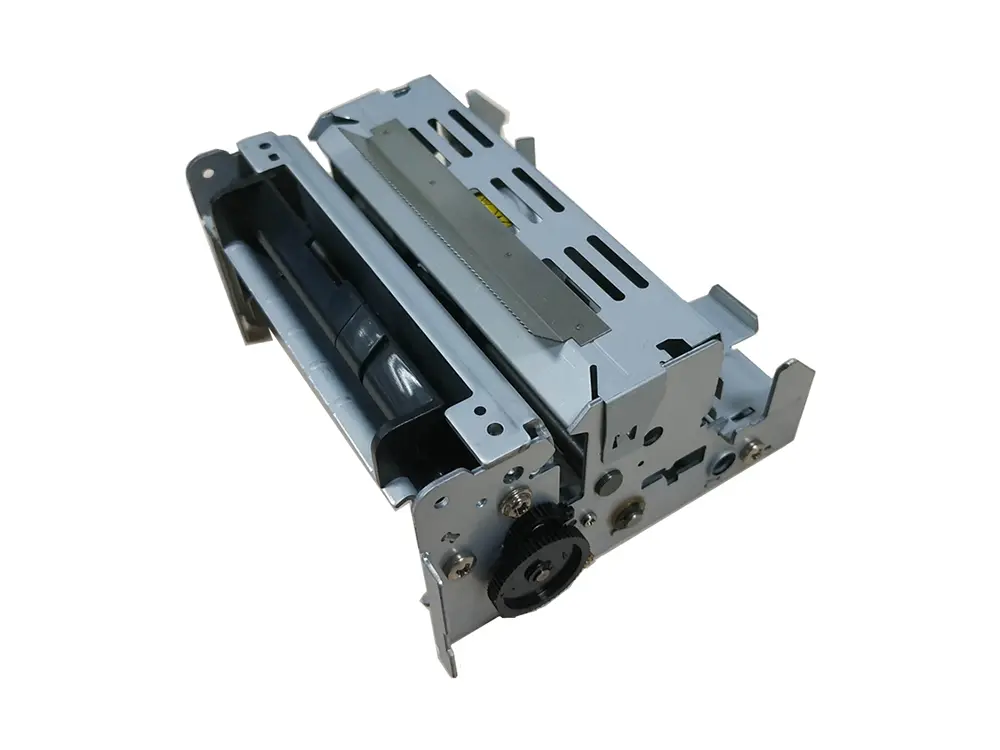 dot matrix printer mechanism
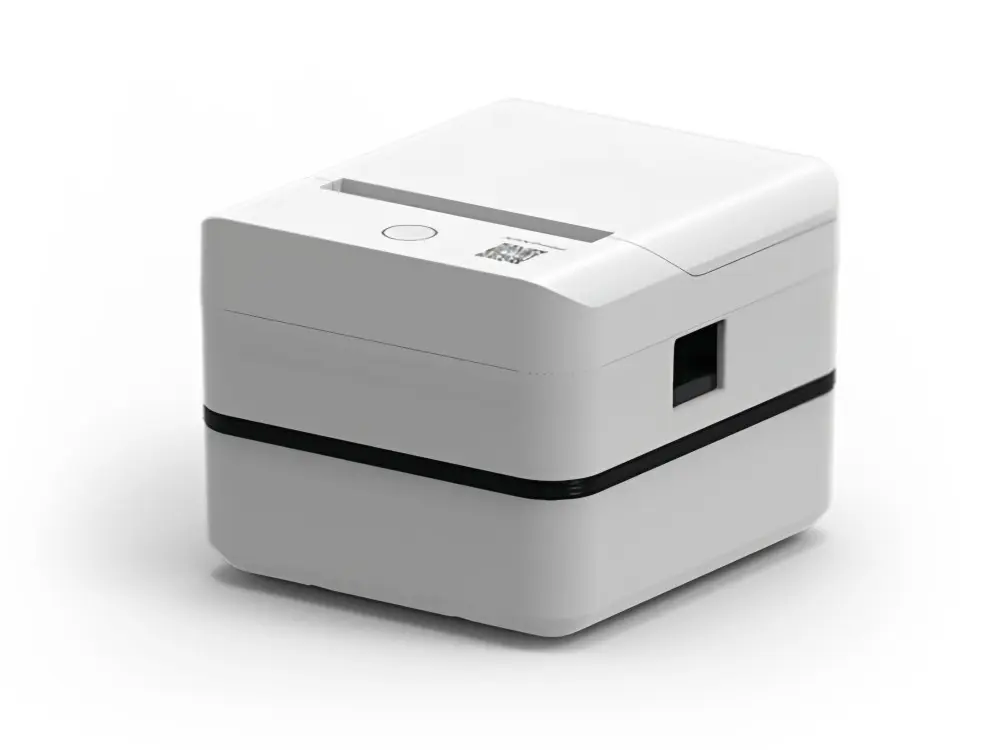 Label Printer
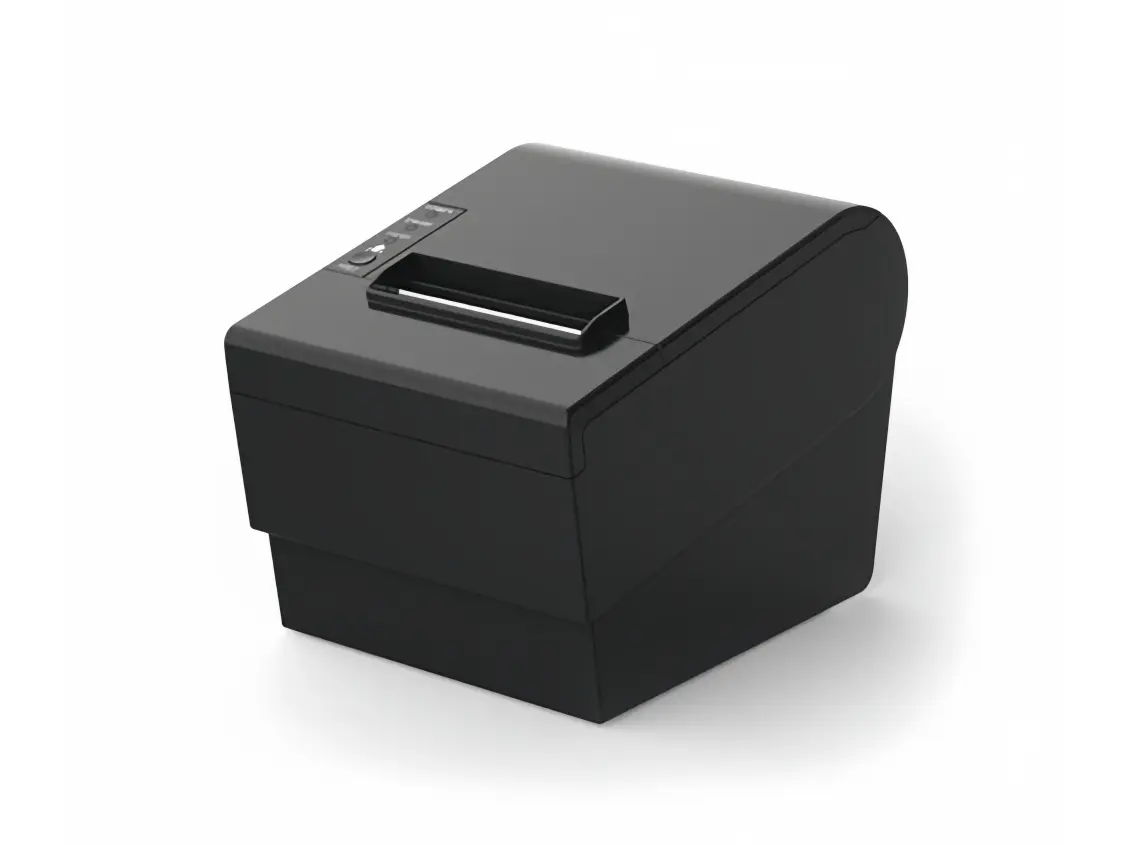 Receipt Printer
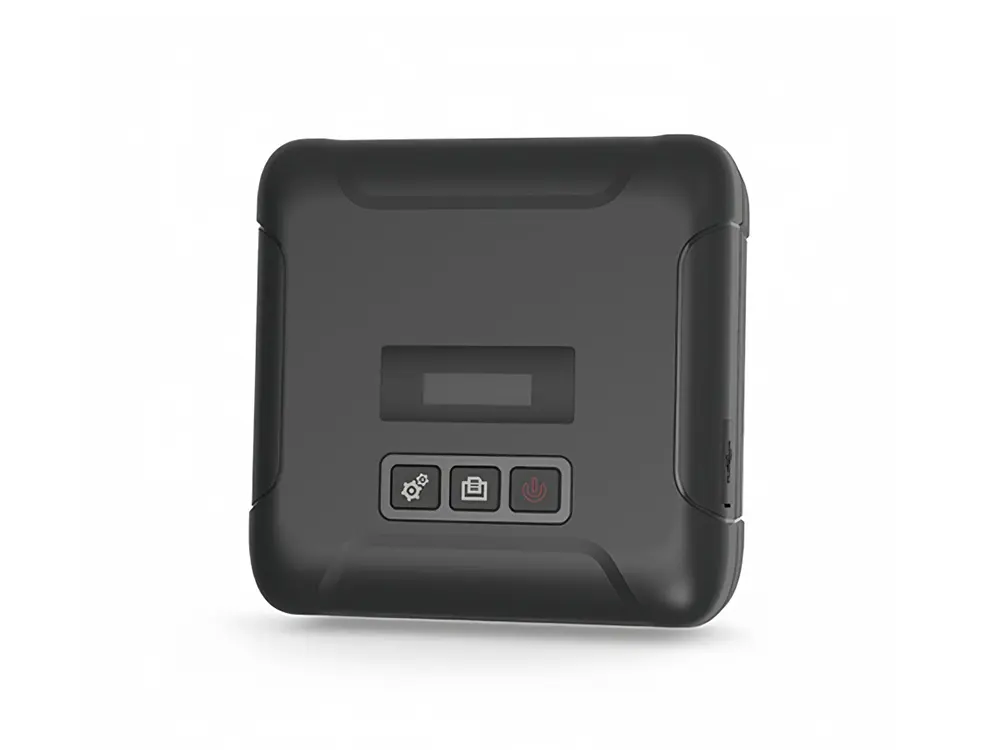 Mobile Printer