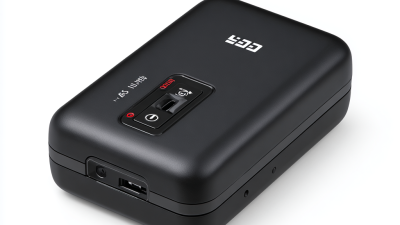
Top 10 Pocket Printers for Efficient Printing Needs?
In today's fast-paced world, technology has made our lives easier. A Pocket Printer stands out as a must-have device for those needing quick prints. These compact gadgets blend convenience with efficiency, catering to both personal and professional tasks. Whether you're a student, a traveler, or a business professional, they provide a seamless printing solution on the go.
Pocket Printers offer various features, from high-quality color prints to connection via Bluetooth or Wi-Fi. Their portability ensures you can print from anywhere, making it easier to capture important moments or create documents instantly. However, not all Pocket Printers are created equal. Some may fall short in print quality or battery life. Keeping this in mind can help users select the right printer for their needs.
While these devices promise efficiency, they may still require reflection. For instance, some users find the initial setup challenging. Others may question the cost versus the benefits. By evaluating these aspects, you can choose a Pocket Printer that truly meets your printing demands.
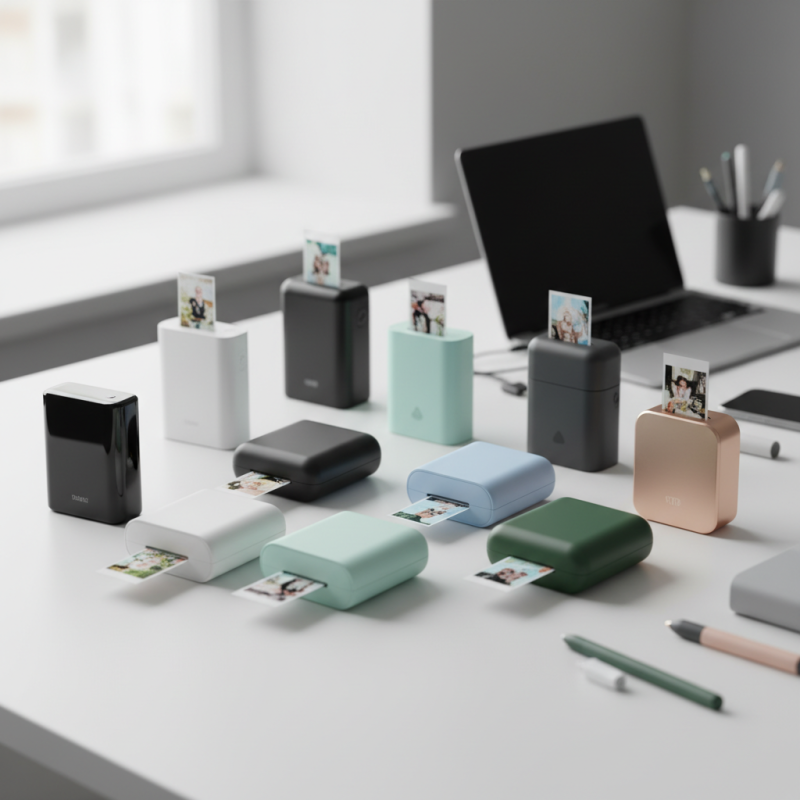
Overview of Pocket Printers and Their Benefits
Pocket printers have gained significant popularity in recent years, driven by the growing demand for on-the-go printing solutions. According to a report by Market Research Future, the global portable printer market is projected to reach $1.5 billion by 2025, reflecting a compound annual growth rate of 10.3%. This growth indicates a shift toward more mobile and convenient printing options, aligning with modern consumer needs.
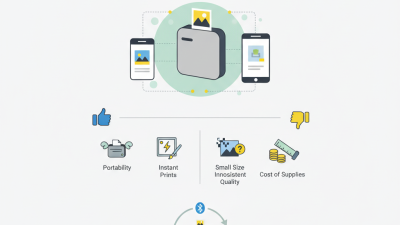
The benefits of pocket printers are numerous. Their compact design allows users to print from smartphones or tablets easily. With an average weight of just under one pound, they fit snugly into backpacks or purses. Recent user surveys show that over 70% of people find portable printing solutions beneficial for both personal and professional tasks. However, the print quality can sometimes disappoint when compared to traditional printers. Many users report that images can appear faded, which may not meet professional standards.
Connectivity options such as Bluetooth and Wi-Fi make these devices versatile. Still, they might lack some advanced features of larger printers. For example, only 60% of pocket printers offer robust editing tools. This can hinder users who want high-quality prints without additional software. Understanding these limitations helps consumers make informed choices about which pocket printer will best meet their printing needs.
Top 10 Pocket Printers for Efficient Printing Needs
| Model |
Print Resolution |
Battery Life |
Connection Type |
Weight |
| Model A |
300 DPI |
6 hours |
Bluetooth |
0.5 kg |
| Model B |
600 DPI |
8 hours |
Wi-Fi |
0.4 kg |
| Model C |
300 DPI |
5 hours |
USB-C |
0.6 kg |
| Model D |
480 DPI |
10 hours |
Bluetooth |
0.3 kg |
| Model E |
600 DPI |
7 hours |
Wi-Fi Direct |
0.5 kg |
| Model F |
300 DPI |
6 hours |
USB-B |
0.4 kg |
| Model G |
480 DPI |
12 hours |
Bluetooth and Wi-Fi |
0.45 kg |
| Model H |
600 DPI |
10 hours |
Bluetooth |
0.35 kg |
| Model I |
300 DPI |
5 hours |
USB-C |
0.55 kg |
| Model J |
480 DPI |
9 hours |
Wi-Fi |
0.48 kg |
Key Features to Consider When Selecting a Pocket Printer
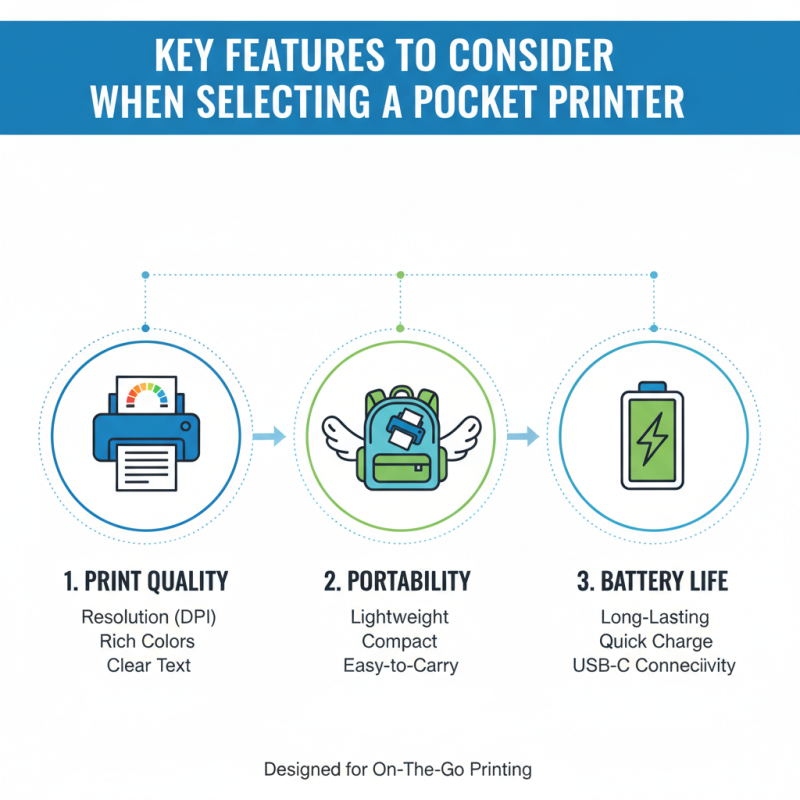
When choosing a pocket printer, various features play a critical role in meeting individual needs. Print quality is paramount. Look for devices that offer vibrant colors and clear text. A printer’s resolution, typically measured in DPI, significantly impacts the final output. Higher DPI often yields sharper images. Portability also matters; a lightweight printer is easier to carry, especially for on-the-go users.
Battery life is another essential factor to consider. A reliable pocket printer should last long enough for several printing tasks without frequent recharging. Connectivity options are crucial too. Many users prefer wireless capabilities like Bluetooth or Wi-Fi. This allows printing directly from smartphones or tablets, streamlining the process. Another consideration is the type of paper used. Some printers are limited to specific sizes or formats, which may restrict creativity.
Users should think about usability. A complex interface can lead to frustration. Opt for printers with intuitive setups and easy navigation. Additionally, compatibility with various devices affects versatility. Some users might find it limiting if the printer only works with select platforms. Ultimately, the right pocket printer balances quality, convenience, and adaptability, but personal preferences will vary. Regularly reflecting on what features are most valuable could enhance future purchases.
Top 10 Pocket Printers: A Comparative Analysis
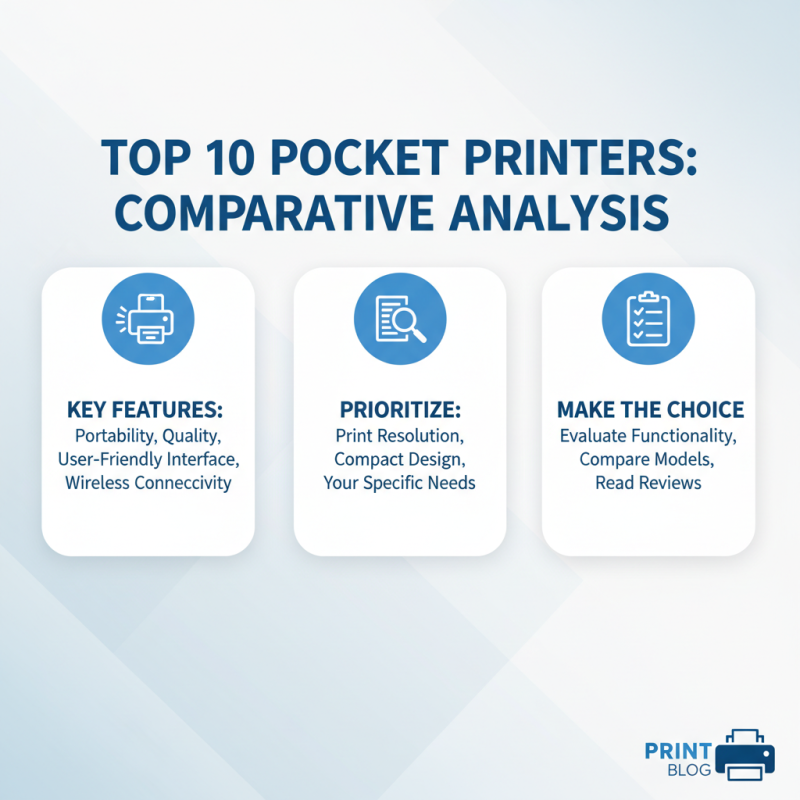
When considering pocket printers, it's essential to evaluate their functionalities comprehensively. The best pocket printers combine portability with quality. Many models offer user-friendly interfaces. Some have wireless connectivity, while others excel in compact design. However, not all pocket printers deliver on print resolution. It’s crucial to prioritize your needs before making a choice.
Battery life is another vital aspect. Some devices may claim longevity but fall short in real-world usage. Print speed can vary significantly across models, affecting overall efficiency. While many options promise convenience, users often find the need to compromise on specific features. For instance, a printer might be portable but may use expensive ink.
Assessing the comparison of features and performance is key. Reading user reviews provides insight into reliability. Sometimes, even the most efficient printers face connectivity issues. Identifying a balance between performance and practicality can enhance your printing experience. The ideal pocket printer is not merely a gadget; it should genuinely fit your lifestyle and workflow needs.
User Reviews and Experiences with Each Pocket Printer
When exploring pocket printers, user reviews reveal varied experiences. Many users appreciate their portability and ease of use. Compact designs make them ideal for both travelers and students. One user noted how a pocket printer allowed them to print photos from a recent trip immediately. This convenience is a significant draw for many people.
However, not all reviews are positive. Some users mention connectivity issues. Bluetooth connections can be finicky. A few have faced challenges with app compatibility, leading to frustration. It’s crucial to read user experiences before making a decision. Always check the compatibility with your device.
Tips: Keep an eye on battery life. Several models have limited capacity. Users suggest carrying an extra battery or a power bank. Regular maintenance is also key. Dust and residue can hinder printing quality. Wiping the printer can improve longevity. Consider these factors carefully to evaluate your needs.
Top 10 Pocket Printers for Efficient Printing Needs
Tips for Maintaining and Optimizing Pocket Printer Performance
Maintaining and optimizing your pocket printer is essential for ensuring high-quality prints. Regularly check your printer’s ink levels. Running low can lead to streaky or faded images. When you notice a decline in print quality, replace the ink promptly. Additionally, aligning the print head can help improve precision and clarity. Many printers feature an alignment tool in their settings—use it frequently.
Keeping your printer clean is also crucial. Dust and debris can easily accumulate and affect performance. Use a lint-free cloth to wipe down surfaces, especially around the print head and paper feed area. It’s important to handle paper correctly too. Store it in a cool, dry place to avoid moisture damage. When inserting paper, ensure it loads smoothly to prevent jams.
Finally, regularly update the printer's software. Manufacturers often release updates that enhance performance or fix bugs. Ignoring these updates can lead to missed improvements. It’s beneficial to examine user reviews and experiences. Sometimes, common issues arise that are easily fixable. Embrace a proactive maintenance approach, and your pocket printer will deliver better results for your printing needs.

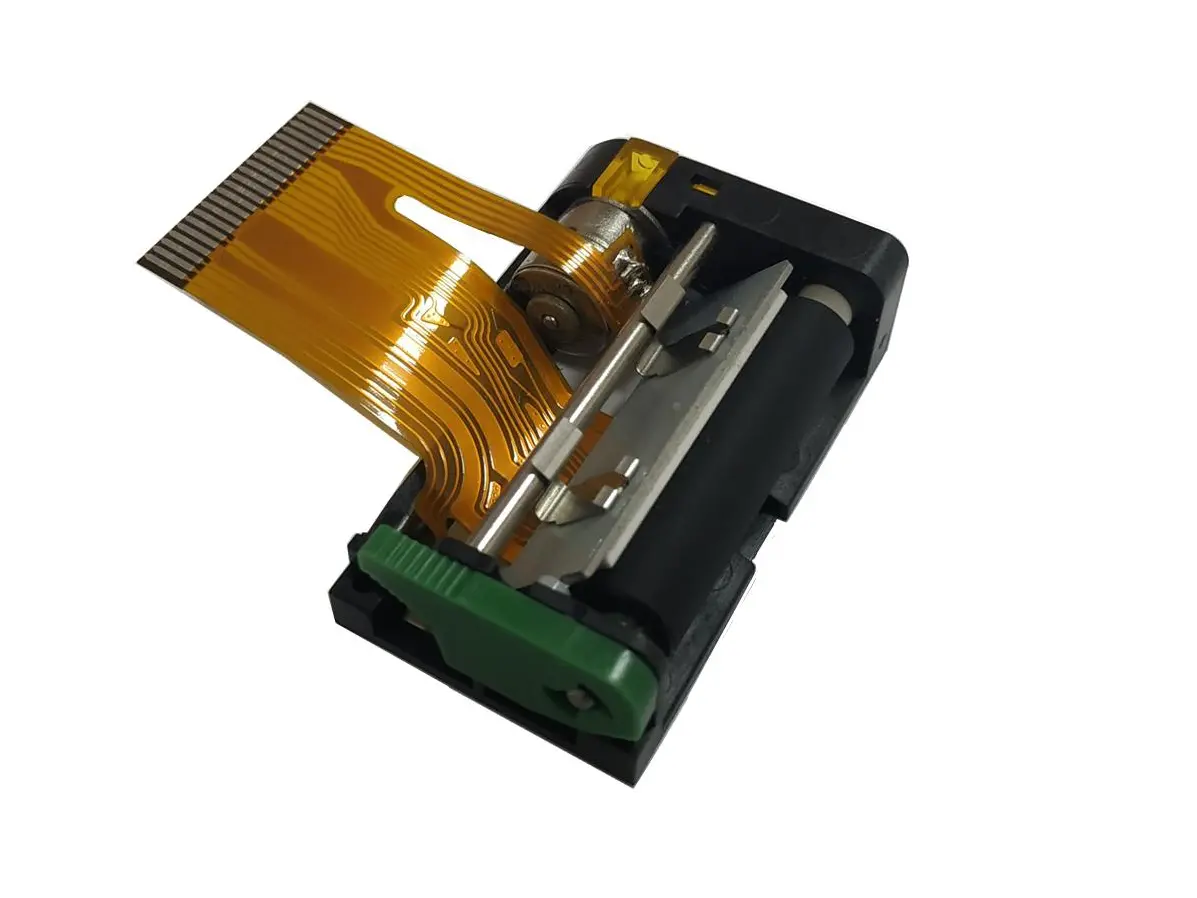 1 inch thermal printer mechanism
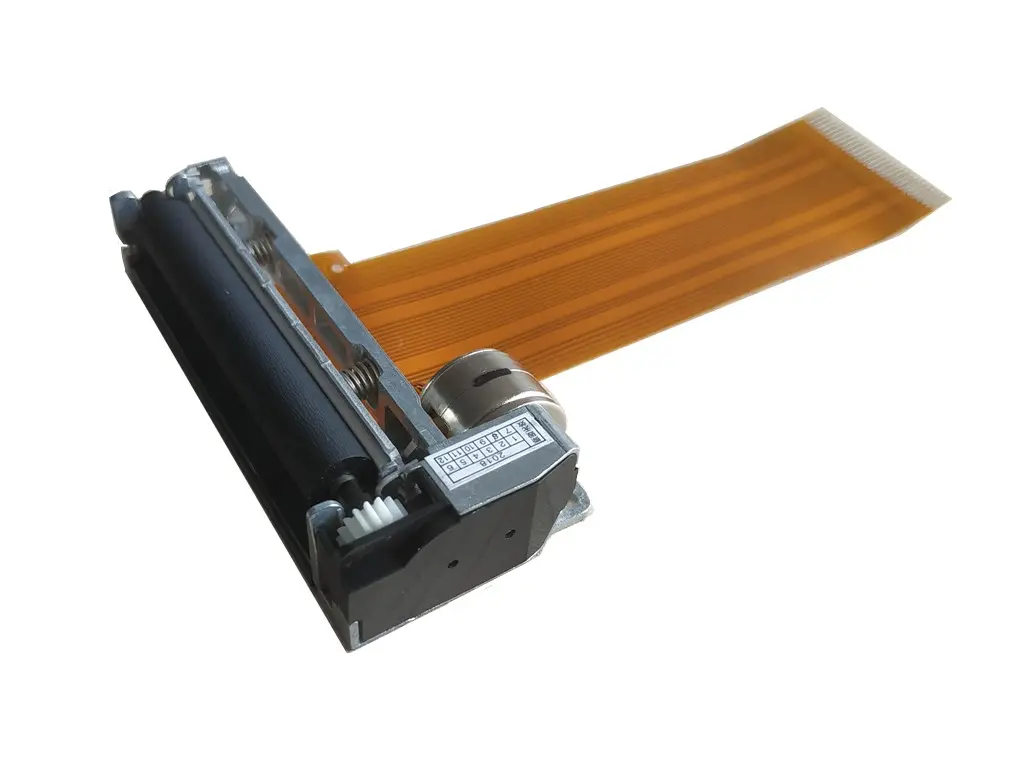 2 inch thermal printer mechanism
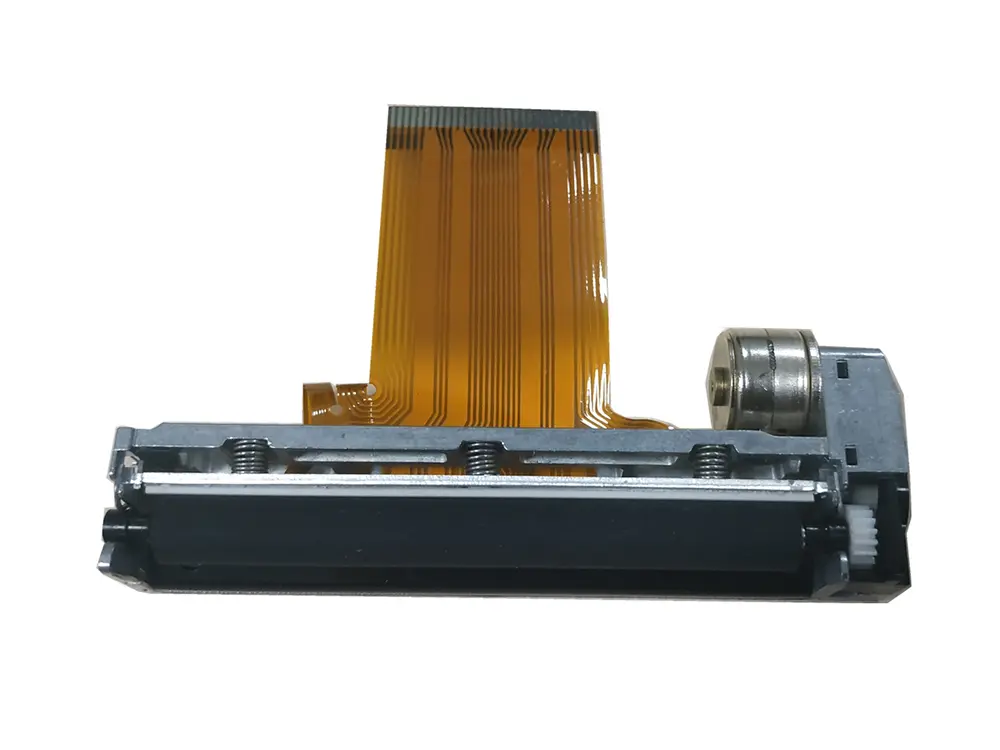 3 inch thermal printer mechanism
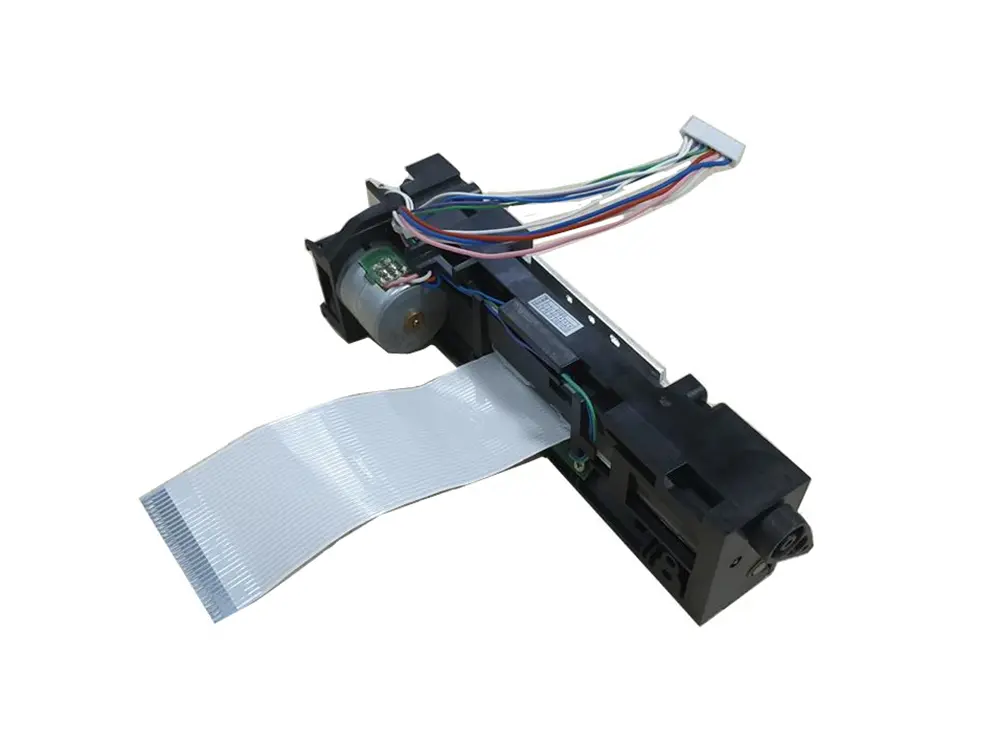 4 inch thermal printer mechanism
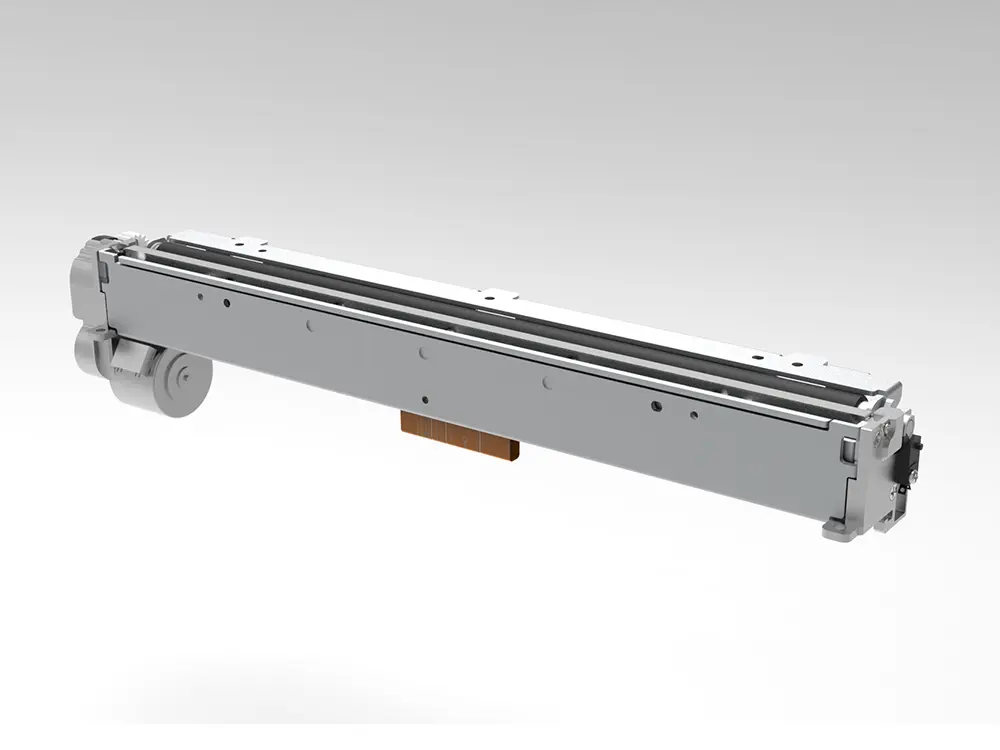 8 inch thermal printer mechanism
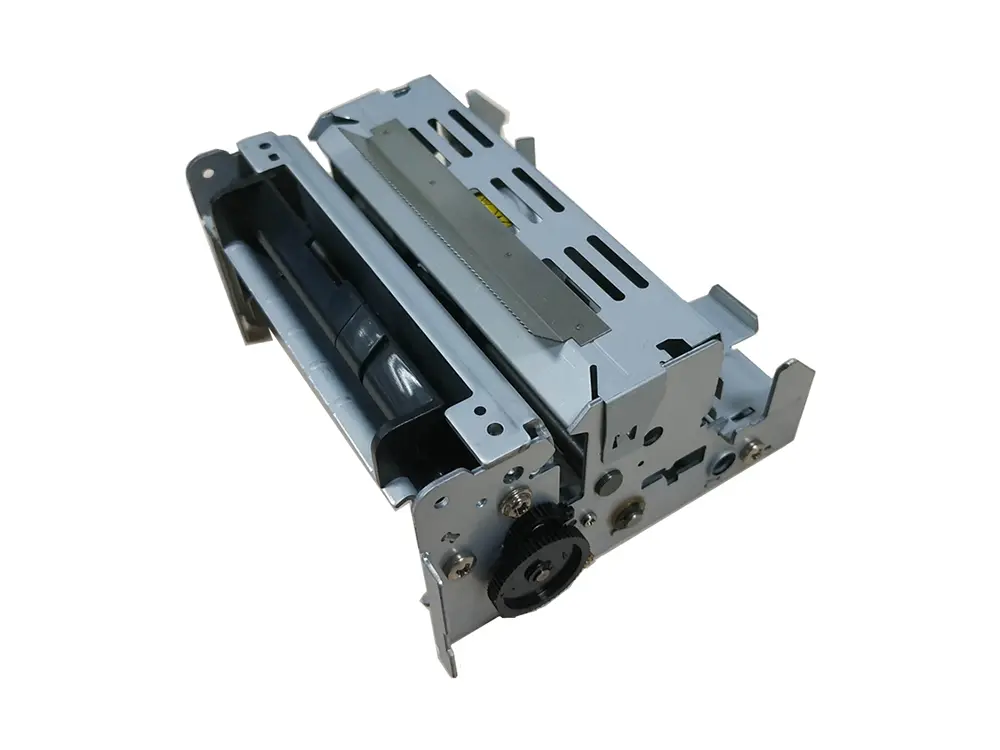 dot matrix printer mechanism
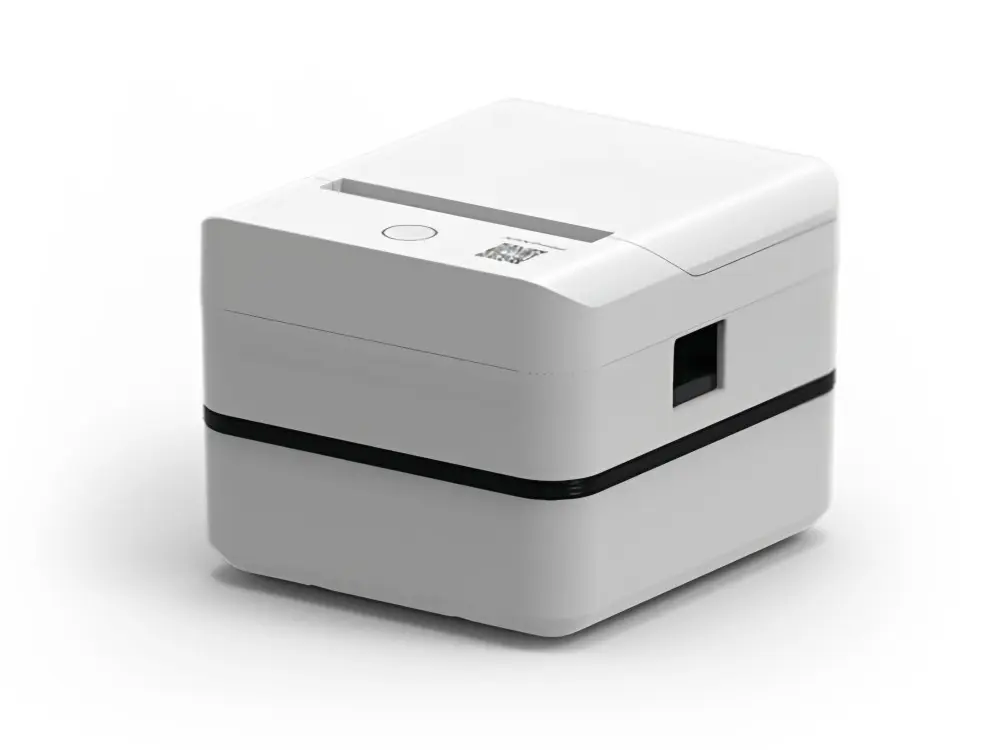 Label Printer
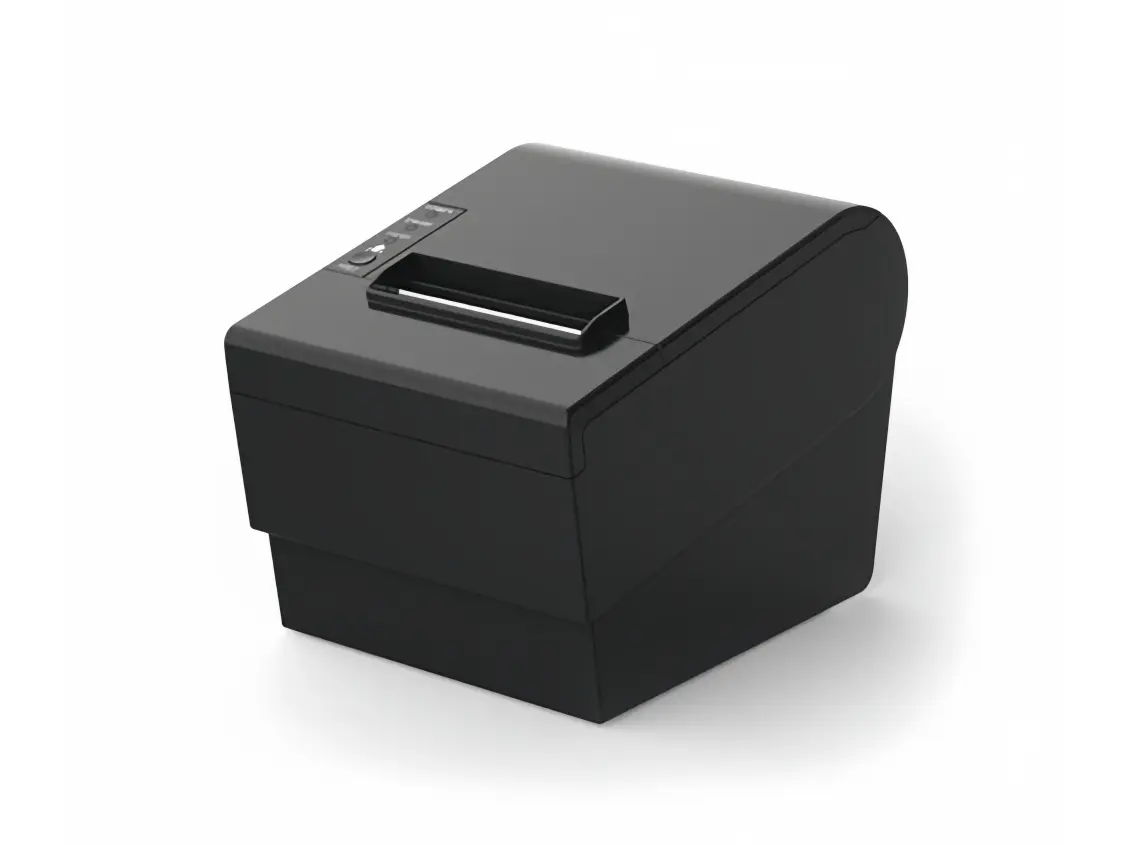 Receipt Printer
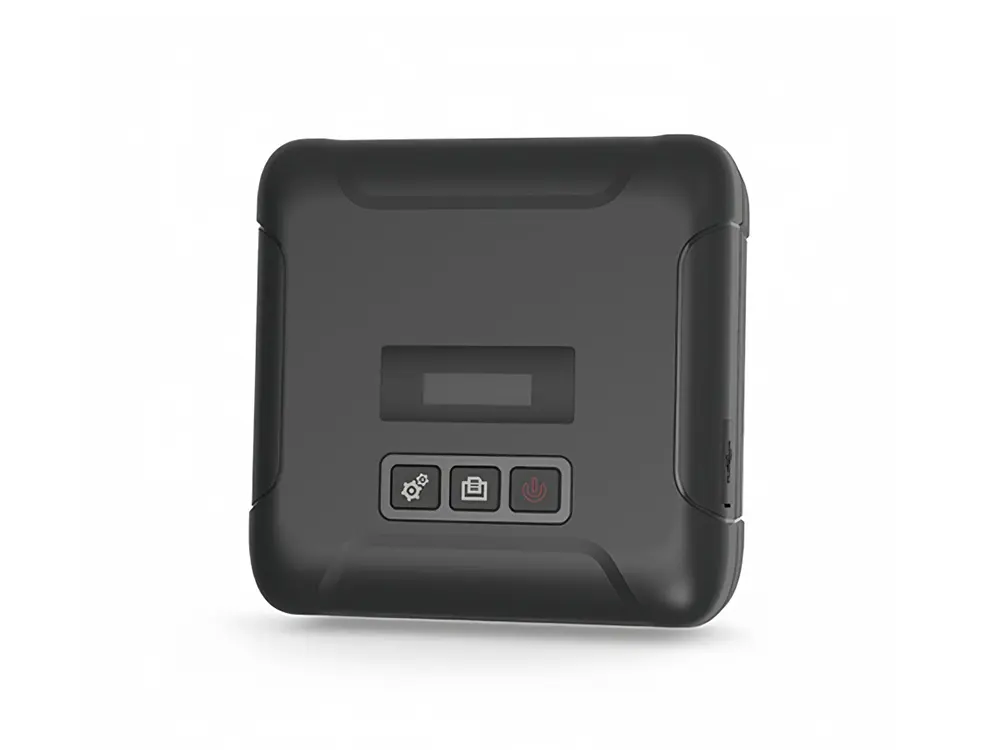 Mobile Printer