10 Essential Tips for Using Mobile Thermal Printers Effectively?
In today's fast-paced business world, using a Mobile Thermal Printer can greatly enhance efficiency. According to industry expert, James McCarthy, "Mobile Thermal Printers empower businesses to streamline operations." These compact devices offer flexibility for printing receipts and labels on the go, making them essential for retail and logistics.
However, they come with their own set of challenges. For instance, battery life can be a concern during long working hours. Users may also struggle with connectivity issues when pairing with mobile devices. Effective use of these printers requires attention to detail and preparation.
Choosing the right settings can improve print quality. Regular maintenance, like cleaning the print head, can prevent issues. Despite their advantages, relying solely on technology can lead to overlooked errors. Finding a balance between efficiency and accuracy is crucial for maximizing the potential of your Mobile Thermal Printer.
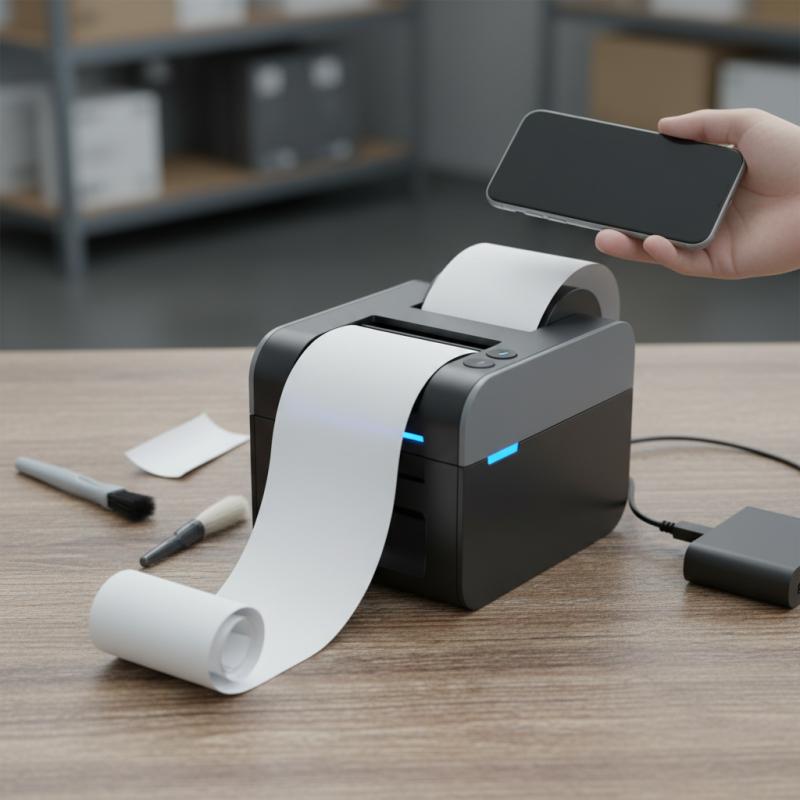
Understanding Mobile Thermal Printers: Key Features and Benefits
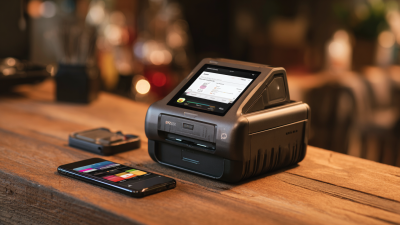
Mobile thermal printers have transformed the way we handle printing tasks on the go. These compact devices offer a range of features that make them essential for various businesses. They are lightweight, which adds to their portability. Users can print receipts, labels, or tickets easily. Their ability to connect via Bluetooth or Wi-Fi enhances convenience. They can be integrated into mobile applications seamlessly, allowing for smooth transactions.
Key benefits include fast printing speeds and high-quality output. The thermal technology ensures that prints are clear and resistant to fading. However, the need for specific thermal paper can be a challenge. Users often struggle to find the right type, which can lead to frustration. Battery life is another crucial aspect. Some models may not last through an entire workday, leading to interruptions.
Understanding these features can enhance the user experience. Effective management of printing needs can significantly boost productivity. Users should maintain their printers regularly to avoid breakdowns. Always check paper levels before starting. A clean print head will contribute to better print quality, so regular cleaning is advisable. Despite their advantages, there is a learning curve. New users may find it difficult to troubleshoot connectivity issues.
Selecting the Right Mobile Thermal Printer for Your Business Needs
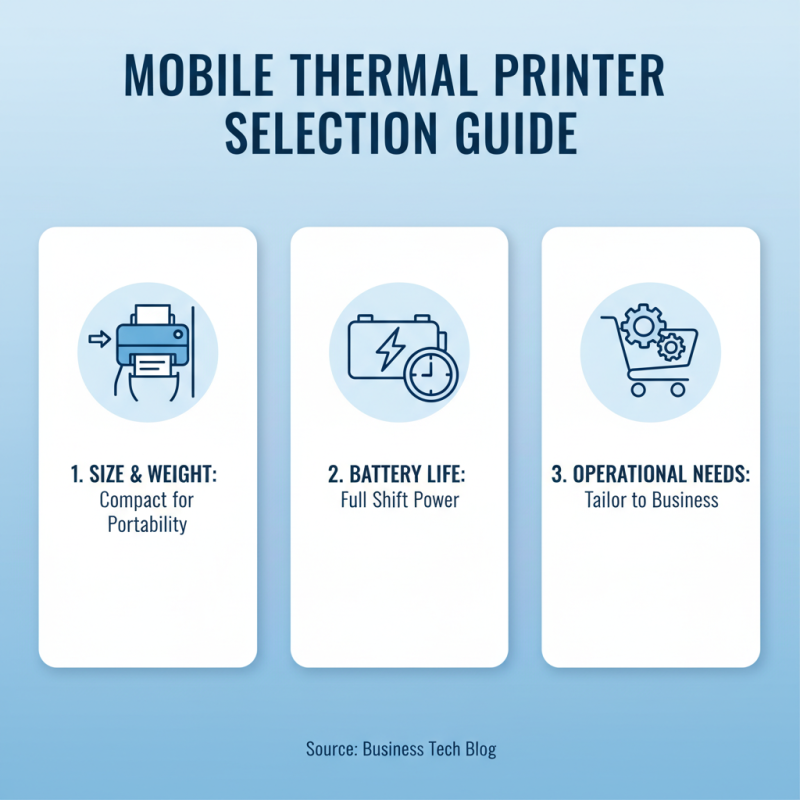
When selecting a mobile thermal printer for your business, consider the specific needs of your operation. Assess the size and weight of the printer. A compact model is often best for on-the-go use, especially in crowded environments. Battery life is a crucial factor. Ensure that it can last a full work shift without frequent recharging.
The connection type matters too. Look for a printer that offers Bluetooth or Wi-Fi options. This flexibility can streamline your processes. Check the print speed and resolution as well. While fast printing saves time, resolution impacts clarity. Evaluate how these factors affect your daily tasks.
Ultimately, trial and error can be part of the selection process. You might waste time and resources on a model that doesn’t meet your needs. It’s vital to gather feedback from the team that will use the printer. Their insights can reveal strengths and weaknesses that aren’t immediately obvious. Aim for a balance of efficiency, ease of use, and durability, as this will ultimately enhance productivity in your business.
Optimizing Print Quality: Tips for Quality Control in Thermal Printing
Quality control in thermal printing is crucial for achieving clear, legible prints. Studies show that up to 30% of print jobs can fail due to poor print quality. To optimize results, start by regularly checking print head alignment. Misalignment can lead to uneven printing and decreased readability. It’s essential to clean the print head frequently to remove dust and residue that can affect quality.
Temperature settings play a role as well. Each thermal printer operates best within specific temperature ranges. Using incorrect temperatures can lead to smudged or faded prints. Adjust the temperature based on the media used. Inconsistent media quality can also impact output. Before printing, inspect the rolls for wrinkles or tears. Industry data indicates that around 20% of printing issues stem from media defects.
Another factor to consider is the type of thermal paper used. Standard thermal paper may not provide the best durability or contrast. Budget-friendly choices can compromise print quality. It is wise to test different paper types before committing to bulk purchases. Printing at an optimized speed can also influence clarity. Too fast may result in poor quality. A slower, steadier print speed can ensure crisp results. Regularly analyze your prints for defects and adjust your processes accordingly.
Effective Battery Management for Longevity and Performance
Battery management is crucial for mobile thermal printers. These devices rely heavily on battery life for optimal performance. Overcharging can damage cells, shortening their lifespan. It’s vital to monitor the charging cycles and only charge when necessary.
Keeping batteries clean is another key factor. Dust and debris can disrupt connections. Regular maintenance will help maintain functionality. Also, consider the environment where the printer is used. Extreme temperatures can adversely affect battery performance.
A good practice is to store batteries in a cool, dry place when not in use. This prevents premature aging. It’s important to recharge batteries periodically, even if not in use. Neglecting this can lead to low capacity. Always refer to guidelines for the best practices in battery care. Each small adjustment can have a significant impact on longevity.
10 Essential Tips for Using Mobile Thermal Printers Effectively
| Tips |
Description |
Battery Management |
| Regular Calibration |
Align the thermal print head regularly for optimal performance. |
Calibrate every month to maintain print quality. |
| Use Quality Paper |
Select high-quality thermal paper for better prints. |
Using quality paper extends thermal head life. |
| Keep Battery Charged |
Ensure battery is charged completely before use. |
Avoid deep discharges for longevity. |
| Regular Cleaning |
Clean the print head and rollers regularly. |
Cleaning improves efficiency and battery life. |
| Optimize Print Settings |
Adjust settings to suit the type of print job. |
Lower settings can reduce battery drain. |
| Avoid Overheating |
Allow printer to cool during heavy use. |
Keep in moderate temperature environments. |
| Use Power Save Mode |
Activate power save mode when not in use. |
Extends battery life during idle periods. |
| Monitor Battery Health |
Check battery performance regularly. |
Replace battery as needed to ensure reliability. |
| Store Properly |
Store printer in a cool, dry place when not in use. |
Prevents battery degradation and damage. |
| Update Firmware |
Keep printer firmware updated for best performance. |
New updates may improve battery efficiency. |
Integrating Mobile Thermal Printers with Business Workflows and Software Solutions
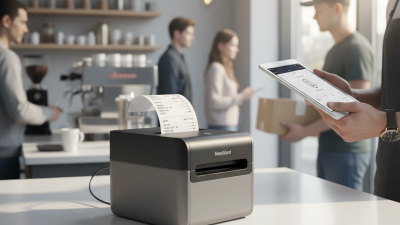
Integrating mobile thermal printers within business workflows can enhance efficiency. According to a report by Research and Markets, mobile printing is expected to grow by 10% annually. This growth highlights its value in sectors such as retail and logistics. Employees using mobile printers can print receipts or labels on-demand. This flexibility saves time and reduces wait times for customers.
However, not all integrations go smoothly. Companies must ensure their existing software supports mobile printing capability. A common issue is compatibility with different devices. Some businesses struggle due to outdated systems. A seamless connection between the printer and the software is crucial. Testing is necessary to avoid printing errors that can lead to customer dissatisfaction.
Moreover, employee training cannot be overlooked. Inadequate understanding of the technology can hinder productivity. A study from TechValidate showed that 45% of employees faced challenges when adapting to new printing systems. Managers must invest time in training sessions. This investment will pay off in improved efficiency and accuracy in printing tasks. Integrating mobile thermal printers is not just about the technology; it’s about enhancing overall business performance through well-crafted workflows.

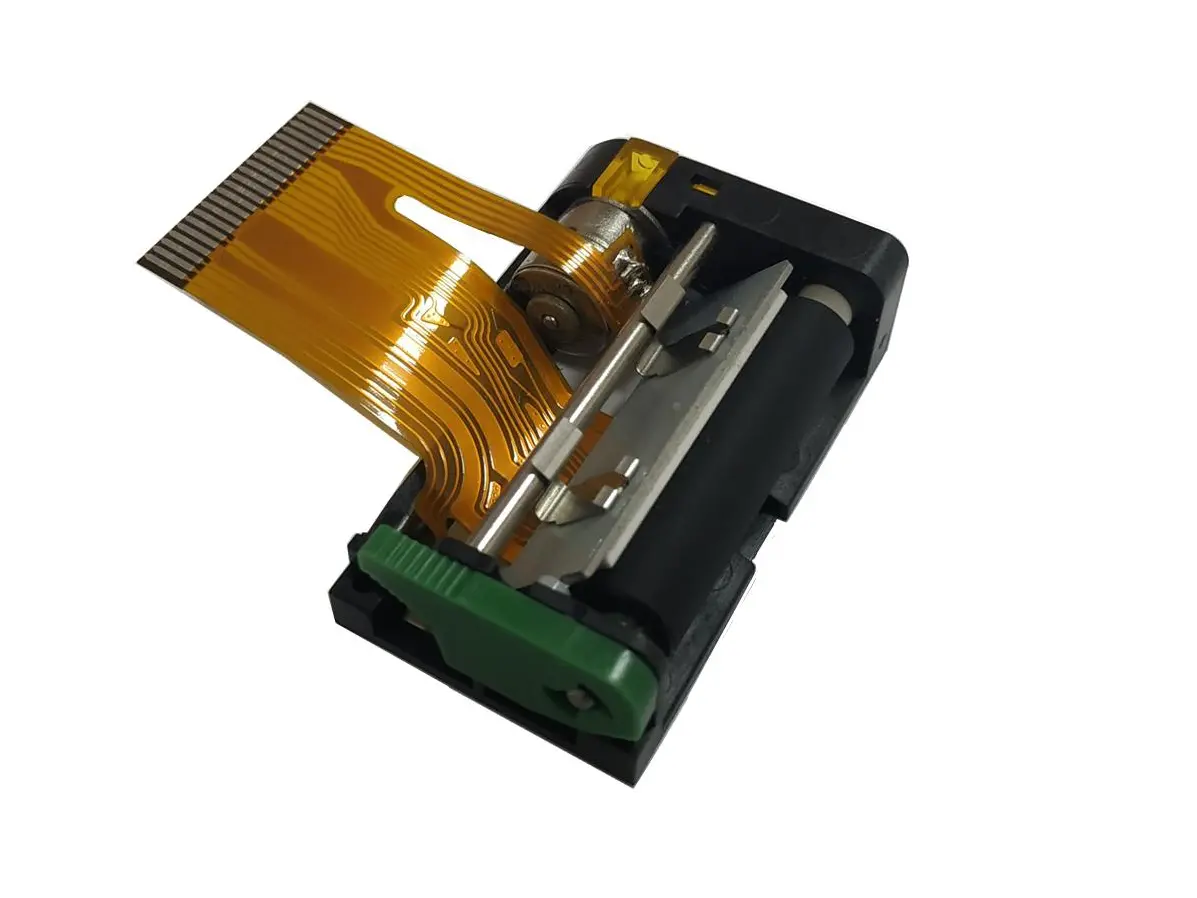 1 inch thermal printer mechanism
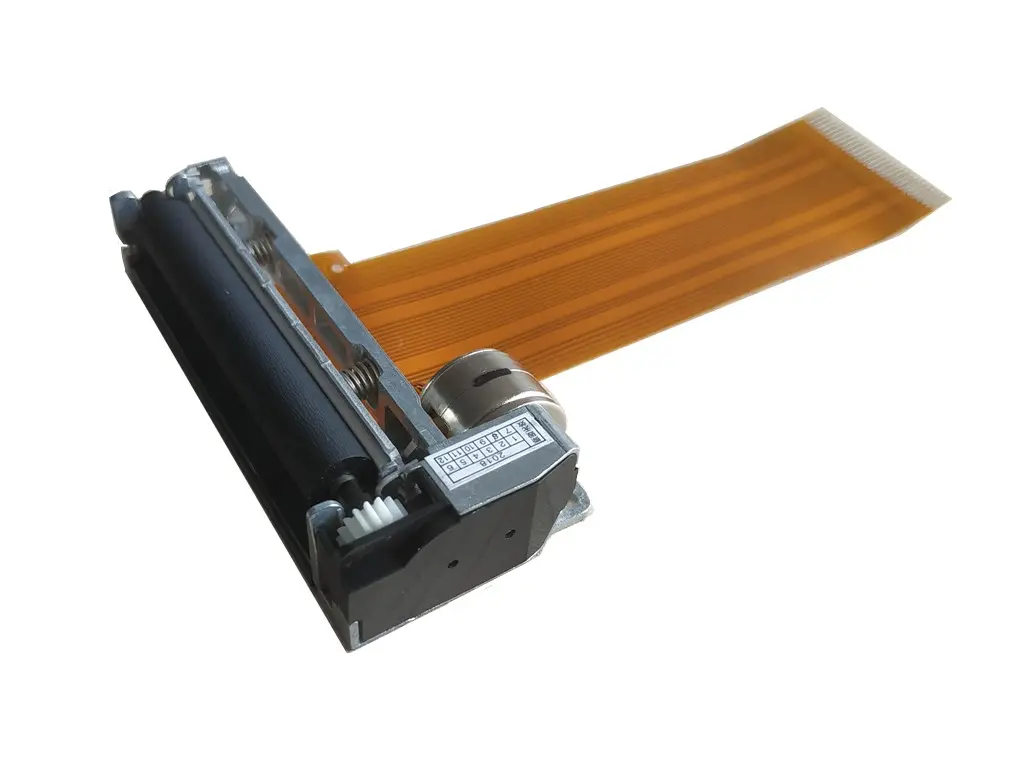 2 inch thermal printer mechanism
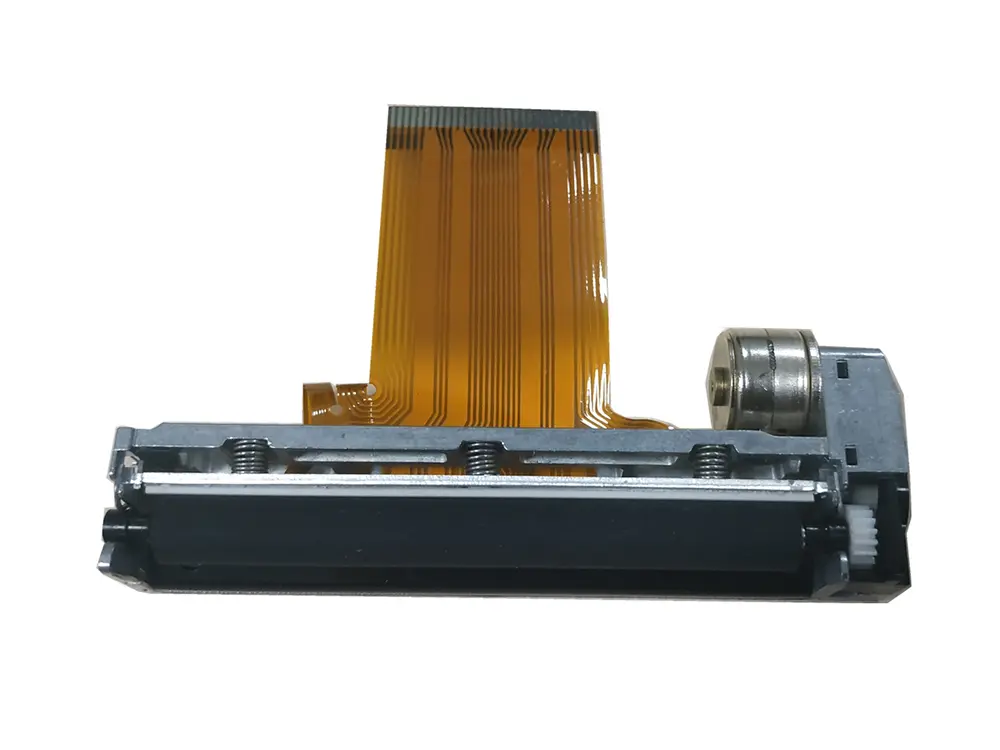 3 inch thermal printer mechanism
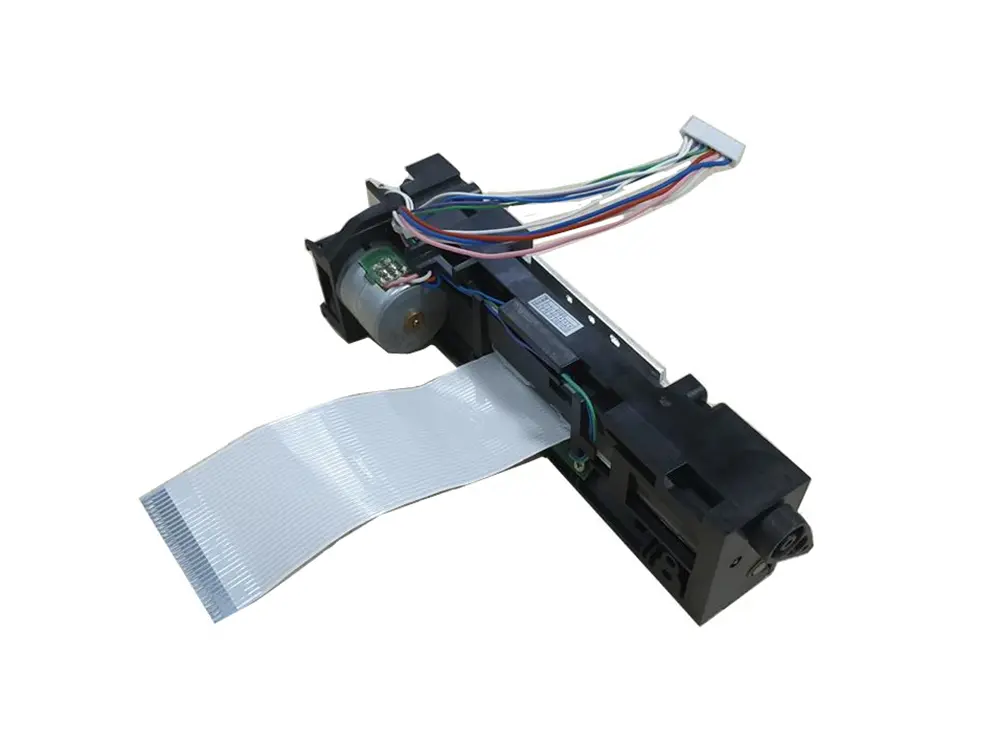 4 inch thermal printer mechanism
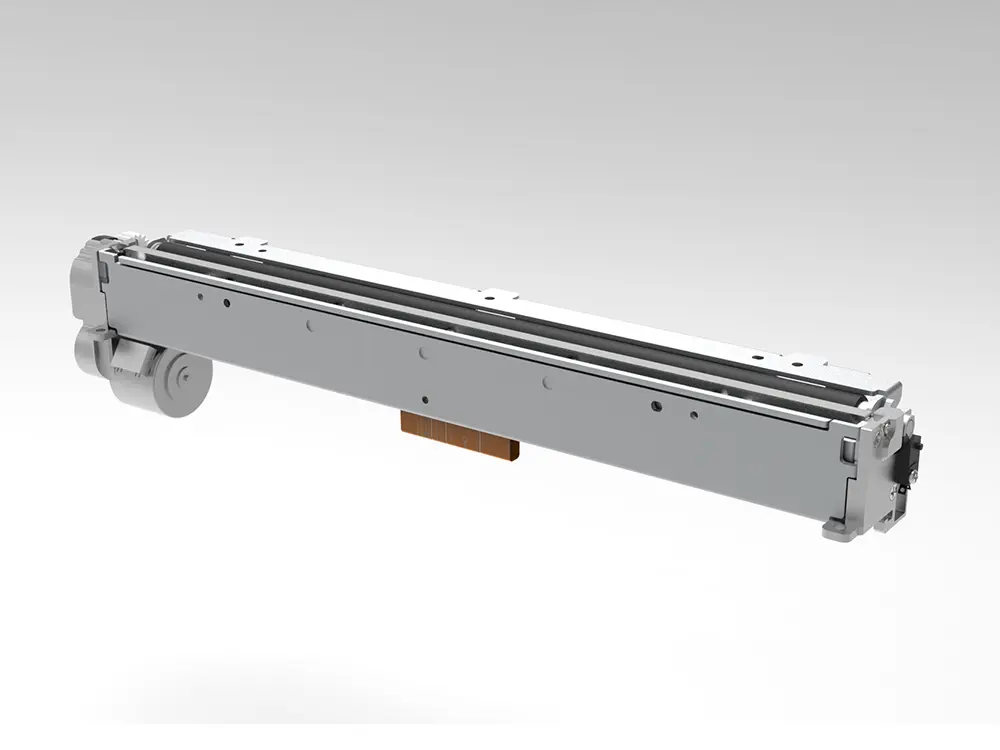 8 inch thermal printer mechanism
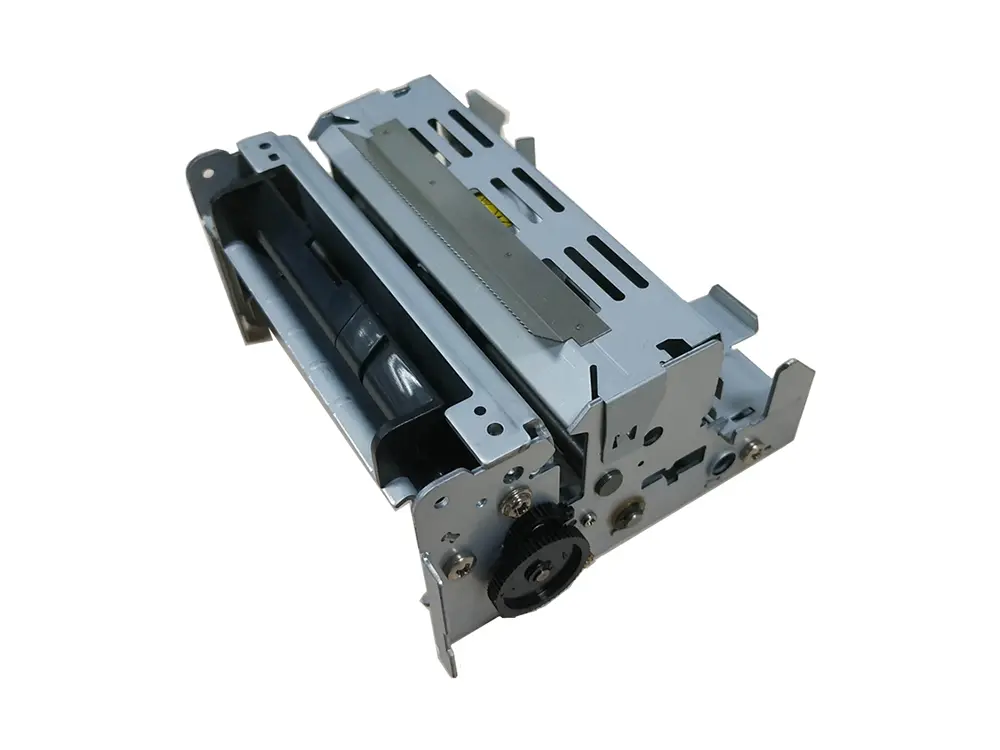 dot matrix printer mechanism
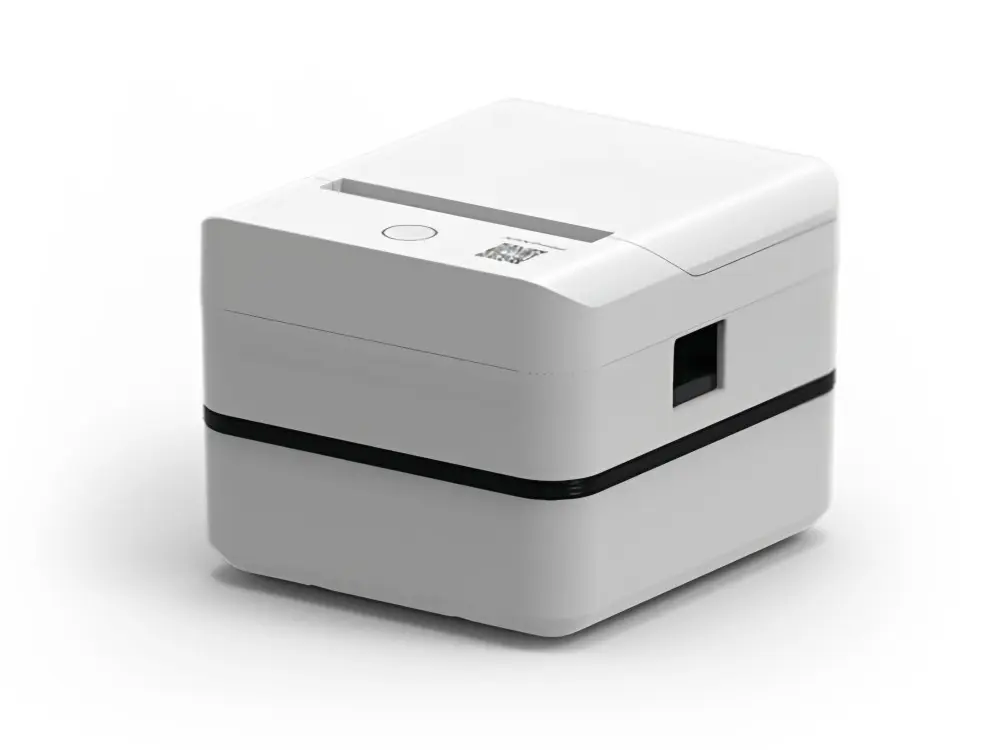 Label Printer
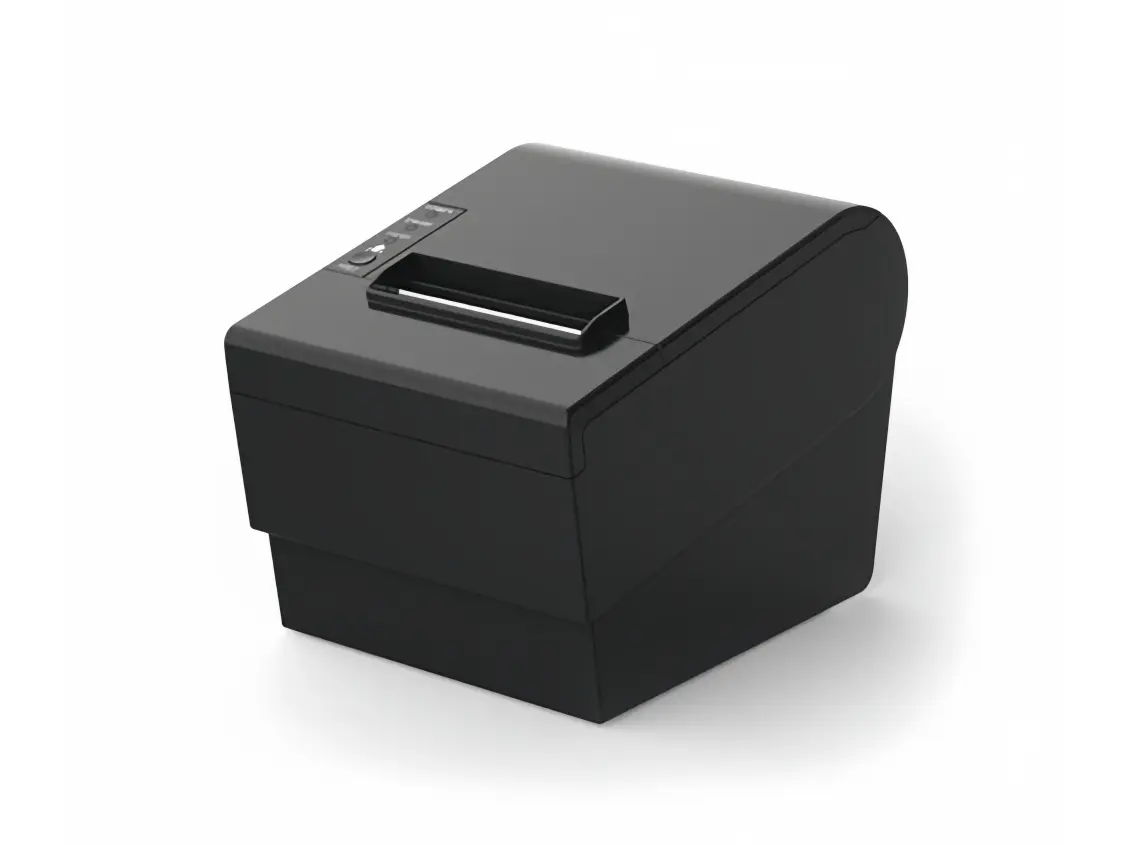 Receipt Printer
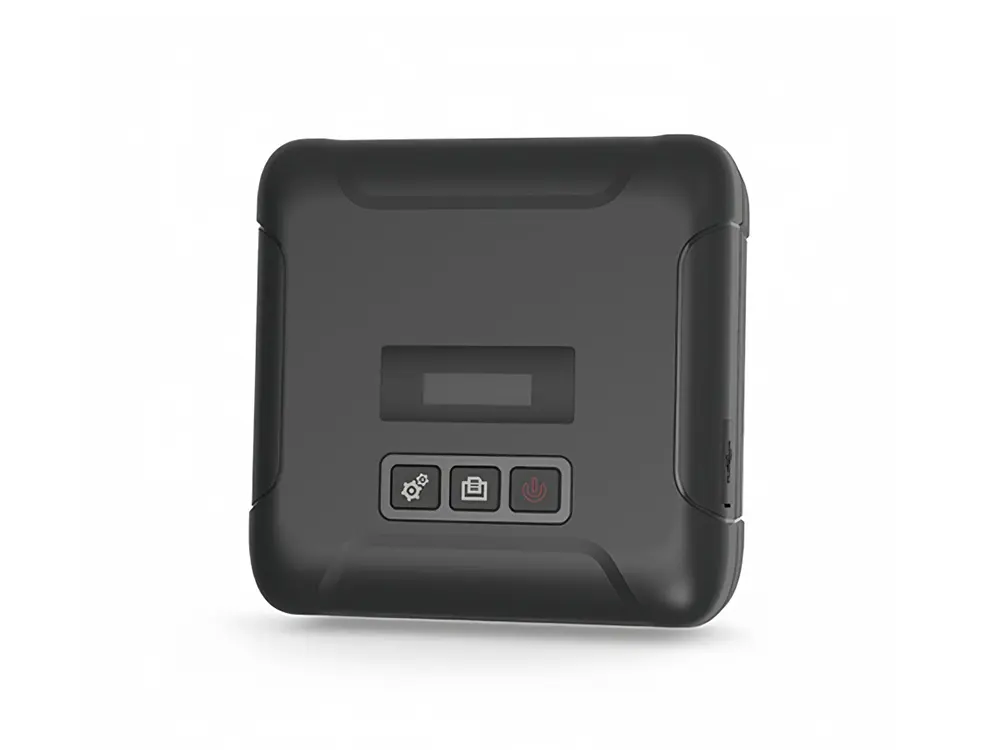 Mobile Printer