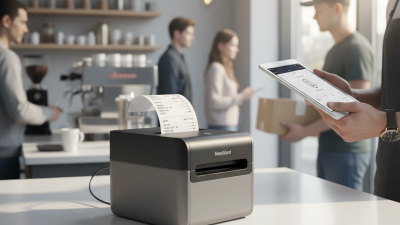
How to Choose a Pocket Printer in 2026?
Choosing a Pocket Printer in 2026 is not just about finding the smallest device. It means matching print quality, paper type, connectivity, and running costs to real daily use. Picture a label beside a storage box, a tiny photo tucked into a journal, or a receipt printed away from a desk. Each job favors different features.
Industry data needs careful reading. IDC’s Worldwide Quarterly Hardcopy Peripherals Tracker monitors printer shipments, while Grand View Research’s digital printing reports examine a much broader market. Neither should be mistaken for a precise forecast of pocket-printer sales. That gap matters: many compact models use thermal or ZINK technology, so their paper, color, and upkeep differ from conventional inkjet printers. A broad market number cannot tell you whether a particular model will suit your backpack or your photo album.
Design offers a useful lens. Industrial designer Dieter Rams wrote, “Good design is as little design as possible.” His principle was not written specifically about pocket printers, but it encourages buyers to value useful features over crowded spec sheets. Small details matter. Check paper availability, app compatibility, charging, and print durability before buying. A low upfront price can hide recurring media costs. And color may disappoint.
This guide compares the choices that shape everyday results, including thermal versus ZINK printing, resolution, battery life, and total cost per print. It also separates manufacturer claims from practical trade-offs. No model wins every job. The better choice is the one whose size, output, and supplies fit how you actually print.
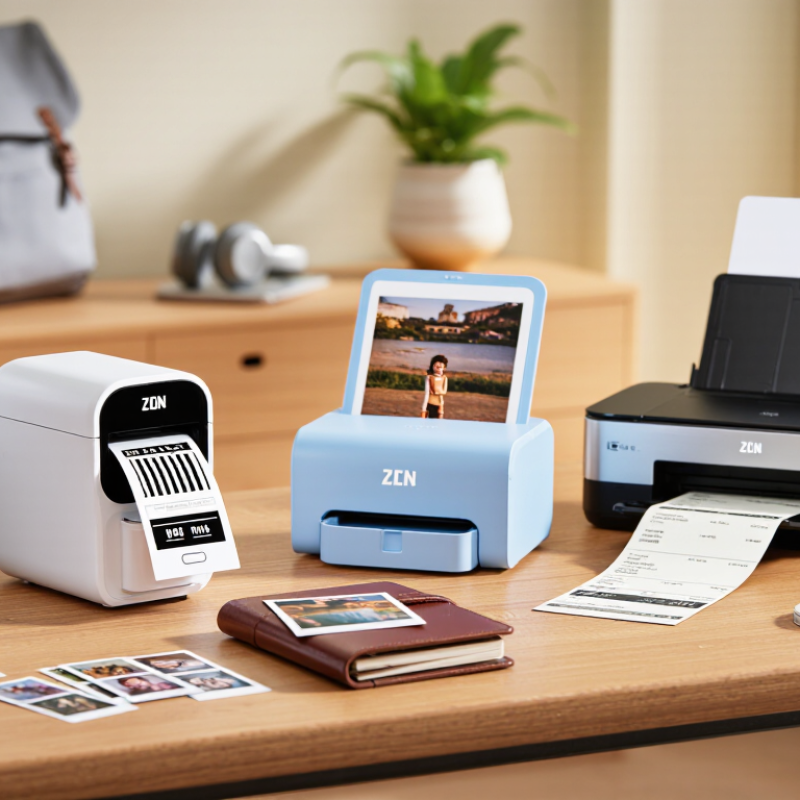
Define Your Pocket Printing Needs and Typical Use Cases
Before comparing pocket printers, decide what you expect to print and where.
A student may need quick diagrams beside handwritten notes, while a traveler may want small labels for cables or luggage. At home, printing shopping lists or children’s drawings can matter more than photo detail. Name your main task. Then picture the moment: Are you standing in a station, sitting at a café, or organizing a desk? A printer that fits your bag but needs frequent charging may disappoint on a long day.
Next, estimate how often you will print and how important each result is.
A few monochrome reminders each week call for different features than frequent color photos. Check the paper or film size, replacement cost, battery life, connection method, and whether the companion app works with your phone.
Also consider noise and setup time; a device that takes several steps may stay unused.
That matters.
People often focus on print quality, then discover their usual paper size is too small for readable notes. I would not assume one pocket printer can serve every purpose.
Think through one ordinary week, including the small, slightly inconvenient jobs. Your real routine is a better guide than a dramatic travel scenario.
Compare Printing Technologies, Image Quality, and Output Size
A pocket printer’s technology shapes both its look and its limitations. Dye-sublimation models build color through successive passes, often producing smooth gradients and skin tones. ZINK printers use heat-activated color crystals embedded in special paper, avoiding ink cartridges. Monochrome thermal printers suit labels and simple notes, but cannot reproduce full-color photographs. The trade-off is real.
Do not judge quality by resolution figures alone. Print a familiar image with faces, fine text, and dark shadows, then inspect it in ordinary room light. Check whether skin looks natural, small details stay clear, and shadow areas turn into muddy blocks. Paper finish also matters: glossy surfaces can make colors feel vivid, while fingerprints show more easily. A sample print can be surprisingly different from the screen.
Output size affects usefulness as much as image quality. A compact, wallet-sized print fits journals and phone cases, but tiny captions may become hard to read. Larger pocket formats give images more breathing room, though they take up more bag space and may cost more per sheet. Measure the prints you actually want to carry or display. It is easy to overvalue portability and overlook how small the result feels in your hand. Advertised dimensions do not tell you how much of the sheet the image uses, either.
Check Paper Format, Battery Life, Connectivity, and App Support
How to Choose a Pocket Printer in 2026?
Start with paper format, not the product photo. Check whether the printer uses sticky-backed sheets, photo paper, or narrow rolls. A small print fits neatly in a journal; a wider one shows faces and scenery with more detail. Paper costs add up. Compare refill prices and pack sizes, and check how easily you can find compatible paper. Also consider whether the printer needs special paper, since that can limit your choices later.
Battery life needs a closer look than a single advertised number. Print counts can change with image coverage, temperature, and battery age. A dark full-page image may use more power than a pale snapshot. If you plan to print during a day out, check charging time and whether the device uses a common charging cable. Those details matter when there is no outlet nearby. Small compromises count.
For connectivity, check how reliably the printer pairs with your phone and whether it can reconnect without repeated setup. Bluetooth is convenient for quick prints, while a cable can be useful when wireless pairing acts up. App support is just as important: confirm your phone’s operating system is supported, and look for cropping, brightness adjustment, and print previews. Check when the app was last updated. Editing tools can be helpful, but too many menus slow down a simple print. One detail is easy to miss: an app that works today may become less useful after a phone update, so look for ongoing support rather than flashy templates.
Evaluate Portability, Ongoing Costs, and Device Compatibility
How to Choose a Pocket Printer in 2026?
Evaluate Portability, Ongoing Costs, and Device Compatibility
A pocket printer should fit your routine, not just your bag. Check its weight, closed dimensions, and battery life against a real day out. A light model can still feel bulky beside your phone. Also check whether it prints while charging; that detail matters during long events. Paper size affects what you can make, from small labels to keepsake photos. Check the tray.
Tips: Estimate your monthly print count before comparing devices. Then multiply it by the cost per sheet, including any special paper or cartridges. Do the math. A low purchase price can hide expensive refills, and paper availability may vary by region. Keep a few sheets in your bag, but note their storage conditions; heat and moisture can affect print quality.
Confirm compatibility with your phone’s operating system and the printer’s companion app. Check the required OS version, connection method, and whether the app supports your usual photo formats. Read the setup instructions before buying, especially if you use a tablet or share the printer with family. App features can change after updates, so check recent support information rather than relying on an old review. A little uncertainty remains: advertised battery life may not match frequent, full-color printing.
How to Choose a Pocket Printer in 2026
Compare media formats before you buy. The chart shows nominal media width, converted to millimeters.
Nominal widths are based on standard media dimensions: 2 × 3-inch photo paper (50.8 mm), 58 mm and 80 mm receipt rolls, and 3 × 4-inch photo paper (76.2 mm). Printable areas may be smaller. To estimate ongoing costs, compare the price per sheet or roll; also confirm that the printer supports your phone or computer’s operating system.
Choose a Printer That Fits Your Budget and Priorities
A pocket printer can look inexpensive until you count the paper. Compare the device price with the cost of a week’s printing, not just the checkout total. Some models use sticky-backed sheets; others need small rolls or dedicated photo paper. Check how many prints come in a refill pack. A low price per sheet matters if you print often.
Match the printer to your actual routine. For labels, notes, or quick lists, compact monochrome printing may be enough. For travel snapshots, check color quality and whether prints resist fading and moisture. Read independent sample reviews when possible. Product images can make tiny photos appear sharper than they look in your hand. That happens.
Connectivity also affects value. A printer that pairs reliably with your phone can save time, while a confusing setup can make it stay in a drawer. Look for clear app controls, compatible devices, and a battery suited to your typical day. If you print only a few times each month, paying extra for speed may not make sense. I’d still leave room for personal preference; a slightly imperfect photo can be more enjoyable than a perfect print you never make. Compare replacement media availability before deciding.

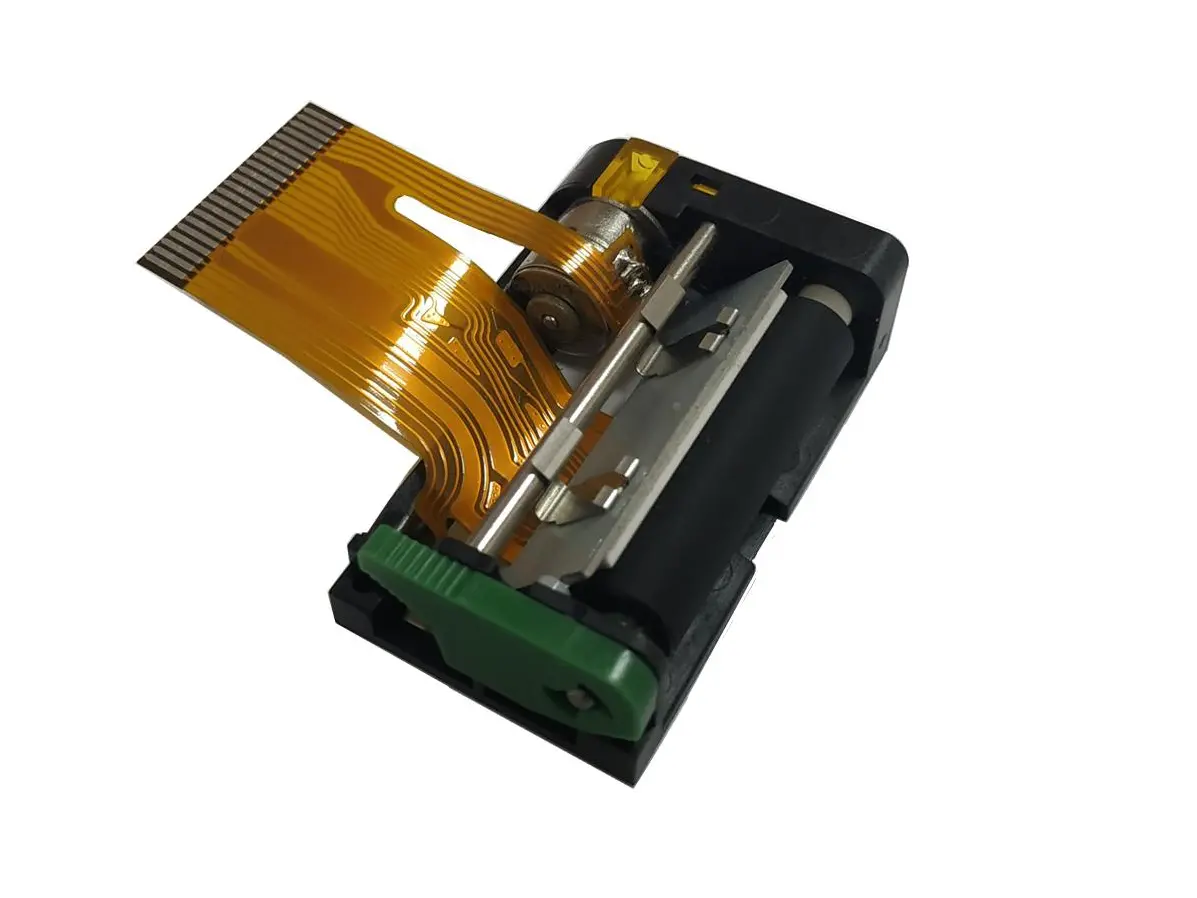 1 inch thermal printer mechanism
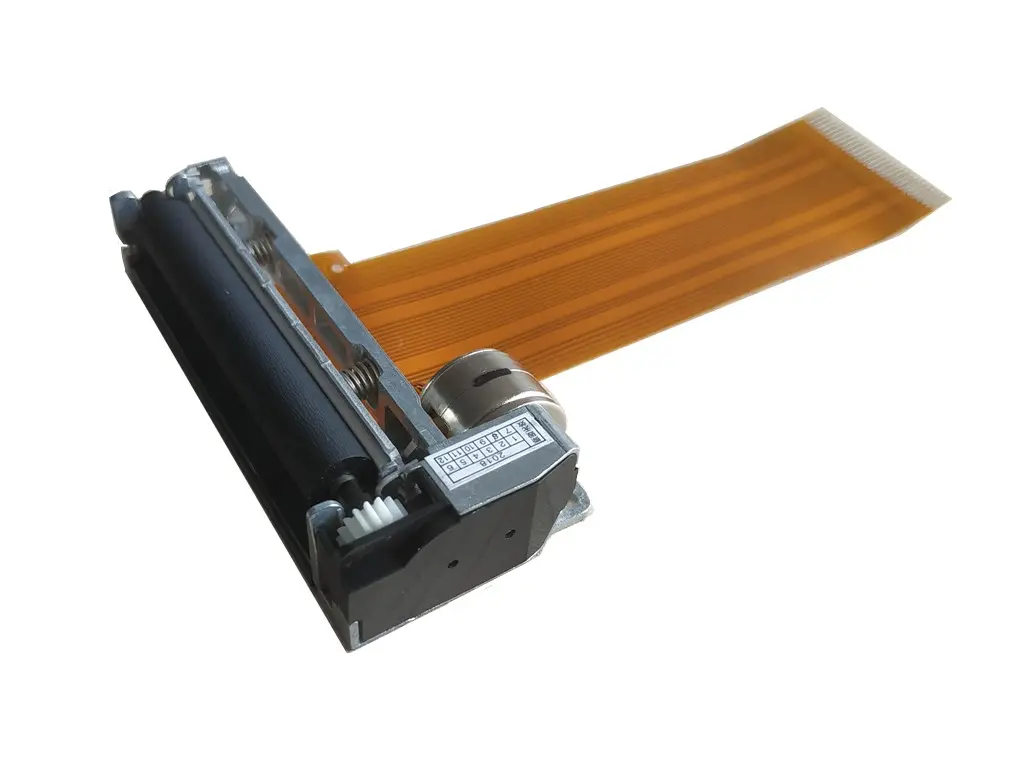 2 inch thermal printer mechanism
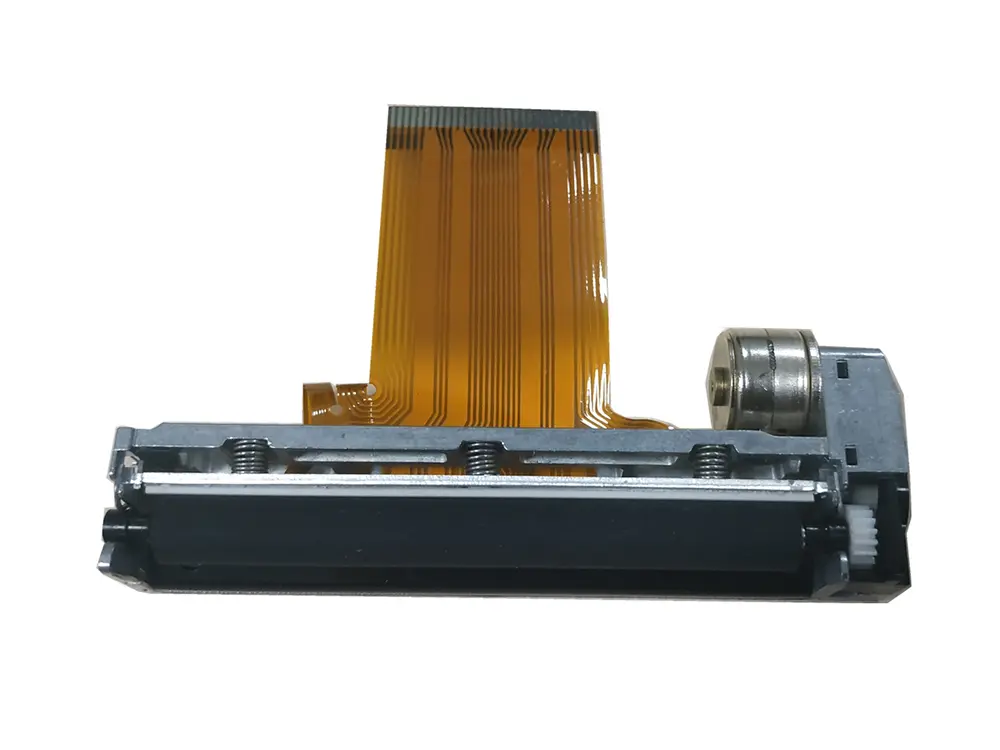 3 inch thermal printer mechanism
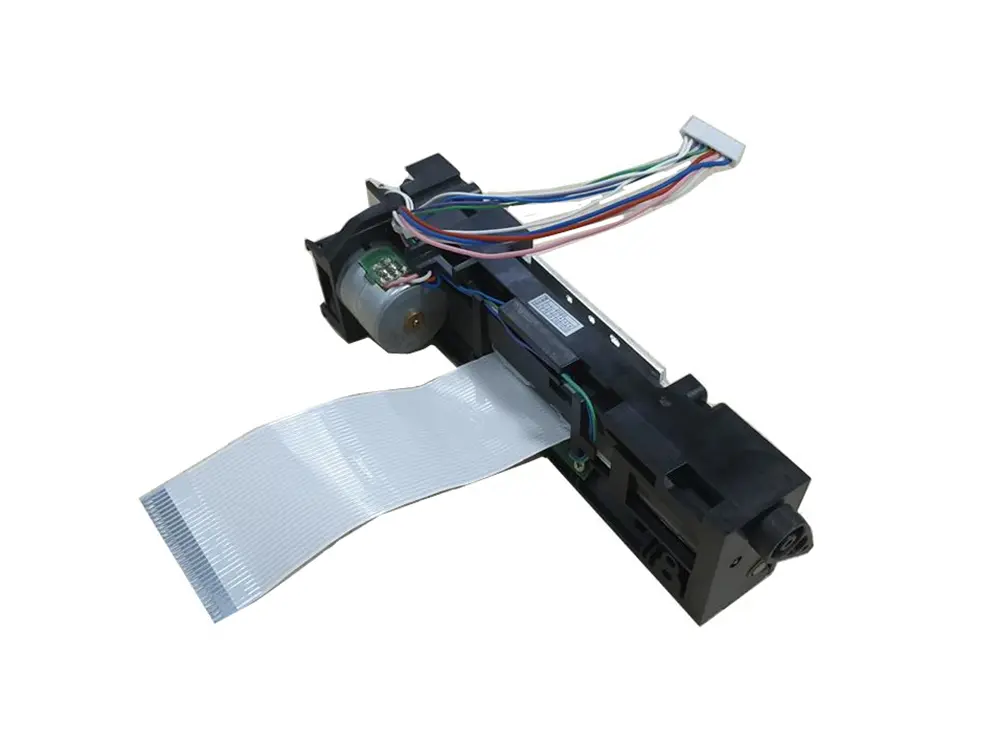 4 inch thermal printer mechanism
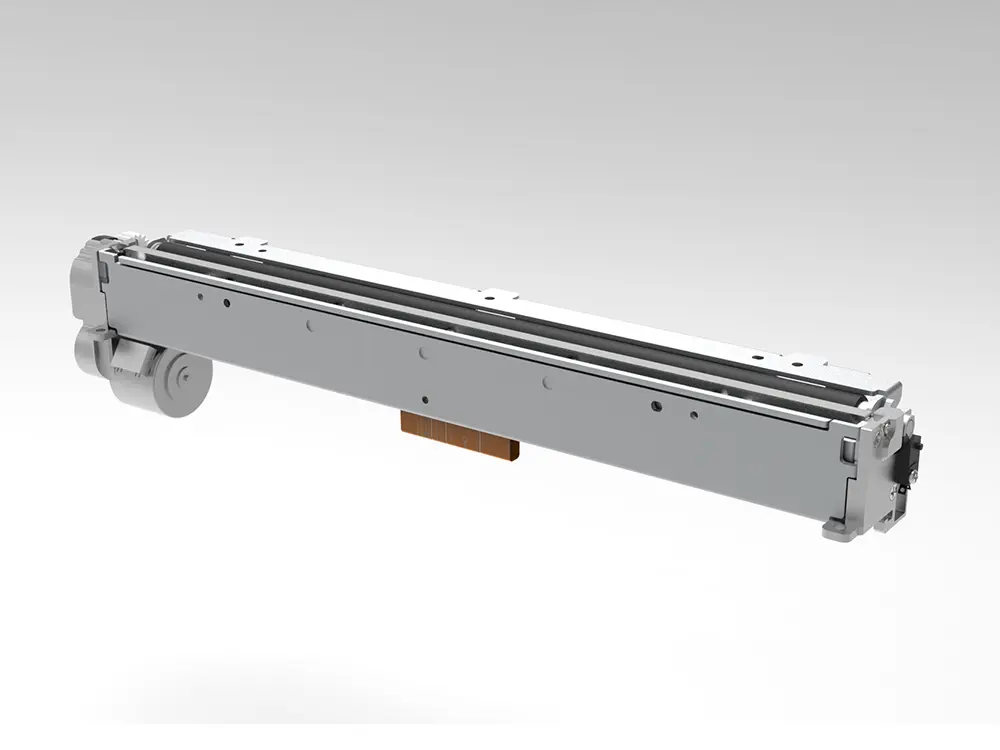 8 inch thermal printer mechanism
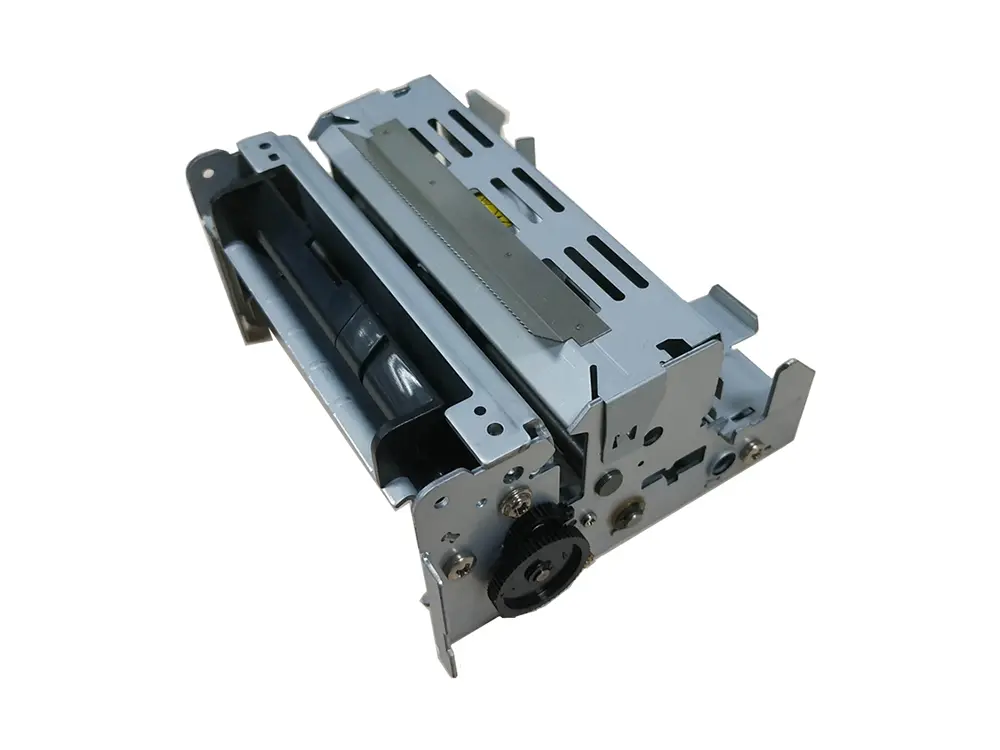 dot matrix printer mechanism
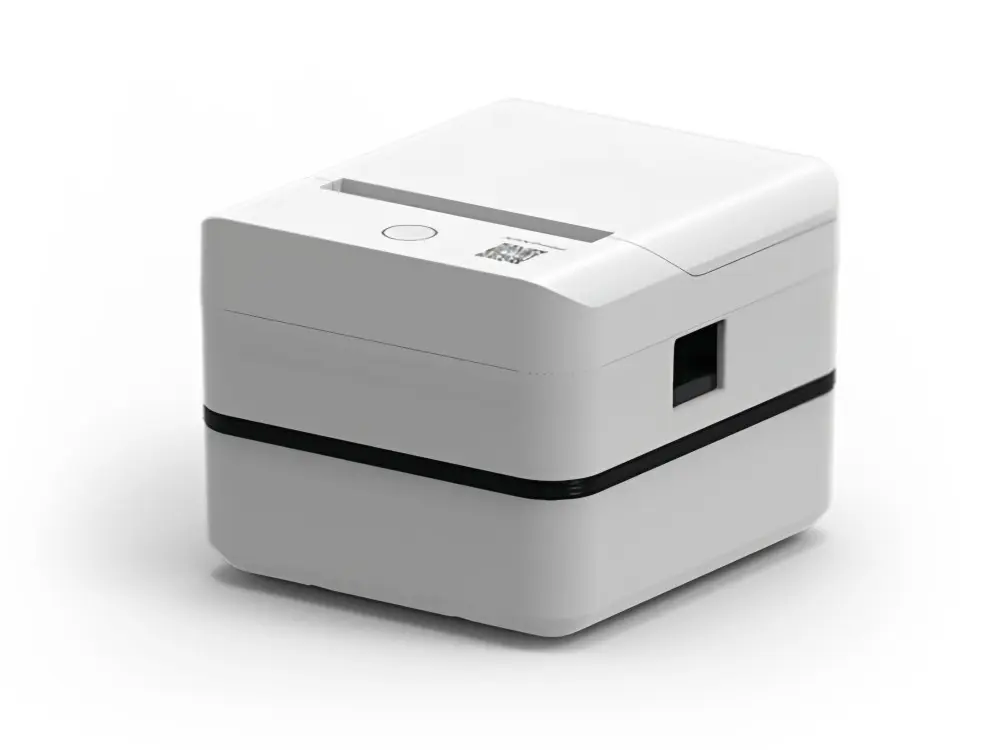 Label Printer
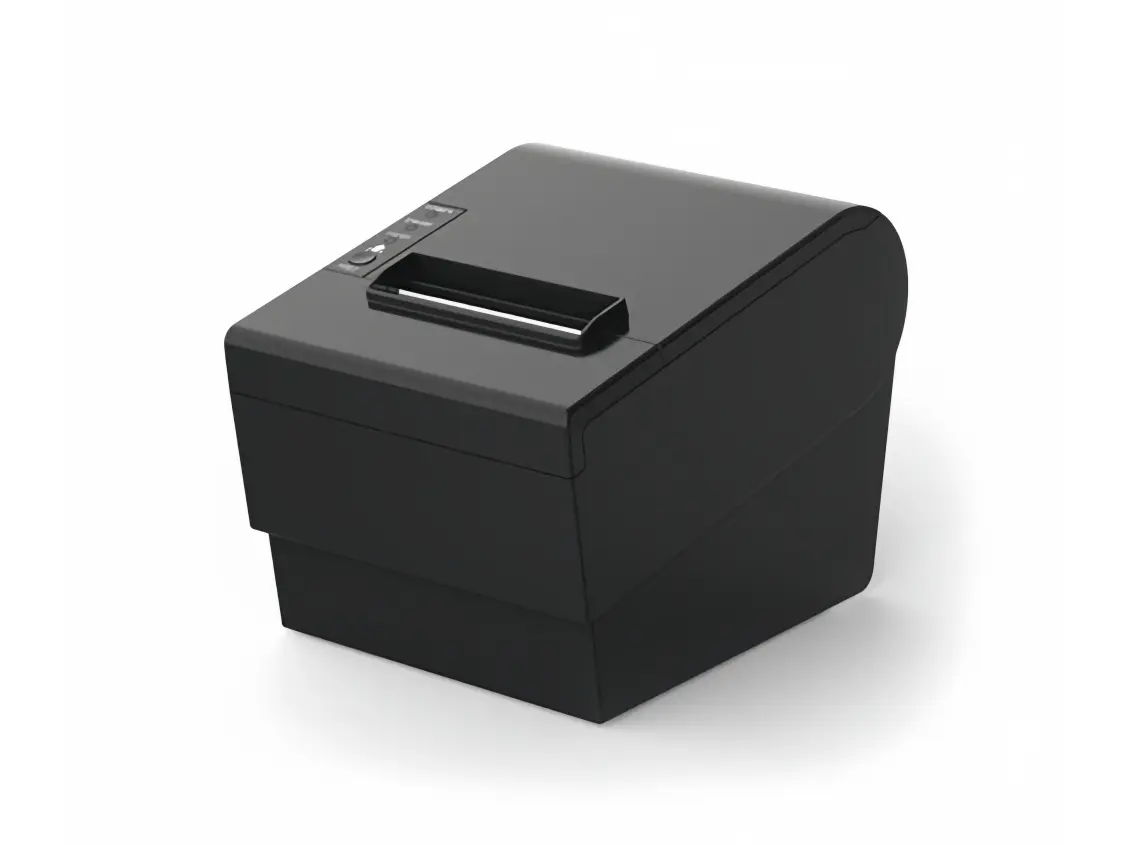 Receipt Printer
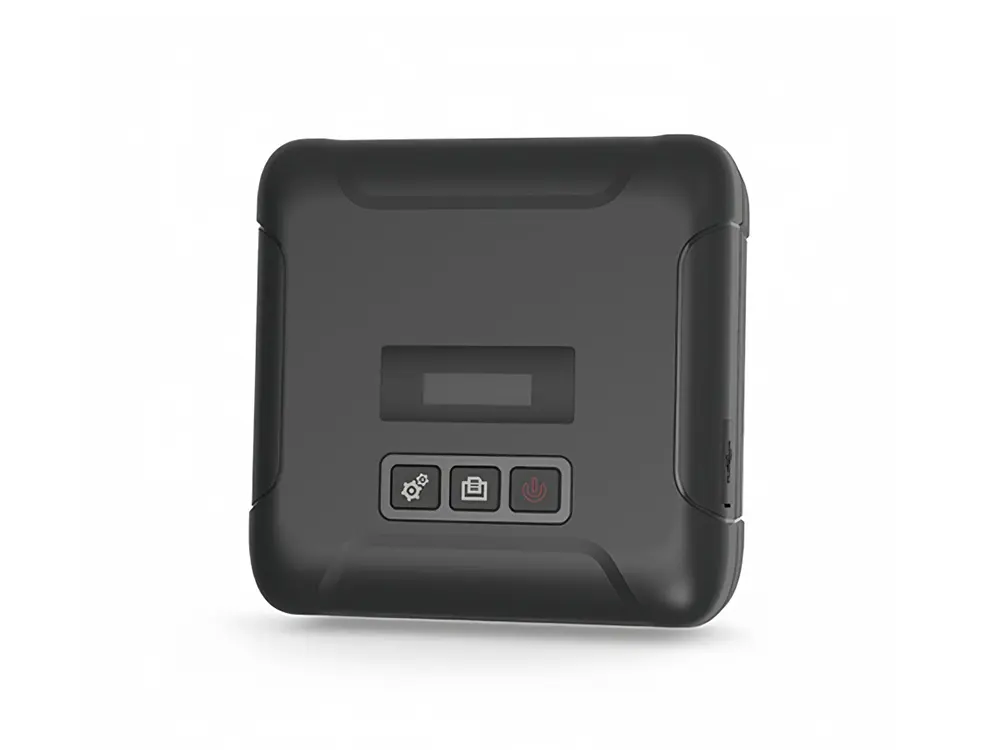 Mobile Printer