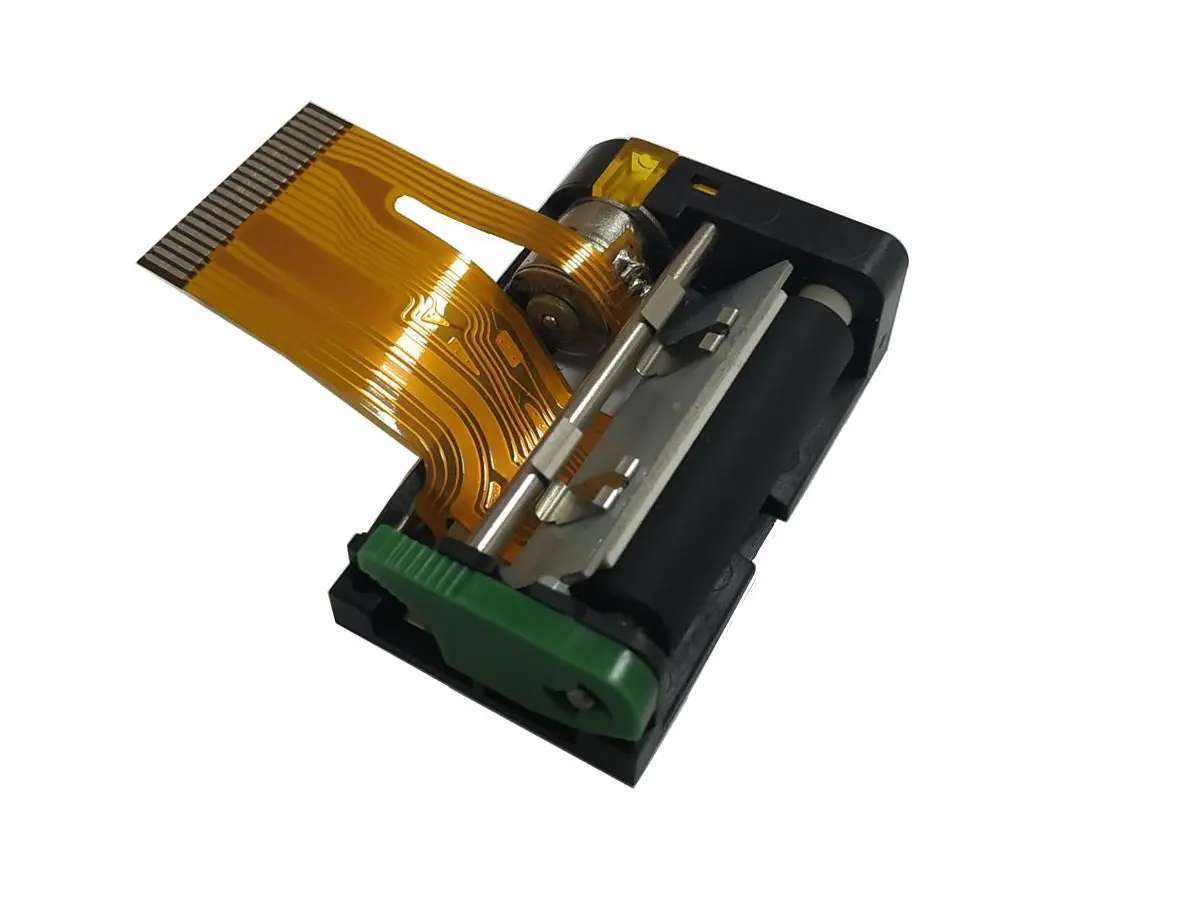
 1 inch thermal printer mechanism
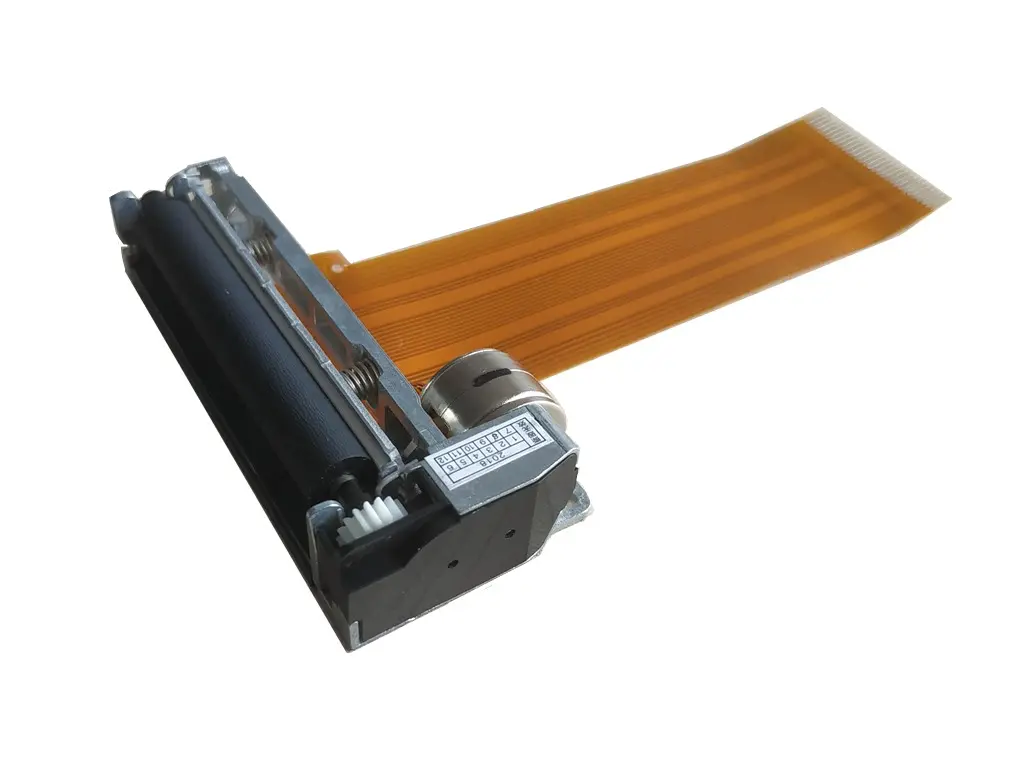 2 inch thermal printer mechanism
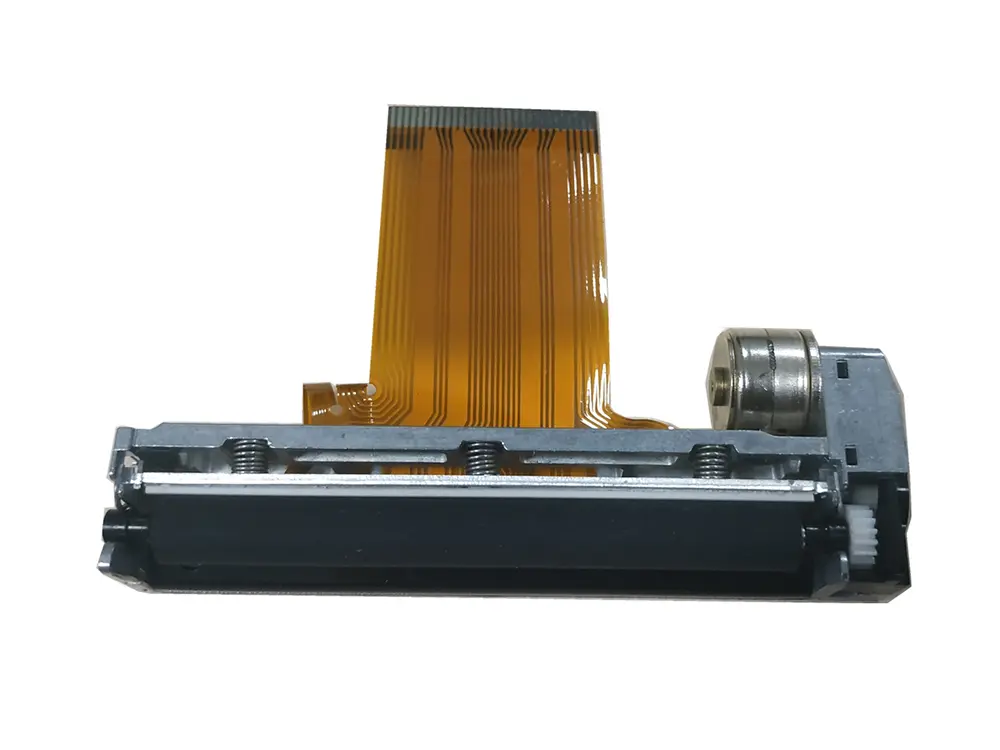 3 inch thermal printer mechanism
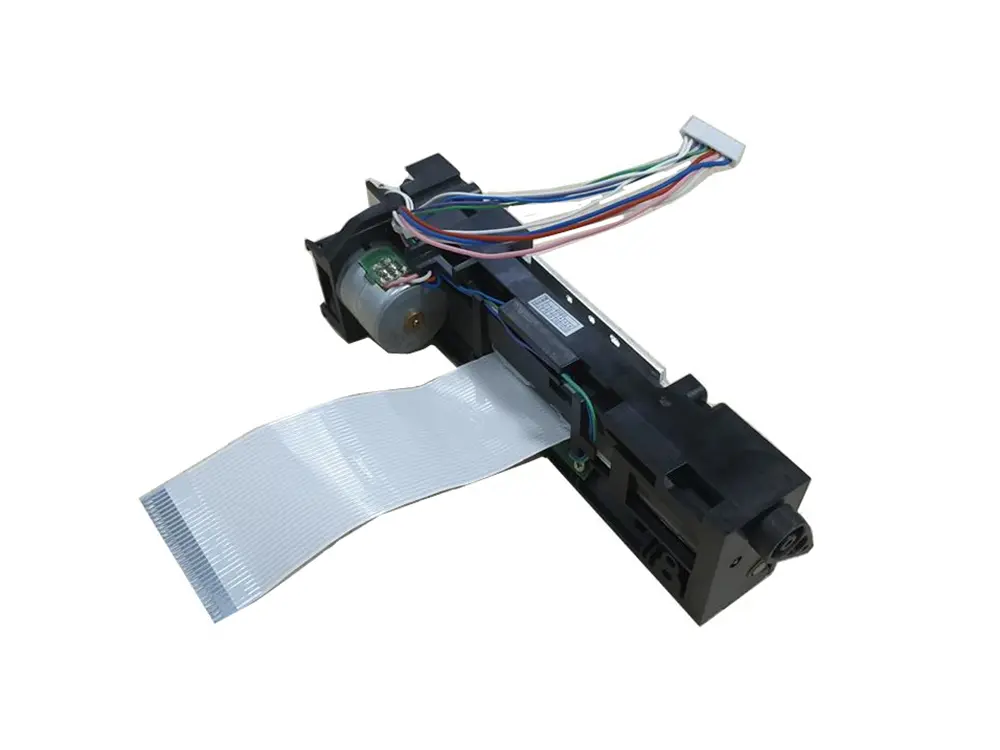 4 inch thermal printer mechanism
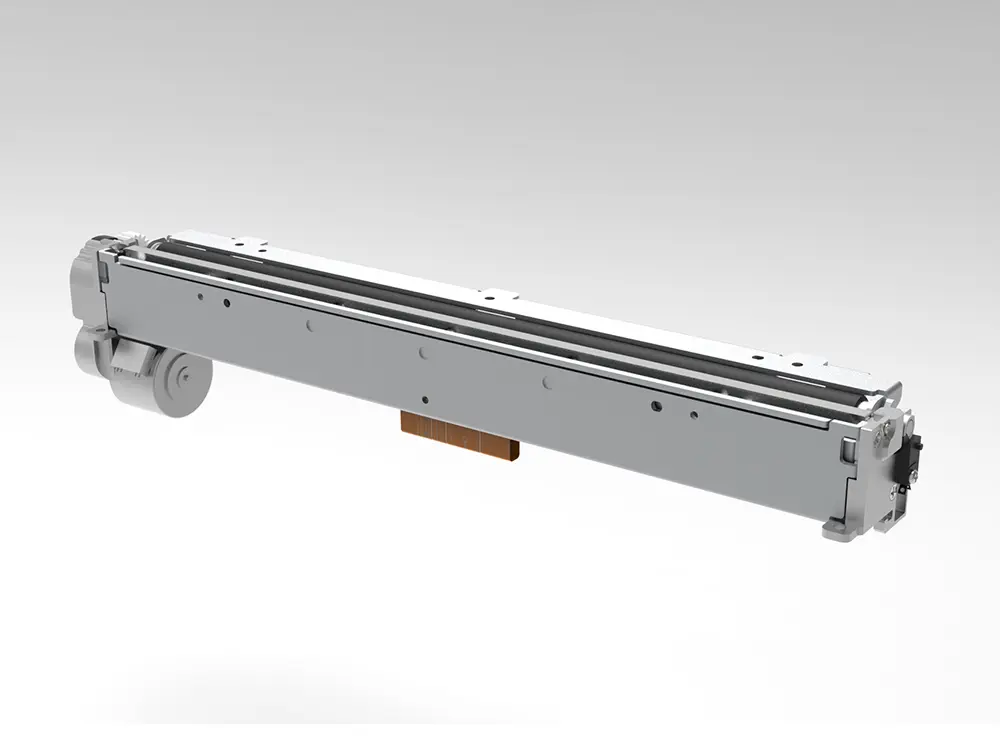 8 inch thermal printer mechanism
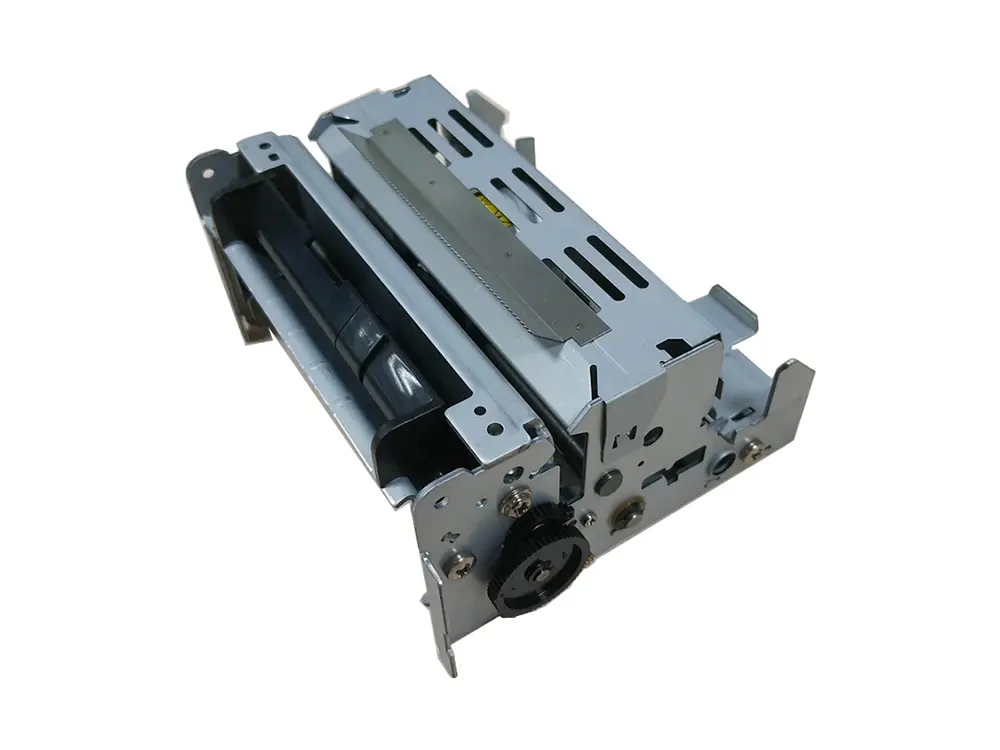 dot matrix printer mechanism
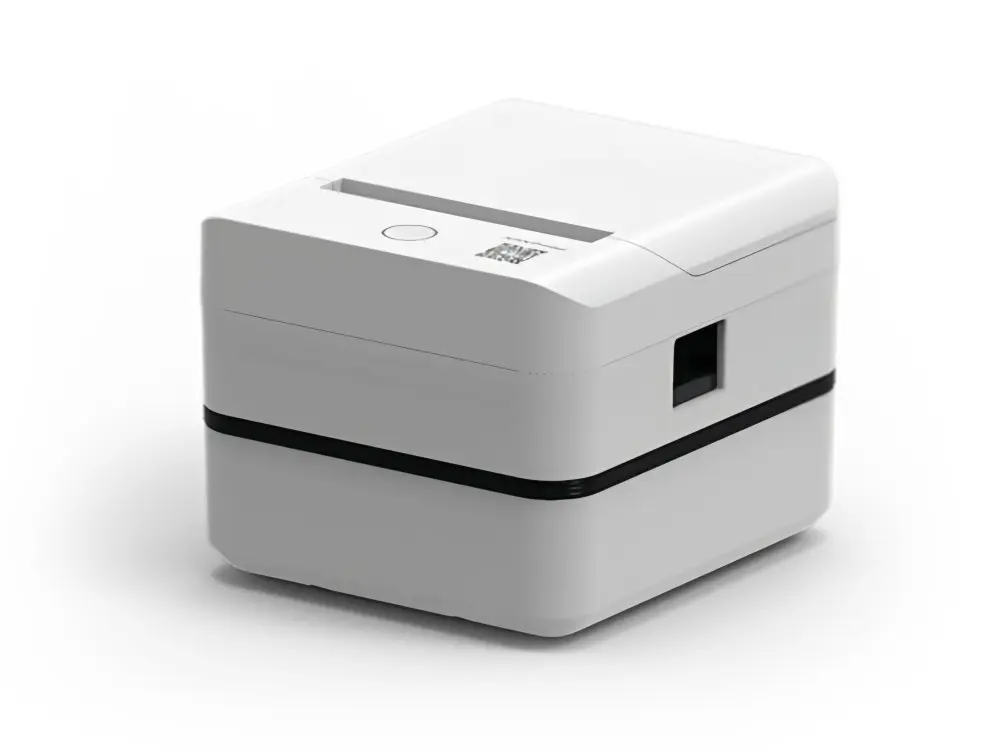 Label Printer
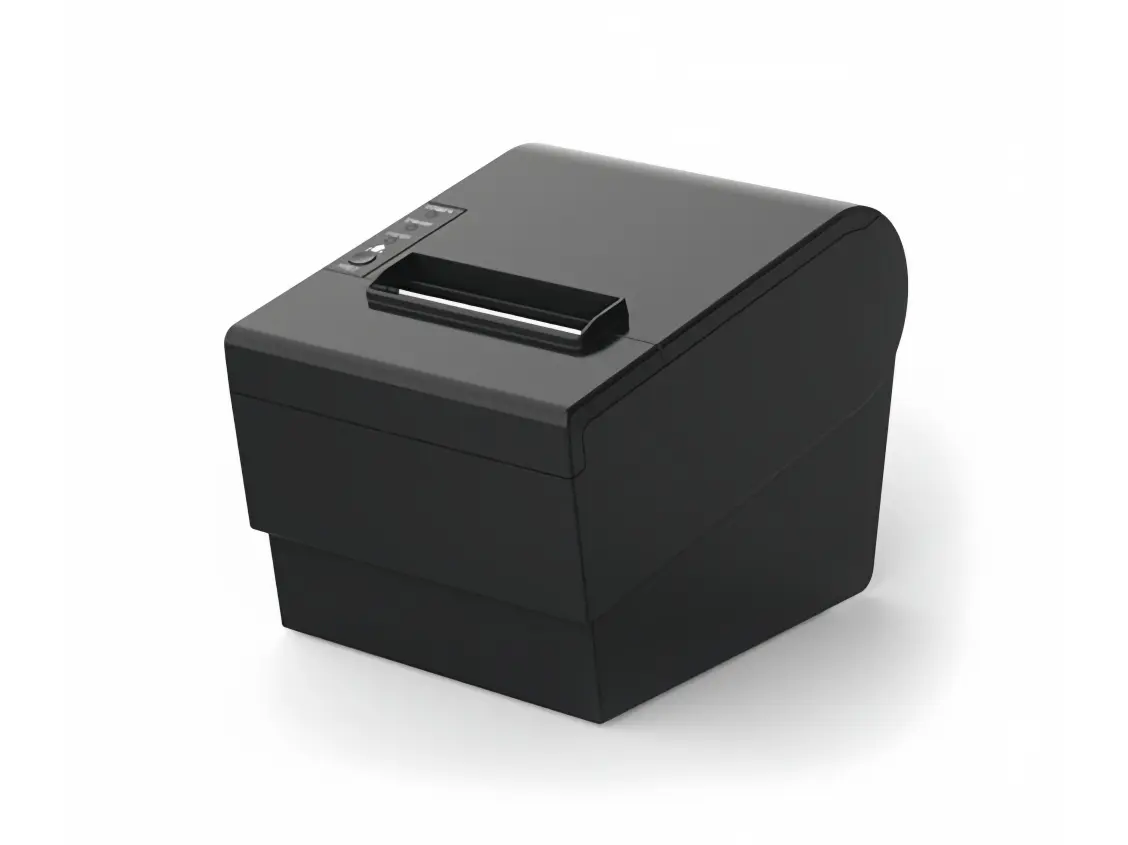 Receipt Printer
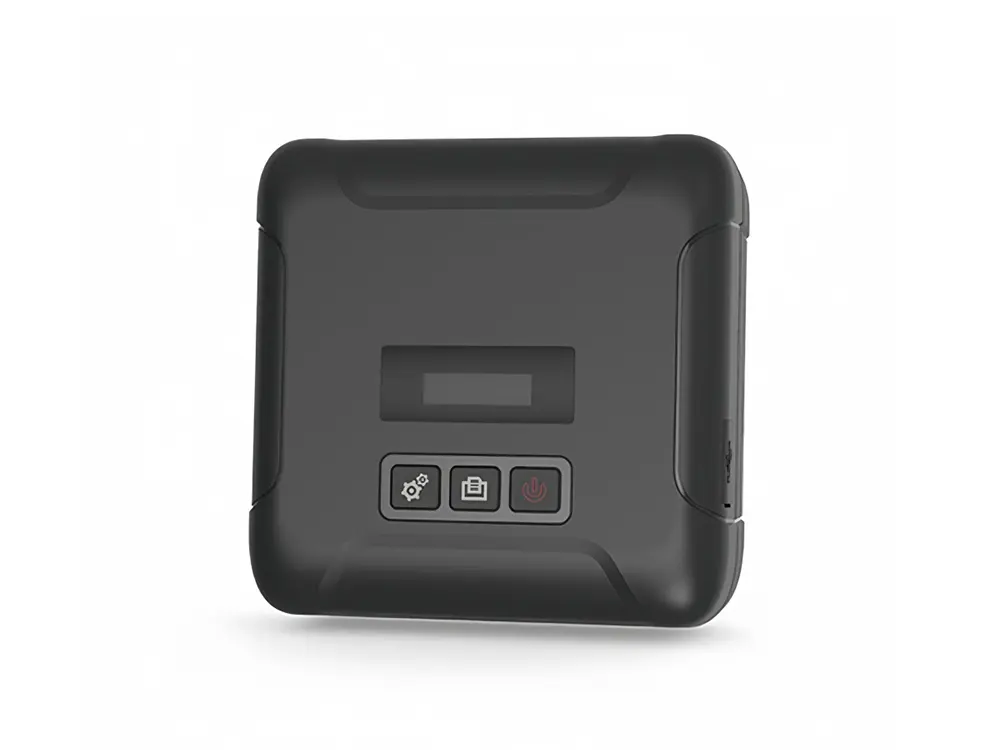 Mobile Printer
Leave Your Message
A busy market stall can lose momentum when customers wait for receipts or shipping labels refuse to print. A Mobile Thermal Printer can help small businesses handle these everyday tasks without a fixed printing station. Think about a florist printing delivery labels beside fresh bouquets, or a repair technician issuing receipts from a van. Space matters. So does reliability. The right choice depends on what you print, where you work, and which devices you already use. A compact printer might fit your bag perfectly but still struggle with the label width your orders require.
This guide compares ten options through practical buying criteria, including portability, connection methods, print compatibility, and running costs. Receipt printers and shipping label printers serve different purposes, even when product listings make them sound interchangeable. Check the supported paper widths before comparing prices. For direct thermal models, heat-sensitive paper eliminates ink cartridges, but replacement rolls remain an ongoing expense. Battery claims also need context because print density, connection settings, and daily volume can affect actual performance. Bluetooth support alone does not guarantee compatibility with your checkout software. Confirm that detail before buying.
There is no perfect pick for every business, and a few compromises deserve more attention than glossy specifications suggest. A lighter unit may require more frequent charging. A cheaper model may depend on an app that complicates your workflow. It is tempting to prioritize speed; honestly, that can be the wrong tradeoff when labels need frequent reprinting. Use this list to narrow your choices around real tasks. Then verify current specifications, warranty terms, and software requirements with the manufacturer.
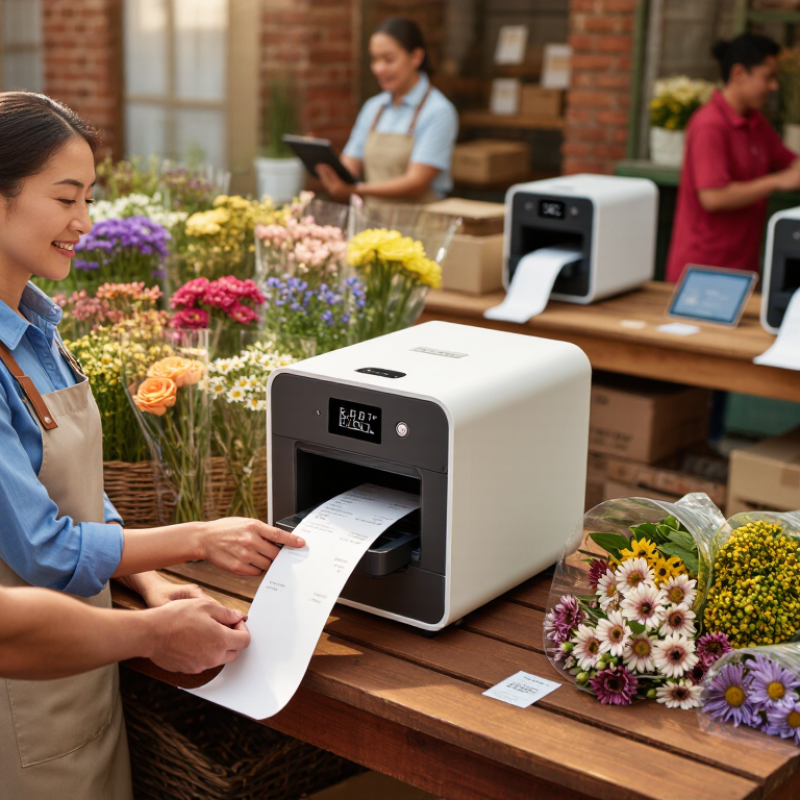
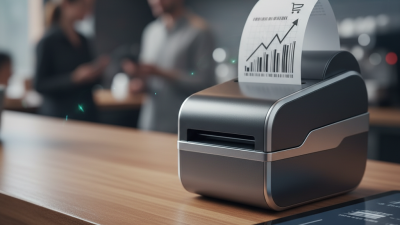
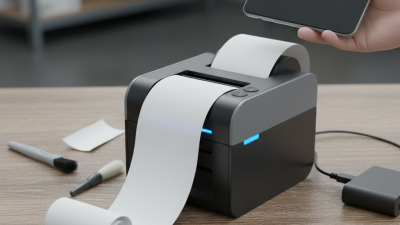
Most mobile thermal printers use direct thermal technology: a heated printhead darkens specially coated paper to create text and barcodes. No ink required. A phone or tablet sends print jobs through Bluetooth or Wi-Fi, depending on the printer. An app formats each receipt or label before printing. Paper width, app compatibility, and supported label sizes determine what you can actually produce. Direct thermal prints can fade with heat, sunlight, or friction, making them unsuitable for some long-term records.
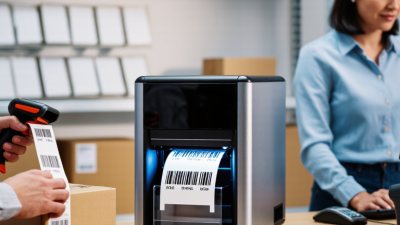
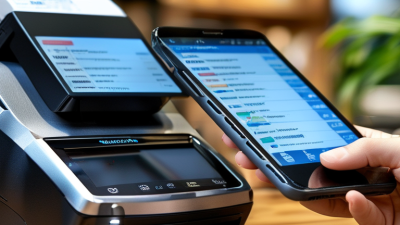
Small businesses use these portable devices wherever a fixed printing station would slow down work. A market vendor can print a receipt beside a payment terminal. A bakery might label takeaway boxes with product names and preparation dates. Mobile repair technicians can issue service receipts at a customer’s location. Online sellers can print shipping labels, provided the printer supports the carrier’s required dimensions and barcode quality. Size matters. A pocket receipt printer usually cannot accommodate a standard 4 × 6-inch shipping label. Portability also brings compromises: smaller paper rolls need frequent replacement, and another battery needs charging.
Tips: Test your actual receipts or labels before buying paper in bulk. Scan a sample barcode with the device used in your workflow. Check that your sales app supports the printer’s connection method. Keep spare rolls dry and away from hot vehicle dashboards. Maximum print darkness may look better, but excessive heat can blur fine barcode lines. Finding the right setting may take several wasted labels; that small trial is worth allowing for.
Compare ten practical mobile thermal printer profiles for receipts, labels, tickets, and business documents. The best choice depends on your media size, software compatibility, working environment, and daily printing needs.
| Printer Profile | Media Format | How It Prints | Small Business Uses | Main Advantage | What to Check Before Buying |
|---|---|---|---|---|---|
| Compact Mobile Receipt Printer | Commonly uses a nominal 58 mm receipt roll; printable width is narrower than the paper. | A heated printhead darkens coated direct thermal receipt paper. | Market stalls, pop-up shops, mobile checkout, and simple payment receipts. | Compact paper format suits short receipts and limited carrying space. | Confirm payment-app support, operating-system compatibility, and whether receipt text fits the available print width. |
| Wide Mobile Receipt Printer | Commonly uses nominal 80 mm receipt paper; some portable models use nearby widths. | Direct thermal printing produces text, graphics, and supported barcode formats without ink cartridges. | Food trucks, delivery receipts, itemized sales, and service invoices. | A wider layout accommodates more information per line. | Check the exact roll width, roll diameter, carrying weight, and compatibility with your receipt layout. |
| Compact Mobile Label Printer | Approximately 2-inch-class label media; exact supported width varies. | Heat activates the coating on direct thermal adhesive labels. | Price labels, shelf labels, small product identifiers, and storage-bin labels. | Supports small labels at the point where items are handled. | Check minimum label size, gap or black-mark sensing, barcode readability, and supported label-design software. |
| Mid-Width Mobile Label Printer | Approximately 3-inch-class label media; usable print width depends on the device. | A thermal printhead images compatible labels as the feed mechanism advances the media. | Inventory identification, stock transfers, order picking, and parcel identification. | Provides more layout space for product details and barcodes than smaller label formats. | Verify the label dimensions your workflow requires and the printer language or driver your software supports. |
| Portable Shipping Label Printer | 4-inch-class media; 4 × 6-inch shipping labels are a common application. | Direct thermal printing places addresses, routing information, and barcodes on coated label stock. | Small online stores, dispatch stations, returns processing, and temporary packing areas. | Allows shipping labels to be printed near packed orders. | Confirm support for your carrier's label format, your shipping platform, and the required media supply method. |
| Wearable Mobile Printer | Compact receipt or label rolls, depending on the model. | A battery-powered thermal mechanism prints while the unit is carried on a belt or shoulder strap. | Queue management, mobile sales, shelf labeling, and stockroom work. | Keeps printing available while staff move between customers or inventory locations. | Evaluate loaded weight, belt-clip security, paper-loading access, and battery performance under your actual workload. |
| Rugged Field-Service Printer | Receipt or label rolls in model-specific widths. | Direct thermal printing operates inside a housing designed for field use. | On-site service receipts, maintenance labels, delivery records, and equipment identification. | Models with documented environmental protection can suit demanding working conditions. | Compare published drop-test conditions, ingress-protection ratings, operating temperatures, and compatible media. |
| Vehicle-Mounted Mobile Printer | Roll receipts, labels, or page-format thermal media, depending on the printer. | A thermal printhead produces output from a printer secured in a compatible vehicle mount. | Route sales, delivery documentation, mobile repair services, and on-site invoices. | Provides a consistent printing location for vehicle-based work. | Confirm mount compatibility, vehicle power requirements, charging accessories, and safe installation provisions. |
| Mobile Linerless Label Printer | Compatible linerless adhesive rolls within the printer's specified width range. | A linerless-compatible direct thermal mechanism prints adhesive media without a separate release liner. | Takeaway order labels, order identification, and temporary logistics labels. | Eliminates discarded release liner during label application. | Use a printer explicitly designed for linerless media; check adhesive compatibility, cutting or tearing method, and cleaning requirements. |
| Portable Full-Page Thermal Printer | A4 or US Letter thermal sheets or rolls, where supported by the model. | A page-width thermal printhead images specially coated document media. | Service reports, quotations, inspection forms, and full-page invoices. | Produces full-page documents while traveling without liquid ink cartridges. | Check supported page sizes, document-app compatibility, media availability, and retention requirements for printed records. |
How mobile thermal printers work: A thermal printhead contains heating elements that create text and images as media moves past it. The direct thermal profiles described here use heat-sensitive media and require no ink or toner. Thermal transfer printers use a heated ribbon to transfer an image onto compatible media; ribbon support must be explicitly specified.
Connections and software: Bluetooth, Wi-Fi, and USB availability varies by model. A wireless connection alone does not guarantee compatibility with a phone, payment app, shipping platform, or operating system. Verify the manufacturer's supported software, drivers, and connection methods.
Print quality and media care: Match resolution to your smallest text and barcode requirements. Direct thermal output can fade or darken with heat, sunlight, and certain chemicals. Choose media appropriate to the application and keep digital copies of records that require long-term retention.