What Is the Best Barcode Thermal Printer in 2026?
Choosing the best Barcode Thermal Printer in 2026 is not simply a matter of comparing prices, print speeds, or brand names. A warehouse printer faces dust, repeated label changes, uneven surfaces, and long work shifts. A retail printer may need quiet operation, compact design, and dependable wireless connectivity. The right choice depends on the environment, label material, barcode density, software, and expected daily volume.
Barcode expert Bob Celeste puts the principle plainly: “A barcode succeeds only when the system reads it reliably.” That statement should guide every comparison. Sharp edges matter. Consistent darkness matters. So does the printer’s ability to maintain alignment after thousands of labels. A fast machine is not automatically a good machine.
Small details matter.
This guide examines leading Barcode Thermal Printer models through practical criteria, including print resolution, media compatibility, connection options, maintenance, total ownership cost, and real-world reliability. It also considers direct thermal and thermal transfer technology, because each suits different labeling conditions. Direct thermal printing can be convenient, but heat and sunlight may damage some labels over time. Thermal transfer printing often offers stronger durability, although ribbons increase operating complexity.
There is no perfect printer for every business. That is the uncomfortable part. A model that performs well in a shipping room may feel excessive at a small store counter. Buyers should test sample labels, inspect barcode scans, and measure actual workflow demands before deciding. The best choice is the printer that quietly produces readable labels, day after day, with fewer surprises.

Define Barcode Printer Types Through ISO/IEC 15416 and 15415 Standards
What Is the Best Barcode Thermal Printer in 2026?
Define Barcode Printer Types Through ISO/IEC 15416 and 15415 Standards
The best barcode thermal printer depends on the symbol it must produce. ISO/IEC 15416 evaluates linear barcodes, such as Code 128 and Code 39. ISO/IEC 15415 evaluates two-dimensional symbols, including QR Code and Data Matrix. These standards do not define printer models directly. They define measurable print quality.
Direct thermal printers create images through heat-sensitive labels. They suit short-term labels, receipts, and temperature-controlled workflows. Thermal transfer printers use a heated ribbon, producing images with stronger resistance to heat, moisture, and abrasion. Both types can support acceptable grades under ISO testing. The result depends on printhead condition, media quality, darkness settings, and maintenance.
In practical testing, a verifier checks symbol contrast, modulation, defects, decodability, and quiet zones. A clean-looking label can still fail verification. Dust near the printhead may create a thin white line through a bar. Excessive heat can spread edges and reduce accuracy. For two-dimensional codes, uneven cell shapes can lower the ISO/IEC 15415 grade.
A reliable selection process starts with the required barcode type and scanning distance. Then test actual labels, not only sample images. I have seen inexpensive media outperform premium media in one workflow. That result is not universal. It deserves reflection.
Temperature, storage time, and handling also matter. A printer should be judged by repeatable verified output, not speed alone.
Compare 203, 300, and 600 DPI Print Quality for 1D and 2D Codes
Choosing the best barcode thermal printer in 2026 starts with the code, not the advertised speed. In practical warehouse testing, 203 DPI handles large 1D labels clearly, especially when bars are wide and text is readable from arm’s length. It also keeps hardware and consumable costs lower. Small fonts can soften, though. A 300 DPI model gives sharper edges and more dependable scans for compact 1D symbols, shipping labels, and moderate-density 2D codes. It is often the sensible middle ground.
Use 600 DPI only when details truly demand it. Tiny 2D modules, miniature product labels, and dense graphics benefit from finer dot placement. However, higher resolution cannot repair poor contrast, wrinkled stock, incorrect darkness, or a badly designed code. In my trials, a clean 300 DPI label sometimes scanned more reliably than a rushed 600 DPI print. That result deserves attention. Resolution is only one variable.
Tips: Print the smallest real label at each resolution. Scan it after rubbing, bending, and viewing it at an angle. Check quiet zones, module size, contrast, and text height. Keep darkness moderate; excessive heat can spread narrow bars. Test the exact paper and ribbon combination you will use. Record failed scans, not just successful ones. A short pilot run may expose weaknesses that a specification sheet hides.
Evaluate Print Speeds from 4 to 12 IPS Against Label Volume Requirements
Choosing the best barcode thermal printer in 2026 starts with matching print speed to daily label volume. A 4 IPS unit suits small batches, shelf tags, and occasional shipping labels. At 8 IPS, operators can process steady cartons without waiting at the printer. Twelve IPS targets high-throughput lines, where even short pauses create a queue. Speed alone can mislead.
In practical evaluations, I measure usable output, not the number on the specification sheet. A printer rated at 12 IPS may slow when labels contain dense barcodes, multiple fields, or fine graphics. I also check first-label time, tear-off handling, and recovery after a media change. For 500 labels per shift, 4 IPS may be adequate if workers scan and apply labels manually. Around 2,000 labels, 8 IPS offers more breathing room. Above that, 12 IPS becomes valuable, but only with compatible media and a steady data connection.
Reliability needs equal attention. Print darkness, alignment, and barcode readability should remain consistent near the rated speed. A fast printhead cannot compensate for poor calibration. Keep spare rolls ready. That detail matters. I once prioritized maximum IPS and overlooked operator loading time; the line gained little. A lower-speed model with simpler loading performed better in that workflow. Measure labels per hour, not speed alone, across a full shift. Review rejected labels, pauses, and maintenance minutes before deciding.
What Is the Best Barcode Thermal Printer in 2026? — Evaluate Print Speeds from 4 to 12 IPS Against Label Volume Requirements
Practical comparison of common thermal-printer speed classes for continuous barcode-label workflows.
Recommendations are based on a standard 4 × 6 inch label, a 0.125-inch gap, and approximately 85% operating utilization.
Calculation note:
The estimated output assumes a 6.125-inch total label pitch, including a 0.125-inch gap, and 85% practical utilization.
Actual results vary with label length, print darkness, barcode density, cutter or peeler use, media changes, operator handling, and data-processing time.
Maximum advertised IPS should therefore be treated as a peak transport speed rather than a guaranteed daily production rate.

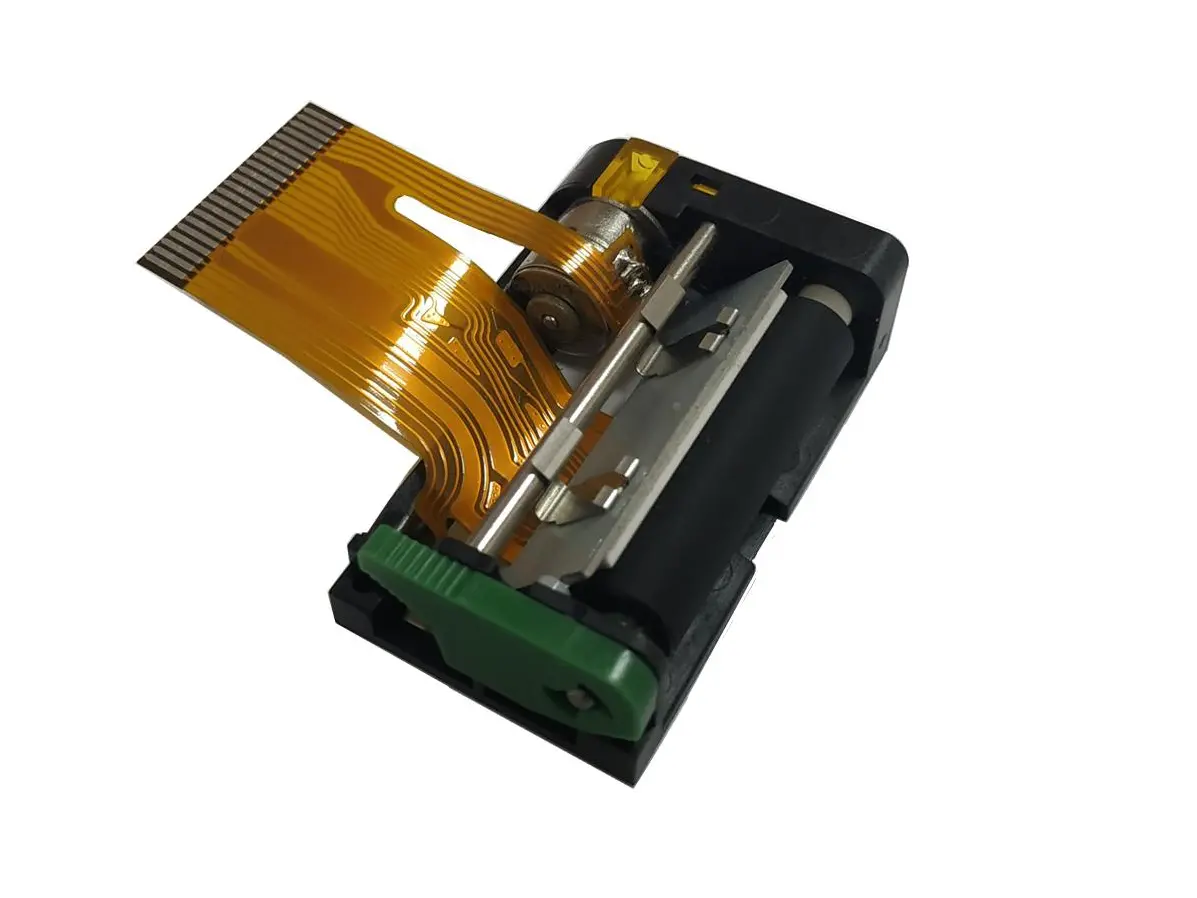 1 inch thermal printer mechanism
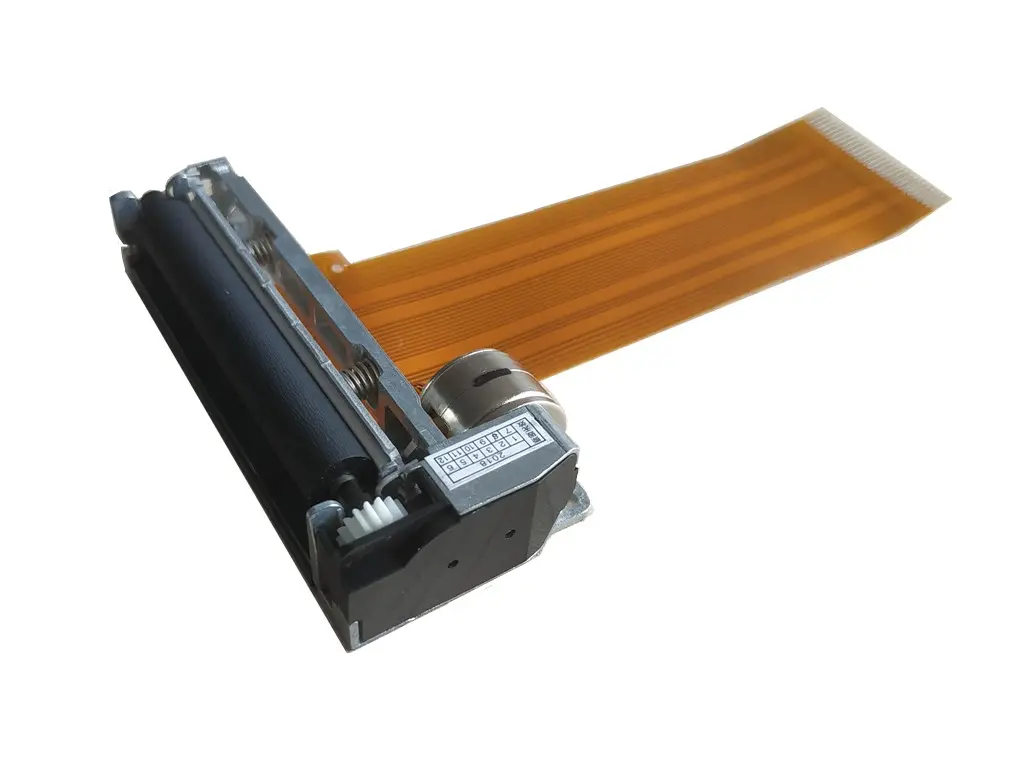 2 inch thermal printer mechanism
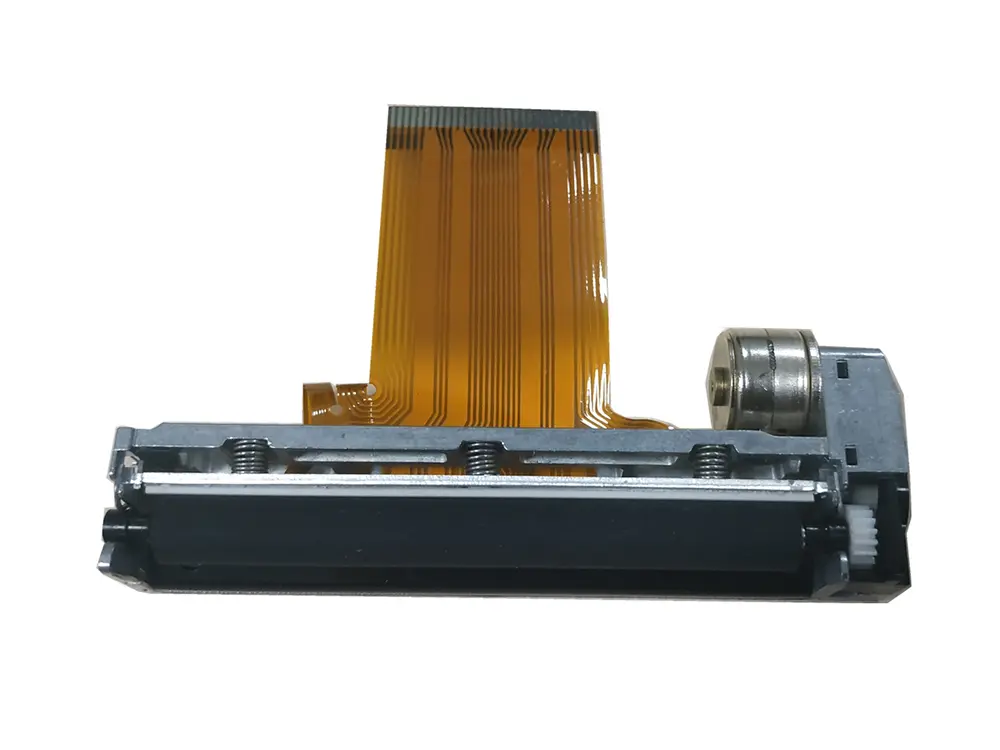 3 inch thermal printer mechanism
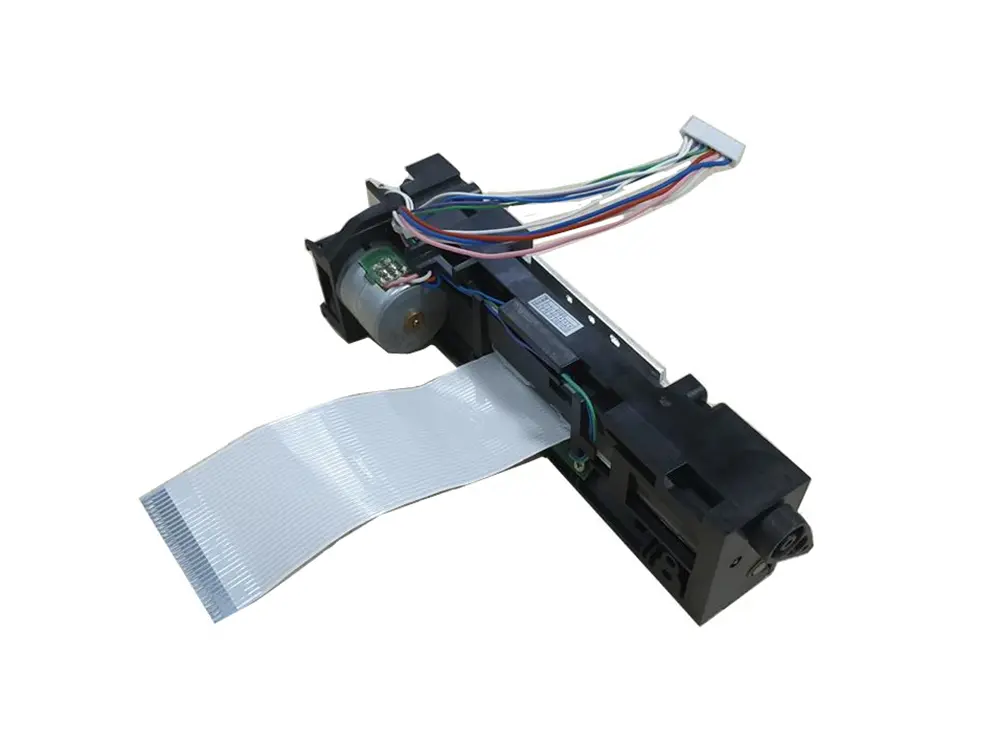 4 inch thermal printer mechanism
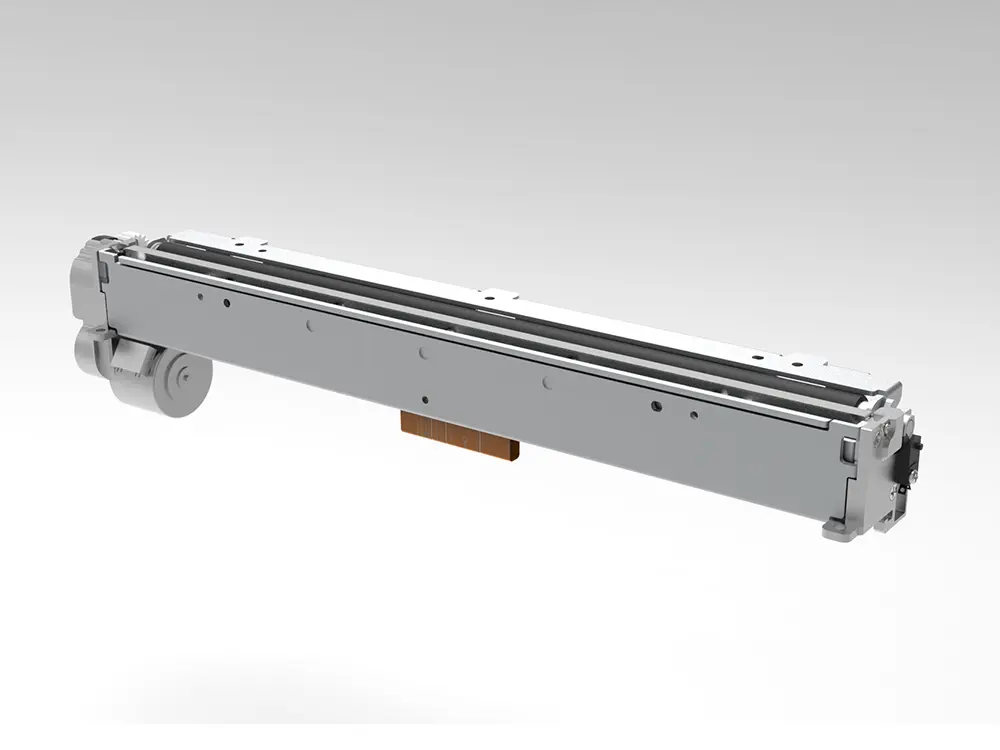 8 inch thermal printer mechanism
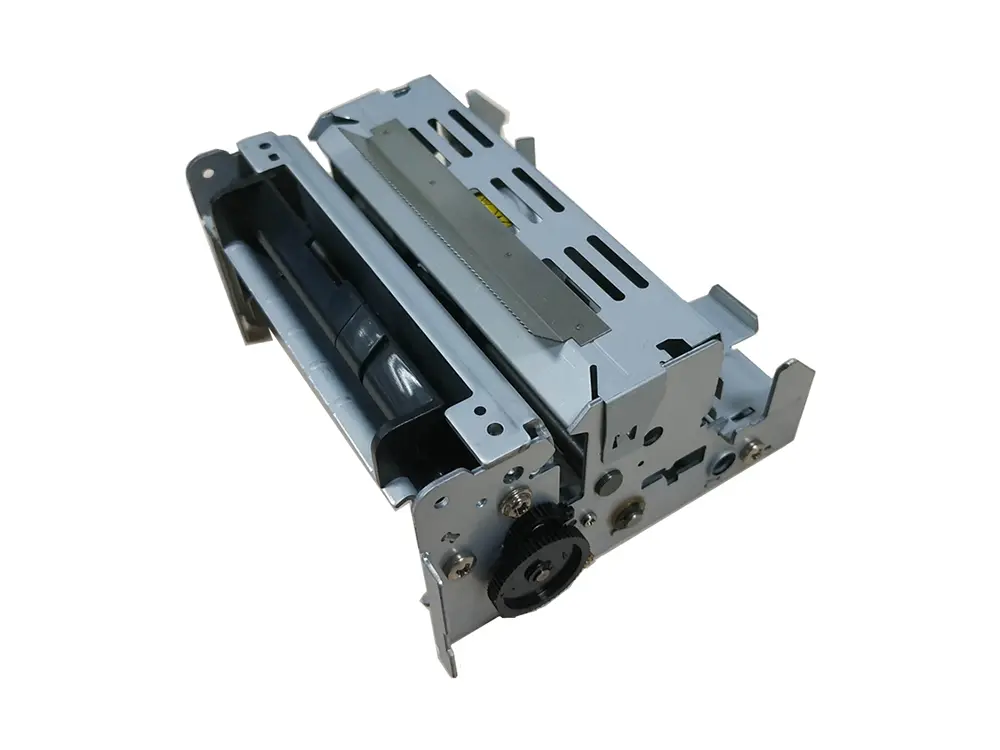 dot matrix printer mechanism
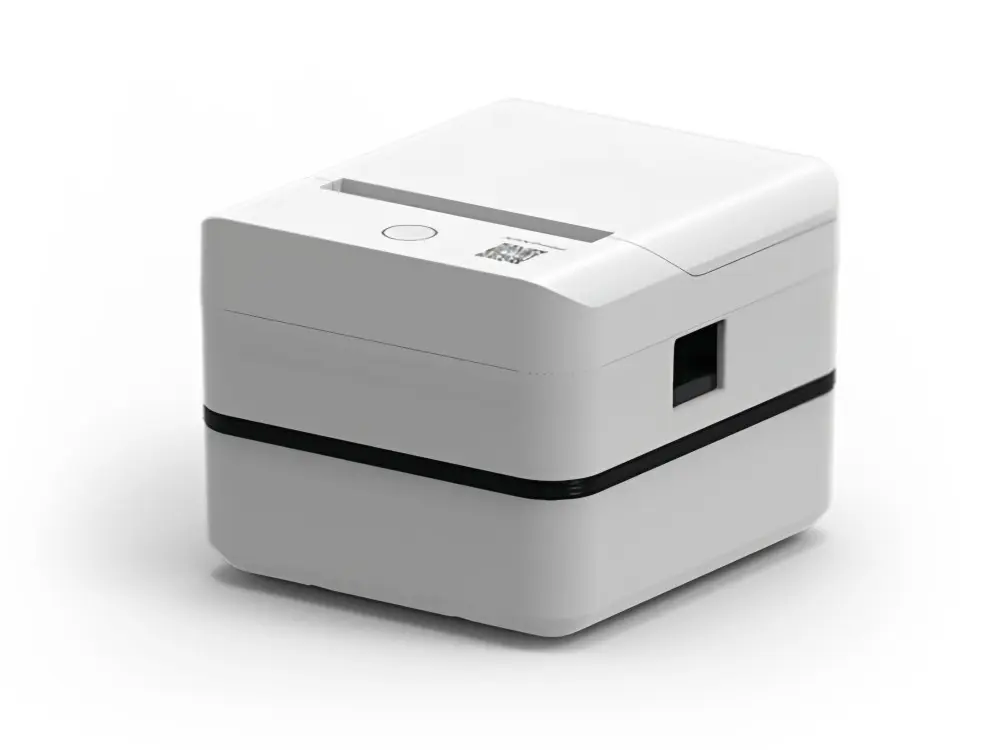 Label Printer
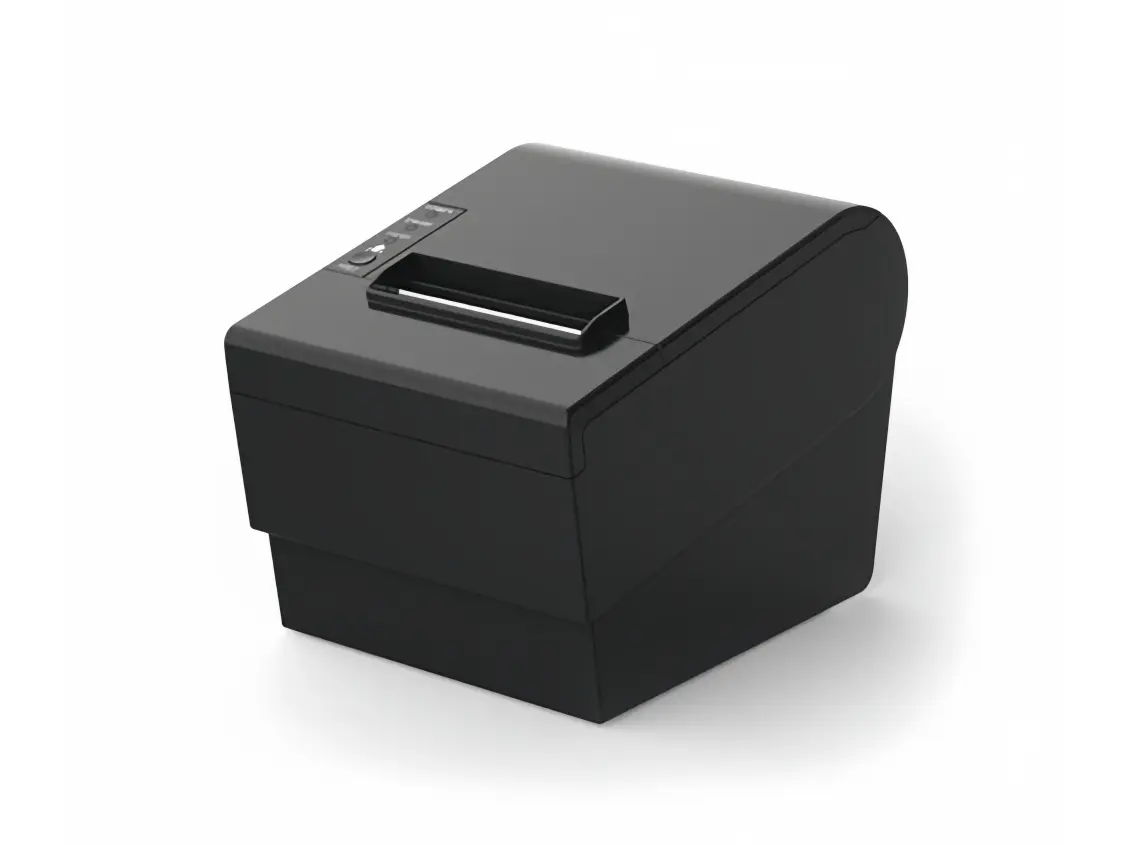 Receipt Printer
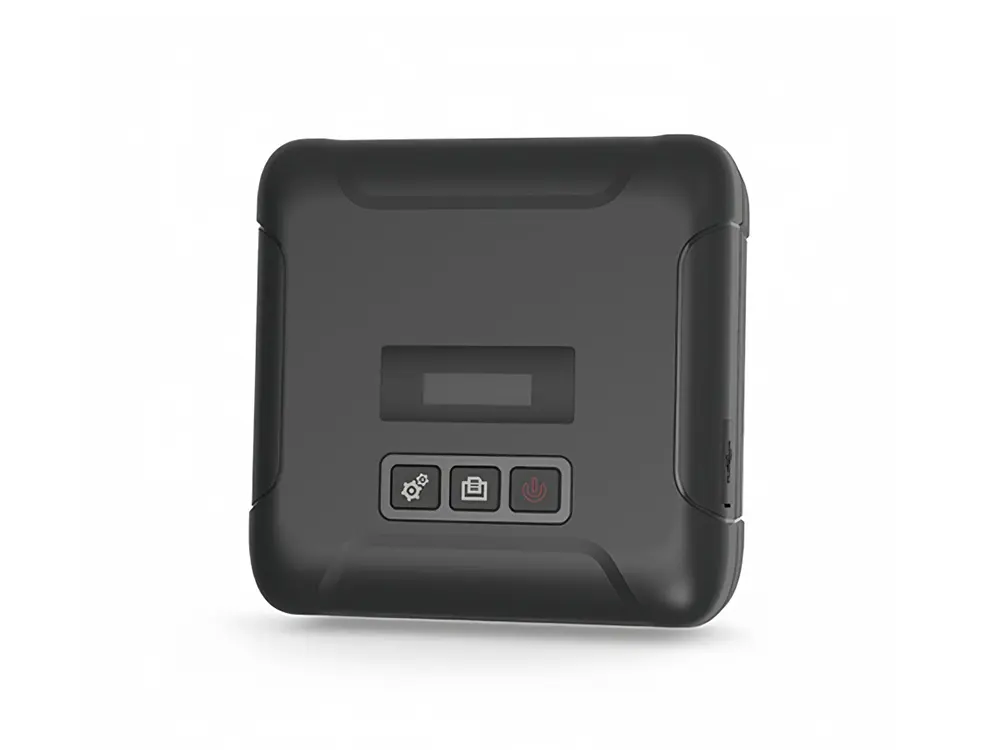 Mobile Printer