
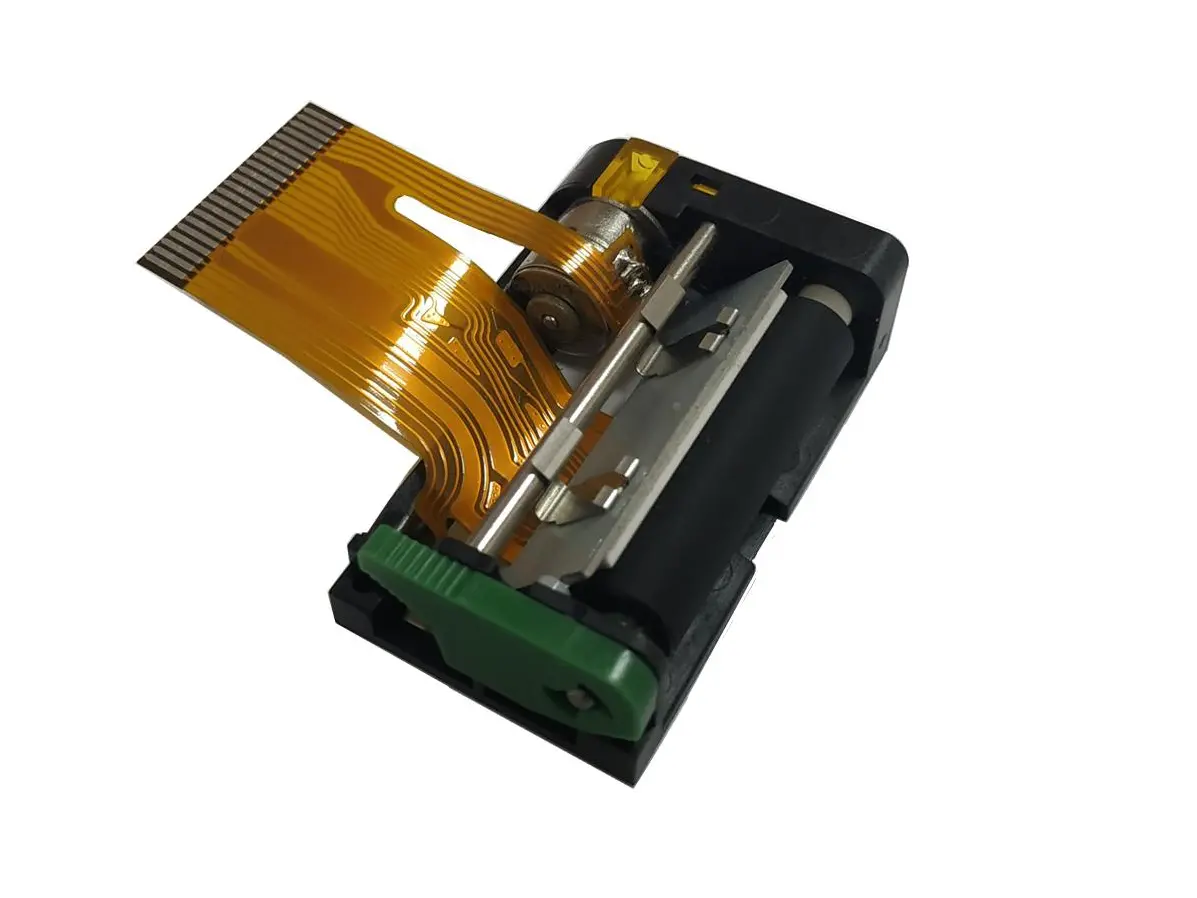
 1 inch thermal printer mechanism
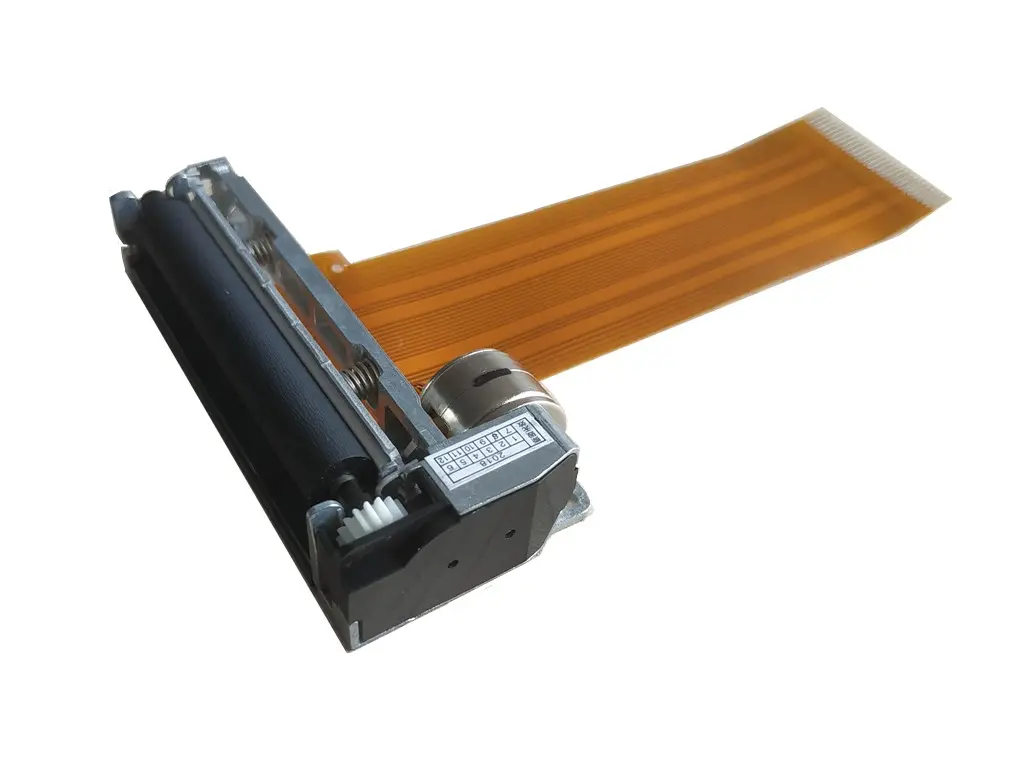 2 inch thermal printer mechanism
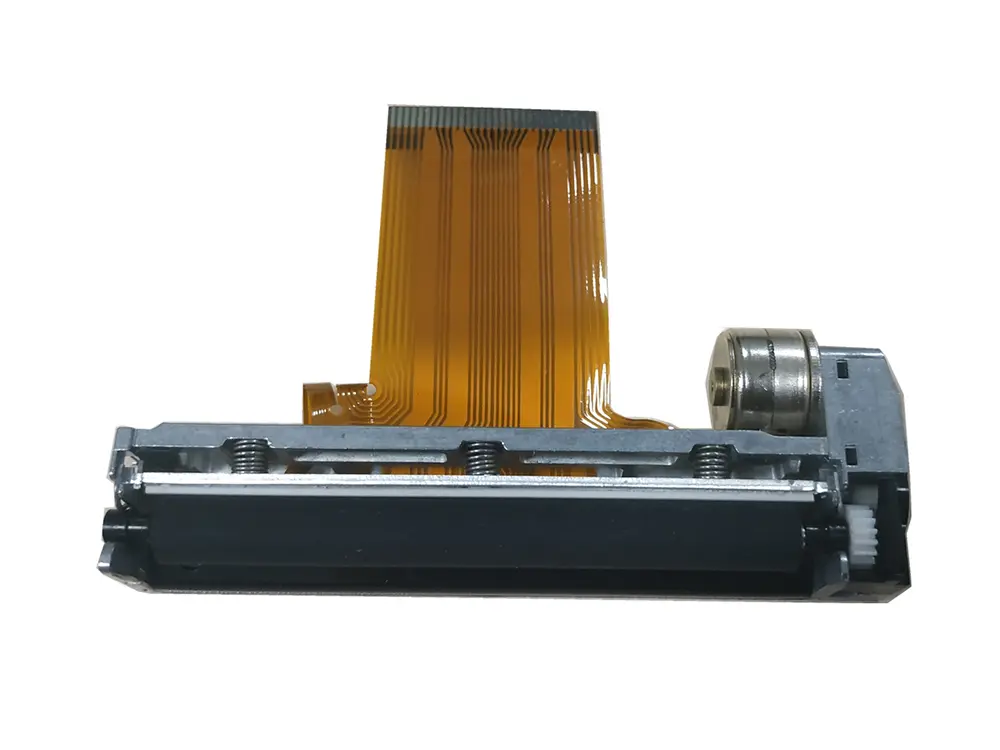 3 inch thermal printer mechanism
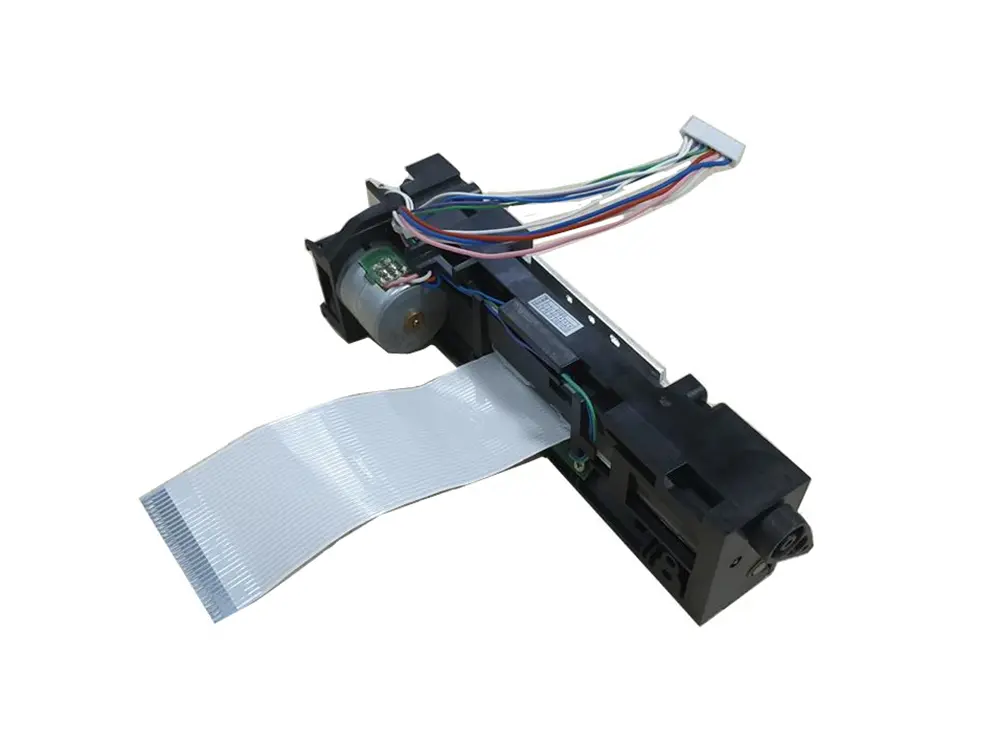 4 inch thermal printer mechanism
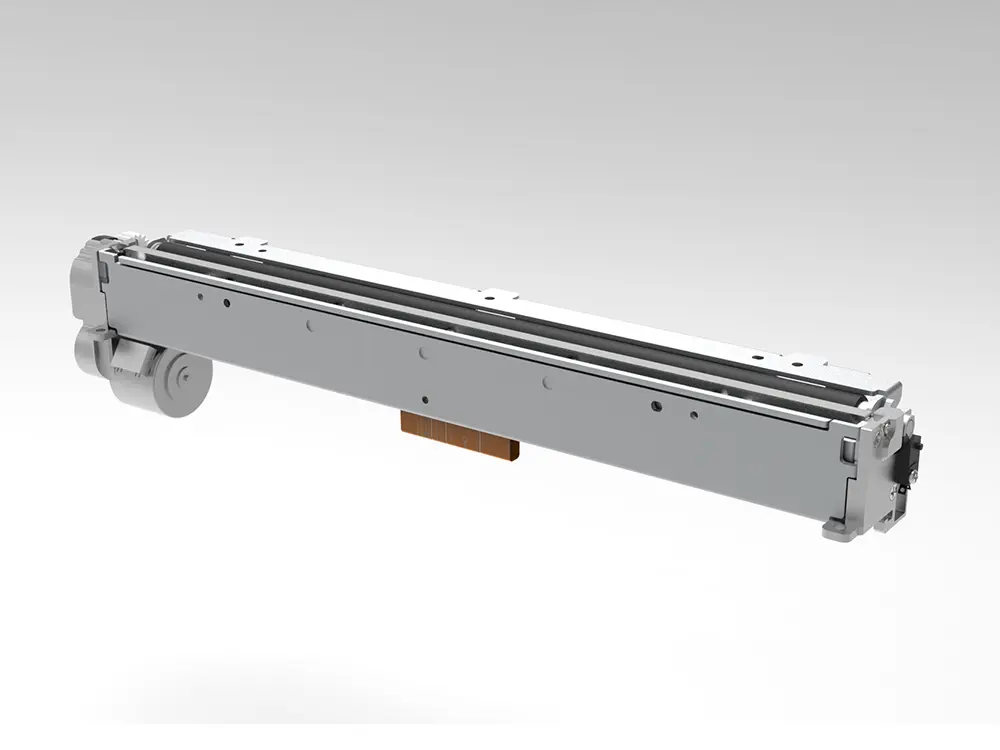 8 inch thermal printer mechanism
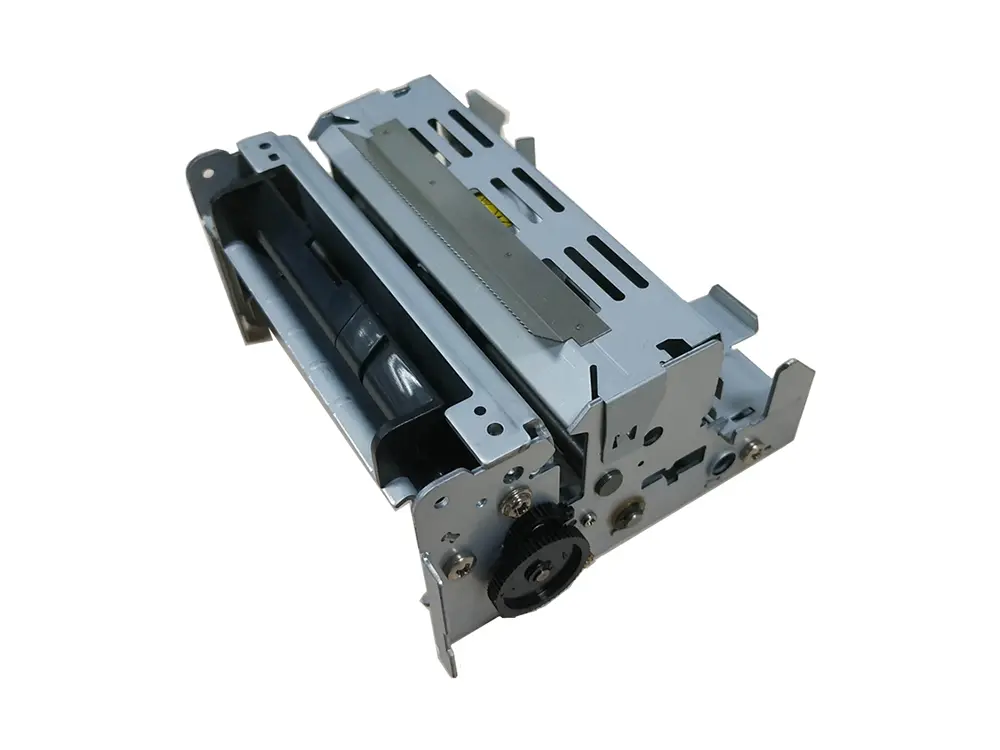 dot matrix printer mechanism
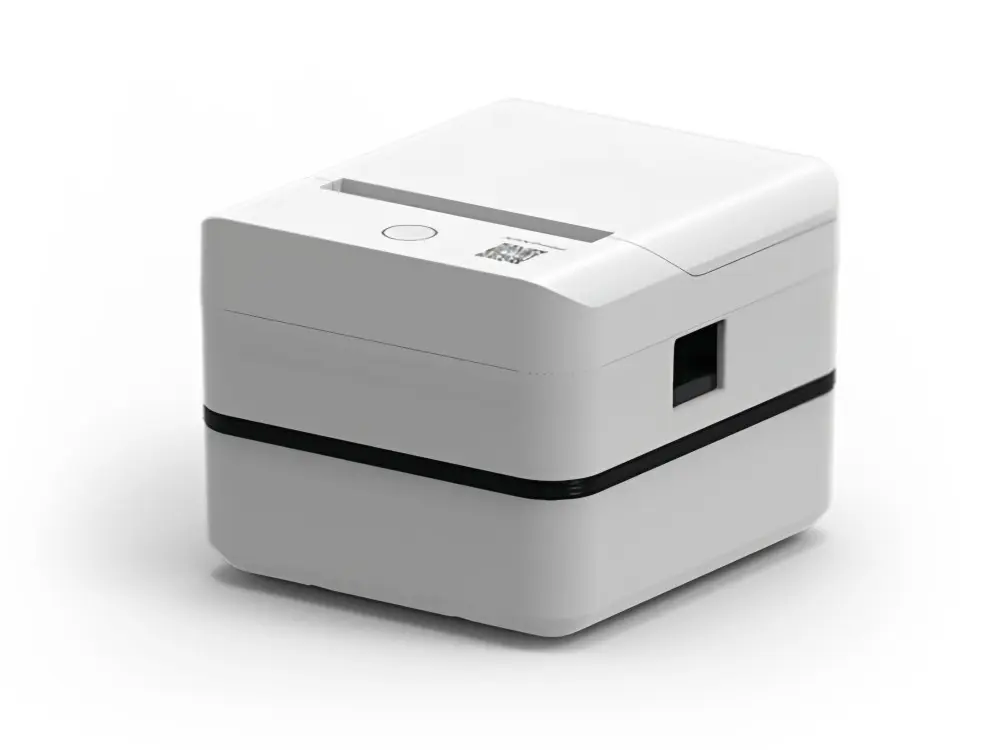 Label Printer
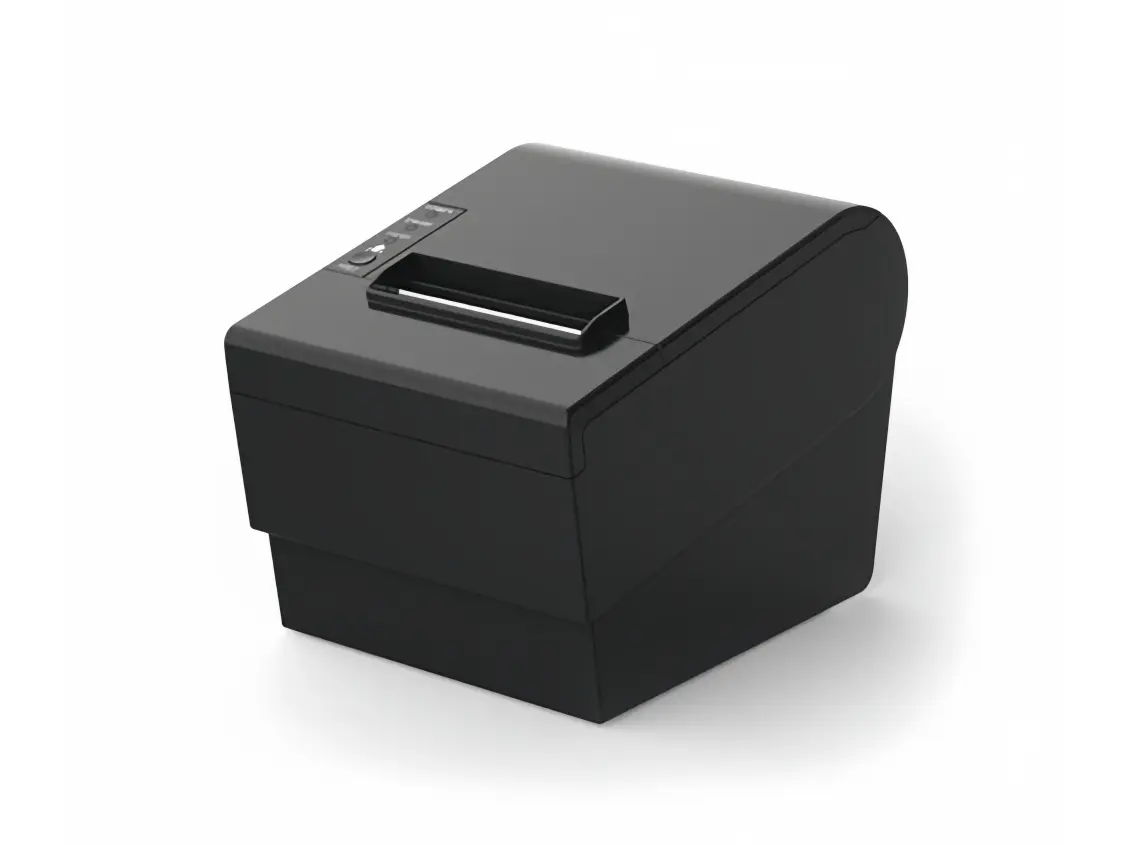 Receipt Printer
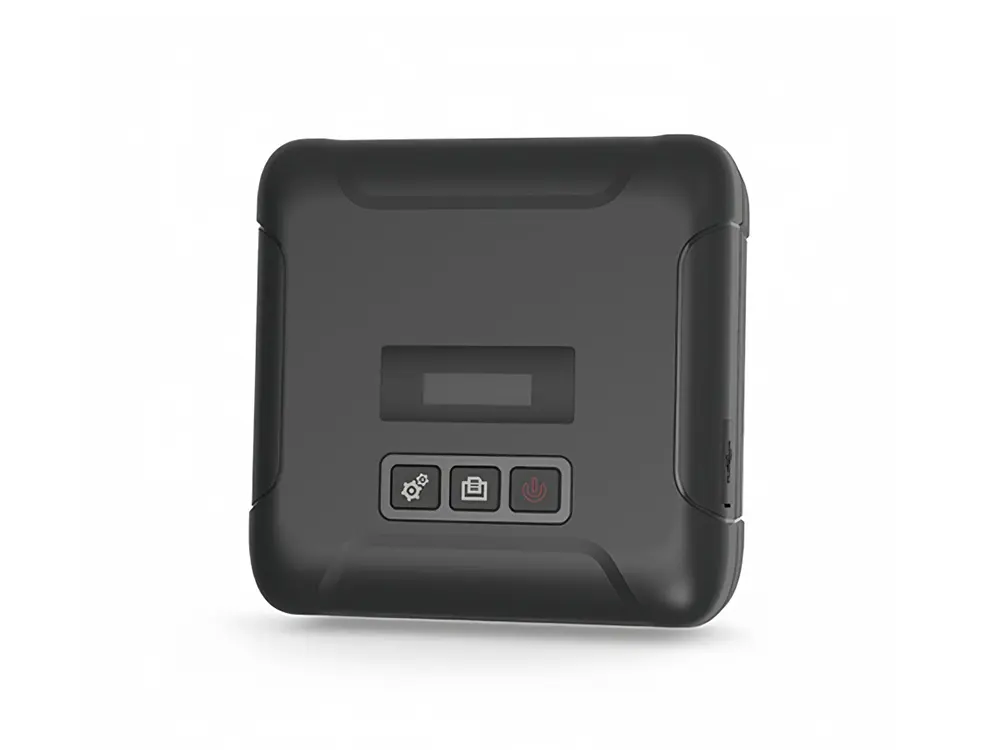 Mobile Printer





A Guide to Choosing the Right Portable Thermal Printer
Whether you're managing deliveries, running a retail operation, or offering field services, having a reliable, portable printing solution can dramatically boost efficiency. Portable Thermal Printers, in particular, have emerged as a go-to option for professionals who require high-speed, low-maintenance printing wherever their work takes them.
This guide will walk you through the key factors to consider when selecting a portable thermal printer—from functionality to connectivity, and everything in between.
Unlike inkjet or laser printers, thermal printers eliminate the need for ink or toner. Instead, they rely on heat-sensitive paper and a thermal printhead to create clear, durable text and images.
Key Benefits:
- No ink or ribbon: Save on recurring consumable costs.
- Minimal maintenance: Fewer moving parts and consumables mean longer lifespan.
- Compact and durable: Ideal for rugged environments and mobile usage.
- User-friendly:Mobile Thermal Printer provides asimple printing solution with Bluetooth connectivity, thermal printer also easy to integrate with your existing hardware.

Thermal printers are especially well-suited for receipt printing, barcode labeling, and on-the-go documentation, making them a popular choice in logistics, hospitality, and service industries.
Power
Paper
Connectivity
Printing Features
Depending on your use case, you'll want to consider how your printer is powered:
- AC Power: Ideal for stationary workstations.
- Rechargeable Battery Packs: Perfect for mobile tasks and outdoor operations.
- Vehicle Integration: Useful for in-transit printing from delivery vans or service vehicles.
It is important to consider powering options based on your specific application.
For portable thermal printing, consider rechargeable battery thermal printer.
Always fully charge your battery-powered printer before first use and maintain regular charging cycles—even when not in use—to preserve battery health.
Thermal printers are compatible with several types of media:
- Standard thermal paper rolls
- Linerless labels (adhesive labels without backing)
- Pre-sized label rolls
How to Load:
Paper is typically loaded from the bottom or rear tray. Make sure the thermal side (printable surface) is facing up and feeds out correctly. A quick close of the lid and you're ready to print, or depends on the notice of manufacturer of thermal printer.
Modern portable thermal printers offer multiple ways to connect:
- Bluetooth: For wireless connections to smartphones, tablets, and PCs.
- RS232 Serial or USB: Useful for legacy systems or secure wired connections.
These options ensure that your printer integrates smoothly with point-of-sale systems, mobile apps, and field service tools. Etc.
Today's thermal printers offer surprising flexibility in what they can output:
- Text and barcodes- Custom logos and graphics
- Multi-language support
- Optional QR code printing
- Special fonts (available upon request)
Some models even allow you to store templates on the device for faster repetitive printing.
How to Select the Right Portable Thermal Printer
When it's time to make a purchase, ask yourself the following:
-
What's the Application?
Think about the environment
Retail: Lightweight, high-resolution models for receipts.
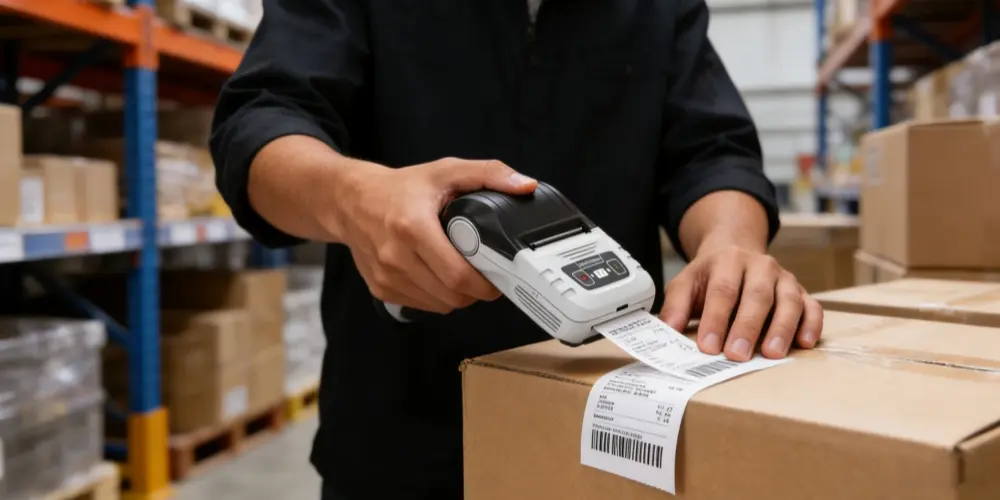
Logistics: Rugged, high-speed options for labels and tickets.
Field services: Battery-powered, wearable units for mobile workforces.
-
What Features Are Essential? Prioritize according to your needs:
Device compatibility (iOS, Android, Windows)
Drop resistance or rugged casing
Print resolution and speed
Paper roll capacity
Printer size and weight
Mounting or wearing options
-
What's Your Budget?
Setting a clear budget up front helps you eliminate unsuitable options. If you're buying in bulk, negotiate pricing with the supplier directly for better deals and support packages.
-
Brand Reliability and Warranty
Choose a trusted manufacturer with good customer service and technical support.
Warranty coverage (e.g., 1–2 years standard)
Availability of parts
Customer testimonials or industry reviews
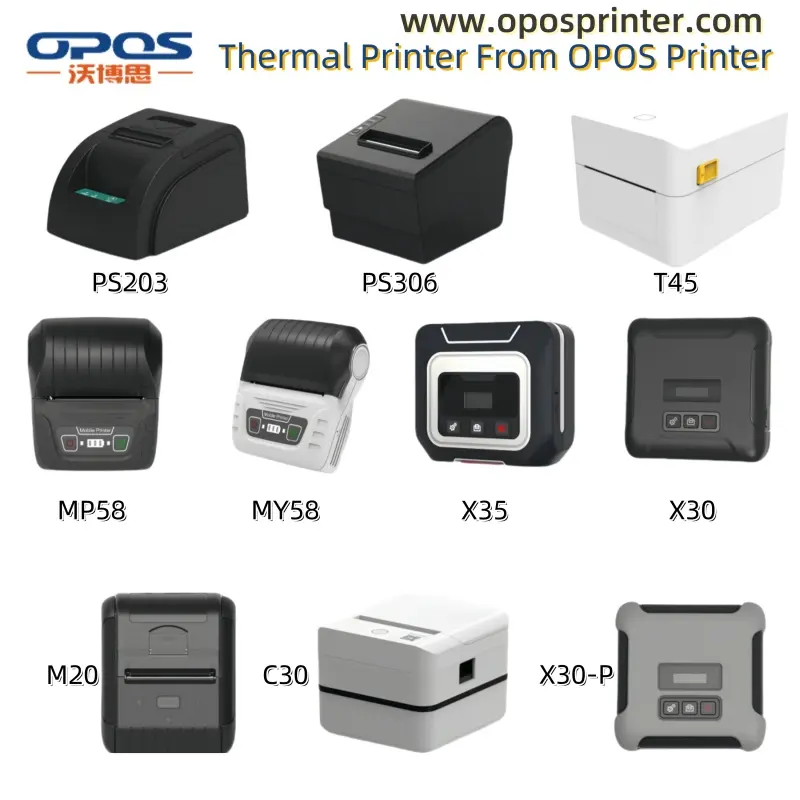
If you're unsure where to start, consider these portable thermal printer of OPOS Printer.
As the manufacturer of thermal printhead, thermal printer mechanism and thermal printer, we are supplying portable thermal printer suit for your different demands.

Best for handheld or clip-on use, great for compact tasks like ticketing or small receipts.

Mid-Sized Models: Good for mobile label printing with increased roll capacity.

Cost-effective for mPOS setups and smaller teams needing basic functions.
Finding the right portable thermal printer is all about matching your workflow with the right balance of features, durability, and price. Evaluate your use case, know your must-have features, and invest in a reliable product with strong post-sale support.
Whether you're printing invoices in the field or labels in a warehouse, a well-chosen thermal printer will become a seamless part of your daily operations.
Last and important tips
Keeping Your Printer in Prime Condition
A little maintenance goes a long way. To ensure long-term performance:
- Keep it clean: Wipe the exterior and printhead regularly with a dry cloth.
- Protect from sunlight: Excessive heat can damage internal components.
- Avoid moisture and dust: Always store in a dry, dust-free place.
- Use it or charge it: Recharge regularly to avoid battery drain.
Since there are no ink cartridges to replace, thermal printers often outlast traditional mobile printers.