How to Use a Pocket Printer for Instant Photos and More?
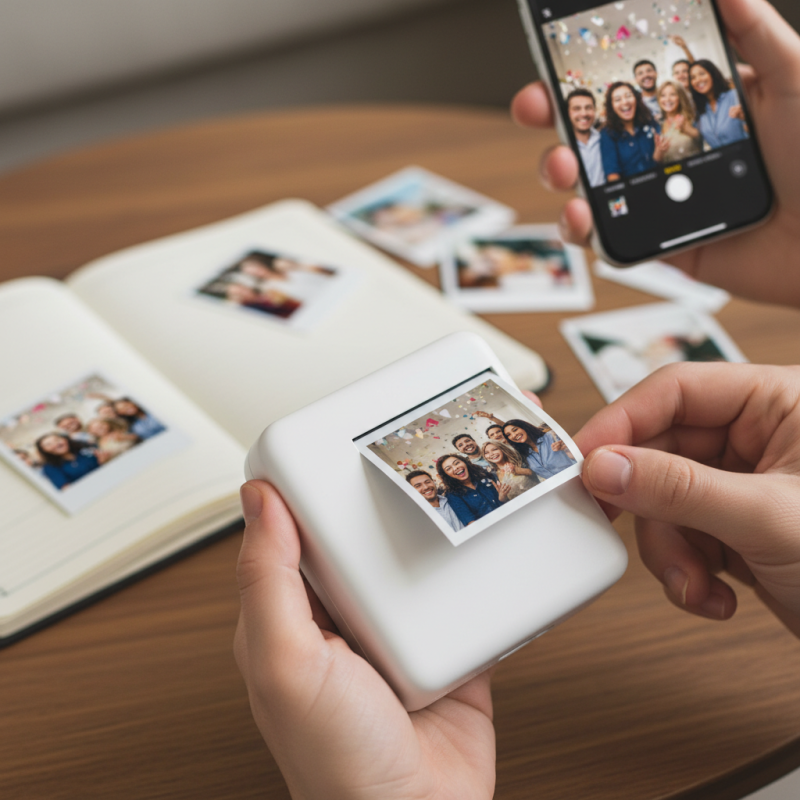
In our fast-paced digital world, capturing memories is vital. A Pocket Printer offers a unique way to print photos instantly. It’s compact, portable, and user-friendly. With just a few taps on your smartphone, you can hold a physical photo in your hand.
Many people enjoy using Pocket Printers for events, trips, or even everyday moments. Imagine snapping a picture at a party and having it printed in seconds. This instant gratification enhances the experience. The tactile nature of printed photos evokes emotions that digital images often lack.
However, not every print is perfect. Sometimes colors don’t match, or the image quality may disappoint. These imperfections can lead to reflection. But they also make every photo unique. Embracing these flaws can deepen our appreciation for the moments we capture. The Pocket Printer is not just a gadget; it’s a tool for creating lasting memories.
Understanding Pocket Printers: Technology and Types Explained
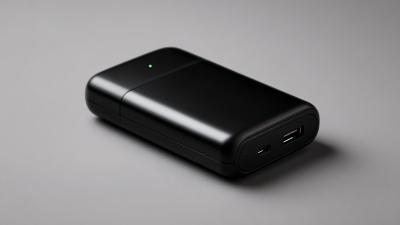
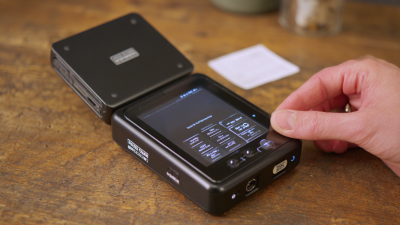
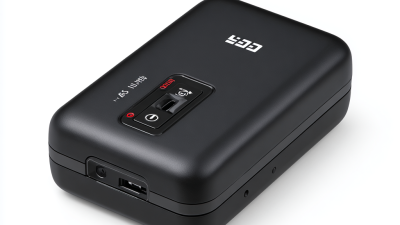
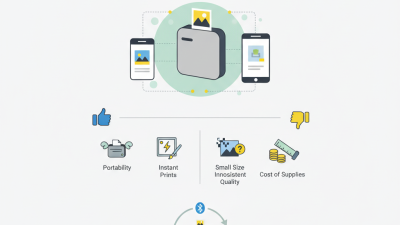
Pocket printers are compact devices that allow you to print photos instantly. These printers often connect via Bluetooth or Wi-Fi, letting you print directly from your phone. They are perfect for capturing memories on the go. Most pocket printers use ZINK or thermal printing technology, which means no ink cartridges are needed. Instead, special paper is utilized, making it easy to carry and manage.
There are different types of pocket printers available. Some focus solely on photo printing, while others offer additional features like stickers or customizable templates. Battery life is usually limited, so charging them before an outing is essential. If you forget, you may miss out on printing those spontaneous moments. The quality of printed photos can vary, and sometimes colors can be off. That’s something to keep in mind when sharing prints with friends or family. Testing different printers is a good idea to find one that suits your needs.
Key Features of Pocket Printers: What to Look For
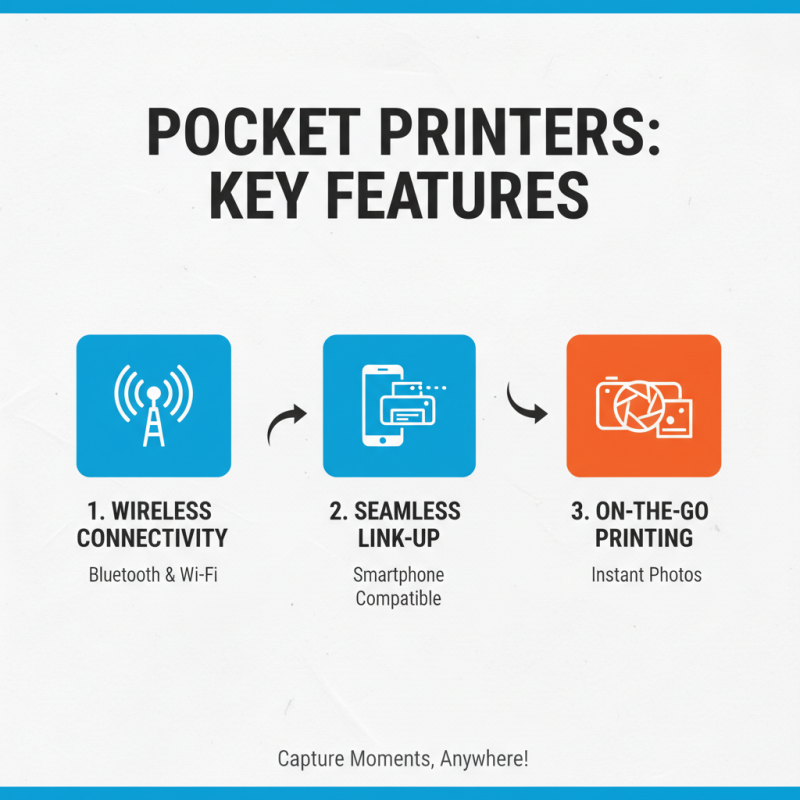
When searching for a pocket printer, consider its connectivity options. Wireless capabilities are essential for quick and hassle-free printing. Look for Bluetooth and Wi-Fi options, which allow seamless link-ups with your smartphone. This feature enables you to print photos on the go, capturing spontaneous moments instantly.
Next, examine print quality. A pocket printer should deliver vibrant colors and sharp images. Check the printer's DPI (dots per inch) rating. Higher DPI often means better quality. However, some models promise high quality but fall short in real-world use. It’s crucial to read reviews and user experiences to gauge performance.
Battery life is equally important. A good pocket printer should last for multiple print sessions without needing a recharge. Look for models that can print at least 20 photos on a single charge. Take note, though, that some may drain quicker than expected. Balancing portability with performance is key, and it often requires testing different options before finding the right fit.
How to Connect Your Phone to a Pocket Printer for Instant Printing
Connecting your phone to a pocket printer is a straightforward process. Begin by ensuring both devices are charged. Check if your phone’s Bluetooth is enabled. Most pocket printers use Bluetooth to connect. Look for the printer's name in your phone's Bluetooth settings. Make sure to select it to pair. The connection process may take a few moments.
Once connected, open the photo app on your phone. Choose the images you want to print. Editing them can enhance the final result. Adjust brightness or add filters to create more appealing visuals. After finalizing the photos, select the print option. Keep an eye on the printer; it can be a bit slow. Be prepared for the printer to occasionally jam or run out of paper unexpectedly.
It’s a learning experience to find the right settings. Experimenting with different photo resolutions can yield varied results. Sometimes the colors don’t come out as expected. Adjusting the printer settings may help. As you practice, you’ll discover your preferences for instant prints. It can be fun to share these moments right away.
How to Use a Pocket Printer for Instant Photos and More?
| Feature |
Description |
Step to Connect |
| Bluetooth Connectivity |
Connects wirelessly to your smartphone for easy printing. |
Enable Bluetooth on your phone and select the printer from available devices. |
| Compact Size |
Lightweight and portable design for on-the-go printing. |
Carry the printer in your bag or pocket; no setup needed. |
| Photo Quality |
Produces high-quality prints that resist fading. |
Choose appropriate settings in the app for print quality. |
| Battery Life |
Long-lasting battery allows multiple prints on a single charge. |
Charge before going out; check battery status in the app. |
| Mobile App Integration |
Access a variety of editing tools and features in the app. |
Download the corresponding app to customize your photos before printing. |
Printing Quality and Paper Types: What the Data Reveals
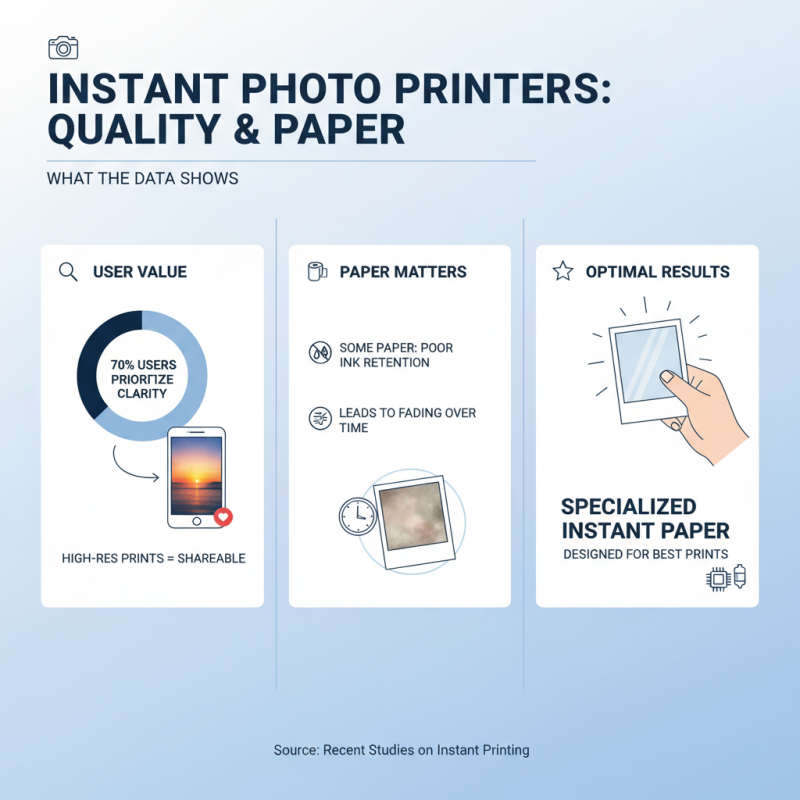
When considering a pocket printer for instant photos, printing quality and paper types are crucial. Recent studies show that 70% of users value image clarity. High-resolution prints stand out, especially when shared online. However, keep in mind that some paper types may not hold ink well. This can lead to fading over time. The best prints come from specialized paper designed for instant printing.
Tip: Always choose paper compatible with your printer model. Inferior paper can ruin your photos. Look for reports that compare different paper brands. Many users observed that glossy finishes enhance colors significantly.
Another aspect to consider is the printer’s ink quality. A study found that 80% of users prefer vibrant colors, but fading can be an issue. Don't forget to check the ink cartridges and their lifespans. Some low-quality inks can result in dull images.
Tip: Keep your printer clean. Regular maintenance ensures better print quality. While instant prints are convenient, achieving professional-quality images requires informed decisions. Choose wisely and regularly reassess your materials for the best results.
Creative Uses for Pocket Printers Beyond Photos: Top Ideas and Tips
Pocket printers are versatile tools that can do so much more than just print photos. Consider using them for scrapbooking. You can add instant memories to your pages. A small printed note or a cute image helps capture feelings and moments. These printers can even print quotes or messages you want to preserve. It turns an ordinary page into a personal treasure.
Another creative way to use pocket printers is for journaling. Print daily highlights or thoughts to enhance your entries. It adds a visual element and makes it more engaging. Sometimes, the photos may not perfectly align with your text. That’s okay; it makes your journal feel more authentic. You can also create custom stickers. They can be fun to use in planners or as gifts. It encourages creativity, even if your designs aren’t perfect.
Using pocket printers for events can also be exciting. Imagine printing out photos for guests at a party. It leaves them with a keepsake. Yet, the printer might jam or run out of ink unexpectedly. These little hiccups can be frustrating, but they remind us to be adaptable. Embrace imperfections in your printed memories. They make the experience unique and personal.
Creative Uses for Pocket Printers

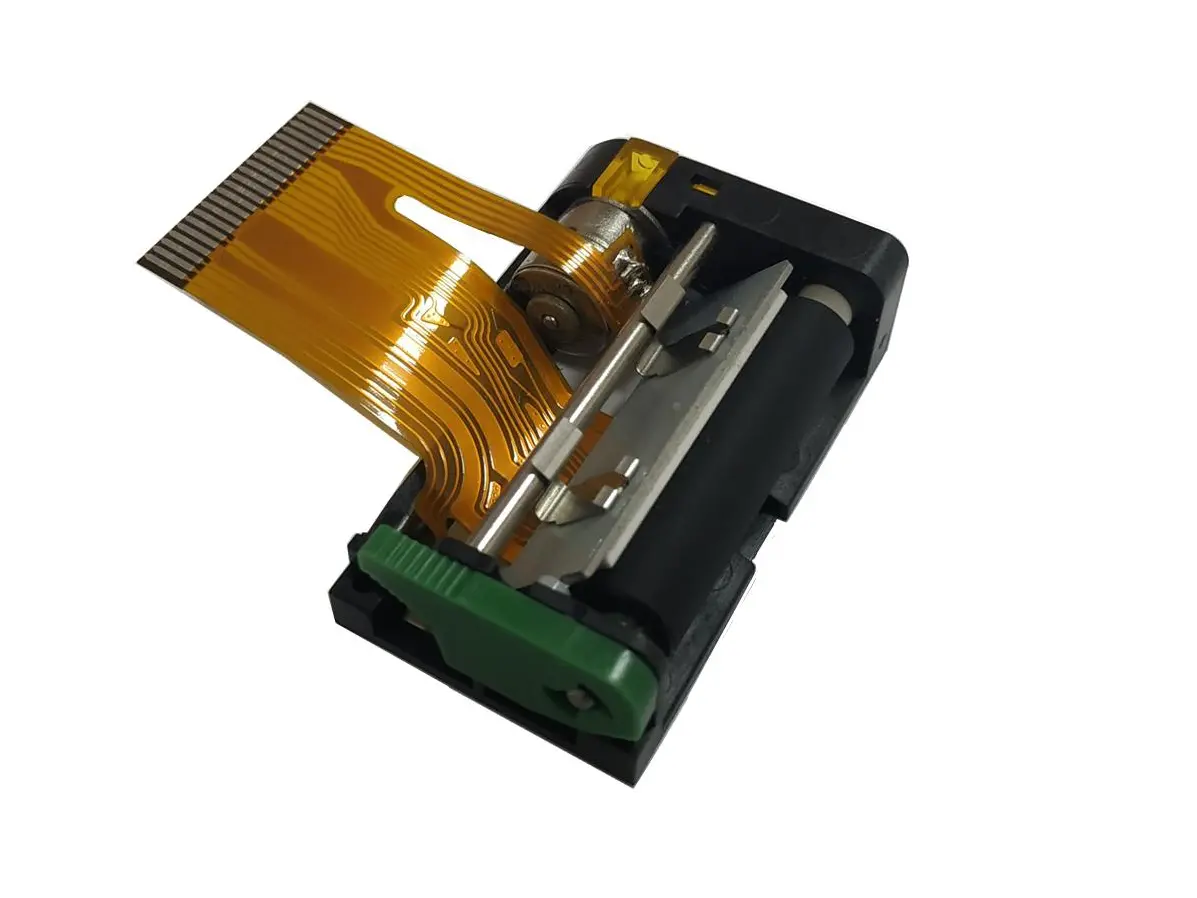 1 inch thermal printer mechanism
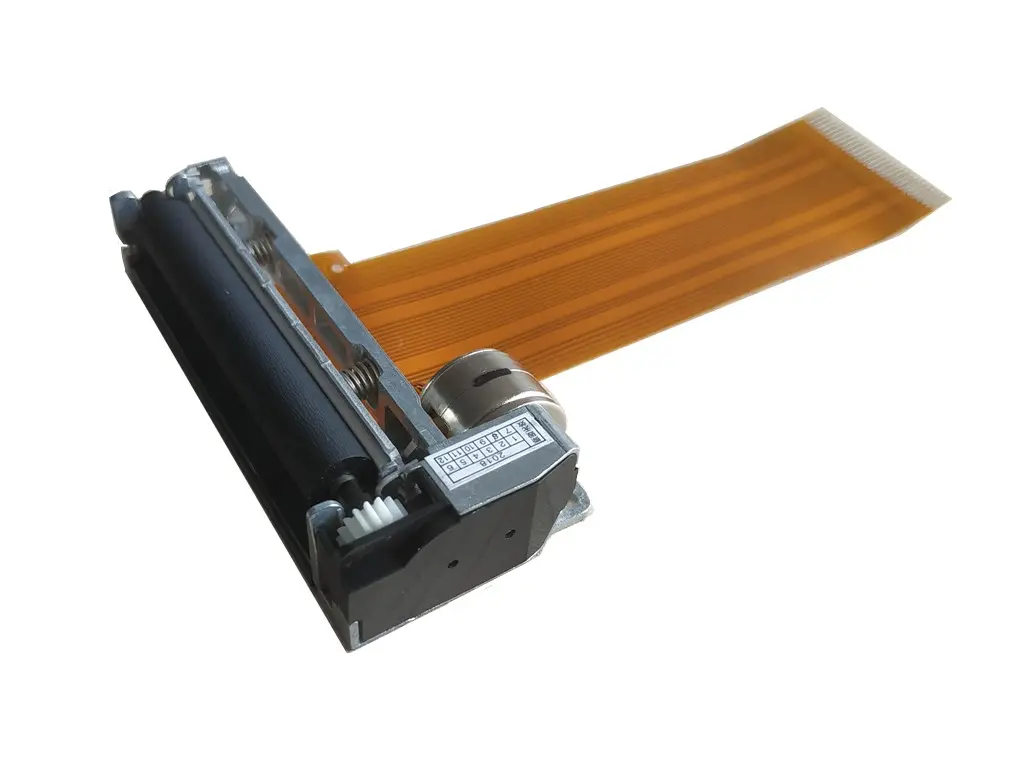 2 inch thermal printer mechanism
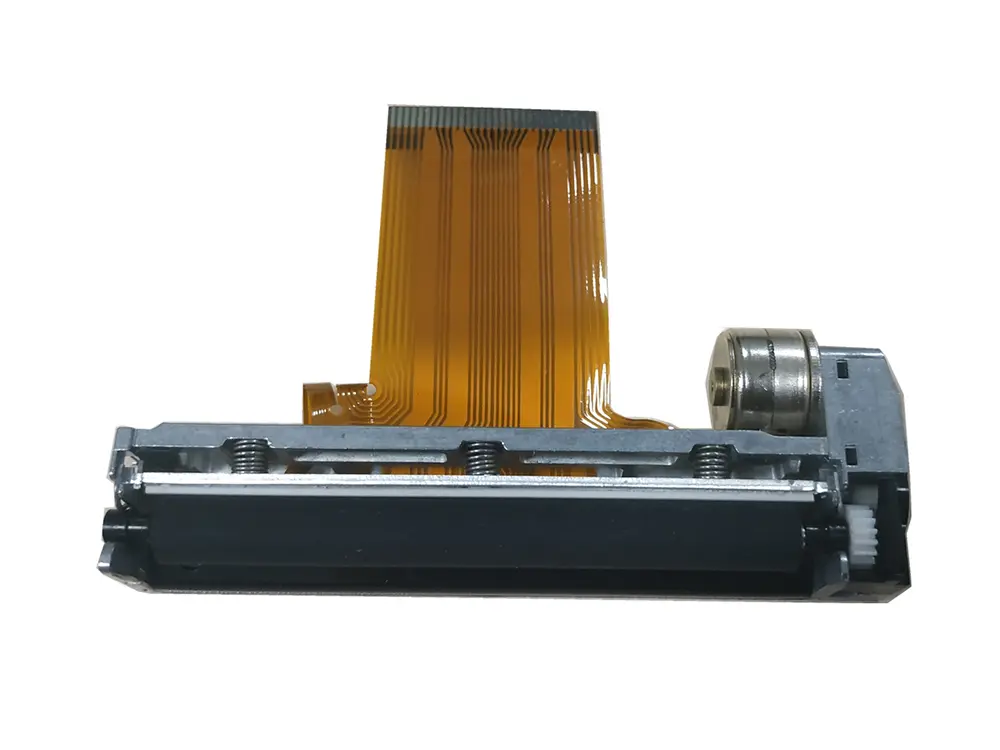 3 inch thermal printer mechanism
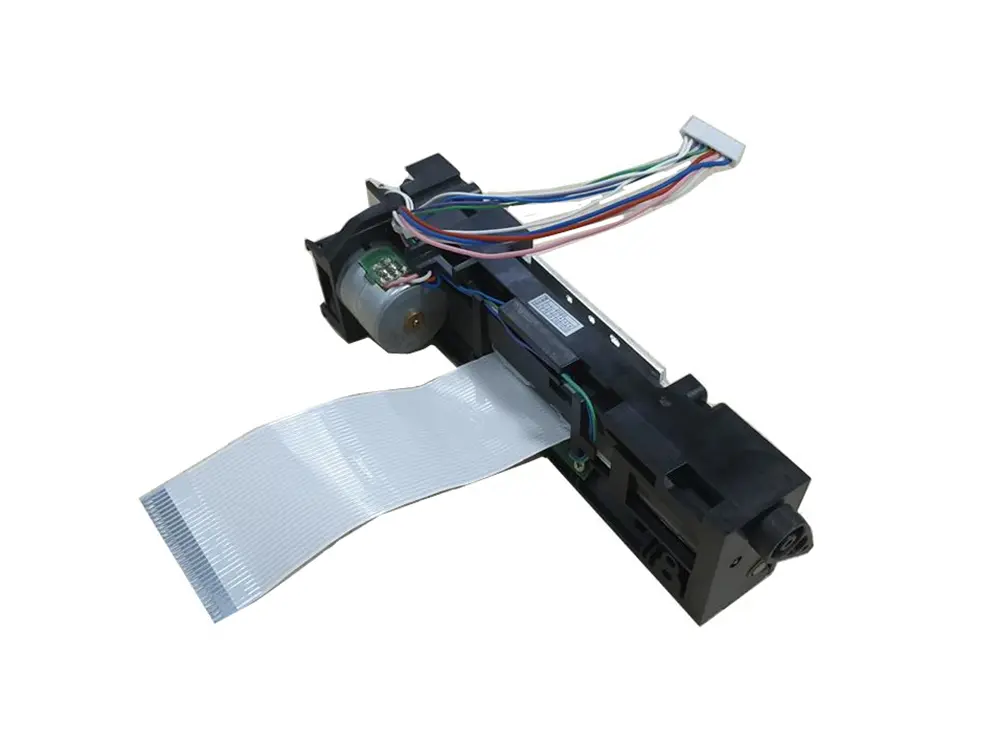 4 inch thermal printer mechanism
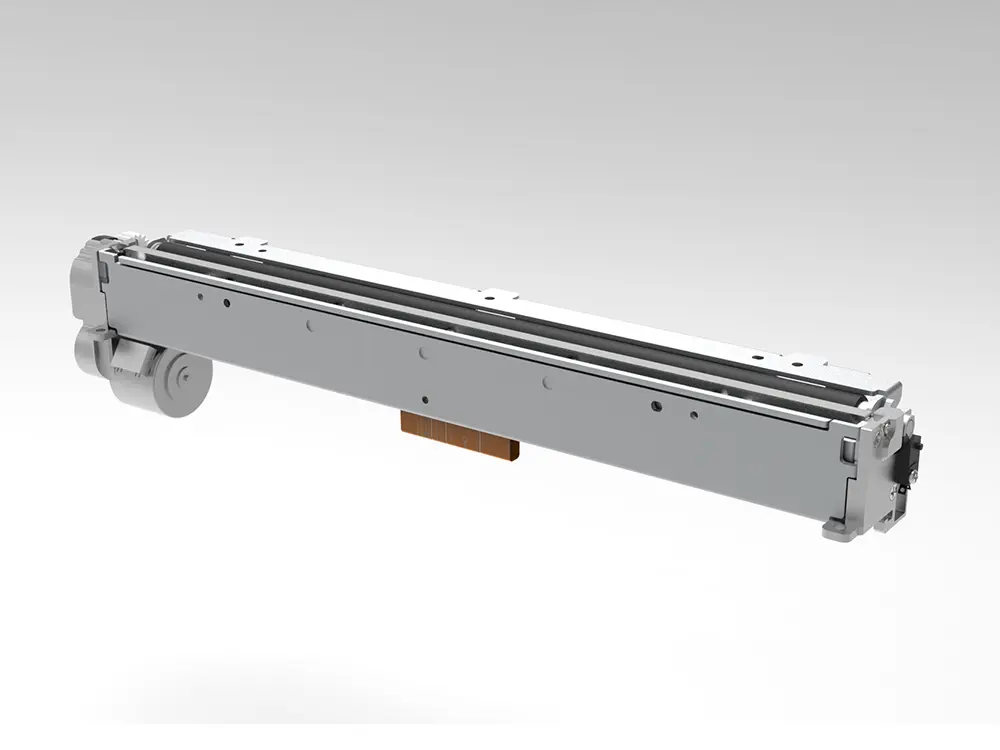 8 inch thermal printer mechanism
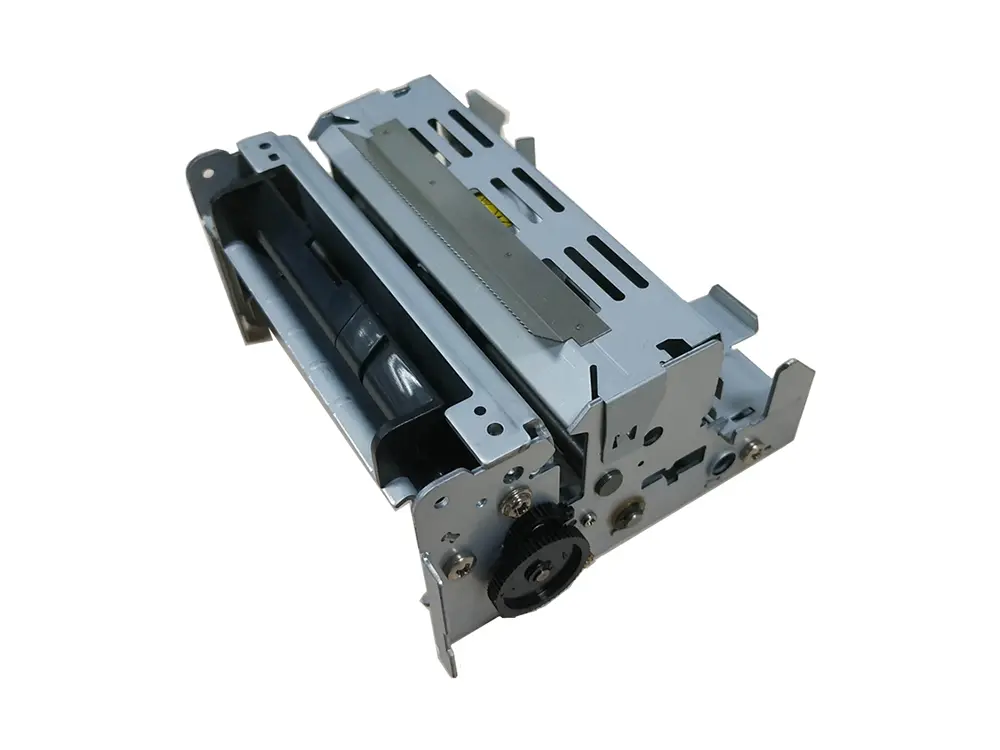 dot matrix printer mechanism
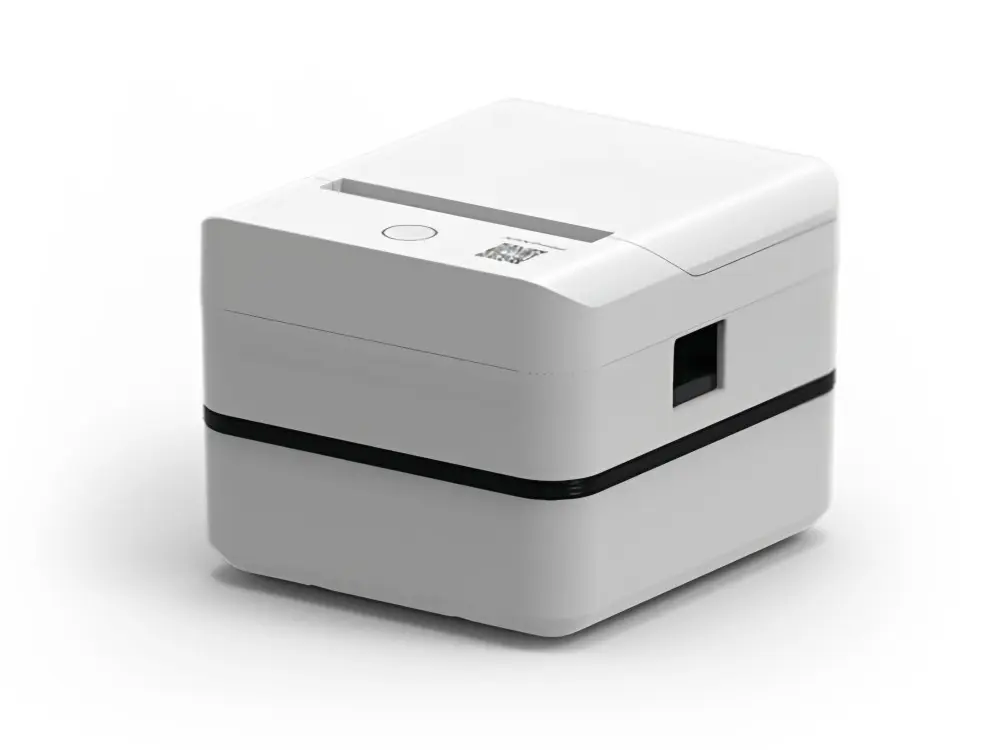 Label Printer
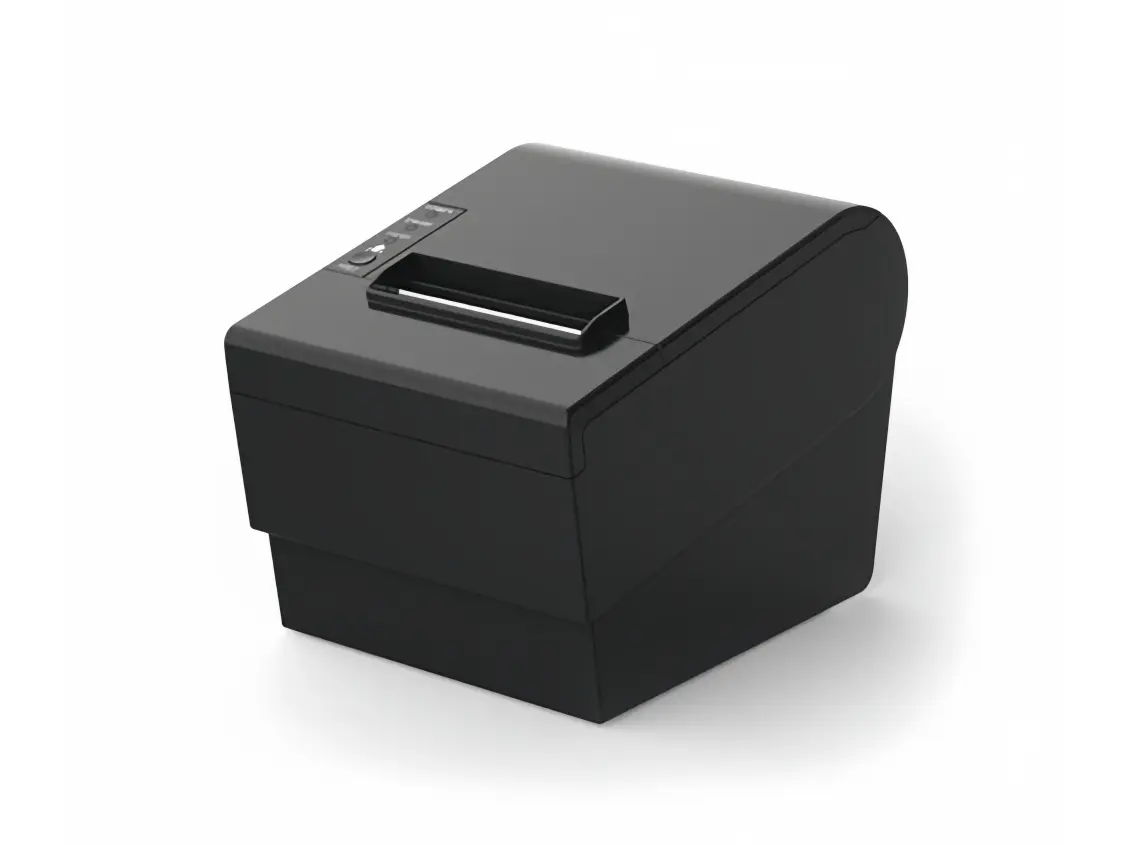 Receipt Printer
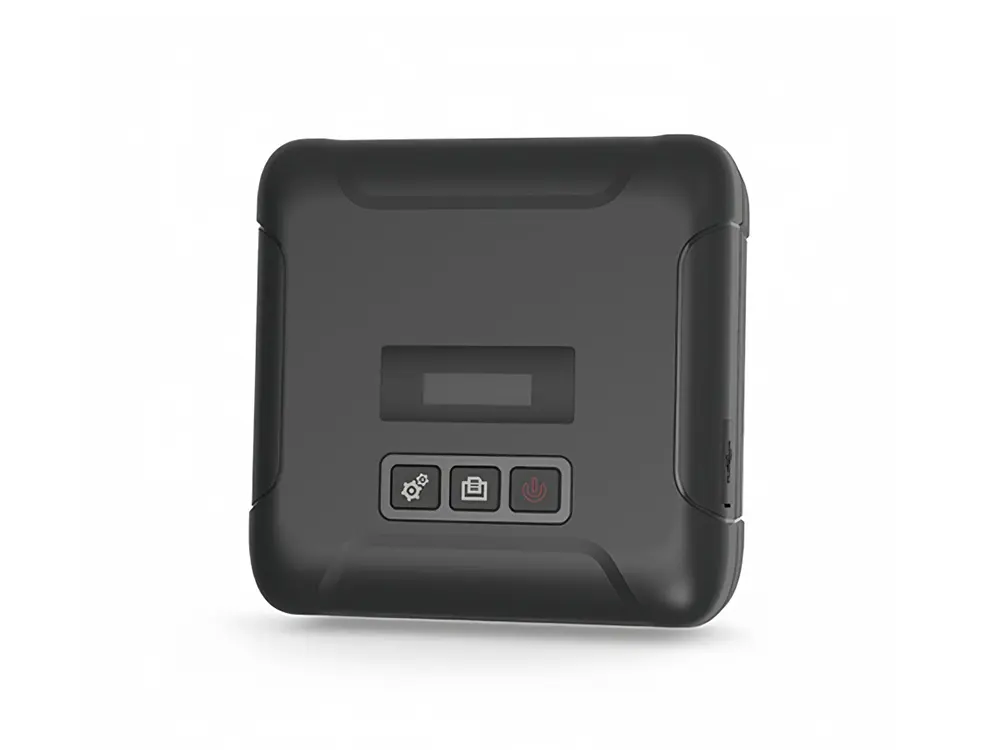 Mobile Printer