Top 5 Receipt Printers For Restaurants You Need to Know?
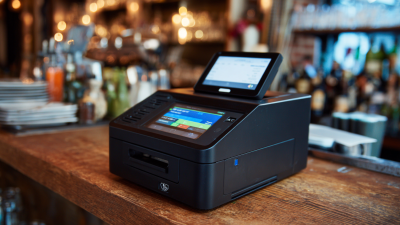
In the fast-paced world of the restaurant industry, efficiency is paramount. A receipt printer for restaurant operations plays a critical role in ensuring smooth service. According to industry reports, over 70% of restaurants utilize receipt printers to streamline their billing process. This technology enhances customer satisfaction and contributes to operational efficiency. Inaccuracies in billing can lead to a loss of trust and revenue.
However, not all receipt printers are created equal. The right device should not only provide high-quality prints but also integrate seamlessly with point-of-sale systems. Research indicates that businesses that invest in reliable printing technology see a 15% increase in order accuracy. A poorly chosen printer can lead to frustrating downtimes and customer complaints.
Understanding the key features and capabilities of receipt printers is essential. Operators must evaluate speed, reliability, and compatibility with existing systems. This article will delve into the top five receipt printers specifically tailored for restaurant environments.
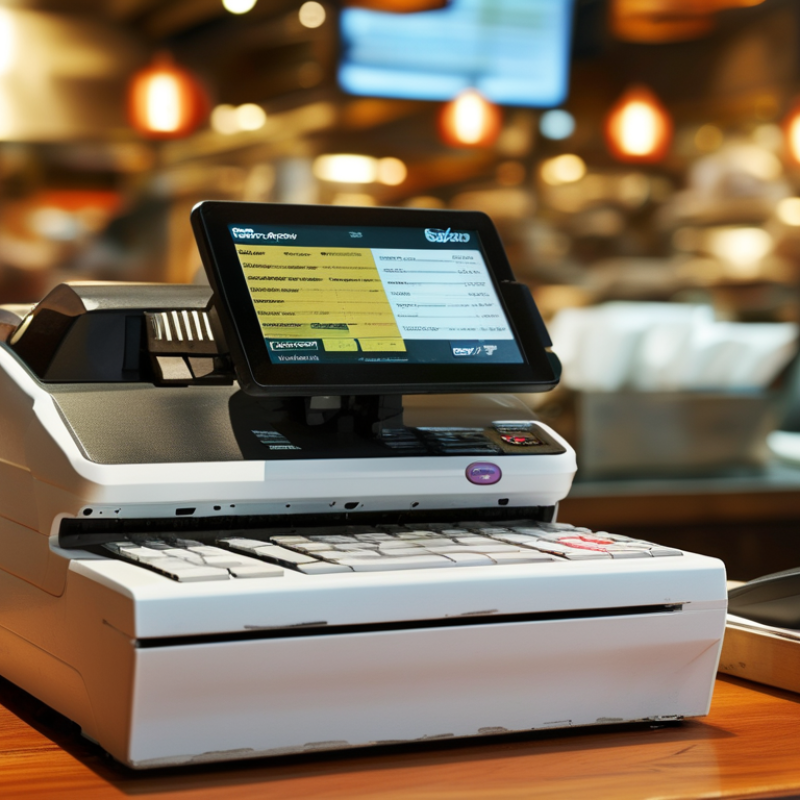
Key Features to Look for in Receipt Printers for Restaurants
When selecting receipt printers for restaurants, certain key features can significantly enhance your operations.
Speed is crucial. A printer that produces a receipt in under three seconds can help keep lines moving.
According to a report by the National Restaurant Association, fast service is vital for customer satisfaction.
Durability also matters. Restaurants are busy environments. Printers that withstand spills or drops are ideal.
Look for units rated for heavy-duty use. Ease of integration with existing systems is essential, too.
Seamless connection with POS systems can streamline processes. A well-integrated printer can reduce wait times and improve accuracy.
Tips: Consider wireless models for flexibility.
Wireless options can be placed anywhere, improving layout efficiency.
Moreover, test print quality under various conditions. This ensures your printer remains reliable even during peak hours.
Regular maintenance is vital. Clean and check printers frequently to avoid malfunctions.
When evaluating features, assess the thermal printing technology too.
It generally offers better speed and clarity. However, some users report that thermal receipts fade over time.
This can be problematic for record-keeping. Always weigh the pros and cons of each feature to determine what truly fits your restaurant's needs.
Top 5 Receipt Printers for Restaurants Reviewed
When choosing receipt printers for restaurants, it's essential to prioritize reliability and speed. Research indicates that over 60% of customers prefer seamless transaction experiences. A fast receipt printer can enhance customer satisfaction, making it a crucial investment. Industry reports show that businesses experience a 20% increase in efficiency with high-speed printers.
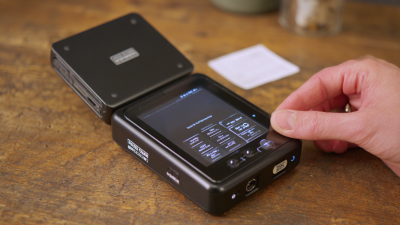
Durability is another key factor. Restaurant environments can be demanding. Printers must withstand spills and heat. Studies reveal that nearly 30% of printers fail due to environmental factors. This reality stresses the importance of choosing printers designed specifically for such settings. Additionally, connection options are vital. Many modern printers offer Bluetooth and Wi-Fi capabilities, which streamline operations and reduce clutter.
However, not every printer suits every restaurant. Some establishments may overlook the benefits of mobile printing. A portable, compact printer could be essential for food trucks or outdoor dining. Many operators fail to assess their unique needs before purchasing equipment. This oversight can lead to inefficient workflows. Maintaining quality equipment is ongoing. Regular maintenance and software updates are necessary to ensure optimal performance.
Comparative Analysis of Receipt Printer Brands
In today's fast-paced restaurant industry, choosing the right receipt printer is crucial. A comparative analysis highlights that receipt printers vary widely in features, durability, and integration capabilities. According to recent industry reports, 43% of restaurant owners prioritize speed and reliability when selecting a printer.
Many brands offer thermal printing technology, which is preferred for its quiet operation and minimal maintenance needs. However, only 30% of users report optimal performance under heavy usage. This indicates a need for careful evaluation of a printer's specifications before purchase, especially for high-volume environments.
**Tip:** Assess your restaurant's specific requirements. Consider factors such as print speed, connectivity options, and paper size. Ensure the printer can handle peak hours without compromising on quality.
Another aspect worth noting is the longevity of the devices. While many printers boast extended lifespans, around 20% of users experience failures within two years. Regular maintenance and monitoring can mitigate this risk.
**Tip:** Look for user reviews and reliability assessments. They can provide insight into the real-world performance of different models. Staying informed helps in making a wise investment.
Tips for Setting Up and Maintaining Receipt Printers
Setting up and maintaining receipt printers is crucial for restaurants. Proper management ensures seamless operations. An industry report shows that 93% of owners experience issues due to outdated equipment. Choosing reliable printers can reduce downtime significantly.
When setting up, consider the placement of the printer. It should be in a convenient location for staff but away from high-traffic areas. A cluttered workspace leads to frequent misprints. Regularly clean your printers to avoid paper jams and blurry prints. About 30% of print failures stem from dirty print heads.
Another critical aspect is software integration. Your receipt printer must work smoothly with your POS system. Staff training is essential as well. Employees need to understand the setup and troubleshooting processes. A lack of training can lead to handling errors. Invest time in establishing a routine maintenance schedule to check ink levels and connectivity regularly. Small actions prevent larger issues down the line.
Top 5 Receipt Printers for Restaurants
Cost Considerations and Budgeting for Restaurant Receipt Printers
When selecting a receipt printer for your restaurant, budgeting is key. The cost of receipt printers can vary significantly based on features and technology. Understanding your needs can help you make informed choices. For instance, a basic thermal printer may suffice for a small diner, while a faster model might be necessary for a busy café.
Consider not just the purchase price, but also ongoing costs. Paper rolls, maintenance, and potential repairs can add up over time. Choosing a model that uses less expensive supplies can save money in the long run. Evaluate the warranty options as well; a longer warranty may indicate a more reliable product, reducing future expenses.
Keep in mind that advanced features often come with a higher price tag. Do you truly need wireless connectivity or advanced integration? Reflect on your workflow and assess what will genuinely enhance it. A printer that fits your budget should also align with your operational needs. Finding the right balance is vital for long-term success.
Top 5 Receipt Printers For Restaurants You Need to Know
| Printer Model |
Print Speed (mm/sec) |
Connection Type |
Price Range (USD) |
Key Features |
| Model A |
250 |
USB, Ethernet |
$150 - $200 |
Compact design, high reliability |
| Model B |
200 |
Bluetooth, USB |
$100 - $150 |
Wireless printing, durable |
| Model C |
300 |
Wi-Fi, Ethernet |
$200 - $250 |
Fast printing, easy setup |
| Model D |
180 |
USB, Serial |
$80 - $120 |
Budget-friendly, compact |
| Model E |
220 |
Wi-Fi, Bluetooth |
$120 - $170 |
Versatile connectivity, energy-efficient |

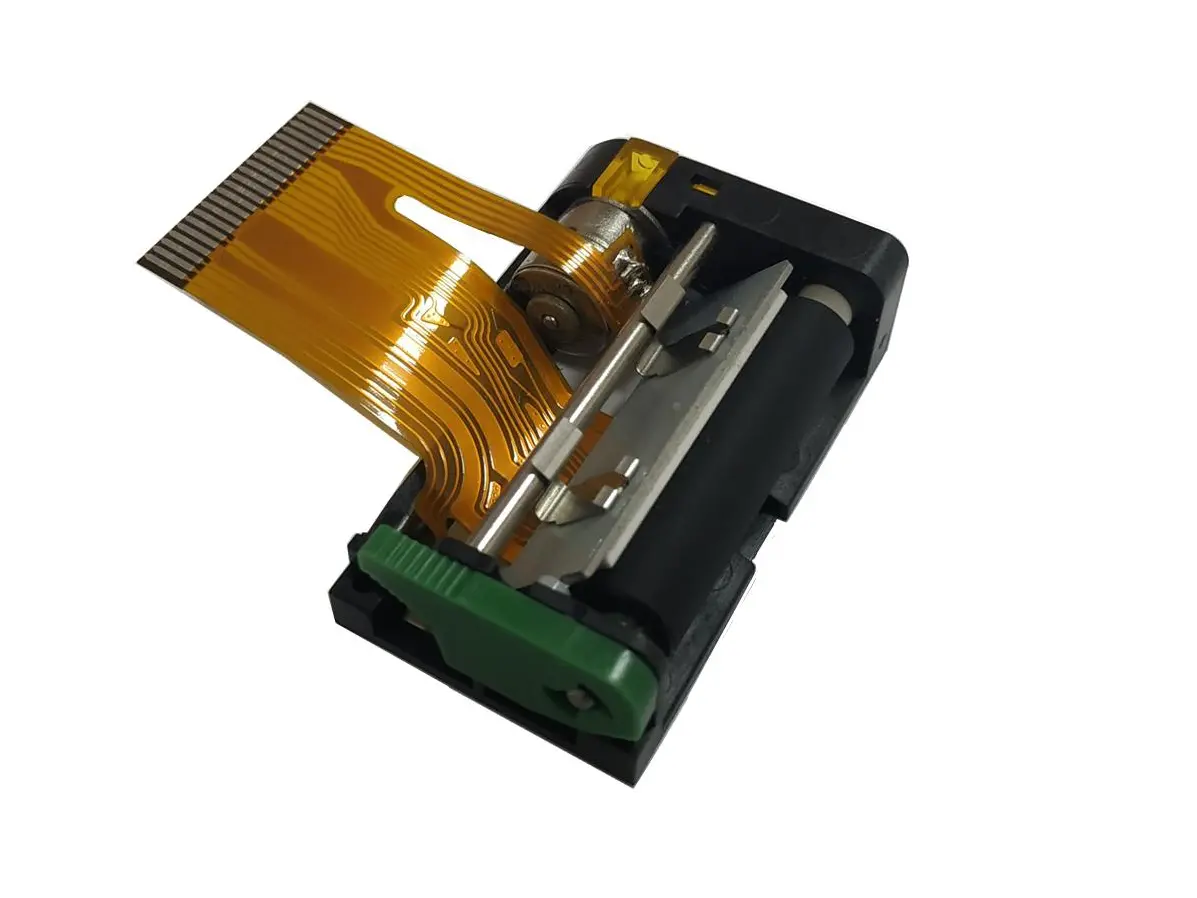 1 inch thermal printer mechanism
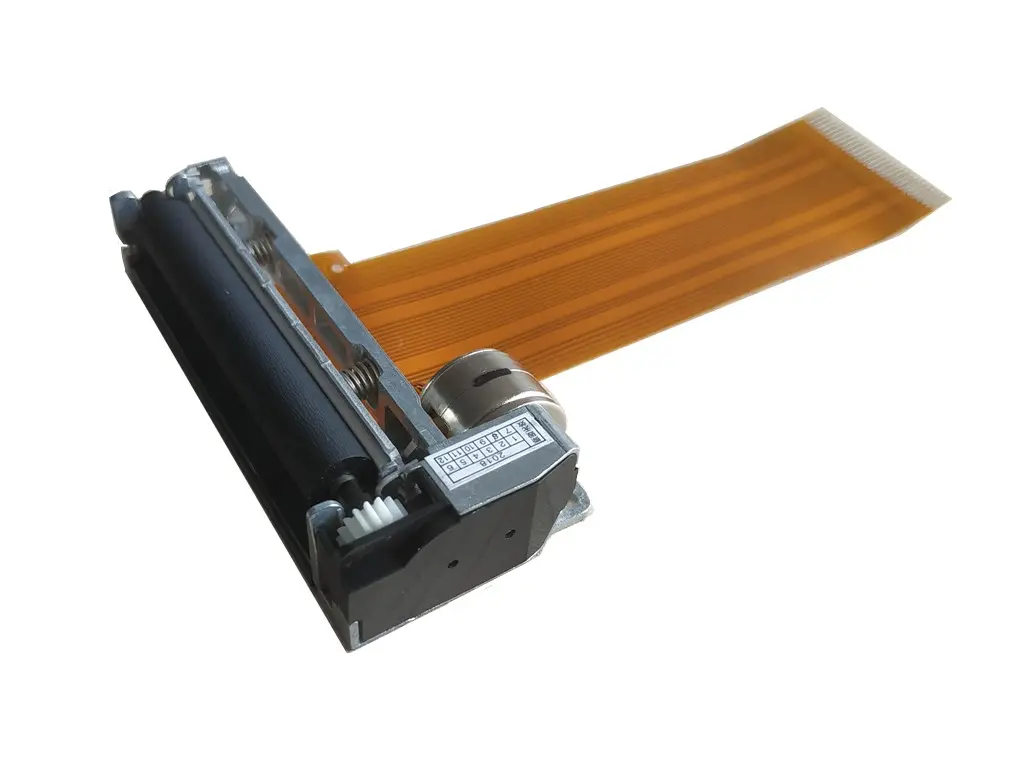 2 inch thermal printer mechanism
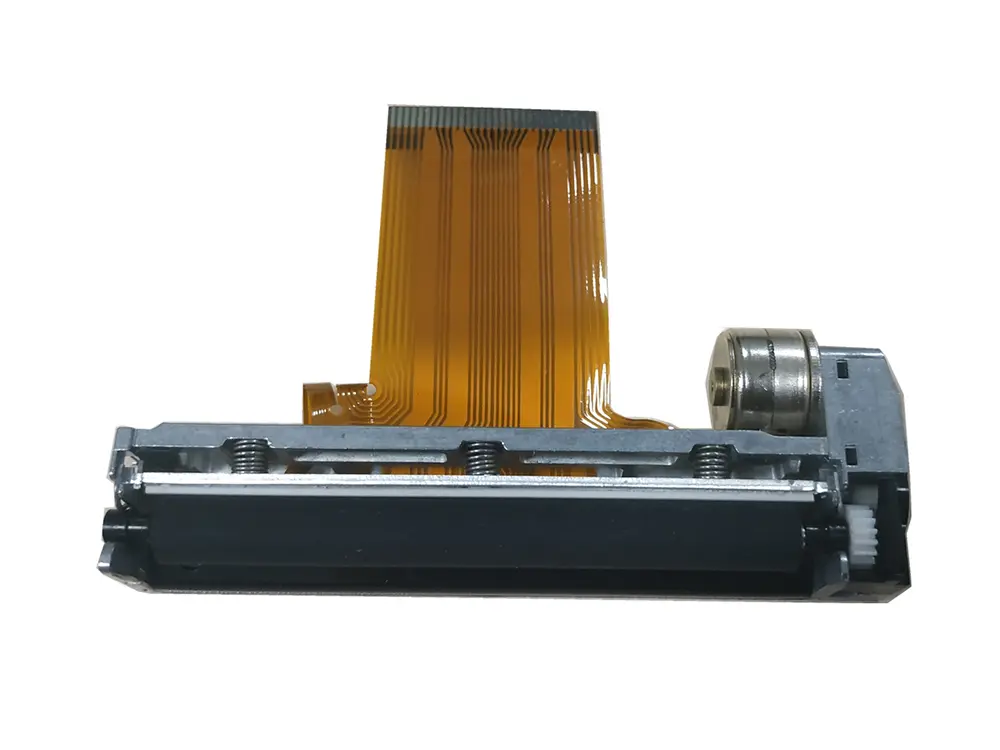 3 inch thermal printer mechanism
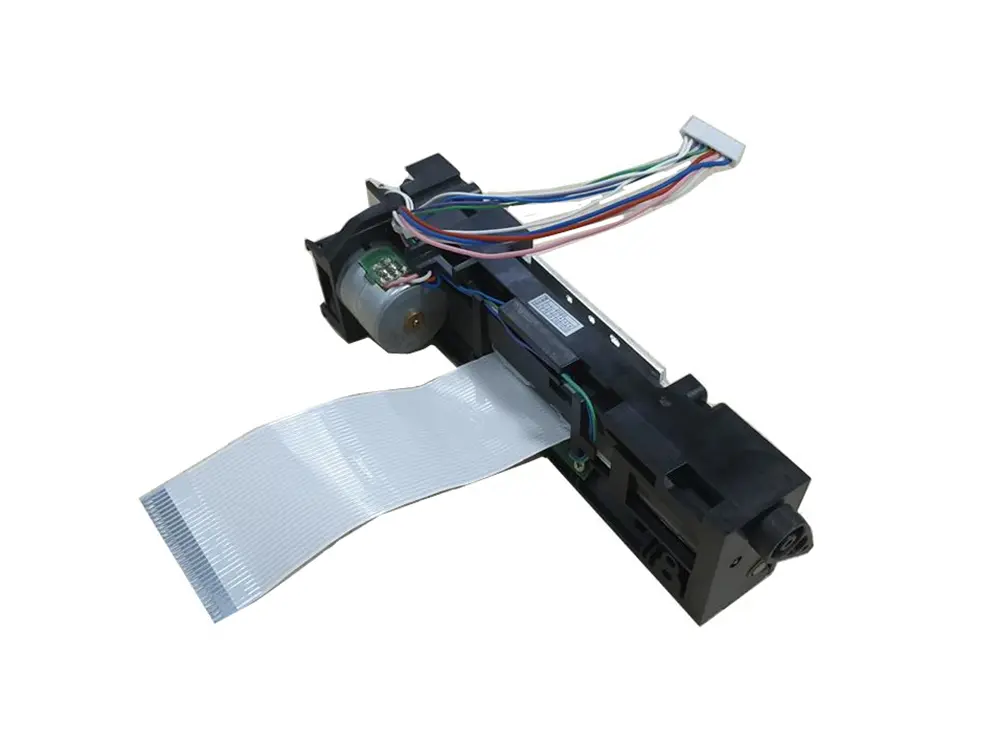 4 inch thermal printer mechanism
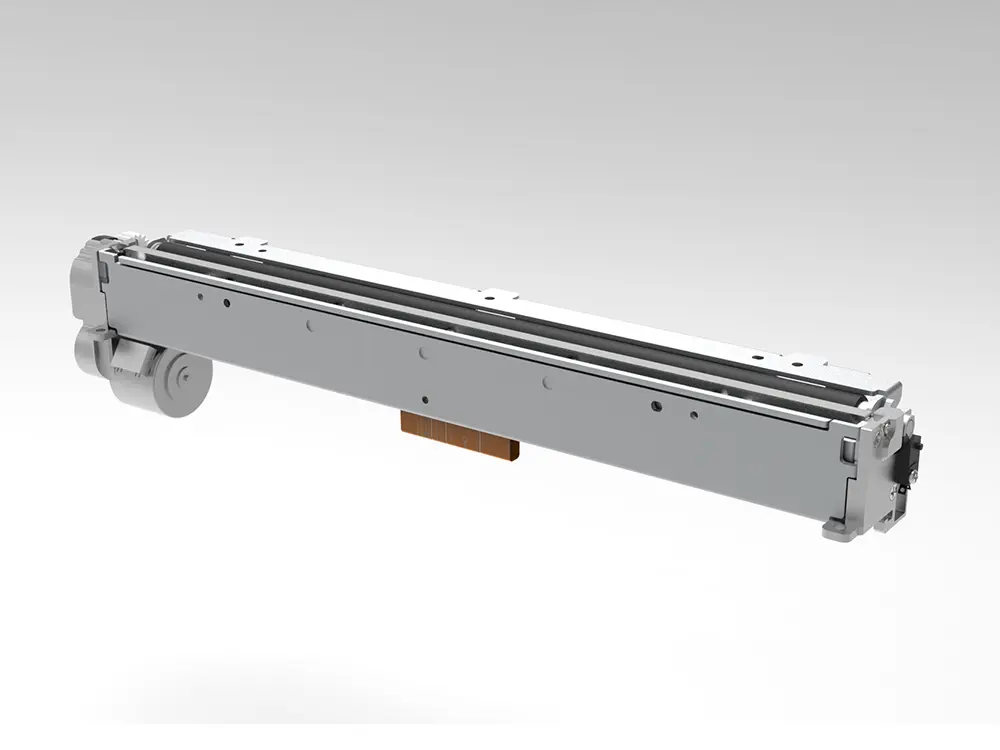 8 inch thermal printer mechanism
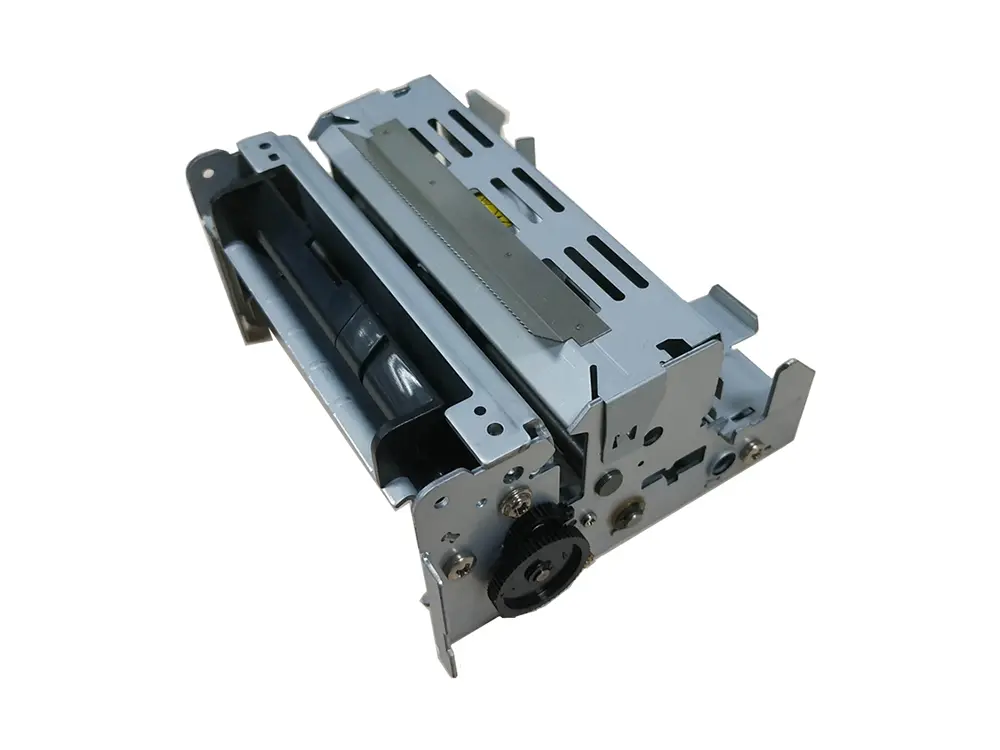 dot matrix printer mechanism
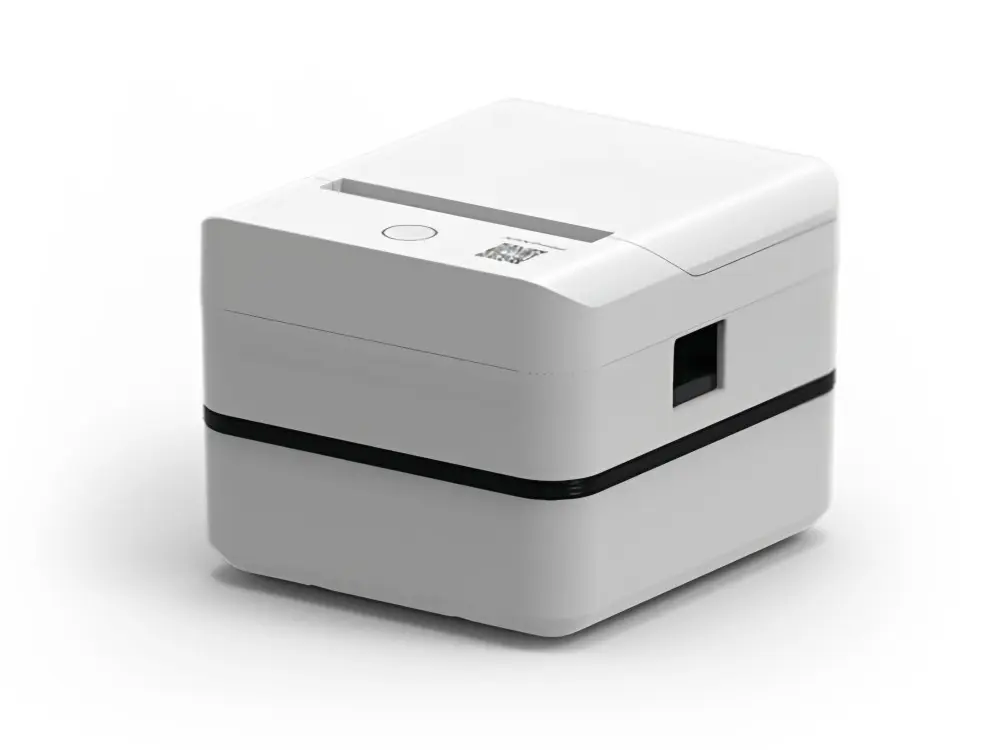 Label Printer
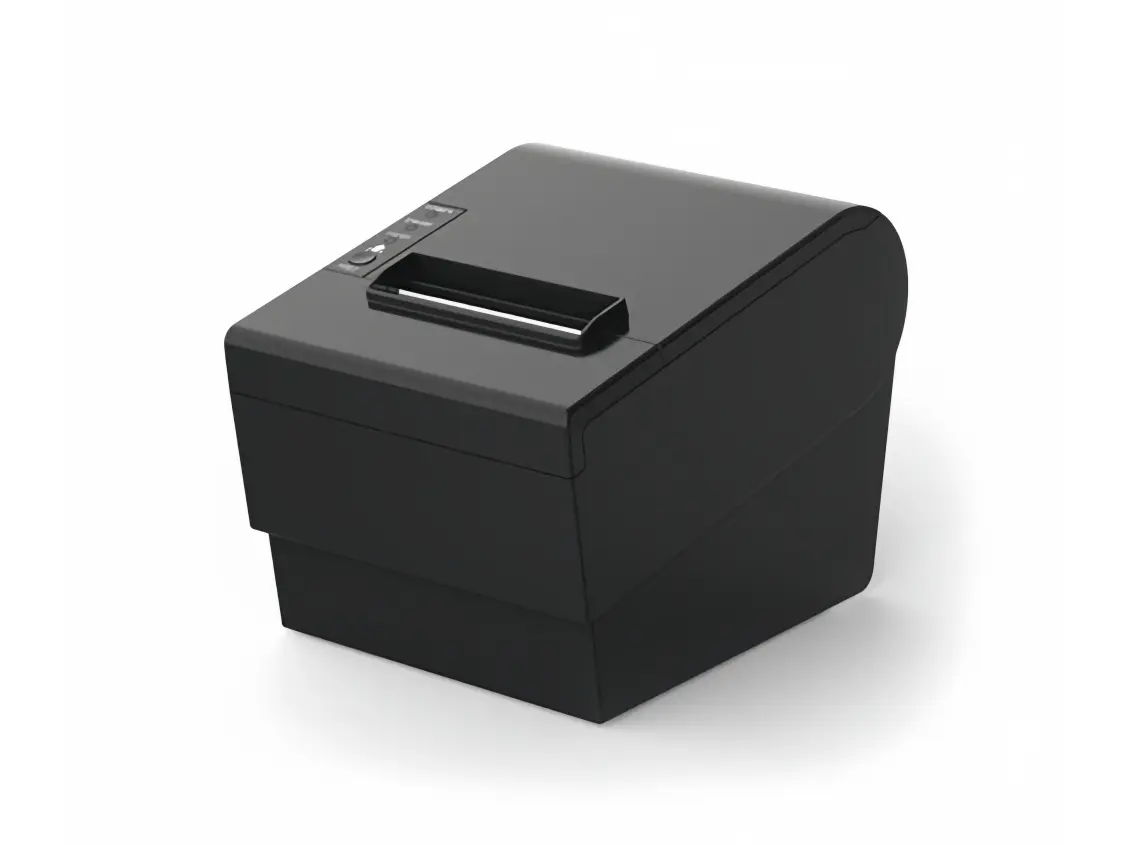 Receipt Printer
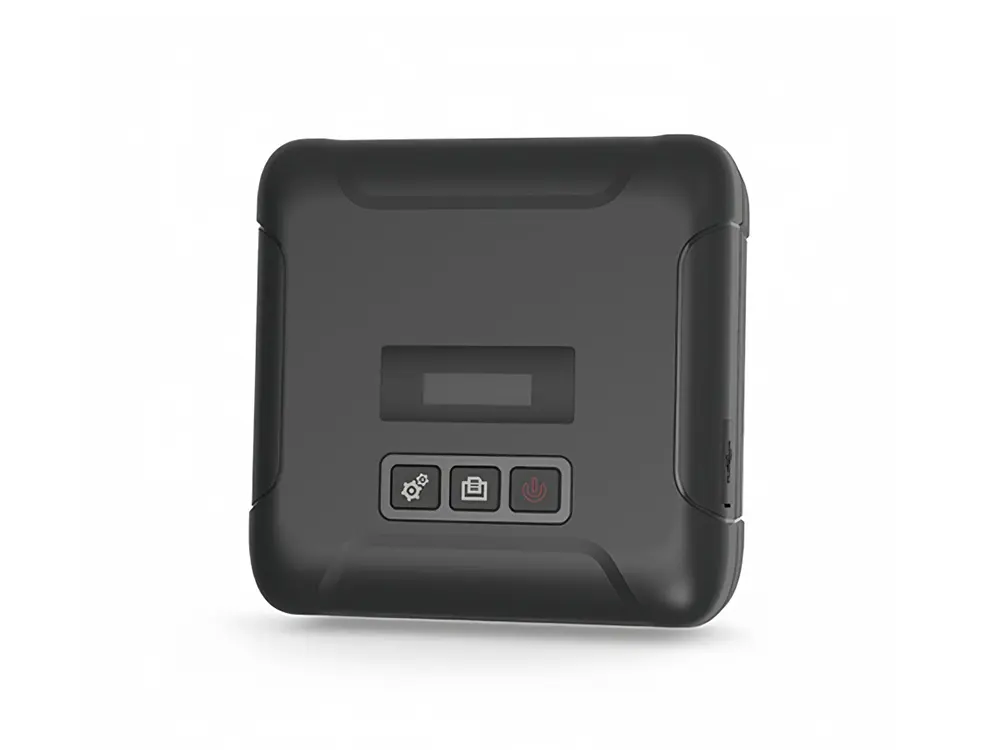 Mobile Printer