What is a Mobile Printer and How Does It Work?
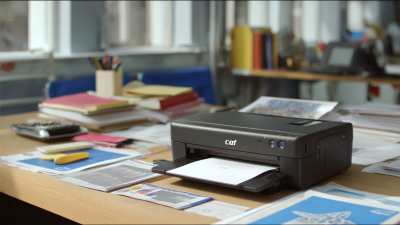
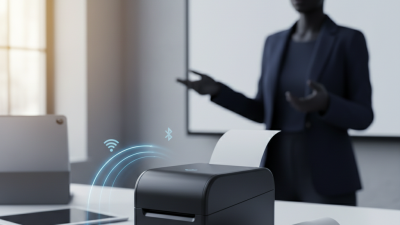
Mobile printers have revolutionized the way we print on the go. According to industry expert John Smith, "Mobile printers empower users with flexibility and convenience." These compact devices allow individuals and businesses to print documents, tickets, and labels without being tied to a traditional office setup.
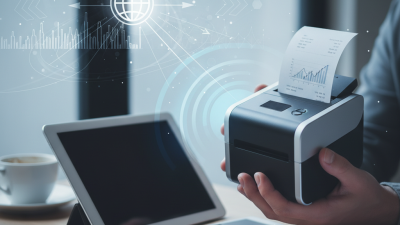
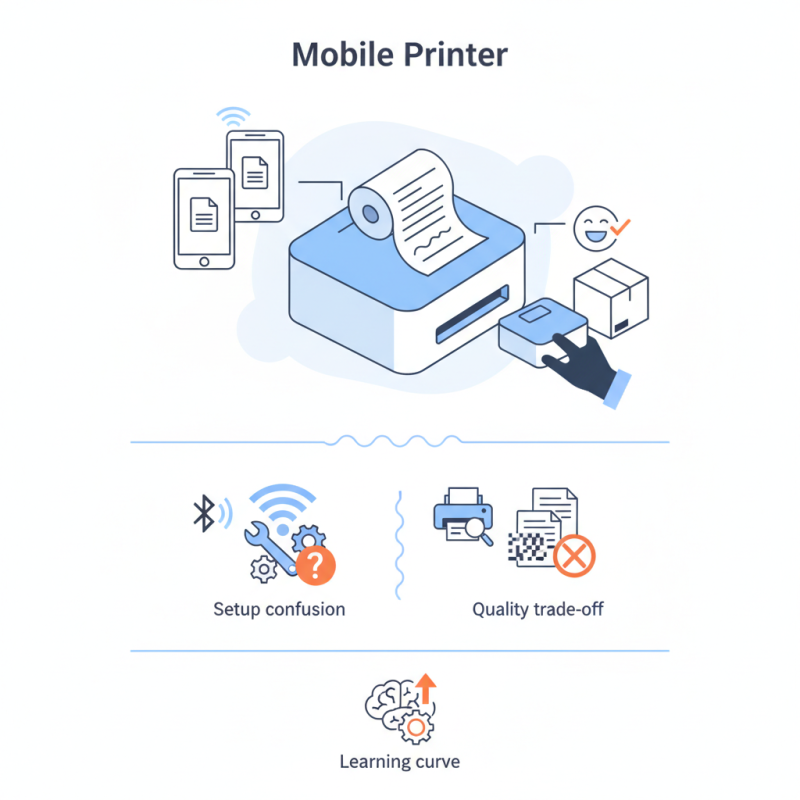
Imagine a delivery driver printing a receipt right at the customer's doorstep. This instant capability can enhance customer satisfaction. Mobile printers are equipped with technology that connects to smartphones or tablets via Bluetooth or Wi-Fi. However, some users find the setup process confusing and frustrating.
While many mobile printers excel in portability, their print quality may not always match that of larger counterparts. Users often need to balance convenience with quality. There’s a learning curve for those unaccustomed to mobile technology. Overall, mobile printers are valuable tools but require thoughtful consideration to meet specific needs.
Understanding Mobile Printers: Definition and Purpose
Mobile printers are compact devices designed for printing on-the-go. They cater to professionals who need to produce documents in remote locations. For instance, field service technicians often use these printers when servicing equipment in the field. According to recent industry reports, the mobile printing market is expected to grow by 20% annually over the next five years. This signifies a rising demand for mobility and convenience in printing.
The purpose of mobile printers extends beyond convenience. They offer solutions for real-time documentation, invoicing, and even ticketing. In healthcare settings, mobile printers are essential for printing patient labels quickly, enhancing workflow efficiency. Data from research shows that 75% of healthcare professionals believe that mobile printing reduces time spent on administrative tasks.
However, issues like battery life and connectivity can pose challenges during critical moments. Many users report frustration when devices fail to connect seamlessly to mobile networks or need frequent recharges. This highlights the importance of continuous improvement in design and technology for these devices.
Types of Mobile Printers: Options and Features
Mobile printers are compact devices designed for on-the-go printing. They come in various types, suited for different needs. The two main categories are thermal and inkjet printers. Thermal printers use heat to produce images. They are quiet and efficient. Inkjet printers, however, offer high-quality color prints.
When choosing a mobile printer, consider your printing needs. Think about size, weight, and battery life. A smaller, lighter model is easier to carry. A long-lasting battery is crucial for travel. Features like wireless connectivity can also enhance convenience.
Tip: Check if the printer supports various paper sizes. This flexibility can be invaluable for different projects.
Some mobile printers lack sufficient speed, sometimes leading to frustration. If you need quick prints, ensure your choice meets the required speed. Quality can also vary. Always look for user reviews.
Tip: Test the printer before committing. A hands-on experience can reveal its true performance. This step can save time and money later on.
How Mobile Printers Work: Technology Behind the Printing Process
Mobile printers are compact devices that allow users to print documents on the go. They rely on various technologies to function effectively. One common method is thermal printing, which uses heat to transfer ink onto paper. Another technology involves inkjet mechanisms, where tiny ink droplets are sprayed onto the surface. Both methods have their pros and cons, leading to varying print quality and speed.
The process begins when a document is sent from a mobile device to the printer. This communication often occurs via Bluetooth or Wi-Fi. Users can print directly from their smartphones or tablets. However, not all mobile printers support every file format, which can be frustrating. Some users may find themselves wrestling with compatibility issues. They must choose their devices carefully to avoid headaches later on.
Battery life is crucial for mobile printers. Since they are designed for portability, a dying battery can halt printing at the worst moments. Often, users overlook this aspect and face delays. Despite these challenges, mobile printers provide convenience for many. They enable immediate printing in various situations, from business meetings to outdoor events. The adaptability of these devices can be impressive, yet it requires careful consideration to maximize efficiency.
Advantages of Using Mobile Printers for Various Applications
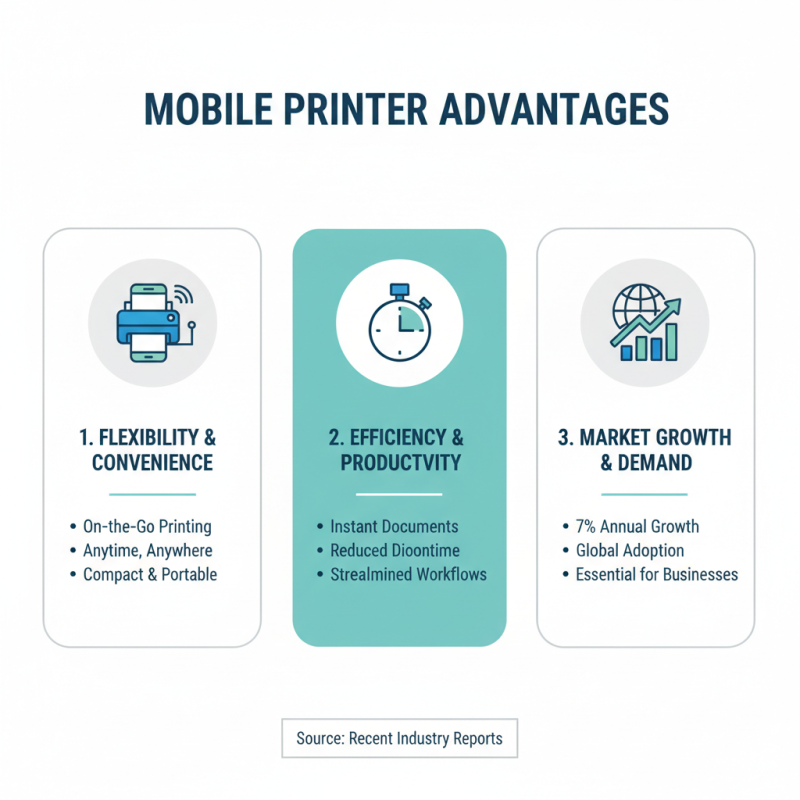
Mobile printers are gaining popularity across various industries. They provide flexibility and convenience for users on the go. According to recent reports, the global mobile printer market is expected to grow by 7% annually. This trend shows a clear demand for efficient printing solutions.
Using mobile printers offers numerous advantages. For businesses, they simplify documentation processes. In logistics, they enable instant printing of shipping labels. Healthcare professionals can print patient information right at the bedside. This not only speeds up processes but also enhances accuracy. A study indicates that mobile printing can increase productivity by up to 20%.
Tips: Evaluate your specific needs. Understand which applications will benefit most from mobile printing. Consider portability and battery life when selecting a printer.
Despite these advantages, there are challenges. Connectivity issues can arise when moving between locations. Additionally, the quality of prints may vary based on the printer model. Users must be aware of these limitations to avoid frustration.
Tips: Regularly update software to ensure better connectivity. Always keep spare batteries handy. User manuals often provide essential troubleshooting information.
Tips for Choosing the Right Mobile Printer for Your Needs
When choosing a mobile printer, consider your specific needs. Different users require different features. If you print frequently, battery life is crucial. A model with long-lasting power can save you from interruptions. Weight matters too. A lightweight printer is easier to carry. Think about its size. A compact design aids portability.
Look at the connectivity options. Some printers connect via Bluetooth, while others use Wi-Fi. Ensure the printer you choose works with your devices. Check print quality. High resolution is essential for clear images and sharp text. Read reviews to gauge performance.
Do not forget about the maintenance. Some printers require regular upkeep. This can be time-consuming. Evaluate the cost of replacement cartridges and papers. Sometimes, low upfront costs lead to higher long-term expenses. Reflect on how often you'll print. This will help you make an informed choice.
What is a Mobile Printer and How Does It Work?
| Feature |
Description |
Pros |
Cons |
| Portability |
Compact and lightweight design for easy transport. |
Ideal for on-the-go printing. |
May have limited printing capacity. |
| Connectivity Options |
Supports Bluetooth, Wi-Fi, and USB connections. |
Flexibility in connecting to multiple devices. |
Possible connectivity issues in crowded networks. |
| Battery Life |
Runs on rechargeable batteries. |
Allows for printing without a power outlet. |
Battery life varies by model and usage. |
| Print Quality |
Offers varying resolutions and quality levels. |
High-quality prints possible on some models. |
May not match desktop printer standards. |
| Media Size |
Compatible with various paper sizes. |
Versatile for different printing needs. |
Limited by physical size of printer. |

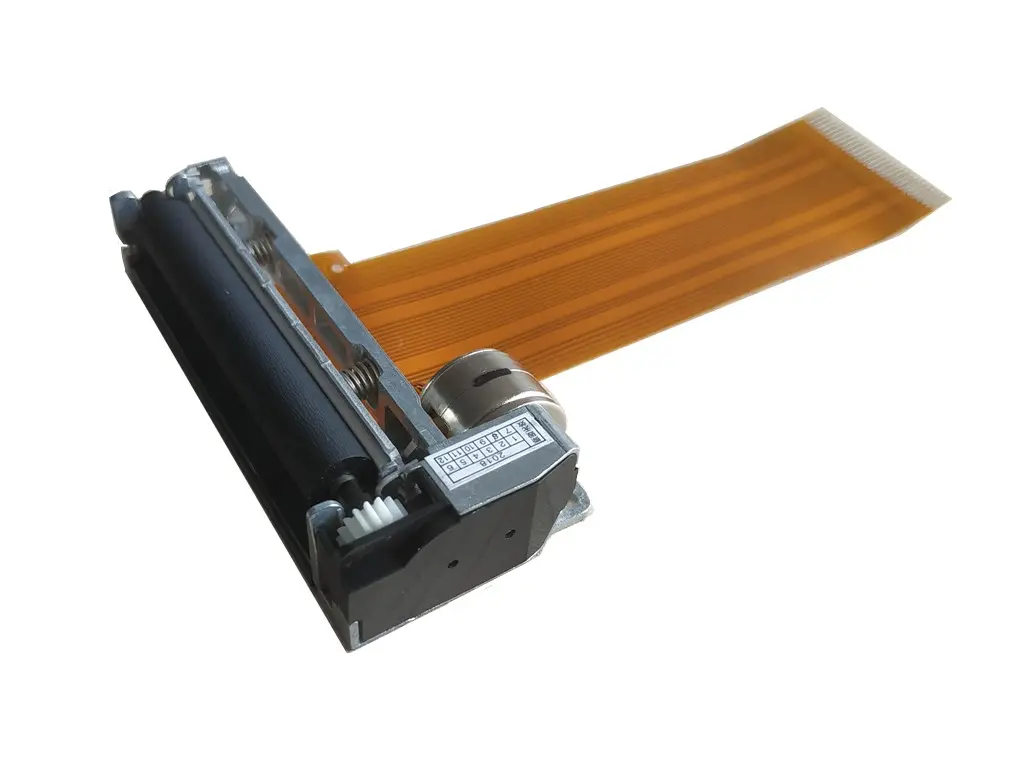
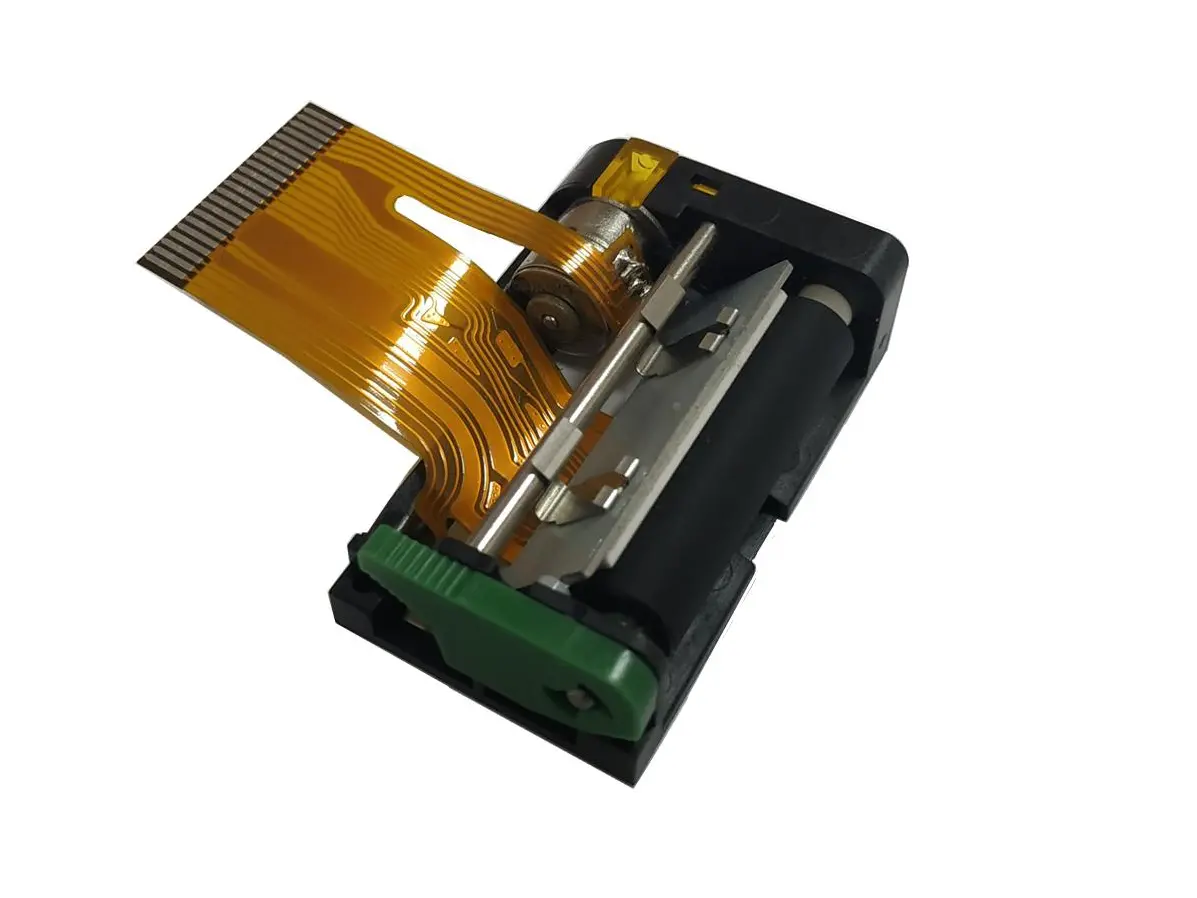 1 inch thermal printer mechanism
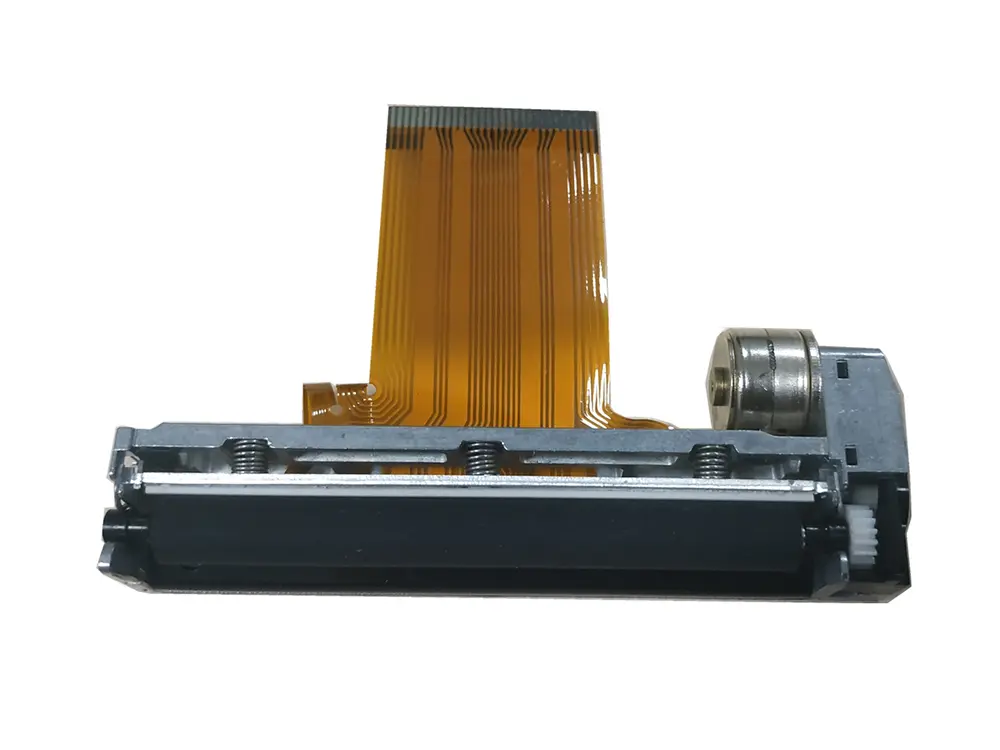
 2 inch thermal printer mechanism
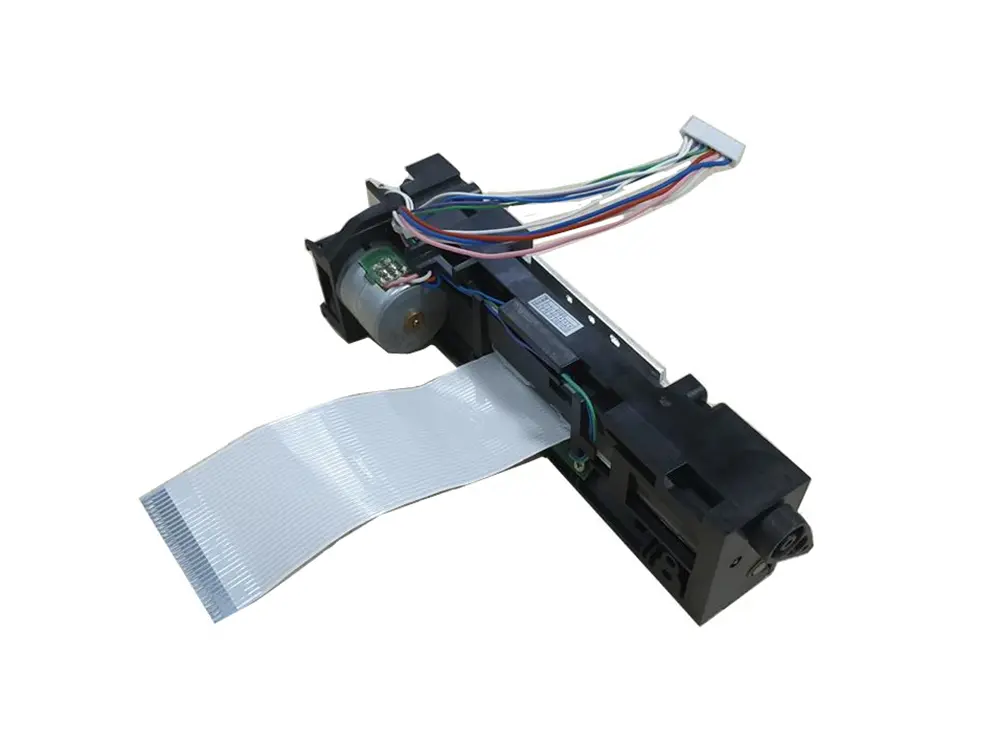
 3 inch thermal printer mechanism
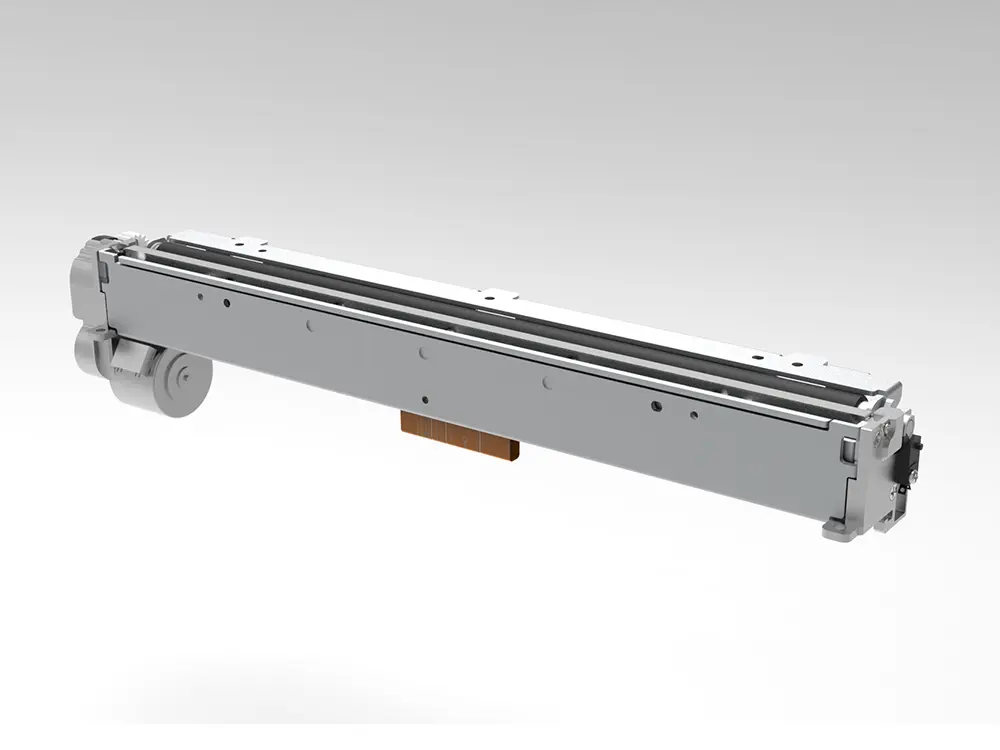
 4 inch thermal printer mechanism
 8 inch thermal printer mechanism
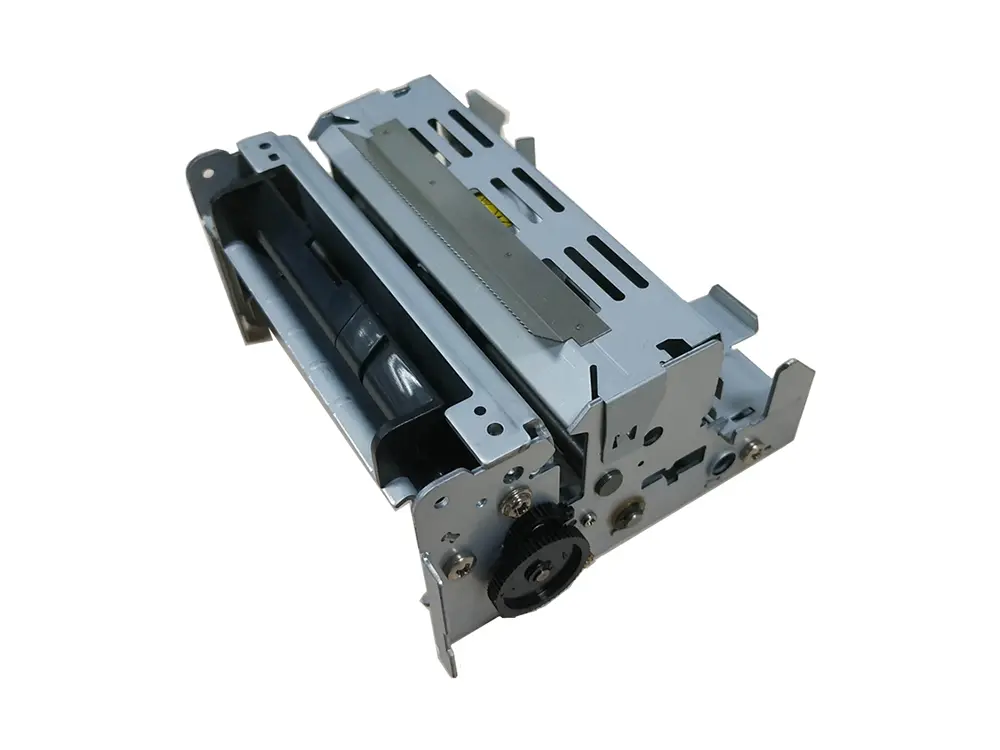 dot matrix printer mechanism
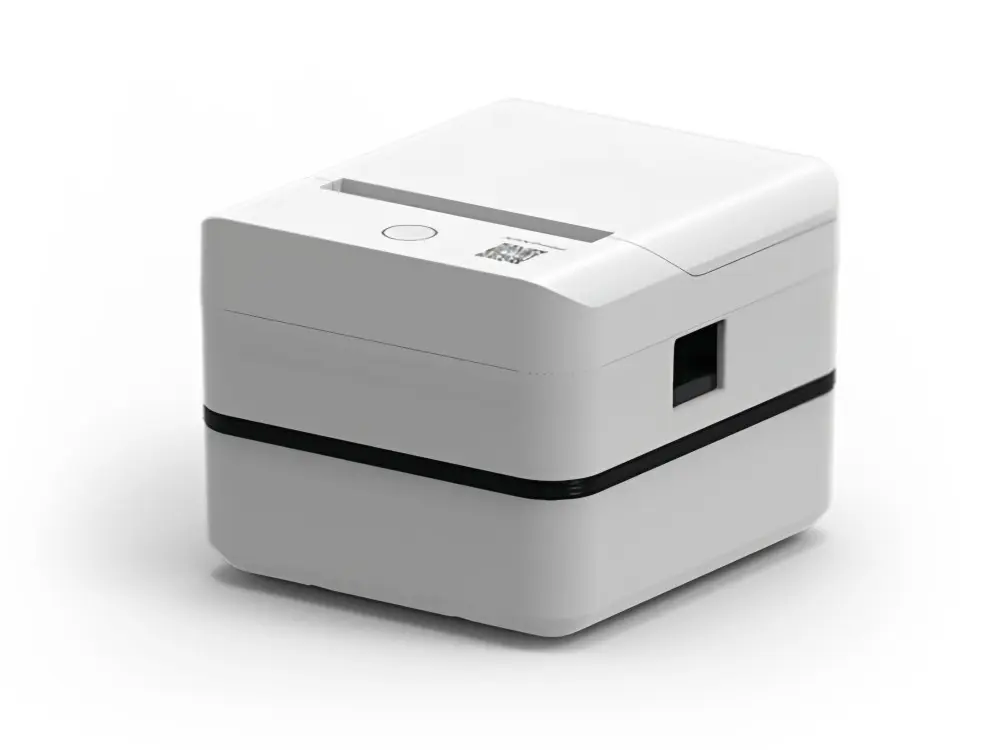 Label Printer
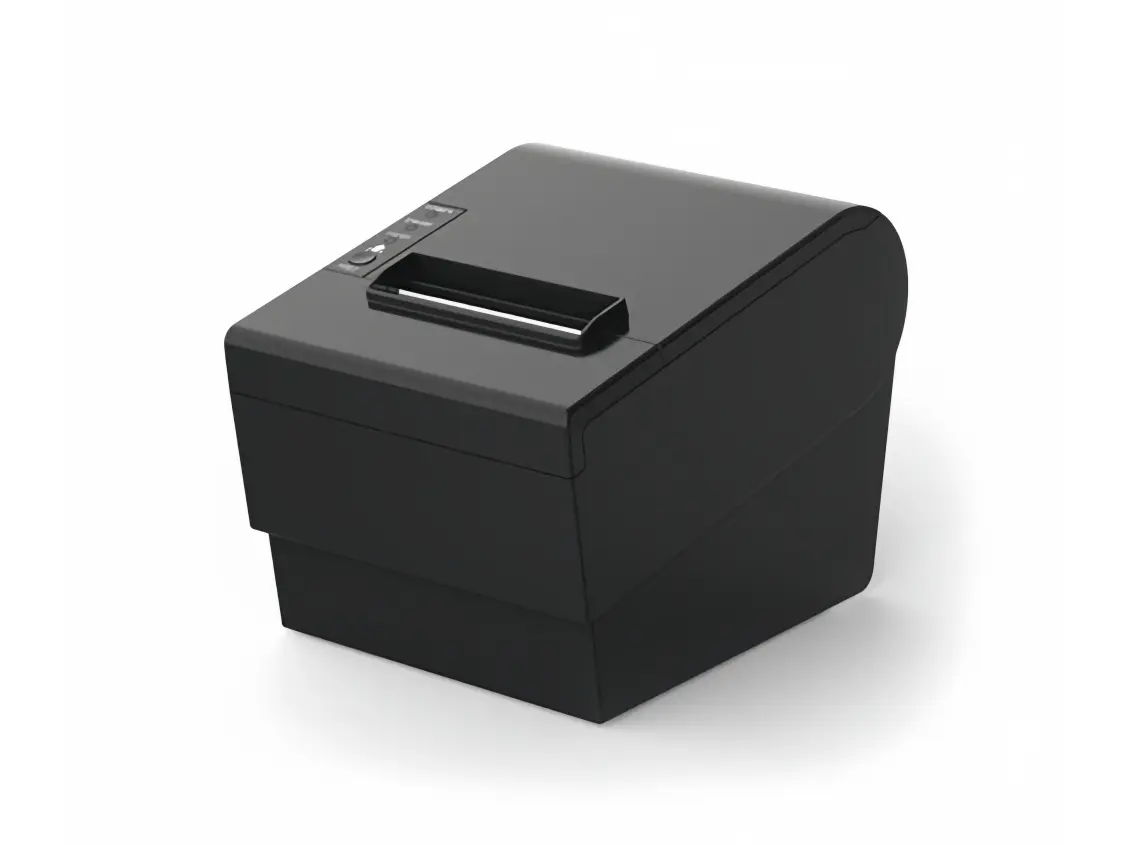 Receipt Printer
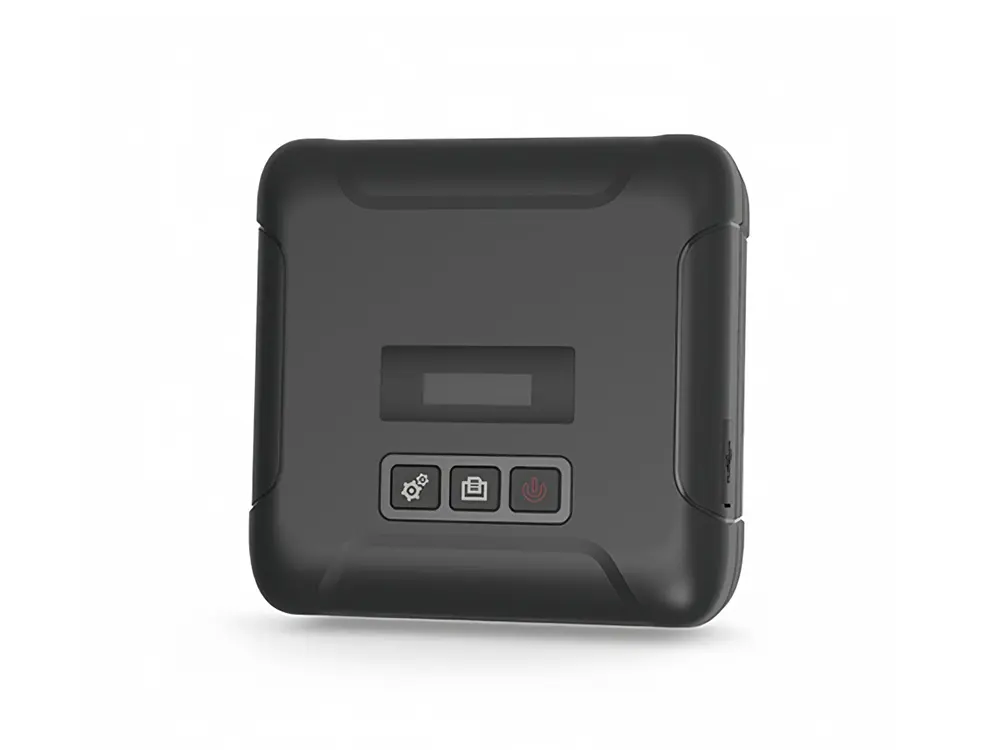 Mobile Printer