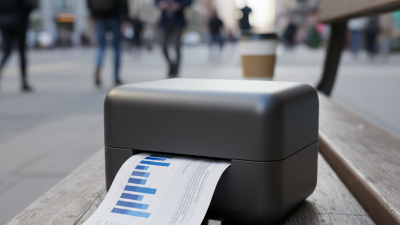
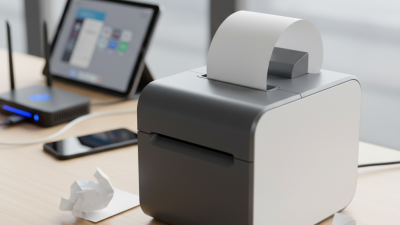
Top Thermal Printer Features You Need to Know?
In today's fast-paced business landscape, understanding the key features of a Thermal Printer is crucial. According to a recent report by Grand View Research, the thermal printer market is expected to reach $4.69 billion by 2026. This growth reflects an increased demand for efficient and reliable printing solutions across various sectors.
Prominent industry expert John Smith emphasizes, "The efficiency and precision of thermal printers are unmatched." His insight highlights the importance of selecting printers that integrate seamlessly into operational workflows. Not all thermal printers are created equal. Businesses often face difficulties determining which features are essential for their needs.
In this context, understanding functionalities such as print speed, connectivity options, and media handling is vital. Companies must also reflect on their printing volume and purpose. Investing in a high-quality thermal printer can save time and reduce costs. However, not all organizations evaluate their requirements thoroughly, leading to potential inefficiencies. Recognizing these factors can greatly influence operational success.
Understanding Thermal Printing Technology
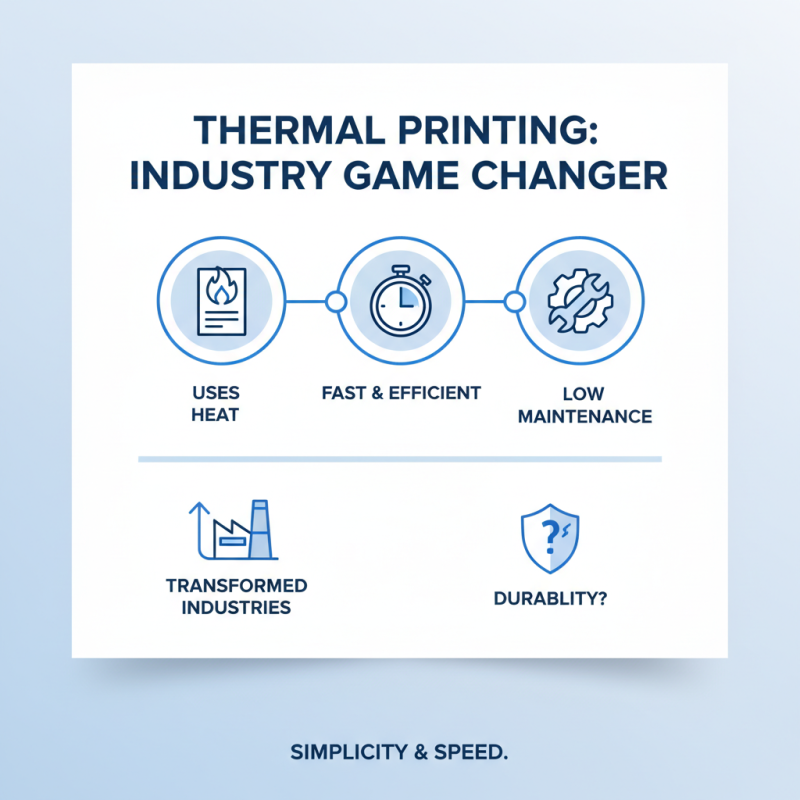
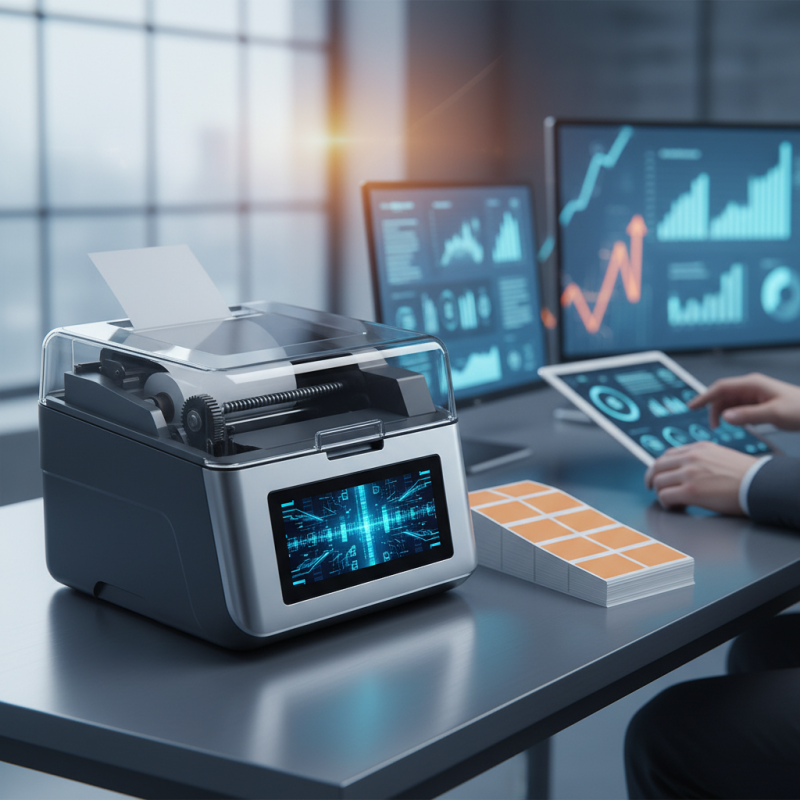
Thermal printing technology has transformed various industries. It uses heat to create images on special paper. This method generates prints quickly and efficiently. The simplicity of thermal printers appeals to many users. They often require less maintenance than traditional printers. However, their durability can sometimes be questioned.
The key feature of thermal printing is its speed. Printers can produce clear labels or receipts in seconds. This is crucial for busy environments like retail. They do not need ink or toner, which reduces costs. Yet, thermal prints may fade over time. Environmental factors like heat or sunlight can impact legibility. Users must be aware of these limitations.
Another interesting aspect is the different types of thermal printing. Direct thermal printing uses heat-sensitive paper. It is ideal for short-term labels. Transferring thermal printing is more durable. It uses a ribbon to transfer ink, making it suitable for long-term applications. Choosing the right method depends on specific needs, which can lead to confusion among users. A clear understanding of these technologies is vital for optimal results.
Key Features of Thermal Printers: A Comprehensive Overview
Thermal printers have become indispensable in various industries, providing reliable printing solutions for labels, tickets, and receipts. One key feature to consider is print speed. A faster printer can significantly enhance workflow, especially in busy environments. However, some may find that speed sacrifices quality. It’s important to strike a balance between these two factors, especially in settings like retail.
Another crucial aspect is connectivity options. Modern thermal printers often support USB, Bluetooth, and Wi-Fi connections. This versatility allows for seamless integration into existing systems. However, ease of use can vary. Some users may struggle with setup or compatibility issues. A printer that is hard to connect might slow down operations.
Durability is also a vital feature. Quality thermal printers are built to withstand high-volume use and harsh conditions. Yet, potential buyers should be cautious about the materials used. A printer made from cheaper components may not last as long, leading to higher replacement costs. Evaluating all these features carefully will help users make an informed decision.
Top Thermal Printer Features
This bar chart illustrates key features of thermal printers, including print speed measured in mm/second, print resolution in dpi, the number of connectivity options available, and the variety of media types they support. Each feature represents an essential aspect that users should consider when choosing a thermal printer.
Comparing Direct vs. Transfer Thermal Printing
When exploring thermal printing, the choice between direct and transfer methods is crucial. Direct thermal printing uses heat-activated paper. It’s a simple process. No ink ribbons are needed. The printer heats specific areas of the paper to create images. This method is often faster and more efficient. However, it tends to produce prints that fade over time, especially when exposed to heat or sunlight.
On the other hand, transfer thermal printing uses a ribbon to create images. The printer heats the ribbon, transferring ink onto the paper. This leads to more durable prints that can withstand various environments. It’s ideal for labels and tags that need to last. Yet, this process can be slower and requires more maintenance. Users often find that the ribbon can be expensive, adding to long-term costs. Balancing speed and longevity is not always easy. Both methods have their pros and cons, making the right choice a matter of specific needs and application.
Top Thermal Printer Features You Need to Know - Comparing Direct vs. Transfer Thermal Printing
| Feature |
Direct Thermal Printing |
Transfer Thermal Printing |
| Print Quality |
Good for high-contrast images but may fade over time |
Excellent for detailed graphics and text |
| Durability |
Less durable, sensitive to heat and light |
More durable, resistant to smudging and fading |
| Cost |
Usually lower initial cost |
Higher initial cost due to ribbon requirement |
| Speed |
Faster printing speed, ideal for high-volume tasks |
Generally slower due to the ribbon transfer process |
| Media Compatibility |
Uses thermal-sensitive paper only |
Compatible with a wider range of materials, including synthetic labels |
Print Speed and Quality: What to Look For
When it comes to thermal printers, print speed and quality are critical factors. A faster printer saves time and increases productivity. However, speed should not come at the cost of print quality. It's essential to find a balance between these two features. For example, some printers may churn out labels at lightning speed but produce blurry text. This is a common issue that can lead to frustration.
Print resolution is another important aspect to consider. A higher dpi (dots per inch) usually means crisper prints. It's worth checking if a printer can maintain high quality at fast speeds. Look for models that offer adjustable settings. This allows users to prioritize quality when needed. Sometimes, a slower speed with better quality is the best choice. It's an aspect that demanding users should reflect on.
Another factor often overlooked is the type of materials used. Some printers work well on specific label types. Using the wrong material can degrade quality. Experimentation is often required, revealing that not every paper or label is suitable. This may lead to unexpected costs or delays, prompting a reassessment of material compatibility. Balancing speed, quality, and material choice is key for optimal printer performance.
Connectivity Options: Ensuring Compatibility with Devices
When choosing a thermal printer, connectivity options are crucial. The right connection ensures seamless usage with various devices. USB is common for direct connections. It offers speed and reliability. However, it limits movement. Wireless connections, like Bluetooth or Wi-Fi, provide more freedom. They allow multiple devices to connect without cables.
However, users often face challenges with wireless setups. Sometimes, pairing devices can be frustrating. Inconsistent signals can slow down printing. It’s important to know your environment. Are there barriers that might affect your wireless connection? Consider your needs carefully.
On the other hand, advanced options like Ethernet can enhance efficiency in office settings. This connection allows for stable performance in a networked environment. Yet, it requires specific networking skills. Many users miss out on these features due to oversight. Explore your options and understand what fits your device ecosystem. Your choice can significantly impact usability and efficiency.

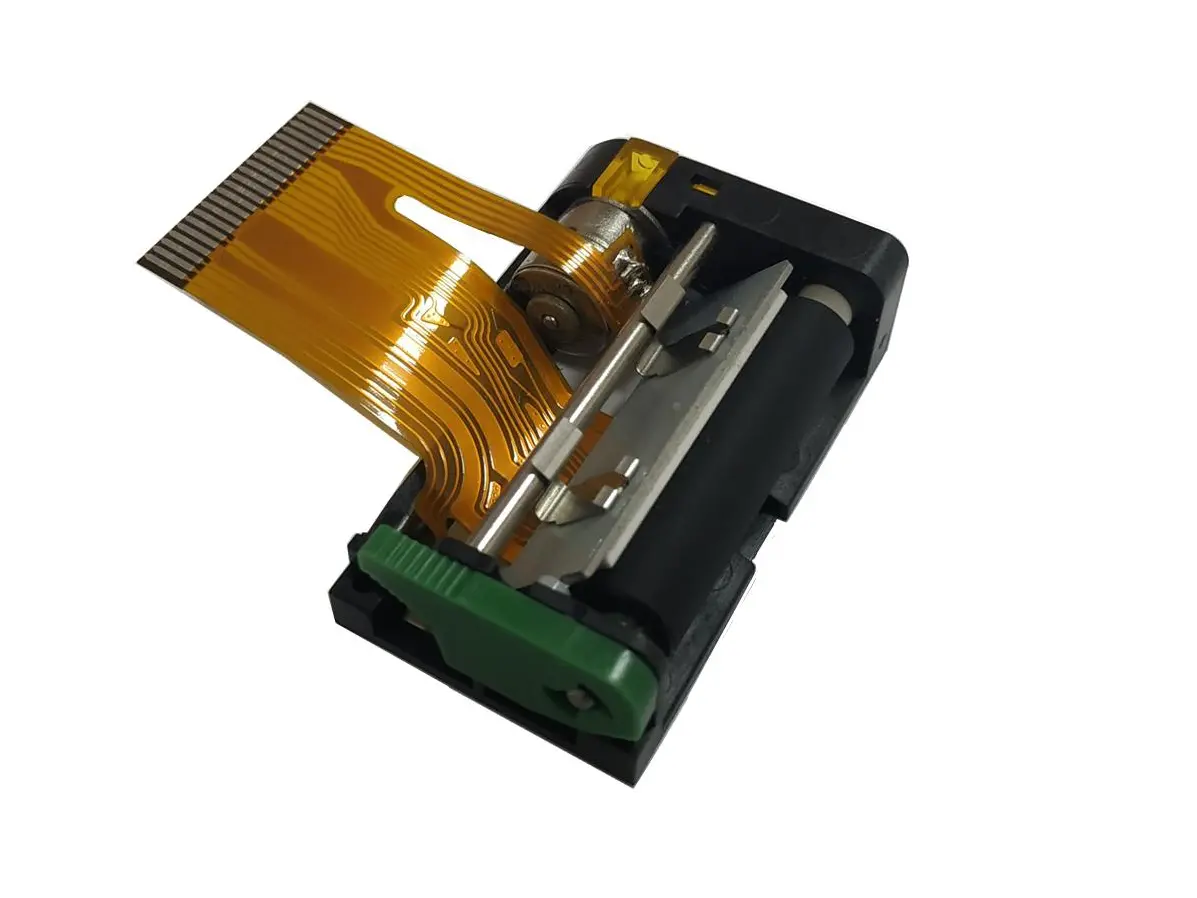 1 inch thermal printer mechanism
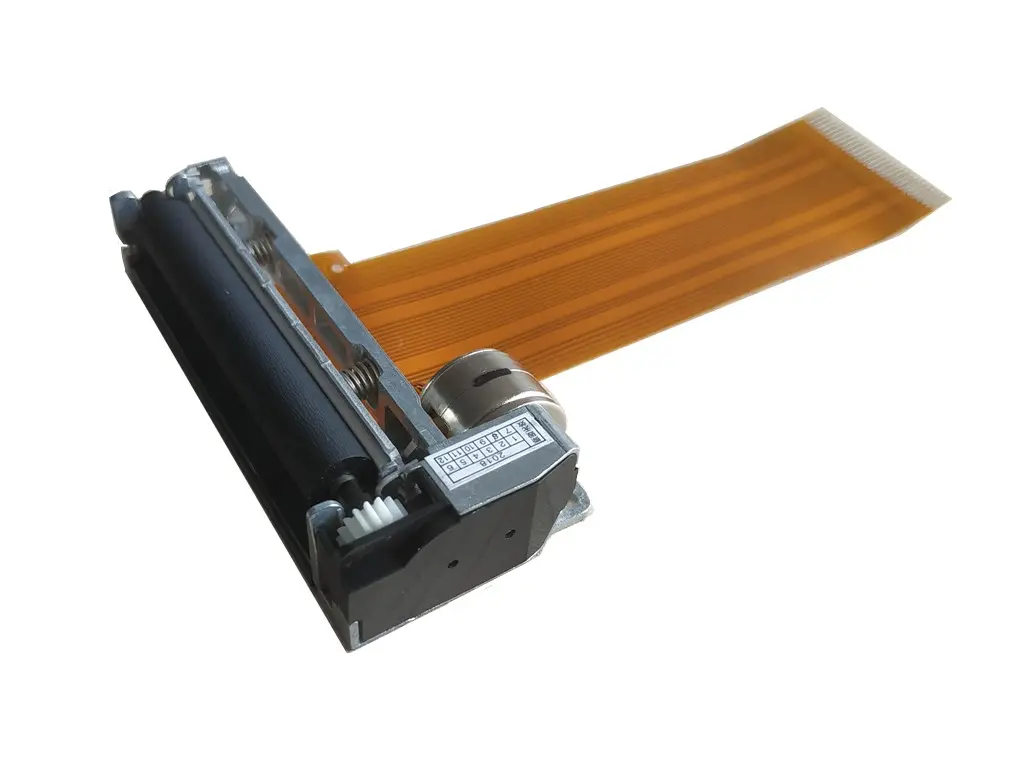 2 inch thermal printer mechanism
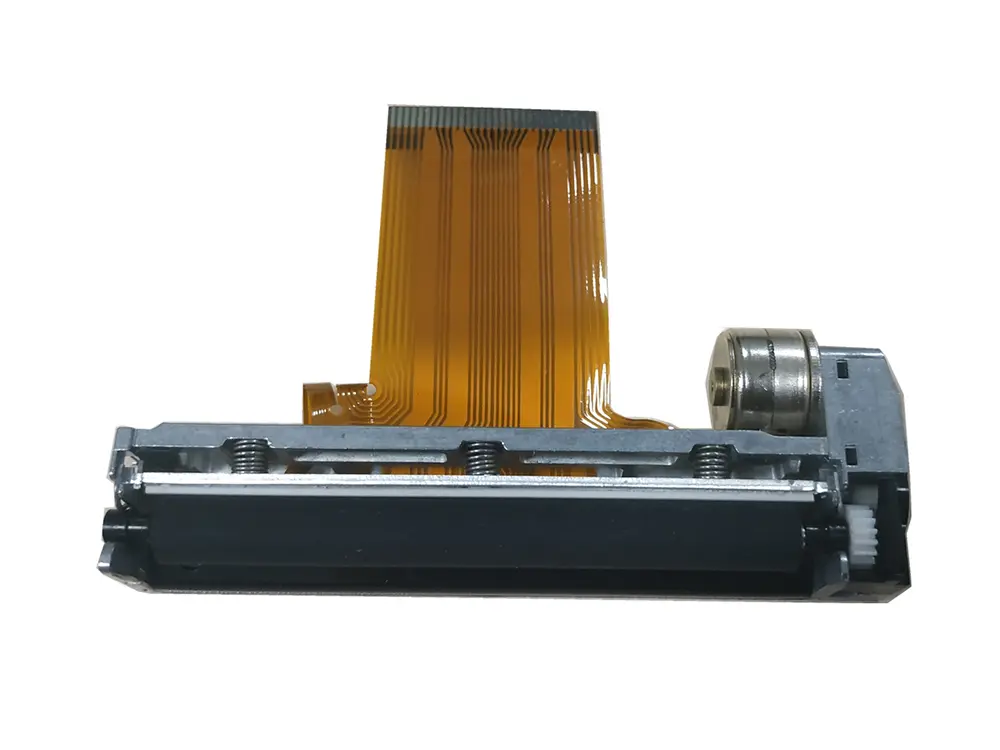 3 inch thermal printer mechanism
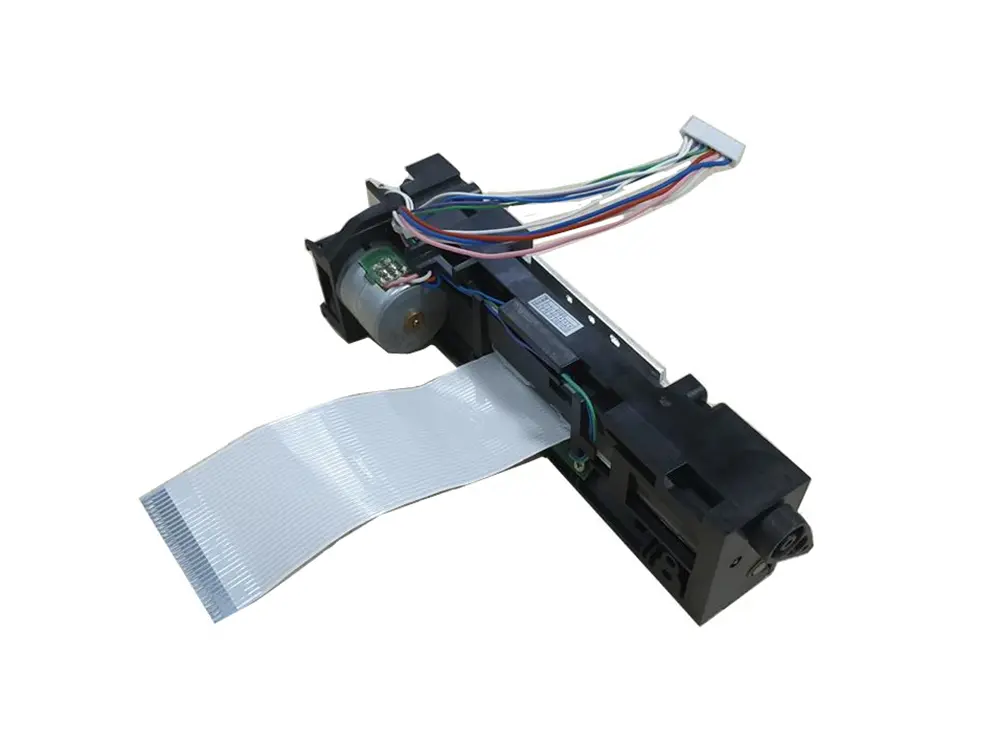 4 inch thermal printer mechanism
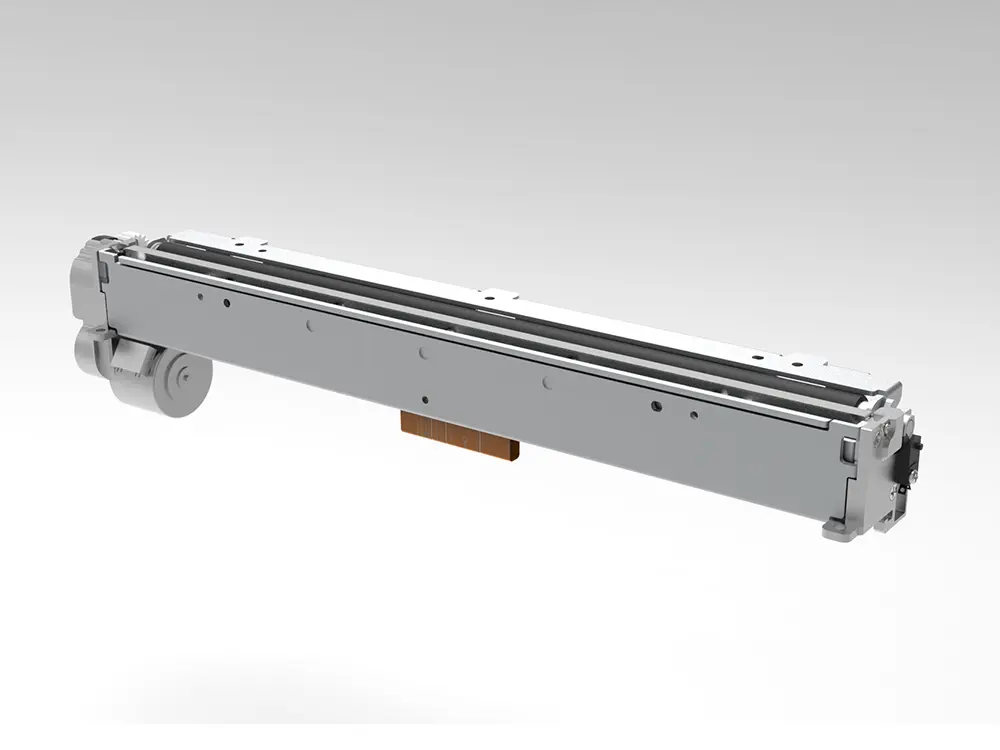 8 inch thermal printer mechanism
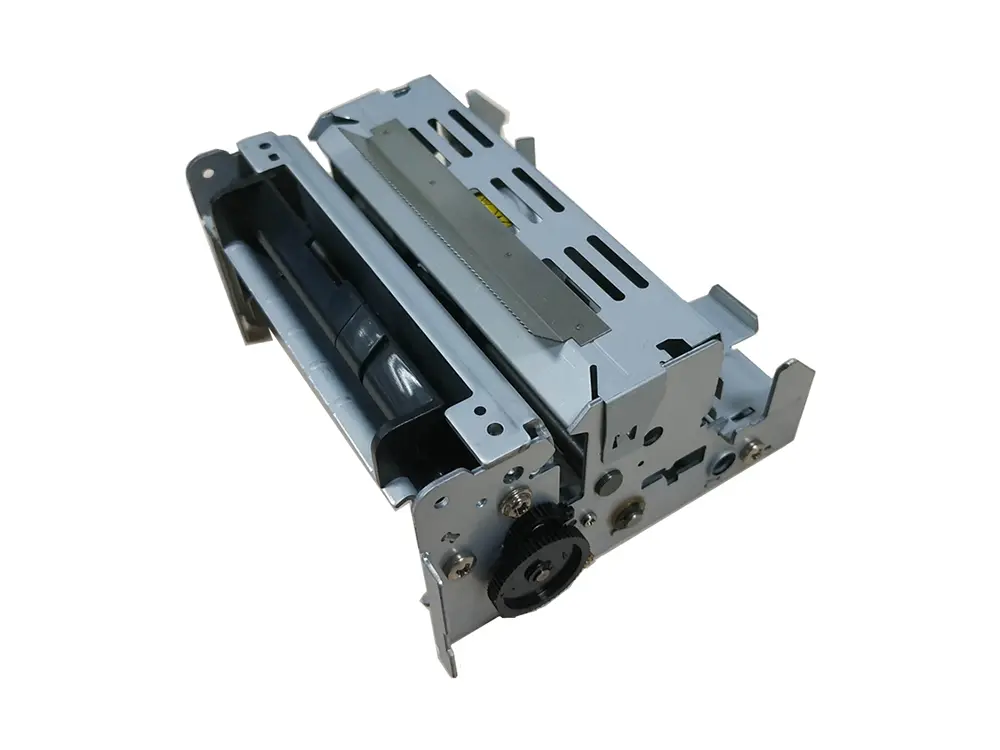 dot matrix printer mechanism
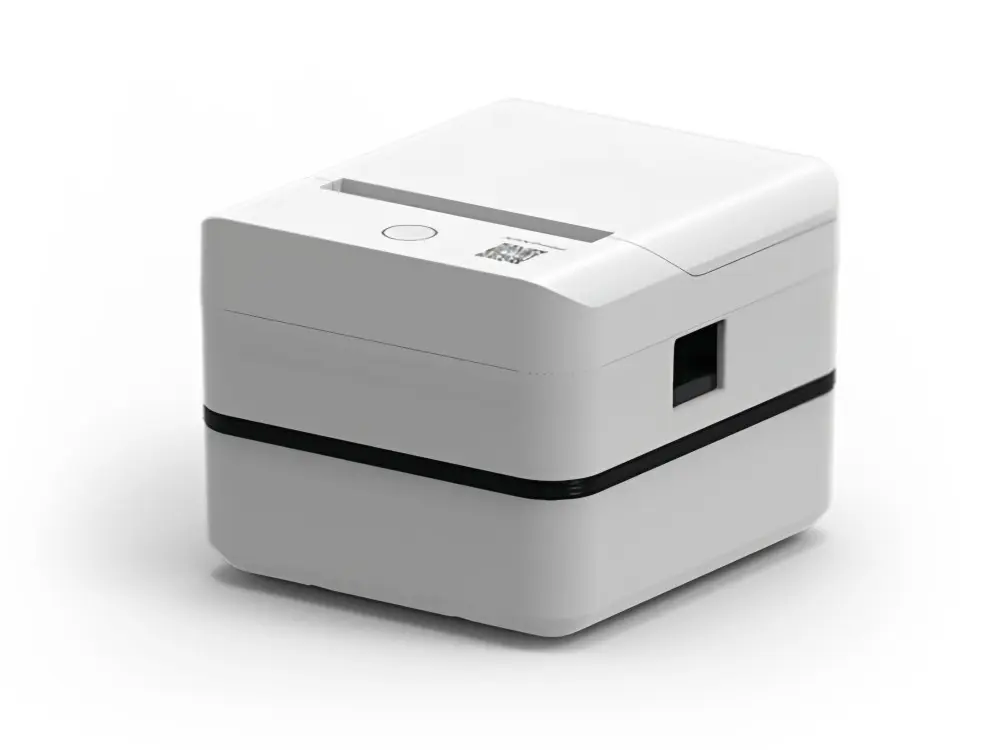 Label Printer
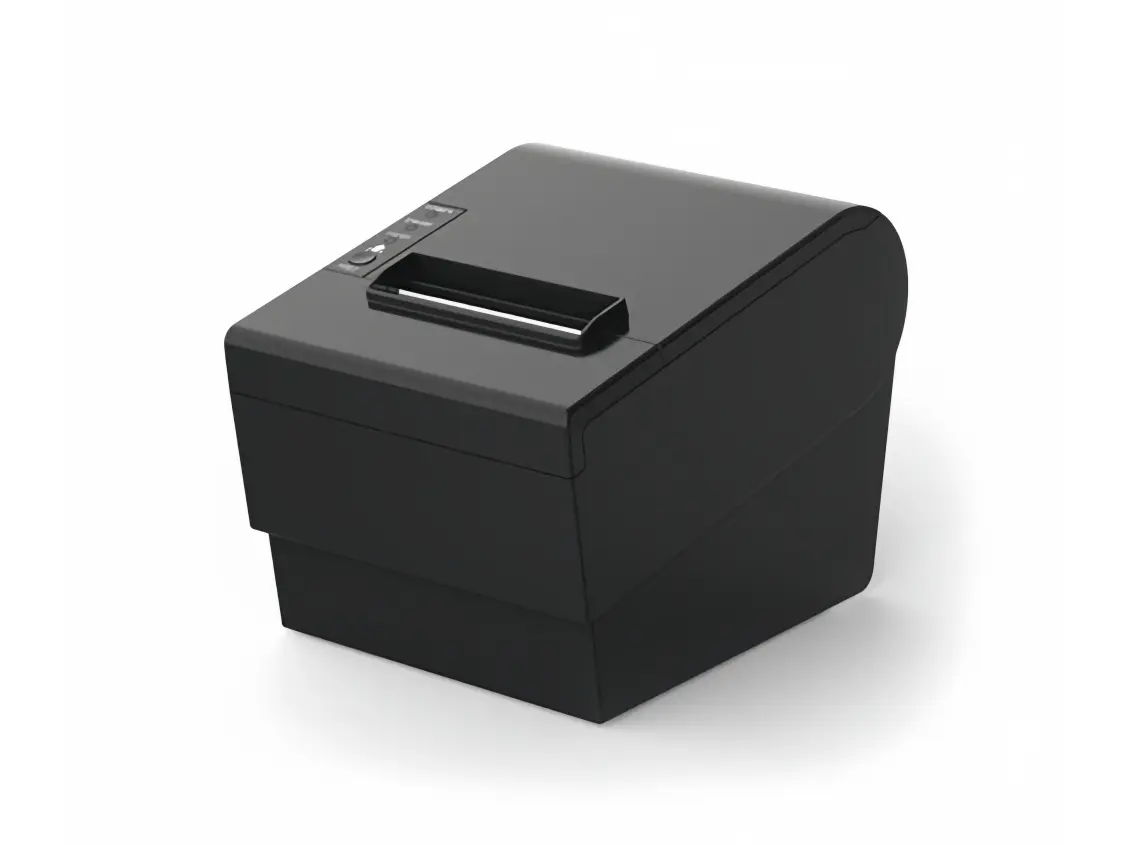 Receipt Printer
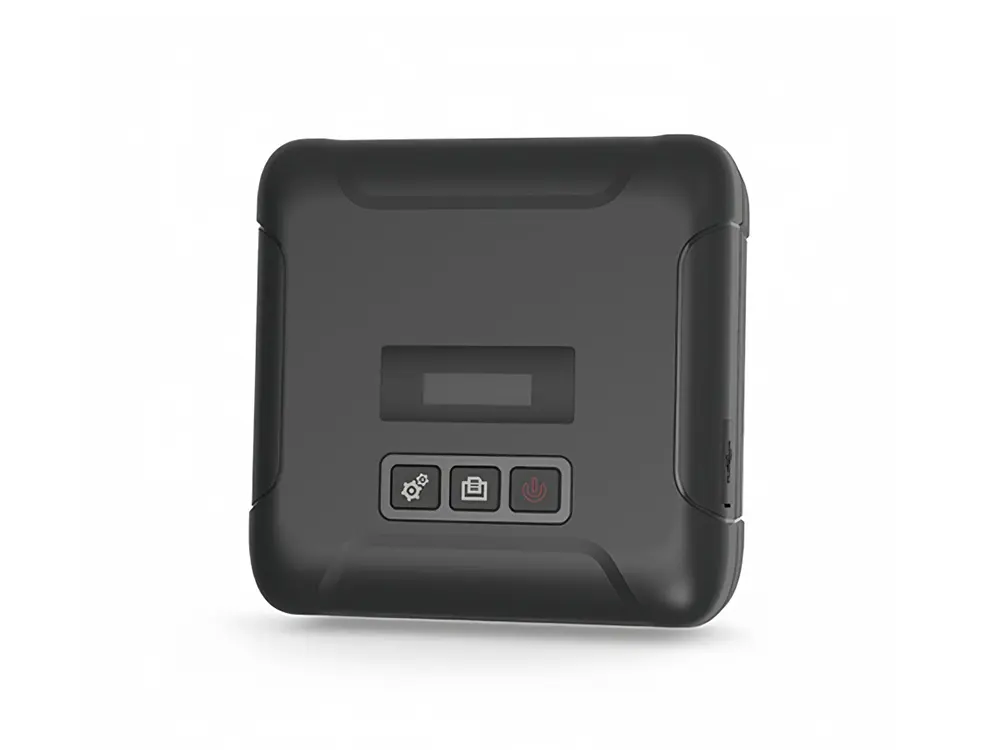 Mobile Printer