How to Print Barcodes Effectively for Your Business?
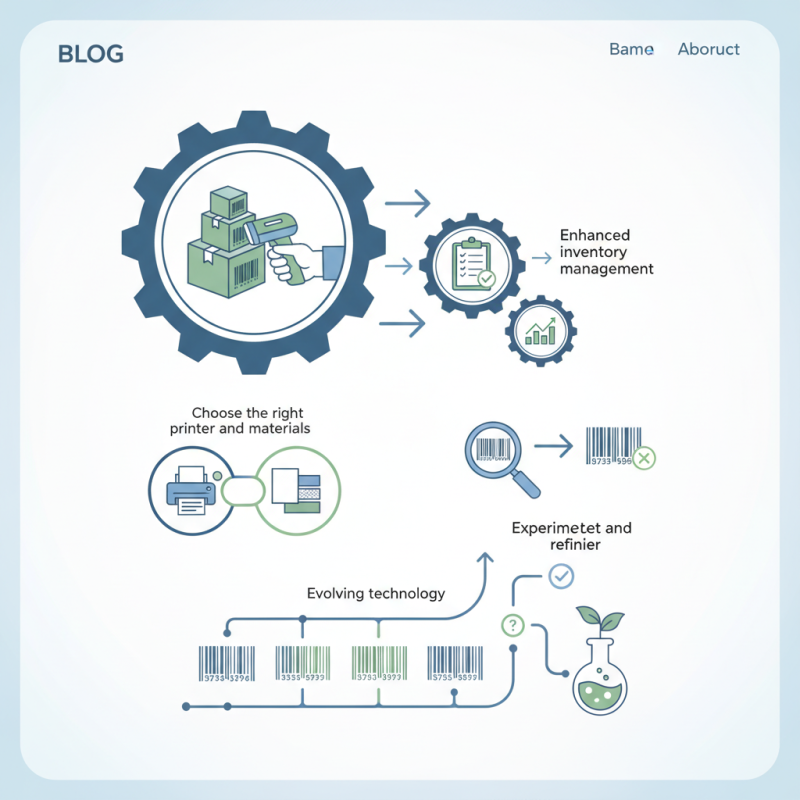
In the fast-paced business world, effective barcode printing is crucial. According to expert John Roberts, “Printing Barcodes efficiently can enhance your inventory management significantly.” This highlights the importance of mastering the techniques involved.
Many businesses struggle with minor errors in their barcode printing process. These errors can lead to inventory discrepancies and customer issues. Attention to detail is vital, but it’s easy to overlook. Choosing the right printer and materials is essential for achieving optimal results.
The landscape of Printing Barcodes continues to evolve. Staying updated on technology helps businesses adapt. However, not all approaches work perfectly. Some may find that what works for one application might not suit another. Experimenting and refining the process is often necessary to find the best solutions.
Choosing the Right Barcode Type for Your Business Needs
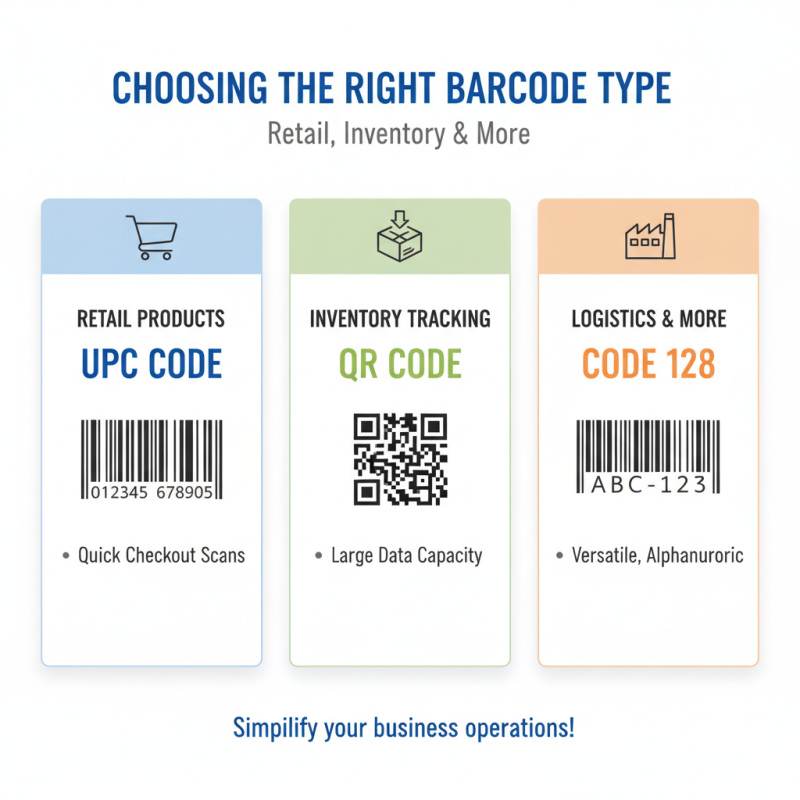
Choosing the right barcode type can be challenging. Different types have unique applications and benefits. For example, UPC codes are common in retail. They help scan items quickly at checkout. However, if your business deals with inventory tracking, you might need QR codes or Code 128. These barcodes store more information. They are versatile for various uses.
Before deciding, consider your needs. Think about your customers and how they interact with products. Will they be scanning barcodes with smartphones? If so, QR codes could be ideal. But if the focus is on efficiency during shipping, look at 1D barcodes. They are easy to print and scan.
It's essential to assess the limitations too. Some barcode types may not work well in specific environments. For instance, if labels are exposed to moisture, certain materials may fail. Reflect on these aspects to ensure your choice is effective and reliable.
Selecting Quality Printing Equipment for Barcode Production
When selecting quality printing equipment for barcode production, it’s essential to consider several factors. Research shows that around 70% of businesses report inefficiencies due to poor barcode quality. This can lead to inventory errors and customer dissatisfaction. Your choice of printing equipment directly impacts how clearly your barcodes are printed.
Investing in thermal printers can be beneficial. Data indicates that thermal transfer printing provides longer-lasting barcodes than direct thermal methods. However, thermal printers come with a higher initial cost. The key is to analyze your volume and budget. In some instances, a lower-cost printer might not meet the durability needed for high-demand environments.
Another crucial aspect is the type of barcode you are printing. For example, 1D barcodes are easier to print, but 2D barcodes hold more information. If your business is considering growth, tracking systems need a more advanced solution. Choosing the wrong equipment can lead to significant rework and lost resources. Balancing cost and quality while adapting to future needs is vital.
Barcode Printing Quality Comparison
Designing Barcodes for Readability and Scanning Efficiency
Designing barcodes for maximum readability requires attention to detail. Start by choosing the right size. A barcode that is too small can lead to scanning failures. A good rule of thumb is to keep it at least 1 inch wide. Placement is crucial. Keep barcodes at eye level. Avoid curves or wrapping around complex shapes.
Here are some tips. Use high-contrast colors for your barcodes. Black on white works best. Avoid busy backgrounds that can confuse scanners. Ensure the quiet zone, the space around the barcode, is clear. This zone helps scanners detect the barcode more easily.
Finally, consider the font. Use simple, easily readable fonts for any accompanying text. Avoid decorative styles. Test your barcodes after designing. Some may not scan as expected. Have a plan for reworking those designs. It’s all about fine-tuning for efficiency. Minimal imperfections can lead to frustration, so always check twice.
How to Print Barcodes Effectively for Your Business? - Designing Barcodes for Readability and Scanning Efficiency
| Barcode Type |
Recommended Usage |
Print Quality |
Scanning Distance |
Color Considerations |
| UPC |
Retail product labeling |
High resolution, clean lines |
Close range, within 12 inches |
Black on white for best results |
| QR Code |
Marketing and advertising materials |
Good quality, no pixelation |
Effective at various distances, up to 3 feet |
Can include color patterns but ensure contrast |
| Code 128 |
Shipping and inventory management |
High quality, sharp contrast |
Up to 3 feet distance |
Preferably black and white |
| EAN |
Global trade item numbering |
Requires high resolution |
Within 12 inches |
Black on light background is optimal |
Implementing Barcode Software Solutions for Printing
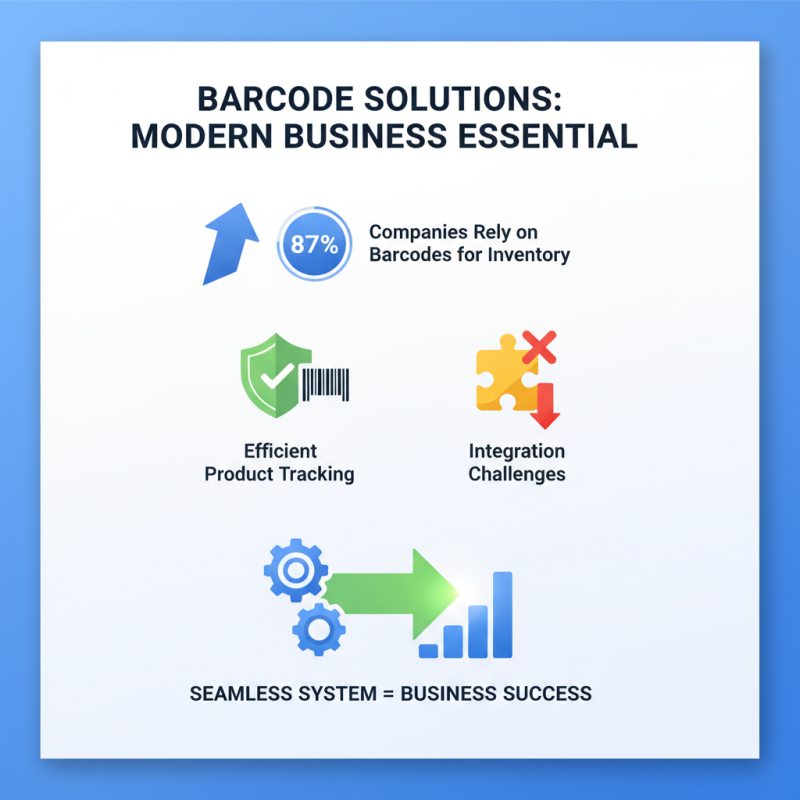
Implementing barcode software solutions is crucial for modern businesses. According to recent industry reports, about 87% of companies rely on barcodes for inventory management. This statistic highlights how essential barcode systems are in tracking products efficiently. However, many businesses struggle with integration. A seamless system is vital for success.
Barcode software must be user-friendly. Employees should quickly learn to use it. Complicated software can create delays. In fact, a study found that 30% of companies faced challenges due to inadequate training. This indicates that investing in proper training is equally important as the technology itself. Simplified interfaces encourage consistent usage.
Printing quality matters. Poorly printed barcodes can lead to scanning errors. It’s estimated that errors from bad prints can cost companies up to $25,000 a year in lost sales and inventory discrepancies. Regular maintenance and calibration of printers could mitigate this risk. Testing prints before full-scale production is also a wise practice. These small steps can save significant resources in the long run, but many businesses overlook them.
Testing and Troubleshooting Barcode Print Quality and Scanning
Testing and troubleshooting barcode print quality is critical for any business. Poorly printed barcodes can lead to scanning errors and inventory inaccuracies. According to a study by GS1, up to 30% of barcode scans may fail due to quality issues. This highlights the vital importance of a systematic approach to barcode printing.
Regular checks are essential. Inspect barcodes for clarity and contrast. A common mistake is using the wrong settings on printers. Incorrect DPI settings can lead to blurriness. Ensure the barcode's dimensions match the specifications. For instance, a barcode that is too small may not scan reliably. Environmental factors also play a role. Dust or smudges can impede scanning.
Testing with devices before full implementation is advisable. Conduct sample scans to gauge reliability. Monitor feedback from scanning personnel. Sometimes, scanning issues stem from the scanner calibration, not the barcode itself. Regular maintenance of equipment is crucial. Neglecting it can cause recurring problems. Effective troubleshooting requires attention to detail and an openness to reevaluation.

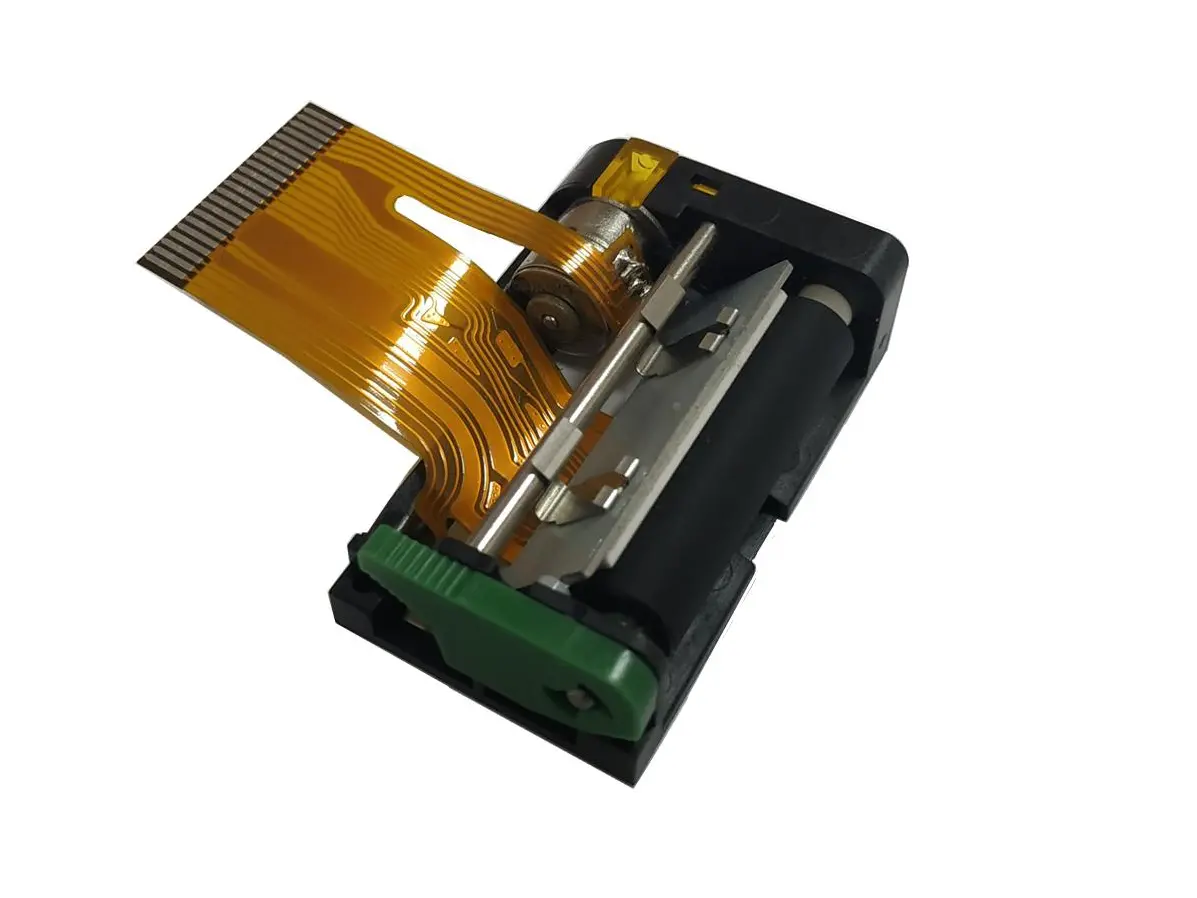 1 inch thermal printer mechanism
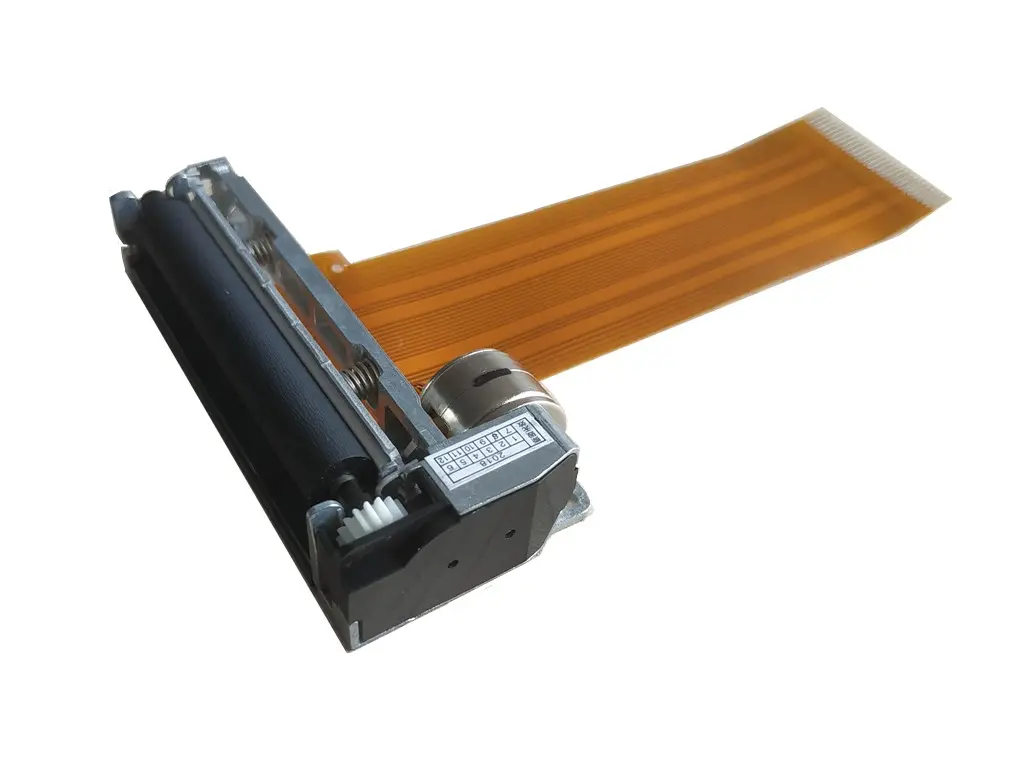 2 inch thermal printer mechanism
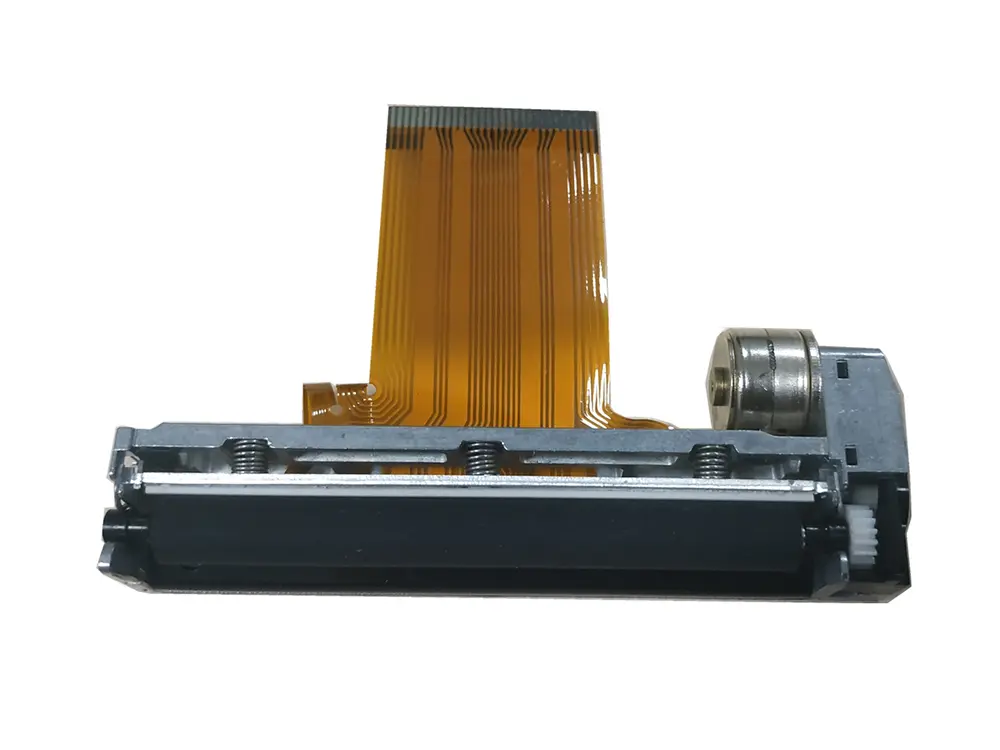 3 inch thermal printer mechanism
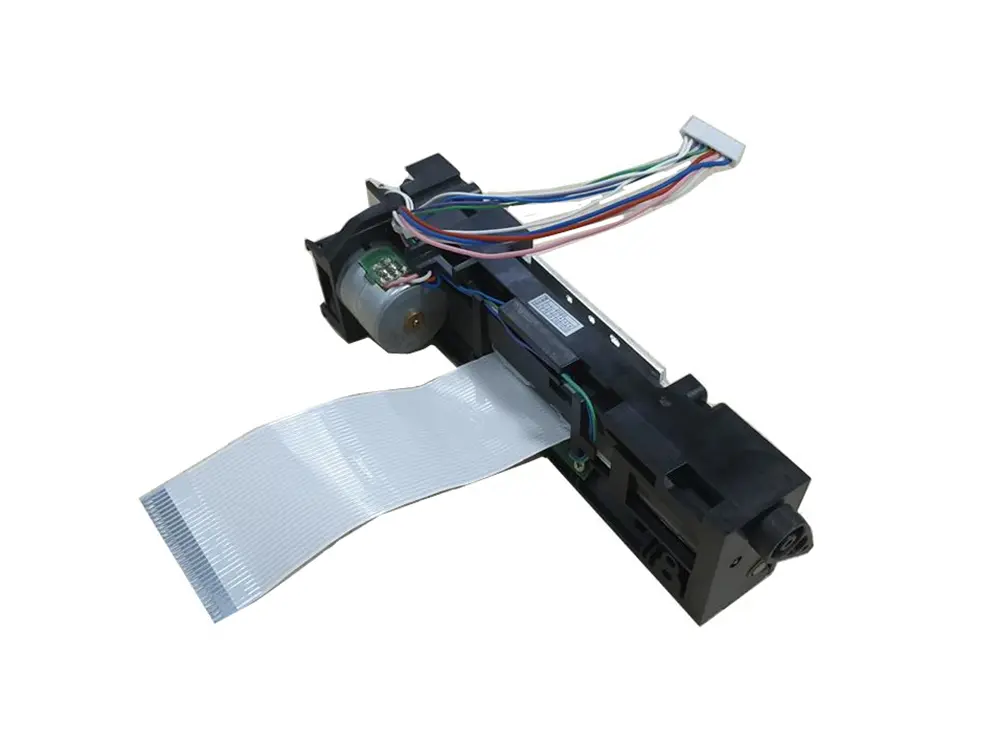 4 inch thermal printer mechanism
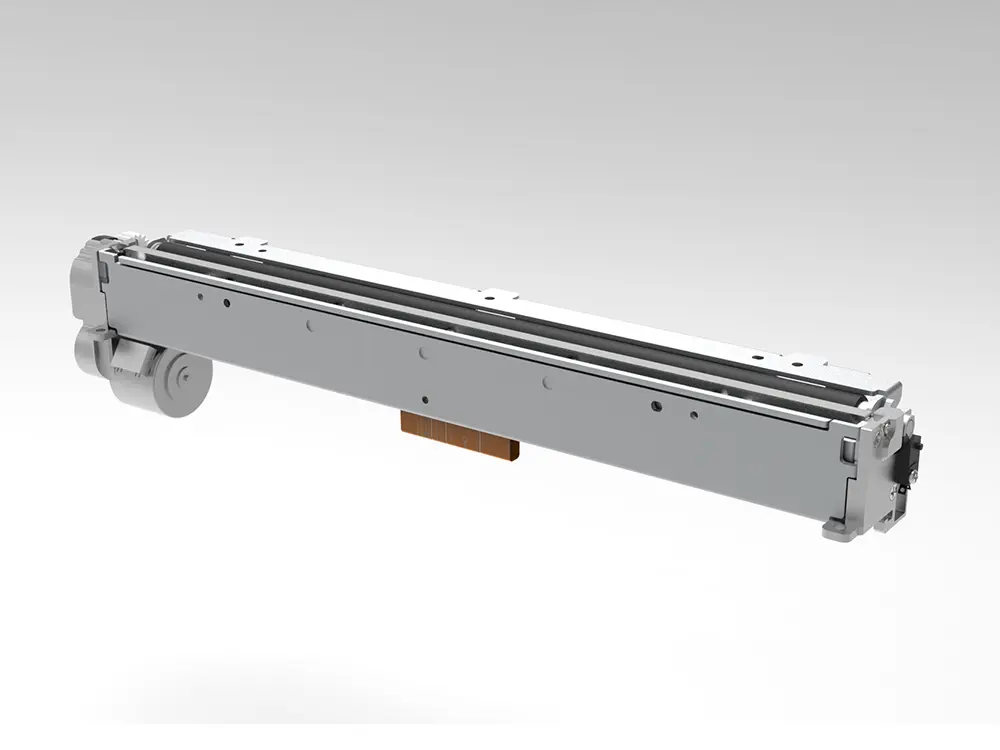 8 inch thermal printer mechanism
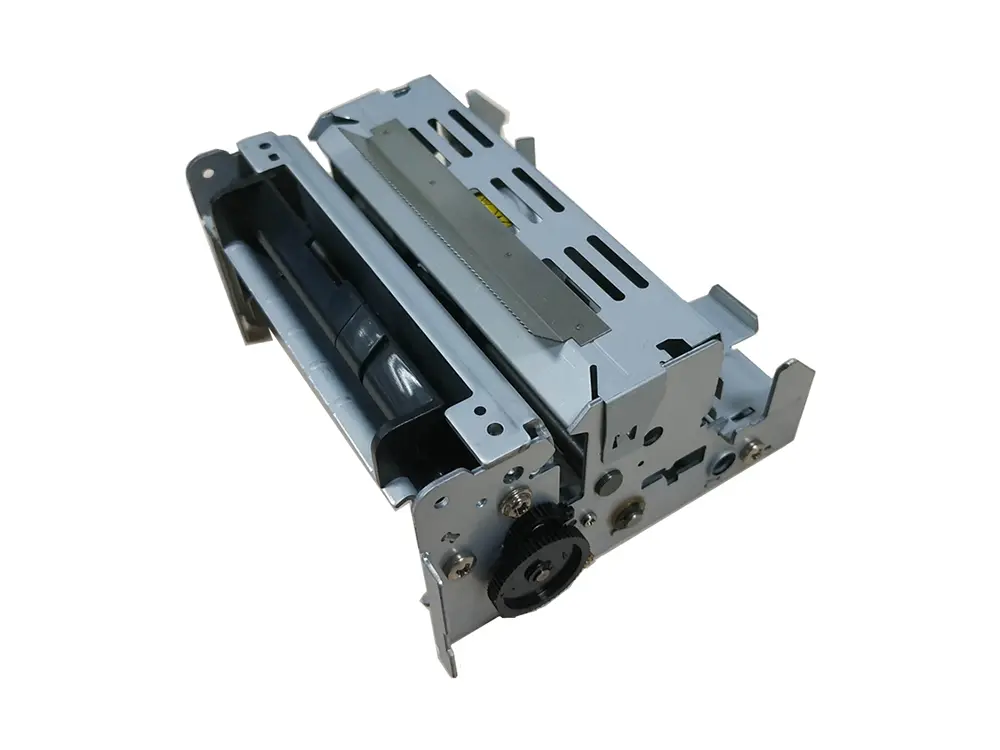 dot matrix printer mechanism
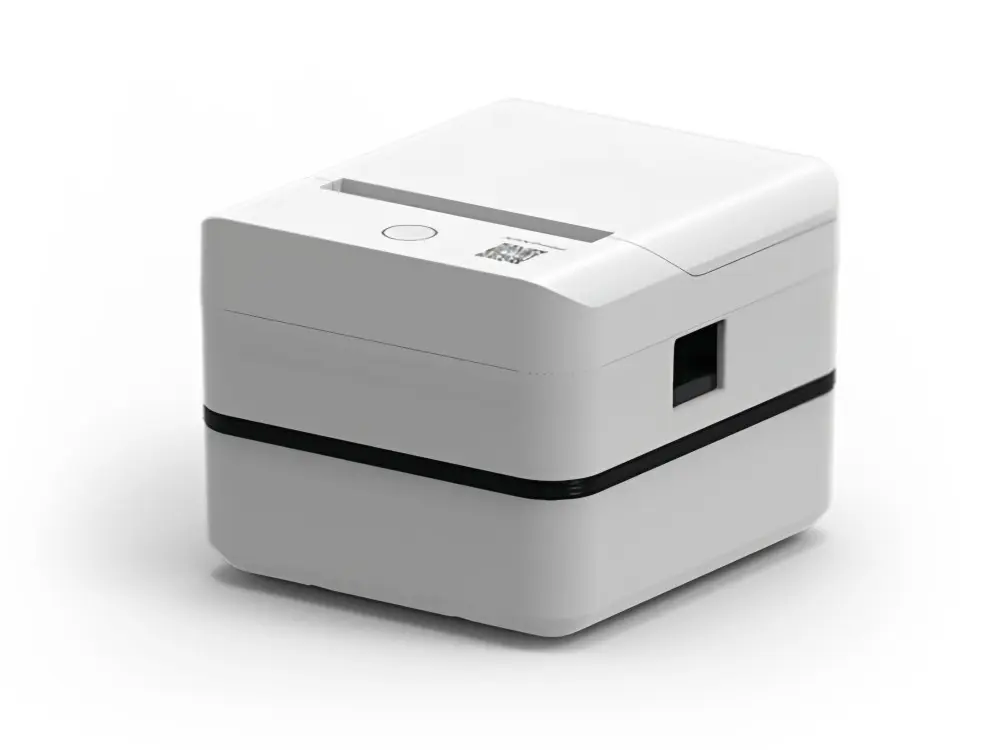 Label Printer
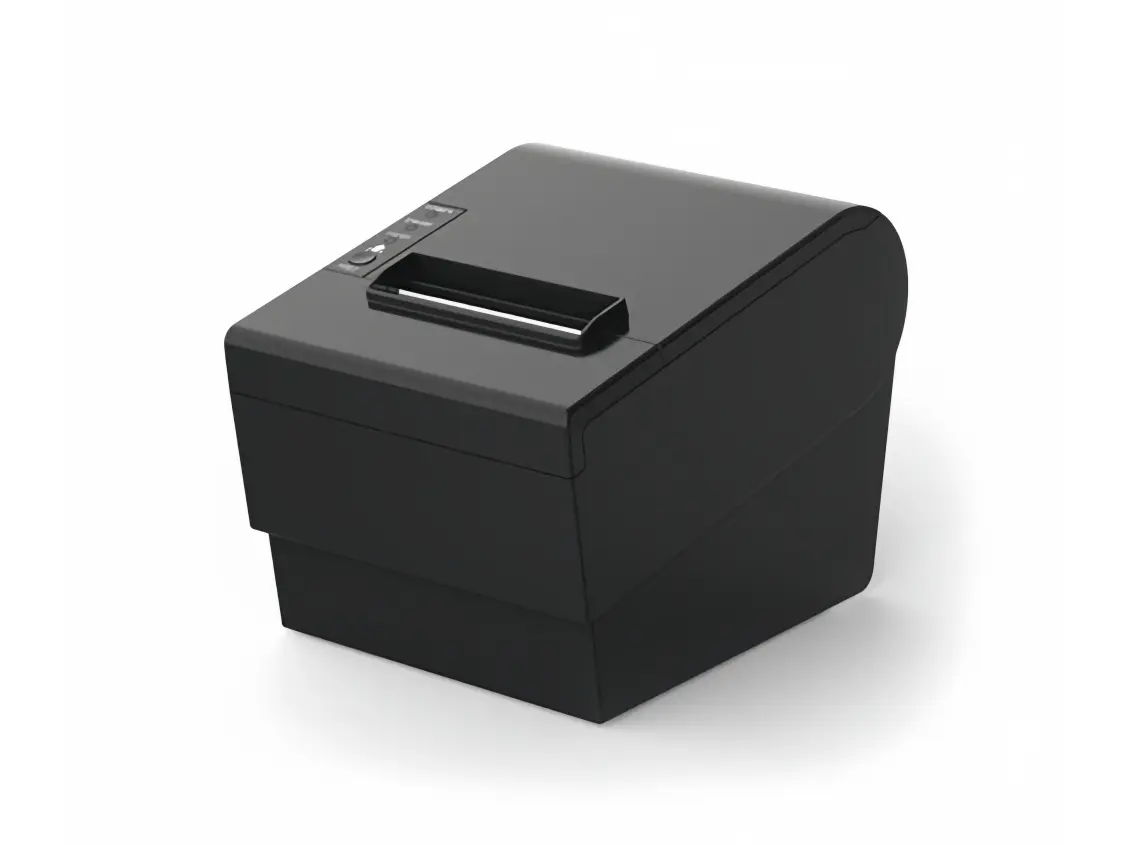 Receipt Printer
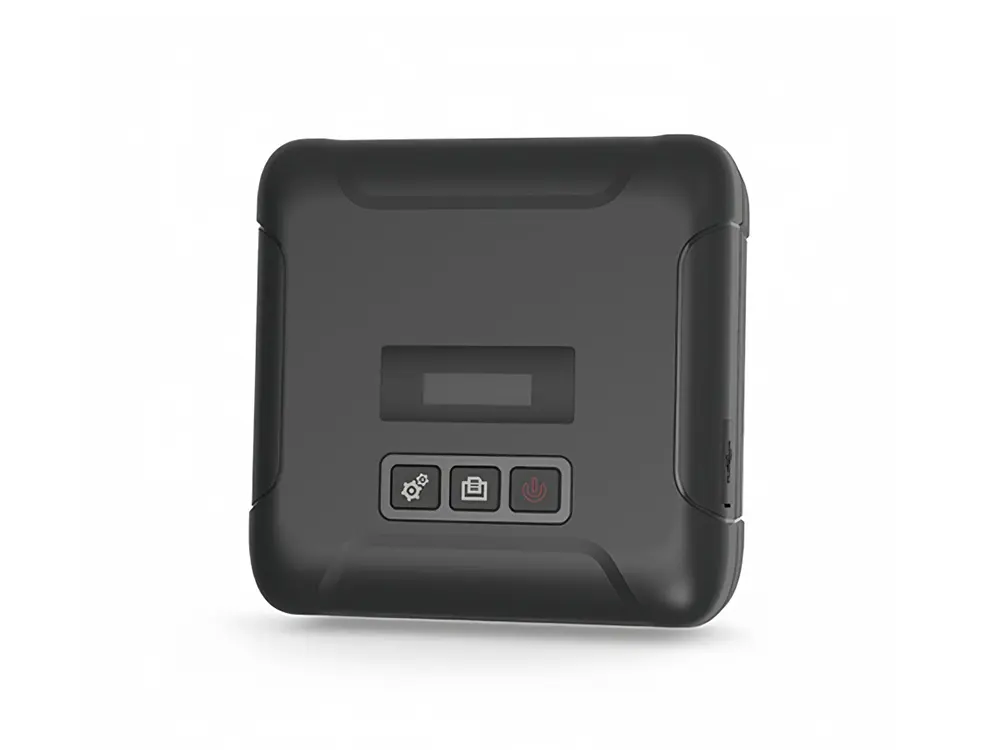 Mobile Printer