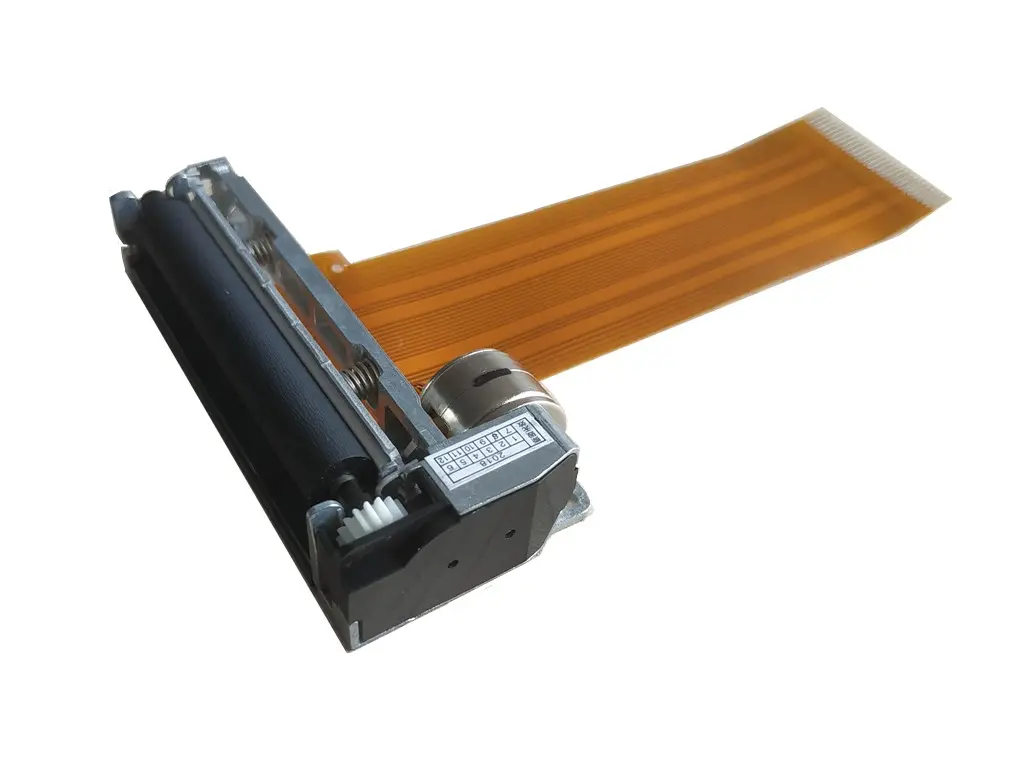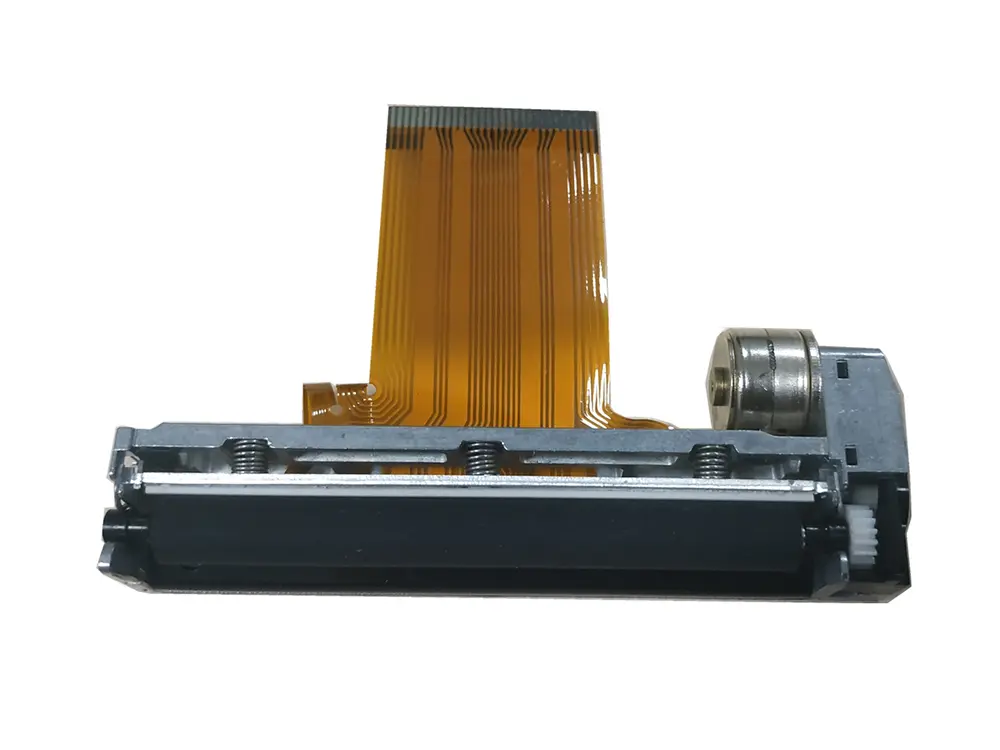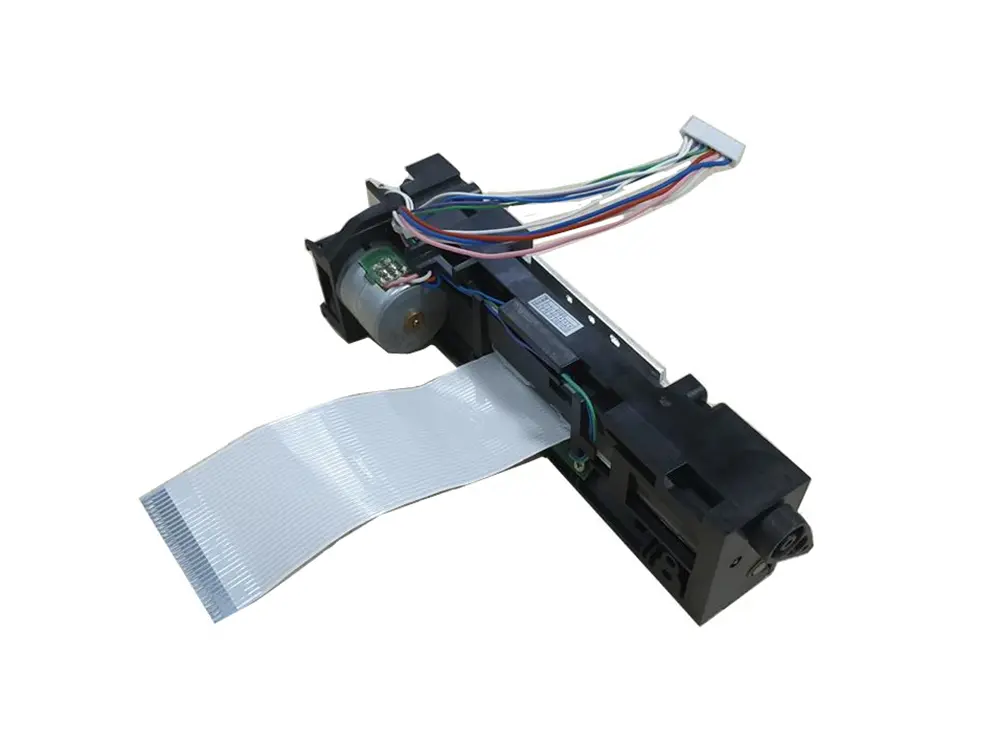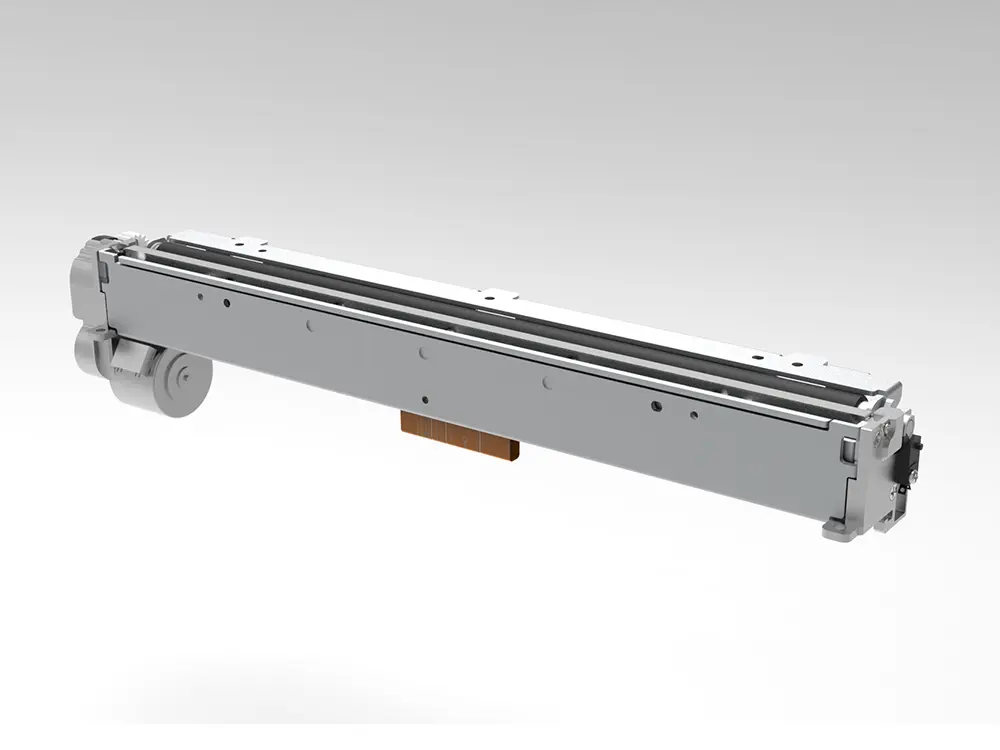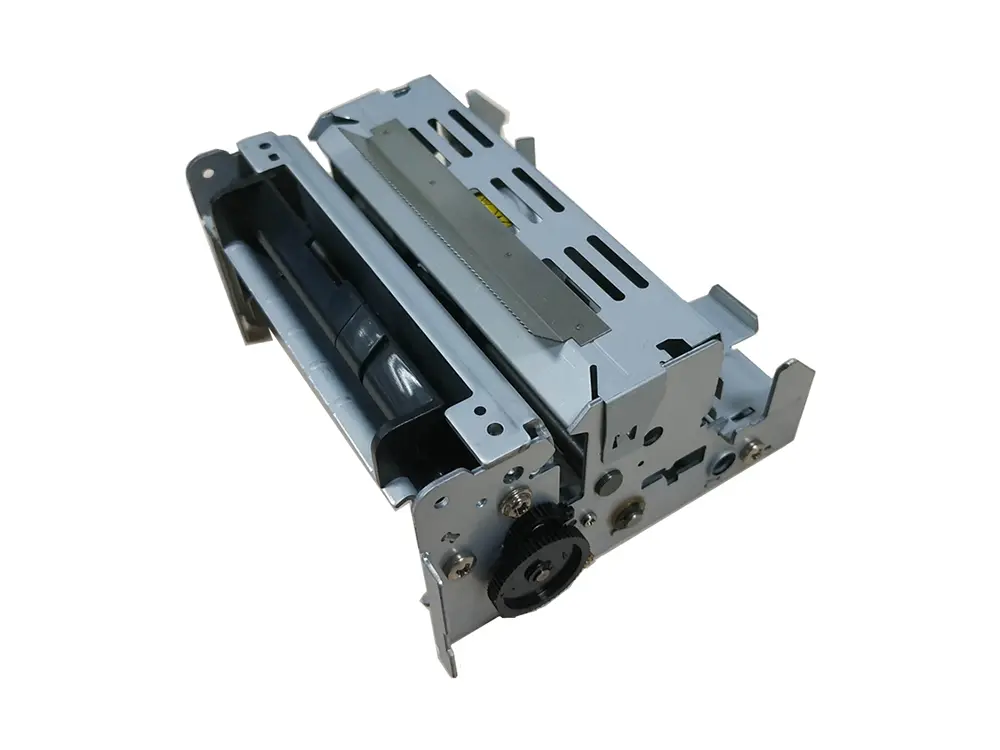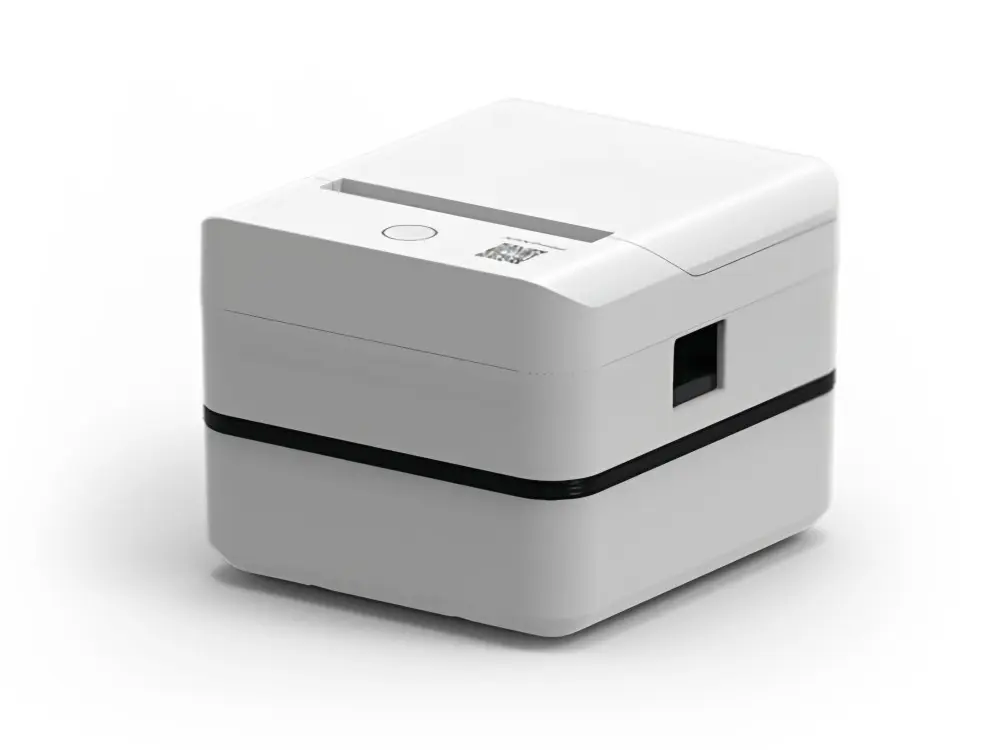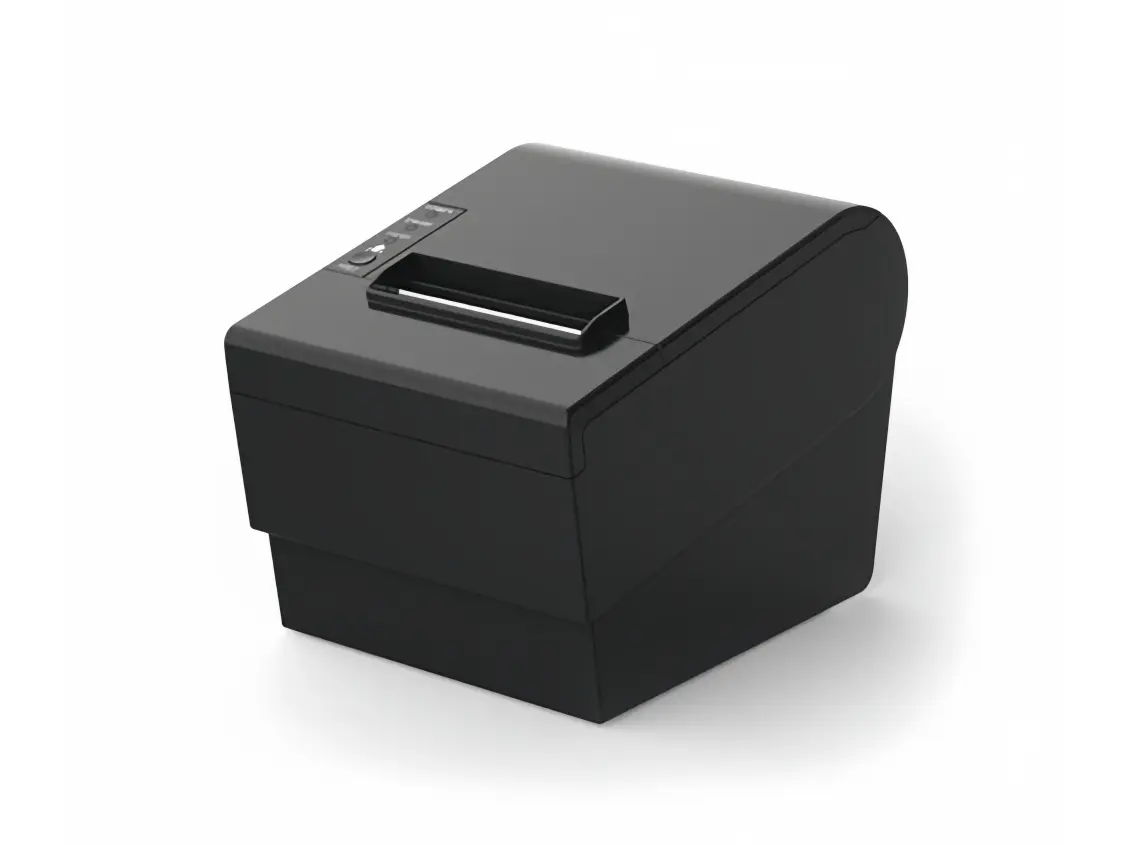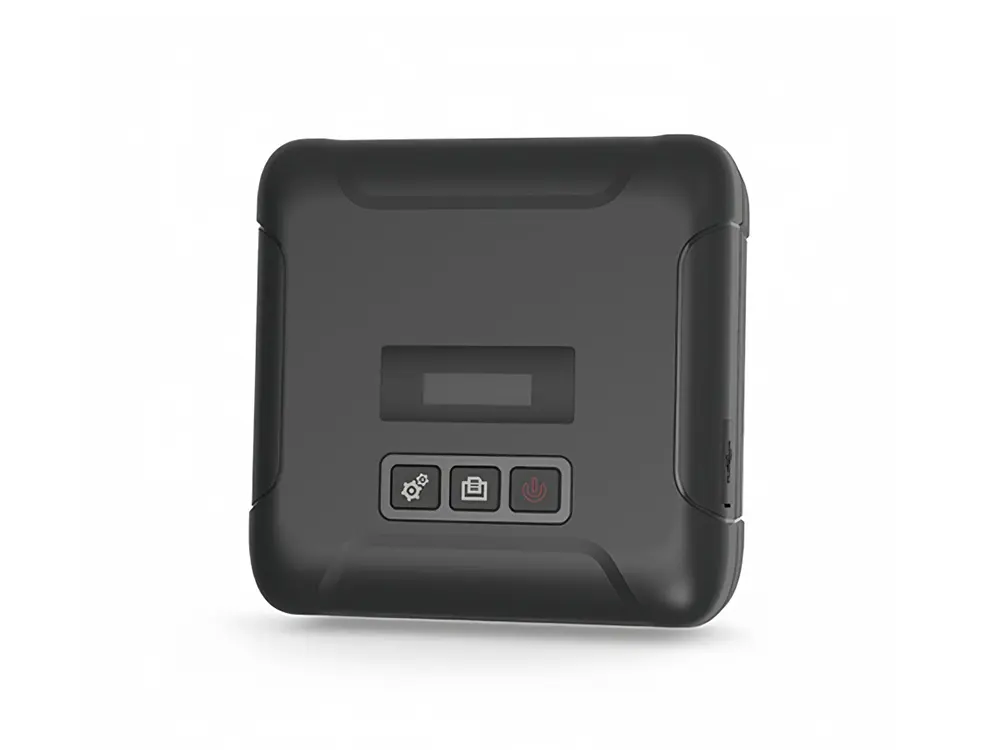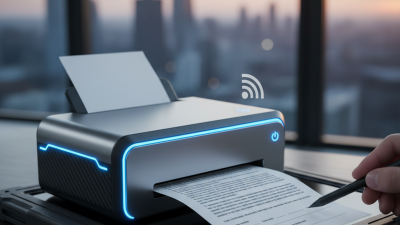
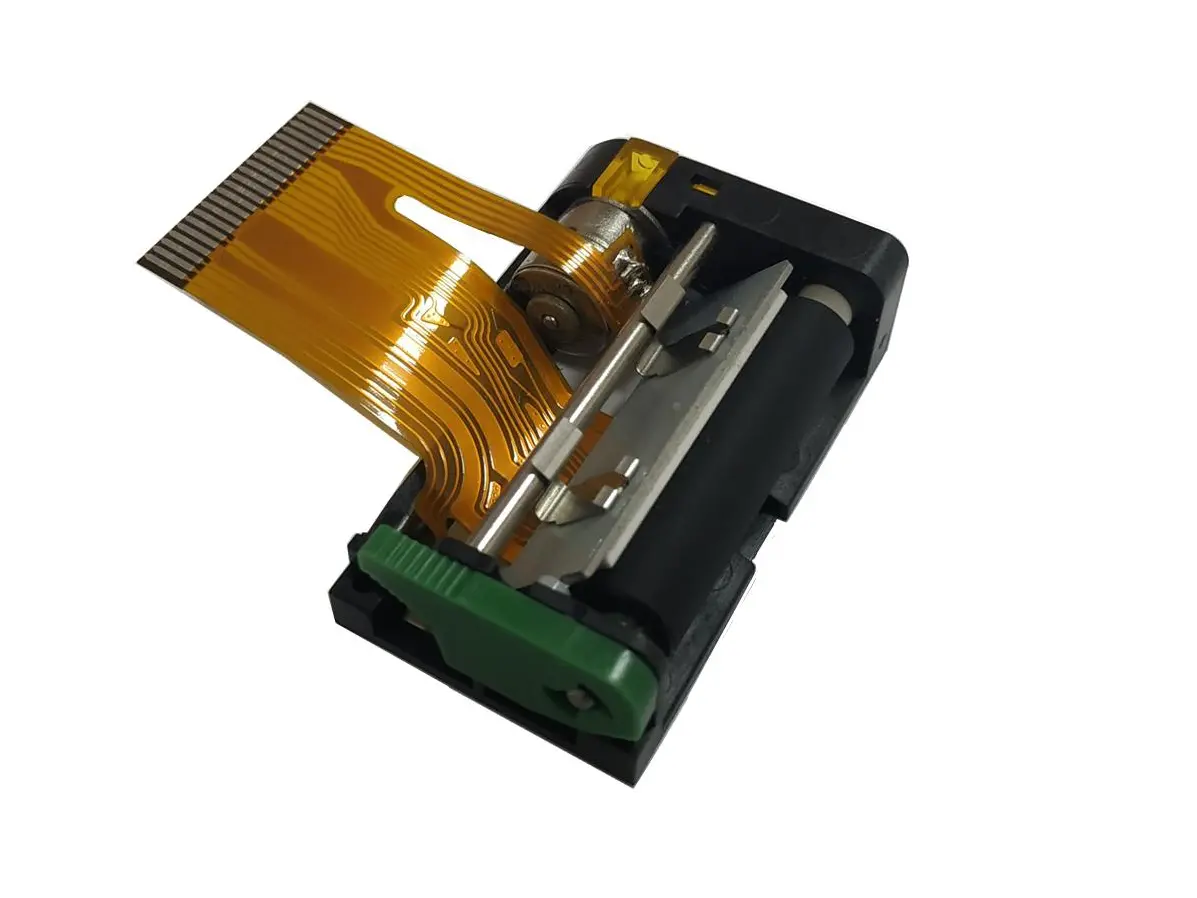
Choosing the right Thermal Receipt Printer is not simply a matter of comparing prices. A busy café, pharmacy, or retail counter needs dependable output during long queues. It also needs clear text, fast printing, simple paper loading, and stable connection options. A printer that looks efficient on a product page may behave differently beside a hot coffee machine or a crowded cash drawer.
Thermal printing specialist Daniel R. McCaffrey puts it plainly: “The best receipt printer is the one staff can trust during the busiest hour.” That observation matters. However, reliability alone does not answer every purchasing question. Print speed, resolution, paper width, cutter design, noise, power use, and compatibility with your point-of-sale system also require attention. Small details become expensive problems later.
Think about the working environment.
A compact 58mm model may suit a small takeaway counter. A 80mm printer can provide wider receipts and clearer item descriptions. Bluetooth may support mobile service, while Ethernet can offer stronger stability at a fixed checkout. The cheapest option may save money today, but frequent paper jams or weak connectivity can frustrate employees and customers.
This guide explains how to compare each feature with practical needs. It also considers maintenance, consumable costs, installation limits, and everyday handling. Some recommendations will remain imperfect because no single Thermal Receipt Printer fits every business. That is worth admitting. The best choice depends on your transaction volume, workspace, software, and tolerance for interruptions.
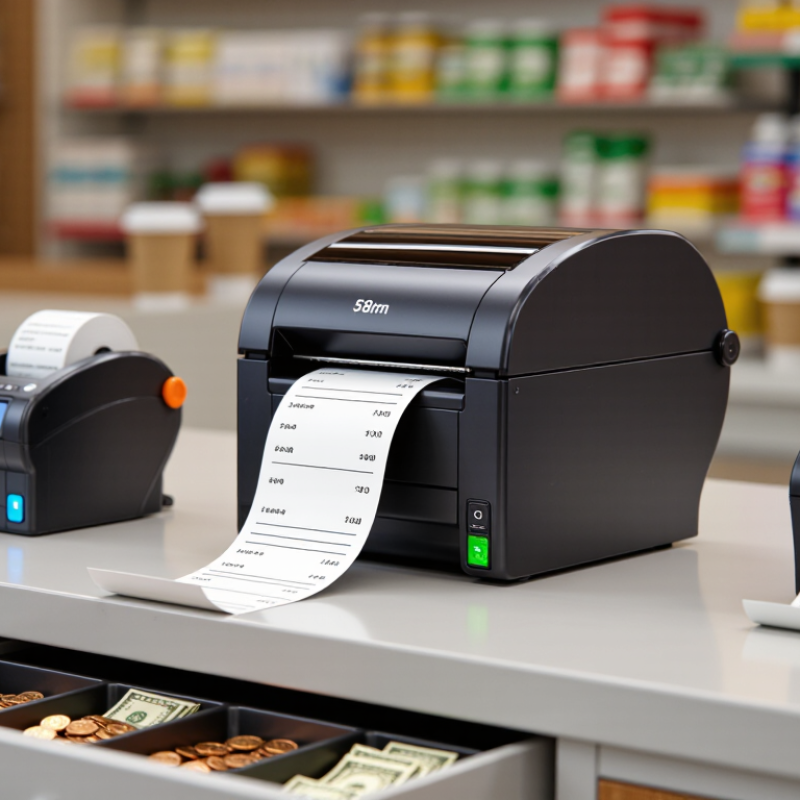
Understanding thermal receipt printer technology starts with the heating method. Direct thermal printers heat coated paper through tiny elements on a printhead. They need no ink, toner, or ribbon. Thermal transfer models use a ribbon, creating more durable labels and images. The choice is technical. According to Smithers’ 2024 report, the global thermal printing market is expected to grow steadily through 2029, supported by retail, logistics, and healthcare applications. This growth reflects practical demand, not just faster checkout.
Print quality depends on resolution, heat control, paper coating, and print speed. A 203 dpi printer often handles standard receipts well, while 300 dpi can improve small characters and dense graphics. However, higher resolution may increase cost and energy use. The U.S. Department of Energy notes that standby and operating efficiency should be evaluated together in commercial equipment. That detail matters. A fast printer can still waste time through paper jams, weak network connections, or slow wake-up performance.
In daily testing, I check a receipt after repeated printing, not only after one perfect sample. I also rub the paper, expose it to store lighting, and test different roll batches. Some direct thermal paper fades sooner than expected. Not always. IDC’s 2024 retail technology research continues to identify reliability and integration as major purchasing concerns for point-of-sale systems. A printer should support stable Ethernet, USB, or wireless communication, while its cutter and printhead should remain serviceable. My own selection mistake was focusing too heavily on speed. A quieter mechanism and consistent paper feeding often matter more during a long, crowded shift.

Choosing the best thermal receipt printer starts with understanding how your business actually prints. A busy café may produce hundreds of narrow receipts during lunch. A repair shop may print only a few invoices, but each one can contain detailed service information. Record your peak transactions, average daily volume, receipt length, and busiest hours. Guesswork often creates expensive problems.
Paper size matters more than many owners expect. Measure your current receipt roll and check the space beside the checkout. A wider format can improve readability, while a compact printer suits a crowded counter. Test the connection with your point-of-sale system before purchasing. USB works well for one workstation. Ethernet or wireless access may better support several terminals. Ask about print speed, cutter durability, noise, and replacement supplies.
Your working environment also affects the decision. A dusty market stall needs different protection than a clean hotel desk. If staff move the printer often, weight and cable placement become practical concerns. I once focused too heavily on speed and overlooked paper loading time. The faster machine still slowed our counter during busy periods. That mistake changed my testing method. Now, I watch staff load paper, clear a jam, and print ten consecutive receipts. Small details reveal the real workload. Check support quality, warranty terms, energy use, and compatibility with local receipt requirements before committing.
How to Choose the Best Thermal Receipt Printer?
Comparing printer types starts with the paper and the working environment. Direct thermal printers use heat-sensitive paper and need no ink or ribbon. They are quiet, compact, and practical for counters, kitchens, and mobile stalls. Thermal transfer models use a ribbon, producing longer-lasting labels or records. However, they usually cost more and require extra maintenance. For ordinary receipts, direct thermal printing is often the simpler choice.
Width matters. A 58 mm printer saves counter space, while an 80 mm model provides clearer item descriptions and tax details. Check the printer’s resolution, usually measured in dpi, and its speed in millimeters per second. A fast printer can reduce queues, but speed is not everything. Poor paper handling can still cause delays. Look for automatic cutters, paper sensors, spill-resistant housing, and an appropriate daily duty cycle.
Connectivity should match the checkout system. USB works well for a fixed workstation, while Ethernet supports stable network printing. Wi-Fi and Bluetooth offer flexibility, but wireless interference can be frustrating in busy spaces. Confirm operating-system support and command compatibility before buying. In practical testing, a printer with strong connectivity often outperforms a faster model with unreliable software. I once focused too much on speed and overlooked cutter noise. That small detail became irritating during quiet evening shifts. Reliable paper quality, accessible replacement rolls, and clear setup instructions also deserve attention.
A practical comparison of common receipt-printing technologies and the specifications that matter most.
| Printer Type | Printing Method | Typical Print Speed | Typical Resolution | Consumables | Durability of Output | Main Advantages | Limitations | Best Applications |
|---|---|---|---|---|---|---|---|---|
| Direct Thermal Receipt Printer | Heat is applied directly to chemically treated thermal paper. | Approximately 150–300 mm/s for common receipt models. | Usually 203 dpi. | Thermal paper rolls; no ink, toner, or ribbon. | Moderate; prints may darken or fade when exposed to heat, sunlight, chemicals, or prolonged friction. | Fast operation, quiet printing, simple maintenance, and low running complexity. | Requires compatible thermal paper and is less suitable for long-term archival records. | Retail checkout counters, restaurants, ticketing, kiosks, pharmacies, and delivery receipts. |
| Thermal Transfer Printer | Heat transfers ink from a ribbon onto paper or synthetic media. | Approximately 50–200 mm/s, depending on the model and media. | Usually 203 or 300 dpi. | Ribbon plus paper, label stock, or synthetic media. | High; output generally resists heat, moisture, light, and abrasion better than direct thermal output. | Long-lasting prints and support for a wider range of durable media. | Higher consumable cost, more maintenance, and slower operation than many direct thermal models. | Durable labels, inventory identification, outdoor or industrial documentation, and long-term tracking. |
| Impact Dot-Matrix Receipt Printer | Small pins strike an ink ribbon against paper to form characters. | Approximately 3–6 lines per second. | Typically lower visual resolution than thermal printers. | Paper rolls and ink ribbons. | Good resistance to heat and light; output quality depends on ribbon condition and paper. | Can create duplicate or multi-part forms and works in some demanding environments. | Noisier, slower, less compact, and usually less visually sharp than thermal printers. | Kitchen order printing, service counters, garages, and applications requiring duplicate copies. |
| Mobile Direct Thermal Printer | Direct thermal printing from a battery-powered compact device. | Approximately 50–120 mm/s. | Usually 203 dpi. | Small thermal paper rolls. | Moderate; depends strongly on paper storage and environmental exposure. | Portable, lightweight, wireless, and suitable for printing at the point of service. | Shorter battery runtime, smaller paper capacity, and narrower media options than desktop models. | Field service, mobile sales, curbside pickup, transportation, and delivery operations. |
Selection tip: For most indoor receipt applications, a direct thermal printer with 203 dpi, a print speed of at least 150 mm/s, automatic paper cutting, and USB or network connectivity provides a practical balance of speed, cost, and ease of use.
How to Choose the Best Thermal Receipt Printer?
Compatibility should be tested before appearance or advertised speed. Check whether the printer supports your point-of-sale software, operating system, connection type, and receipt width. USB may suit one counter, while Ethernet or wireless connectivity may work better across several stations. Confirm command-language support and driver availability with your software provider. A quick live test can reveal cut-off text, missing characters, or unreliable cash-drawer signals. Test it. These small failures become expensive during busy hours.
Durability depends on workload, environment, and maintenance habits. A printer used beside a kitchen may face heat, grease, and frequent paper changes. Look for a strong enclosure, accessible paper path, dependable cutter, and a printhead rated for your expected volume. Dust still matters. In practice, cleaning schedules are often ignored, even with good equipment. That weakness deserves honest attention. Ask about warranty coverage, replacement parts, and service response times before purchase.
Operating cost includes more than the purchase price. Compare paper consumption, energy use, cutter replacement, printhead life, and staff time spent clearing jams. A faster printer may waste money if it produces frequent misprints or requires proprietary supplies. Calculate the cost per receipt over twelve months. Include quieter operation and fewer interruptions, although these benefits are harder to measure. My own evaluation would leave room for uncertainty: usage forecasts are rarely perfect, and a low-cost choice can become costly under real demand.
Selecting the right thermal receipt printer starts with the counter, not the product box. Observe your busiest hour. A small café may print narrow receipts quickly, while a busy service desk may need wider paper and faster output. Measure the available space, including cable room and paper-roll clearance. A printer that fits neatly at 10 a.m. can become awkward during a rush. That detail is easy to miss.
Check connection options against your existing checkout system. USB suits a fixed workstation, while network connectivity helps shared counters or several terminals. Wireless models can reduce cable clutter, but signal strength matters near metal shelves and thick walls. Confirm supported paper width, print resolution, cutter design, and operating-system compatibility through reliable technical documentation. Ask how replacement rolls are stored and loaded. Small rolls may require frequent changes. In real use, that interruption affects staff more than a specification sheet suggests.
Choose durability based on measured workload, not optimistic estimates. Look for clear maintenance instructions, accessible print heads, and documented service response times. Test sample receipts with dense text, small QR codes, and pale graphics. Thermal printing can weaken under heat, sunlight, or prolonged storage. Keep a spare roll nearby. Record recurring jams for one week. My first choice would not always be the fastest model. A quieter, simpler unit may serve a calm counter better, though staff feedback should challenge that judgment.