How to Choose the Best Receipt Printer for Restaurant Use?
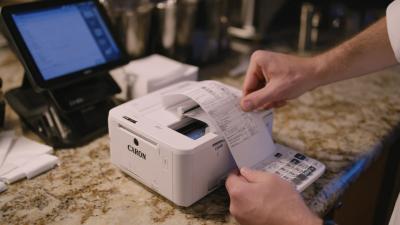
Choosing the right receipt printer for restaurant use can greatly impact your business efficiency. A reliable receipt printer for restaurant helps streamline transaction processes. It delivers fast, clear, and professional-looking receipts for your customers.
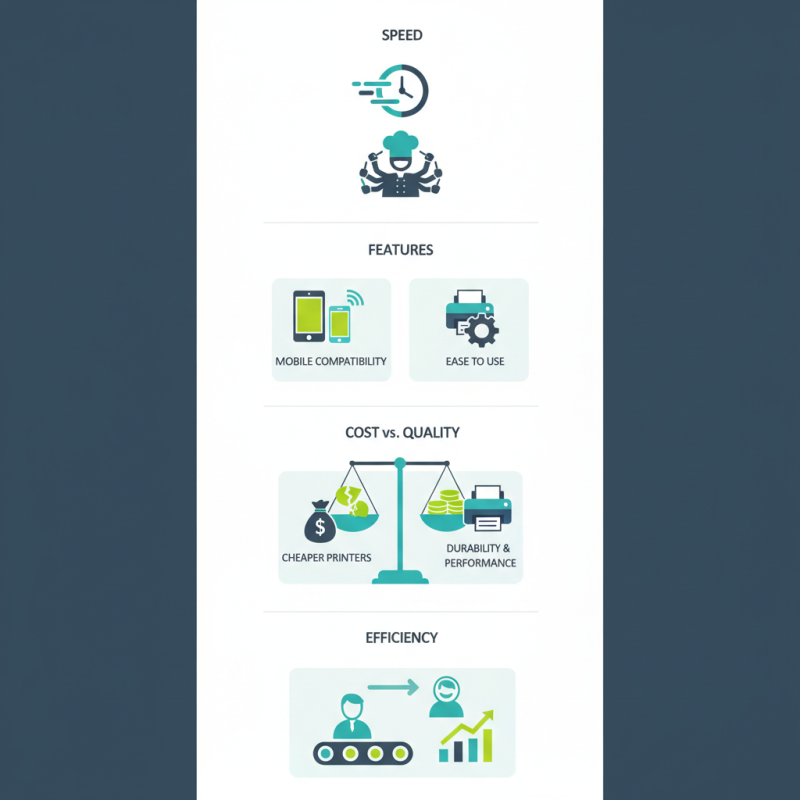
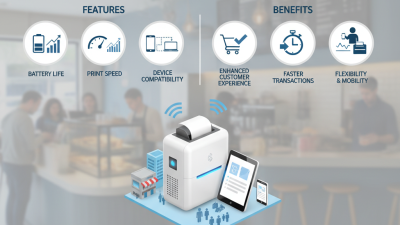
Consider the specific needs of your restaurant. A bustling establishment may require a high-speed printer. Look for features that cater to your restaurant's service style. Mobile compatibility might be essential if you take orders at the table. However, not every printer is easy to set up and use.
Balancing cost with quality is crucial. There are many options available, but cheaper printers may fail more often. Reflect on your budget but prioritize durability and performance. An unreliable printer can lead to delays and frustrated customers. Investing in the right receipt printer for restaurant use will ultimately enhance your overall operational efficiency.
Understanding the Importance of a Quality Receipt Printer in Restaurants
In the fast-paced environment of a restaurant, a reliable receipt printer plays a crucial role. It is not just a tool; it impacts customer satisfaction directly. A speedy printer can improve service times. Meanwhile, poor-quality printers can slow down operations. Imagine a busy night with slow receipts causing frustration among customers. This can tarnish a restaurant's reputation.
Quality is key in choosing a printer. Look for models that offer durability and performance. A field-tested printer can handle the demands of high-volume service. Thermal printers, for instance, are often quieter and faster. An efficient printer can also save costs on ink. However, some may find these options pricier initially. It's important to weigh long-term benefits against upfront costs.
Consider the connectivity options too. Some printers connect via Bluetooth or Wi-Fi. This flexibility can streamline operations. However, wireless options may face connectivity issues. Ensuring smooth operation should be a top priority. Think about your restaurant's specific needs. A well-chosen printer will enhance efficiency and improve customer experiences. A faulty choice may lead to operational headaches.
Key Features to Look for in Restaurant Receipt Printers
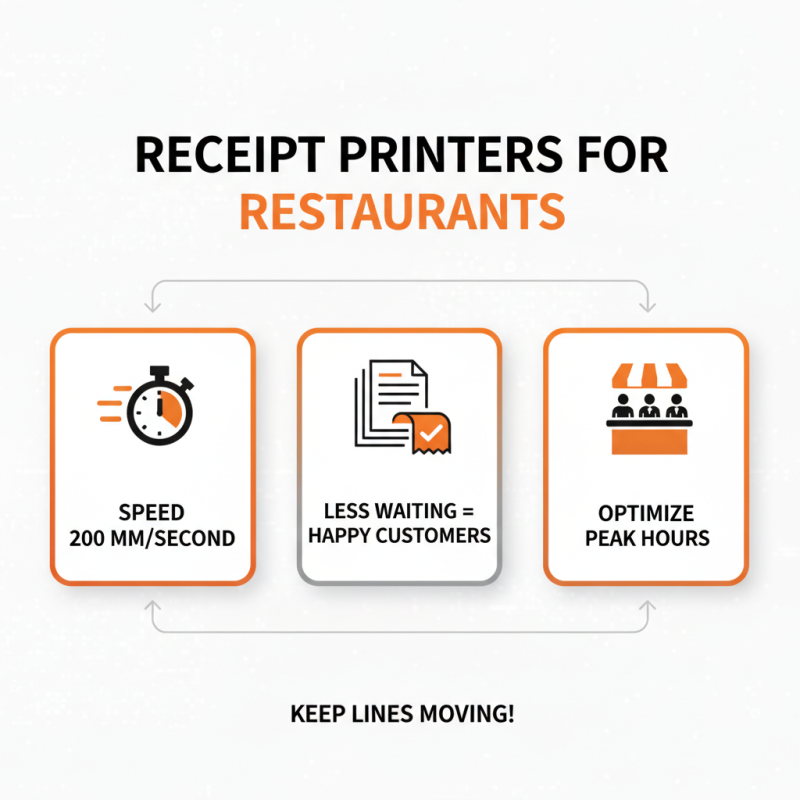
When choosing a receipt printer for your restaurant, consider the key features that matter most. Speed is vital. A printer that can produce receipts quickly helps keep lines moving. Look for a model that delivers a print speed of at least 200 millimeters per second. This can significantly reduce customer wait times during busy hours.
Connectivity options also play a crucial role. Many printers offer USB, Bluetooth, and Wi-Fi options. This allows flexible placement throughout your restaurant. However, wireless connectivity can sometimes be unreliable. Testing the connection in your specific environment is essential. A direct cable connection may seem outdated but can offer more reliability.
Paper handling is another factor to reflect on. Choose printers that support various paper widths. This adaptability is valuable if your menu changes. Lastly, think about durability. A reliable printer should withstand heavy daily use. However, occasionally, even the best printers can fail. Thus, maintaining a good relationship with a local technician might be wise.
Comparing Thermal vs. Impact Printers for Restaurant Use
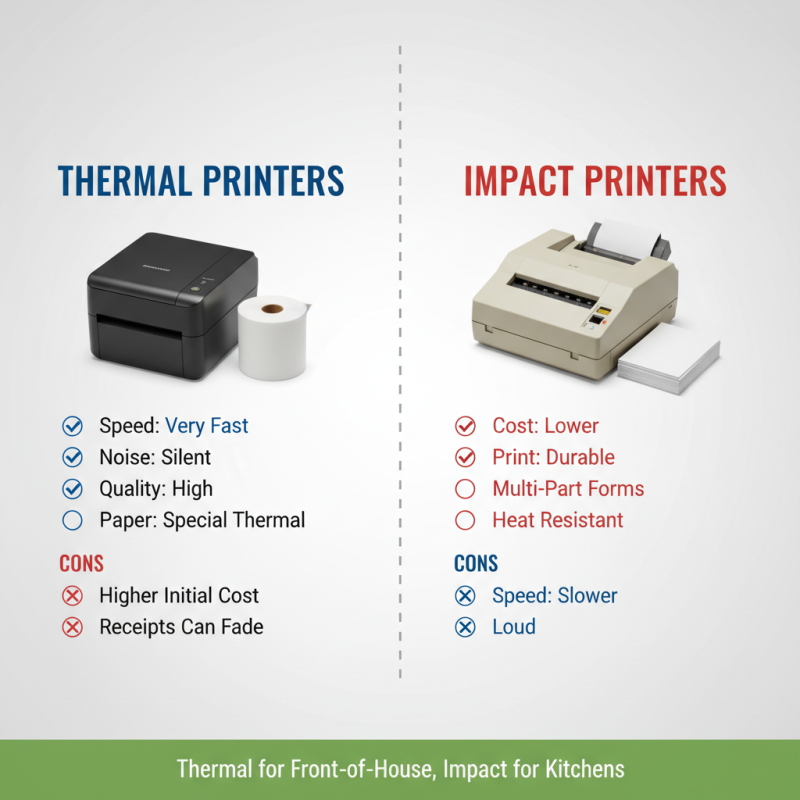
When selecting a receipt printer for restaurant use, understanding the differences between thermal and impact printers is essential. Thermal printers are widely preferred in the food industry. They provide a fast printing speed and produce high-quality prints. Their quiet operation is another advantage, as noisy printing can disturb the dining experience. However, thermal printers can be more expensive to maintain. The need for special thermal paper adds to the ongoing costs.
On the other hand, impact printers are less common but still useful in some settings. They use a ribbon to create impressions on paper, providing durability. This can be beneficial for environments where receipts may need to withstand moisture or spills. Yet, impact printers tend to be slower and noisier. In busy kitchens, this could create a chaotic environment.
Restaurant owners must weigh the pros and cons. Each type has its unique strengths and drawbacks. Thermal printers may seem attractive for their speed and quality, but cost considerations cannot be overlooked. Meanwhile, impact printers may cater to specific needs but lack in efficiency. Thoughtful reflection on the restaurant's specific requirements is crucial before making a decision.
Evaluating Connectivity Options for Restaurant Receipt Printers
When selecting a receipt printer for restaurant use, connectivity options are crucial. Restaurants often implement various systems, including point-of-sale (POS) terminals and kitchen display systems. A recent industry report indicates that 54% of restaurants prioritize wireless connections for flexibility. Wireless printers can reduce clutter and enhance mobility, allowing staff to take orders directly from tables.
Choosing the right connectivity type impacts efficiency. Many printers support Bluetooth and Wi-Fi connections. Employees appreciate these features, with 72% reporting faster service due to wireless technology. However, not all systems communicate seamlessly. Restaurants must evaluate their existing hardware to ensure compatibility. Some may find that older models struggle with newer wireless printers, which can lead to frustration.
Current data shows that 68% of restaurant operators experience technical issues during peak hours. This highlights the importance of reliable connections. It's not just about speed; it's about consistent performance. Careful consideration of connectivity will reduce downtime and enhance service. Connectivity isn't just a feature; it's a necessity in modern restaurant operations.
Assessing Printing Speed and Efficiency for High-Volume Settings
When selecting a receipt printer for a restaurant, printing speed and efficiency are crucial. High-volume settings demand a printer that handles multiple orders rapidly. An ideal printer should produce receipts in seconds, not minutes. Consider how quick the device can process orders during peak hours. Long waits frustrate customers and staff alike.
Efficiency goes beyond speed. A printer should easily connect to point-of-sale systems. It must handle various paper sizes and types without a hitch. Frequent paper jams can disrupt service and slow down operations. Assessing user reviews can reveal common issues related to these devices. Also, think about maintenance. A printer that is hard to maintain can lead to downtime, which impacts the bottom line.
Evaluate the compatibility with existing technology. Some printers may lack the features you need. It’s essential to consider both current requirements and future growth. A printer that seems ideal today might not fit tomorrow’s demands. It’s worth reflecting on these aspects to avoid common pitfalls associated with choosing a receipt printer.

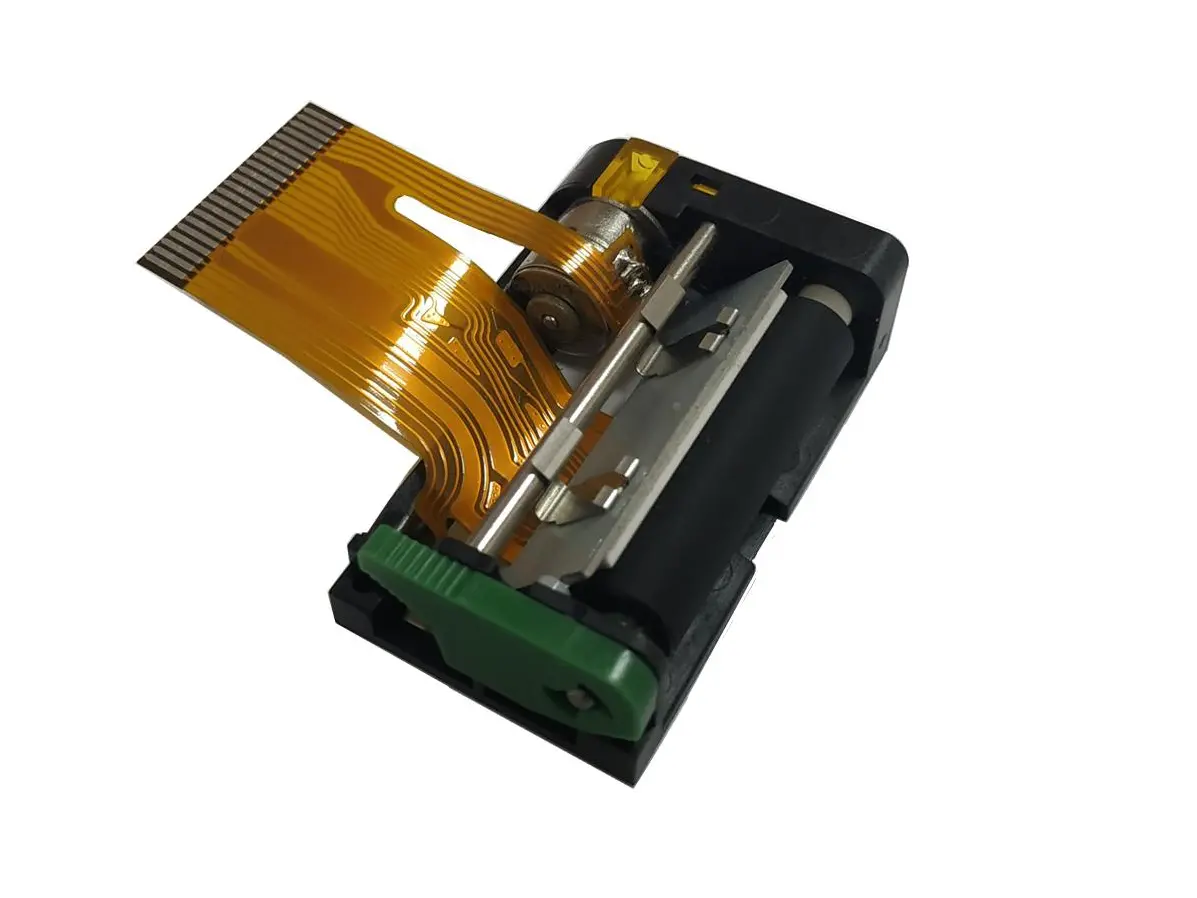 1 inch thermal printer mechanism
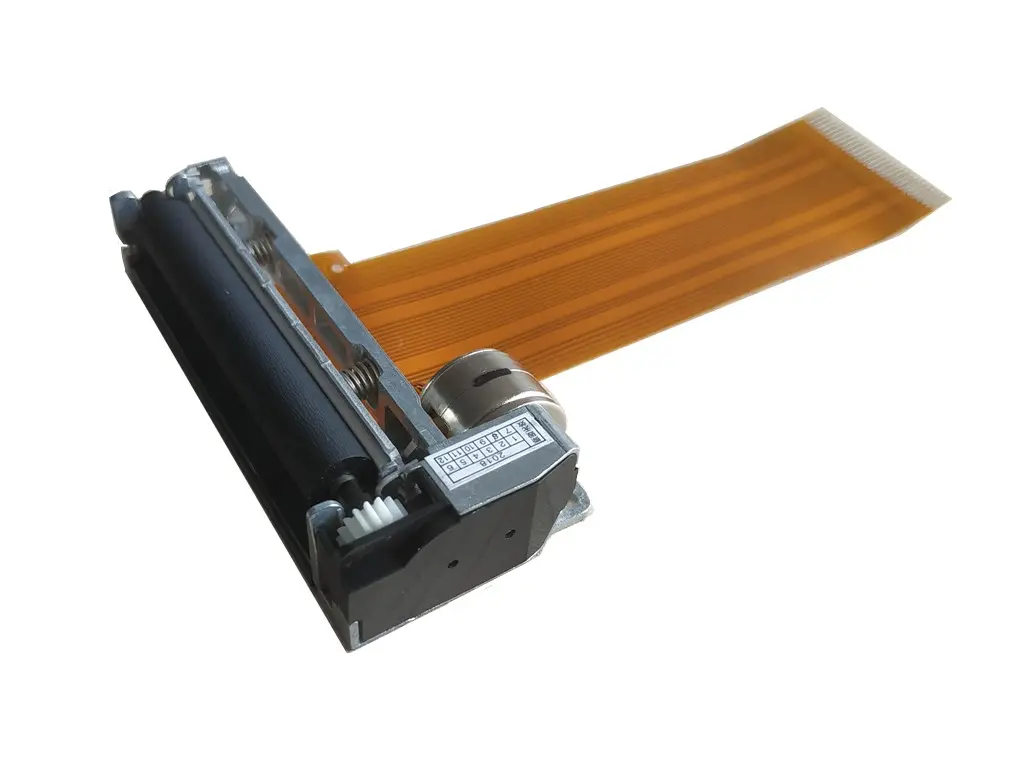 2 inch thermal printer mechanism
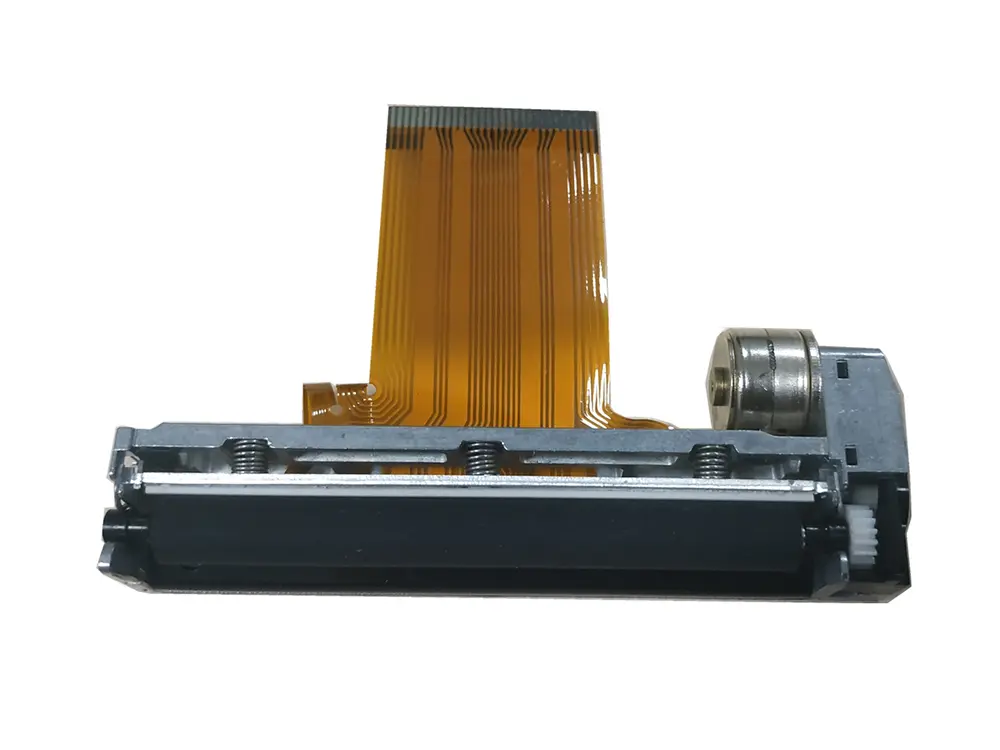 3 inch thermal printer mechanism
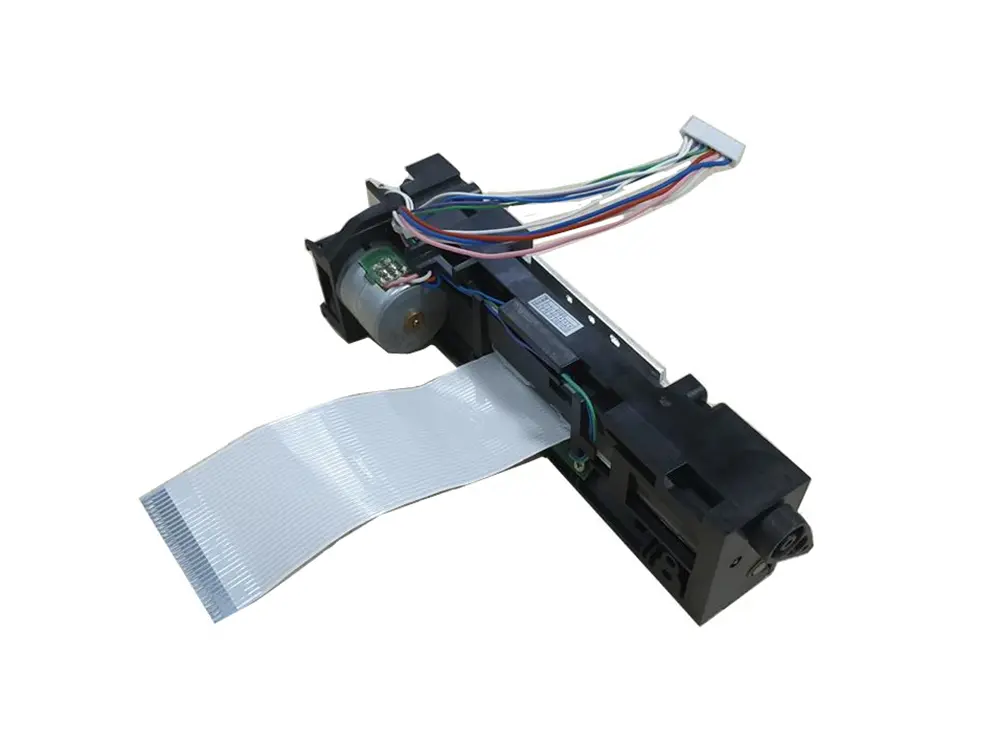 4 inch thermal printer mechanism
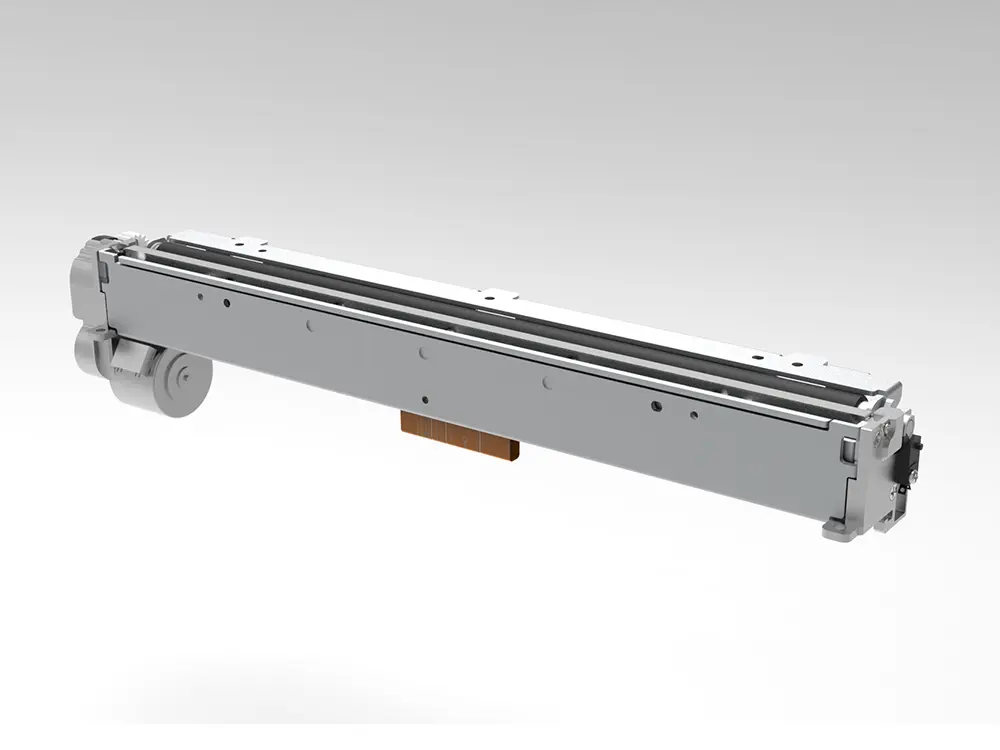 8 inch thermal printer mechanism
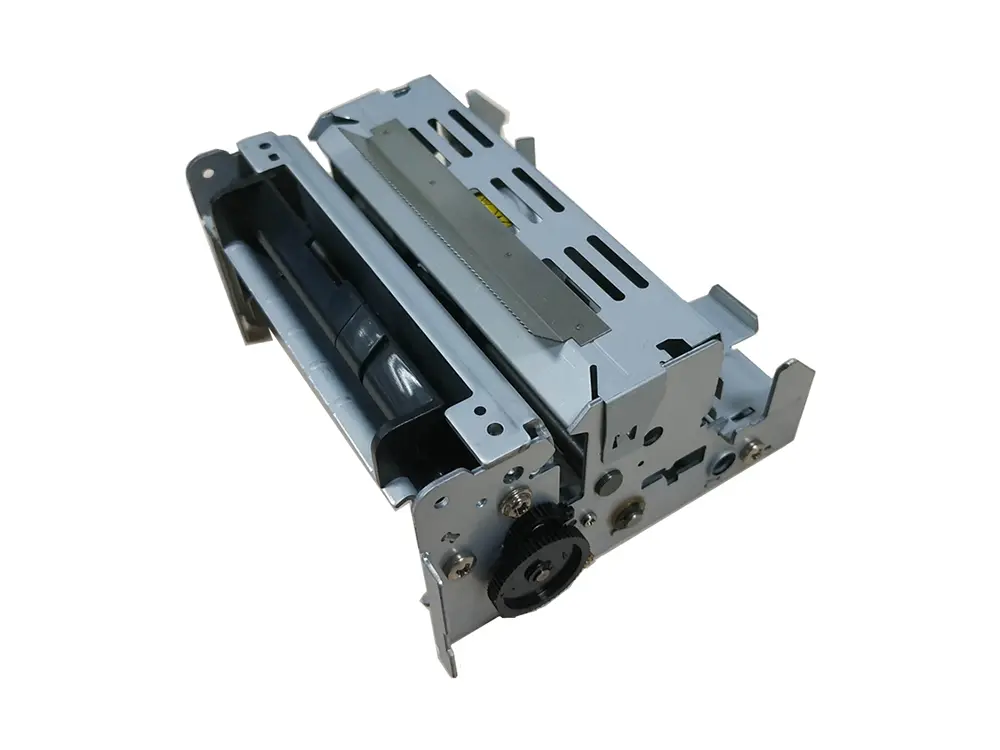 dot matrix printer mechanism
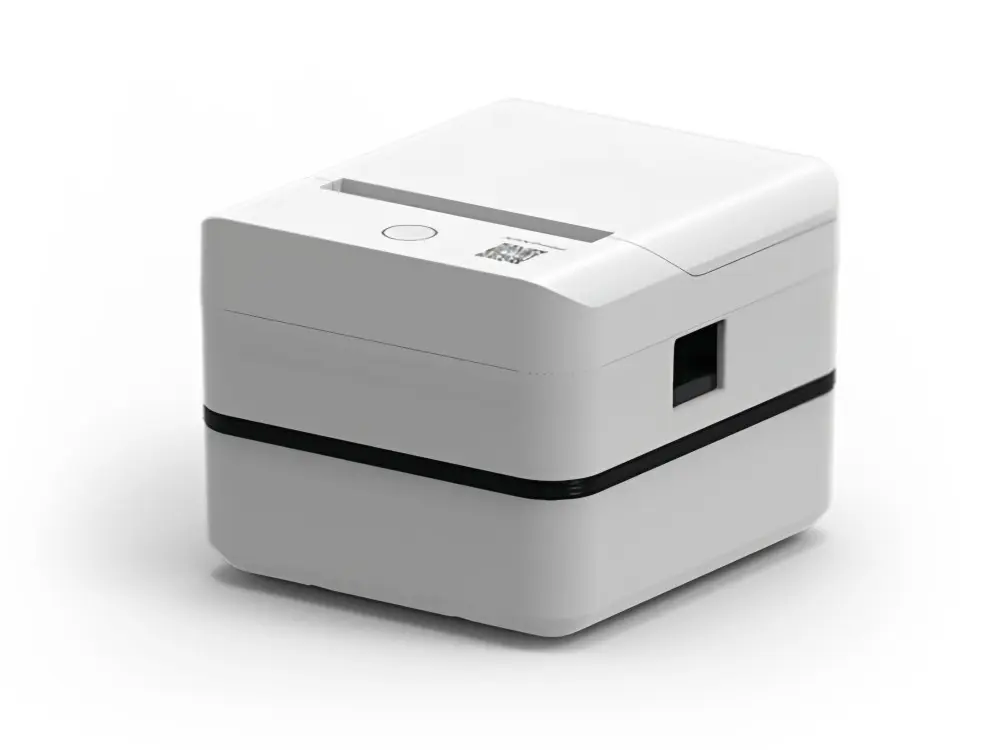 Label Printer
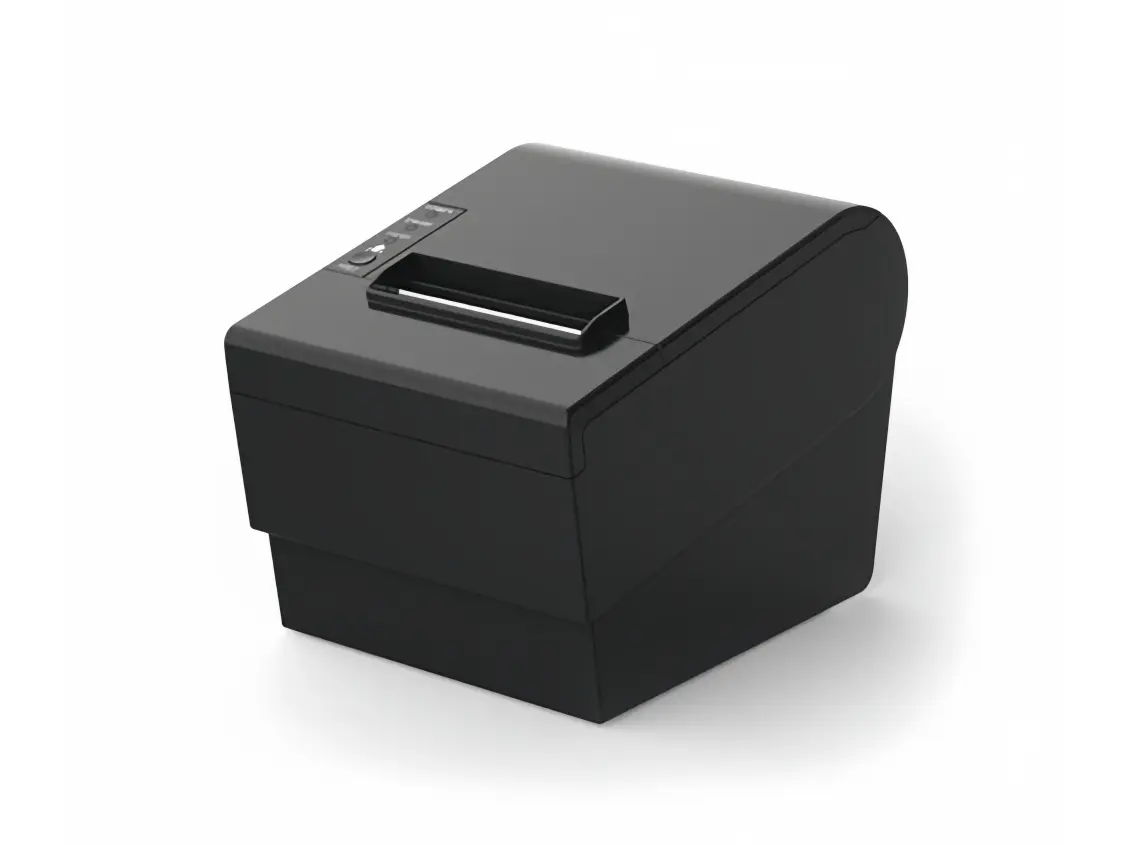 Receipt Printer
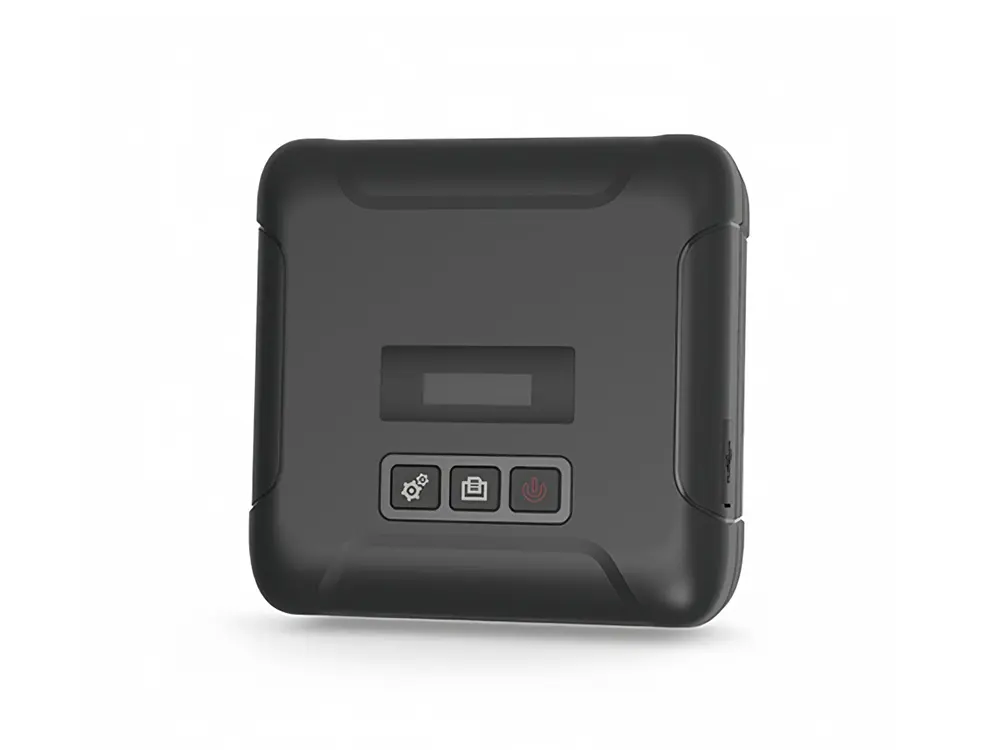 Mobile Printer