How to Choose the Best Mini Pocket Printer for Your Needs?
In today's fast-paced digital world, the demand for portable and efficient printing solutions is skyrocketing. A recent market report states that mini pocket printer sales are projected to grow by 15% annually. This growth reflects consumers' need for convenience and innovation. Mini pocket printers provide a unique blend of portability and functionality, allowing users to print photos and documents on the go.
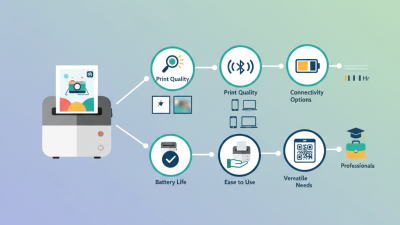
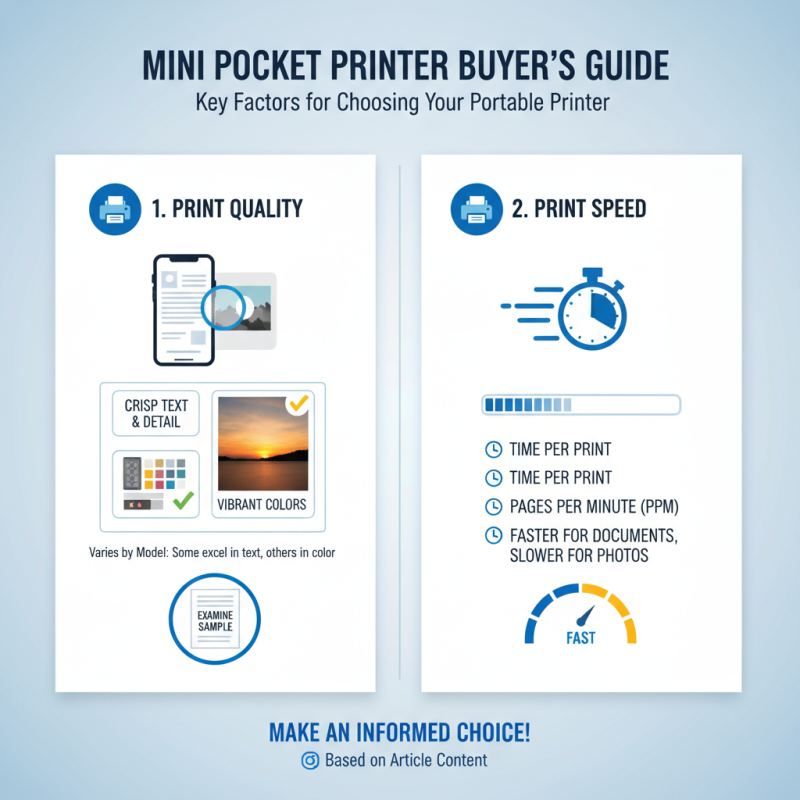
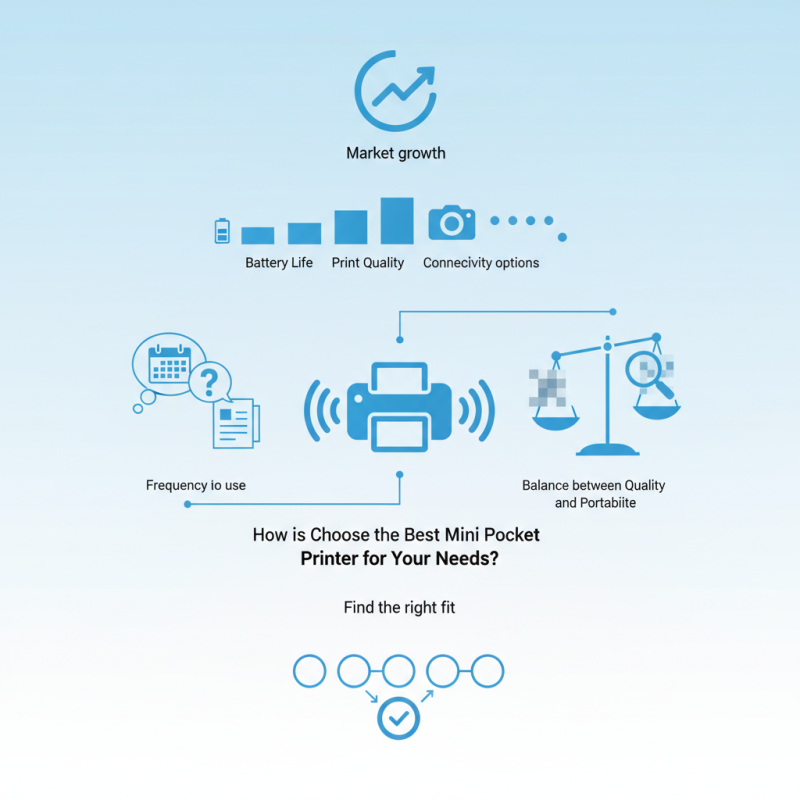
Choosing the right mini pocket printer can be tricky. Different models offer various features, such as battery life, print quality, and connectivity options. Some devices may fall short in certain areas, leading to frustration. It's essential to consider what matters most for your printing needs. Think about how often you will use it and for what purposes.
Understanding these factors can help narrow down your options. Users often overlook print quality while prioritizing size and cost. However, poor-quality prints can diminish the overall experience. Finding a balance between quality and portability is crucial. With the right approach, you can select a mini pocket printer that truly meets your needs.
Identifying Your Printing Needs and Preferences
When choosing a mini pocket printer, it’s crucial to identify your specific printing needs. Determine what you print most often. Do you need photos, labels, or documents? If you want vibrant colors, look for a printer that excels in color printing. If labels are your focus, check for options that offer good adhesive quality.
Consider the portability aspect. Weigh the size and weight. A heavier model may offer more features, but it can be cumbersome. It's essential to reflect on where you'll be using it. Will it fit in your bag, or will it be a hassle? Battery life is another vital feature. You don’t want to be caught without power during an important moment.
Lastly, think about connectivity. Some printers connect wirelessly, while others use cables. Reflect on what’s easier for you. Are you often in areas without reliable Wi-Fi? A wired connection may serve you better. Identify your preferences, and this will guide your choice effectively.
Key Features to Consider in Mini Pocket Printers
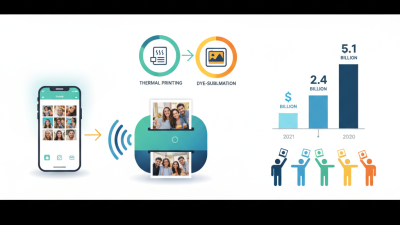
When choosing a mini pocket printer, several key features should be considered. The printing technology affects the print quality. Many use thermal printing, which is compact and efficient. However, the resolution often varies. Higher resolution means clearer images, but it may come at a higher cost.
Connectivity options are crucial. Some printers connect via Bluetooth, while others use Wi-Fi. This choice impacts usability. A Bluetooth connection can be simpler for on-the-go use. But Wi-Fi may allow for better app integration. Also, consider the battery life. A short battery might limit your printing adventures.
Portability matters too. A lightweight design is ideal for travel. However, sturdiness should not be compromised. Look for a balance between size and durability. Lastly, take note of paper options. Some printers require specific paper types, which can add additional costs. Consider all these aspects to ensure your selected printer fits your lifestyle.
Comparison of Key Features in Mini Pocket Printers
Assessing Battery Life and Portability Options
When choosing a mini pocket printer, battery life and portability are crucial. A recent industry report indicates that consumers prioritize these factors. Many users look for printers with at least 20 hours of battery life. This allows for extended use without constant recharging. Lightweight models weigh around 200 grams. This makes them convenient for travel.
Portability goes beyond weight. Size also matters. A compact printer fits easily into a bag or even a pocket. Some models measure just 5 inches tall. This small size appeals to users wanting to print on the go. However, some find that small printers may lack features. Smaller devices can compromise print quality. While they are easy to carry, users should consider the quality of output as well.
In addition, connectivity options impact usability. Bluetooth is common, but some models offer Wi-Fi. This provides more flexibility in connecting multiple devices. Still, users often report connectivity issues with certain models. While a mini pocket printer can be very portable, its performance can vary significantly depending on the features provided. Thoughtful consideration of these aspects leads to better purchasing decisions.
Evaluating Compatibility with Devices and Printing Apps
When choosing a mini pocket printer, compatibility is crucial. Many users overlook how well the printer works with their devices and apps. A recent report suggests that over 70% of mobile printer users experience connectivity issues. This can lead to frustration when attempting to print photos or documents on-the-go. Ensuring that the printer supports your smartphone or tablet is essential.
App compatibility is another key concern. Several manufacturers provide dedicated applications, but they might not support all file formats. A survey indicated that nearly 65% of users faced challenges with software compatibility. Reading user reviews can offer insights into any frequent problems. If a printer app frequently crashes or has limited functionality, it could affect your printing experience.
Be aware of the printing methods supported by the printer. Some printers use Bluetooth, while others rely on Wi-Fi or NFC. Each method has its advantages and drawbacks. For example, Bluetooth often provides a quick connection but may not support larger files. Balancing convenience with functionality requires thoughtful consideration.
How to Choose the Best Mini Pocket Printer for Your Needs? - Evaluating Compatibility with Devices and Printing Apps
| Printer Model |
Compatibility |
Printing Apps Supported |
Battery Life |
Print Quality |
| Model A |
iOS, Android, Windows |
App A, App B, App C |
10 hours |
300 dpi |
| Model B |
iOS, Android |
App D, App E |
8 hours |
600 dpi |
| Model C |
Android, Windows |
App F |
12 hours |
200 dpi |
| Model D |
iOS |
App G, App H |
6 hours |
400 dpi |

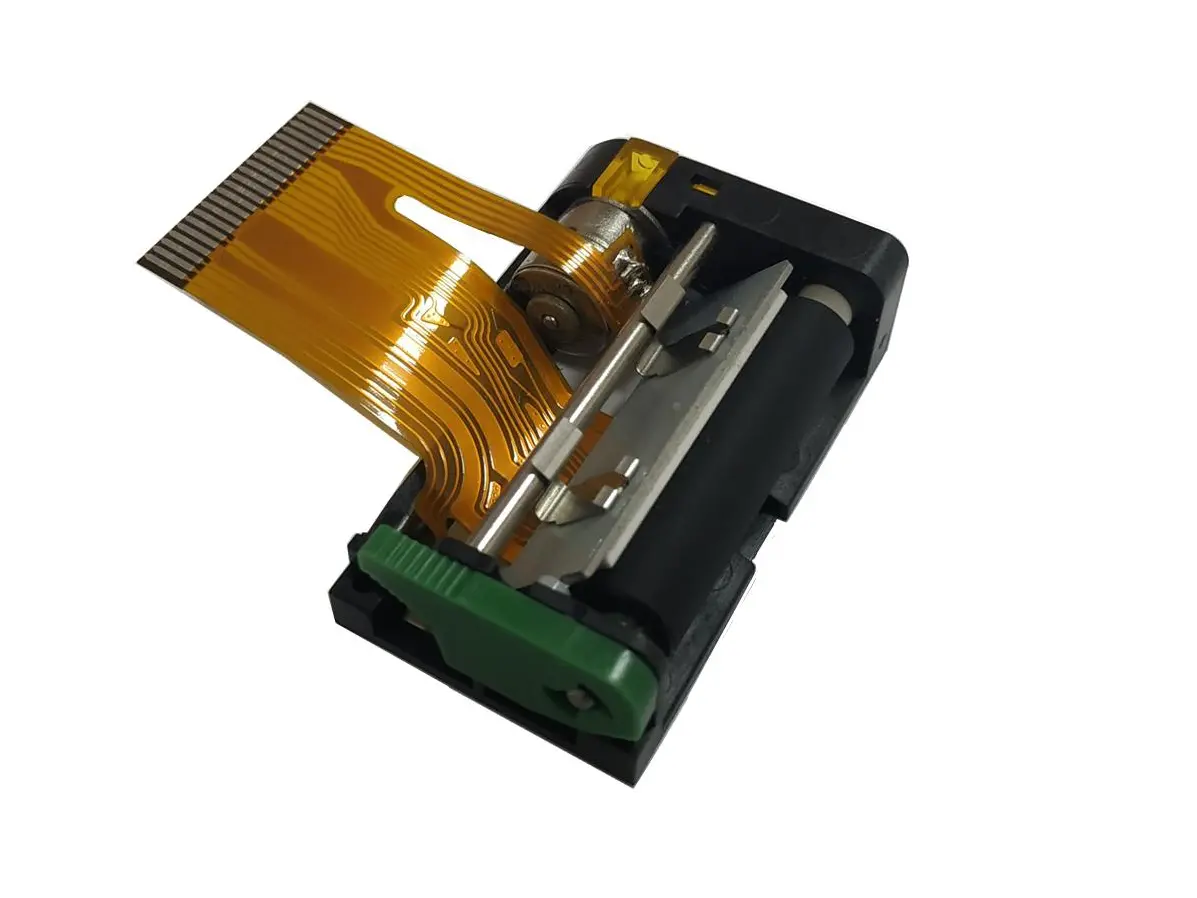 1 inch thermal printer mechanism
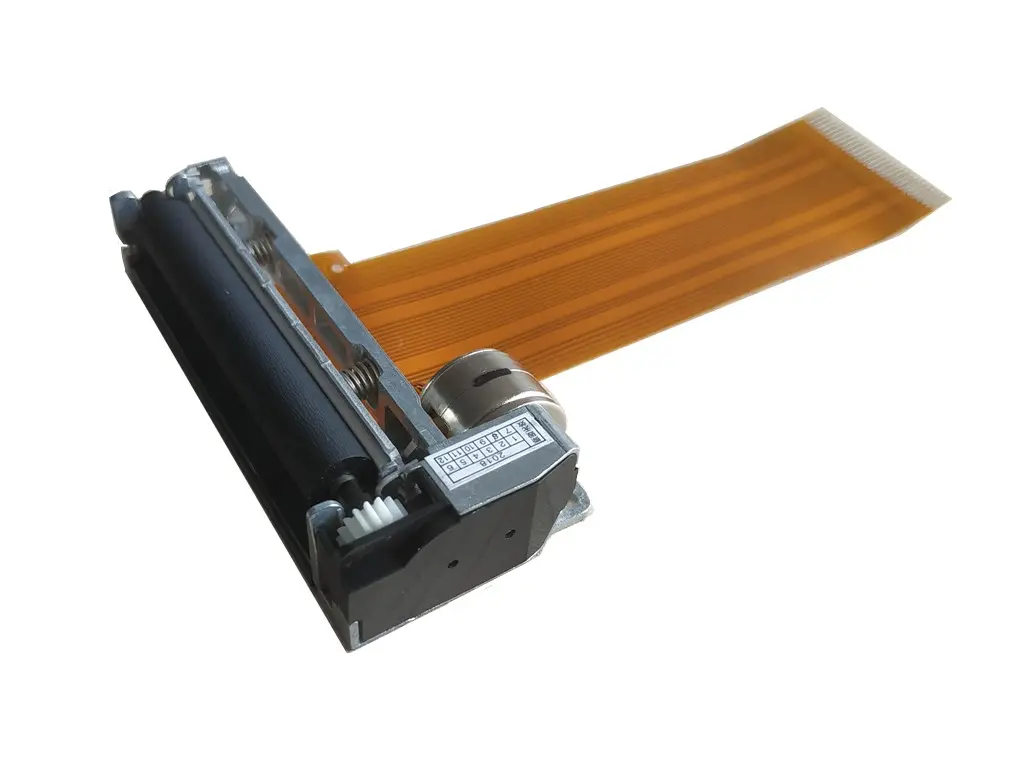 2 inch thermal printer mechanism
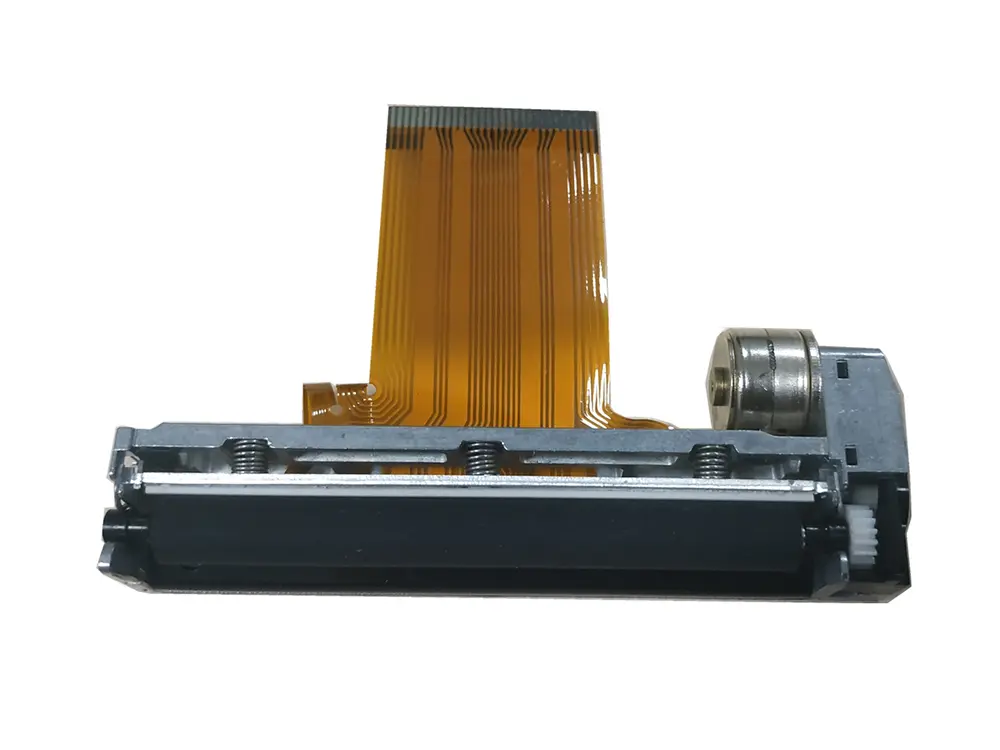 3 inch thermal printer mechanism
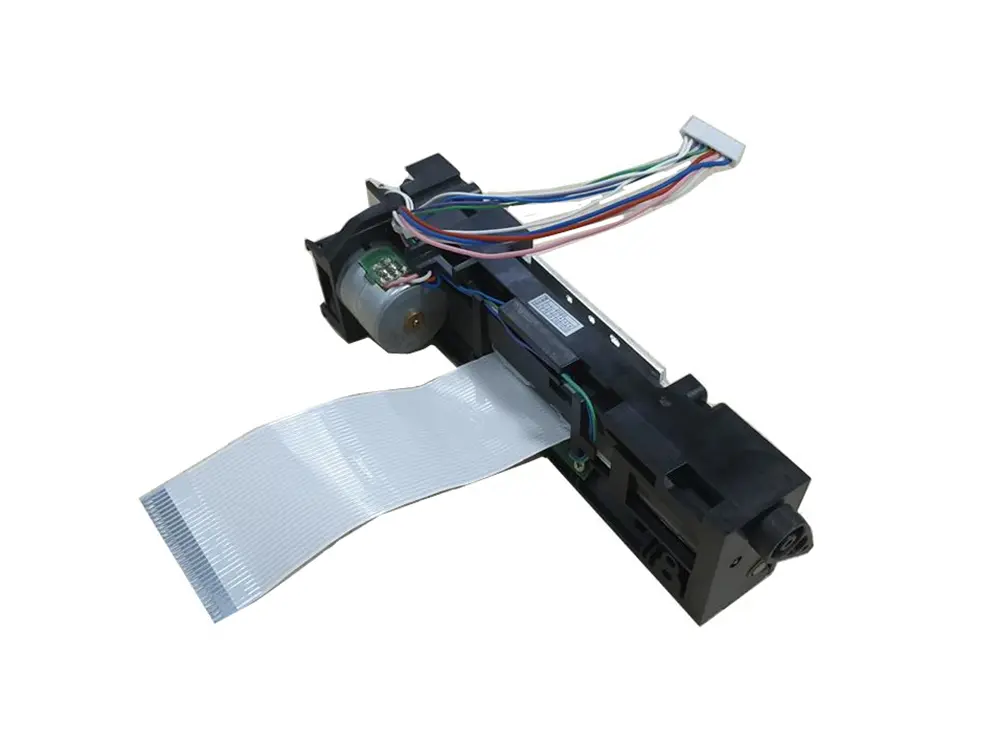 4 inch thermal printer mechanism
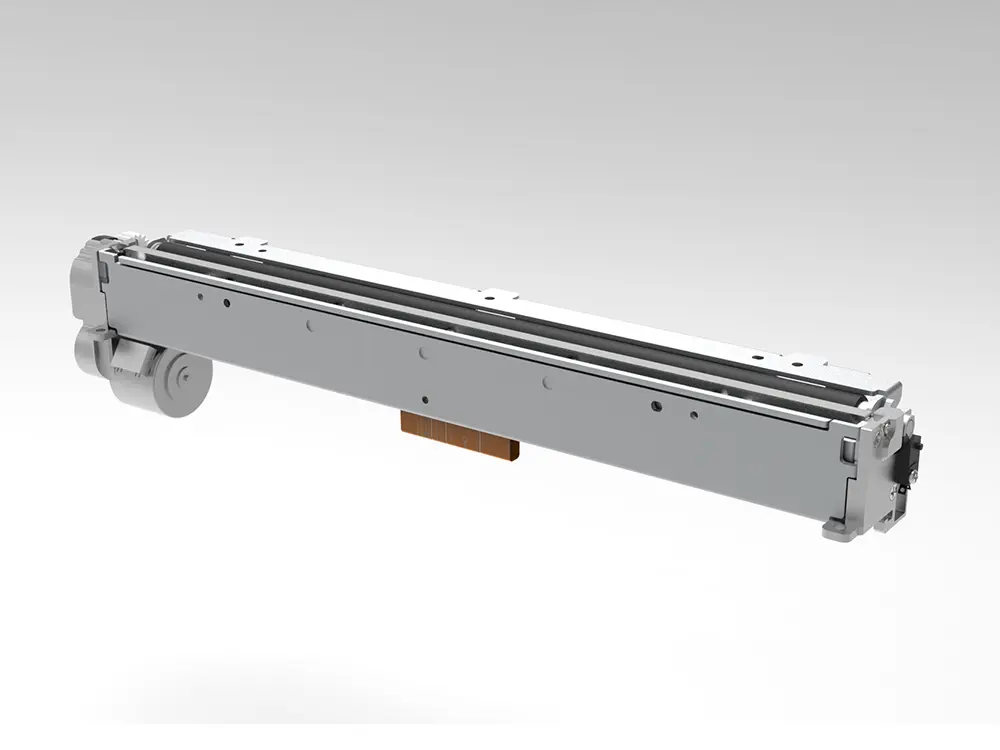 8 inch thermal printer mechanism
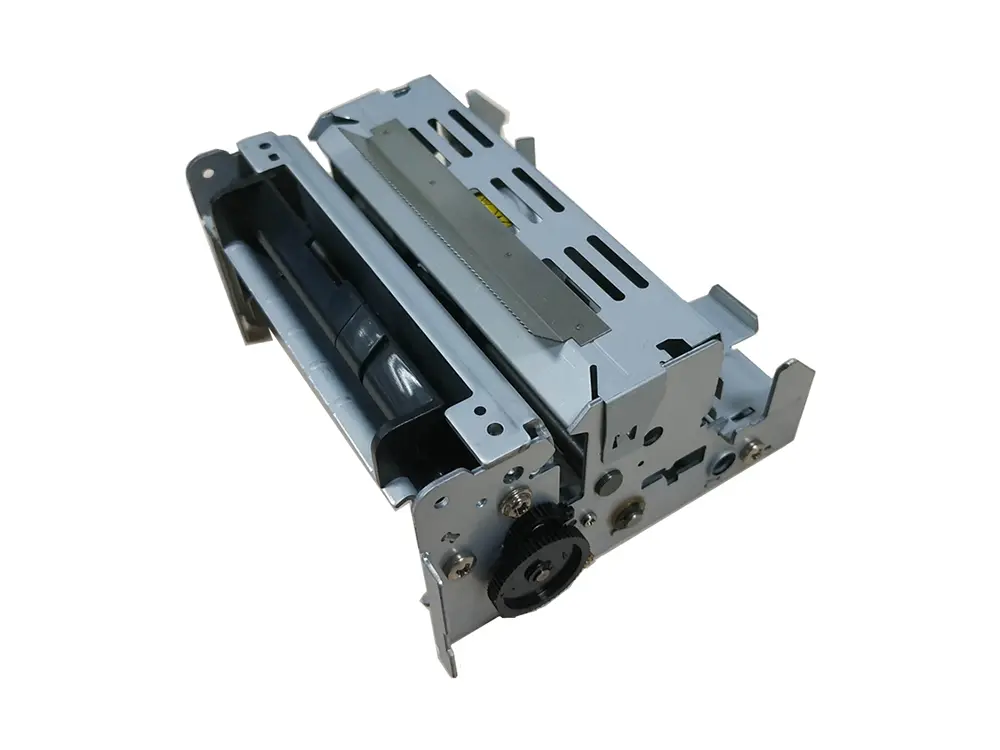 dot matrix printer mechanism
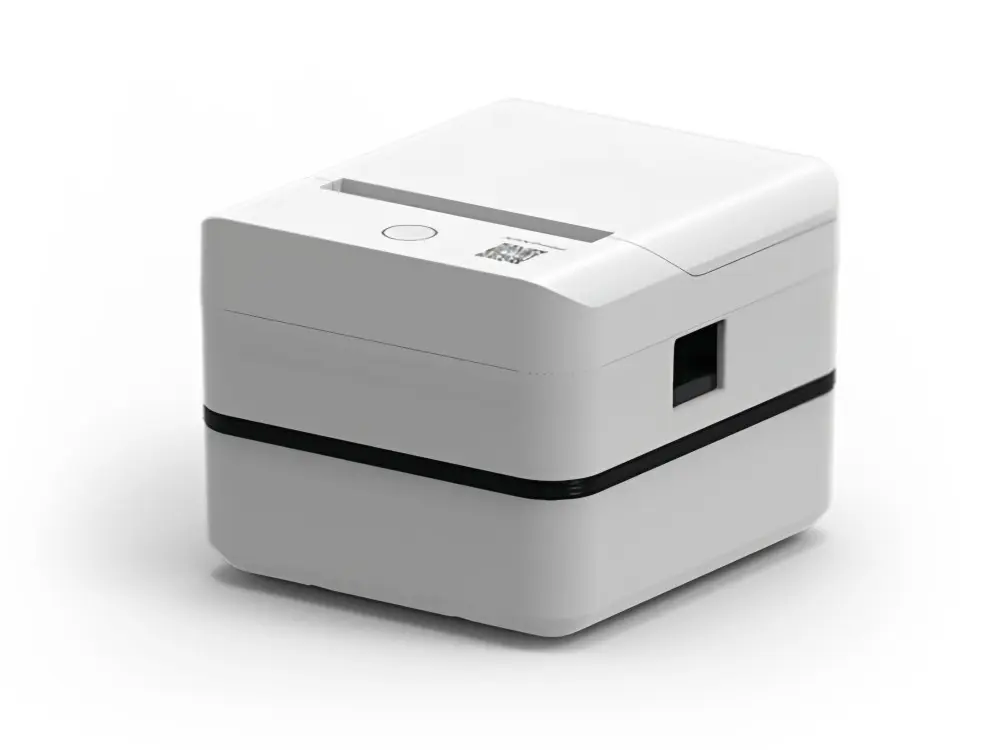 Label Printer
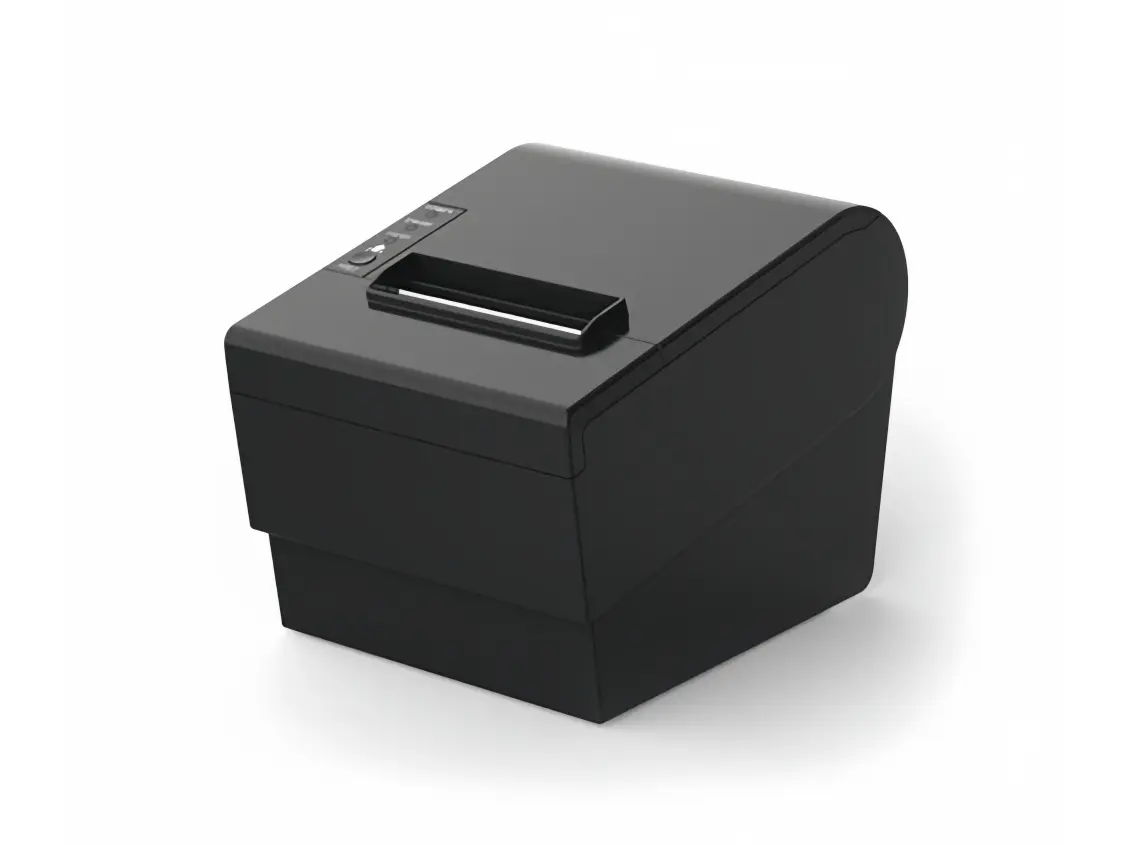 Receipt Printer
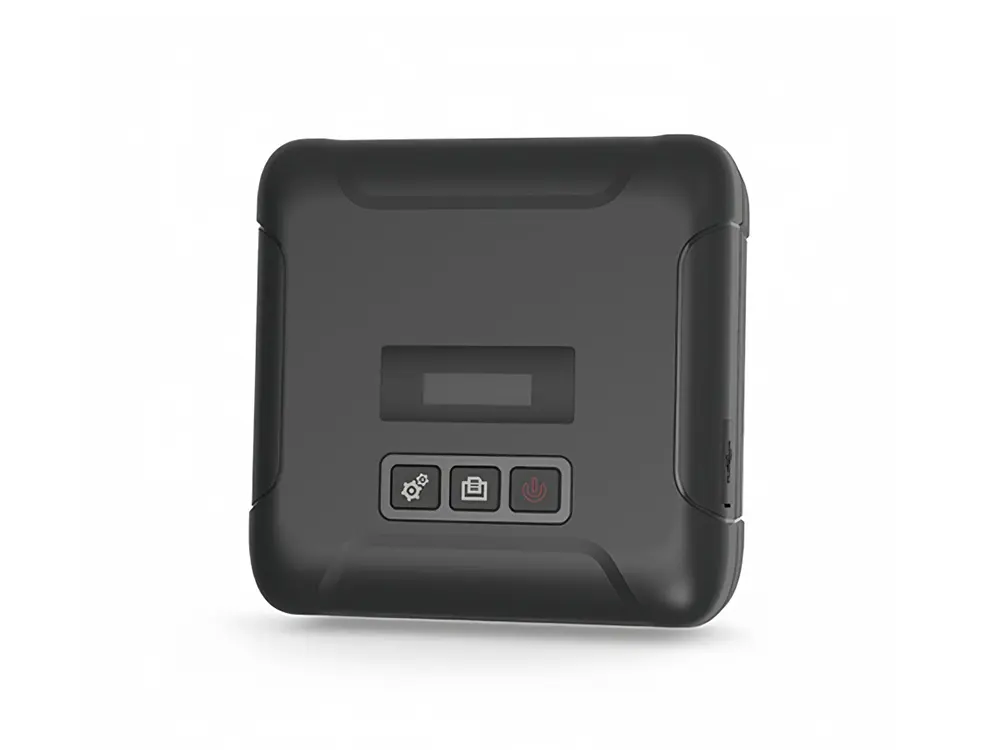 Mobile Printer