How to Choose the Best Receipt Printer for Your Business?
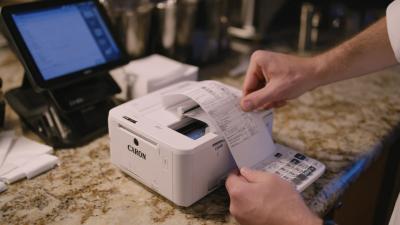
Choosing the right Receipt Printer is crucial for any business. According to John Smith, an industry expert, “A quality receipt printer can enhance customer satisfaction and streamline operations.” When selecting a receipt printer, several factors come into play.
Businesses must consider print speed, compatibility, and cost-effectiveness. An efficient receipt printer can save time during busy hours. However, many companies overlook these essential features. They often choose based on price alone. This approach may lead to operational inefficiencies down the line.
It's easy to get lost in the technical jargon. But clarity is key. A reliable receipt printer will improve transaction speed and accuracy. Businesses face the risk of losing customers if their printer malfunctions. Thoughtful consideration is necessary to avoid this pitfall. Ultimately, investing in the right equipment can make a lasting impact on customer experience and business success.
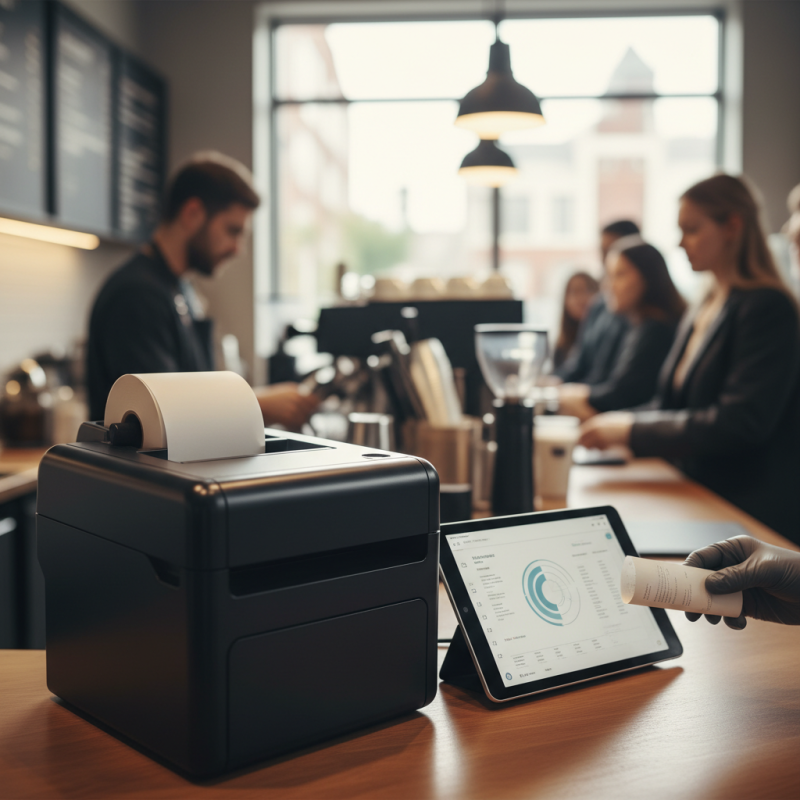
Understanding Different Types of Receipt Printers for Businesses
Choosing the right receipt printer requires understanding the types available. There are several main categories: thermal, impact, and inkjet printers. Thermal printers are popular for their speed and quiet operation. They use heat to print, eliminating the need for ink. However, the cost of thermal paper can add up over time.
Impact printers create characters by striking an ink ribbon against paper. They are more durable in tough conditions. However, they can be noisy, affecting the customer experience. Inkjet printers are versatile but often slower and less reliable for high-volume sales.
It's crucial to consider your specific business needs. Evaluate your volume and operating environment. Some businesses might prioritize speed, while others value durability. You must also reflect on maintenance needs. Does it require regular ink changes? What’s your budget for consumables? Balancing these factors can direct you toward the right choice.
How to Choose the Best Receipt Printer for Your Business?
| Printer Type |
Connection Type |
Print Speed (mm/sec) |
Print Method |
Typical Use Case |
| Thermal Printer |
USB, Bluetooth, Ethernet |
200 - 300 |
Thermal Transfer |
Retail, Restaurants |
| Impact Printer |
Serial, Parallel |
100 - 200 |
Dot Matrix |
Warehouses, Ticketing |
| Mobile Printer |
Bluetooth, Wi-Fi |
50 - 100 |
Thermal or Impact |
Field Service, Delivery |
| Kiosk Printer |
USB, Ethernet |
150 - 250 |
Thermal |
Self-Service Kiosks |
| Wireless Printer |
Wi-Fi, Bluetooth |
200 - 300 |
Thermal |
Flexible Review Areas |
Key Features to Look for in a Receipt Printer
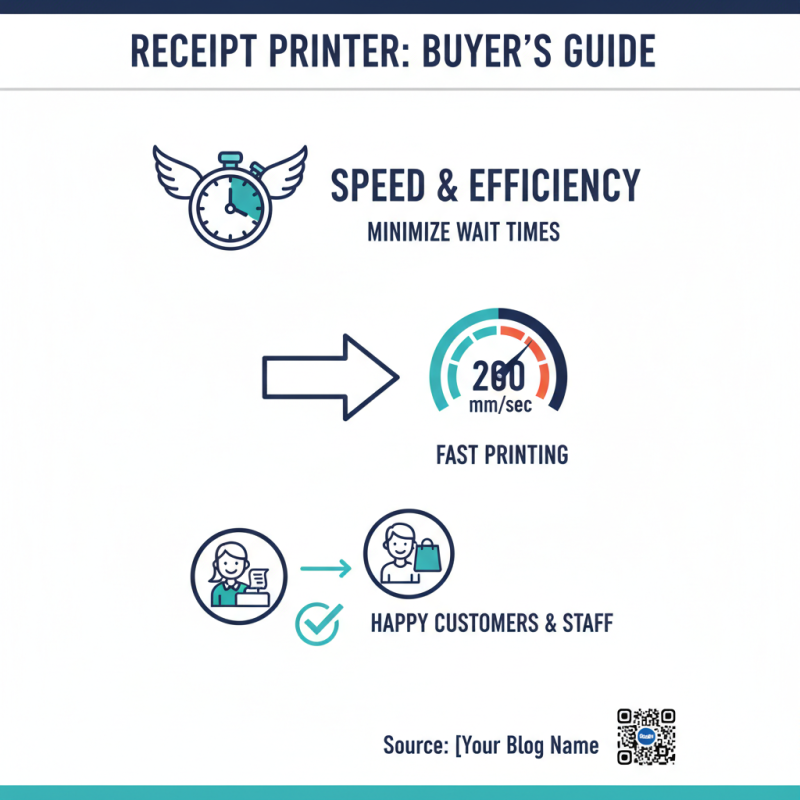
When choosing a receipt printer for your business, consider its speed and efficiency. A slow printer can frustrate customers and staff alike. Look for models that offer fast printing speeds, ideally around 200 mm per second. This way, you can minimize wait times during busy hours.
Connectivity options are also crucial. Does it support USB, Bluetooth, or Wi-Fi? Multiple connectivity options can make integration into your existing system much easier. If your printer only has a single connection type, it might limit future upgrades.
Paper size and type matter too. Ensure the printer can handle different paper rolls. Not all businesses use standard sizes, and flexibility is important. Some printers may struggle with thicker receipts. Testing several paper options is a good idea. Ultimately, it's about finding a printer that meets specific needs while avoiding common pitfalls.
Evaluating Connectivity Options for Receipt Printers
When choosing a receipt printer, connectivity is key. There are various options available, each suited for different business needs.
USB connections offer simplicity and are ideal for stationary setups. They are easy to use and typically provide a reliable connection. However, they limit mobility. If your business involves moving around, consider other options.
Bluetooth and Wi-Fi are great for mobile printing. They allow for more flexibility and convenience. Employees can print from tablets or phones without being tethered to a location.
Nevertheless, these connections may face interference. Signal issues can lead to frustration during peak hours.
Another option is Ethernet, providing a stable and fast connection. This is beneficial for businesses with multiple devices needing access to a single printer.
However, setting up a network can be complicated. It often requires IT support, which can be a drawback for smaller businesses.
Choosing the right connectivity depends on your specific needs and workflow. Make sure to weigh the pros and cons carefully before making a decision.
Assessing Printing Speed and Quality Requirements
When choosing a receipt printer, assessing printing speed and quality is crucial. A fast printer can enhance customer satisfaction. If your business experiences high transaction volumes, a speed of at least 200 mm per second is advisable. This ensures that long lines move quickly.
Quality is equally important. A clear, legible receipt avoids confusion. Look for a resolution of at least 203 DPI for sharp text. Poor quality receipts may lead to refunds and customer frustration. Printer durability matters too. Consider how often you'll need to replace parts and the overall lifespan of the printer.
Tips: Test different printers if possible. Visit local stores and observe their performance. Read user reviews to gauge long-term reliability. Don’t overlook the potential impact of your choice on operational efficiency. Your printer is a silent partner in your business success.
Budget Considerations and Return on Investment for Receipt Printers
When selecting a receipt printer, budget plays a crucial role. A typical receipt printer can cost anywhere from $100 to $800. The upfront cost is essential, but it isn't the only factor to consider. The total cost of ownership should also reflect maintenance, supplies, and operational efficiency.
According to industry reports, businesses see a return on investment (ROI) of around 30% when they invest in reliable printing solutions. The downtime caused by an unreliable printer can lead to lost sales and dissatisfied customers. Most companies experience at least 20 hours of lost productivity annually due to hardware failures. It’s vital to think about how a small investment can pay off over time.
While initial costs matter, cheaper printers can have hidden expenses. They might require more frequent replacement of parts or produce lower-quality receipts. This could disrupt service, causing customer frustration. Focus on long-term value, not just upfront savings. Being penny-wise could lead to being pound-foolish. It's crucial to balance the initial budget with the expected ROI.
Comparison of Receipt Printer Costs and Expected ROI

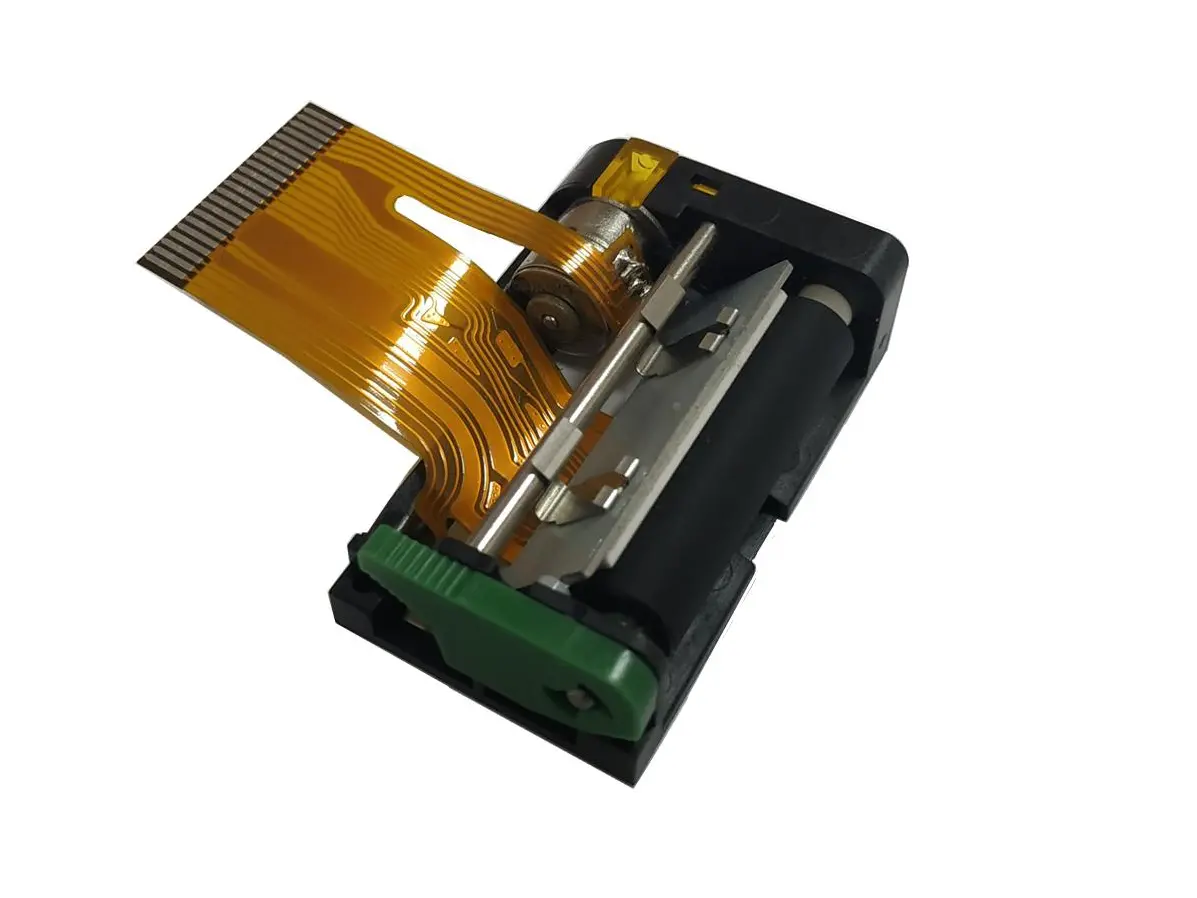 1 inch thermal printer mechanism
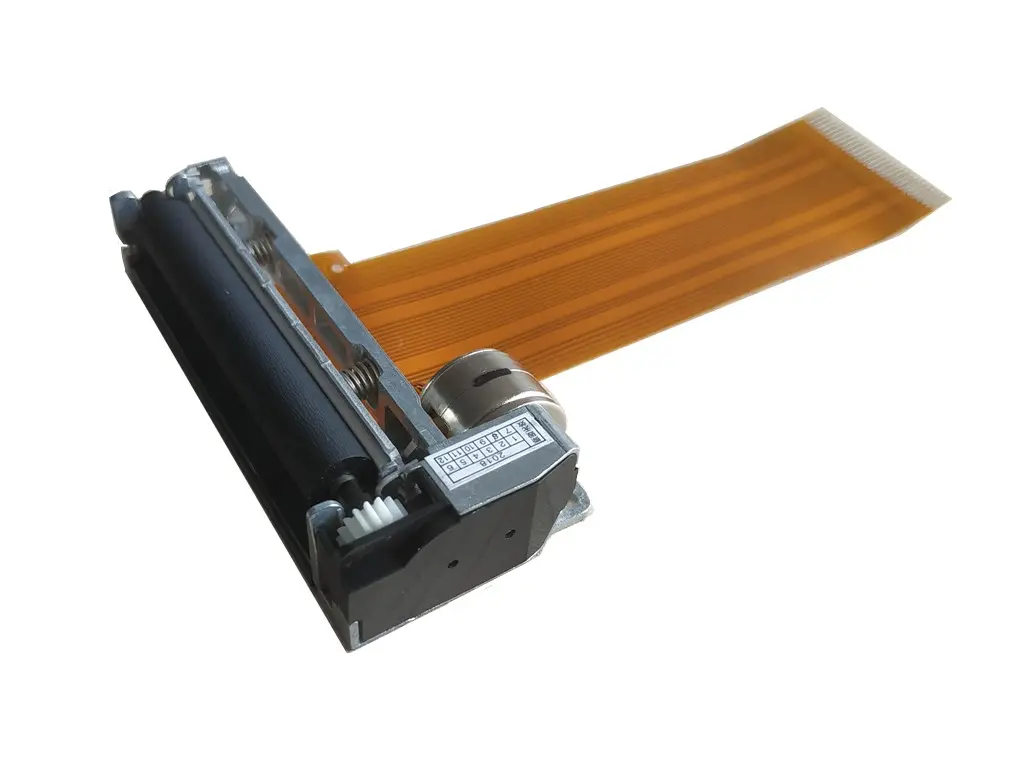 2 inch thermal printer mechanism
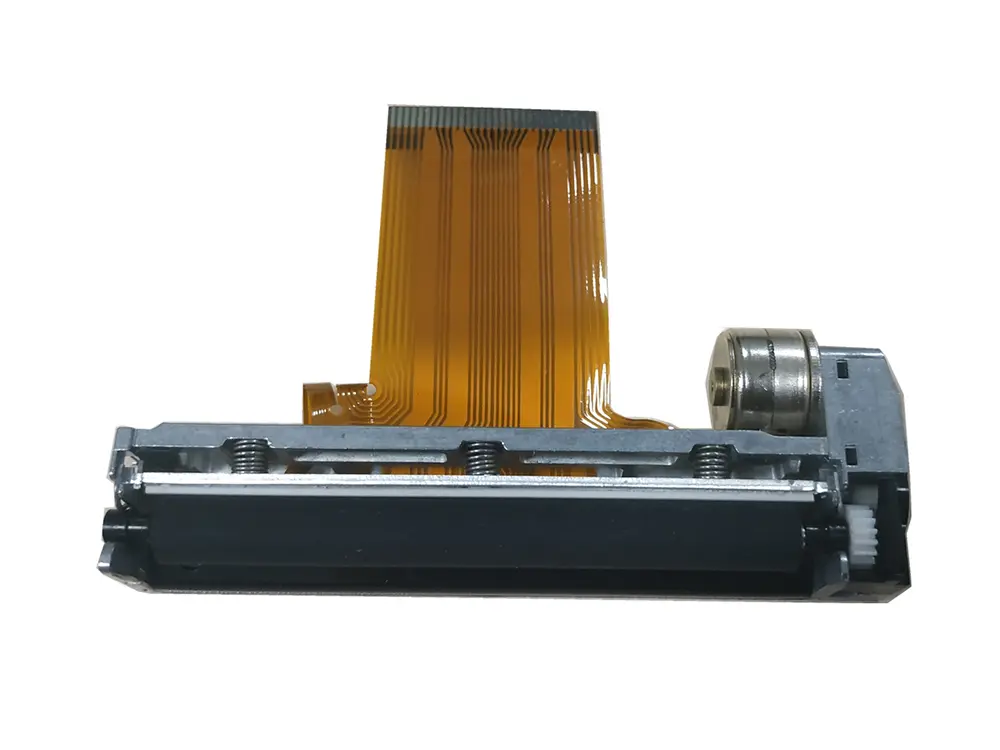 3 inch thermal printer mechanism
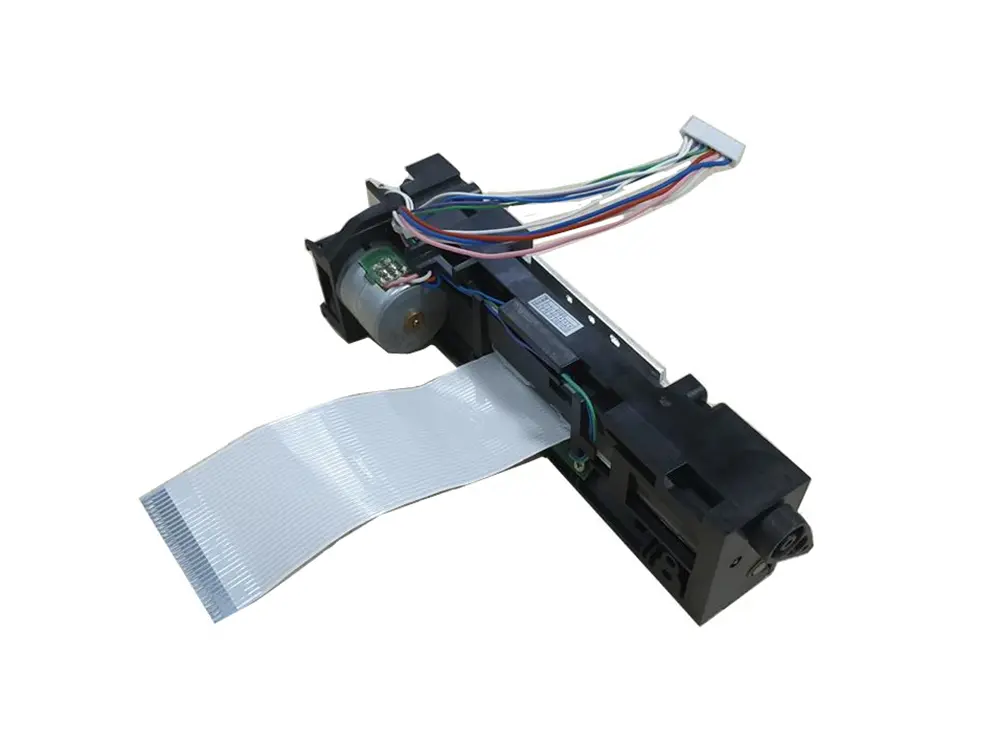 4 inch thermal printer mechanism
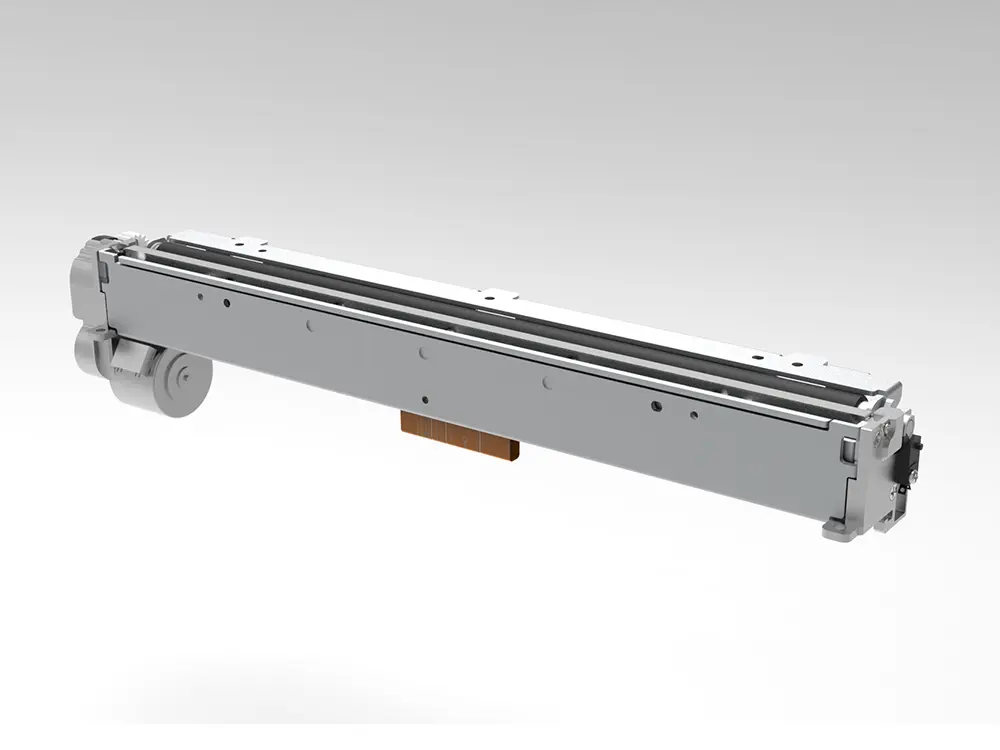 8 inch thermal printer mechanism
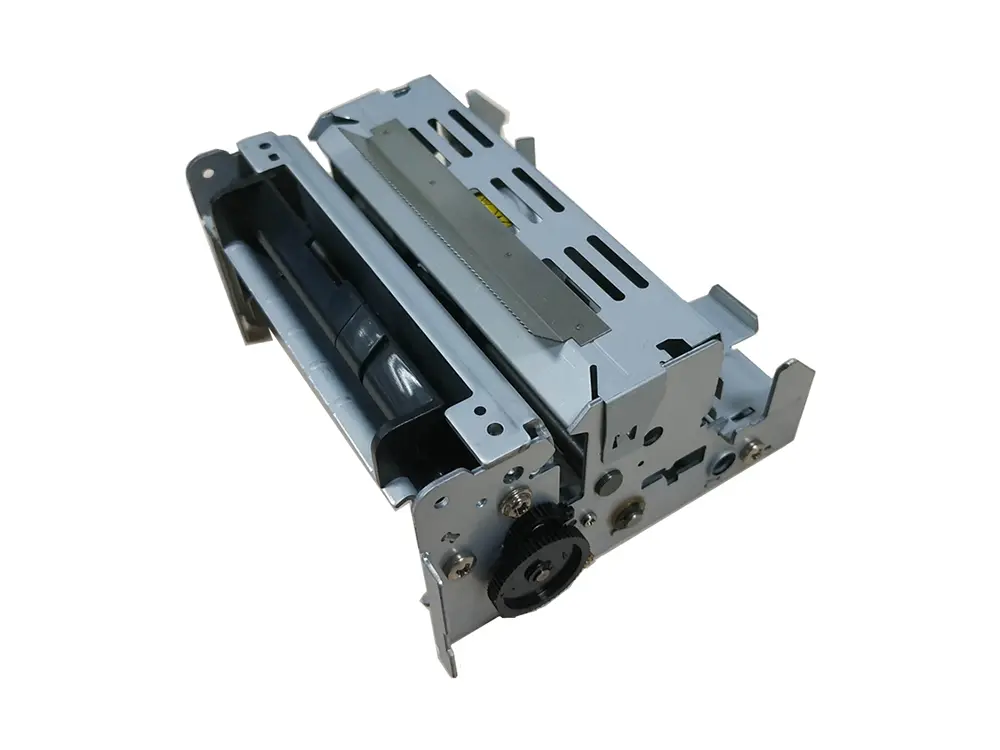 dot matrix printer mechanism
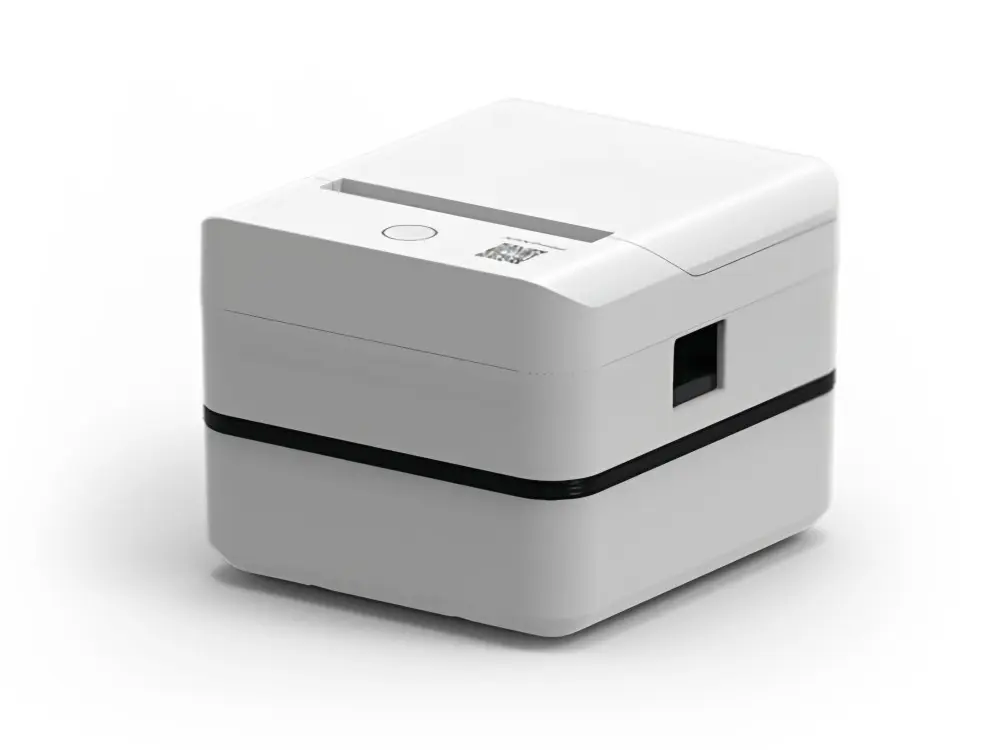 Label Printer
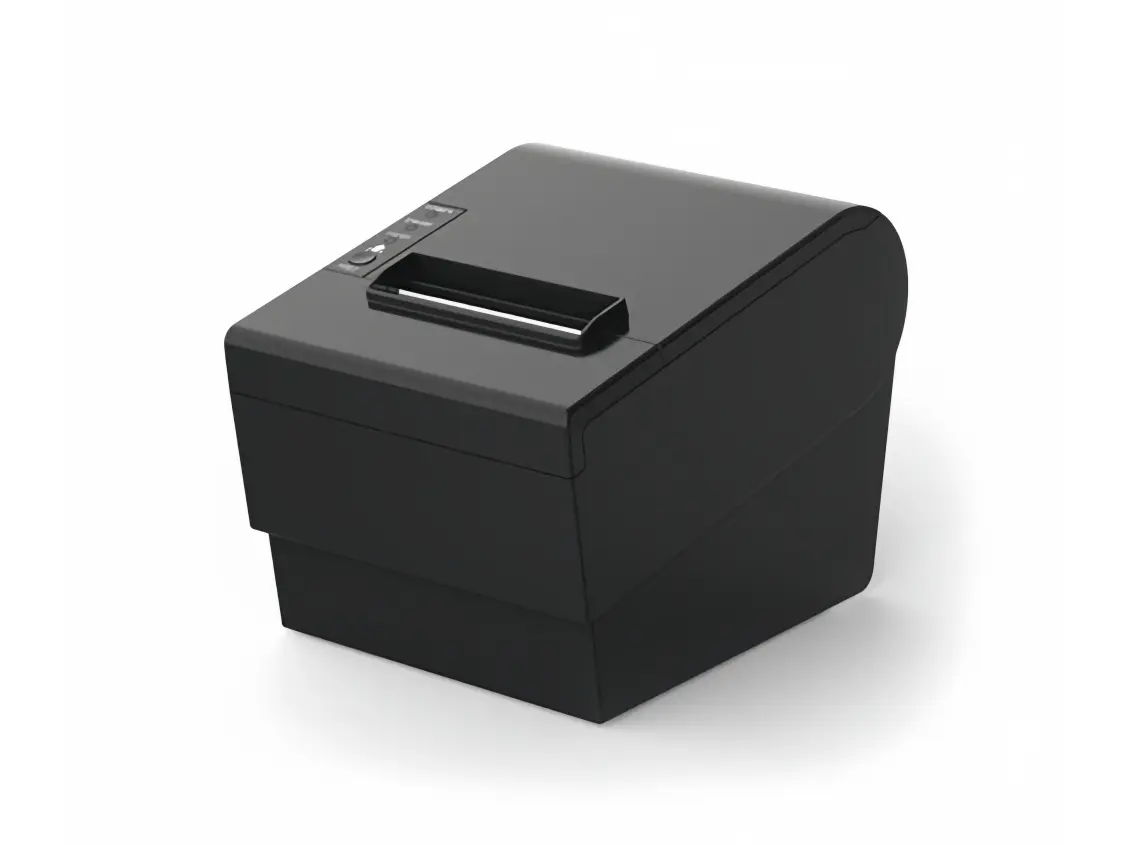 Receipt Printer
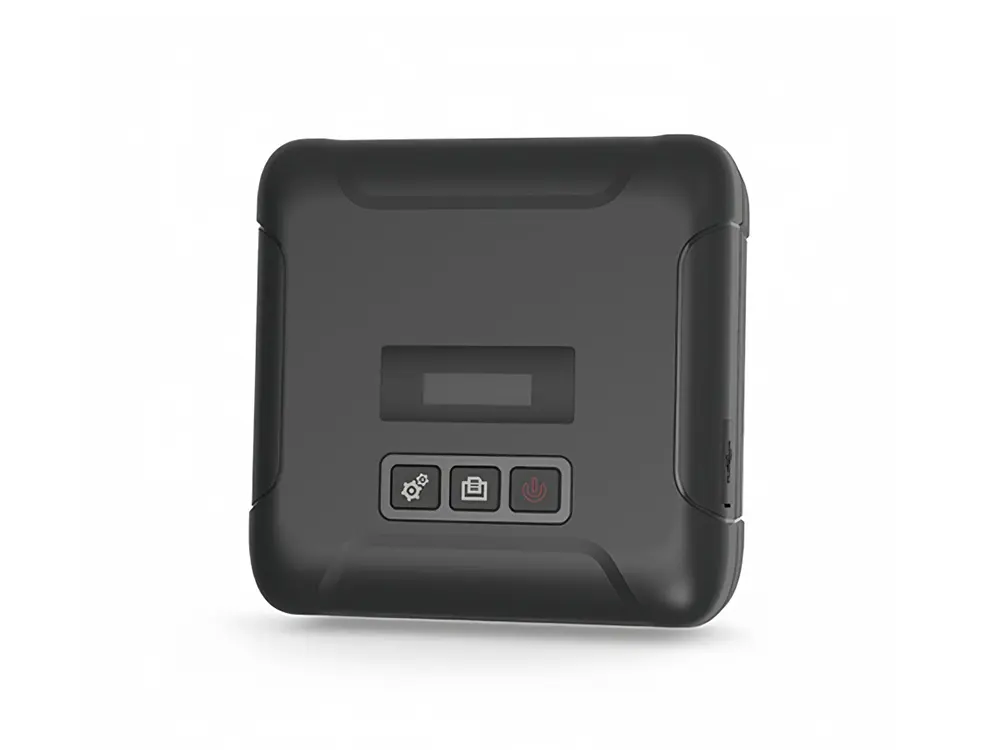 Mobile Printer