Why You Should Choose a Small Mobile Printer for Your Printing Needs
In today's fast-paced business environment, the demand for efficient and convenient printing solutions is at an all-time high. The rise of remote work and mobile offices has led to a significant increase in the usage of compact printing devices, particularly Small Mobile Printers. According to a report by IDC, the mobile printing market is projected to grow at a CAGR of 19% from 2021 to 2026, reflecting the growing reliance on portable technologies. Small Mobile Printers are designed to offer users the flexibility to print documents anytime and anywhere, making them an essential tool for professionals on the go.
The advantages of using Small Mobile Printers extend beyond mere portability. These devices often boast advanced connectivity features, such as Bluetooth and Wi-Fi, allowing seamless integration with smartphones and tablets. A study conducted by Gartner found that 70% of businesses are prioritizing mobile solutions for their operations, underscoring the critical role that portable printers play in enhancing productivity. With their ability to produce high-quality prints in a compact form factor, Small Mobile Printers are not only convenient but also capable of meeting diverse printing needs, from invoices to presentations. As organizations continue to adapt to the evolving landscape of work, investing in a Small Mobile Printer is becoming increasingly advantageous for both individuals and businesses alike.

Advantages of Using Small Mobile Printers for On-the-Go Printing
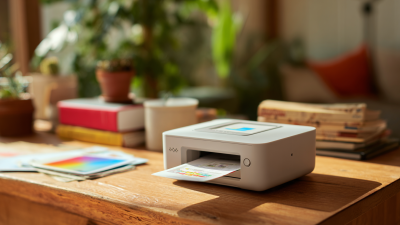
Small mobile printers have become essential tools for professionals and creatives who need to print documents on the go. One of the primary advantages of these devices is their compact size, making them easy to transport in a backpack or suitcase. Whether you are a business traveler, a student, or an artist, having a mobile printer at your disposal means you can generate hard copies of important documents, presentations, or artwork at any location.
Another benefit of small mobile printers is their wireless connectivity, allowing users to print directly from their smartphones or tablets. This wireless functionality not only eliminates the hassle of dealing with cables but also offers greater flexibility in printing from various devices. Users can easily print anything from photos to reports with just a few taps on their screens.
**Tips:** When selecting a small mobile printer, consider factors such as battery life and print quality to ensure it meets your needs. Additionally, opt for models that come with flexible paper sizes and compatibility with multiple devices, so you can print whatever you need, whenever you need it. Always carry extra paper and ink to avoid interruptions during critical printing moments.
Factors to Consider When Choosing a Small Mobile Printer
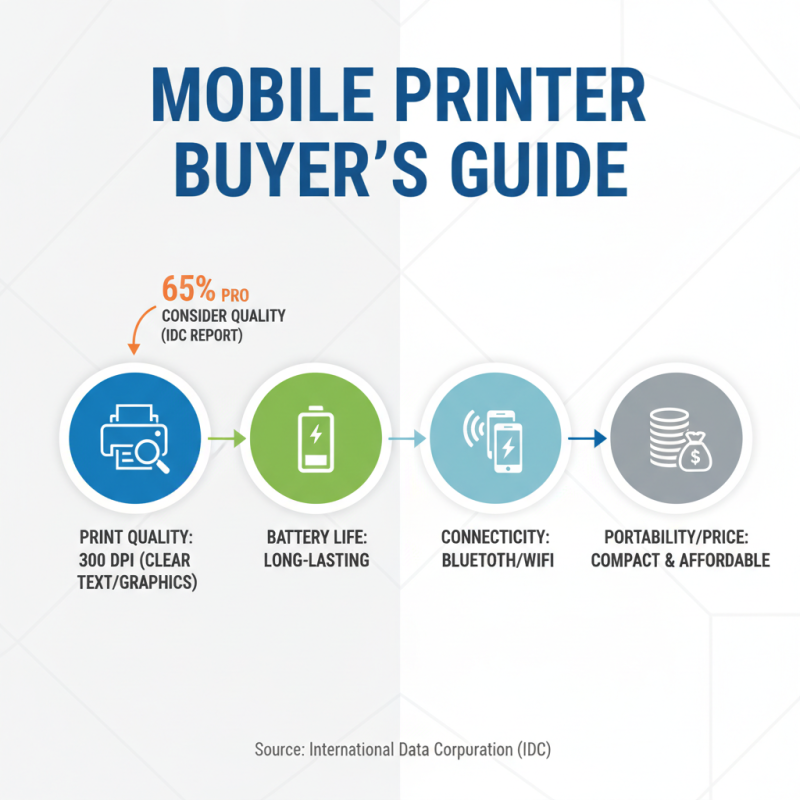
When selecting a small mobile printer, several factors come into play that can greatly influence your printing experience. First and foremost, print quality is crucial; most contemporary mobile printers deliver resolutions around 300 DPI, which is suitable for clear text and decent graphics. According to a recent report from the International Data Corporation (IDC), 65% of mobile professionals identified print quality as a key consideration when purchasing a printer, highlighting its importance in the decision-making process.
Another critical aspect is connectivity options. Today’s small mobile printers typically support Bluetooth, Wi-Fi, and cloud printing functionalities, catering to the increasing need for flexibility. According to a study by the Consumer Technology Association (CTA), 57% of users prefer printers that offer multiple connectivity options for seamless integration with their devices. Additionally, battery life is a significant factor, with most portable models offering between 200 to 500 pages on a single charge. A good battery performance can enhance productivity, making it essential to assess this feature based on your specific usage scenario.
Comparison of Small Mobile Printers vs. Traditional Printers
When considering your printing needs, the comparison between small mobile printers and traditional printers is essential. Small mobile printers stand out for their convenience and portability. Unlike traditional printers, which can be bulky and sluggish, mobile printers are lightweight, allowing you to print on the go. This is particularly beneficial for professionals who need to produce documents during meetings or while traveling. In contrast, traditional printers often require a designated workspace and suffer from limitations regarding electricity and connectivity.
**Tips:** When choosing a mobile printer, consider the battery life and the compatibility with your devices. Many mobile printers support Bluetooth and Wi-Fi connections, enabling seamless printing from smartphones and tablets. Additionally, look for models that offer good print quality and speed, as these factors can significantly impact your overall satisfaction.
The cost of using small mobile printers can be more economical in the long run. Traditional printers may initially seem cheaper, but they often consume more ink and resources, leading to higher ongoing expenses. Mobile printers typically use less ink per page and have the added advantage of flexibility with paper size, which can help reduce waste and save money over time. Always evaluate your specific printing needs and choose a solution that aligns with your lifestyle.
Comparison of Small Mobile Printers vs. Traditional Printers
This chart compares various features of small mobile printers and traditional printers, highlighting their advantages and suitability for different printing needs.
Popular Use Cases for Small Mobile Printers in Daily Life
Small mobile printers have become increasingly popular due to their versatility and convenience. One of the most common use cases is for professionals who are frequently on the move. Whether you are a real estate agent needing to print contracts on-site or a photographer wanting to provide clients with physical copies of their work instantly, a compact printer can significantly enhance your efficiency. These devices allow for immediate printing without the hassle of returning to a traditional office space.
Additionally, small mobile printers are perfect for families and students. Parents can quickly print out school projects or last-minute forms for their children, saving time and reducing stress. Similarly, students can benefit from having their own mobile printer to create high-quality printouts for assignments or presentations right from their dorm rooms.
**Tip:** When choosing a mobile printer, consider connectivity options like Bluetooth or Wi-Fi for easy printing from multiple devices. Another tip is to look for a model with a long battery life to ensure that it can meet your needs throughout the day without frequent recharging.
Why You Should Choose a Small Mobile Printer for Your Printing Needs - Popular Use Cases for Small Mobile Printers in Daily Life
| Use Case |
Description |
Benefits |
Suggested Printing Medium |
| Travel |
Printing photos and documents on the go during trips. |
Convenience, Instant sharing, and Professional presentation. |
Photo paper, Document paper. |
| Event Management |
Printing badges, tickets, or promotional materials at events. |
Fast output, On-site customization, and Brand visibility. |
Cardstock, Sticker paper. |
| Home Office |
Printing invoices, documents, and receipts from home. |
Space-saving, Cost-effective, and Easy to use. |
Plain paper, Envelopes. |
| Retail |
Printing receipts and labels directly from mobile devices. |
Enhanced customer experience, Portability, and Efficient workflow. |
Thermal paper, Label paper. |
| Education |
Printing study materials, worksheets, and assignments. |
Immediate access to resources, boosts productivity, and fosters collaboration. |
Copy paper, Glossy paper. |
Tips for Maintaining and Optimizing Your Mobile Printer Experience
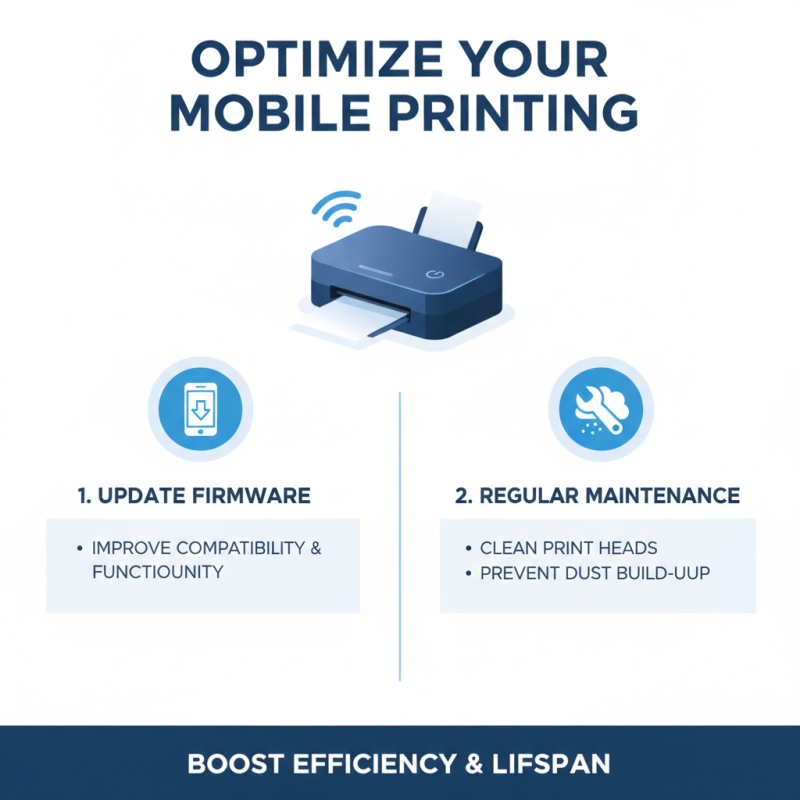
When it comes to mobile printers, optimizing your user experience is essential for ensuring efficiency and satisfaction. First, keep your printer's firmware up to date. Manufacturers often release updates that improve functionality and compatibility with various mobile devices. Regular maintenance, such as cleaning the printer heads and keeping the device free from dust, can significantly enhance print quality and extend the lifespan of the printer.
Additionally, consider your mobile printing connections. Using a reliable and fast connection, whether via Bluetooth or Wi-Fi, ensures smoother printing processes. It's also vital to choose the right printing app, as some provide additional features and options that can simplify your printing tasks. By staying aware of these tips and focusing on the maintenance of your mobile printer, you can maximize its performance and enjoy a seamless printing experience that meets your needs.

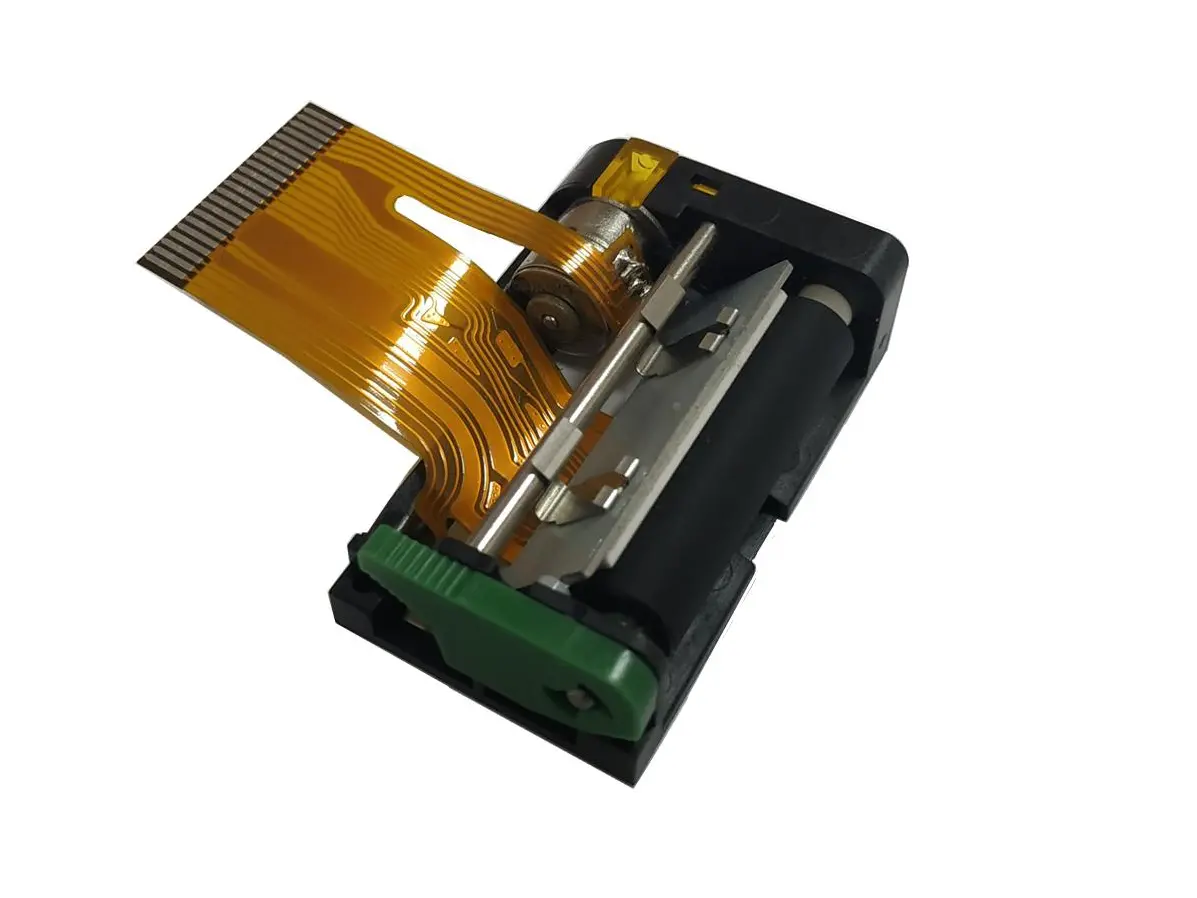 1 inch thermal printer mechanism
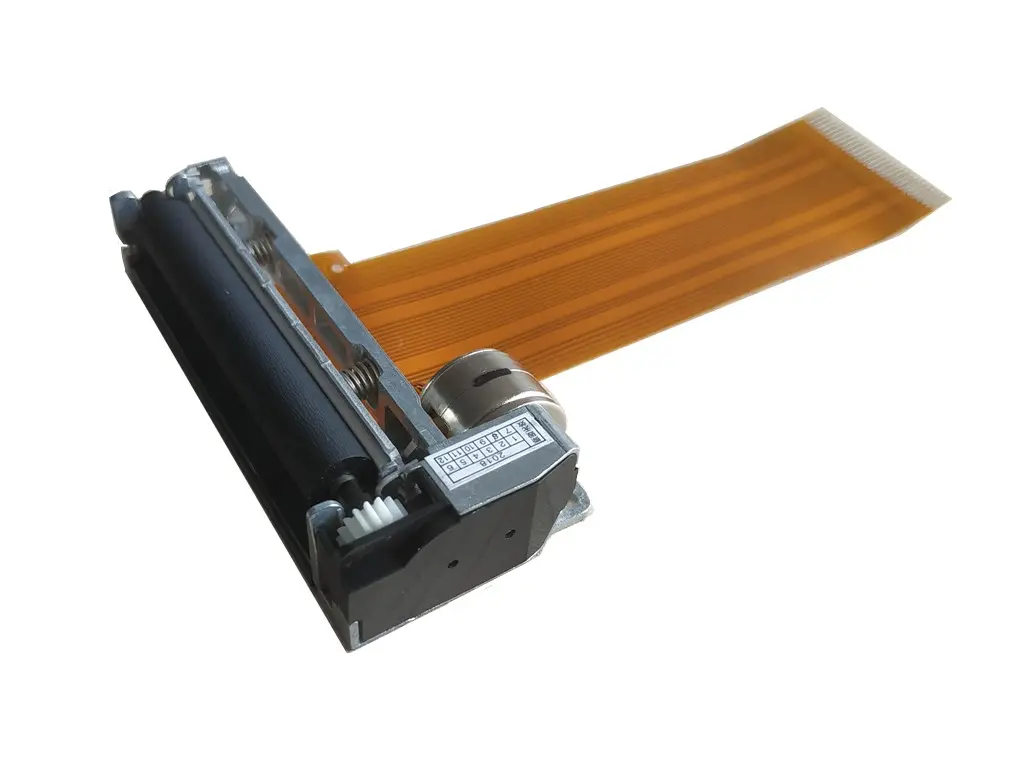 2 inch thermal printer mechanism
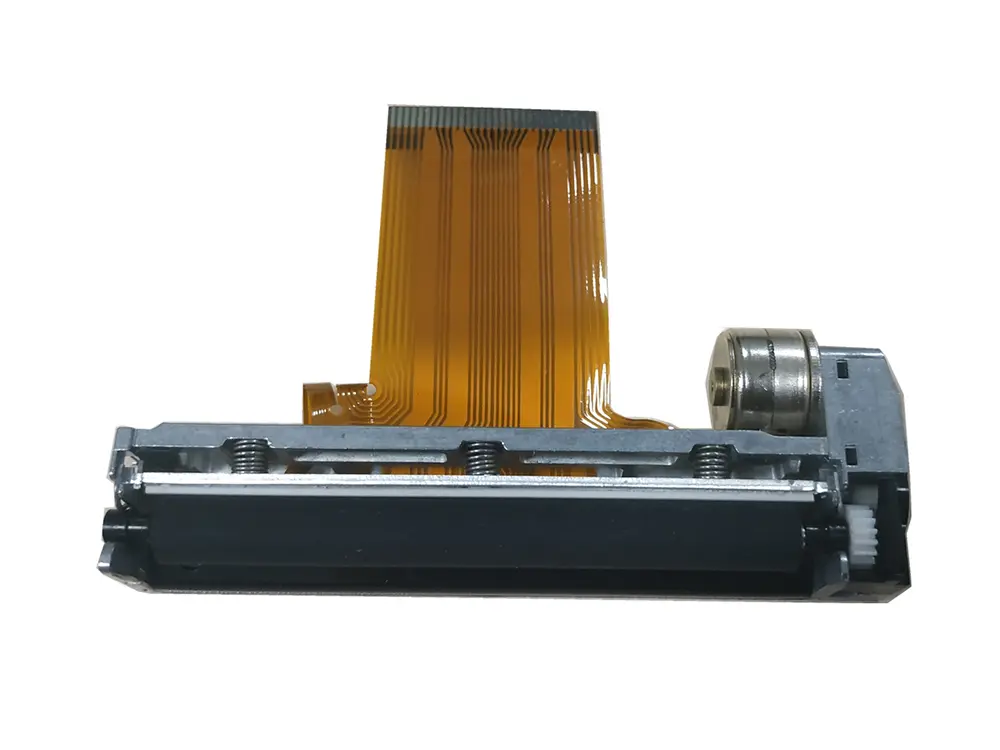 3 inch thermal printer mechanism
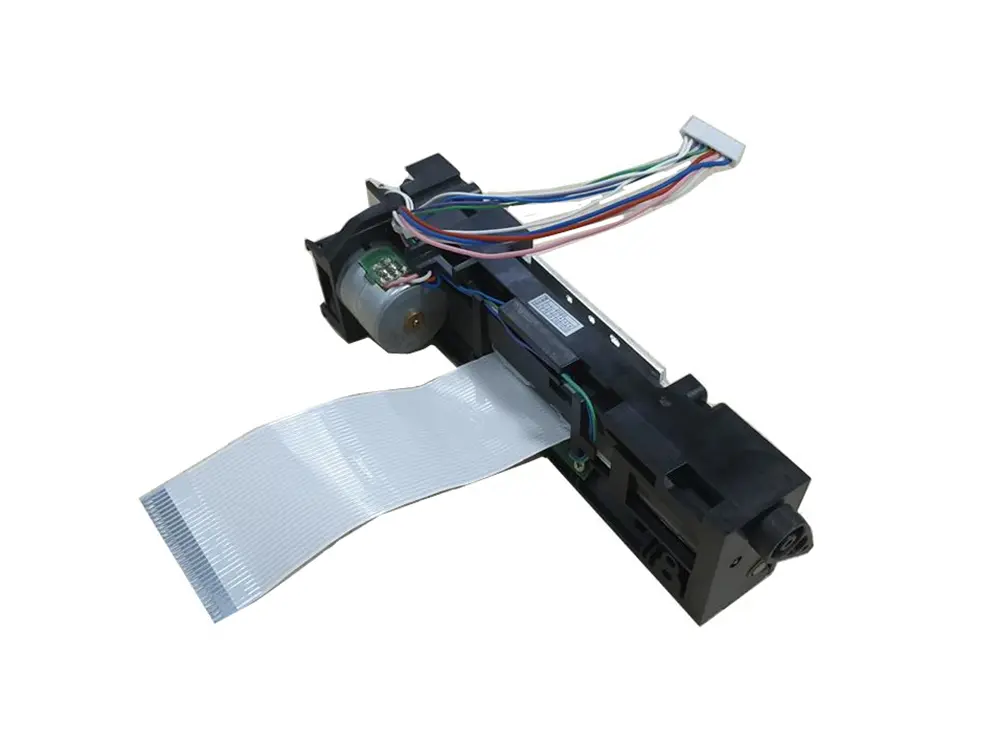 4 inch thermal printer mechanism
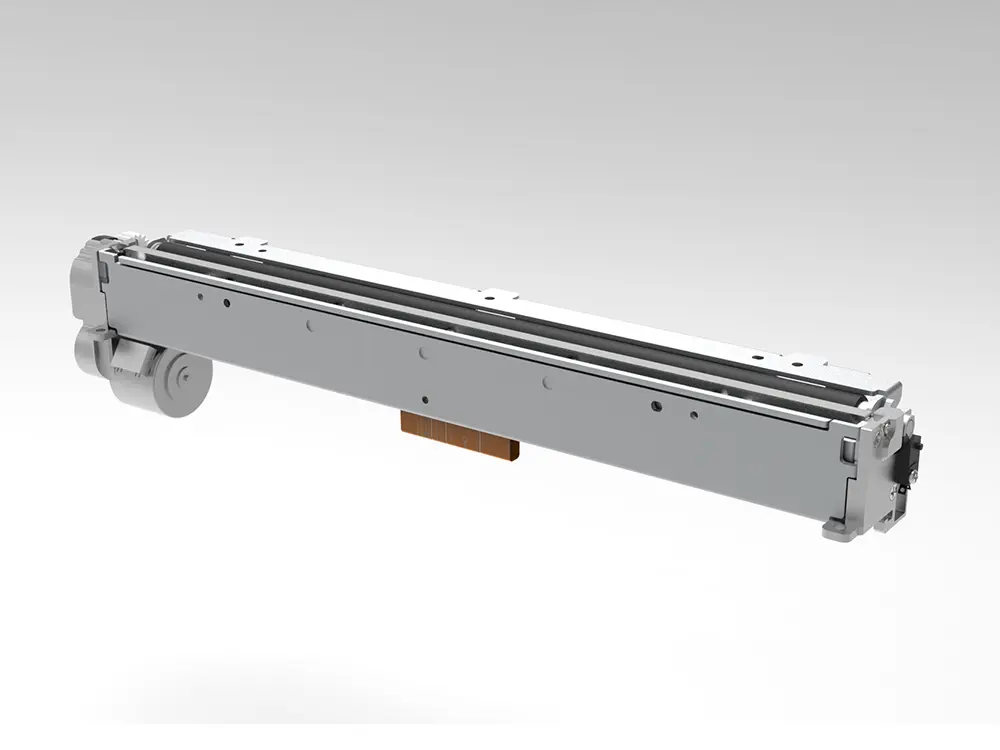 8 inch thermal printer mechanism
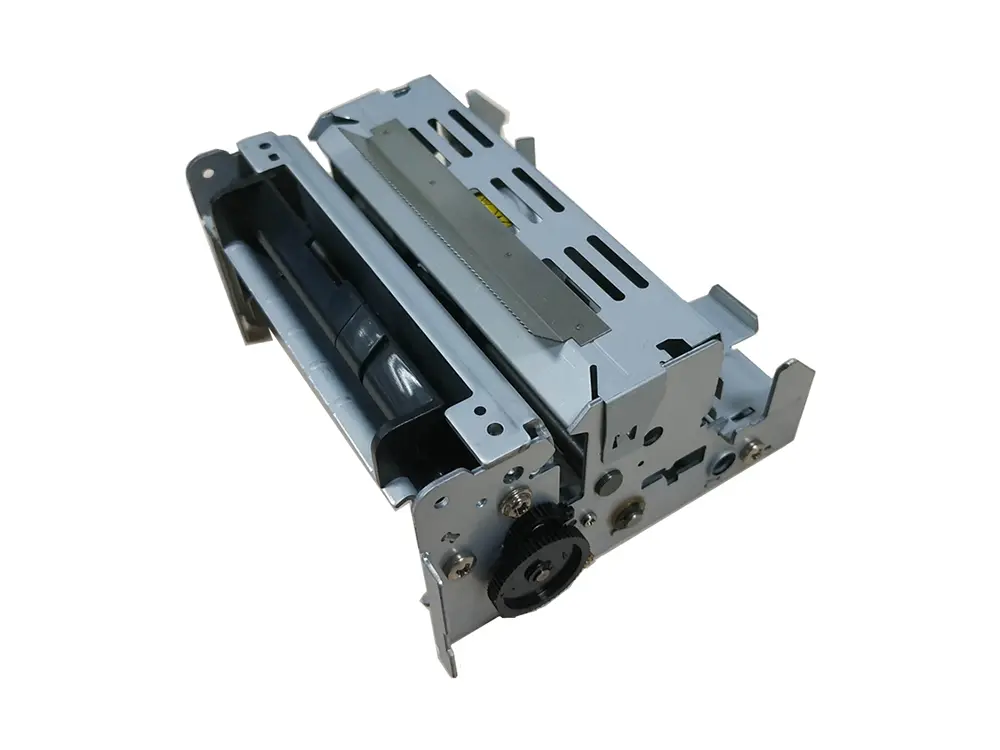 dot matrix printer mechanism
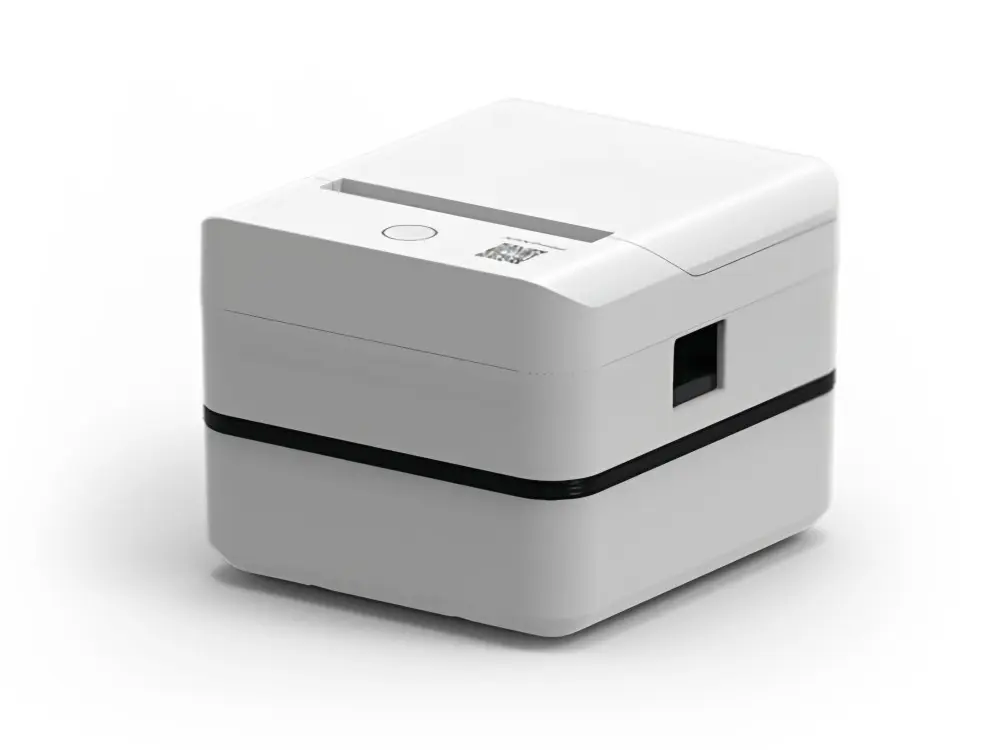 Label Printer
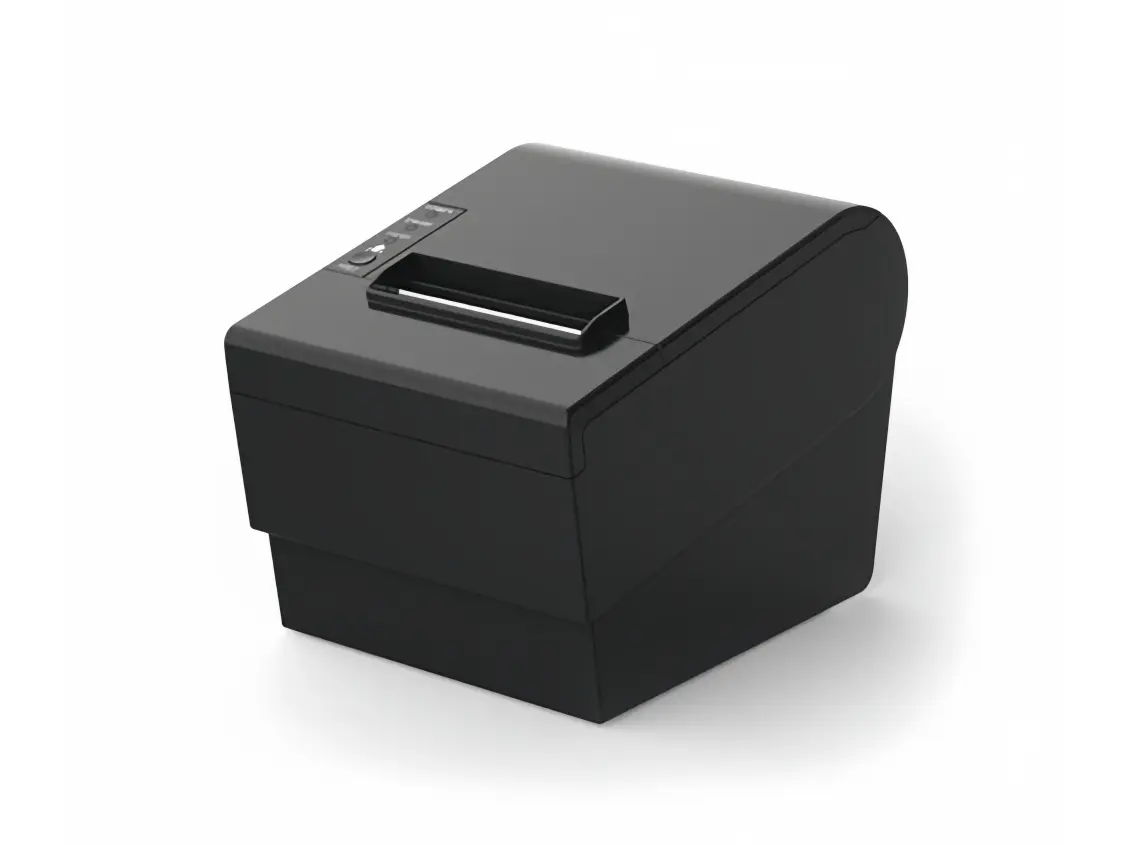 Receipt Printer
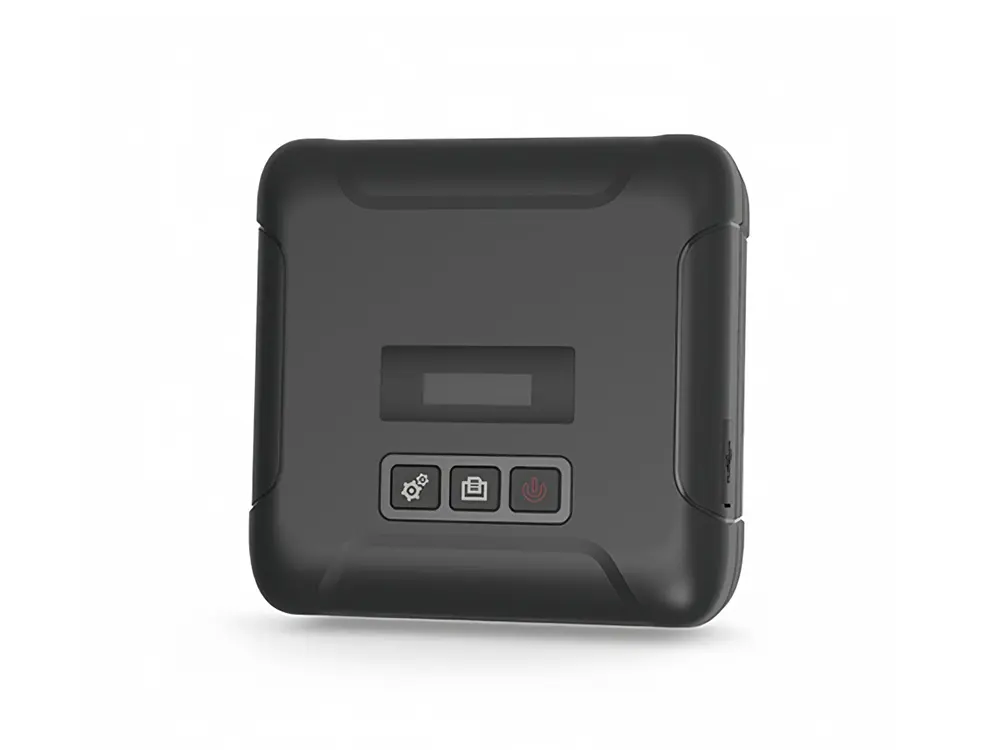 Mobile Printer