What is a Bluetooth Receipt Printer and How Does It Work?
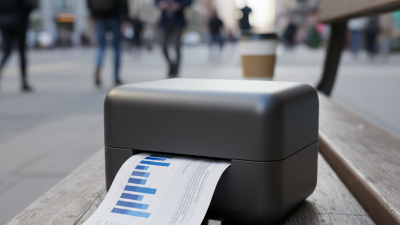
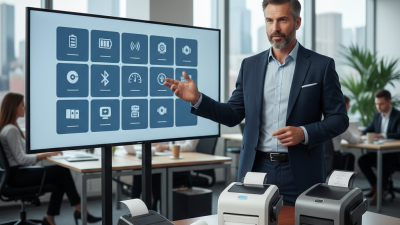
A Bluetooth Receipt Printer is a modern device that simplifies transaction processes. It wirelessly connects to smartphones, tablets, or computers. This makes printing receipts easy and efficient. Imagine a bustling coffee shop. Customers place their orders, and the barista uses a Bluetooth receipt printer to provide instant proof of purchase.
These printers are compact and portable. They fit neatly on counters or can be taken on the go. There's something satisfying about hearing the sound of a receipt being printed. However, not all Bluetooth receipt printers work seamlessly. Connectivity issues can frustrate users. Moreover, battery life varies widely among models. Some may require frequent charging, which is inconvenient.
Understanding how a Bluetooth Receipt Printer functions enhances the overall experience. The pairing process is usually straightforward, yet it can be tricky for the less tech-savvy. An effective printer should print quickly and clearly, avoiding smudges or fading. The convenience is undeniable, but potential users must consider their specific needs. Are they looking for portability or advanced features? Making informed choices matters.
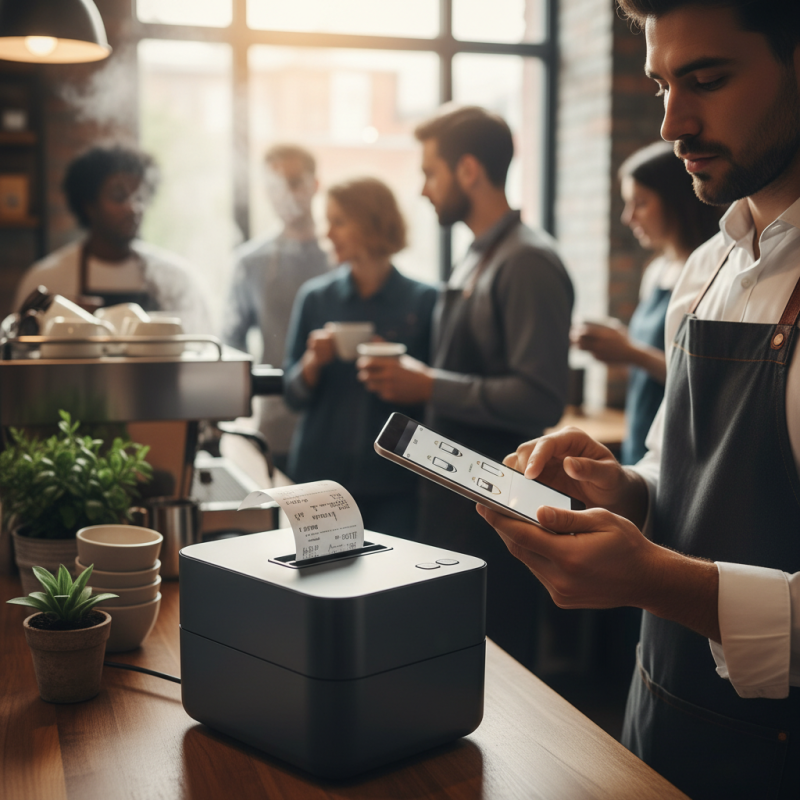
What is a Bluetooth Receipt Printer?
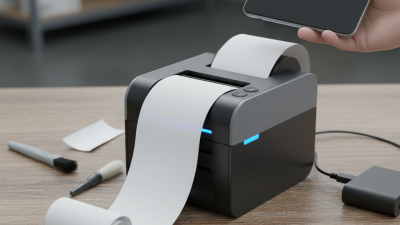
A Bluetooth receipt printer is a portable printing device that connects wirelessly to various electronic devices. It can easily pair with smartphones, tablets, or laptops. This setup allows for seamless printing of receipts on the go. These printers are commonly used in retail, restaurants, and service industries.
The convenience of using a Bluetooth receipt printer is evident. Users can print receipts without the hassle of cables. This flexibility enhances customer interaction. It is especially useful for businesses that operate in multiple locations or require mobility. However, the connection may sometimes be unstable. Users need to ensure their devices are compatible and properly paired.
These printers come in various sizes and designs, catering to different needs. Some are compact and lightweight, making them easy to carry. Others may have limited battery life, which can interrupt operations. Choosing the right model requires careful consideration of features and usability. While Bluetooth technology offers many advantages, some challenges remain. It is essential to address these issues for a smoother printing experience.
Comparison of Bluetooth Receipt Printer Usage by Industry
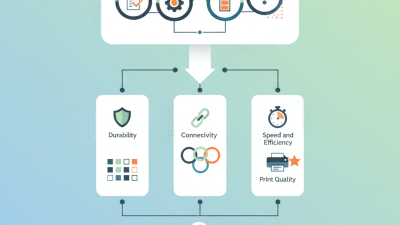
Key Features of Bluetooth Receipt Printers
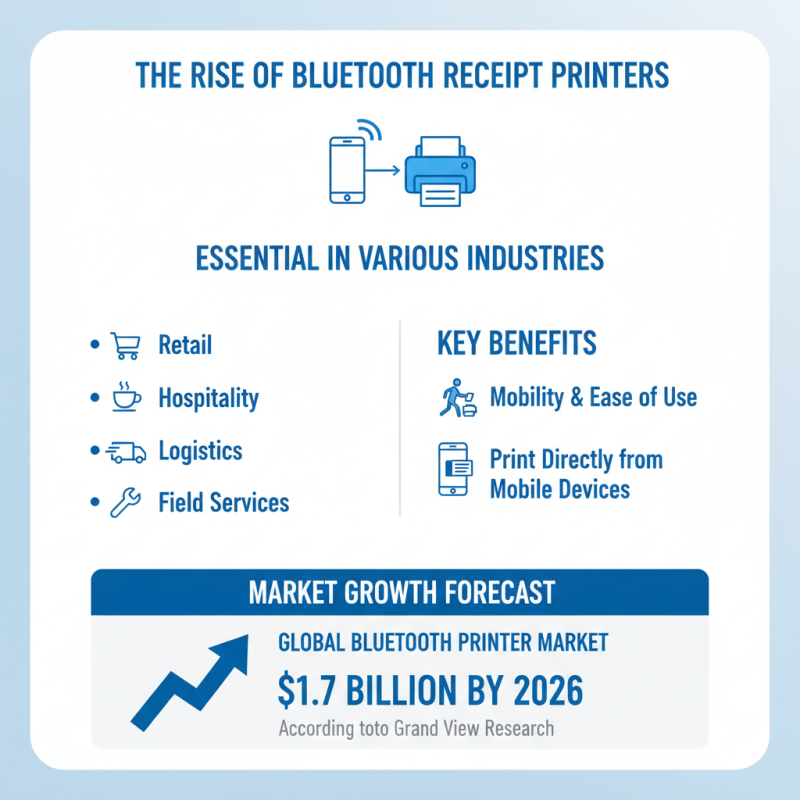
Bluetooth receipt printers have become essential in various industries. These devices offer mobility and ease of use. They allow businesses to print receipts directly from mobile devices. In recent years, the market for Bluetooth printers has seen remarkable growth. According to a report by Grand View Research, the global Bluetooth printer market is expected to reach $1.7 billion by 2026.
Key features often include compact size and lightweight designs. Many models also boast long battery life. Some receive power from rechargeable batteries, providing flexibility for on-the-go operations. Connection stability is crucial. Industry reports indicate that poor connectivity can lead to customer dissatisfaction. Many users report occasional Bluetooth failures that hinder transactions. This shows a need for better technology and more robust devices.
The printing speed is another important aspect. Reports suggest that the average printing time for a receipt is about 30 seconds. Fast service is vital in busy environments. High-quality output is equally important. Blurred or faded print can frustrate customers. Considering these factors, businesses must choose their printers wisely, ensuring they meet customer expectations while minimizing technical errors.
How Bluetooth Receipt Printers Connect to Devices
Bluetooth receipt printers are increasingly popular in various industries. They offer convenience and flexibility, allowing users to print receipts directly from mobile devices. Understanding how these printers connect to devices is essential.
Bluetooth printers utilize short-range wireless technology. They can pair with smartphones, tablets, or computers within a range of about 30 feet. This eliminates the need for tangled wires. According to a report from MarketsandMarkets, the Bluetooth printing market is projected to grow significantly in the coming years. However, challenges remain. Connection issues can occur, especially in crowded environments. Devices may struggle to maintain a stable link.
When setting up Bluetooth receipt printers, users often face compatibility issues. Some devices might not support certain Bluetooth profiles. In fact, a study revealed that about 30% of users experience difficulties during initial setup. This can lead to frustration and wasted time. It’s crucial to check compatibility before purchasing a printer. Additionally, regular updates may be necessary to ensure smooth operation. Despite these obstacles, the demand for Bluetooth receipt printers continues to rise, driven by their practicality in retail and service settings.
Benefits of Using Bluetooth Receipt Printers
Bluetooth receipt printers offer convenience for businesses. They connect wirelessly to devices, enabling quick printing on the go. This technology is especially useful for mobile vendors and retailers. Imagine a bustling farmers' market where a seller prints receipts right at the stall. Customers appreciate this instant service.
One major benefit is portability. These printers are often lightweight and compact, making them easy to carry. A small restaurant can save space, while a food truck thrives on a limited setup. Plus, the lack of tangled wires simplifies transactions. But there can be challenges. Battery life varies, and connections may sometimes drop unexpectedly.
Another advantage is the reduction of paper waste. Bluetooth receipt printers can offer options for digital copies. Customers prefer receiving their receipts via email or text. This trend not only helps the environment but also enhances customer experience. However, not every customer is tech-savvy. Some may prefer traditional paper receipts, creating a balance businesses must navigate.
What is a Bluetooth Receipt Printer and How Does It Work? - Benefits of Using Bluetooth Receipt Printers
| Feature |
Description |
Benefits |
| Wireless Connectivity |
Uses Bluetooth technology to connect with smartphones, tablets, and other devices. |
Eliminates the need for messy wires and allows for convenient printing on the go. |
| Portability |
Compact and lightweight design, making it easy to carry. |
Ideal for mobile businesses such as food trucks and retail sales. |
| Compatibility |
Works with various operating systems and mobile applications. |
Flexibility to integrate with existing business software and systems. |
| Battery Life |
Long-lasting battery for prolonged use without frequent recharging. |
Ensures that the printer remains functional during busy service periods. |
| Print Quality |
High-quality printing at a fast speed with thermal technology. |
Provides clear and legible receipts, enhancing customer experience. |
Common Use Cases for Bluetooth Receipt Printers
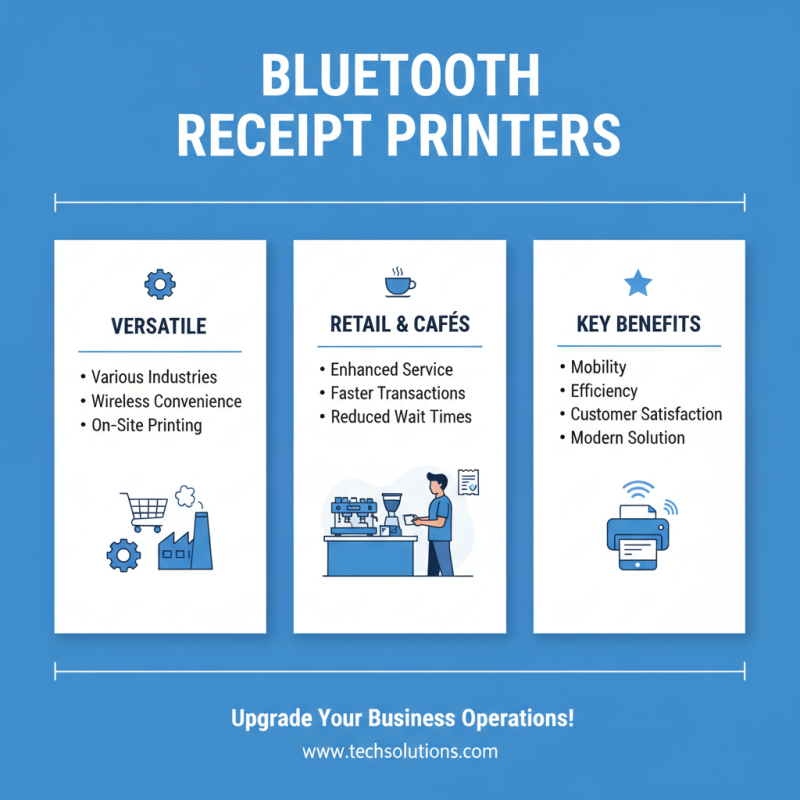
Bluetooth receipt printers serve various industries by offering a convenient solution for printing receipts wirelessly. Retail environments benefit significantly from this technology. Staff can print receipts on the spot, enhancing customer service. Imagine a bustling café where the barista takes a customer's order and instantly provides a receipt without leaving the counter. This efficiency reduces wait times and improves customer satisfaction.
In addition to retail, Bluetooth receipt printers find utility in mobile businesses. Food trucks and pop-up shops use these devices to manage sales on the go. Vendors can print receipts directly from a smartphone or tablet, creating a seamless transaction process. However, connectivity issues can be a challenge. Sometimes, the printer disconnects unexpectedly, interrupting service. This situation requires staff to be adaptable and find quick solutions, ensuring that operations run smoothly.
Healthcare providers also leverage Bluetooth receipt printers. They issue payment receipts instantly after consultations or treatments. Patients appreciate the convenience. However, the printers must be checked regularly to avoid paper jams and connectivity problems. Addressing these issues can take time and distract from providing care. Ultimately, while Bluetooth receipt printers streamline operations, businesses must stay proactive in maintaining this technology for smooth service delivery.

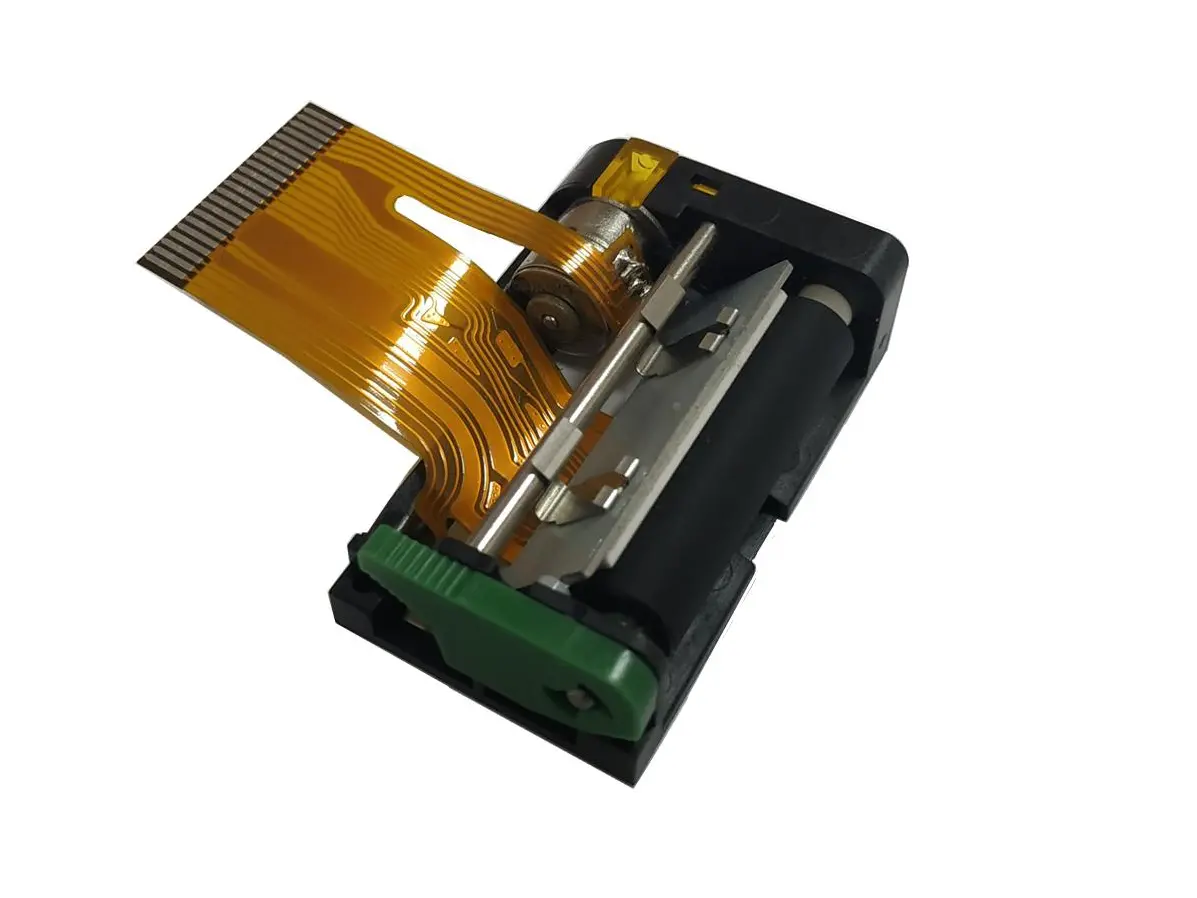 1 inch thermal printer mechanism
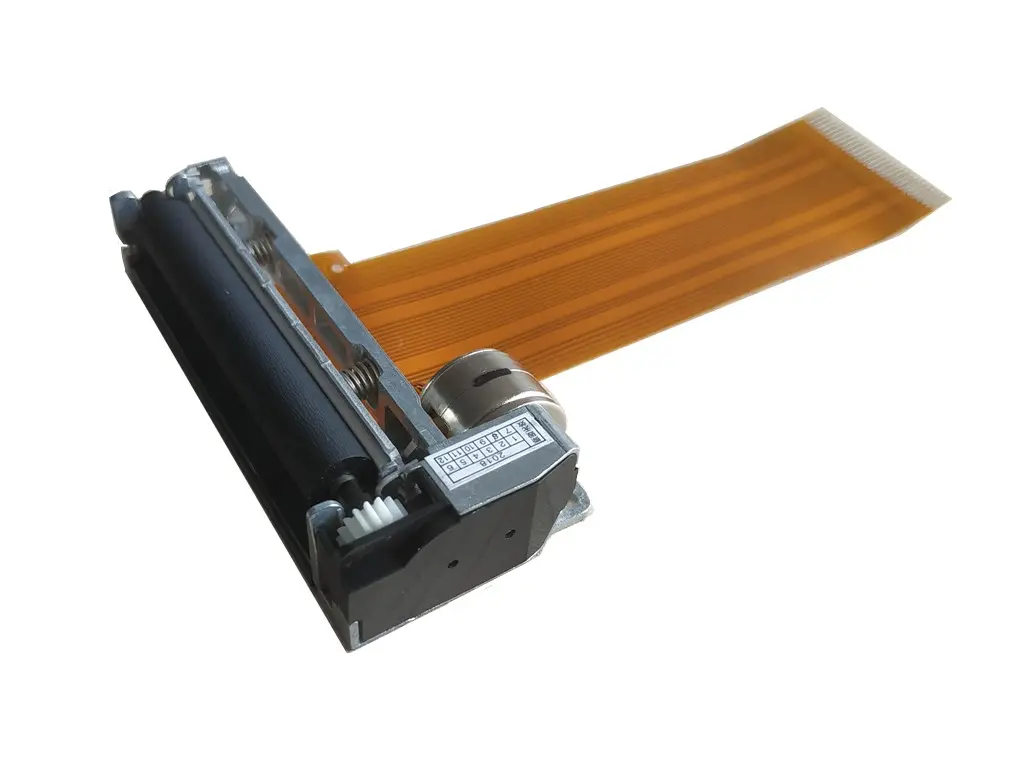 2 inch thermal printer mechanism
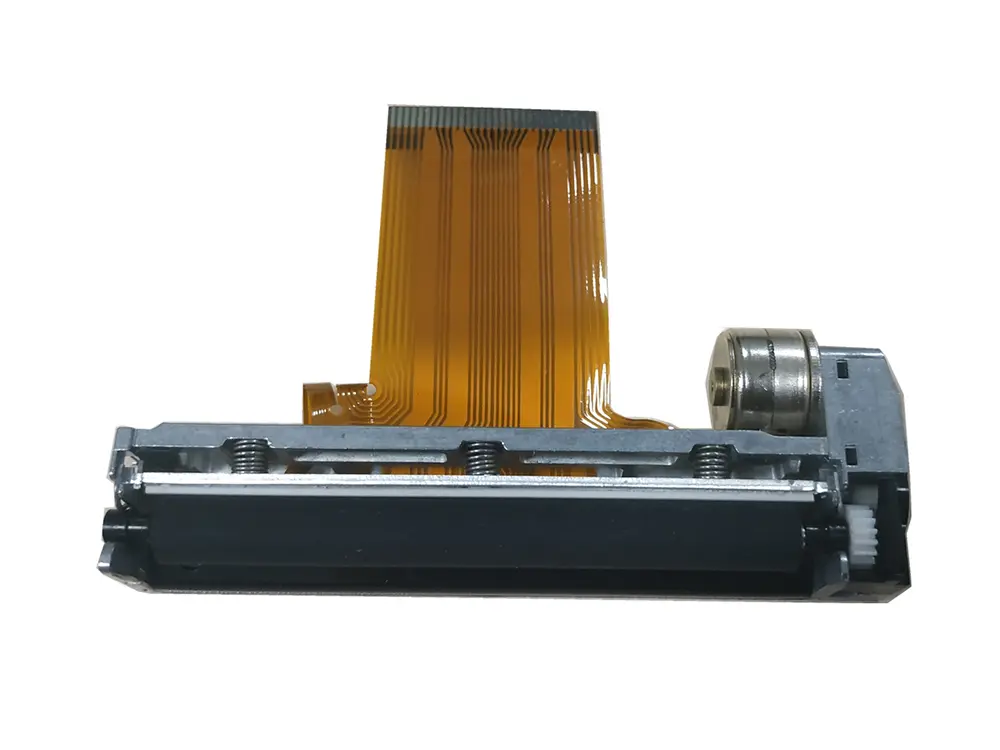 3 inch thermal printer mechanism
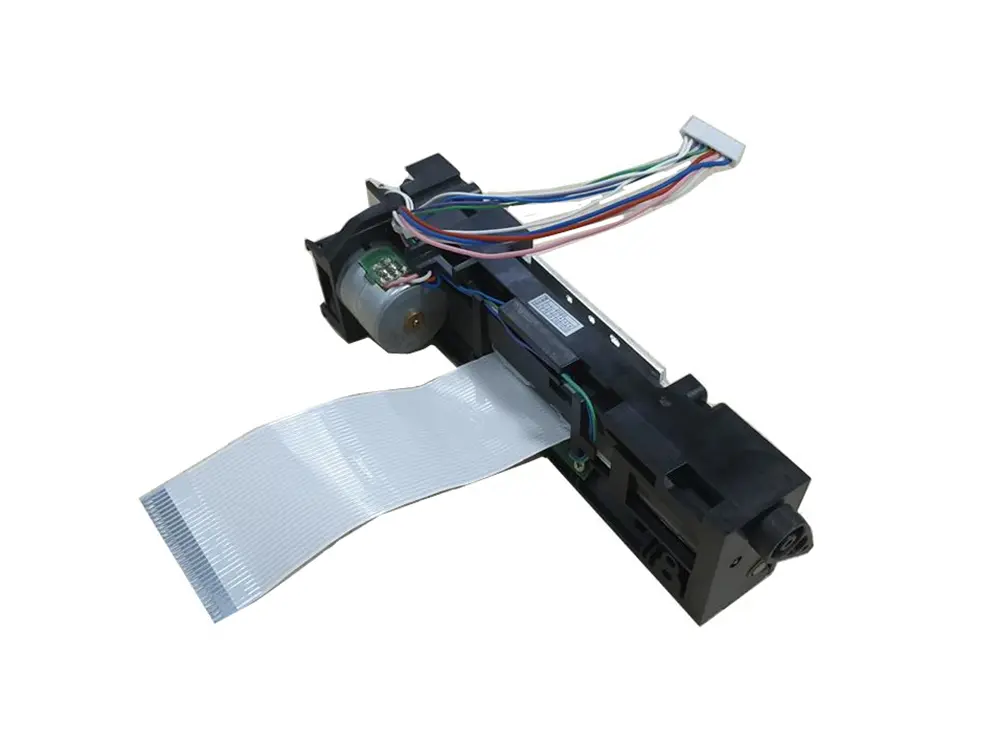 4 inch thermal printer mechanism
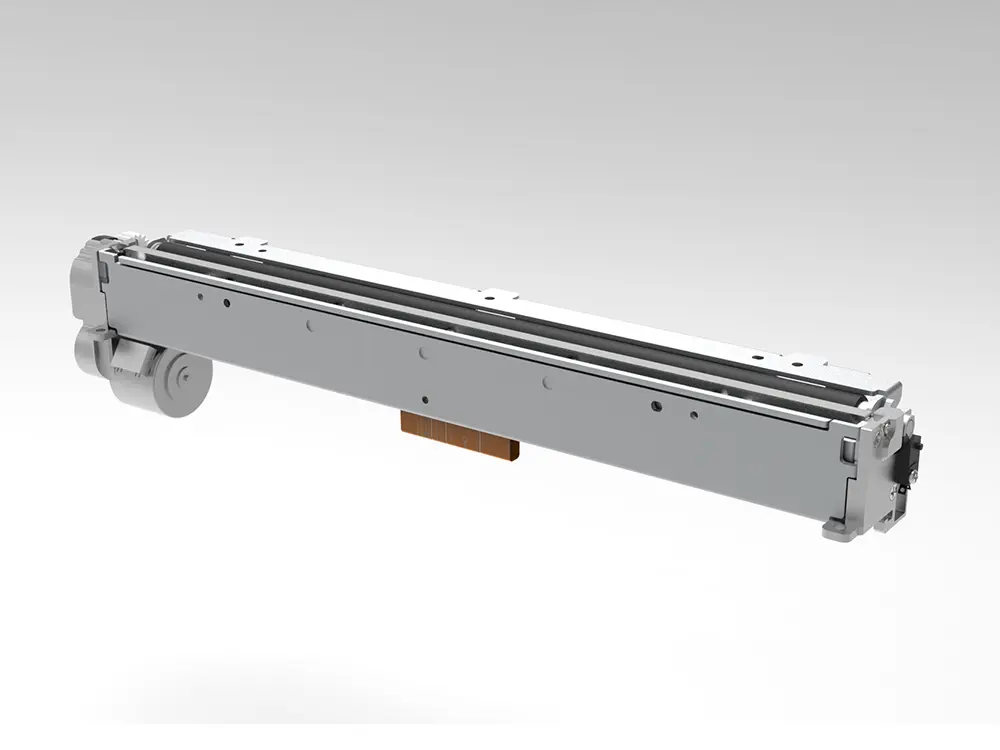 8 inch thermal printer mechanism
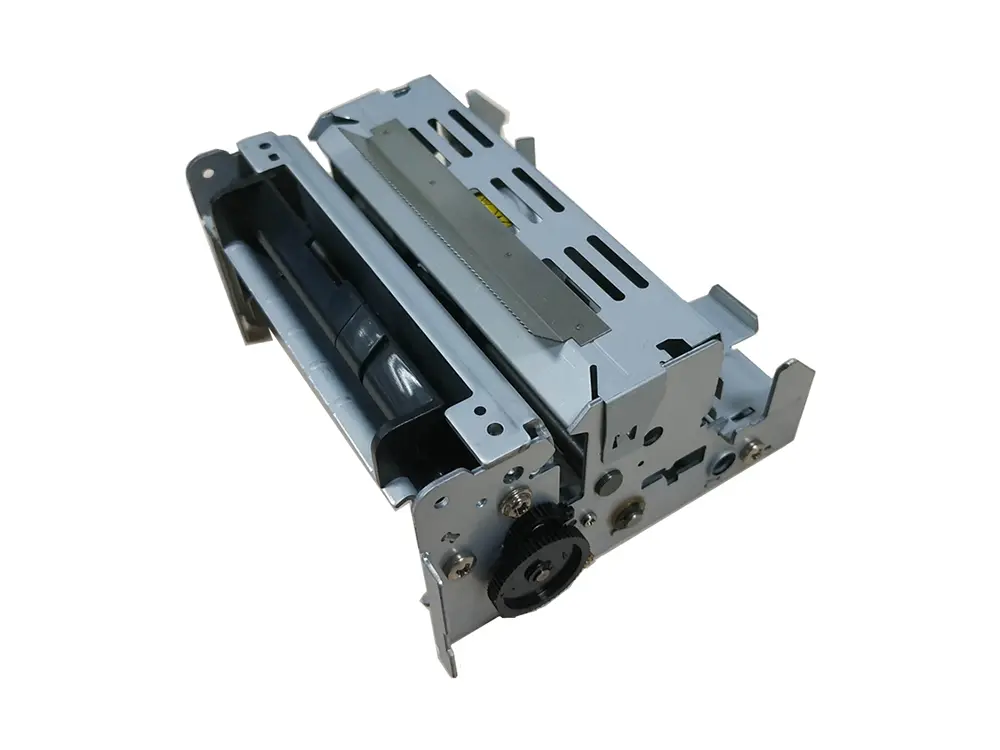 dot matrix printer mechanism
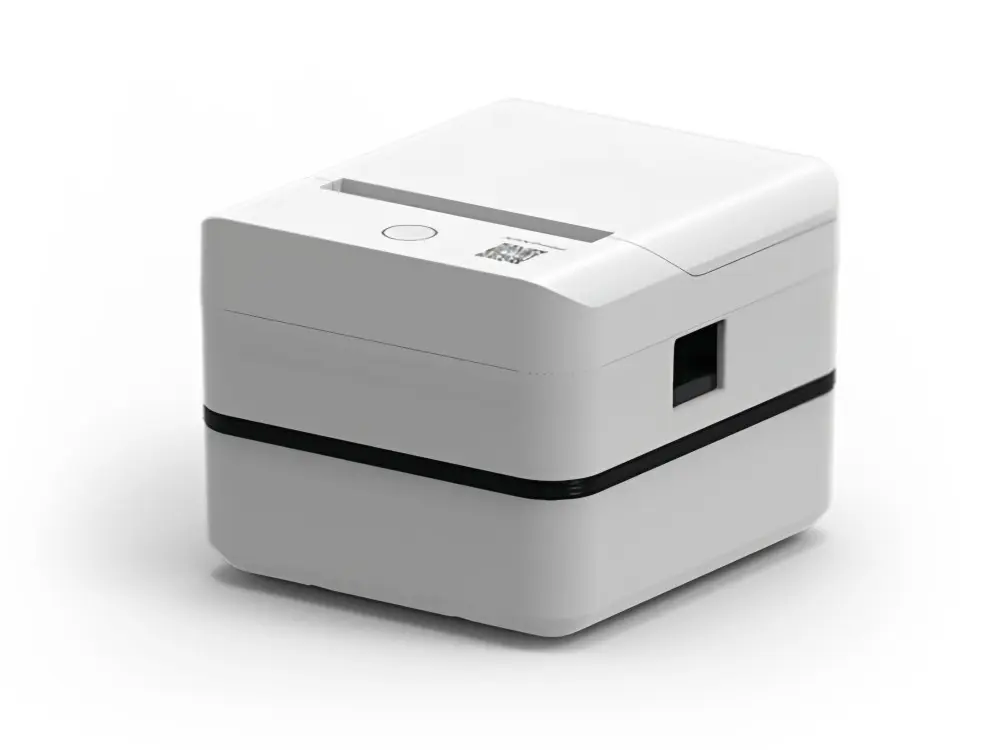 Label Printer
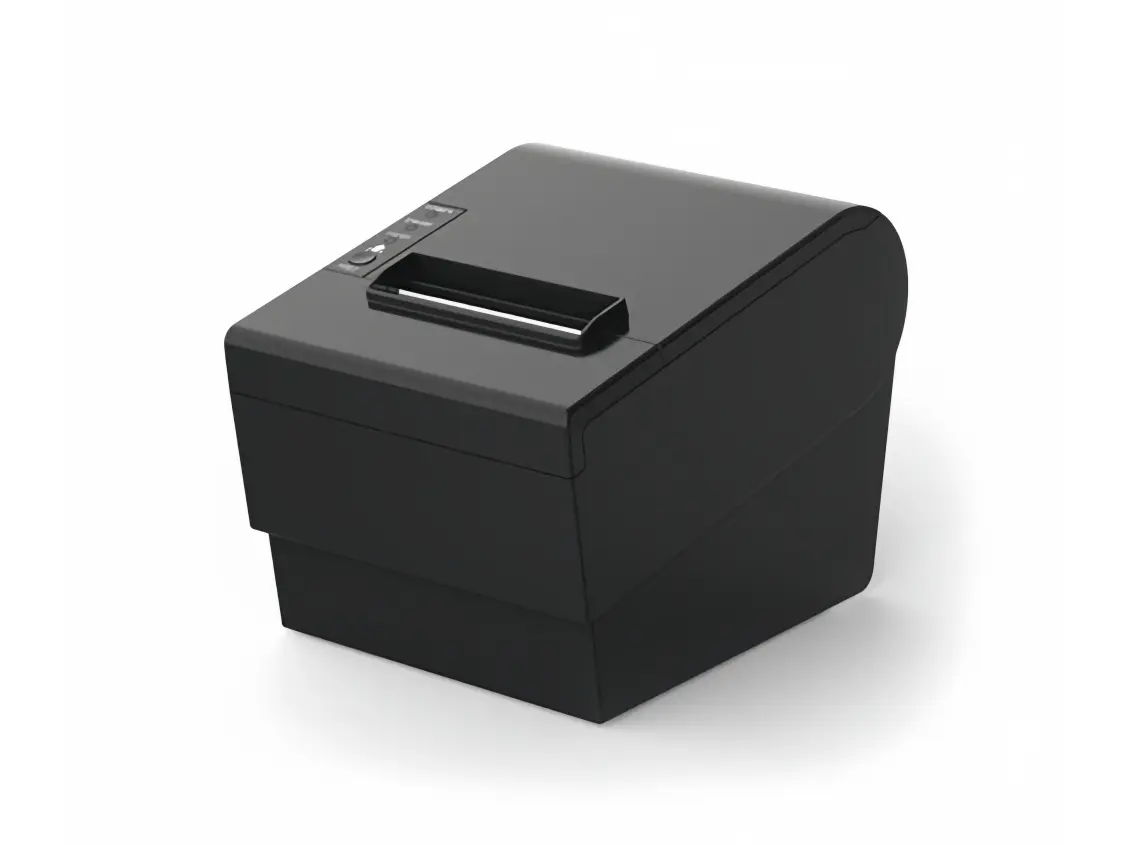 Receipt Printer
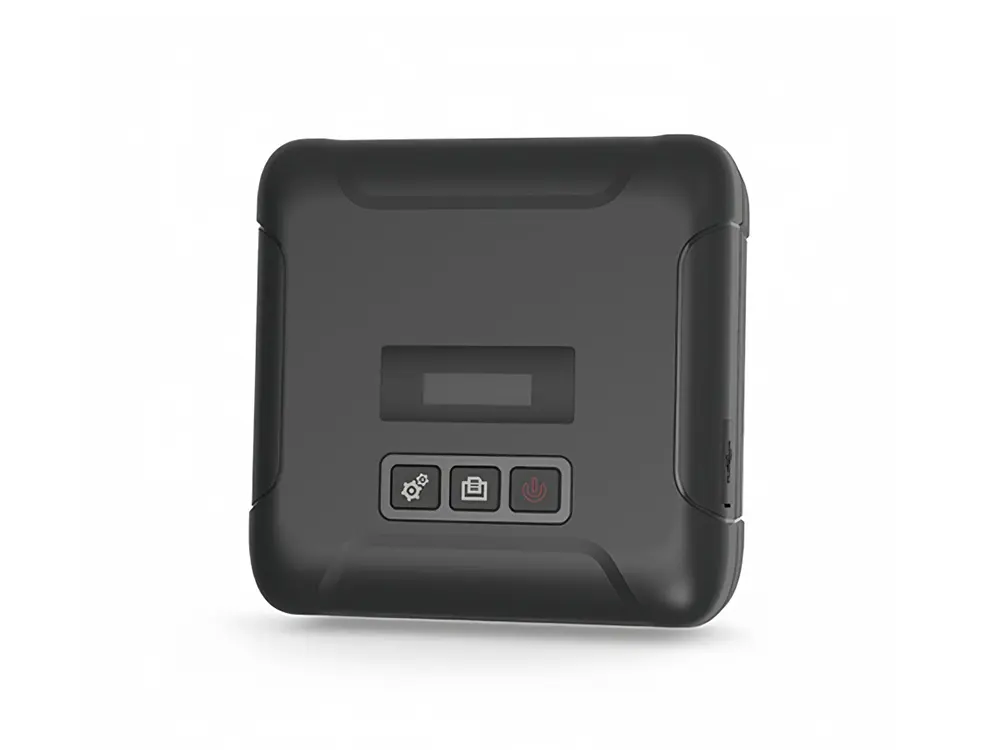 Mobile Printer