Best Sticker Printer Options for 2026 What to Look For?
In the rapidly evolving world of customized printing, the sticker printer market is set to flourish in 2026. According to Mark Phillips, a leading expert in digital printing technology, "The right sticker printer can transform your creative ideas into reality." This reflects the growing demand for high-quality stickers in various industries.
When searching for the best sticker printer, several factors come into play. Print quality, speed, and versatility are essential. Users want reliable performance and vibrant colors. Also, usability matters—printers need to be user-friendly. While many printers claim to deliver, not all can meet the varying needs of hobbyists and professionals alike.
Moreover, as new technologies emerge, consumers must adapt their choices. Innovations may offer advanced features but could complicate the usability that users desire. With careful consideration, selecting the ideal sticker printer is possible. This choice ultimately influences creative projects and business outputs. It's crucial to weigh options carefully and not overlook critical features that truly enhance productivity.
Top Features to Consider When Choosing a Sticker Printer in 2026
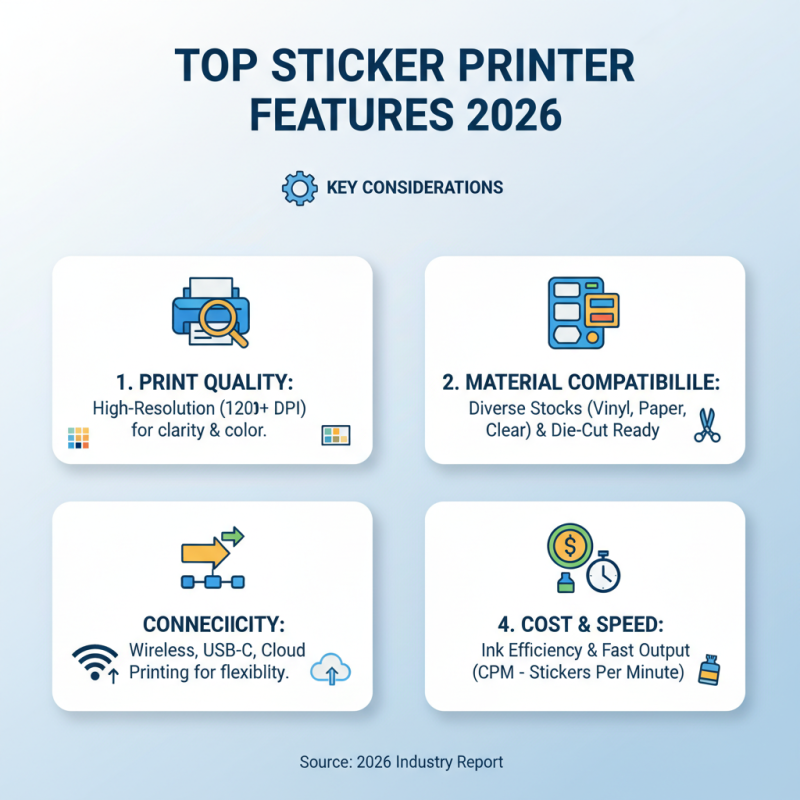
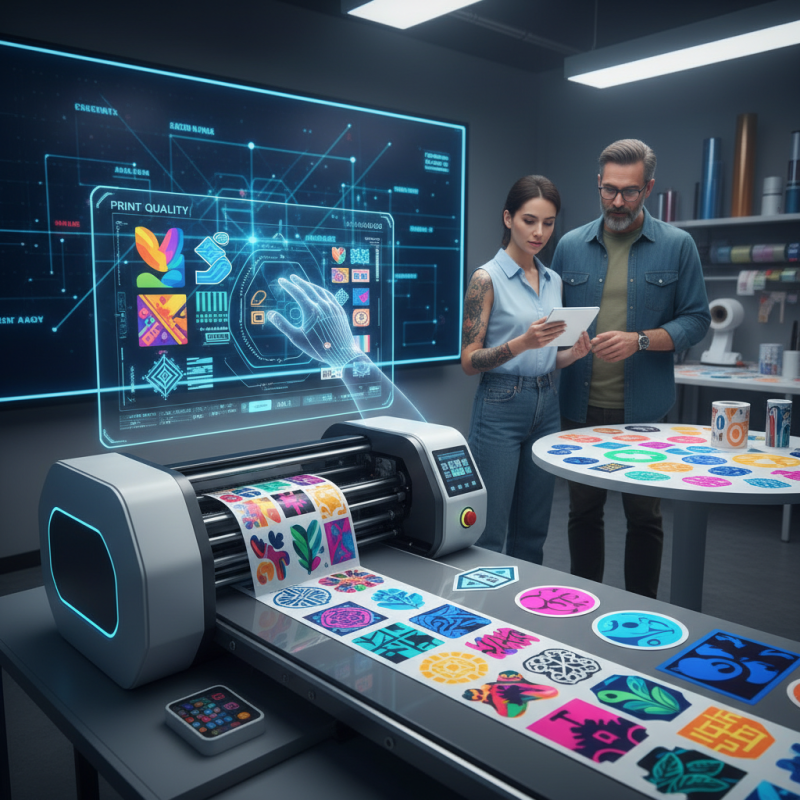
Choosing the right sticker printer in 2026 requires careful consideration of essential features. First, print quality is crucial. Look for printers capable of producing high-resolution prints. A resolution of at least 1200 DPI is ideal for vibrant, detailed stickers. Users often prefer vibrant colors that pop. According to a recent industry report, high-quality prints can significantly enhance customer satisfaction and brand perception.
Another vital feature is connectivity. Options like USB, Wi-Fi, and Bluetooth are now standard. These features allow seamless printing from various devices. Industry surveys indicate that about 70% of users prefer printers with wireless capabilities for ease of use. Additionally, consider the size and type of stickers you want to create. Some printers handle only smaller formats, while others can print larger designs. Knowing your needs can save you from frustration later.
Durability is often overlooked but essential. Printers should be able to handle diverse materials, including vinyl and matte finishes. Studies show that printers which offer versatile media handling outperform others in customer reviews. However, keep in mind that higher versatility may come at a higher price point. Balancing budget and features is key in this competitive market. Aim for a reliable printer that aligns with your specific requirements.
Types of Sticker Printers: Inkjet vs. Laser vs. Thermal
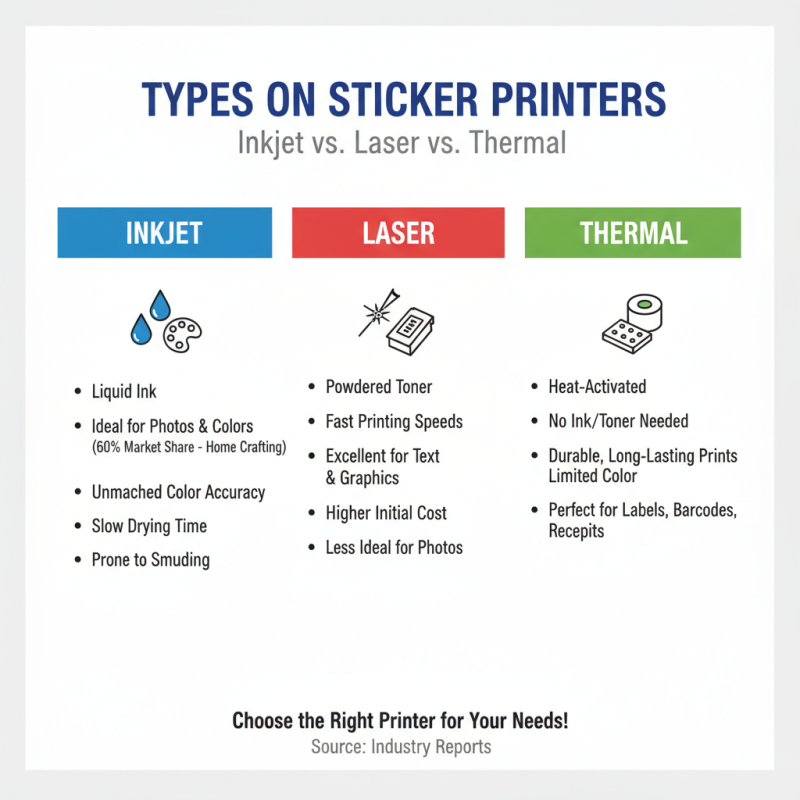
When choosing a sticker printer, understanding the types is essential. Inkjet printers use liquid ink, ideal for vibrant colors. According to industry reports, these printers represent about 60% of the market for home crafting. The detail and color accuracy they provide are unmatched, but their drying time can be a drawback. Users often find the ink smudges if not handled correctly.
Laser printers, on the other hand, use toner that fuses onto the paper. They excel in speed and efficiency. The global statistics indicate that up to 30% of professional businesses prefer laser printers for their reliability and low running cost. However, the color reproduction may not be as vivid as inkjet printers. The upfront cost can also be higher, which might deter casual users.
Thermal printers operate differently; they use heat to transfer ink. Typically, these are compact, suitable for labels and smaller stickers. They are often favored in retail and shipping industries. Research shows that they account for roughly 10% of the sticker printing market. Yet, thermal printers may not produce the same high-quality images as the other two types. Each printer type has pros and cons, and choosing the right one can be a challenge.
Key Factors Influencing Print Quality and Durability
When choosing a sticker printer, print quality and durability are essential. The right printer can make a significant difference in how your designs look and last. High resolution is crucial. Look for printers that offer at least 1200 DPI for sharp images. Vibrant colors draw attention and can reflect your brand’s identity.
Durability often hinges on the type of ink used. Pigment-based inks tend to last longer than dye-based inks. They resist fading, especially in sunlight. A good printer should also use quality paper. Choosing the right type of adhesive backing can impact how stickers adhere and hold up over time.
Tips for maintenance: Clean your printer regularly. Dust and residue can affect print quality. Use high-quality materials for best results. Consider testing different papers to find out what works best for you. Real-world testing is vital. Don’t hesitate to experiment and learn from your experiences. Every choice can enhance your final product.
Assessing Connectivity and Compatibility with Devices
When selecting a sticker printer for 2026, connectivity and compatibility with devices are crucial factors. More than 70% of users prefer printers that offer wireless options. This trend reflects a growing demand for convenience. Most modern printers now support Bluetooth and Wi-Fi connections. These features allow for easy printing directly from smartphones, tablets, and computers.
Compatibility with various operating systems is equally important. Industry reports suggest that around 65% of users experience frustration when a printer lacks cross-platform support. Many printers now offer solutions compatible with iOS, Android, Windows, and macOS. This flexibility enhances usability and broadens the customer base.
Yet, not all printers perform equally well in connectivity. Some models may experience intermittent connection issues. It’s essential to verify user reviews for real-world experiences. A device that cannot maintain a stable connection can diminish the printing experience significantly. Understanding these aspects will help make an informed decision.
Best Sticker Printer Options for 2026 - Assessing Connectivity and Compatibility with Devices
| Printer Model |
Connectivity Options |
Compatible Devices |
Print Resolution |
Max Paper Size |
Speed (pages/min) |
| Model A |
USB, Bluetooth, Wi-Fi |
Windows, macOS, iOS, Android |
600 x 1200 dpi |
4" x 6" |
10 |
| Model B |
USB, Wi-Fi |
Windows, macOS |
1200 x 1200 dpi |
5" x 7" |
8 |
| Model C |
Bluetooth, Wi-Fi |
iOS, Android |
300 x 300 dpi |
3" x 5" |
6 |
| Model D |
USB, Ethernet |
Windows, macOS, Linux |
4800 x 1200 dpi |
8" x 10" |
12 |
Cost Considerations: Budgeting for a Sticker Printer in 2026
When budgeting for a sticker printer in 2026, consider your needs carefully. The initial cost of a sticker printer varies widely.
Entry-level printers can start at a few hundred dollars. Higher-end models, built for serious users, may reach over a thousand dollars. This range highlights the importance of understanding what features matter most to you.
Operating costs are another critical factor. Quality paper and ink can add up. Depending on your needs, you’ll want to calculate ongoing expenses. Some printers use less expensive ink but may have limitations in color vibrancy or detail. Think about whether you need vibrant stickers or simpler designs.
Don't forget maintenance costs. Regular cleaning and occasional repairs may affect your budget. Research common issues with the models you're considering. Be aware of the hidden costs that often pop up. Many users overlook these until they arise unexpectedly. Reflect on your choices to avoid overspending and align your purchase with your expectations.

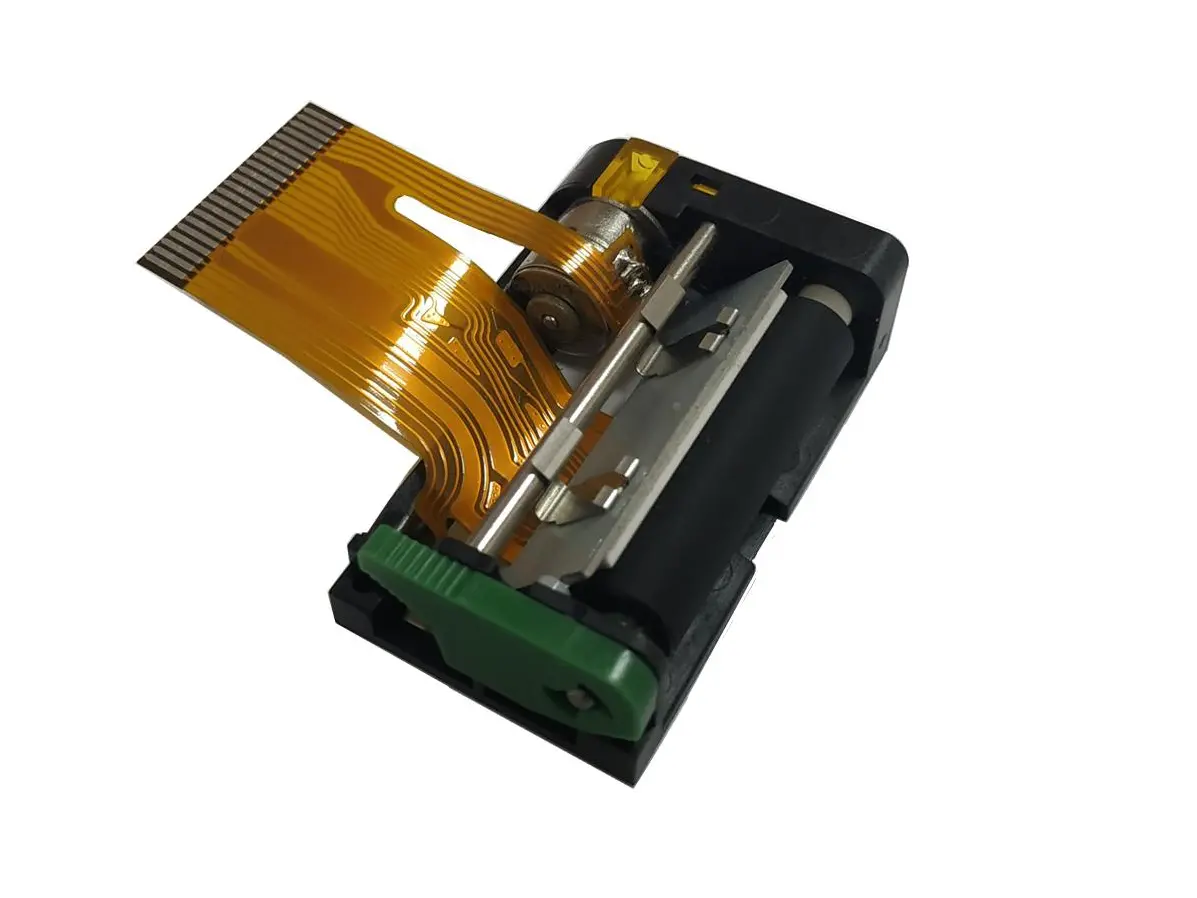 1 inch thermal printer mechanism
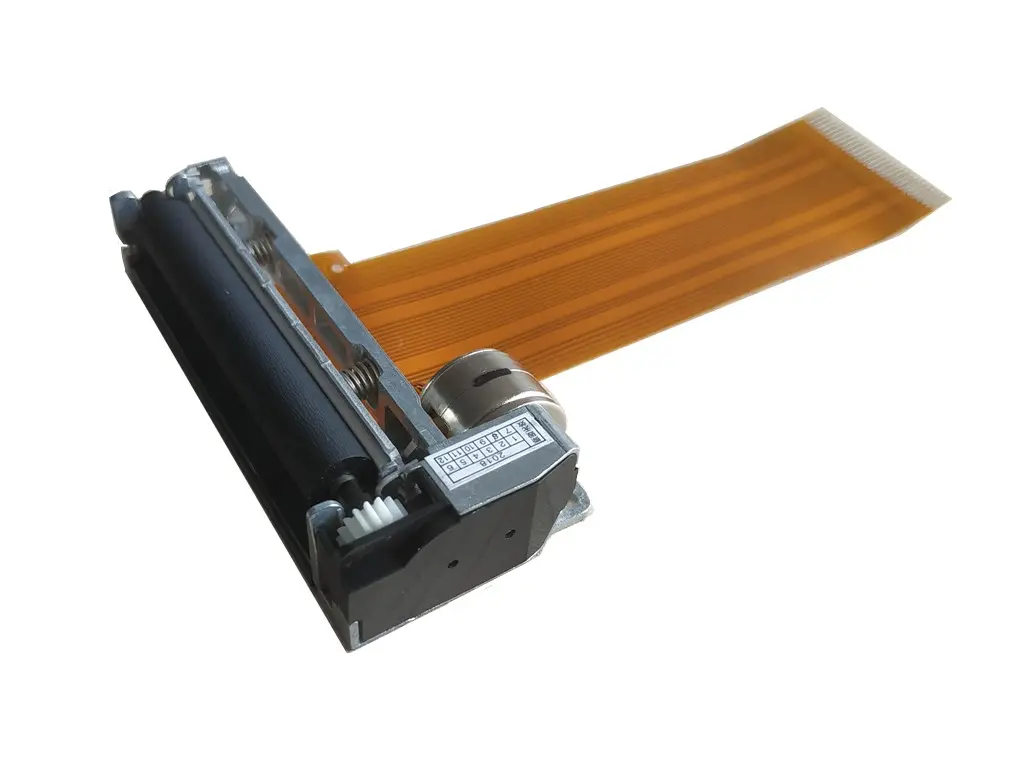 2 inch thermal printer mechanism
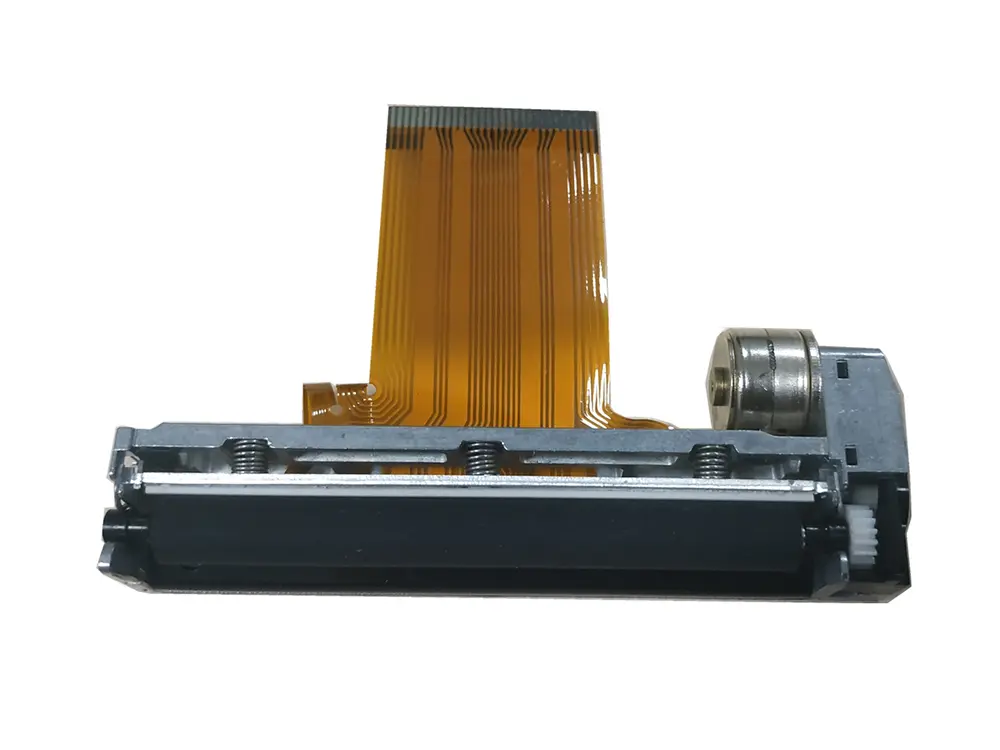 3 inch thermal printer mechanism
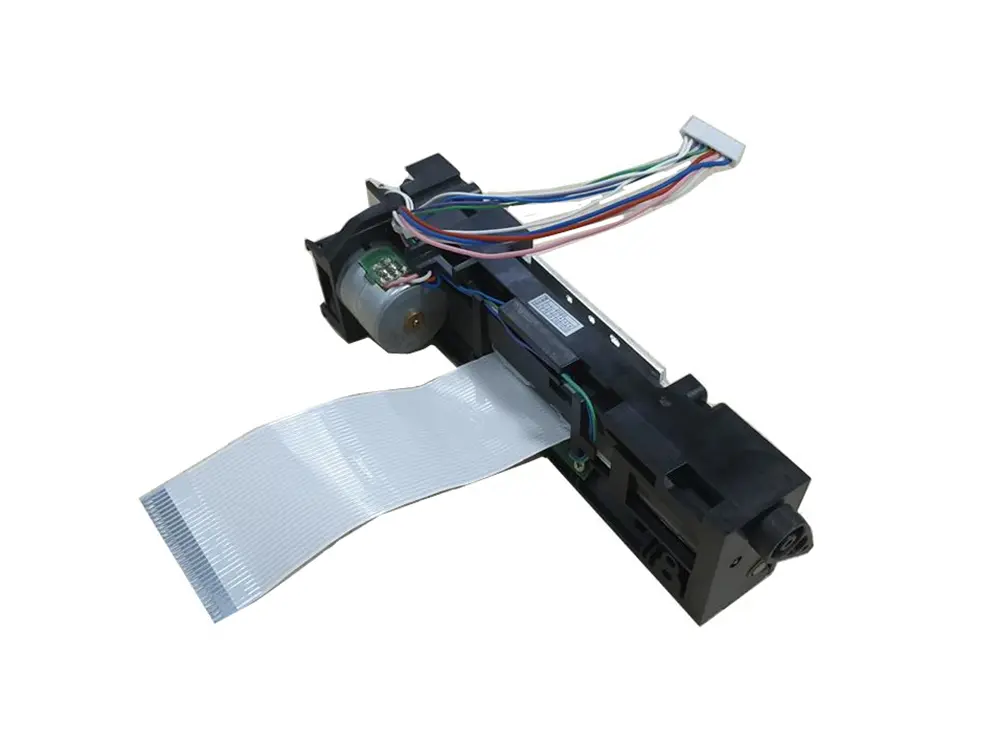 4 inch thermal printer mechanism
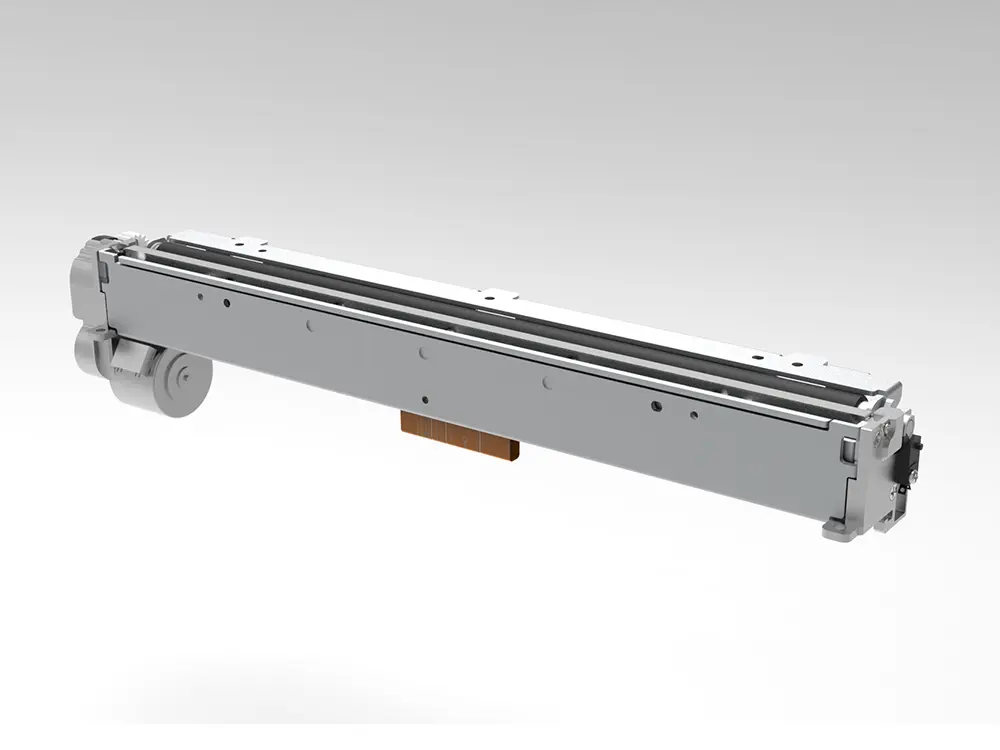 8 inch thermal printer mechanism
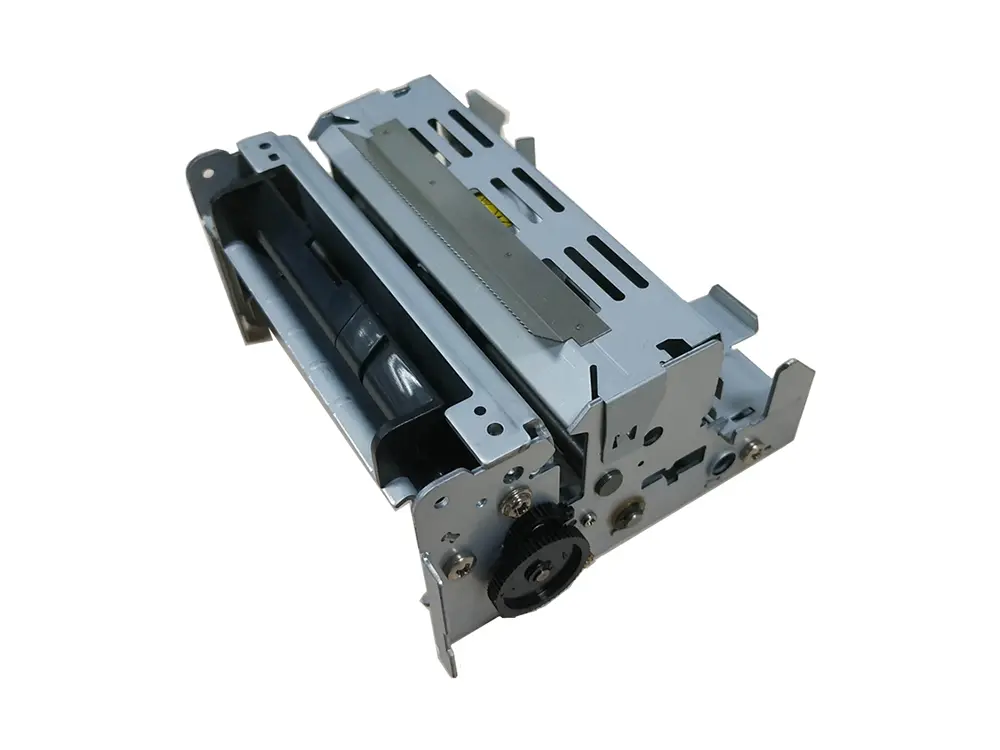 dot matrix printer mechanism
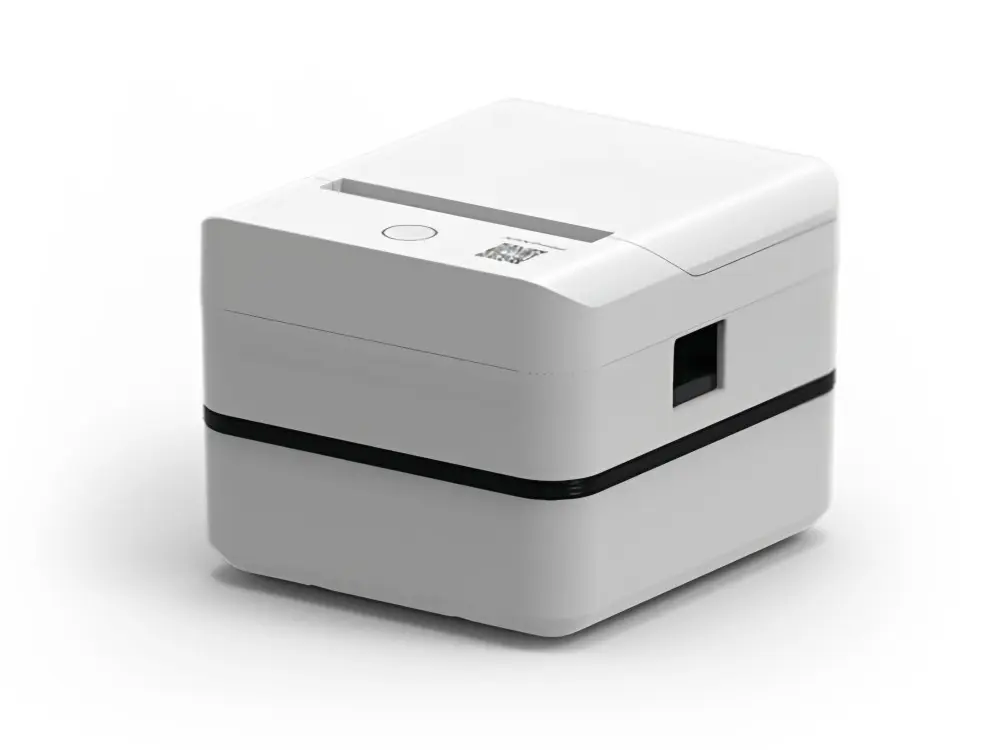 Label Printer
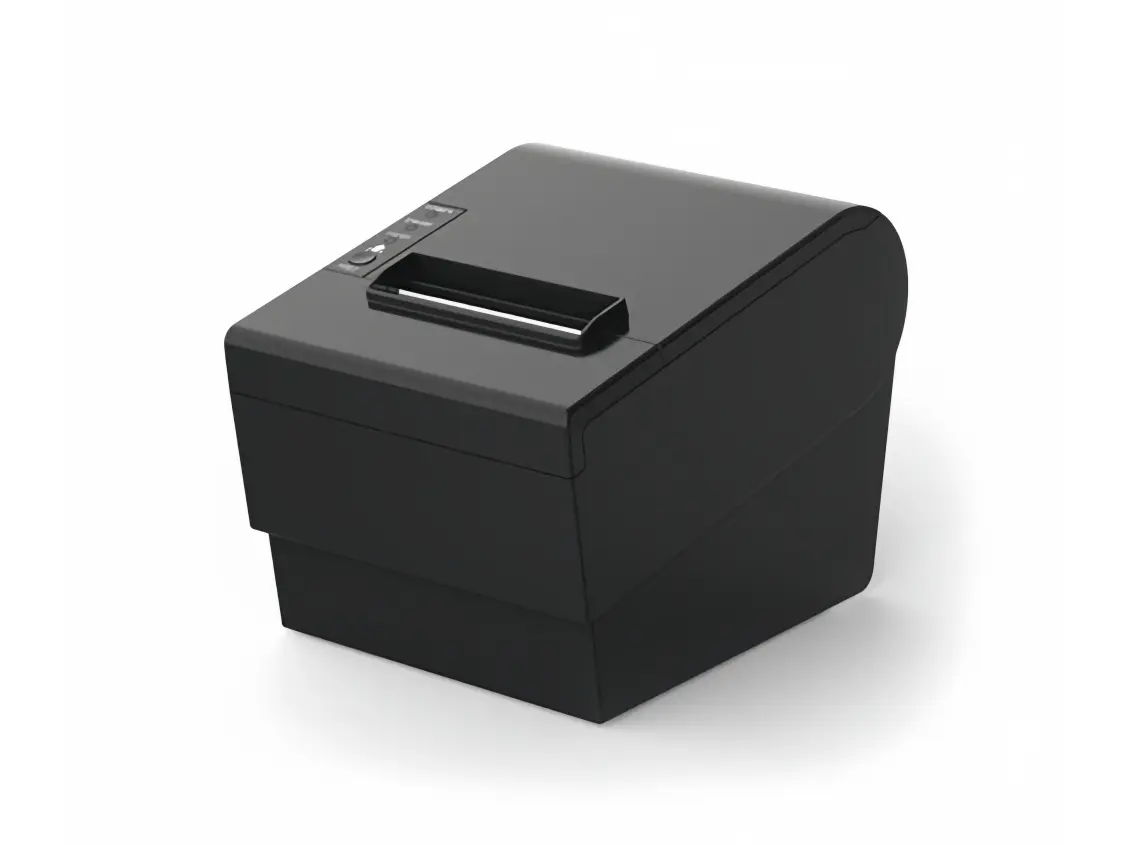 Receipt Printer
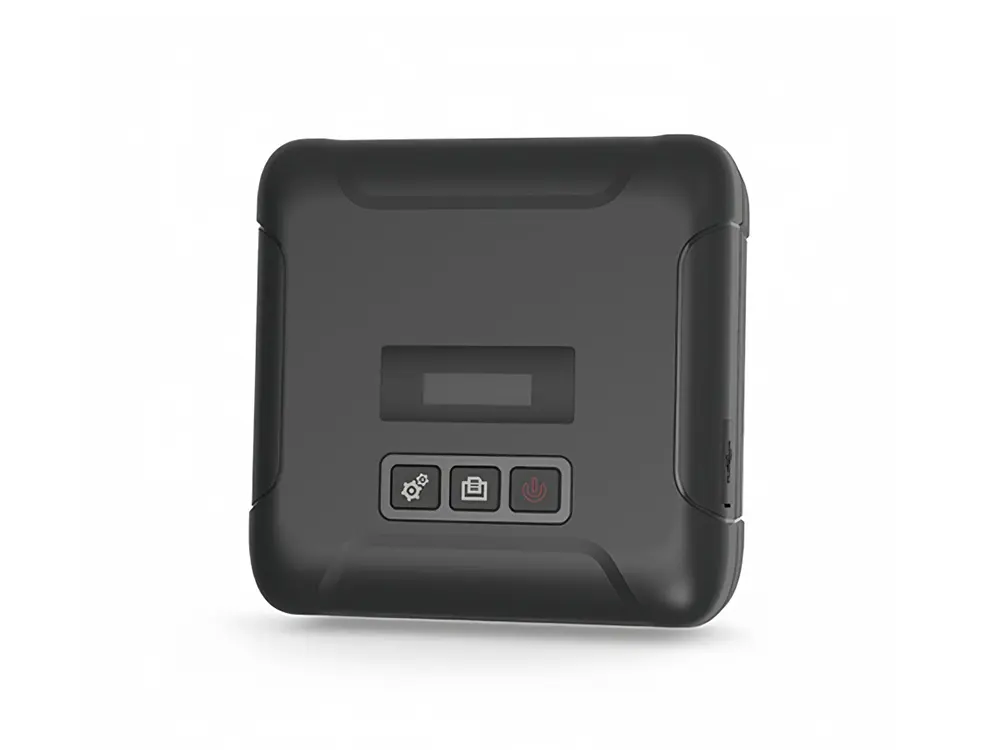 Mobile Printer