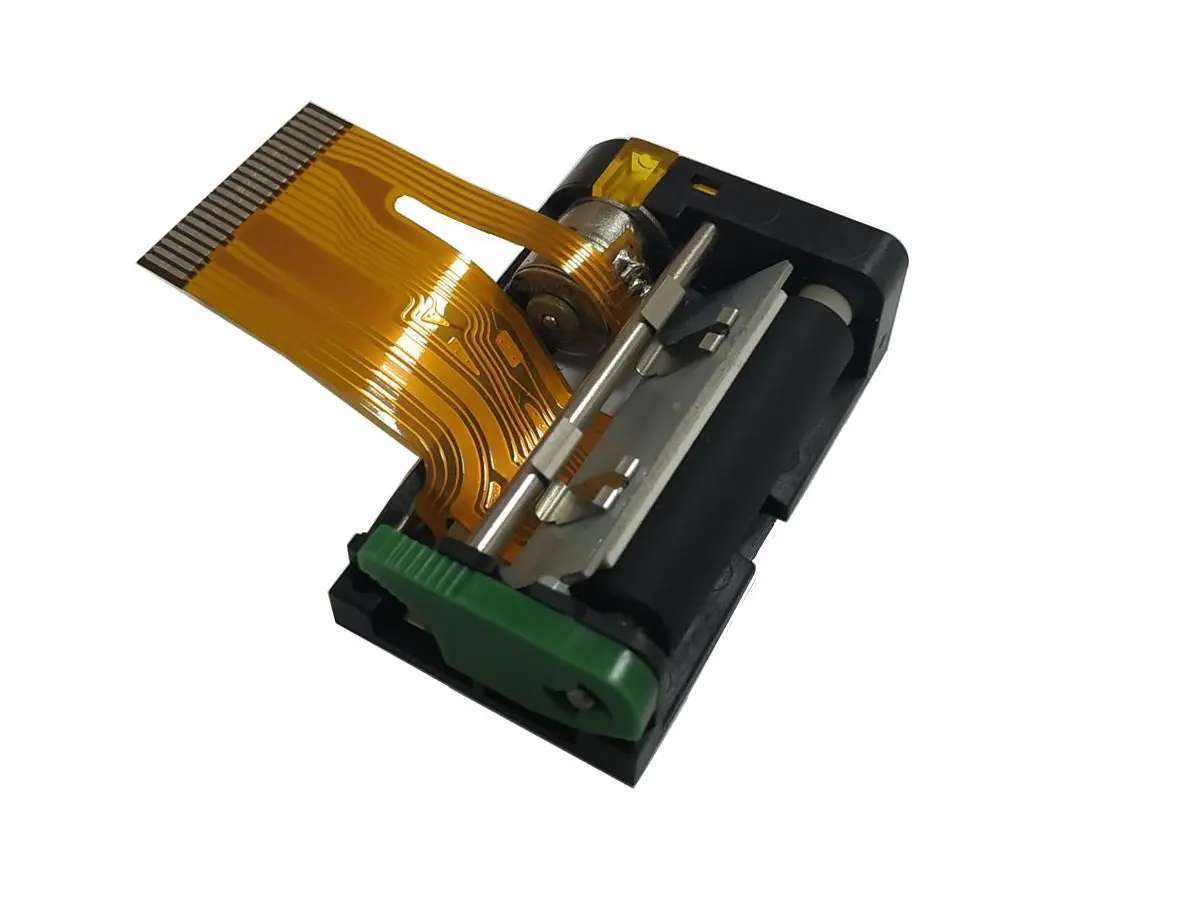
 1 inch thermal printer mechanism
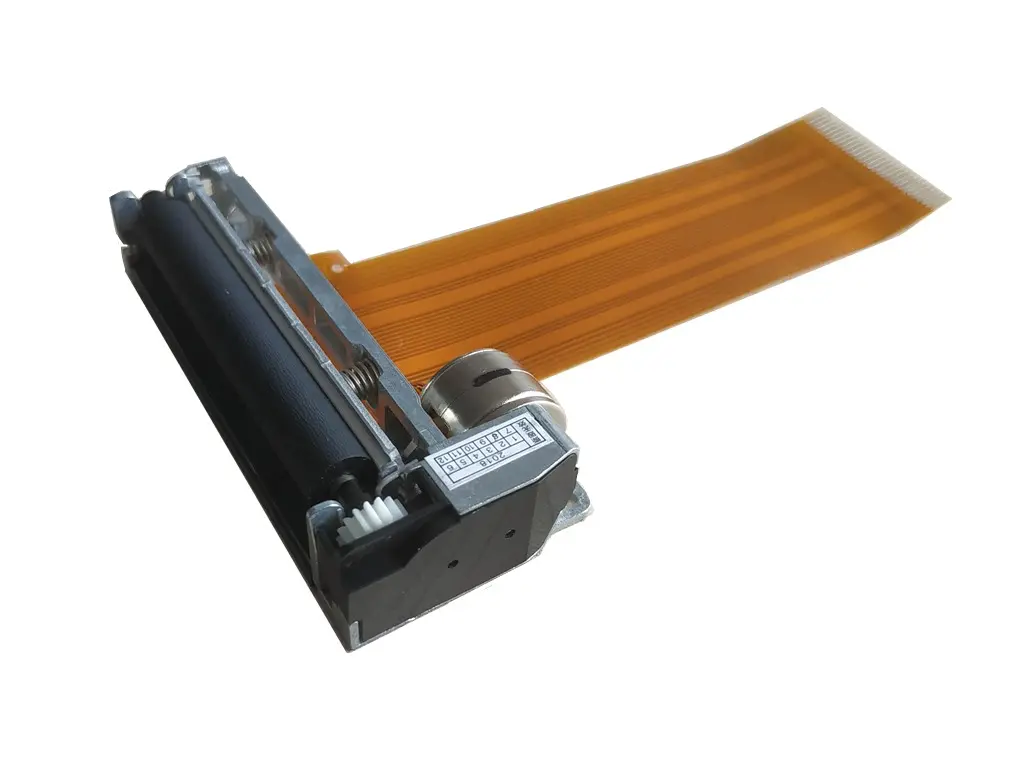 2 inch thermal printer mechanism
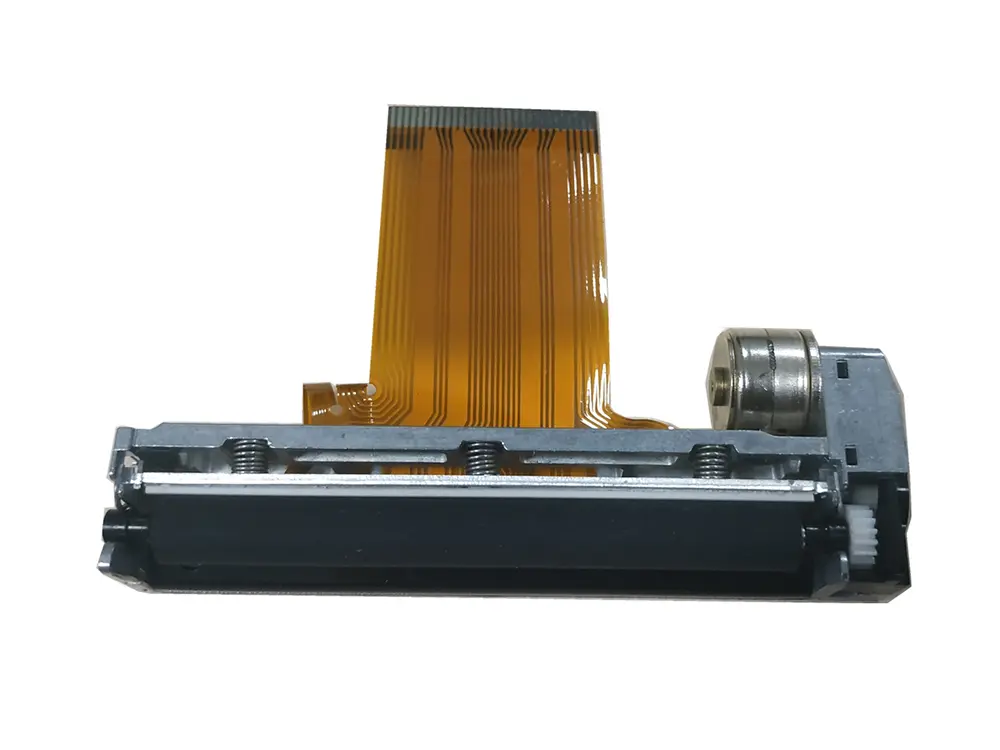 3 inch thermal printer mechanism
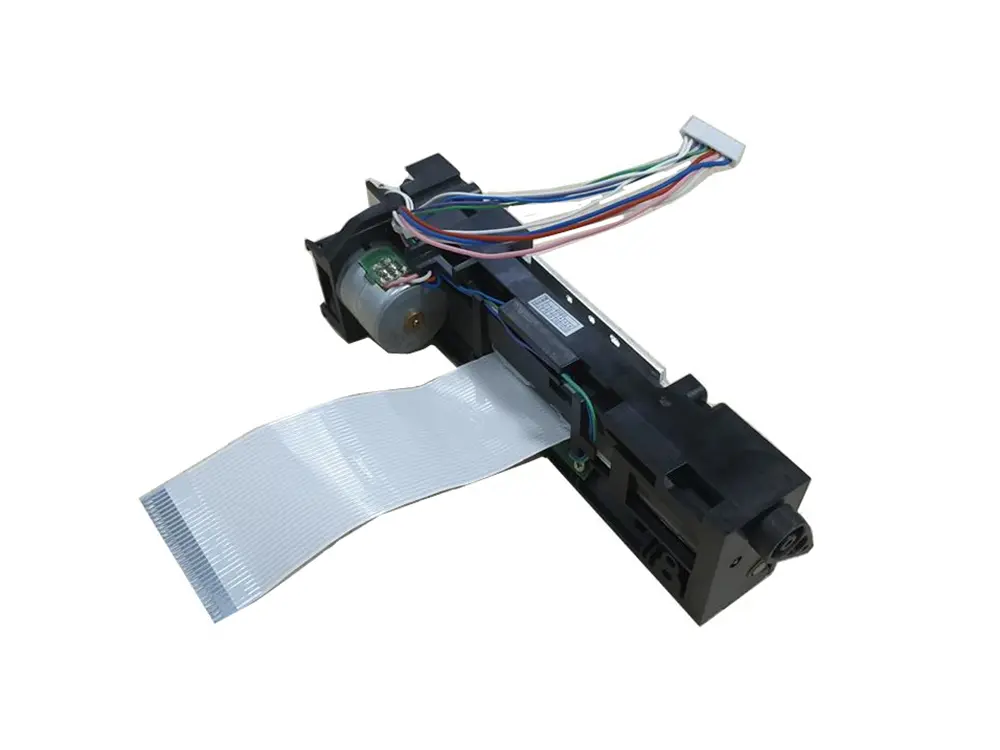 4 inch thermal printer mechanism
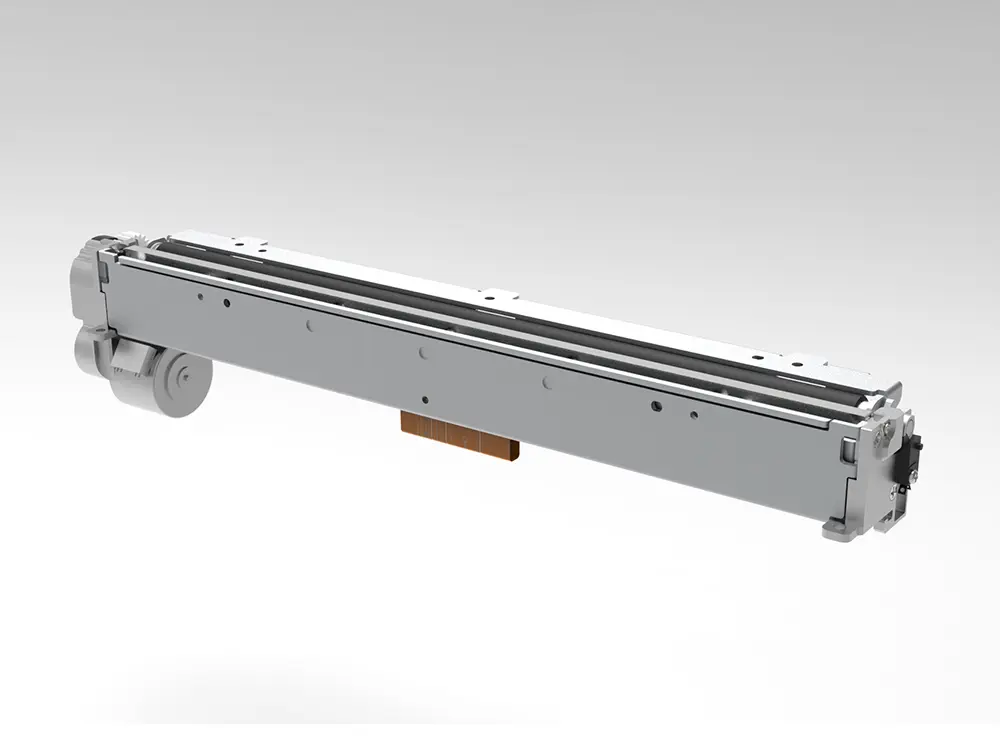 8 inch thermal printer mechanism
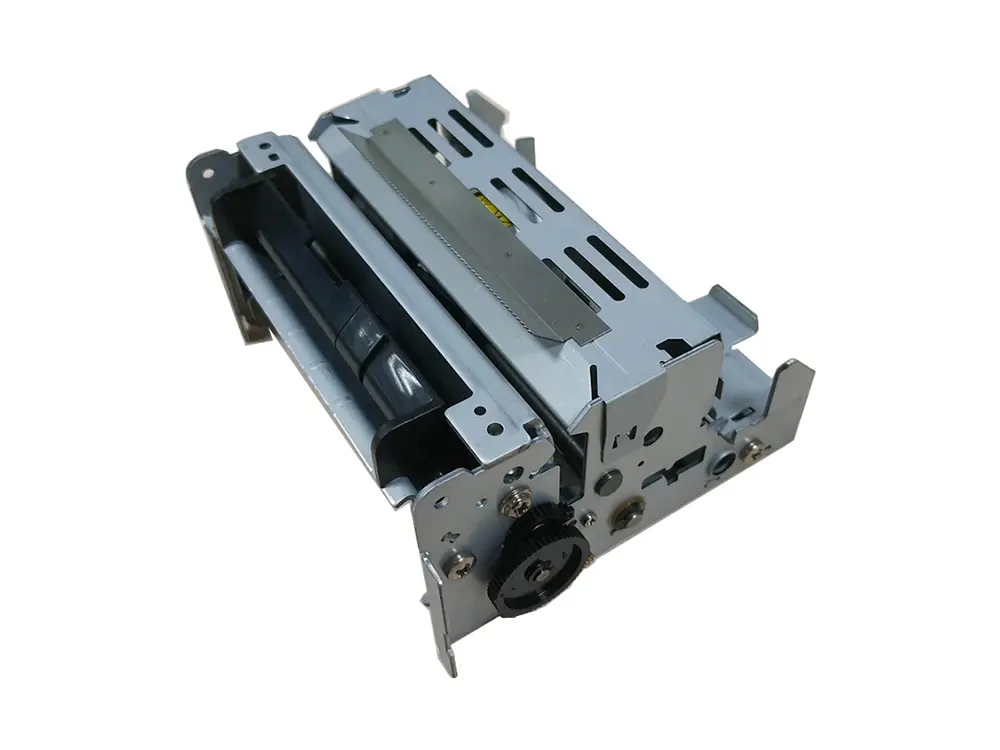 dot matrix printer mechanism
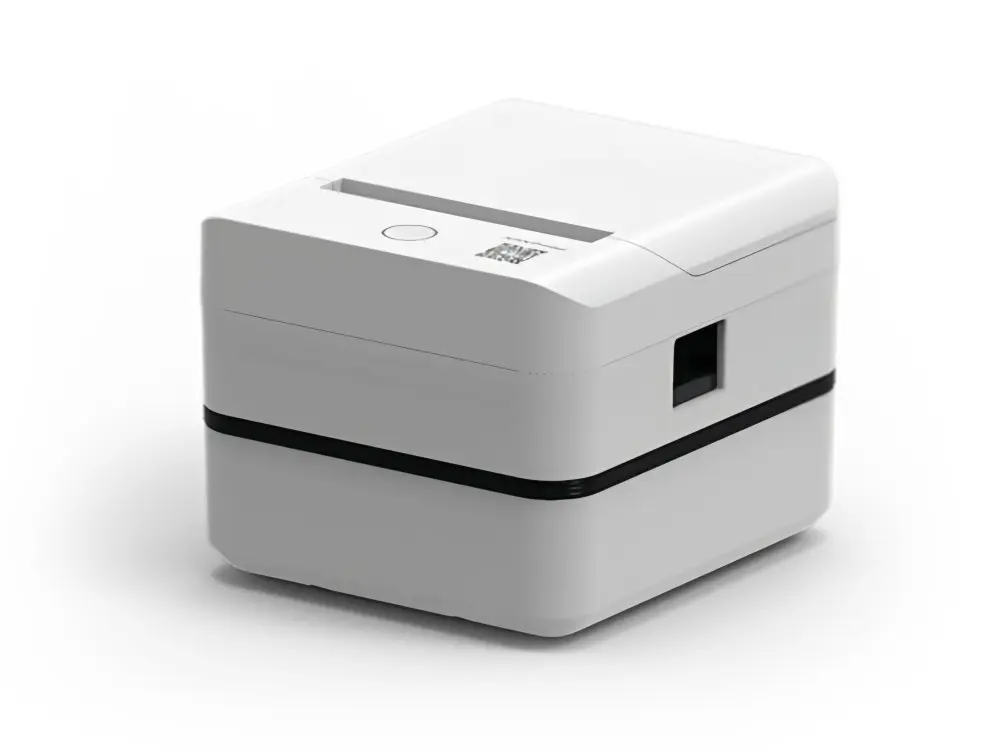 Label Printer
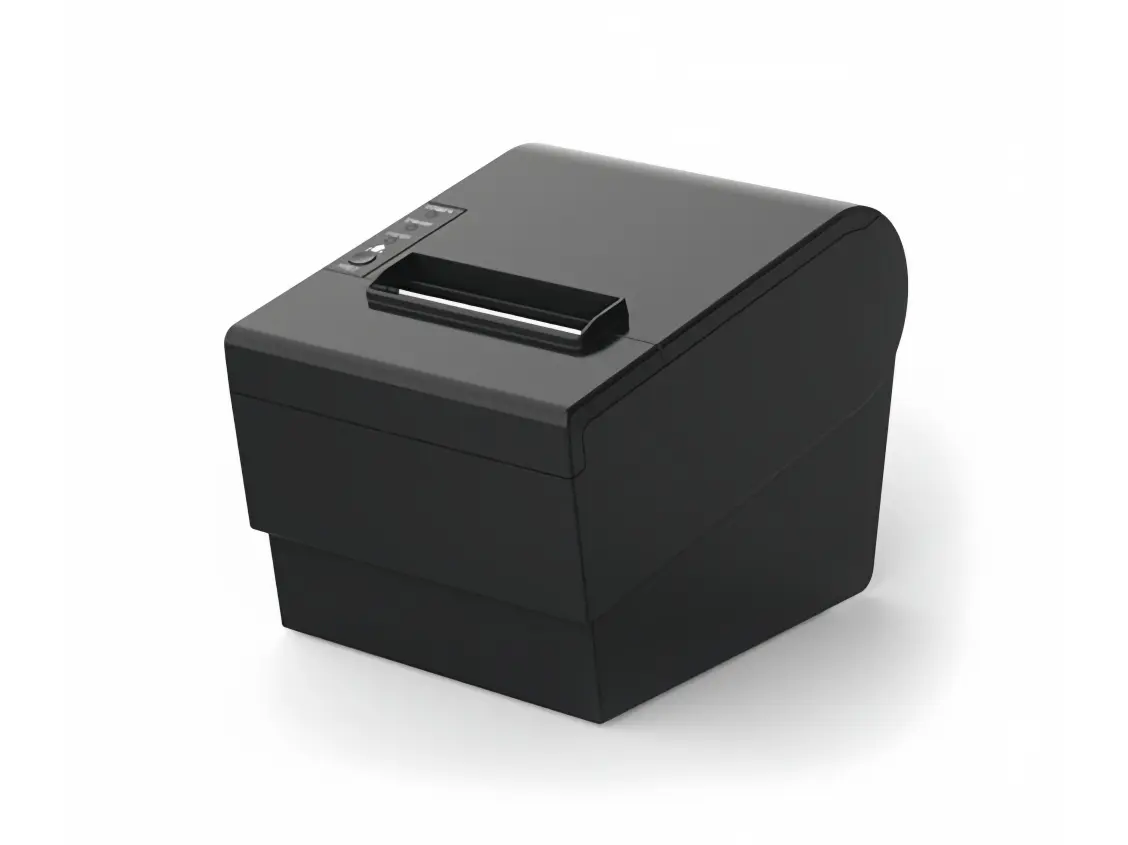 Receipt Printer
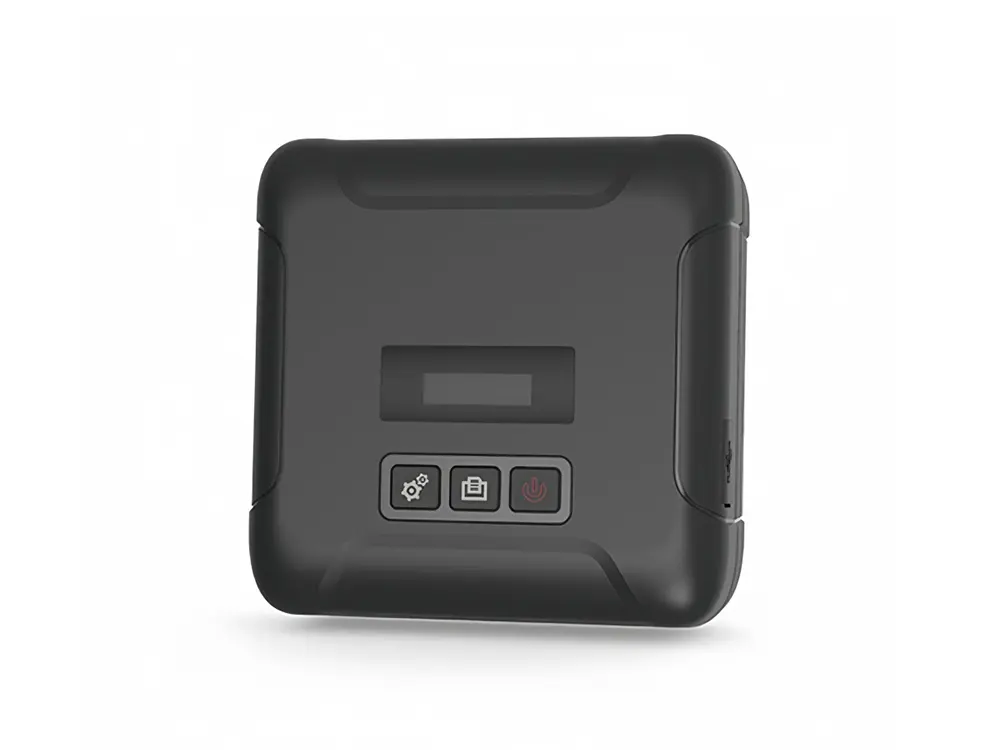 Mobile Printer
Leave Your Message
Choosing a portable printer sounds simple. Then the details appear: paper size, battery life, app support, and the cost of replacement rolls. A Mobile Printer Bluetooth model can make receipts, labels, or short documents easier to print away from a desk. But Bluetooth alone does not guarantee a smooth setup. Your phone’s operating system, the printer’s companion app, and the document format all matter.
This guide introduces seven Bluetooth mobile printers for buyers comparing options across different markets. It focuses on practical questions, not just headline speed. Can the printer handle the media you need? Is its battery suitable for a full workday, or only occasional jobs? Are paper rolls and replacement parts easy to find where you live? Small details can become major inconveniences. A printer that looks ideal online may be awkward to carry or costly to keep supplied.
There is no single best choice for every traveler, retailer, or field worker. Some buyers need crisp labels; others need readable receipts in a small bag. This article compares key features and trade-offs to help narrow the shortlist. Product specifications and availability can change, so confirm current details with the manufacturer or seller before purchasing. Compatibility deserves a second look, too. Even a well-reviewed printer may not work with every app or device. That is easy to overlook.
Bluetooth Mobile Printers: Core Features and Common Uses
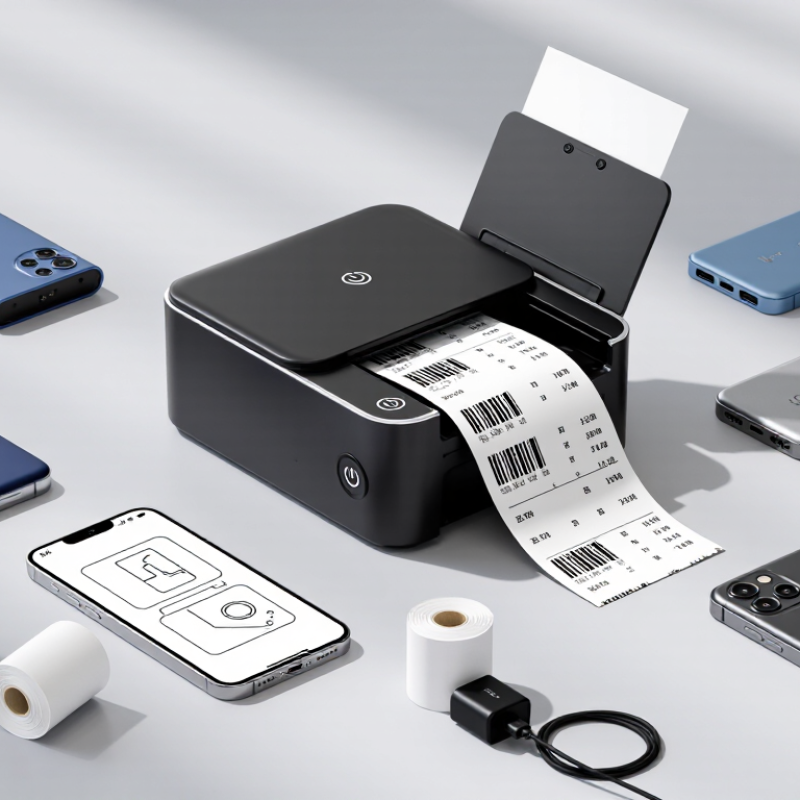
A mobile printer earns its place when staff need a paper record away from a desk. Bluetooth pairing lets a phone or tablet send a job across a counter, warehouse aisle, or delivery route. Setup should be quick, but compatibility still matters. Check operating-system support, app requirements, and connection range before purchase.
Look for a battery that can cover a full shift, plus clear charge indicators. Print width, resolution, and speed affect whether barcodes scan reliably and receipts remain readable. A compact casing helps in a shoulder bag, while a belt clip can free both hands. Dust resistance is useful in busy environments. Not every model handles rain or hard drops well.
Common uses include receipts at pop-up shops, order labels in stockrooms, and service records during equipment visits. A driver might print a proof-of-delivery slip beside the vehicle, then return to the next stop. Small details count. Paper loading should be simple, and replacement rolls should be easy to source. One caveat: wireless convenience does not remove routine checks. Battery aging, crowded radio signals, and outdated apps can interrupt a shift, so teams should test printers with their actual devices and daily forms. Some compromises are easy to miss until the first busy day. It happens.
A practical comparison of seven common mobile-printer profiles. Specifications are typical ranges, not guarantees; actual performance depends on the model, media, settings, and connection.
| Printer Profile | Typical Output | Print Technology | Common Resolution | Typical Print Speed | Common Uses | Key Buying Consideration |
|---|---|---|---|---|---|---|
| 1. Compact Receipt Printer | About 2 in (58 mm) wide receipts | Direct thermal | Typically 203 dpi | About 50–90 mm/s | Small retail counters, cafés, pop-up shops, and mobile payments | Check paper-roll width, loading method, and whether the device supports the operating system and POS app you use. |
| 2. Wide Receipt Printer | About 3 in (80 mm) wide receipts | Direct thermal | Typically 203 dpi | About 60–100 mm/s | Restaurants, delivery handoffs, event sales, and receipts with more item details | Wider paper can fit more content per line, but the printer and paper rolls are generally larger than compact 2-inch options. |
| 3. Portable Label Printer | Narrow labels, commonly around 1–2 in wide | Direct thermal | Typically 203 dpi | Varies by label length and print settings | Storage labels, file labels, product identification, and short-run organization tasks | Confirm compatible label widths, gap or mark sensing, and whether the printer requires a particular label format. |
| 4. 4-Inch Shipping-Label Printer | Labels up to about 4 in wide | Usually direct thermal | Commonly 203 dpi; some models offer higher resolution | Varies by model, label length, and image density | Parcel labels, warehouse picking, inventory workflows, and field dispatch | Verify label dimensions, media sensing, supported shipping software, and whether the workflow needs a separate roll holder. |
| 5. Rugged Field Receipt Printer | Usually 2–3 in wide receipts | Direct thermal | Typically 203 dpi | About 50–100 mm/s | Field service, transport, inspections, and outdoor transaction records | Compare tested drop and ingress protection ratings, battery runtime, and operating-temperature limits for the work environment. |
| 6. Photo- or Graphic-Focused Mobile Printer | Small photo paper or compact specialty media | Thermal dye-sublimation or other model-specific color technology | Model-specific; color quality is not directly comparable with receipt-printer dpi | Usually slower than receipt printing; depends on image size | Event photos, proof prints, creative projects, and color handouts | Check supported paper size, color workflow, consumables, and whether the printer uses proprietary media. |
| 7. Multi-Use Mobile Printer | Receipts or labels, depending on the model and media support | Usually direct thermal | Typically 203 dpi | Varies with media type and print settings | Businesses that need one portable device for more than one document format | “Multi-use” does not mean universal: confirm supported media, width, sensor type, and app compatibility before purchase. |